AI Image Transformation

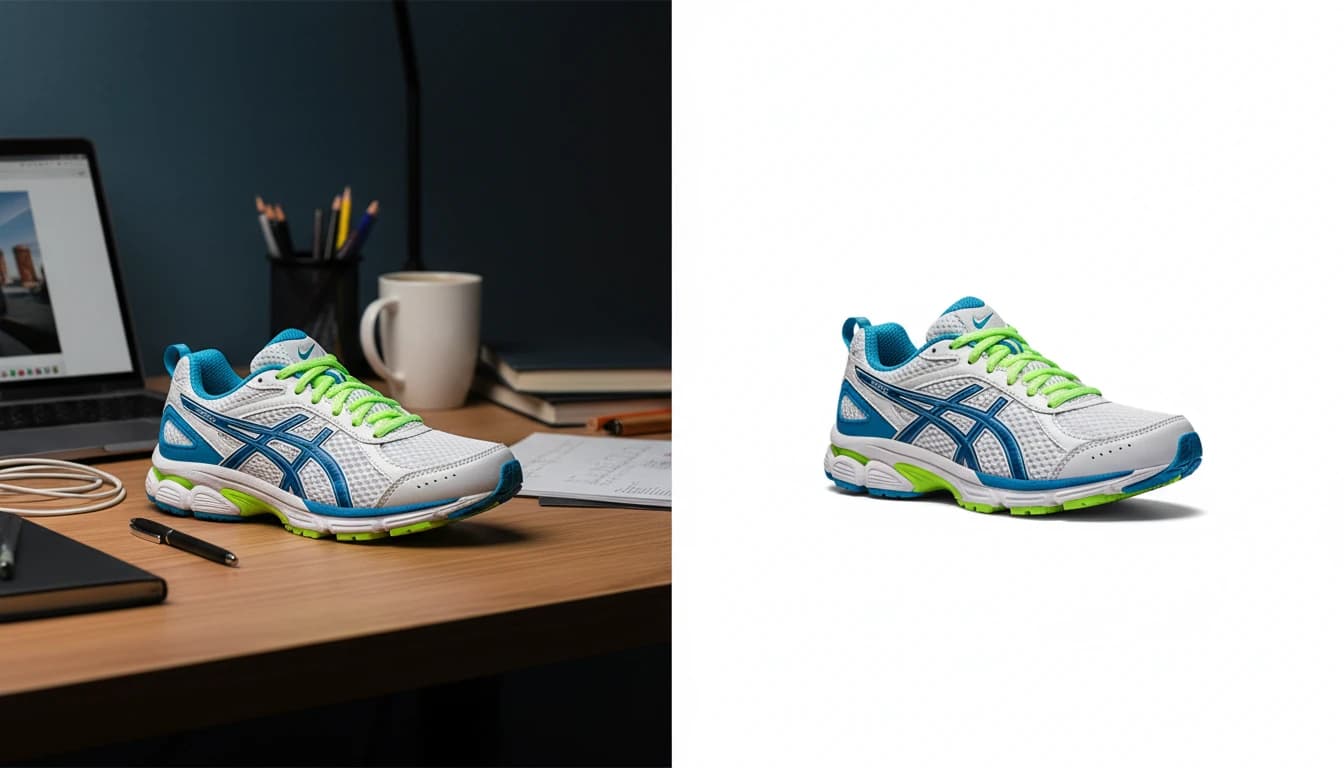
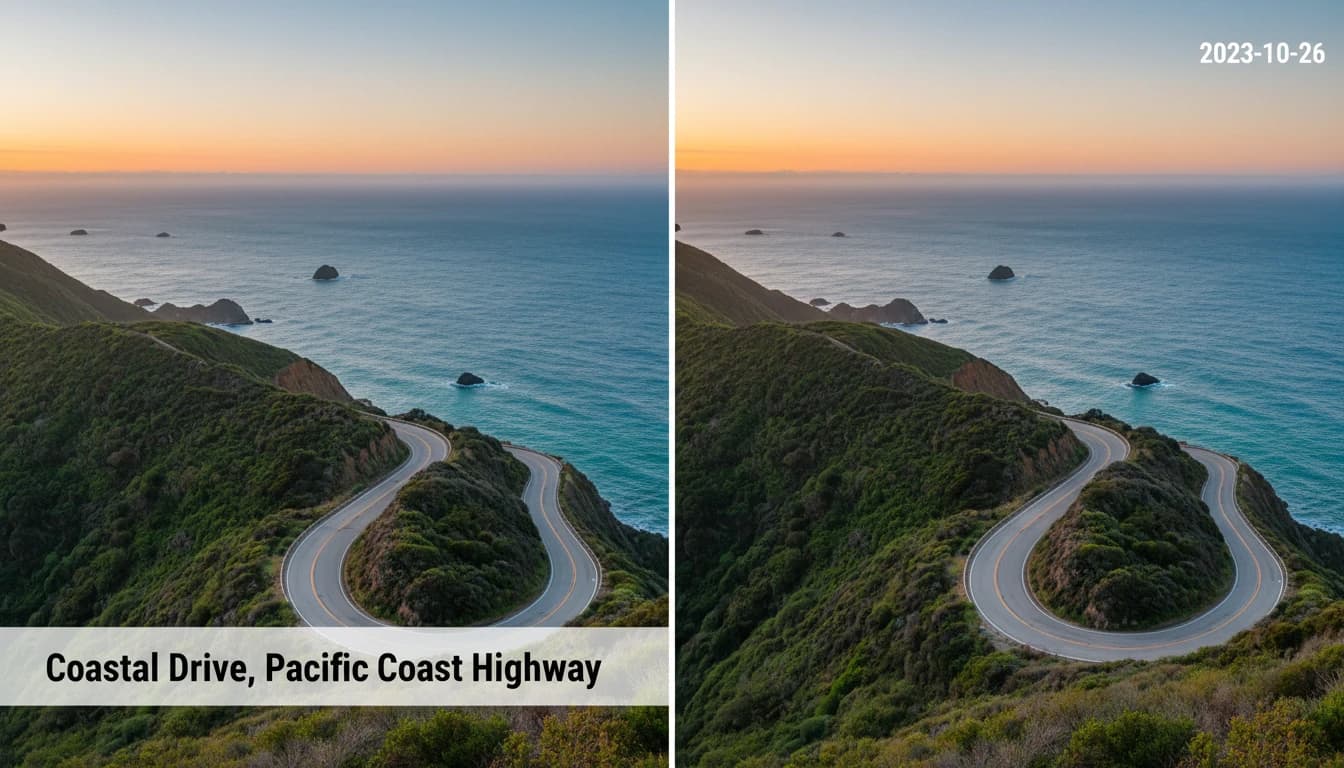
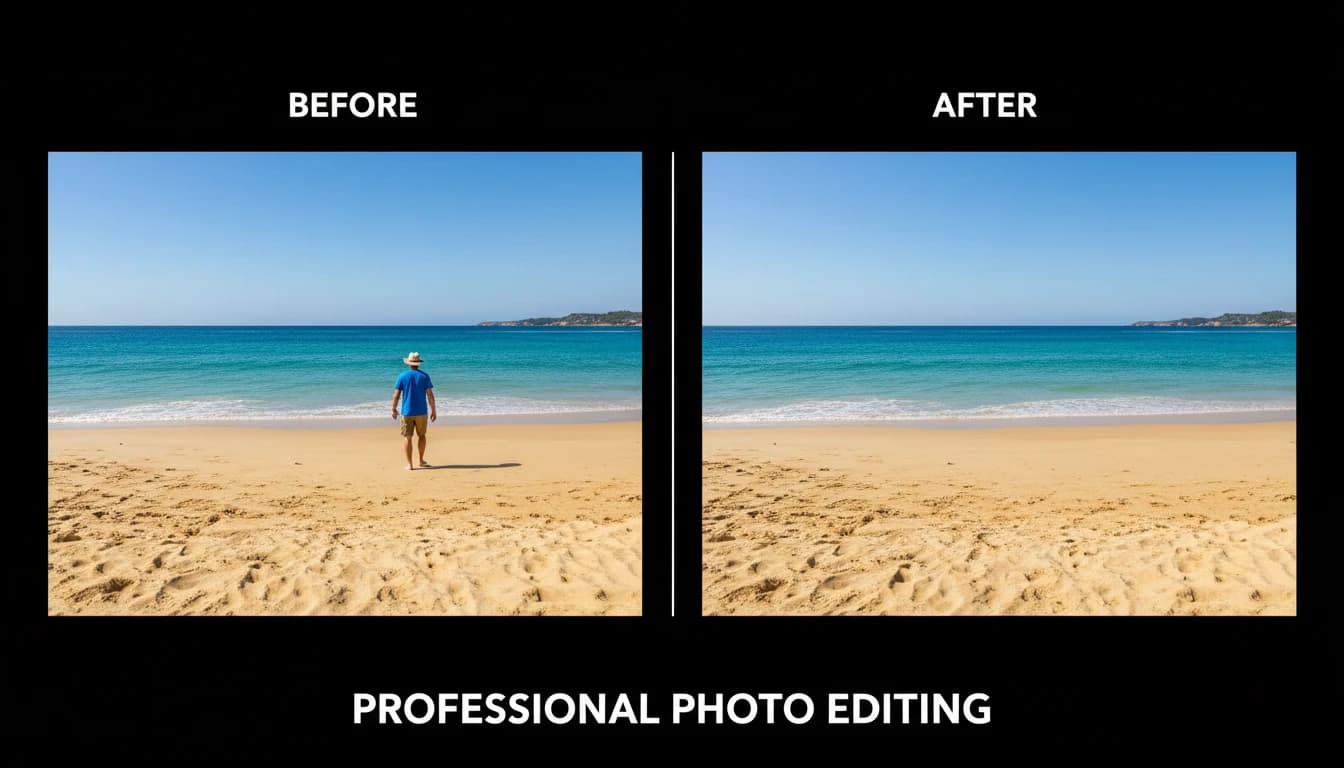
Any photo, transformed in seconds. Remove backgrounds, objects, watermarks, and overlaid text with precision. Convert images to cartoons, paintings, coloring pages, and trading cards. Restore old or damaged photos, swap faces, edit with natural language, and generate polished headshots from casual shots — no Photoshop skills needed.

AI Image Transformation

18 tools

Convert6

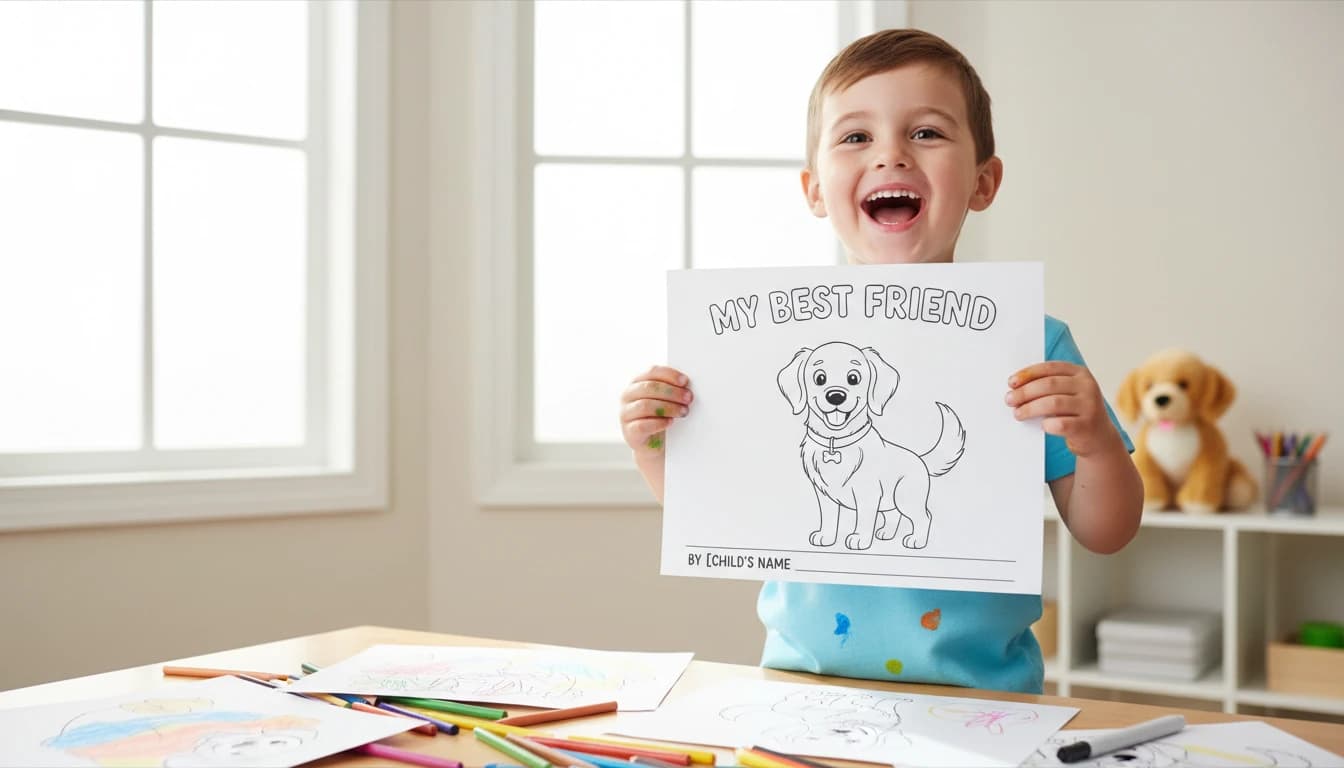
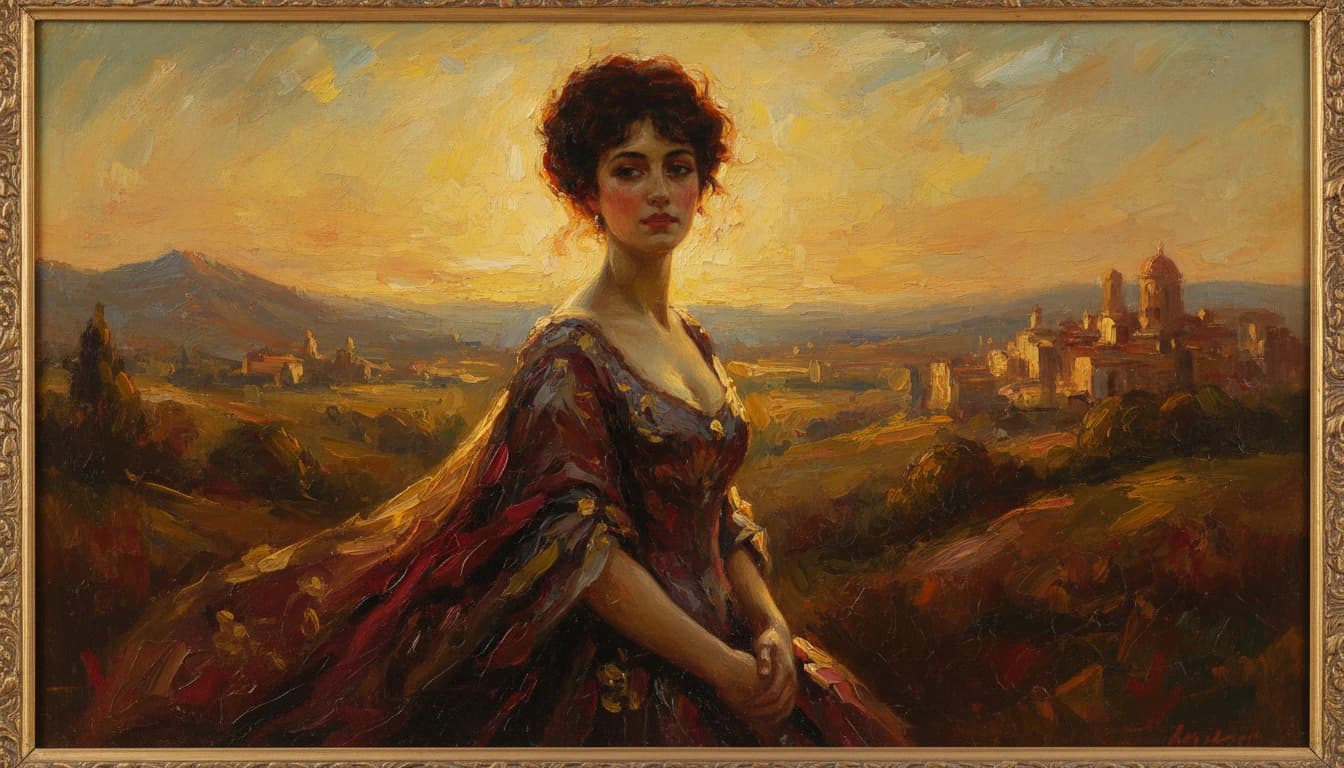
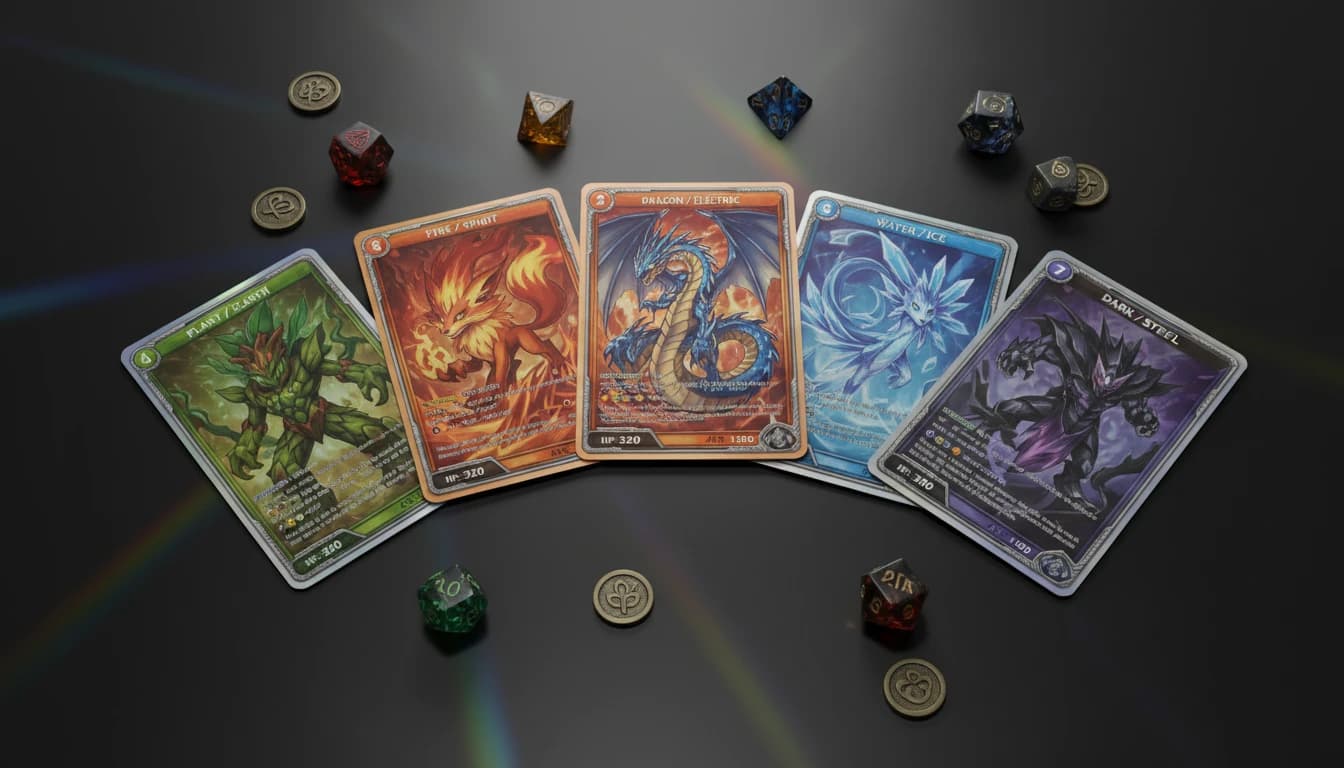
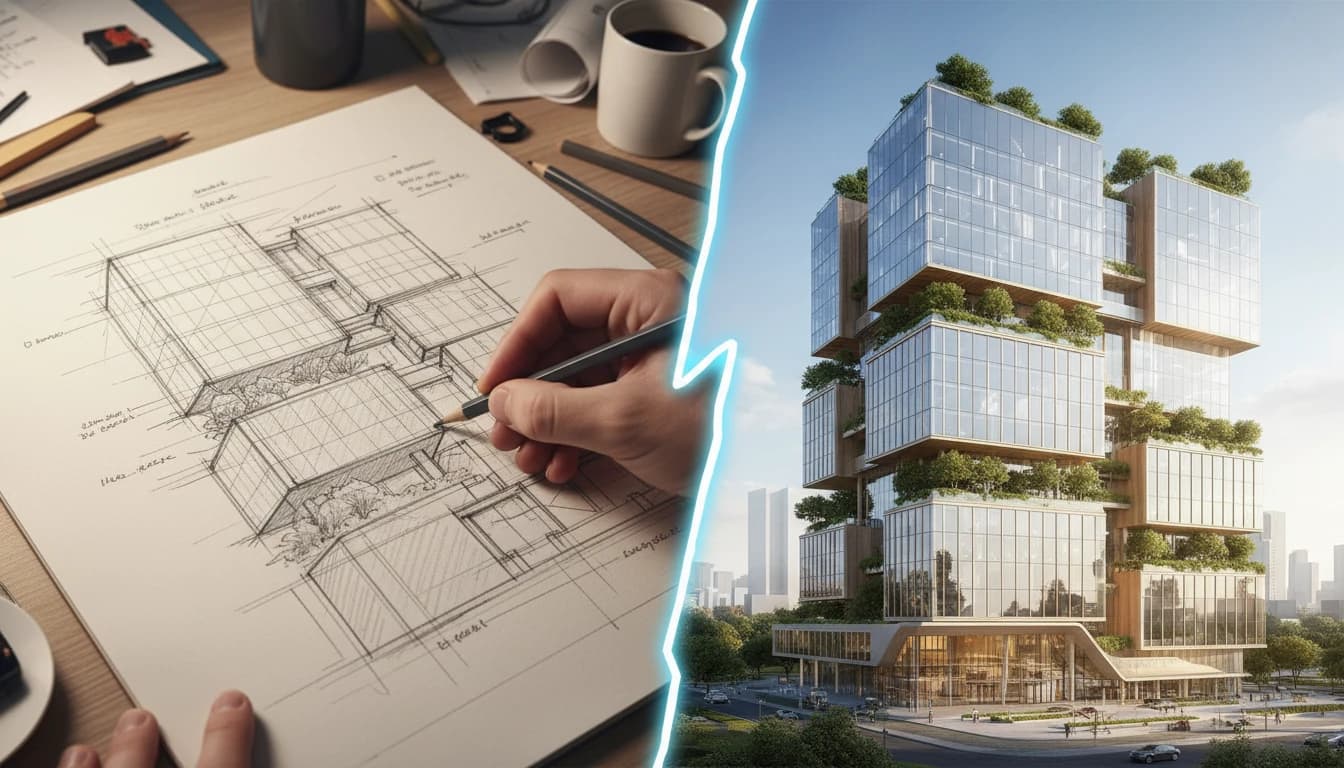
Change the style or format of any image entirely. Turn photos into anime, Pixar, comic book, or cartoon art. Convert portraits and pet photos into printable coloring pages. Transform images into oil paintings, watercolors, and impressionist art. Create collectible trading cards from any photo. Turn a hand-drawn sketch into a photorealistic render. Or place your product into a realistic hand shot.

Enhance & Edit8

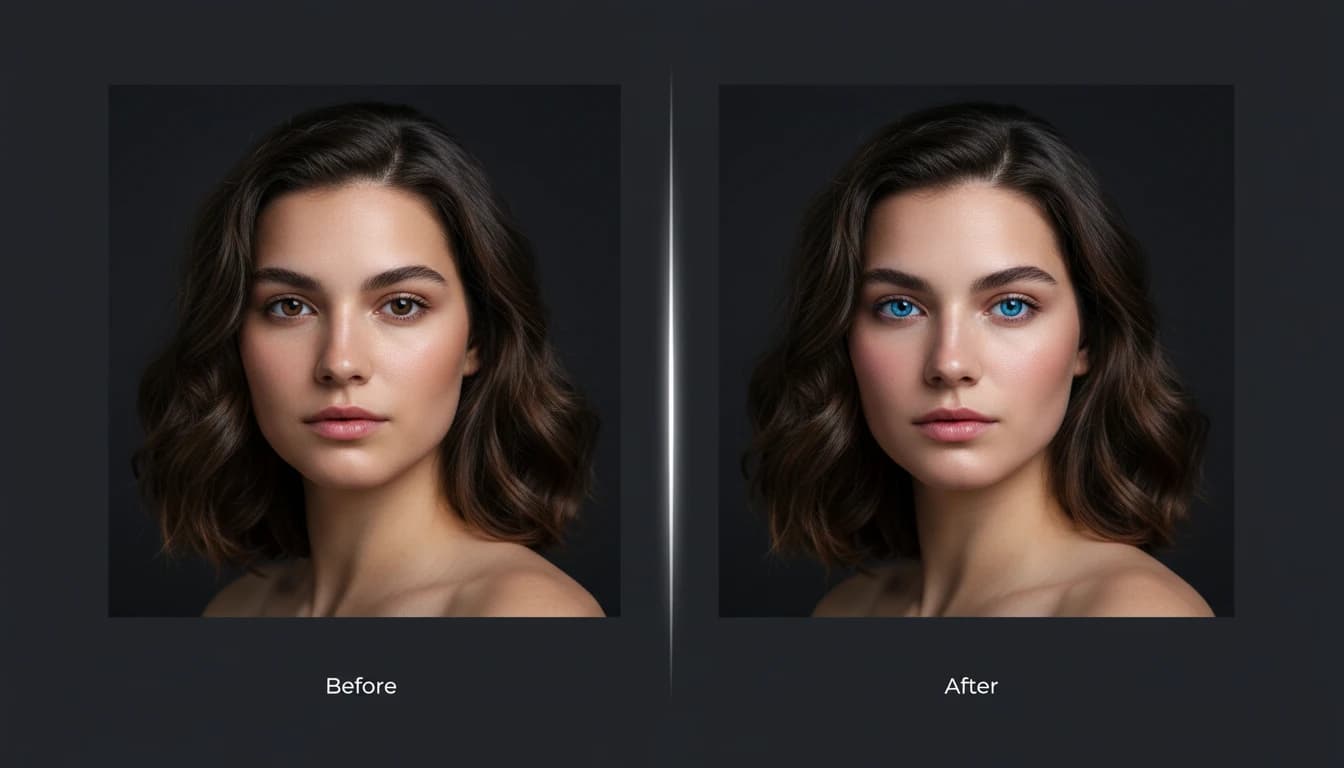
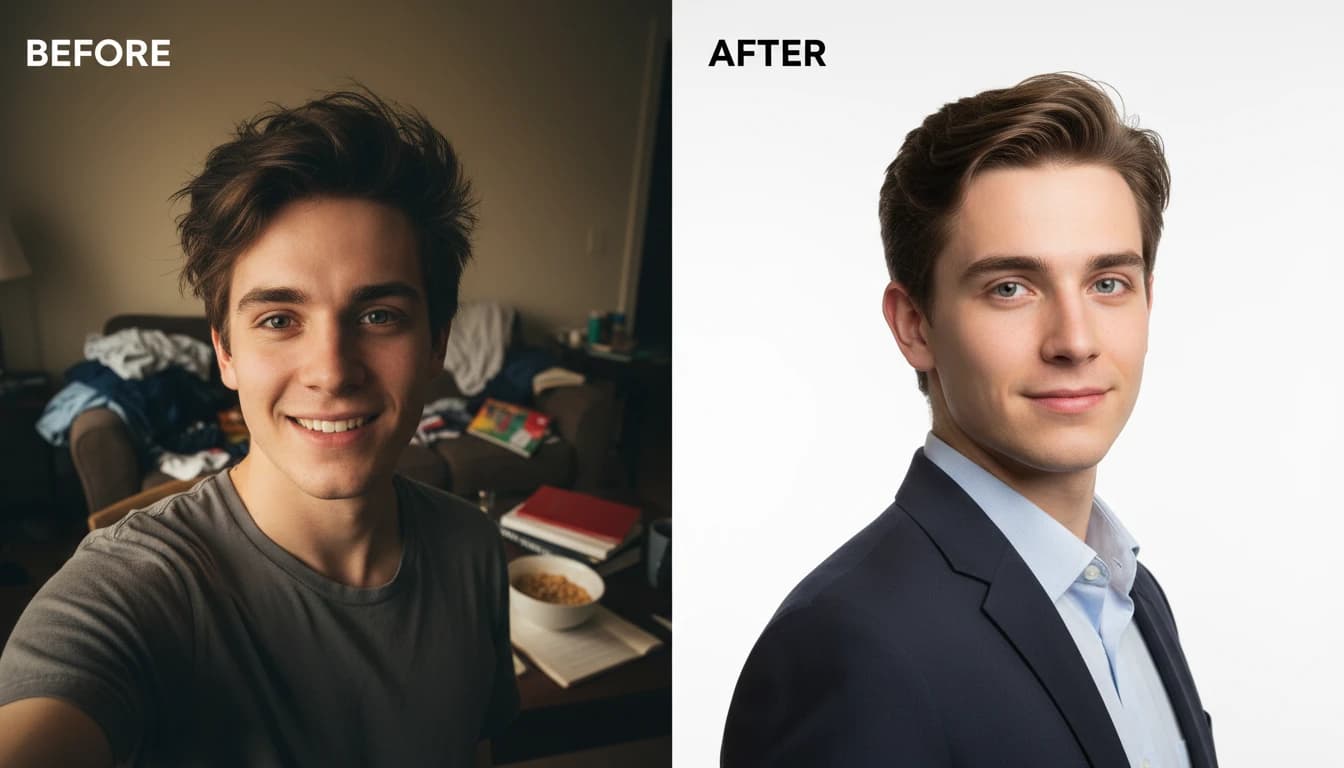
Fix, polish, and upgrade photos to a professional standard. Restore scratches, cracks, and fading from old or damaged photos. Swap faces between images with a single upload. Apply professional AI editing — color correction, lighting fixes, and creative effects. Change hairstyles in seconds. Generate polished headshots or clean profile photos from casual shots. Or use virtual try-on to show clothing and accessories on model photos without a photoshoot.

AI Face Swap

AI Face Swap

Swap faces between photos with AI. Upload a source face and target photo to create realistic face swaps instantly. Perfect for content creators and creative projects.

AI Hairstyle Changer

AI Hairstyle Changer

Try new haircuts and styles on your photos with AI. From sleek bobs to beach waves, braids, bangs, and color—preview realistic hairstyle makeovers while keeping your face and expression natural.

AI Photo Editing

AI Photo Editing

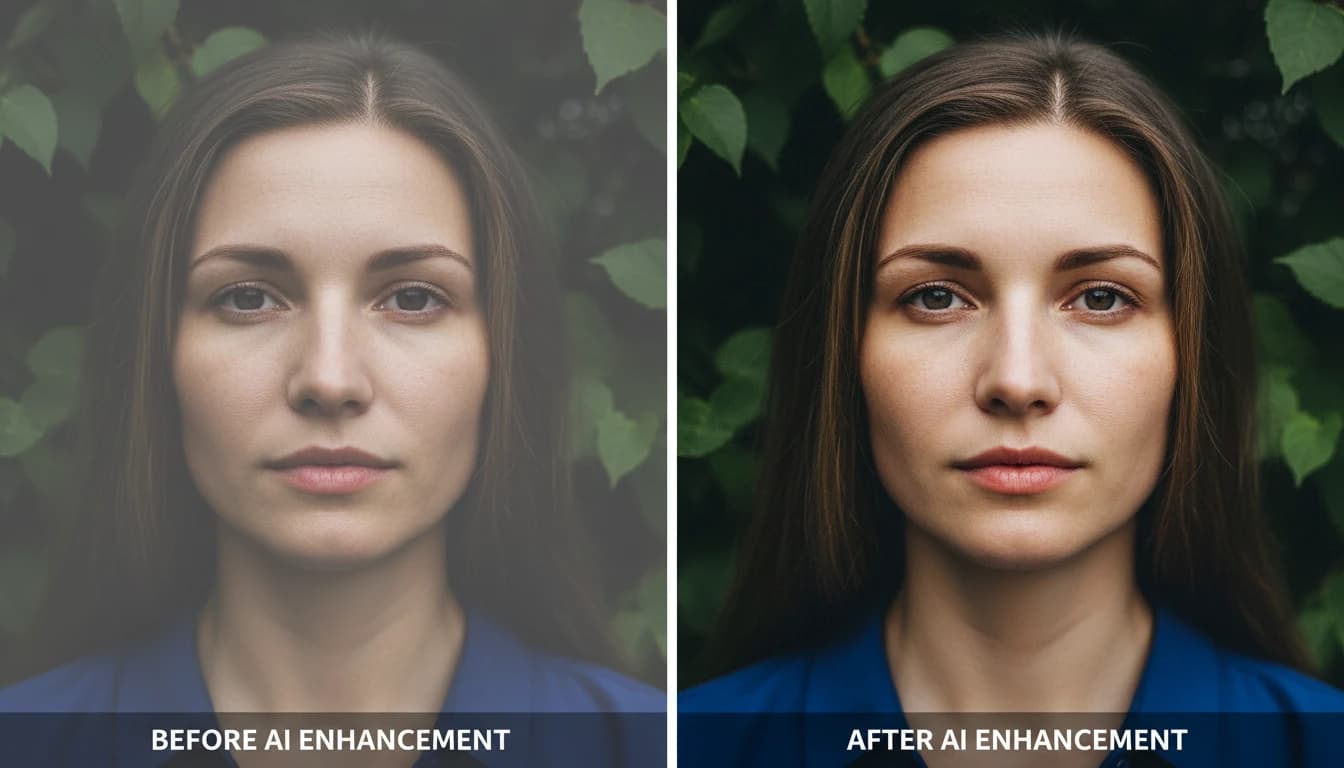
Edit photos professionally with AI. Remove backgrounds, enhance quality, correct colors, remove objects, adjust lighting, and apply creative effects. Multiple editing tools in one powerful AI solution.

AI Photo Restoration

AI Photo Restoration

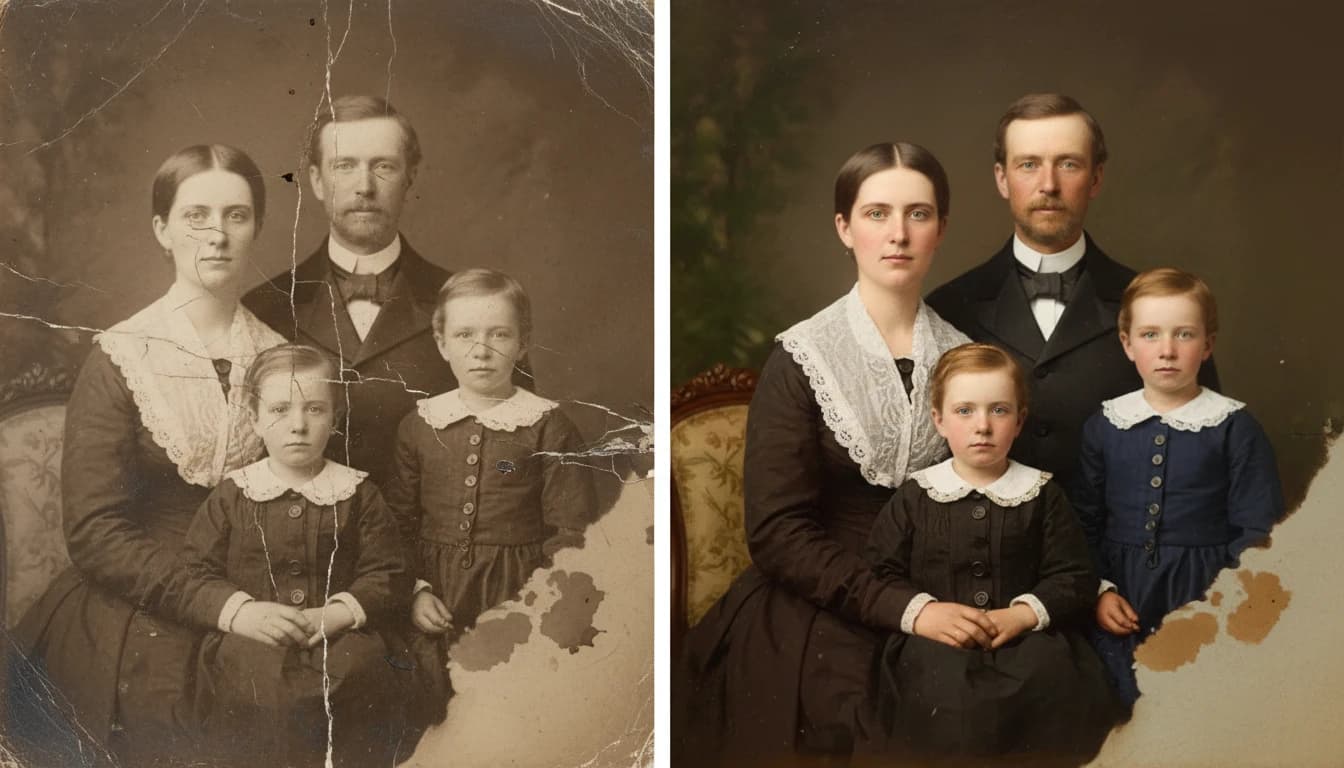
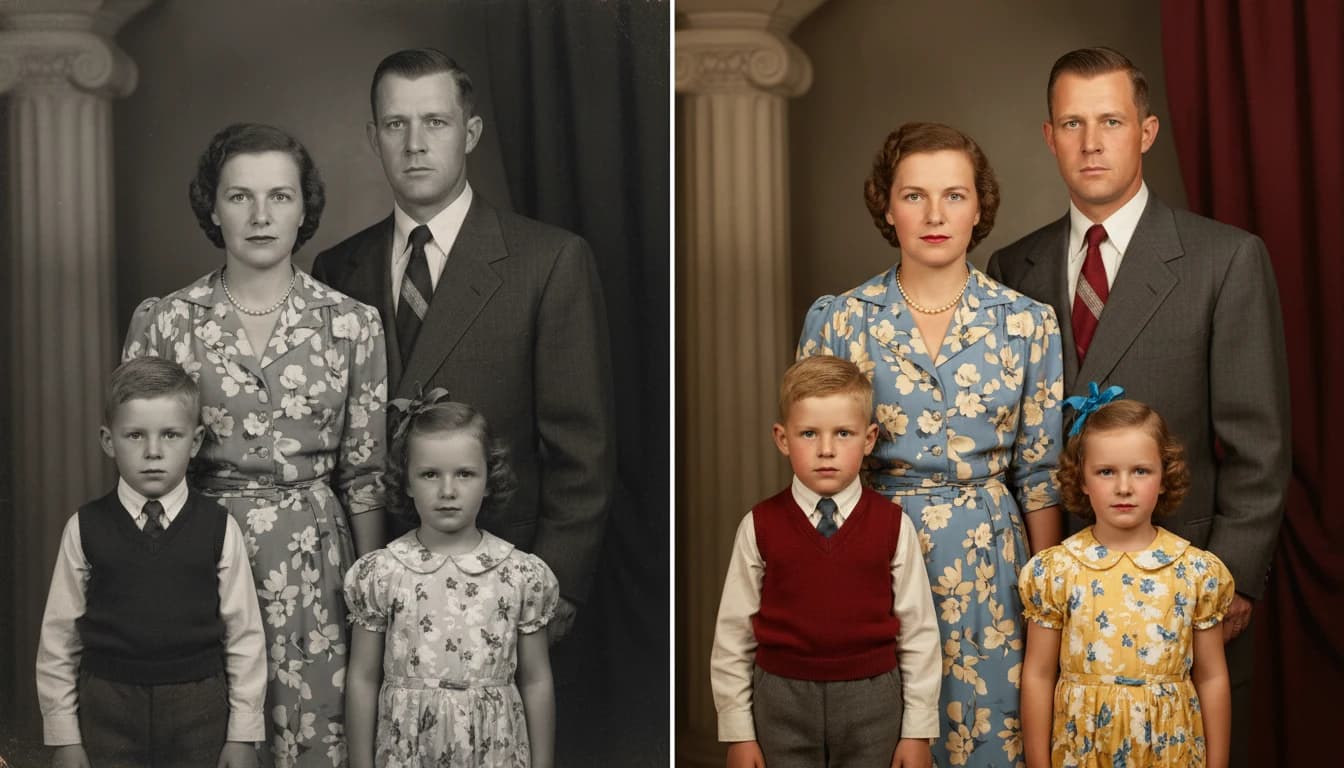
Restore old and damaged photos with AI. Repair scratches, cracks, and tears. Fix fading, discoloration, and color shifts. Remove noise and blur. Recover lost detail — all in one click with intelligent AI reconstruction.

AI Professional Headshot

AI Professional Headshot

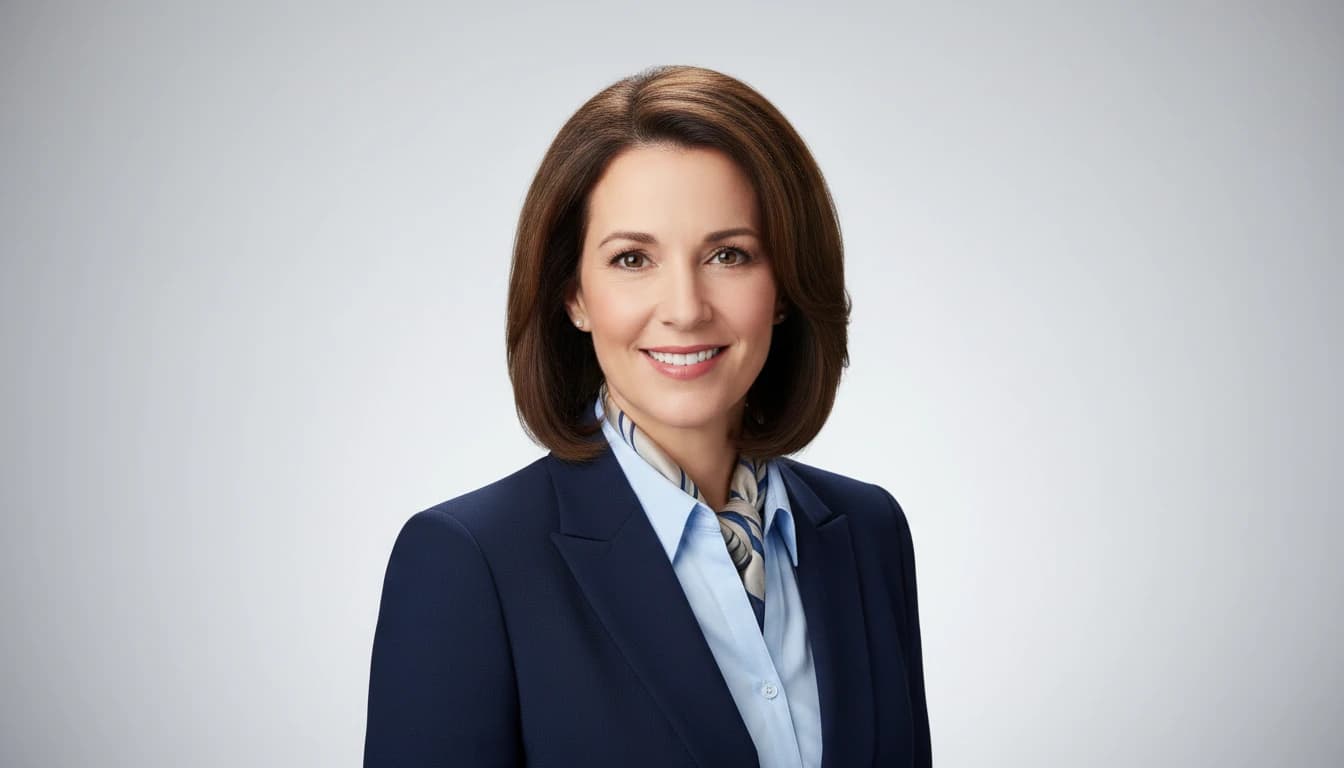
Transform casual photos into professional business headshots with AI. Perfect for LinkedIn, resumes, and corporate profiles. Generate executive-quality portraits in various professional styles instantly.

AI Profile Photo Maker

AI Profile Photo Maker

Create stunning profile photos with AI. Remove your background instantly and replace it with a solid color, gradient, or AI-generated scene. Perfect for LinkedIn, social media, and professional use.

AI Virtual Try-On Apparel

AI Virtual Try-On Apparel

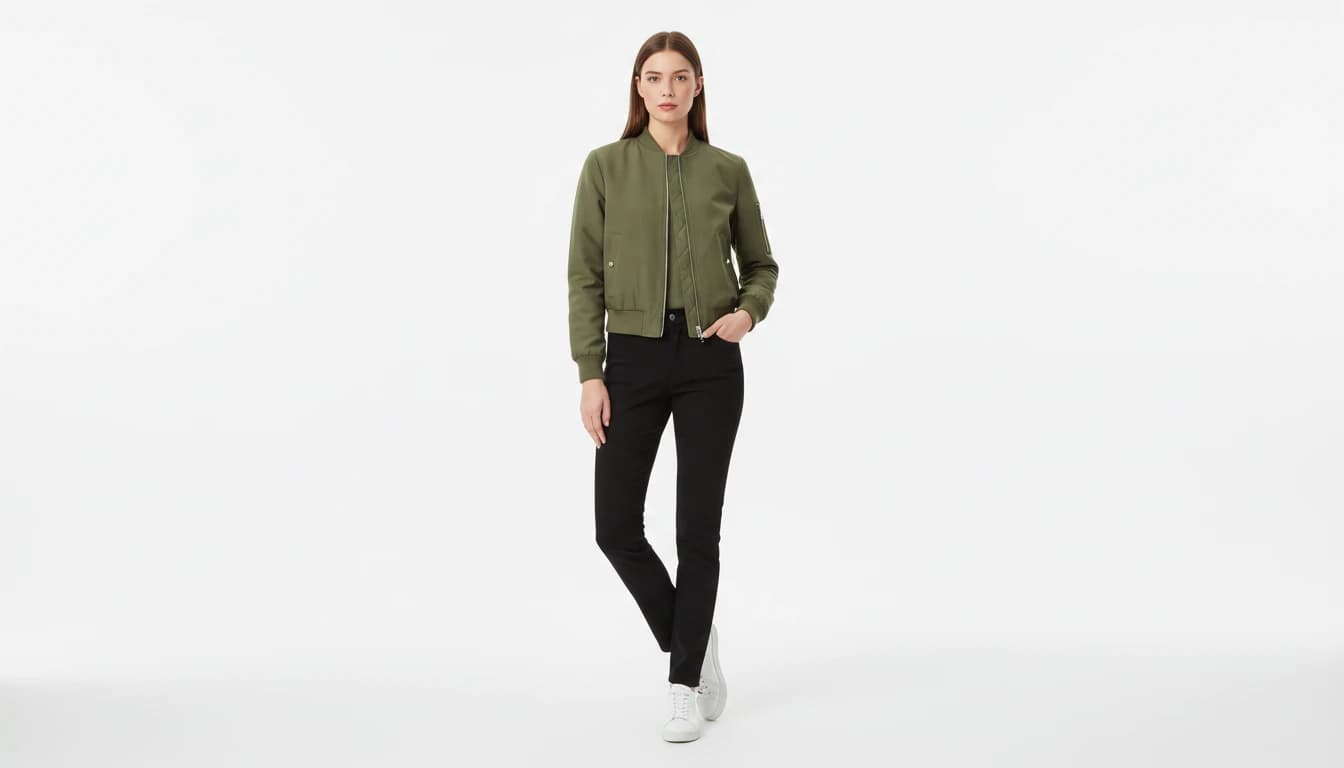
Try on clothing and garments on models virtually with AI technology. Upload a garment and model photo to instantly create professional e-commerce fashion photos without expensive photoshoots.

AI Virtual Try-On Accessories

AI Virtual Try-On Accessories

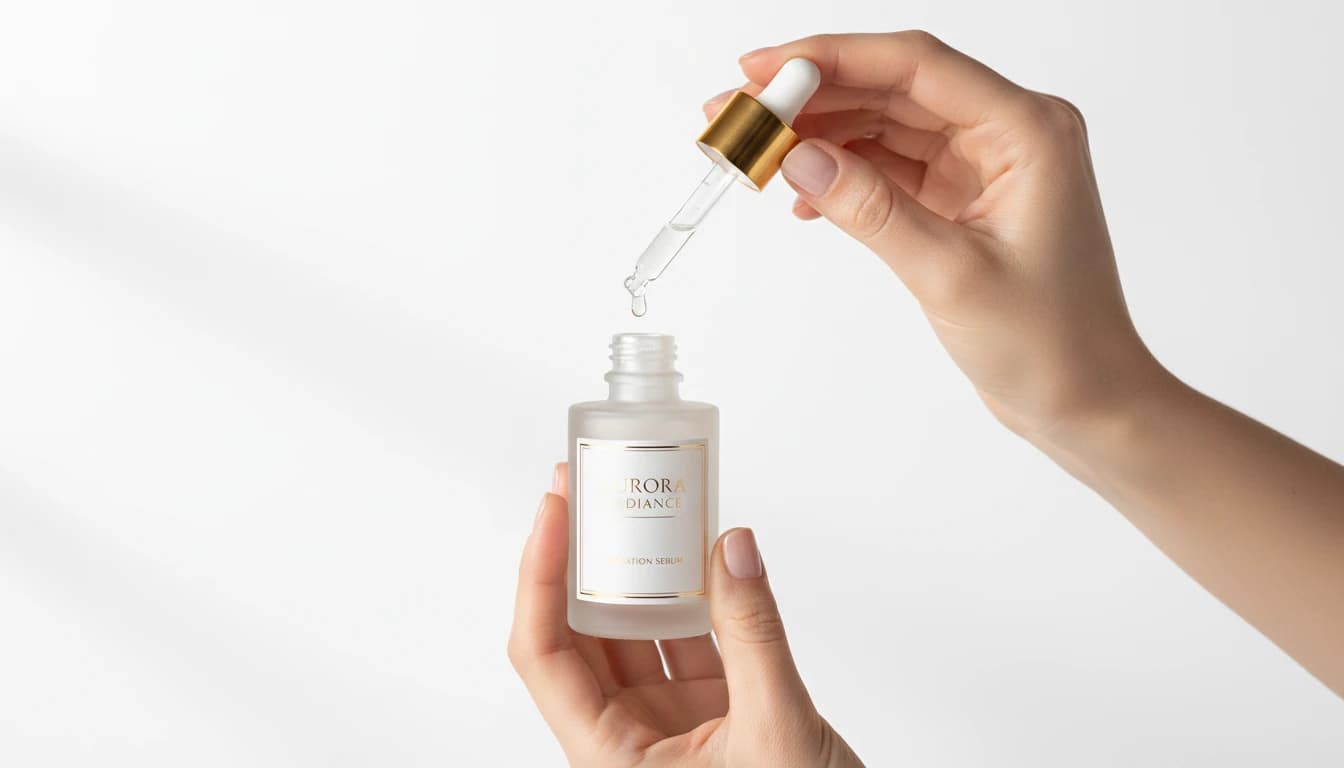
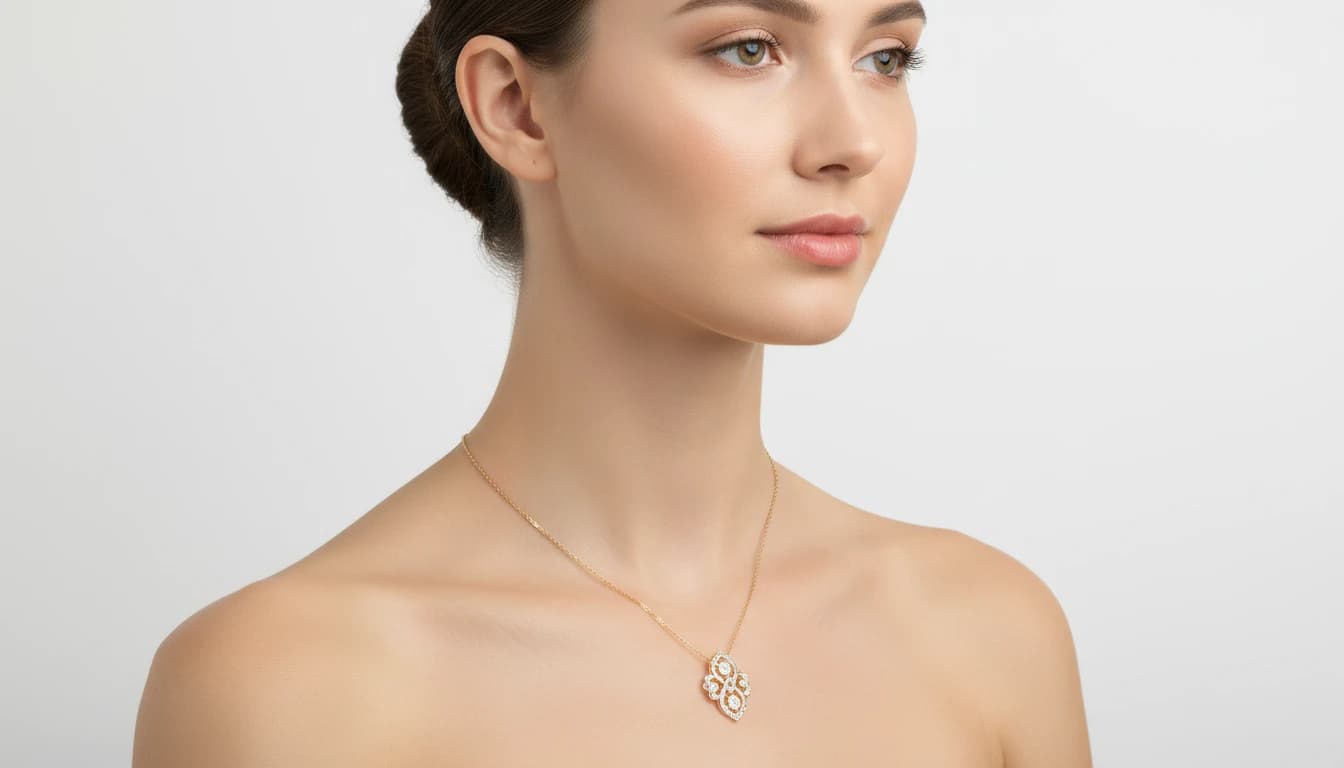
Try on jewelry, watches, handbags, sunglasses, and more on models virtually with AI. Upload any accessory and model photo to create stunning product visualizations for e-commerce instantly.

Understanding AI image transformation

Not all image edits are the same. Knowing which tool to reach for — and why — saves time and produces better results.

Background removal is the most-used image edit in e-commerce

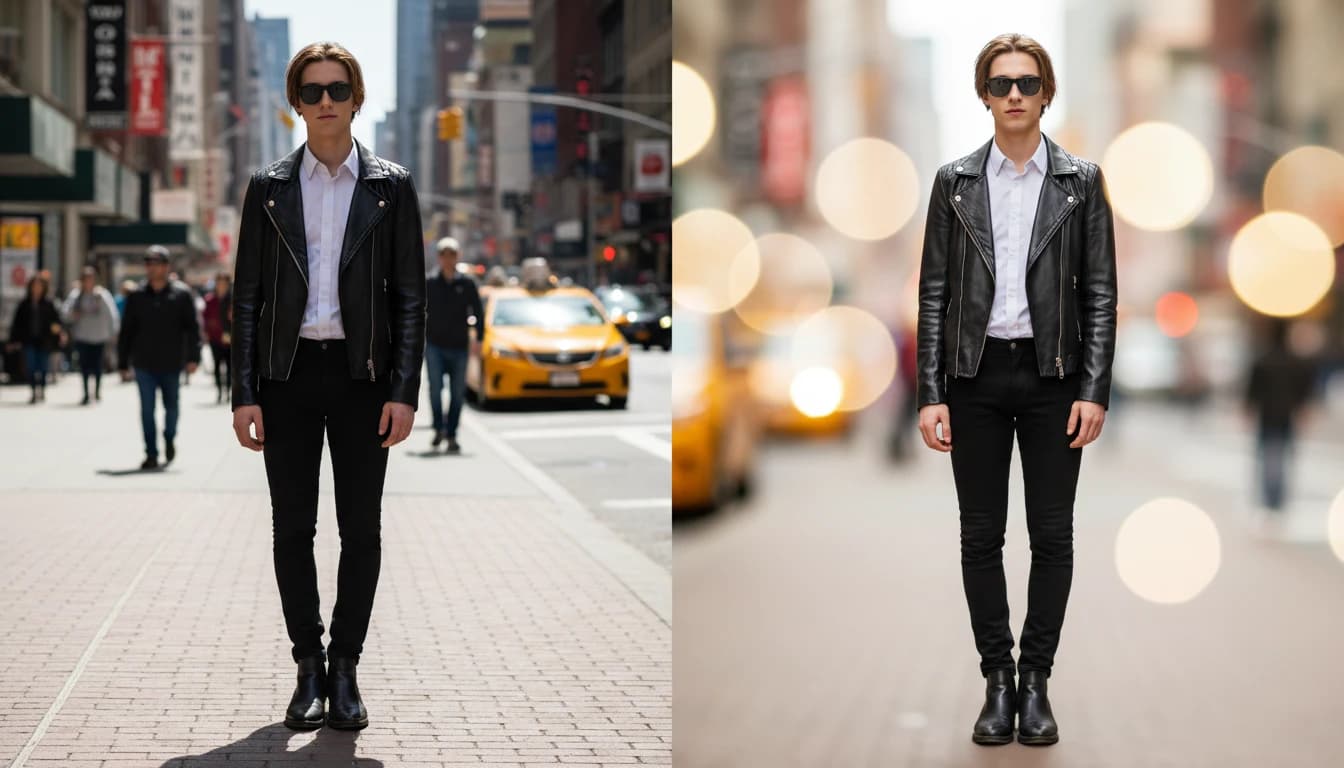
Nearly every product sold online requires a clean white or transparent background. AI background removal now does in under 10 seconds what used to take a professional retoucher 10–30 minutes per image. For bulk product photography workflows, this is one of the highest-leverage automations available.

Style conversion works best with clear, high-contrast source images

Converting a photo to a cartoon, painting, or trading card produces the best results when the source image is sharp, well-lit, and has a clear subject. Blurry, heavily filtered, or low-contrast source photos give the AI less structural information to work with and produce muddier results.

Photo restoration works differently from enhancement

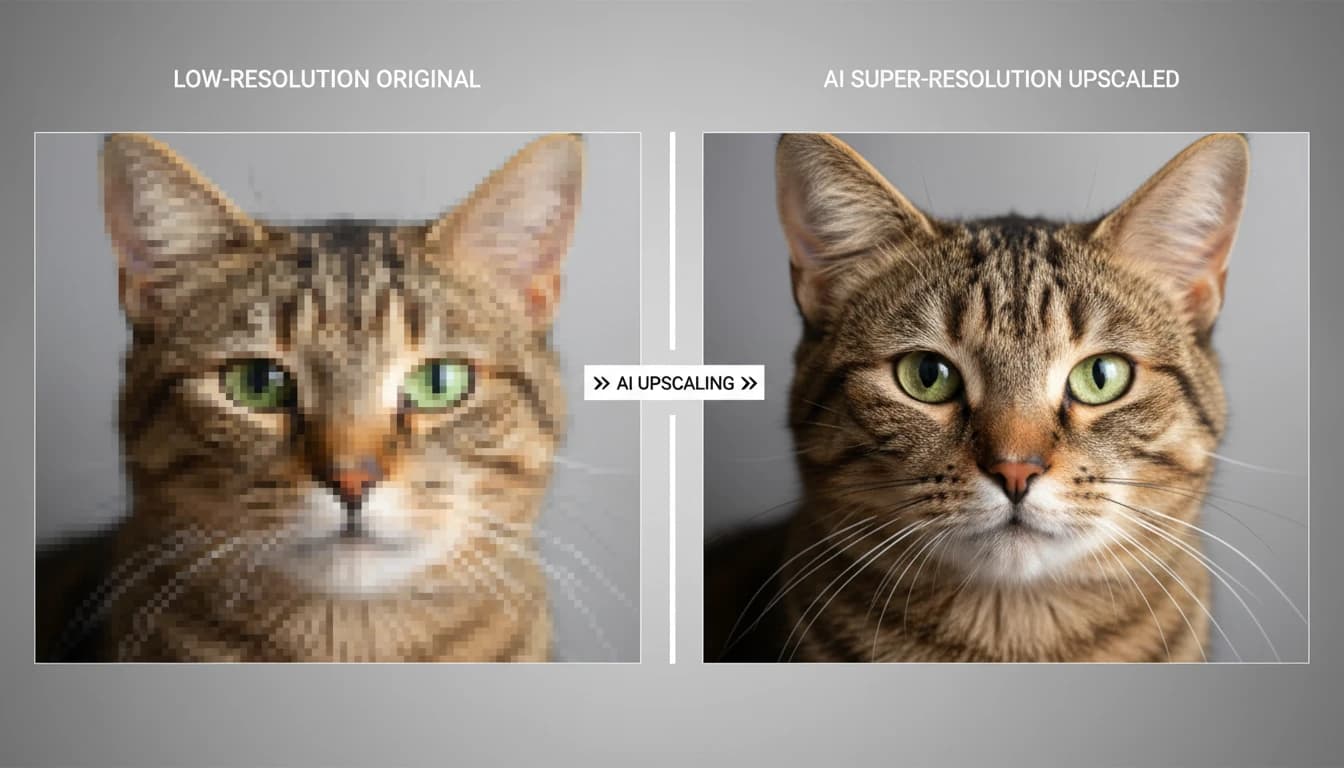
Restoration is for damaged, aged, or degraded photos — repairing tears, removing scratches, correcting fading and color shifts. Enhancement is for clean but technically imperfect photos — sharpening blur, boosting colors, adjusting exposure. Use restoration for historical or film photos; use the photo editing tool for modern digital photos.

Face swap and try-on are not the same tool

Face swap replaces one face with another in a target image — used for creative projects and content. Virtual try-on keeps the model's face and body intact, replacing only the garment or accessory being worn. Use face swap for persona or creative content; use virtual try-on for e-commerce and fashion.

Frequently asked questions

Will background removal work on complex edges like hair or fur?

Yes. The AI background remover is specifically trained for fine edges including hair, fur, transparent fabric, and thin object edges like bicycle spokes. Results on complex edges are significantly better than older threshold-based tools. For very fine or windswept hair, review the output and touch up the mask if needed.

Can I remove a person from a photo without leaving a hole?

Yes. The Object Remover uses inpainting to reconstruct the background behind the removed subject — filling in what the background would logically look like if the person or object wasn't there. Results are most seamless when the background behind the subject is relatively uniform.

How old can a photo be for restoration to work?

There's no strict limit. The tool handles prints, scanned negatives, Daguerreotypes, and heavily damaged modern photos. Results depend on how much detail survived — a severely damaged photo with large missing areas will be reconstructed rather than restored, which may not match the original.

Can I use face swap for commercial projects?

Face swap should only be used on images of yourself, people who have explicitly consented, or fictional subjects. Using face swap on images of real people without consent raises serious legal and ethical issues. Always ensure you have rights to both the source and target images.

What art styles are available in Photo to Art?

Photo to Art supports oil painting, watercolor, impressionism, pop art, pencil sketch, charcoal, pastel, and more. Specify the style in your prompt when uploading — the more detail you give about the intended artistic movement or artist influence, the more targeted the result.