Bring Old Black and White Photos Back to Life with Color
Upload any black and white photo and AI adds realistic, natural color. Natural, vintage film, vivid, cinematic, warm, and cool color styles.
Colorize a Photo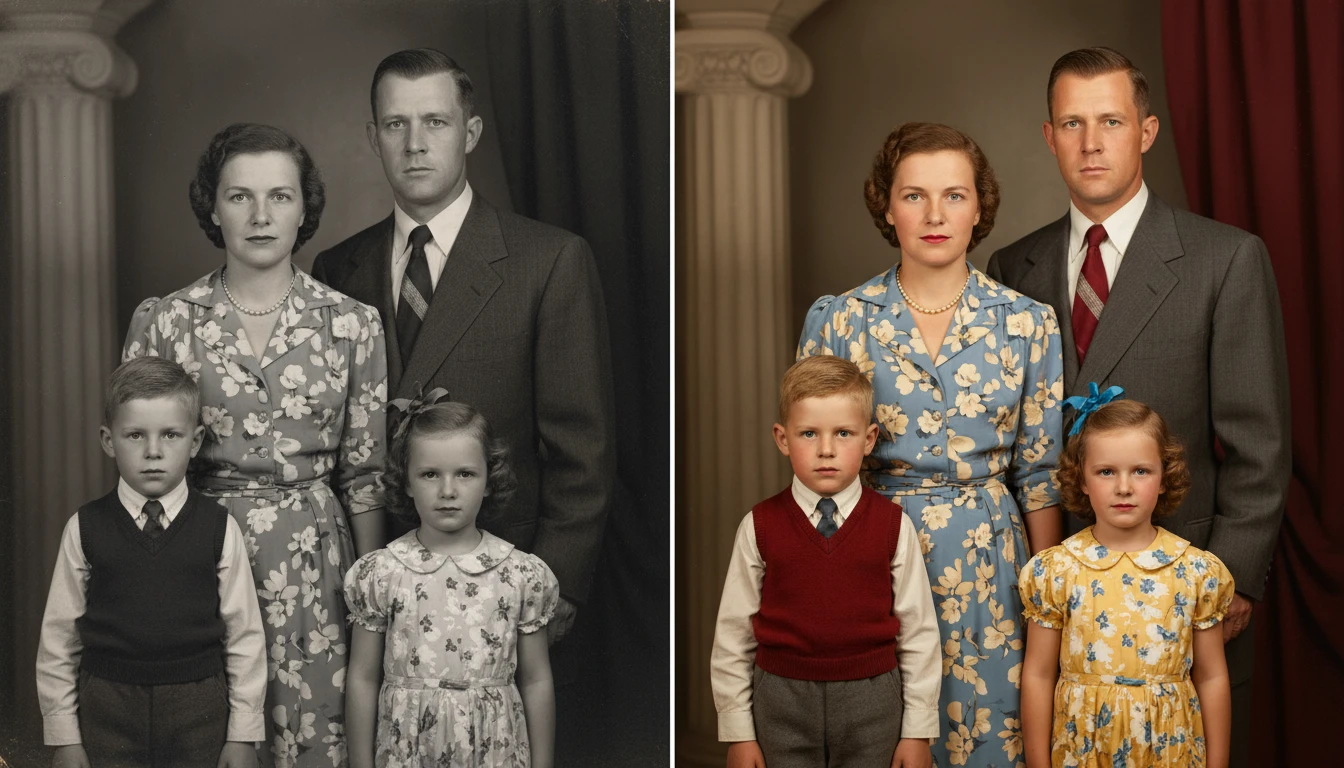
Colorize Any Black & White Photo
Add a photo and we'll open AI Image Studio ready to colorize it.
Drag & drop your photo here
or click to browse — JPG, PNG or WebP, up to 15MB
Your photo is used only to colorize it for you.
Family Photos and Portraits
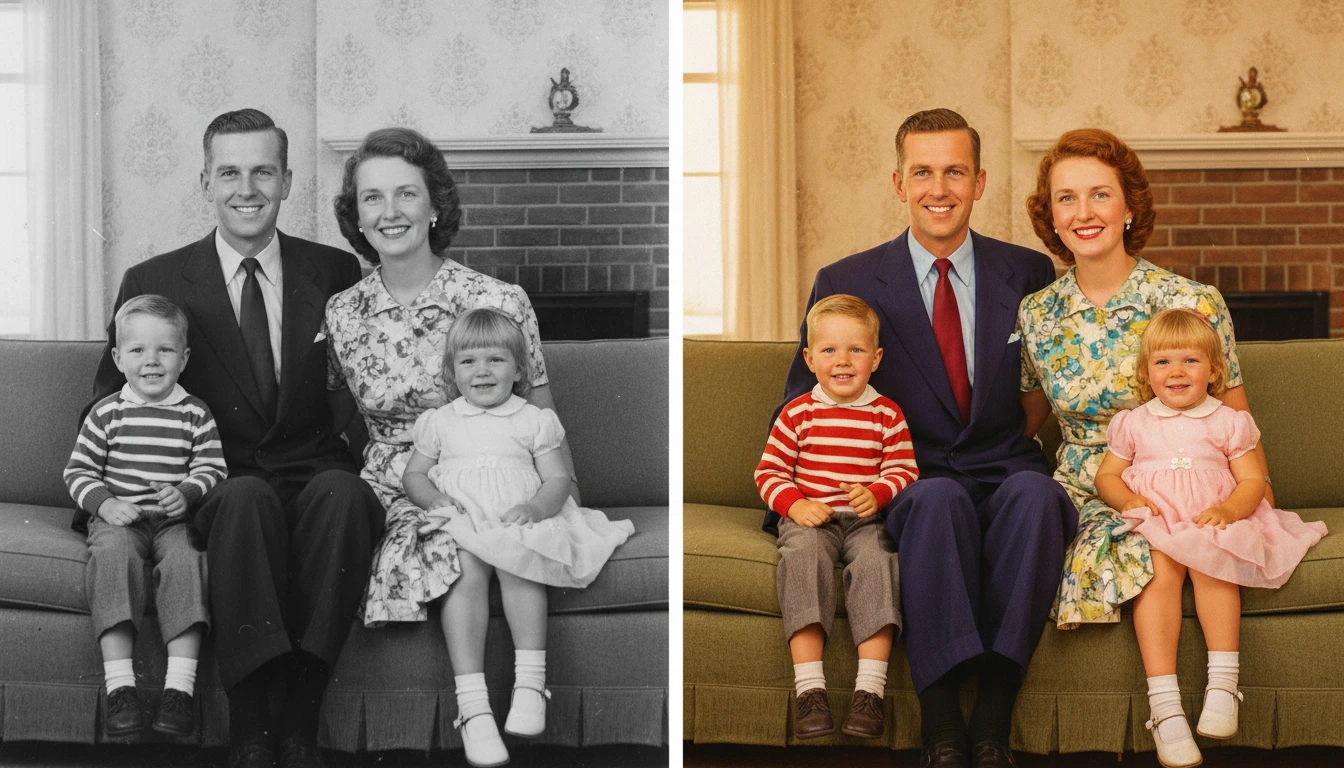
Colorize old family portraits, wedding photos, school photos, and cherished personal memories. See your ancestors in full color for the first time with accurate, natural skin tones and period-appropriate clothing colors.
Colorize Family Photo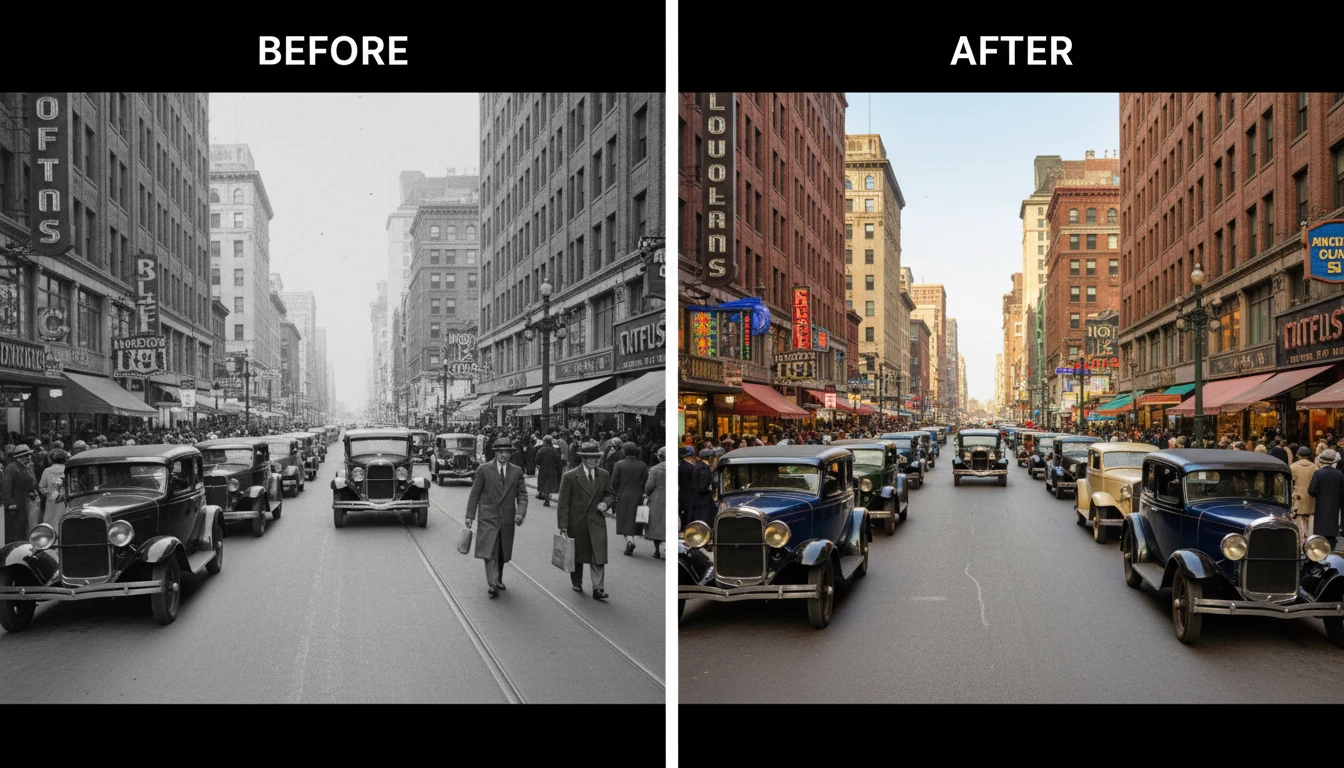
Historical and Vintage Photographs
Give historical images new life with accurate, era-appropriate colorization. Perfect for researchers, educators, publishers, and history enthusiasts who want to make the past feel real and accessible.
Colorize Historical Photo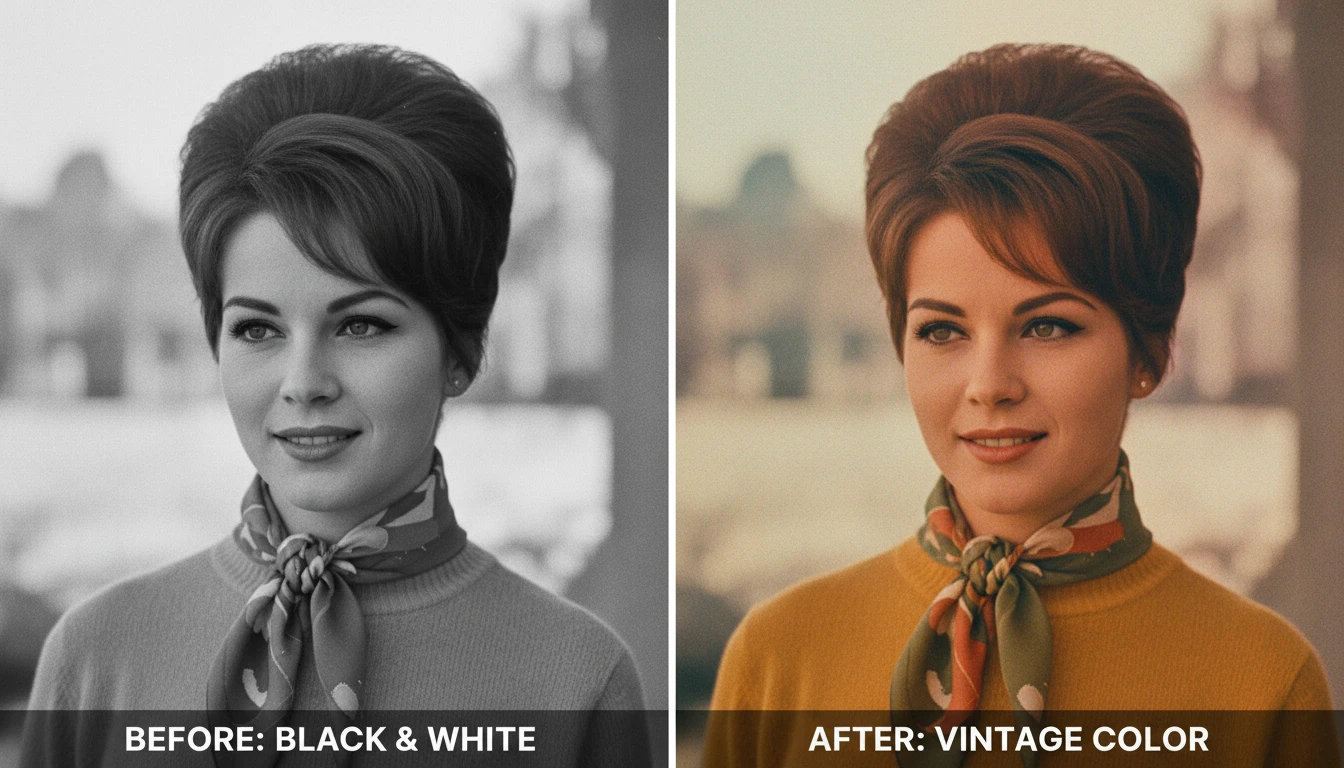
Vintage Film Color Style
Apply warm, nostalgic Kodachrome-era color grading to old photos. The Vintage Film style uses the warm amber and muted palette of mid-20th century film photography to make colorized photos feel authentically period-accurate.
Apply Vintage Color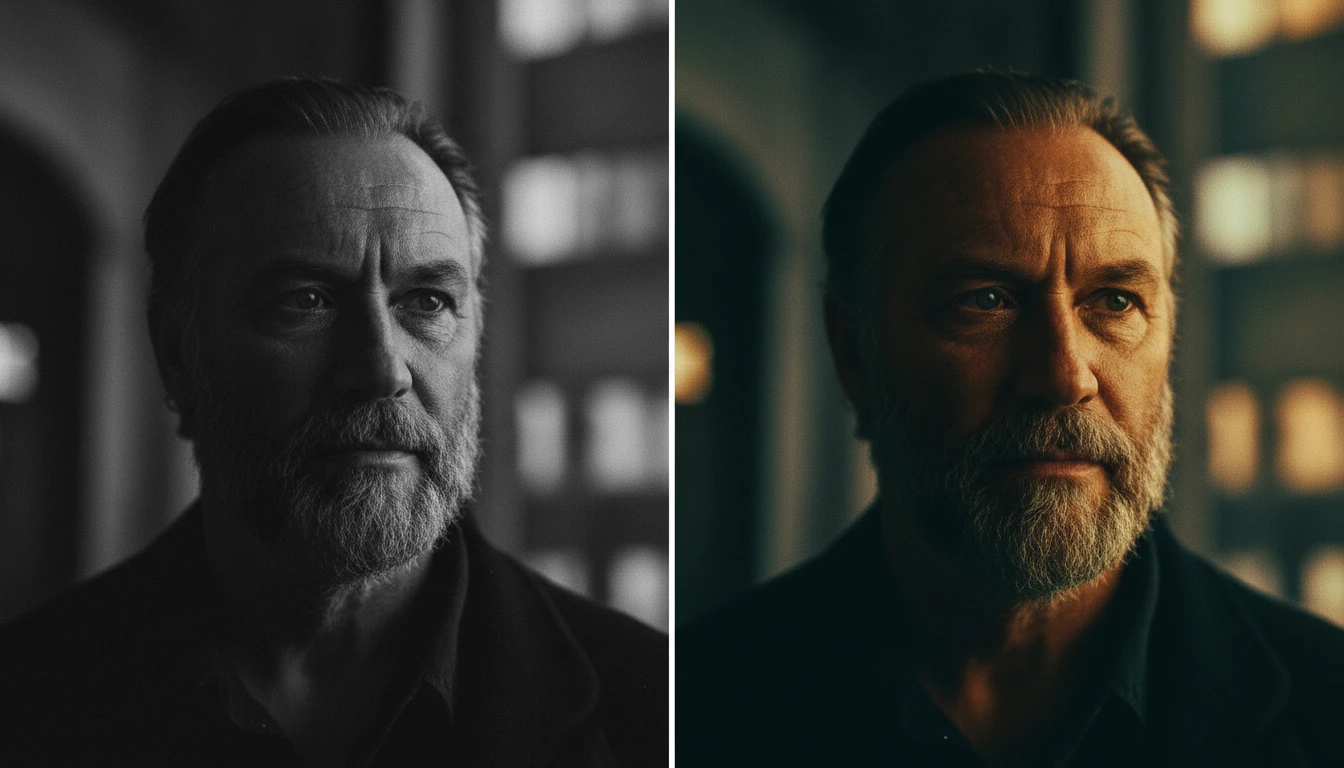
Cinematic and Creative Color Grades
Go beyond natural colorization with cinematic color grading. The Cinematic style applies a Hollywood teal-and-orange color grade, while Vivid and Warm styles offer bold, creative interpretations of how the photo could look.
Apply Cinematic ColorWho Uses AI Photo Colorizer
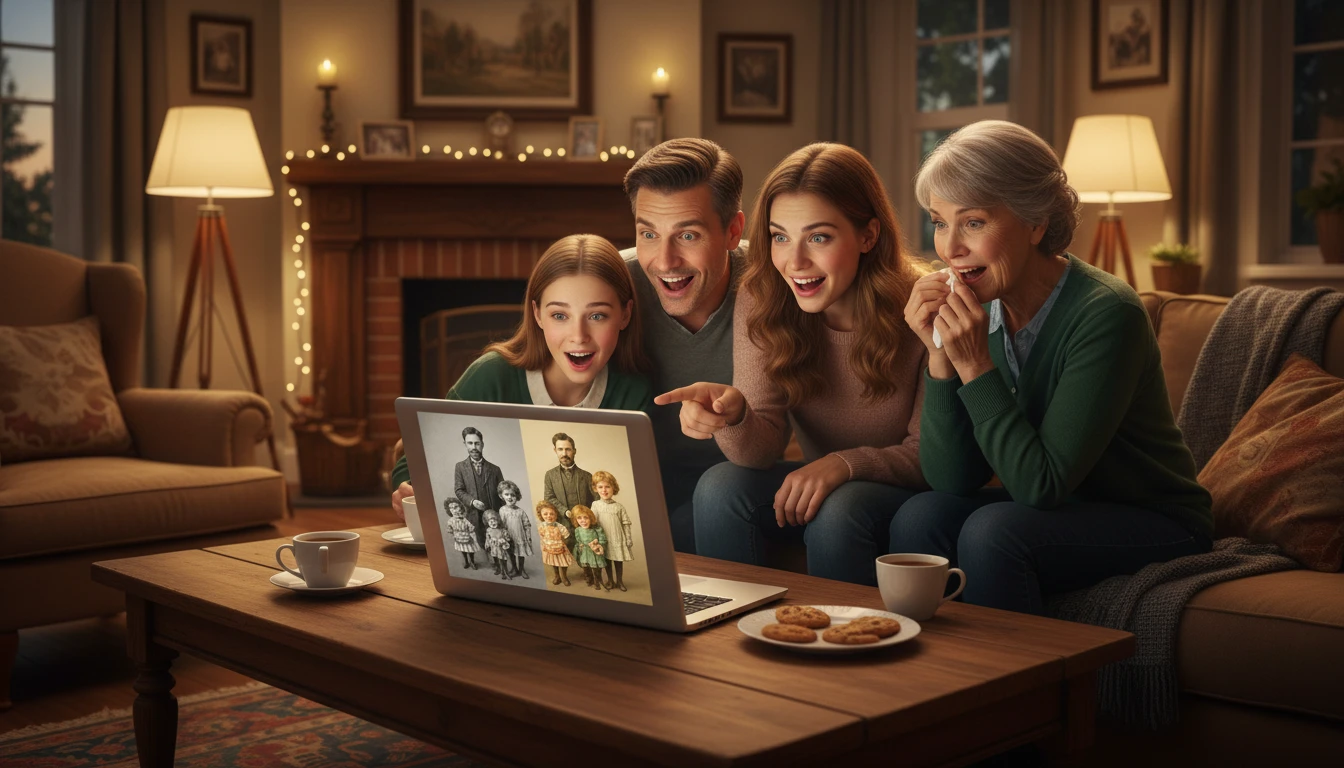
Families Preserving Memories
See grandparents, great-grandparents, and ancestors in full color for the first time. Colorizing old family photos creates a deeper emotional connection to family history and makes memories feel alive again.
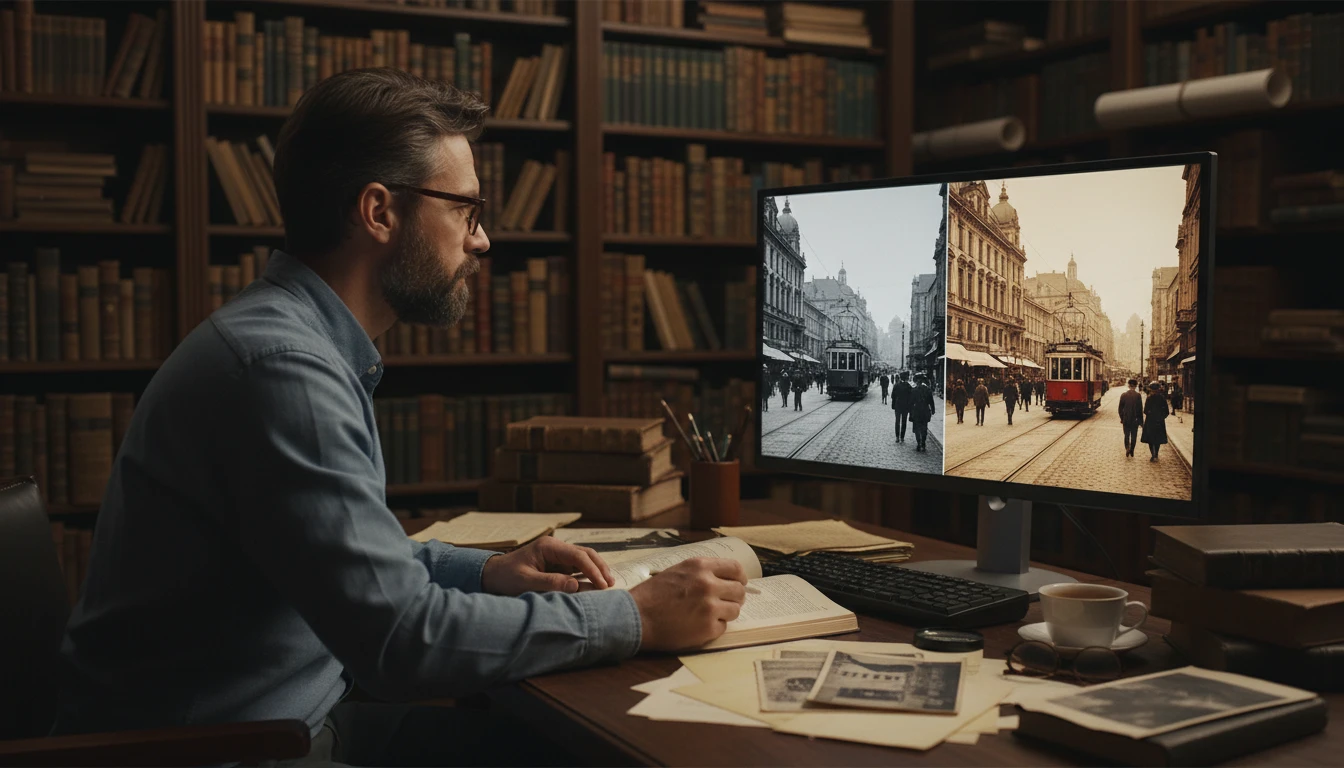
Historians and Researchers
Bring historical photographs, archival images, and documentary materials to life with accurate period colorization. Make history accessible and emotionally resonant for exhibitions, publications, and educational content.
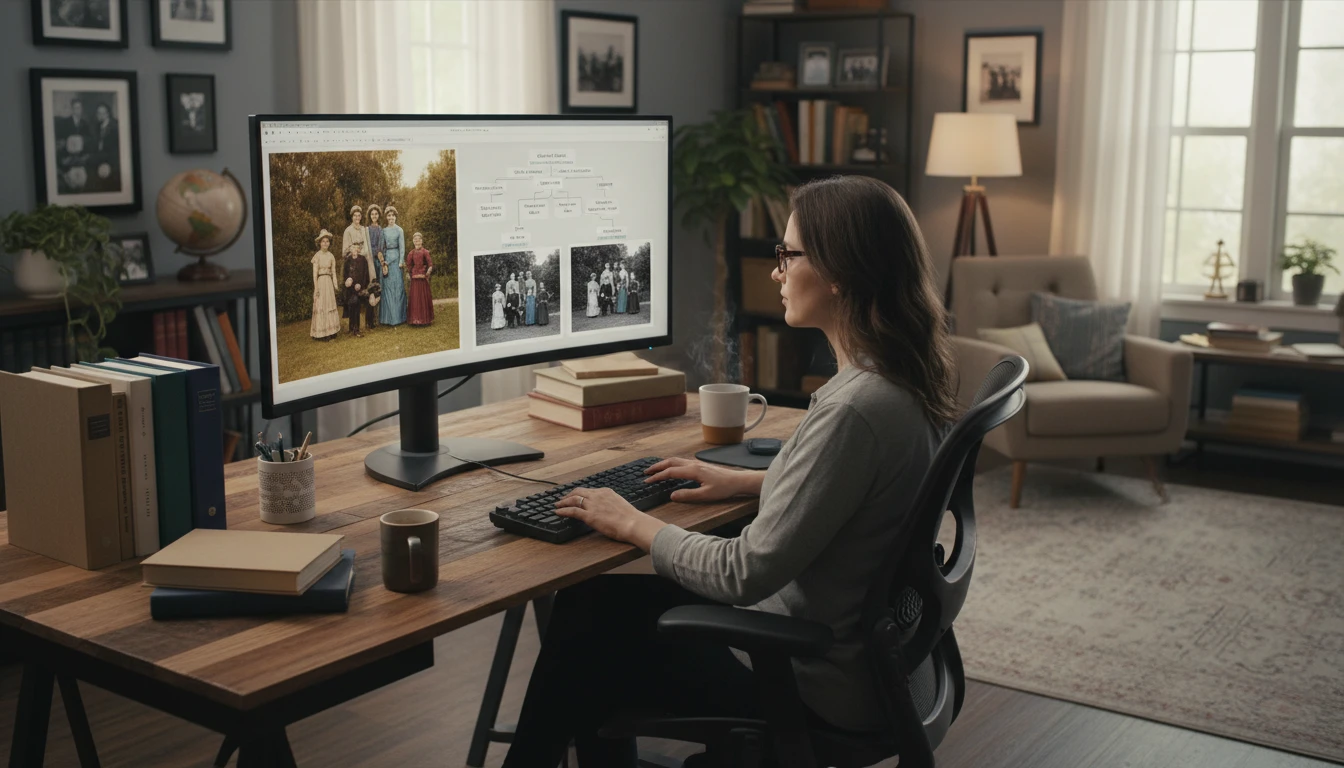
Genealogists and Ancestry Enthusiasts
Bring old photos from ancestry research to life in full color. Colorized photos make family trees and genealogy presentations more vivid, personal, and engaging.
Content Creators and Publishers
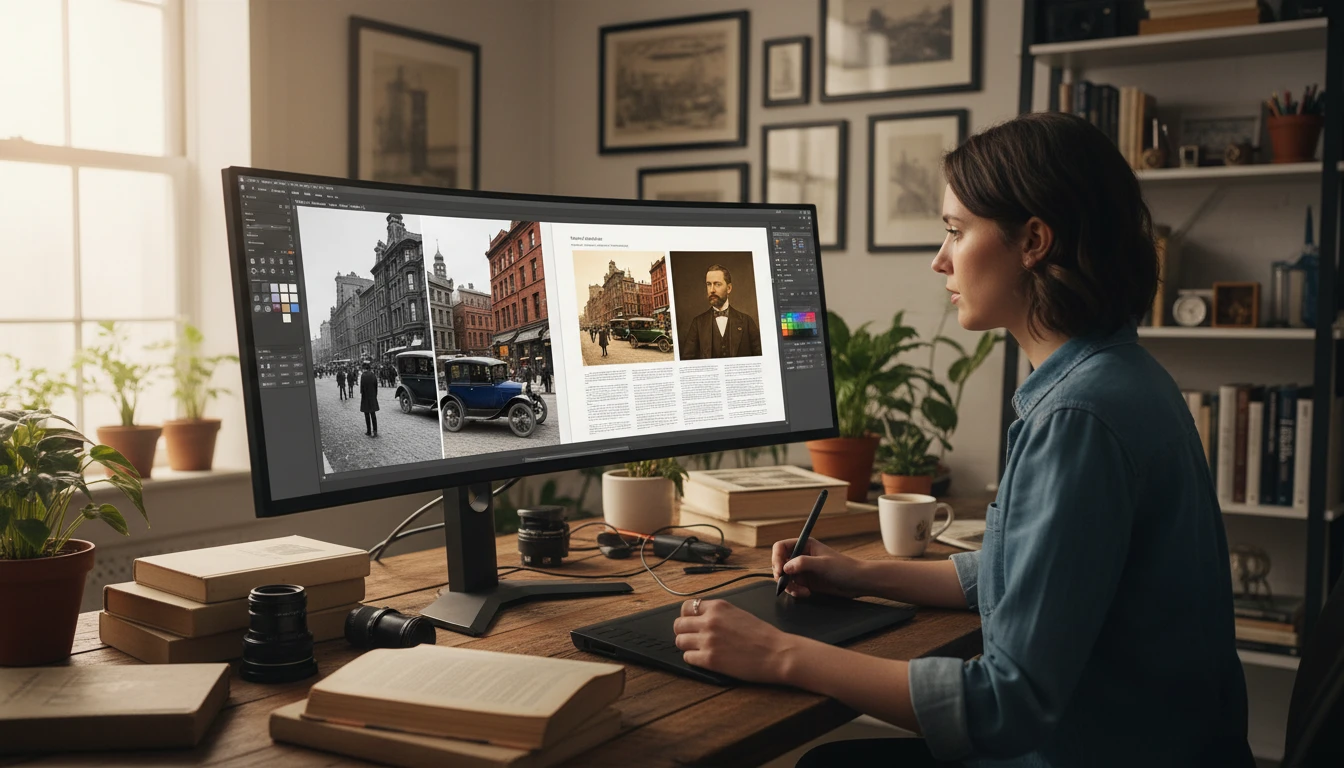
Add colorized historical or vintage photos to articles, books, documentaries, and social media posts to create more visually engaging and emotionally impactful content.
How to Colorize Black and White Photos
Bring old memories to life in full color in three steps
Upload Your Black and White Photo
Upload any black and white or grayscale photo you want to colorize. JPG, PNG, or WebP. Works with old scanned photos, digital grayscale images, and historical photographs.
Choose a Color Style
Select from six color styles: Natural and Realistic, Vintage Film, Vivid and Bold, Cinematic, Warm Golden, or Cool and Overcast. Each style applies a different color interpretation to your photo.
Download Your Colorized Photo
Compare the original black and white photo and the colorized result side by side. Download the colorized version ready for sharing, printing, or preserving.
Explore More
More AI Studio Tools
Discover other powerful AI tools to enhance your creative workflow
AI Photo Restoration
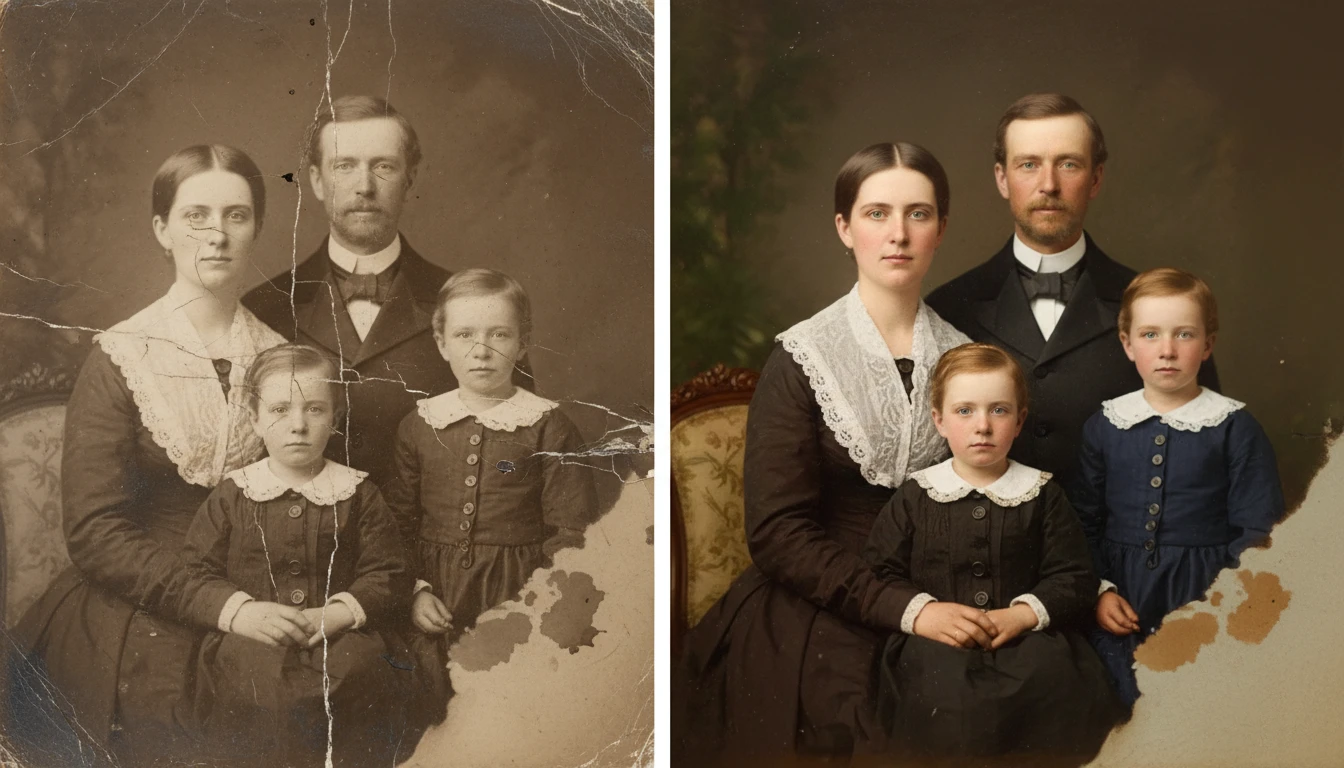
Restore old and damaged photos with AI. Repair scratches, fix fading, remove noise, and recover lost detail in one click.
AI Image Enhancer
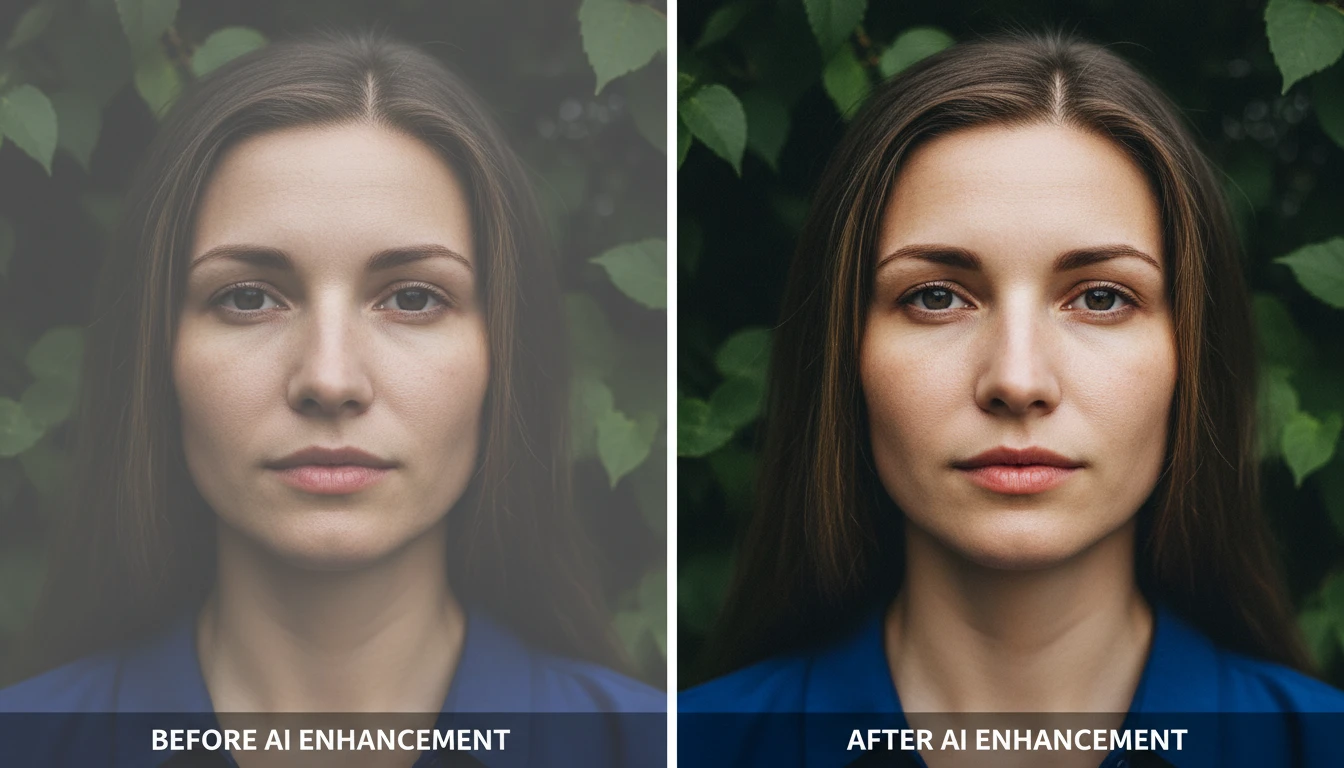
Bring any photo back to life with sharper details, better color, and improved clarity. Auto enhance, sharpen, vivid colors, portrait, landscape, low-light, product, and HDR modes.
AI Image Upscaler
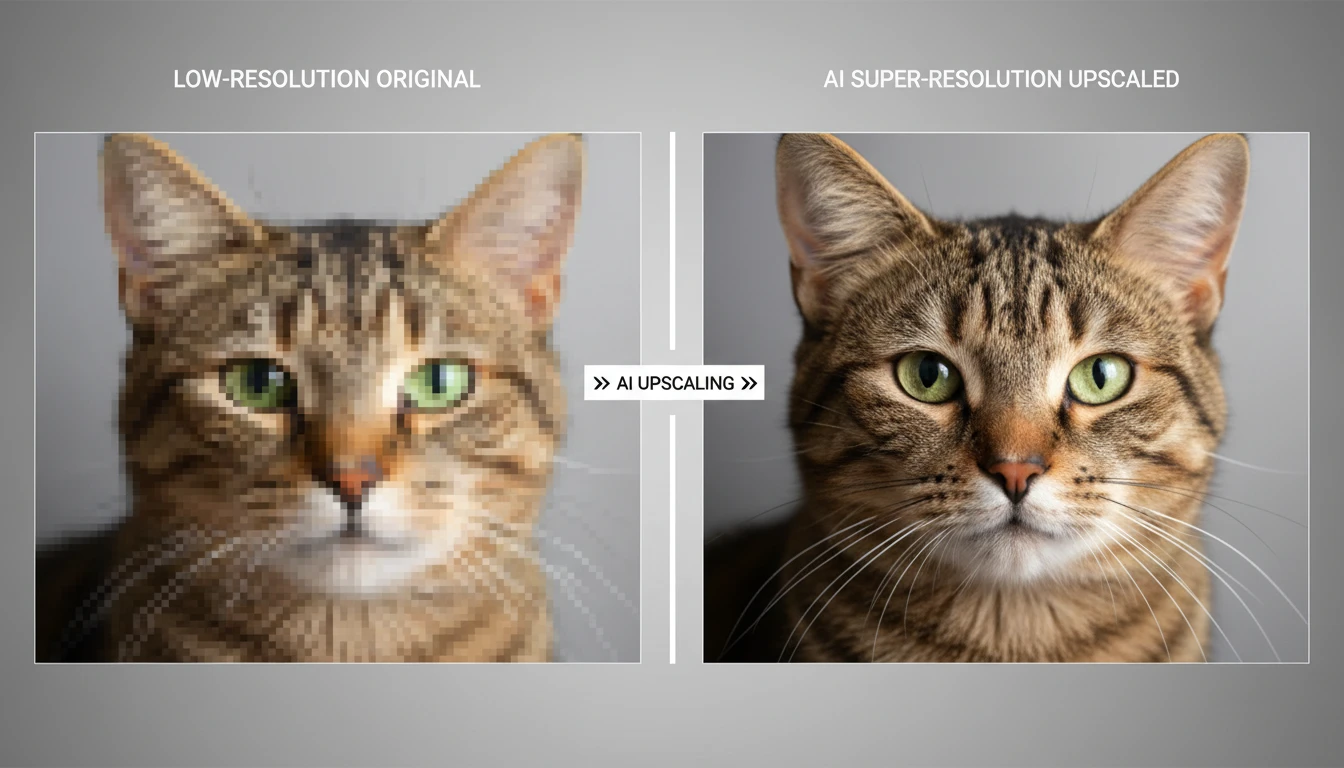
Upscale any image to higher resolution with AI. Enlarge photos without losing sharpness, detail, or quality. Perfect for printing, product photos, and restoring small images.
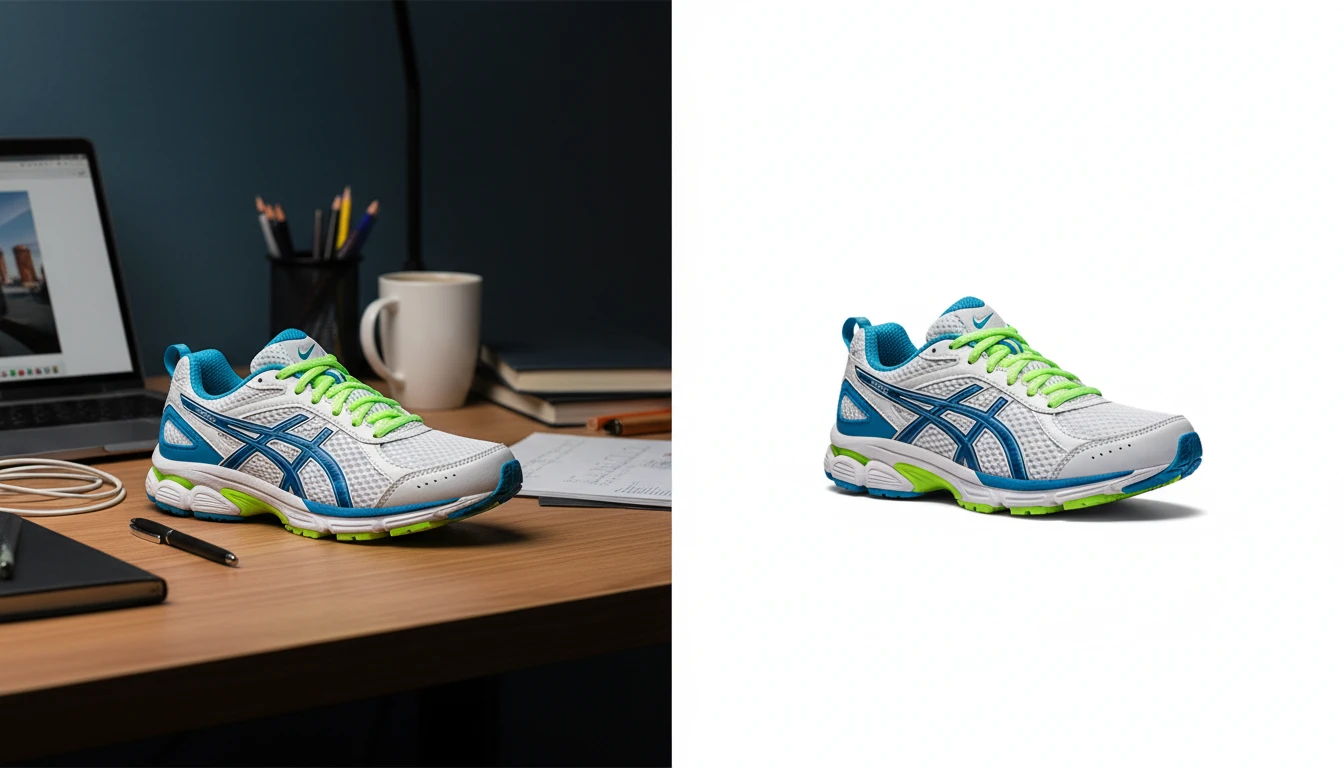
AI Background Remover
Upload any photo or product image and AI removes the background in seconds, delivering a clean transparent PNG. No manual masking required. Ideal for profile photos, marketing materials, and design assets.
Opens in
Image Studio
Frequently Asked Questions
Everything you need to know to get started.
What is AI Photo Colorizer?
AI Photo Colorizer uses AI to automatically add color to black and white or grayscale photos. It intelligently determines appropriate colors based on the content of the photo, including skin tones, sky, foliage, clothing, and other elements, to produce a realistic colorized result.
How accurate are the colors?
The Natural and Realistic style produces highly accurate, plausible colors based on the content and context of the photo. For historical photos, colors are determined by AI based on era-appropriate expectations. The AI cannot know the exact color of specific clothing or objects, but produces realistic and convincing results.
What color styles are available?
Six styles are available: Natural and Realistic for true-to-life colors; Vintage Film for warm Kodachrome-era tones; Vivid and Bold for saturated striking colors; Cinematic for a Hollywood color grade; Warm Golden for golden-hour warmth; and Cool and Overcast for a cool muted palette.
Does it work on damaged or low-quality old photos?
Yes, but for best results on heavily damaged or low-resolution photos, run the photo through AI Photo Restoration or AI Image Upscaler first to clean and sharpen it before colorizing.
Can I colorize already-color photos?
The tool is optimized for black and white and grayscale input images. For color photos, consider the AI Image Enhancer to improve color vibrancy and overall quality.
Can I use colorized photos commercially?
Yes. You retain full rights to all colorized output images and can use them for personal, print, publishing, and commercial purposes.
Colorize Your First Photo Instantly
Upload any black and white photo and AI brings it to life with natural, realistic color instantly.
Colorize a Photo NowDisclaimer: This tool uses generative AI technology which may produce content that resembles copyrighted materials or that is inaccurate, incomplete, or out-of-date. It is provided for general information and educational purposes only and is not intended for illegal activities or to replace professional advice, diagnosis, or treatment. Users are solely responsible for how they use the generated content. If you plan to use AI-generated content commercially or publicly, we strongly recommend reviewing it for potential copyright issues and obtaining proper permissions where necessary. We accept no liability for copyright infringement or any other consequences resulting from the use of content generated by this tool.