Bring Any Photo Back to Life with AI Enhancement
Upload any photo and AI enhances it in seconds. Sharpen details, correct color, boost contrast, and recover highlights. 8 specialized modes to choose from.
Enhance Your Photo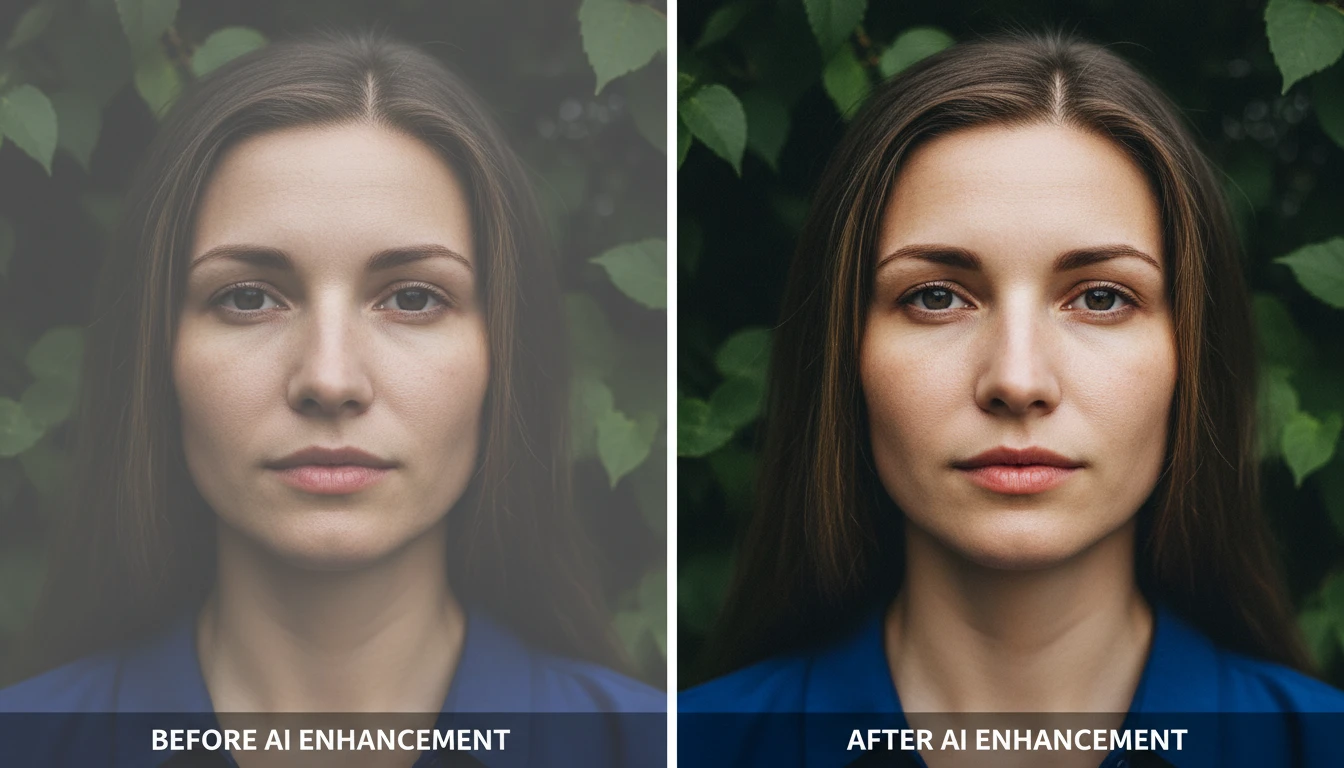
Enhance Any Photo
Add a photo and we'll open AI Image Studio ready to sharpen, color-correct, and polish it.
Drag & drop your photo here
Any photo — JPG, PNG or WebP, up to 15MB
Your photo is used only to enhance it for you.
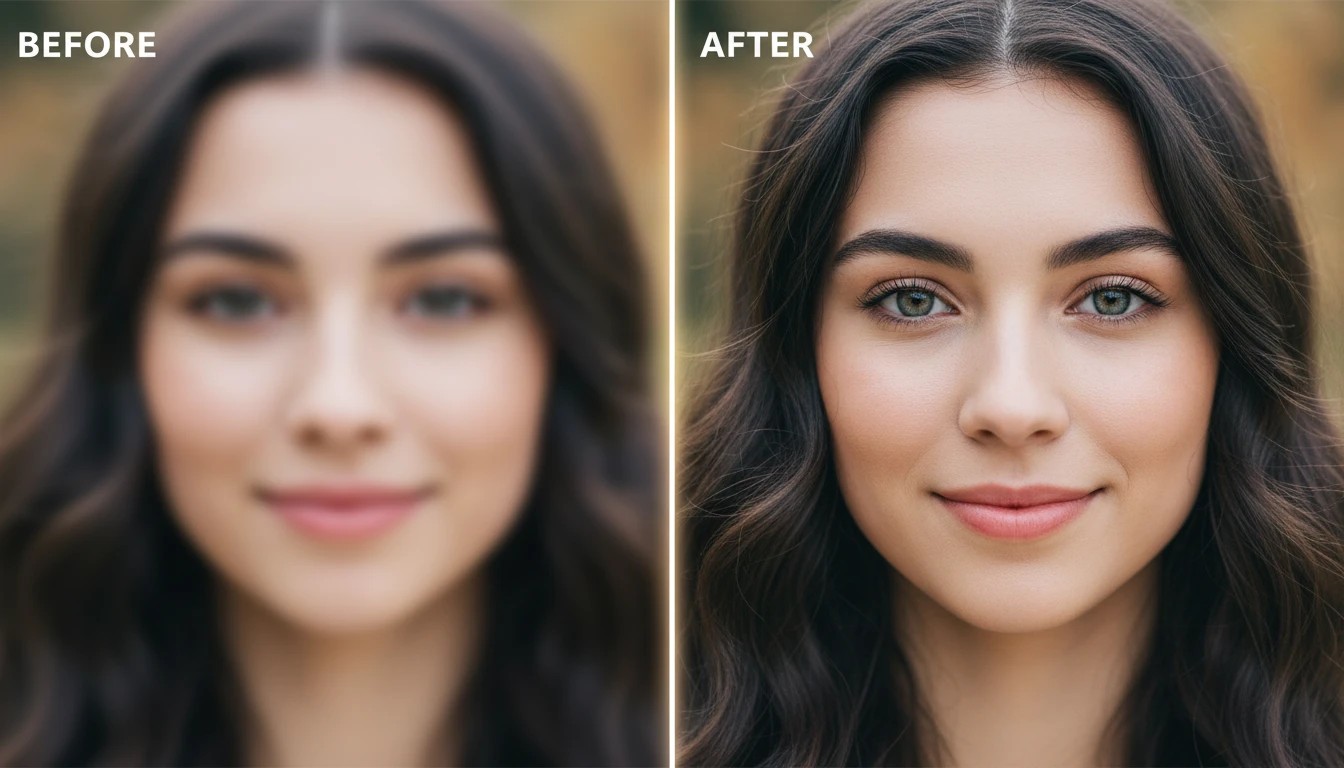
Sharpen Blurry and Soft Photos
Recover edge clarity, texture definition, and micro-contrast lost to soft focus, motion blur, or low resolution. The Sharpen mode maximizes detail in hair, fabric, foliage, and fine background elements.
Sharpen Your Photo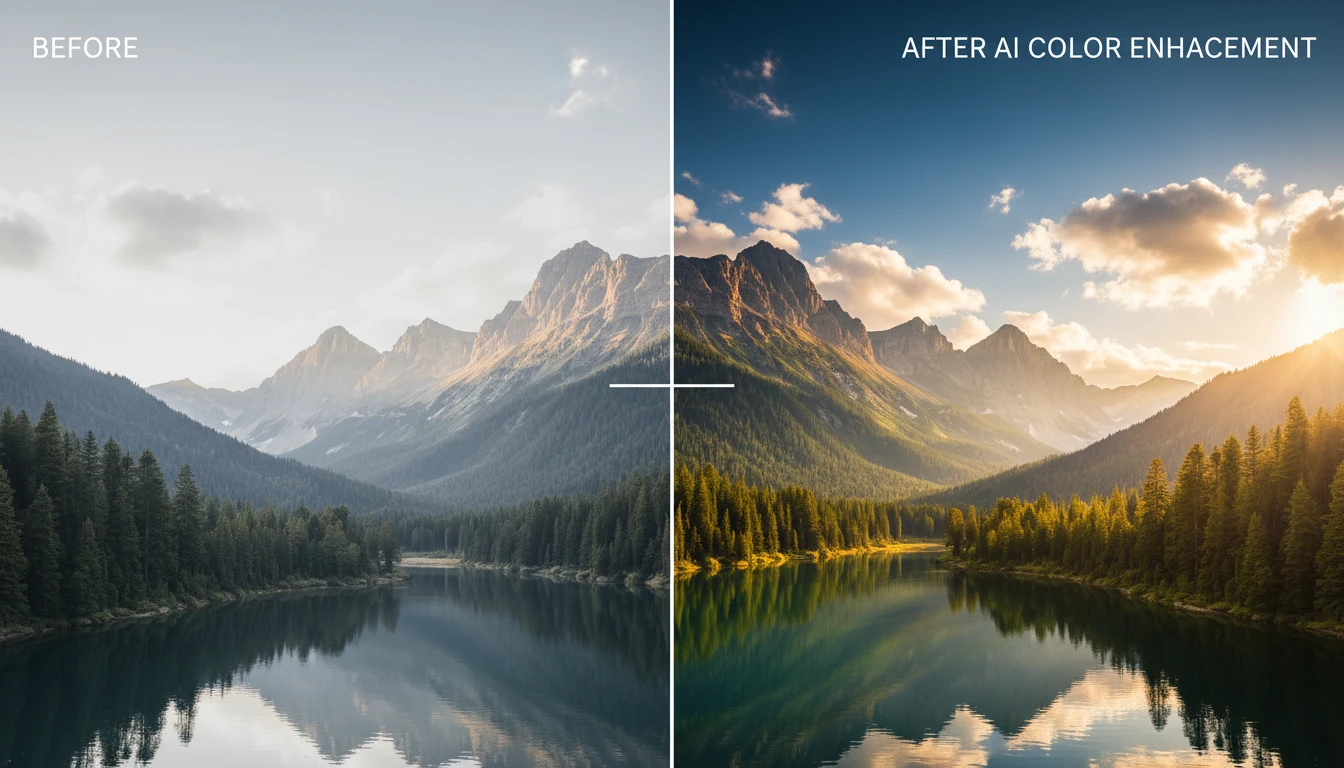
Boost Colors and Vibrancy
Make dull, flat photos look vivid and eye-catching. The Vivid mode increases color saturation, deepens shadows, lifts highlights, and improves hue accuracy for dramatic visual impact.
Boost Photo Colors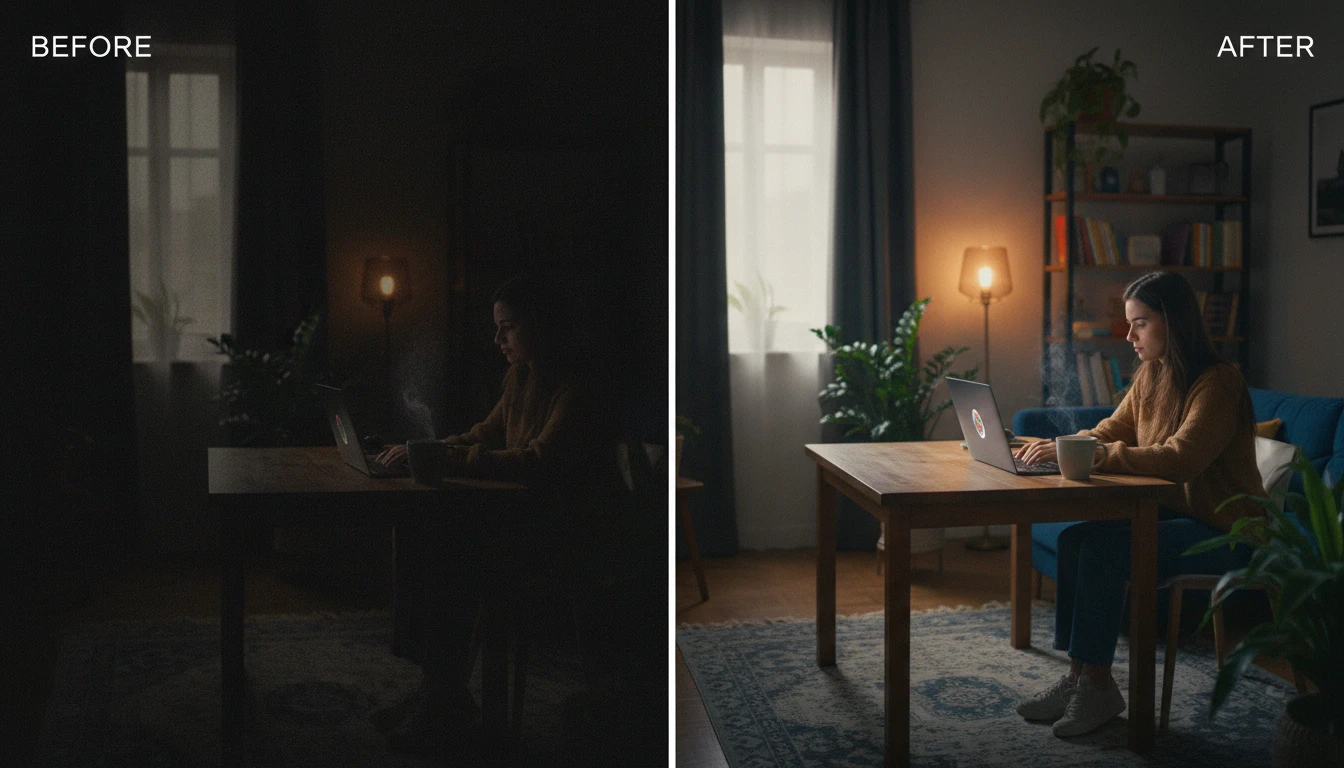
Recover Dark and Low-Light Photos
Bring back photos taken in dim environments, at night, or on poorly lit interiors. Low Light mode lifts shadows, reduces high-ISO noise, and restores color accuracy lost in darkness.
Fix Dark Photos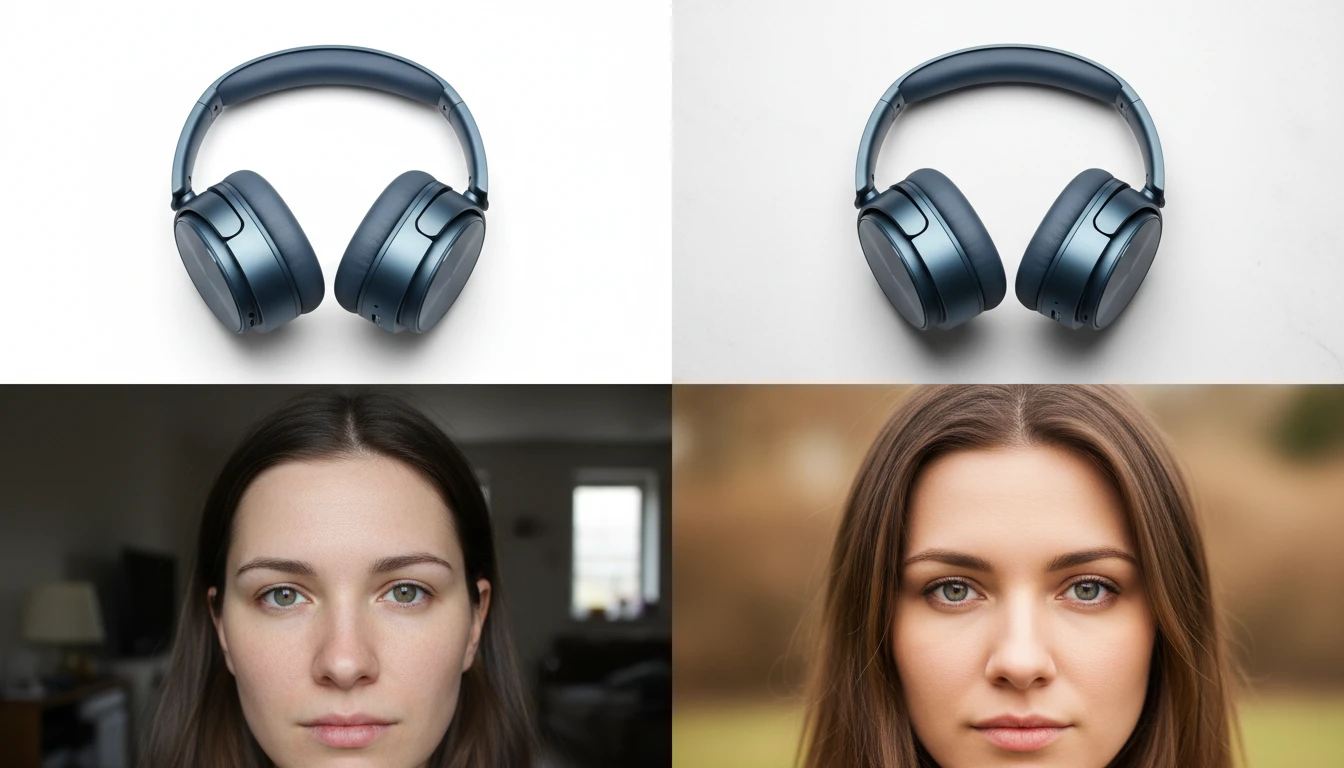
Professional Product and Portrait Enhancement
Dedicated modes for portraits (smooth skin, sharp eyes, balanced face lighting) and product photos (crisp edges, color accuracy, commercial finish). One click to professional quality.
Enhance NowWho Uses AI Image Enhancer
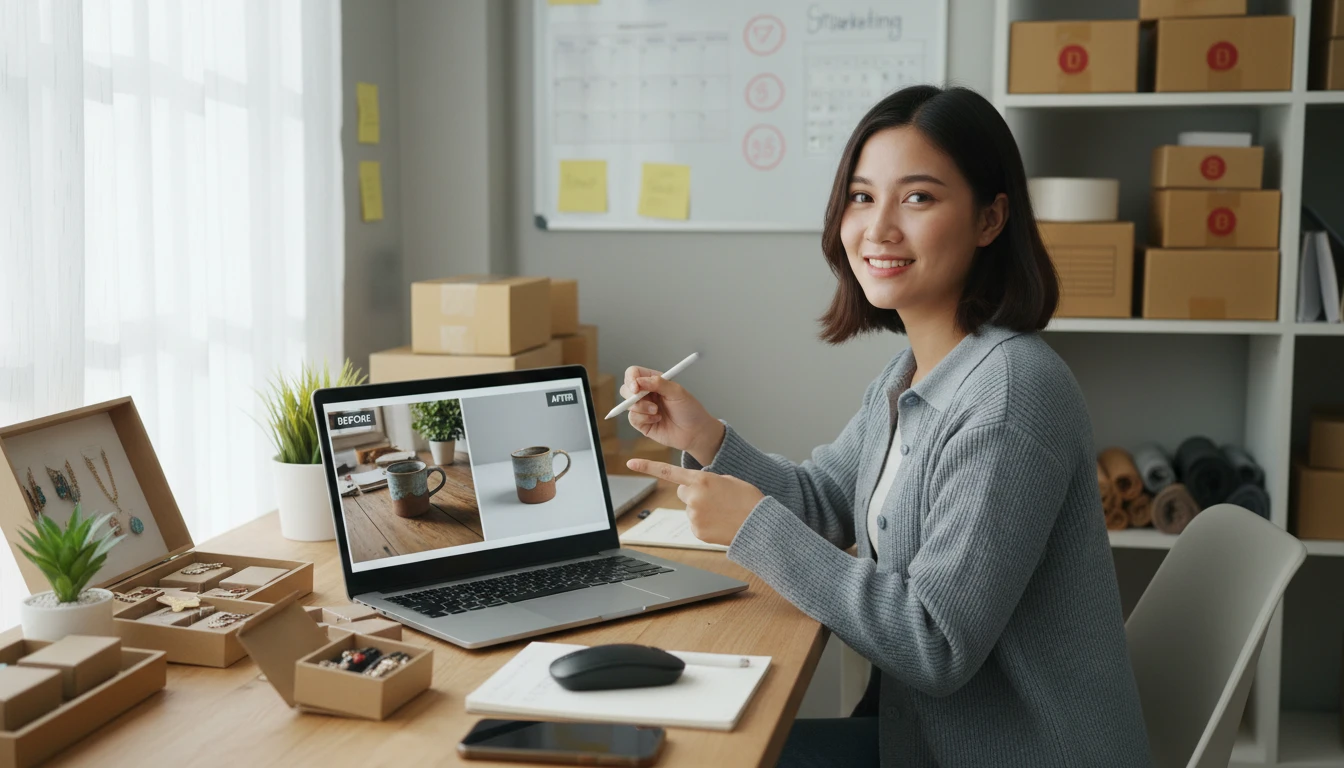
Product Photos
Improve product photo quality for catalogs, ads, and lookbooks. Sharp, vivid, correctly exposed product photos read more clearly on any screen.
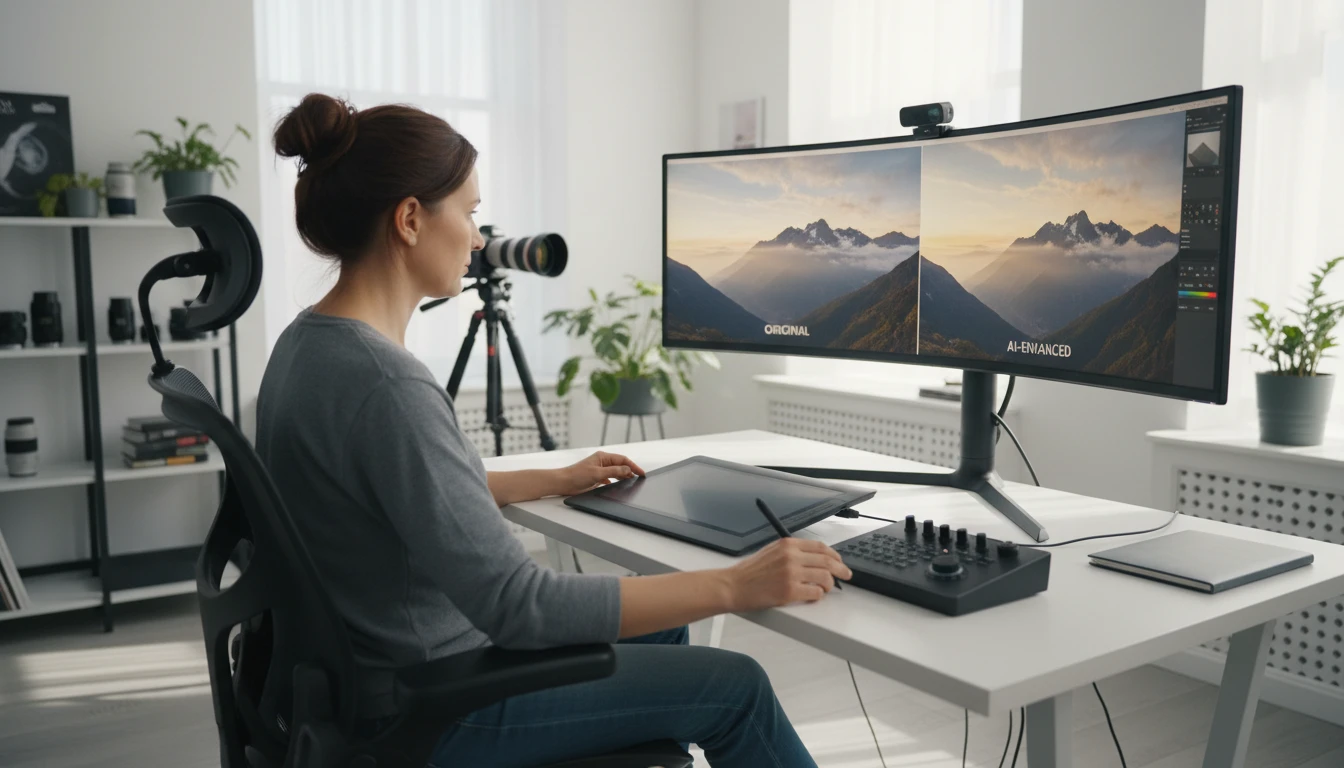
Photographers and Creators
Quickly enhance large batches of photos without manual editing. Fix underexposed shots, recover blown highlights, and boost colors for social media and client delivery.
Social Media and Marketing
Turn mediocre phone photos into scroll-stopping visuals for Instagram, TikTok, and Facebook ads. Better quality images drive more engagement and ad performance.
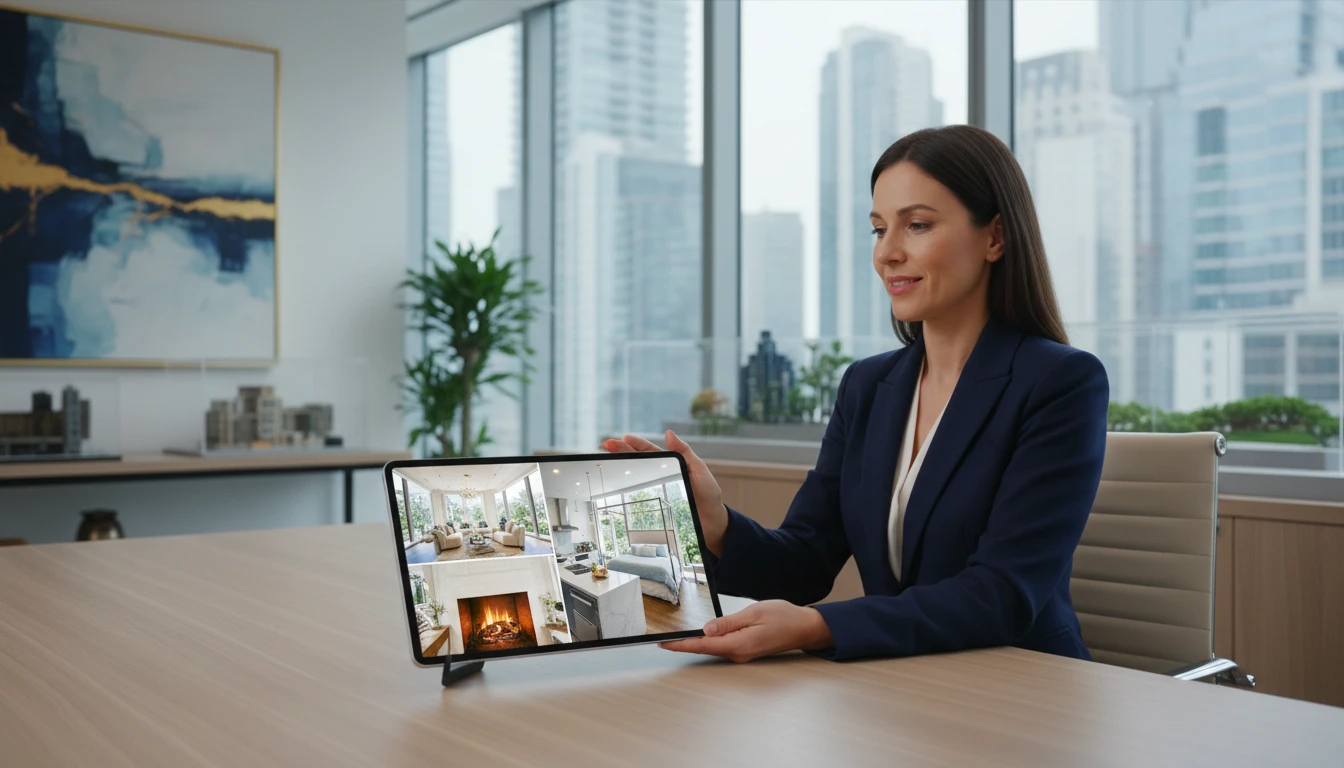
Real Estate and Architecture
Enhance interior and exterior property photos to look bright, vivid, and professionally shot. Better listing photos attract more buyers and faster sales.
How to Enhance Your Photos with AI
Sharper details, better color, and improved clarity in three steps
Upload Your Photo
Upload any photo you want to improve. JPG, PNG, or WebP. Works with portraits, landscapes, product photos, street photos, and any other image type.
Choose an Enhancement Mode
Select from Auto Enhance, Sharpen and Detail, Vivid Colors, Portrait, Landscape and Nature, Low Light, Product Photo, or HDR Effect. Auto Enhance works well for most photos.
Enhance and Download
AI processes your photo in seconds. Compare the original and enhanced versions side by side, then download the improved result ready to use.
Explore More
More AI Studio Tools
Discover other powerful AI tools to enhance your creative workflow
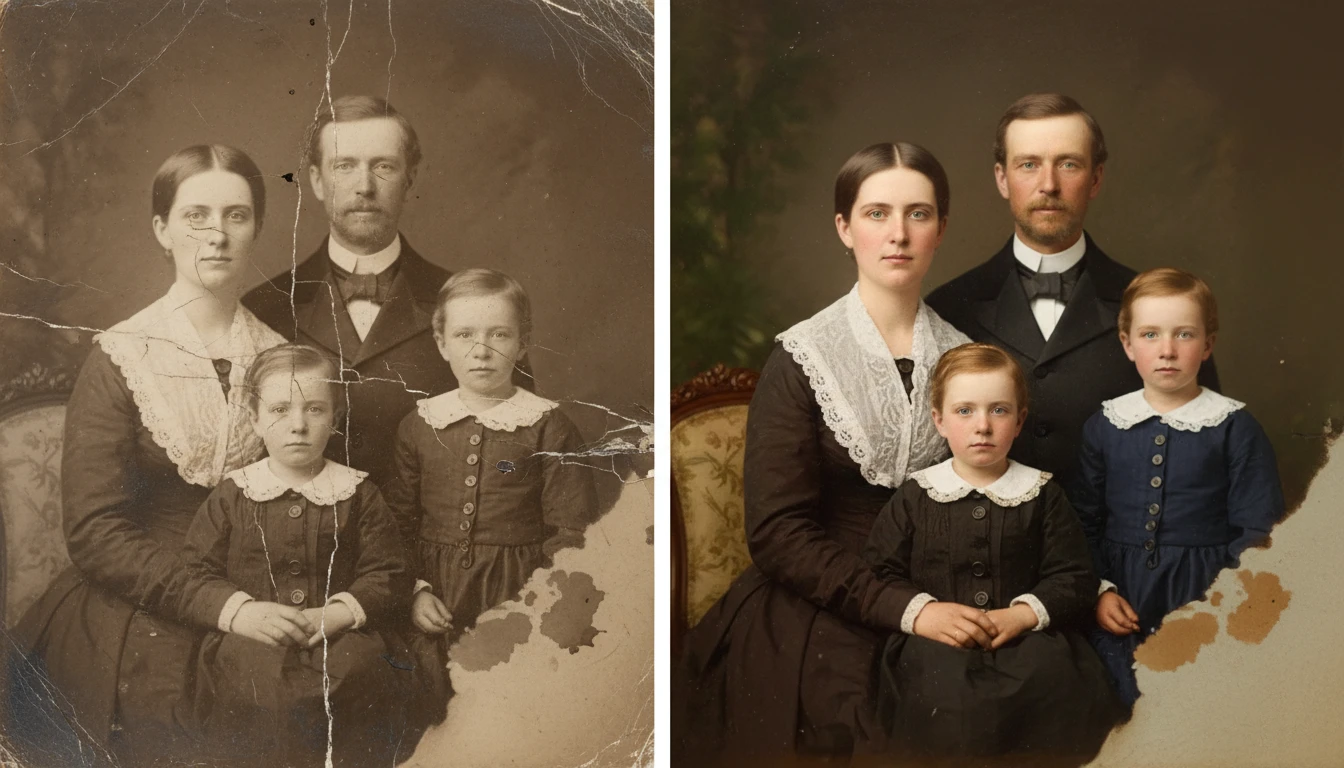
AI Photo Restoration
Restore old and damaged photos with AI. Repair scratches, fix fading, remove noise, and recover lost detail in one click.
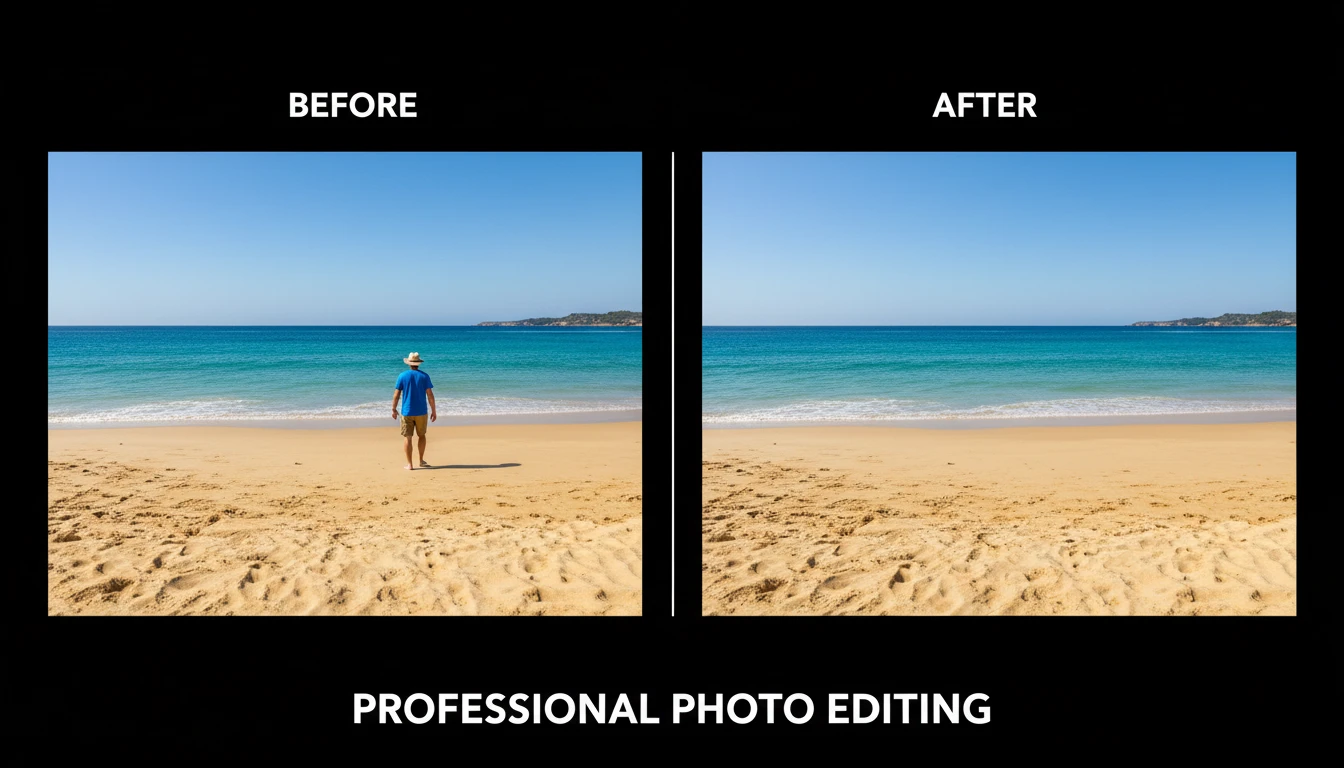
AI Object Remover
Upload any photo and describe the object, person, or element you want removed. AI erases it and reconstructs the background seamlessly so the result looks untouched. No manual masking, cloning, or Photoshop skills required. Works on people, signs, vehicles, furniture, cables, watermarks, and more.
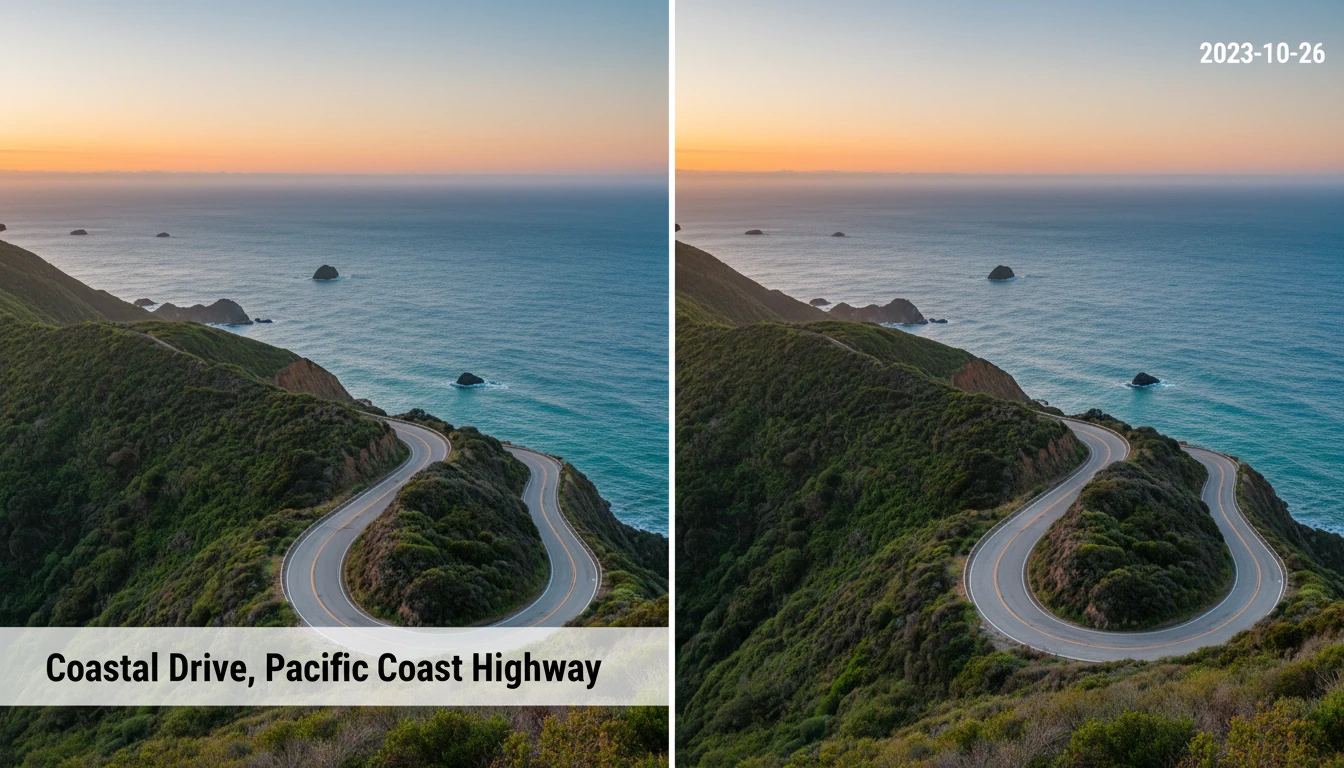
AI Image Text Remover
Upload any image and AI automatically detects and removes all text overlays, captions, timestamps, watermarks, and labels. The underlying background is reconstructed seamlessly so the result looks as if the text was never there. Works on photographs, screenshots, scans, and social media images. No manual selection or masking required.
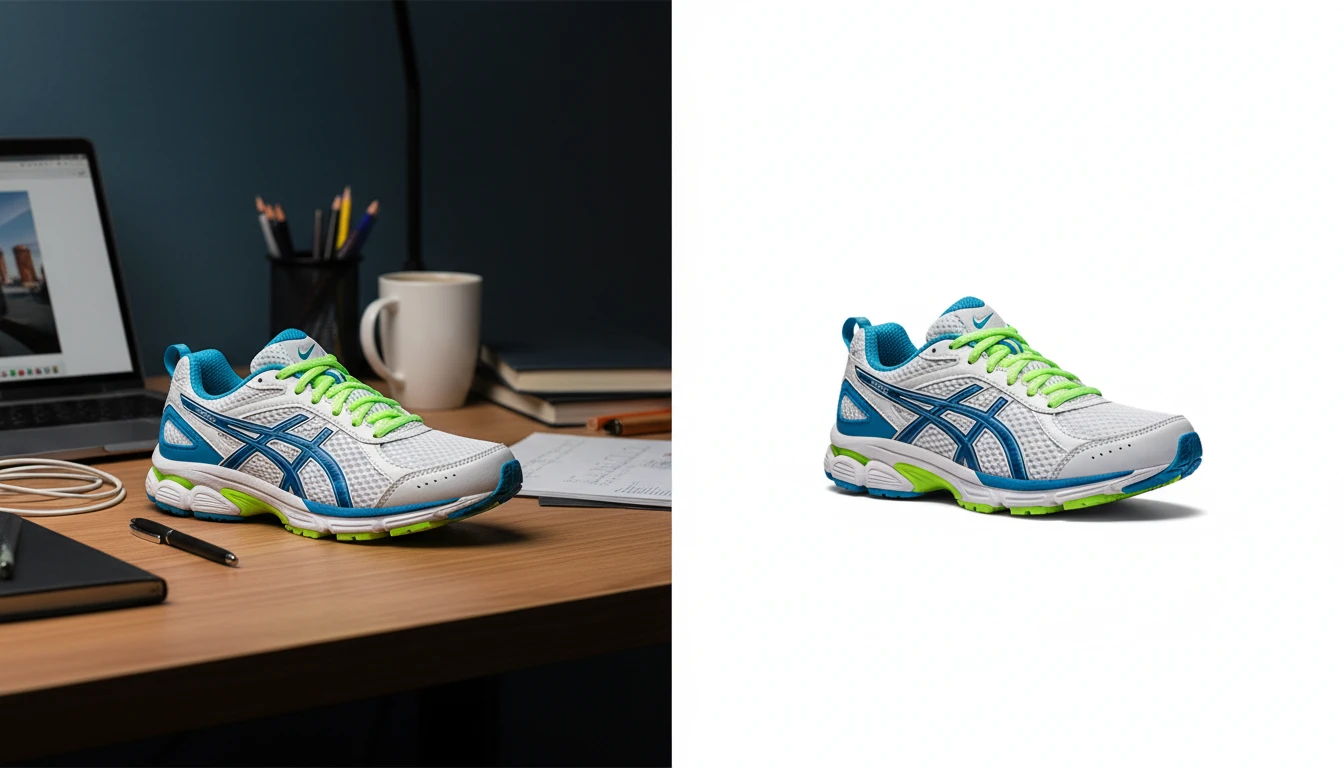
AI Background Remover
Upload any photo or product image and AI removes the background in seconds, delivering a clean transparent PNG. No manual masking required. Ideal for profile photos, marketing materials, and design assets.
Opens in
Image Studio
Frequently Asked Questions
Everything you need to know to get started.
What does AI Image Enhancer do?
AI Image Enhancer improves your photo quality automatically. It sharpens blurry details, corrects color balance, boosts contrast and saturation, reduces noise, and recovers highlight and shadow detail, all in one click.
What enhancement modes are available?
There are 8 modes: Auto Enhance (smart all-around improvement), Sharpen and Detail (maximum sharpness), Vivid Colors (color boost and vibrancy), Portrait (skin tones and face detail), Landscape and Nature (sky, foliage, and outdoor depth), Low Light (recover dark photos), Product Photo (crisp commercial quality), and HDR Effect (expanded dynamic range).
Which mode should I use?
Auto Enhance works well for most photos. Use Sharpen for blurry or soft images. Use Vivid Colors for dull flat photos. Use Portrait for selfies and headshots. Use Landscape for outdoor and nature shots. Use Low Light for dark or noisy photos. Use Product for e-commerce shots.
What types of photos work best?
AI Image Enhancer works with any photo type: portraits, landscapes, product photos, event photos, travel shots, and phone camera photos. It is especially effective on photos that are slightly soft, underexposed, or lacking color punch.
Will the enhancement change the subject or composition?
No. The enhancer improves technical quality without changing the subject, composition, or meaning of the photo. It does not alter faces, objects, or backgrounds beyond improving their visual quality.
Can I use enhanced photos commercially?
Yes. You retain rights to all enhanced images and can use them for commercial purposes including e-commerce listings, advertising, social media, and client work.
Enhance Your First Photo Instantly
Upload any photo and get sharper details, better color, and improved clarity in seconds. 8 enhancement modes.
Enhance Your Photo NowDisclaimer: This tool uses generative AI technology which may produce content that resembles copyrighted materials or that is inaccurate, incomplete, or out-of-date. It is provided for general information and educational purposes only and is not intended for illegal activities or to replace professional advice, diagnosis, or treatment. Users are solely responsible for how they use the generated content. If you plan to use AI-generated content commercially or publicly, we strongly recommend reviewing it for potential copyright issues and obtaining proper permissions where necessary. We accept no liability for copyright infringement or any other consequences resulting from the use of content generated by this tool.