Remove Text from Any Image Instantly
Upload any photo and AI detects and removes all text overlays, captions, timestamps, and labels. The background is reconstructed seamlessly in one click.
Remove Text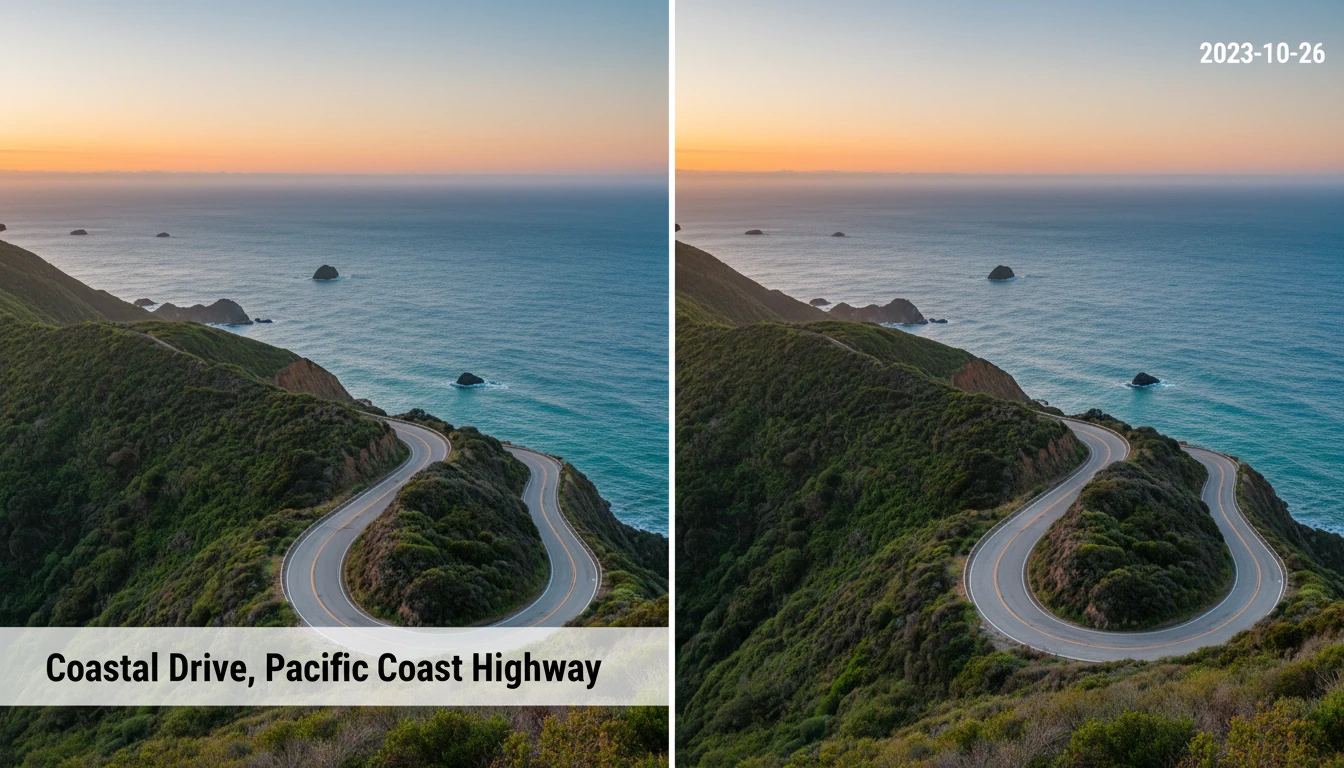
Remove Text from Any Image
Add a photo and we'll open AI Image Studio ready to erase its text.
Drag & drop your photo here
or click to browse — JPG, PNG or WebP, up to 15MB
Your photo is used only to remove text for you.
Remove Captions, Labels, and Overlays in One Click
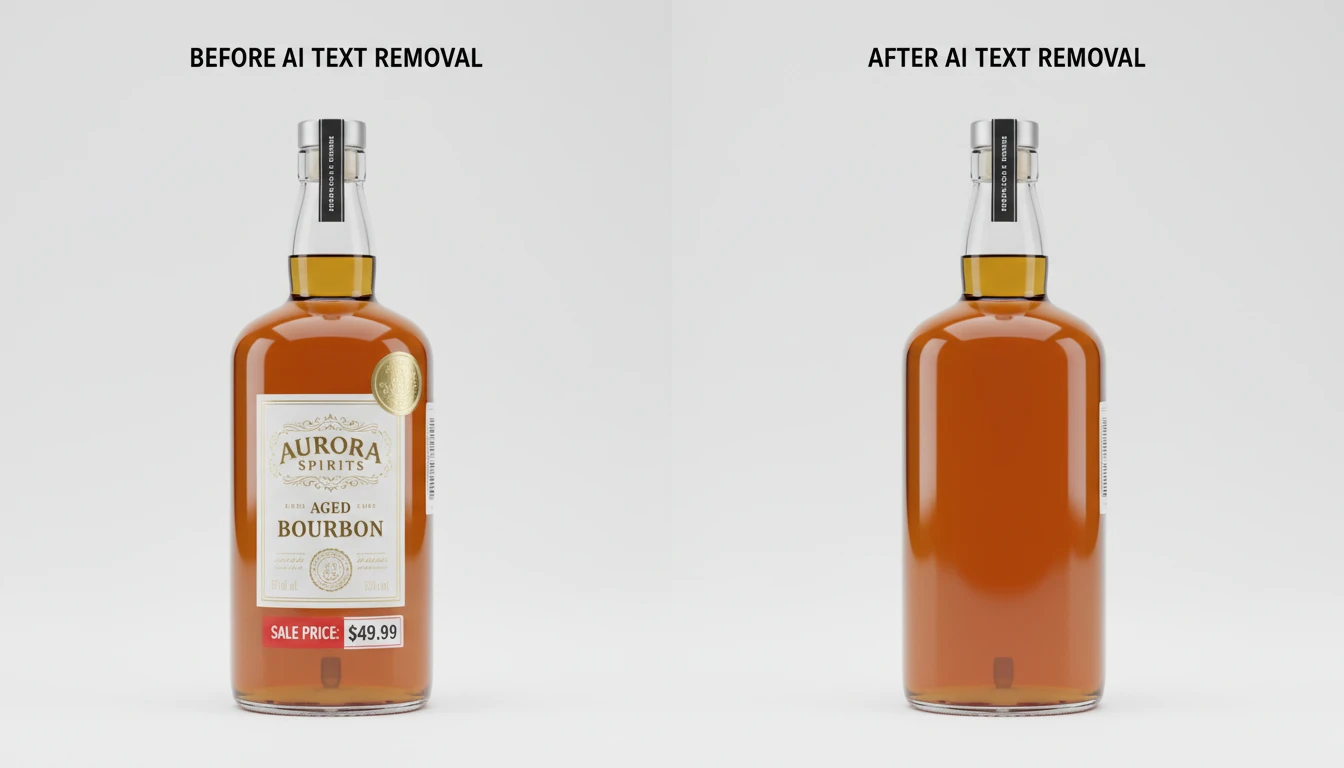
No masking, no manual selection, no Photoshop. Just upload your image and AI finds every piece of text automatically: captions, timestamps, price tags, promotional overlays, and more, then erases them all at once.
Remove Text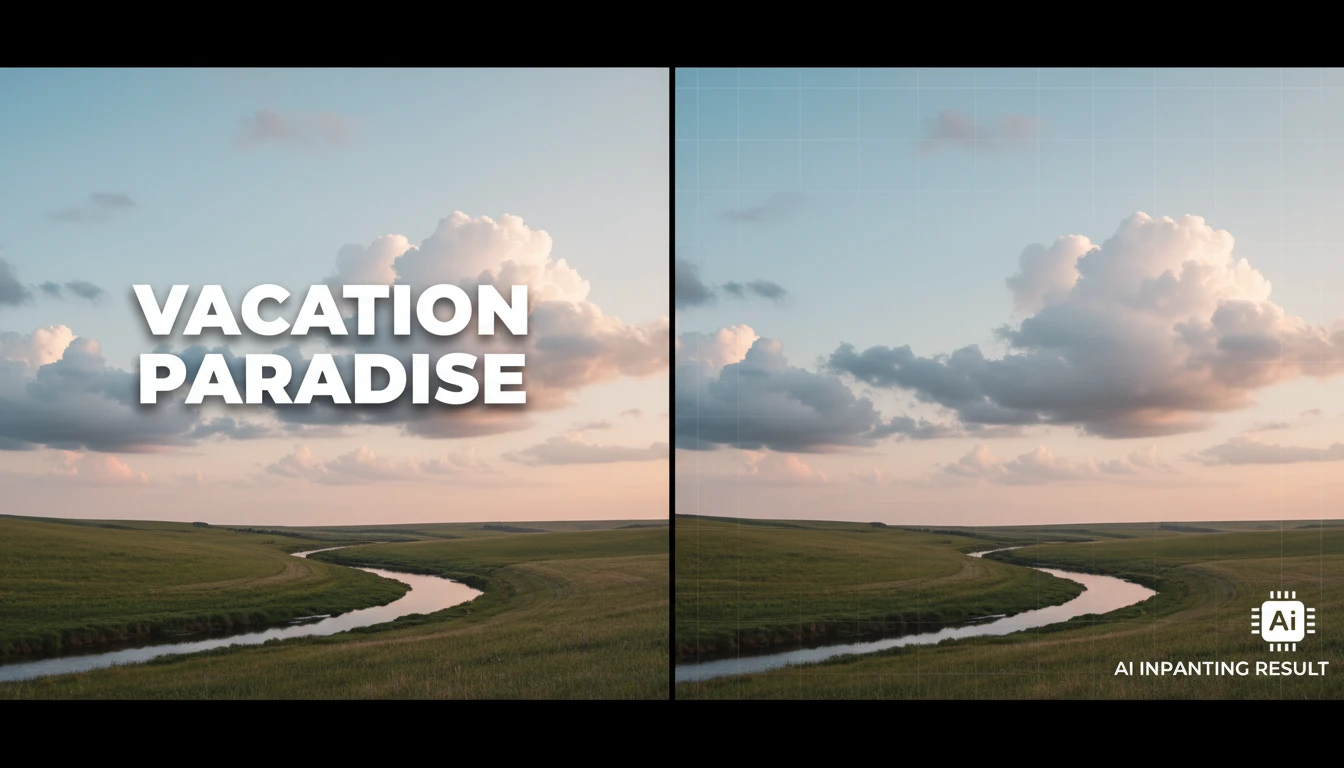
Seamless Background Fill Matches the Surrounding Scene
Unlike simple blur or crop tools, AI reconstructs the exact background behind removed text by analyzing surrounding textures, colors, and patterns. Sky fills with sky. Grass fills with grass. Walls fill with wall. Results look natural every time.
See It in Action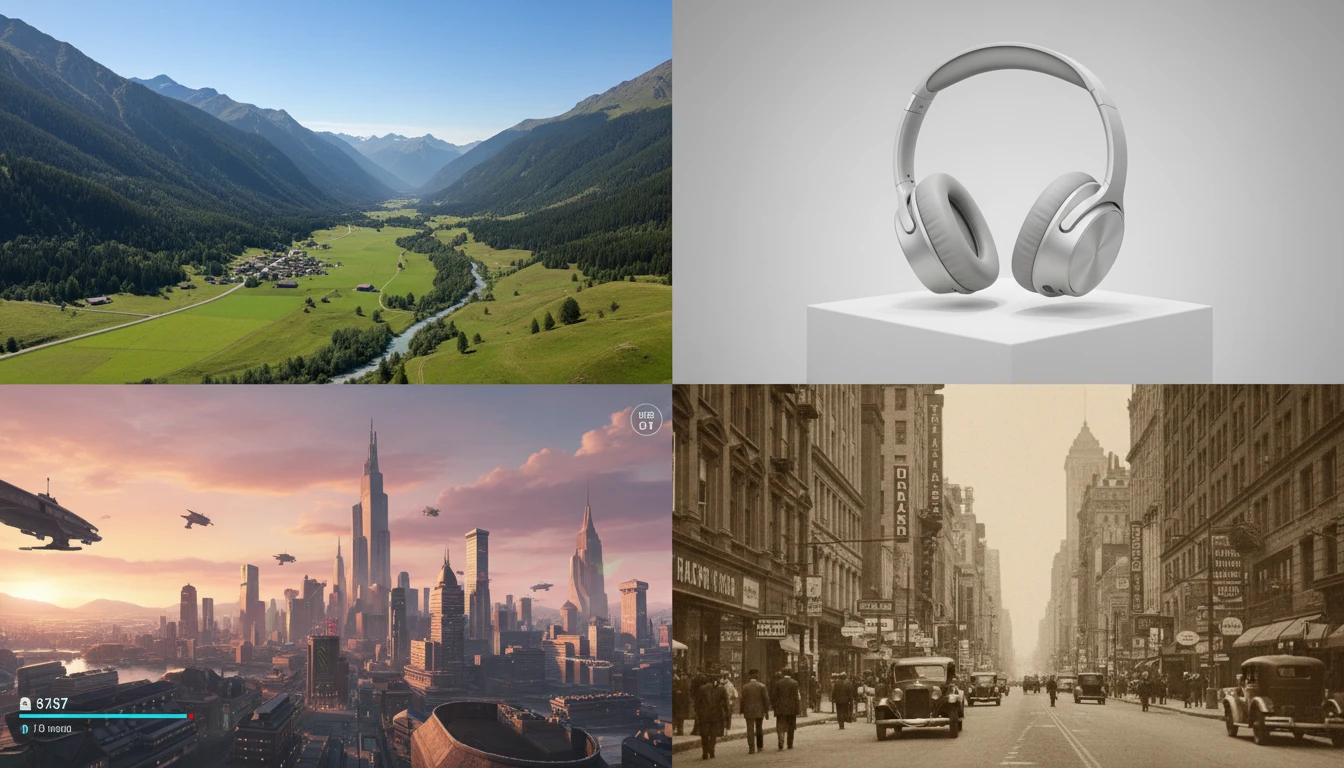
Works on Photos, Screenshots, Product Images, and More
Travel photos with date stamps, product shots with price stickers, screenshots with UI labels, social media posts with caption overlays, scanned documents with stamps, and vintage photos with date imprints. Any image type works.
Try Your Image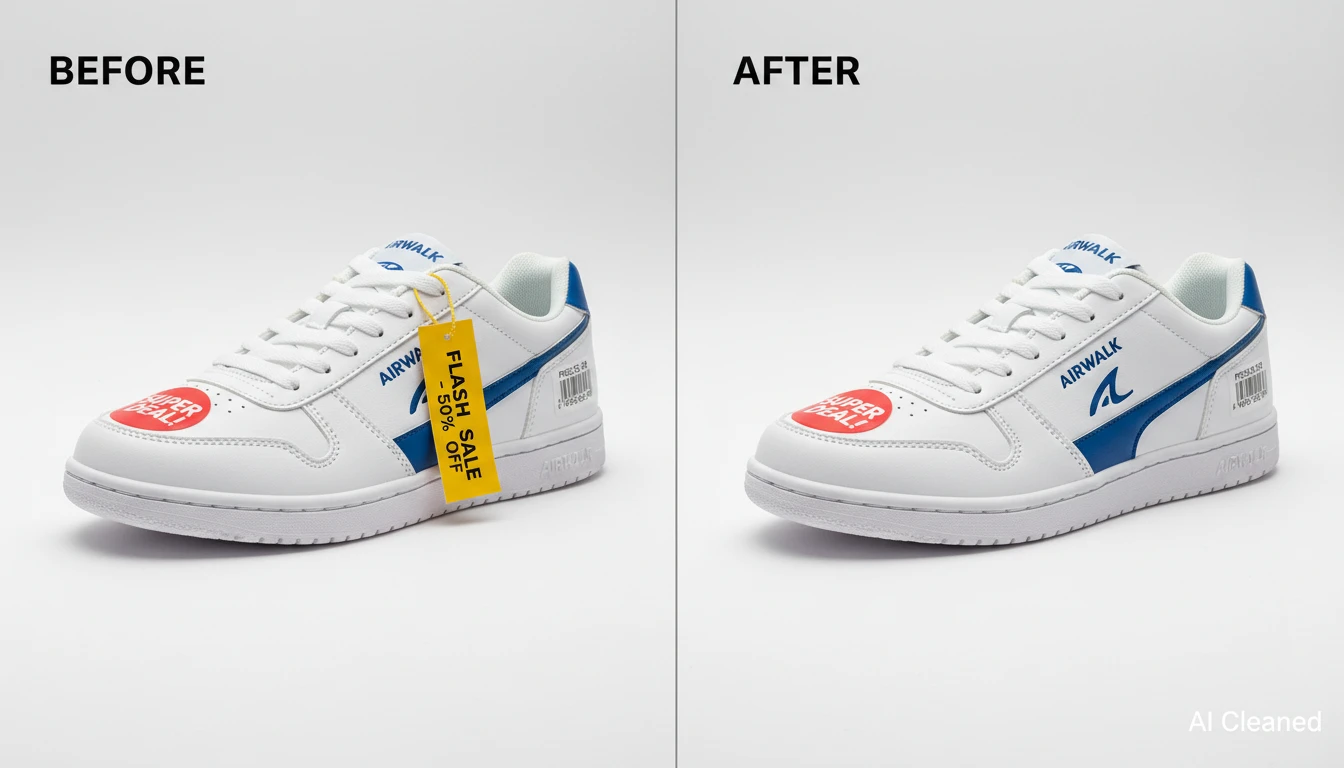
Clean Up Product Photos and E-Commerce Images at Scale
Remove price stickers, sale banners, and draft labels from product images. Prepare clean product shots for marketplace listings, ad creatives, and brand assets without expensive retouching sessions.
Clean Up Product ImagesWho Uses AI Image Text Remover
Photographers and Photo Editors
Remove date stamps from archived photography, clean up client deliverables, and strip overlaid text annotations from images without manual retouching.

Product and Campaign Photos
Remove price stickers, promotional banners, draft stamps, and sale overlays from product photos. Get clean, publication-ready images for ads and catalogs without a retoucher.
Social Media Managers and Content Creators
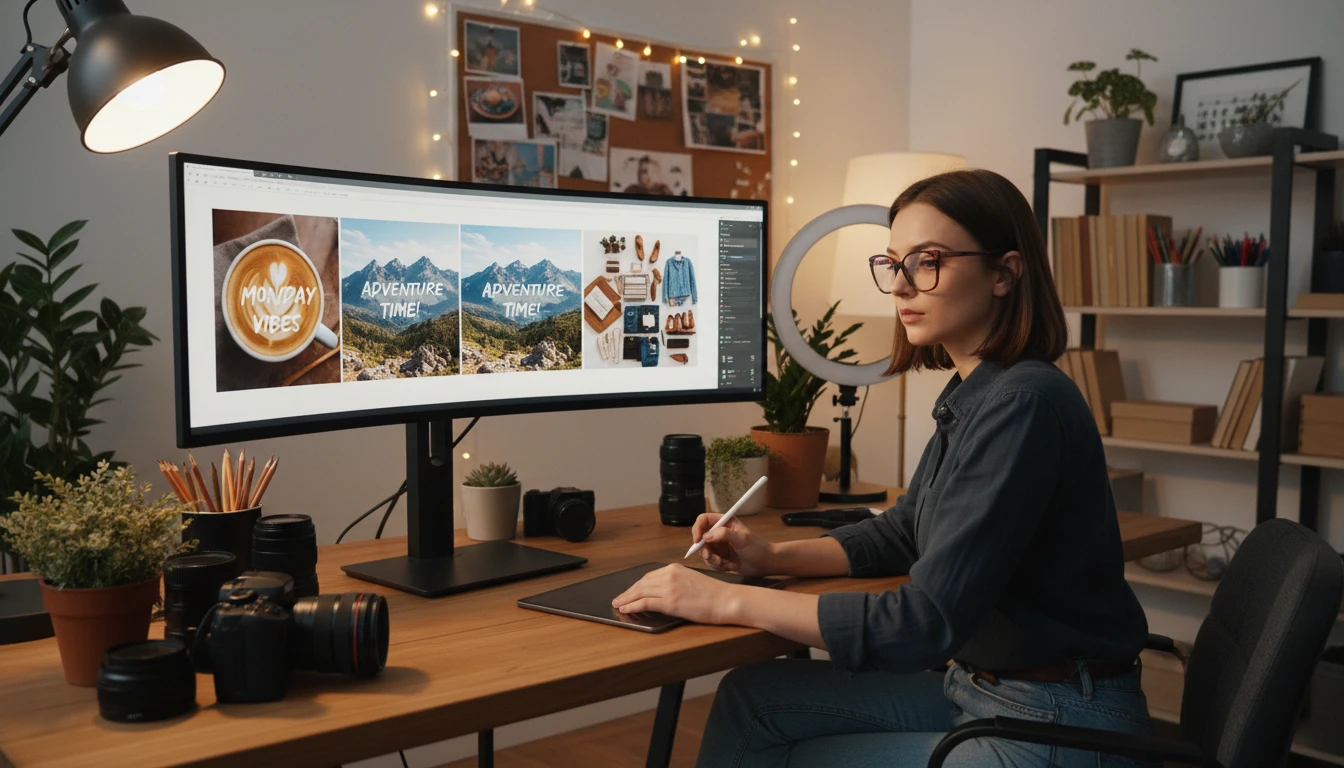
Clean up screenshots for presentations, strip caption overlays from reference images, and remove text overlays when creating new creative assets.

Designers and Marketing Teams
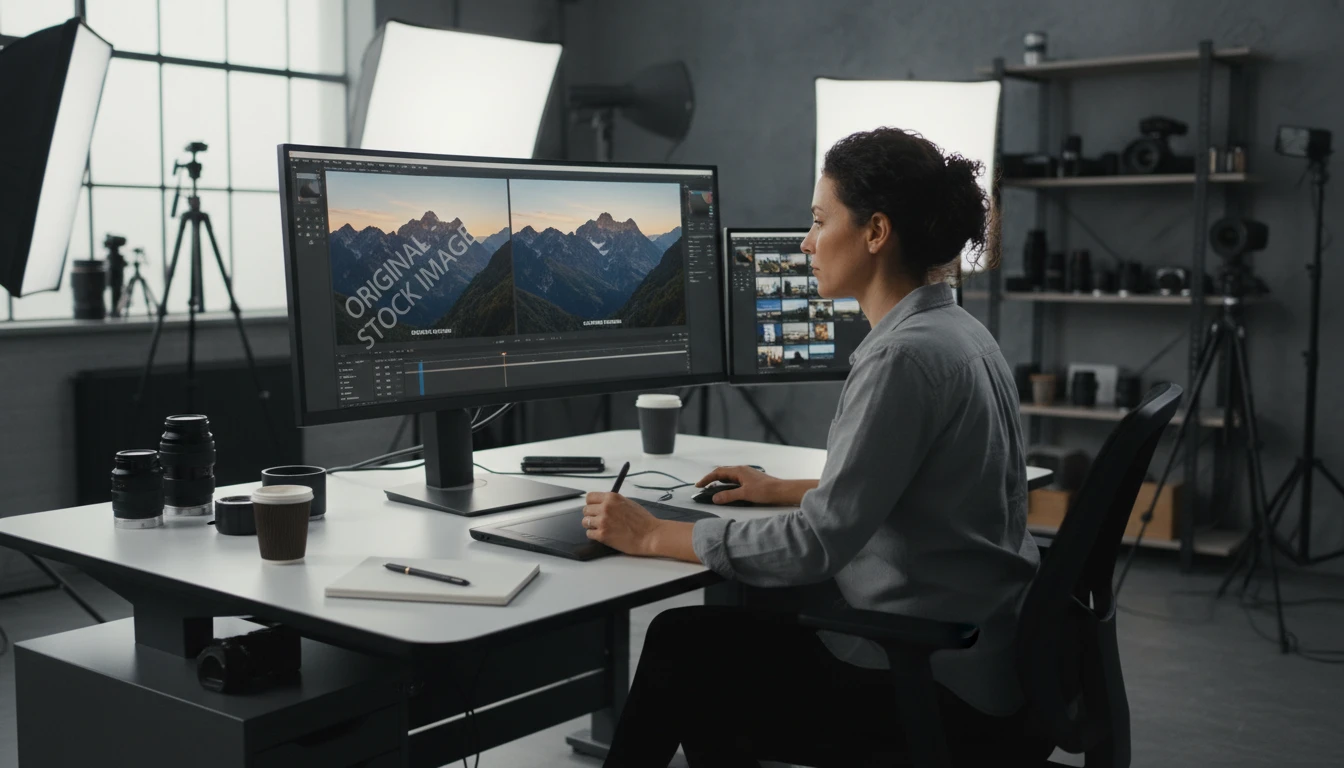
Remove text from stock photos and reference images, clean up mood board images, and prepare clean visual assets for campaigns and presentations.
How to Remove Text from Images
Upload Your Image
Upload the photo, screenshot, or product image containing text you want removed. JPG, PNG, and WebP are supported.
Click Remove Text
Hit the Remove Text button. AI automatically detects every text element, caption, label, and timestamp in the image.
Download Your Clean Image
AI removes all detected text and reconstructs the background seamlessly. Download your clean, text-free image instantly.
Explore More
More AI Studio Tools
Discover other powerful AI tools to enhance your creative workflow
AI Object Remover
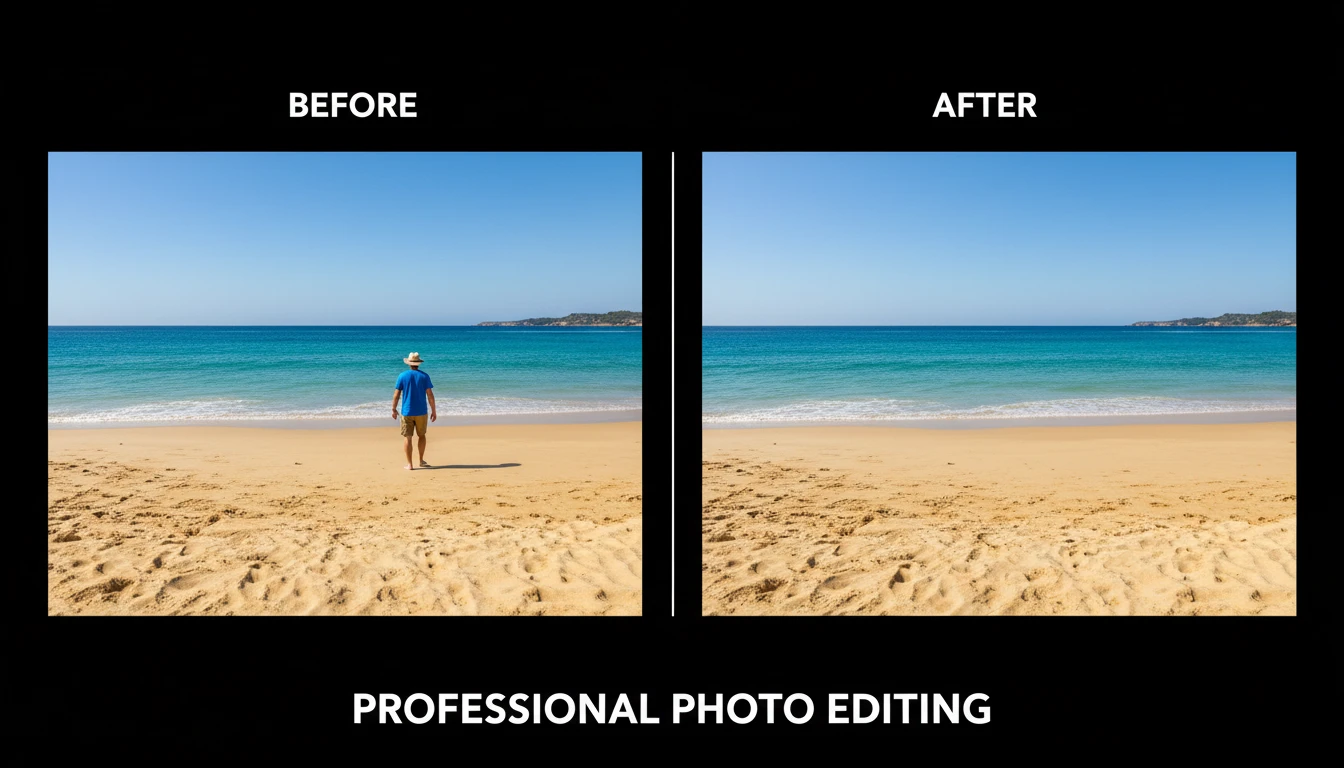
Upload any photo and describe the object, person, or element you want removed. AI erases it and reconstructs the background seamlessly so the result looks untouched. No manual masking, cloning, or Photoshop skills required. Works on people, signs, vehicles, furniture, cables, watermarks, and more.
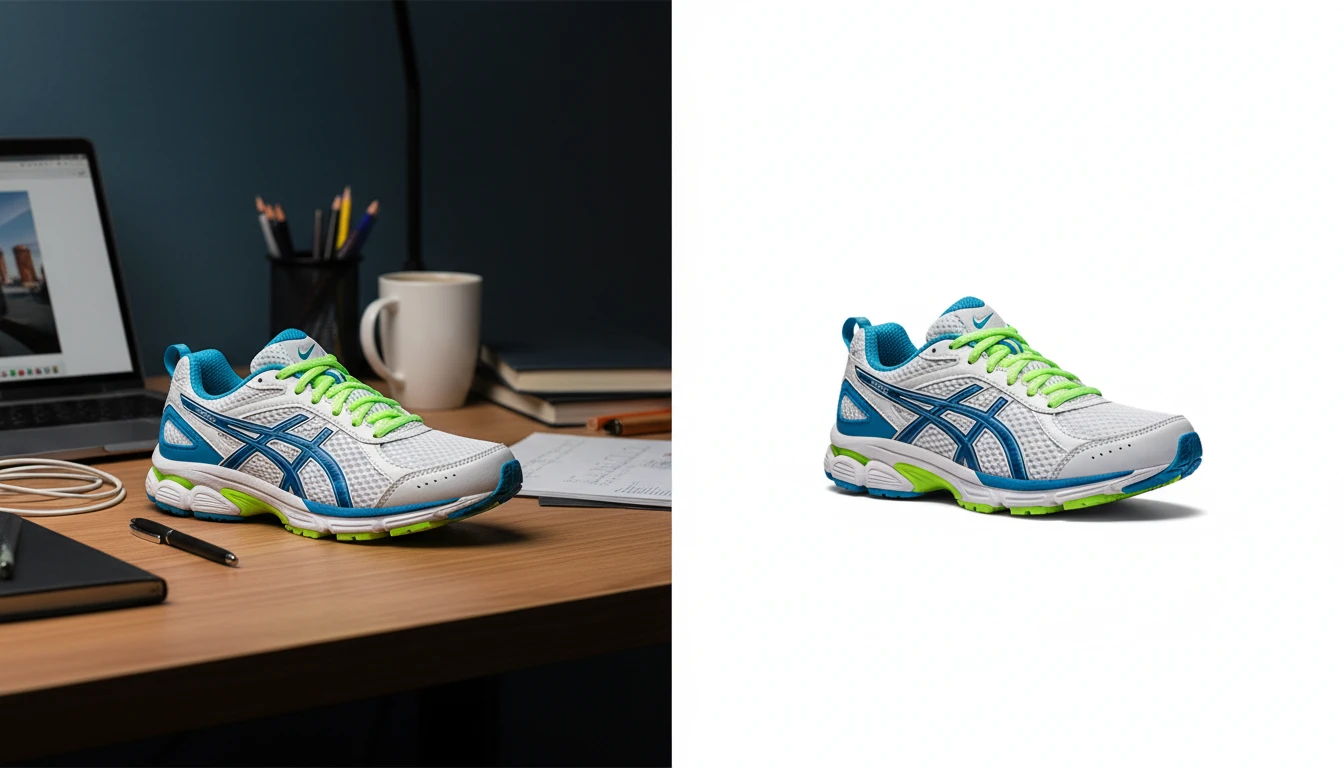
AI Background Remover
Upload any photo or product image and AI removes the background in seconds, delivering a clean transparent PNG. No manual masking required. Ideal for profile photos, marketing materials, and design assets.
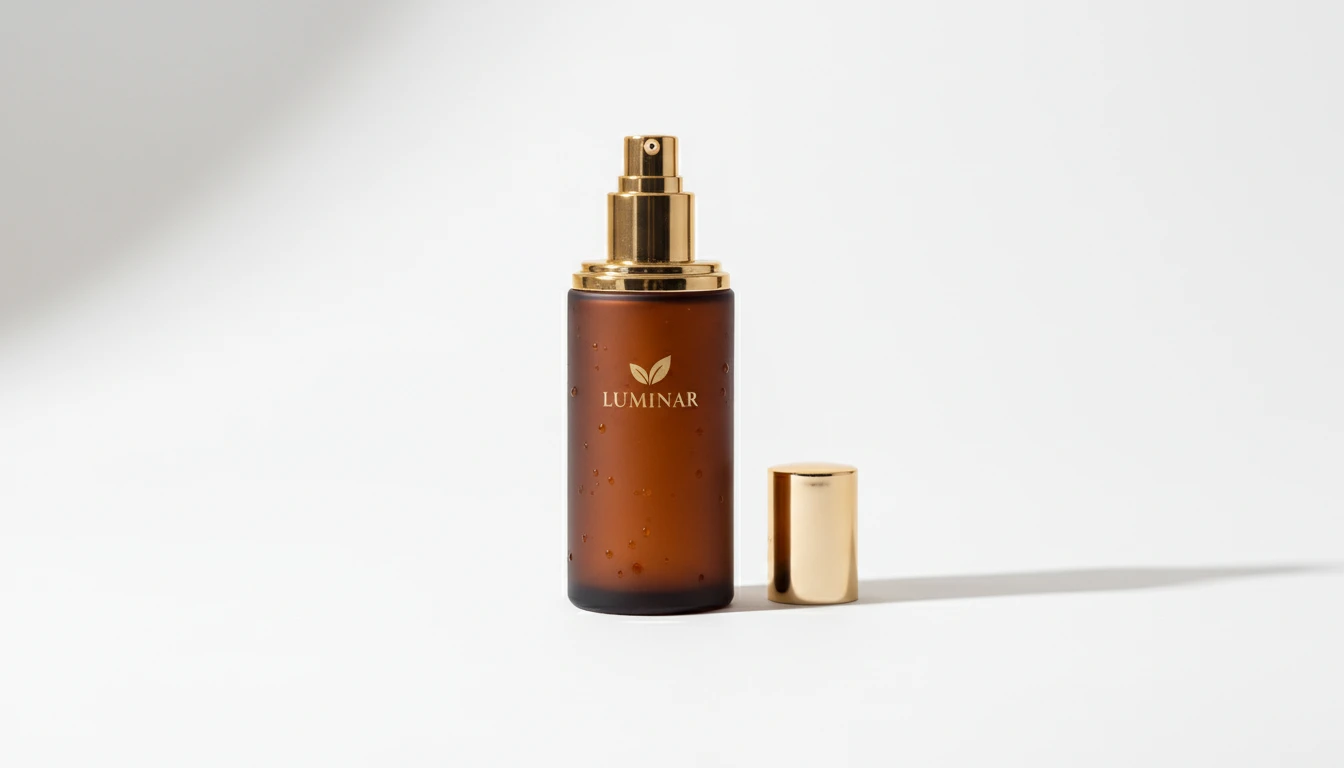
AI Product Photo Editor
Upload any product photo and AI transforms it into a professional e-commerce image. Choose from 13 editing modes including clean white background, soft studio lighting, lifestyle scene placement, flat-lay, luxury dark background, and more. No Photoshop or photography skills required. Results are ready for Amazon, Shopify, Etsy, and social media product listings.
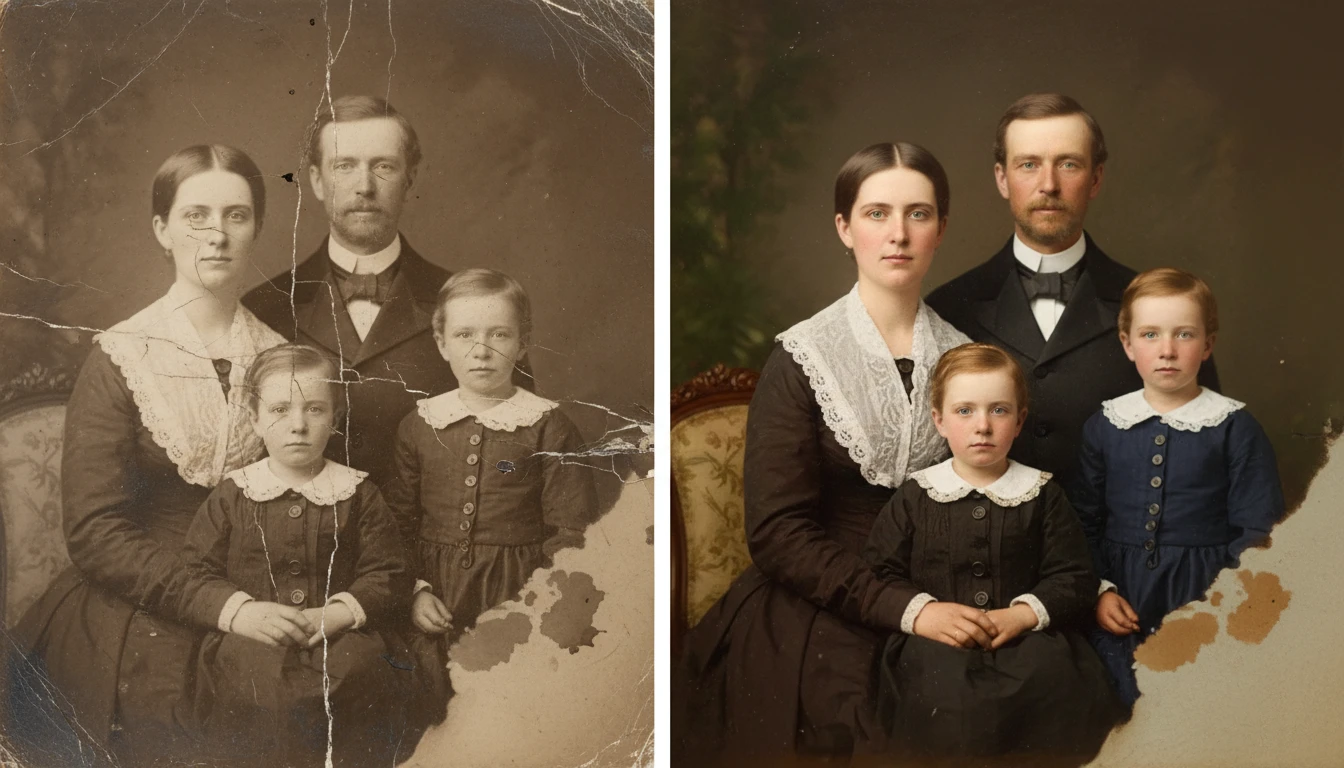
AI Photo Restoration
Restore old and damaged photos with AI. Repair scratches, fix fading, remove noise, and recover lost detail in one click.
Opens in
Image Studio
Frequently Asked Questions
Everything you need to know to get started.
How does AI Image Text Remover work?
Upload any image containing text overlays, captions, timestamps, or labels. AI automatically detects all text in the image, erases it, and reconstructs the background behind it seamlessly.
What types of text can be removed?
The tool removes captions, timestamps, date stamps, price tags, promotional overlays, logo text, watermarks, labels, and any other written elements overlaid on an image.
What image formats are supported?
JPG, PNG, and WebP are all supported. The output is delivered as a high-resolution image with all detected text removed.
What happens if the text is on a complex or patterned background?
AI analyzes the surrounding texture, colors, and patterns to reconstruct the background behind removed text. Results are most seamless on natural and photographic backgrounds; heavily stylized graphics may require manual touch-up.
Remove Text from Your Images Instantly
Sign up free and get 100 credits instantly. Clean up any image in seconds with one click.
Remove TextDisclaimer: This tool uses generative AI technology which may produce content that resembles copyrighted materials or that is inaccurate, incomplete, or out-of-date. It is provided for general information and educational purposes only and is not intended for illegal activities or to replace professional advice, diagnosis, or treatment. Users are solely responsible for how they use the generated content. If you plan to use AI-generated content commercially or publicly, we strongly recommend reviewing it for potential copyright issues and obtaining proper permissions where necessary. We accept no liability for copyright infringement or any other consequences resulting from the use of content generated by this tool.