Remove Any Image Background in Seconds
Upload any photo and get a clean transparent PNG in seconds. No manual masking, no Photoshop required.
Remove Background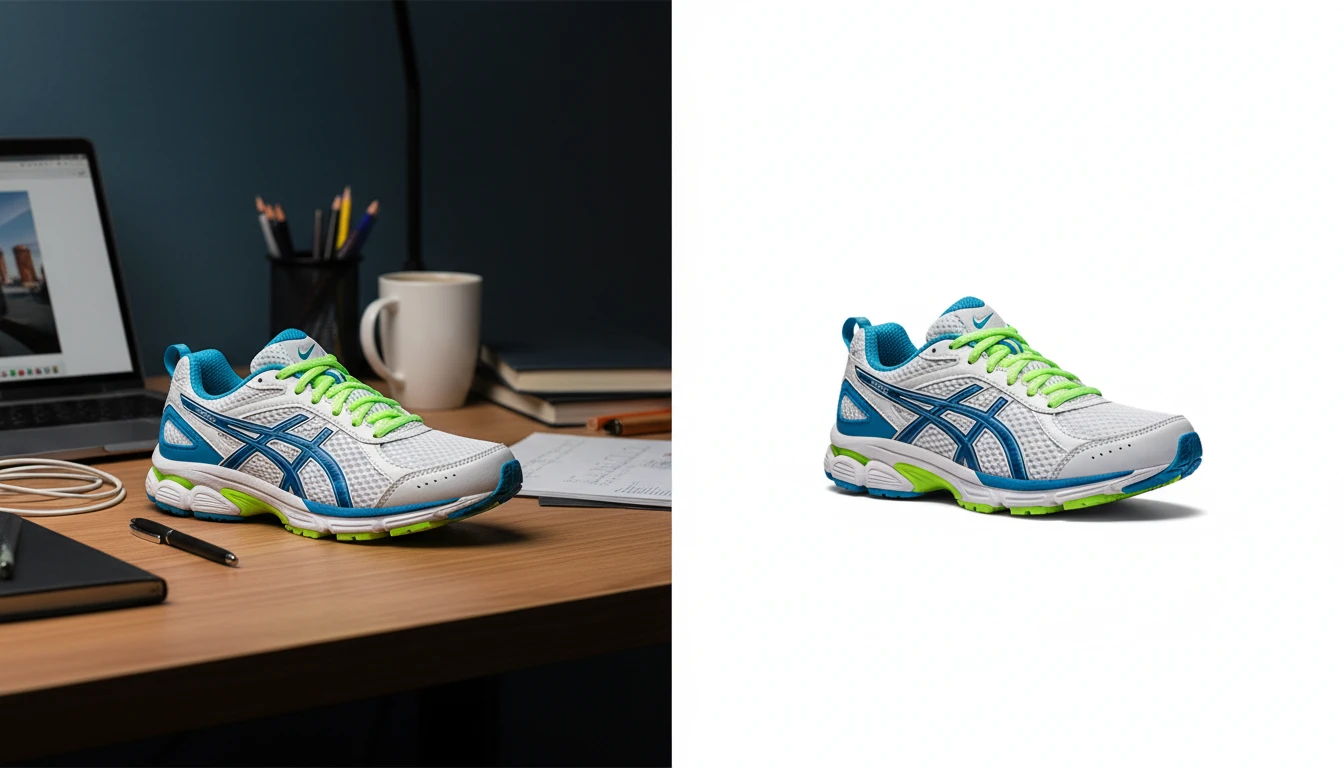
Remove Any Image Background
Add a photo and we'll open AI Image Studio with it ready to cut out the background.
Drag & drop your photo here
or click to browse — JPG, PNG or WebP, up to 15MB
Your photo is used only to remove its background.
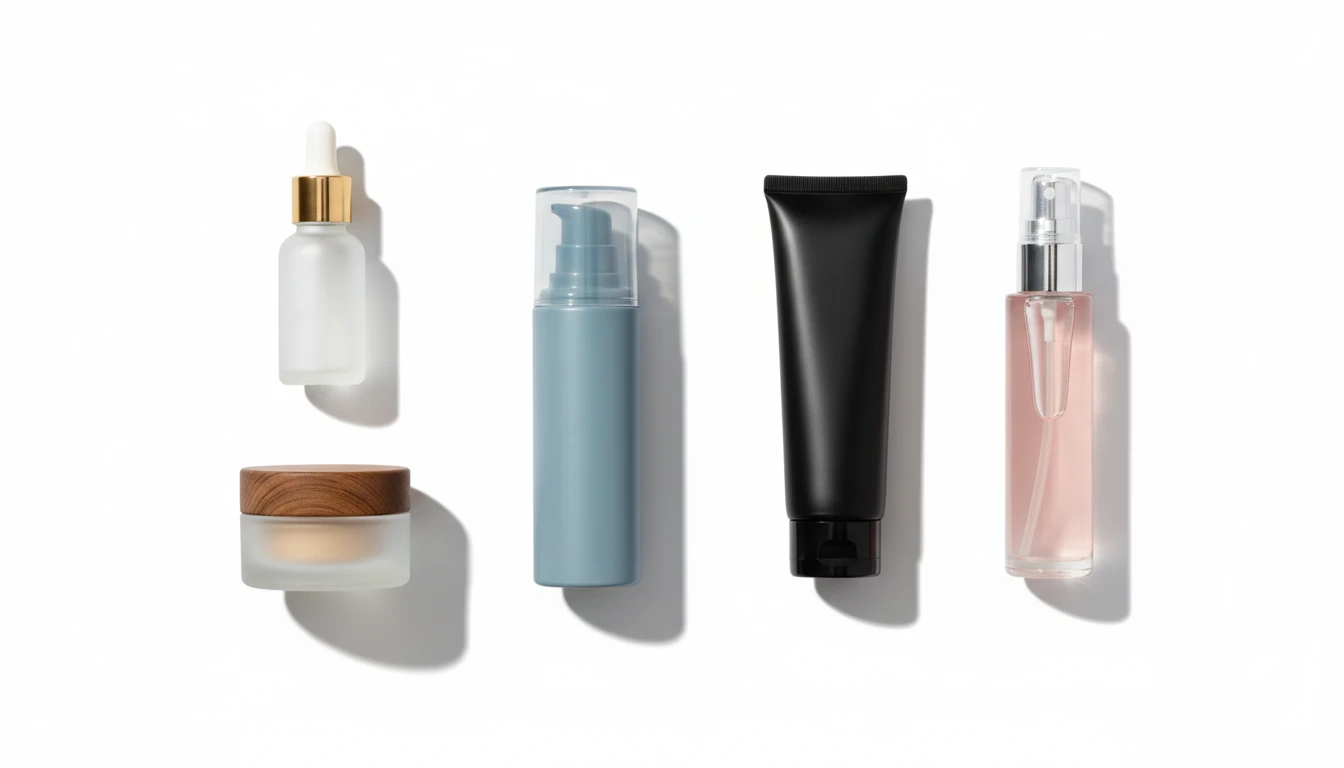
Remove Product Backgrounds for Better E-Commerce Sales
Background removal for product photos creates the clean white images that Amazon, Shopify, and Etsy require. Remove any product background in one click and ship listings that convert.
Remove Product Backgrounds
Create Professional Headshots with Background Removal
No reshoots needed. Use our photo background remover to swap any cluttered selfie background for a clean, neutral backdrop. Perfect for LinkedIn, your resume, or a company bio.
Remove My Background Now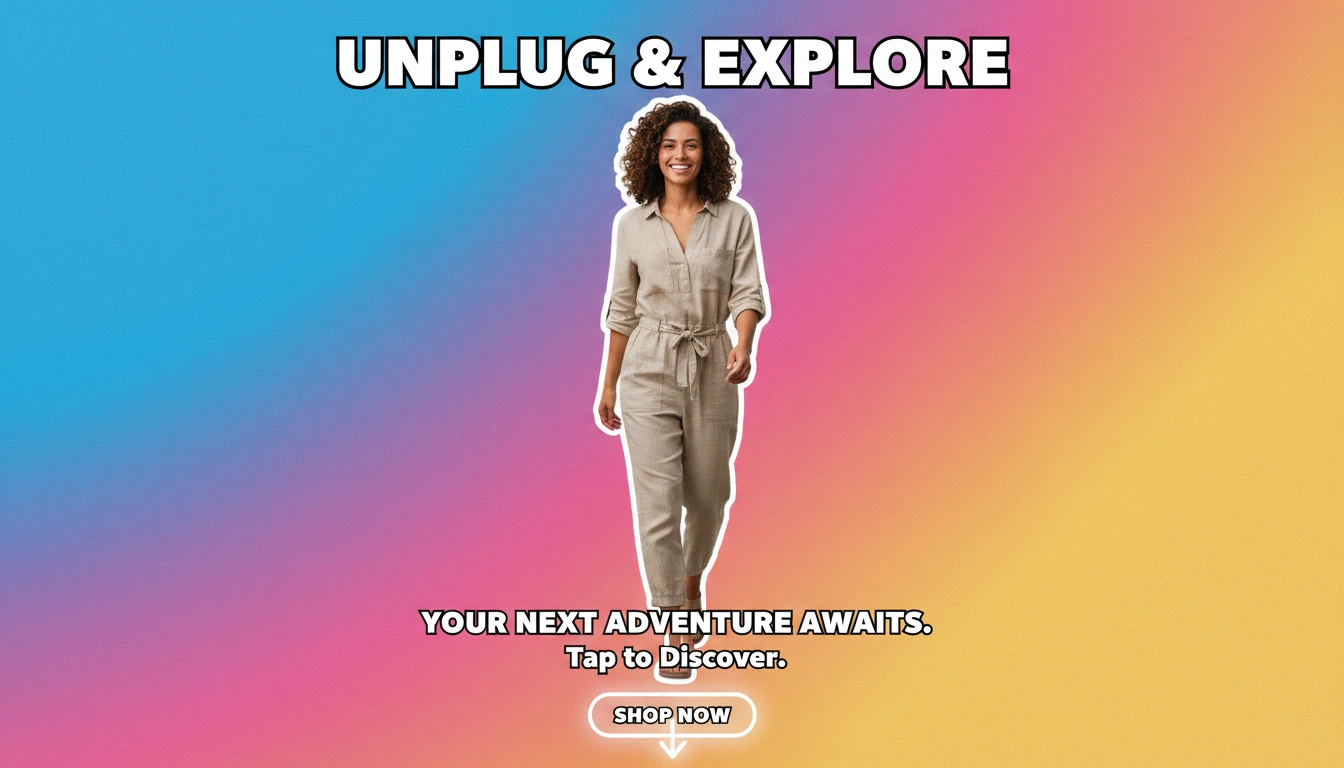
Remove Image Backgrounds for Social Media Content
Isolate any subject with our background eraser in seconds and place them on any background you choose. Build eye-catching ads, Story graphics, and product creatives at scale.
Try Background Remover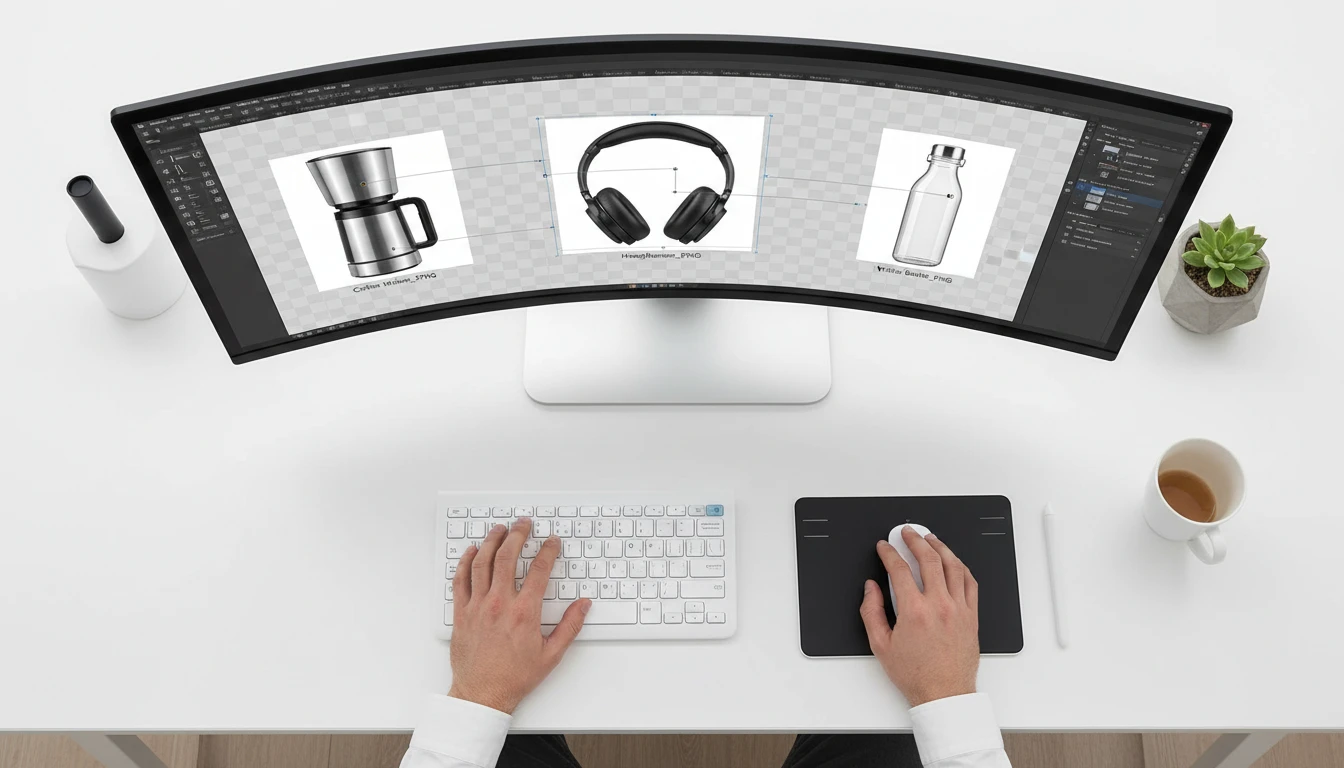
Best Uses for Our AI Background Remover

Online Store Owners
Remove image backgrounds to meet marketplace standards for Amazon, Etsy, and Shopify automatically. Every product photo becomes a clean, professional transparent PNG in one click.

Marketing Teams
Use background removal to assemble campaign visuals in minutes. Lift subjects from any photo, place them on branded backgrounds, and produce ad-ready creatives at scale.
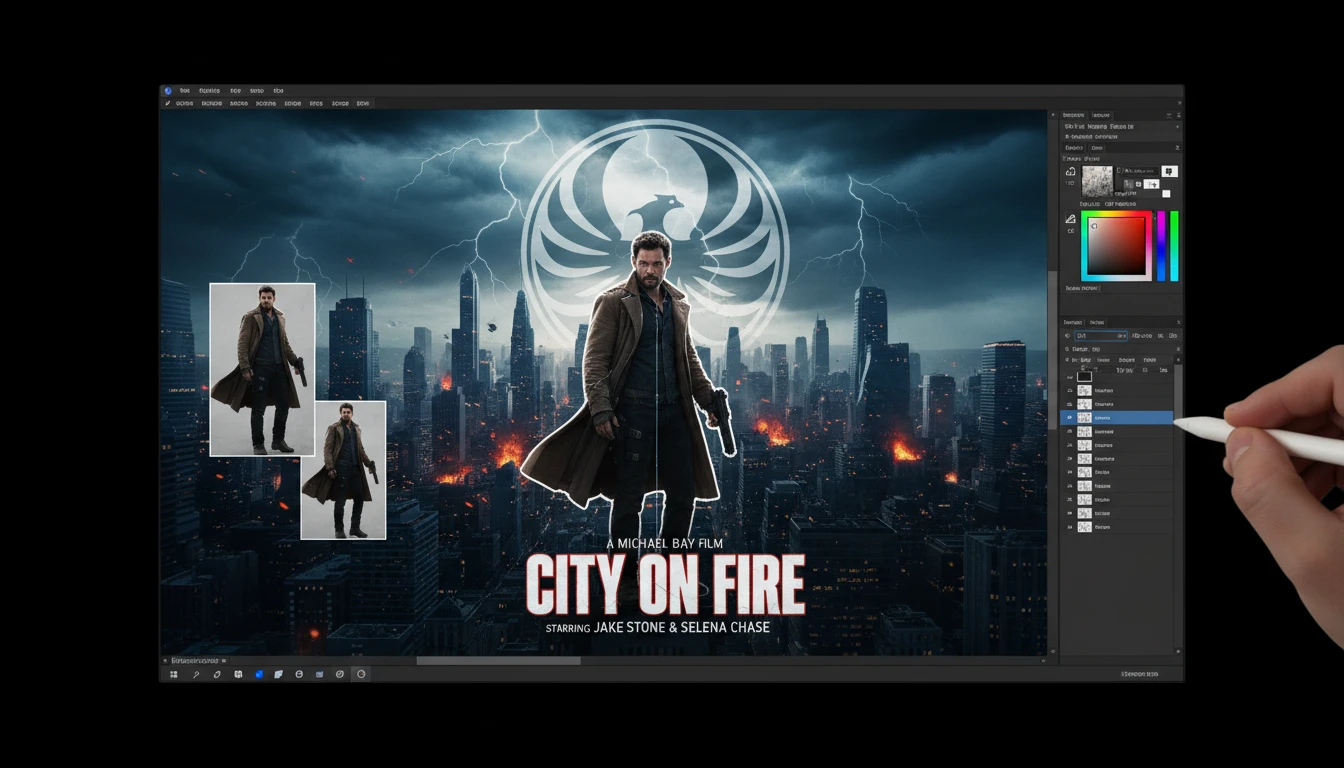
Movie Poster Designers
Remove backgrounds from actor and object photos to composite them into dramatic key art and thumbnail designs. No green screen or studio setup needed.
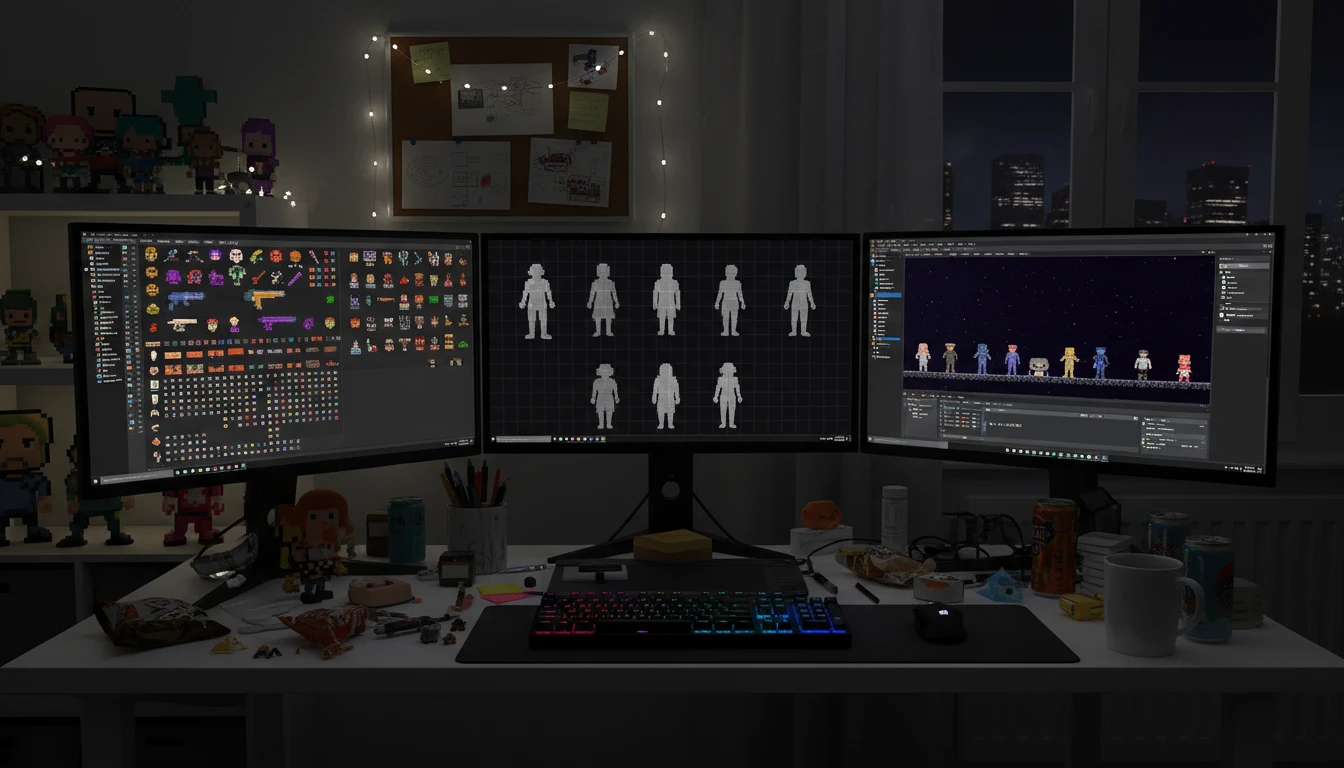
Game Developers
Use our background eraser to turn reference photos and concept sketches into clean sprite sheets and transparent game assets. Cut production time without sacrificing quality.
How to Remove Image Backgrounds with AI
Upload Your Image
Drag and drop any JPG, PNG, or WEBP into the background remover tool, or click to browse. Works with any image, any size.
AI Removes the Background
AI isolates the subject and strips the background in seconds.
Download Your Transparent PNG
Your background-free cutout is ready to download immediately. Drop it onto any new background and it will look like it was always there.
Explore More
More AI Studio Tools
Discover other powerful AI tools to enhance your creative workflow
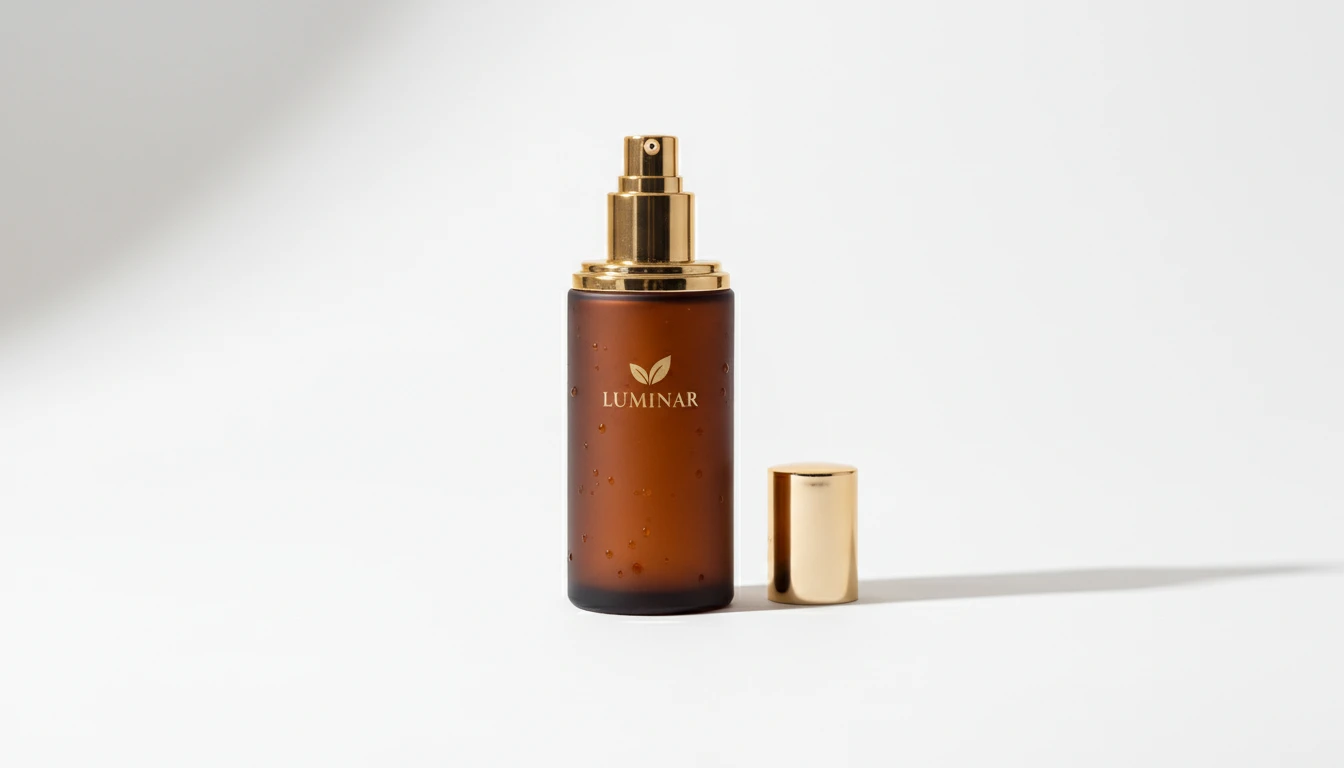
AI Product Photo Editor
Upload any product photo and AI transforms it into a professional e-commerce image. Choose from 13 editing modes including clean white background, soft studio lighting, lifestyle scene placement, flat-lay, luxury dark background, and more. No Photoshop or photography skills required. Results are ready for Amazon, Shopify, Etsy, and social media product listings.
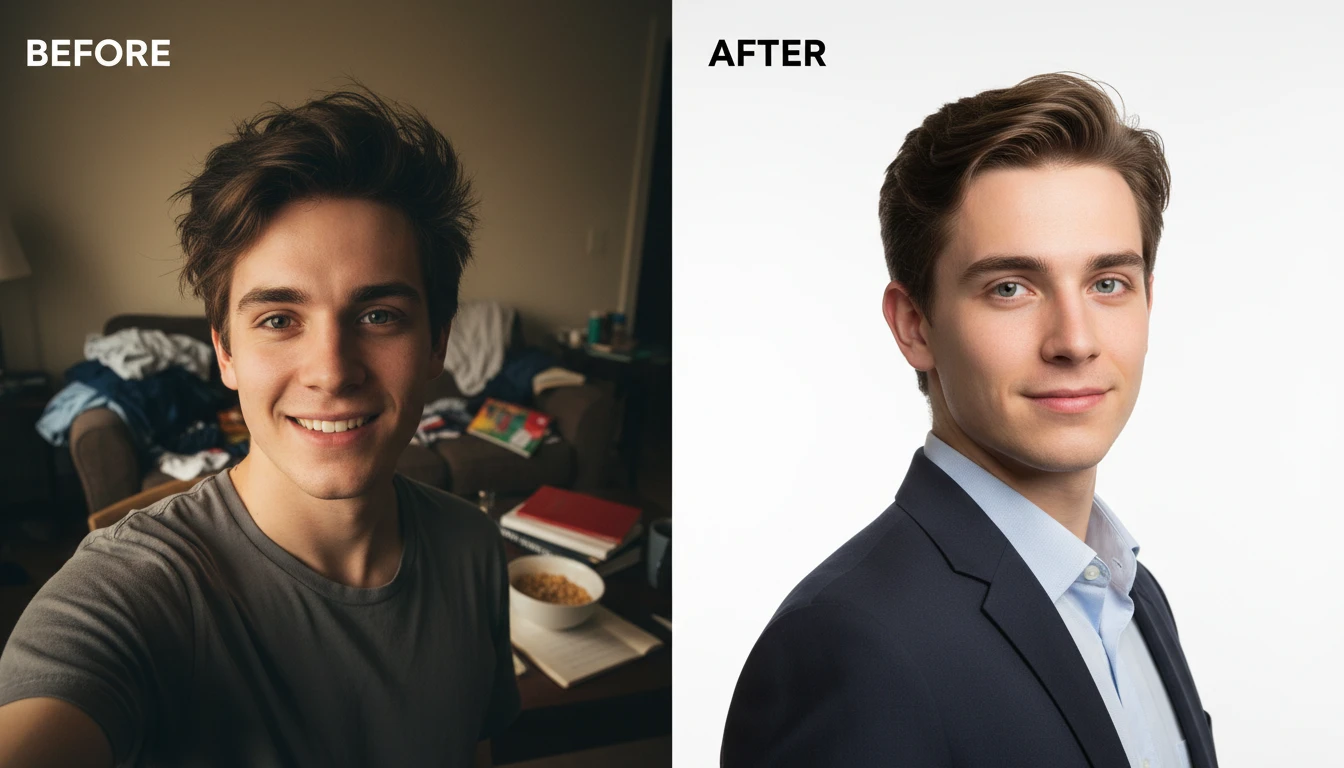
AI Profile Photo Maker
Transform any portrait photo with a new professional background. Studio white, gradient, office blur, outdoor, dark professional, and more styles.
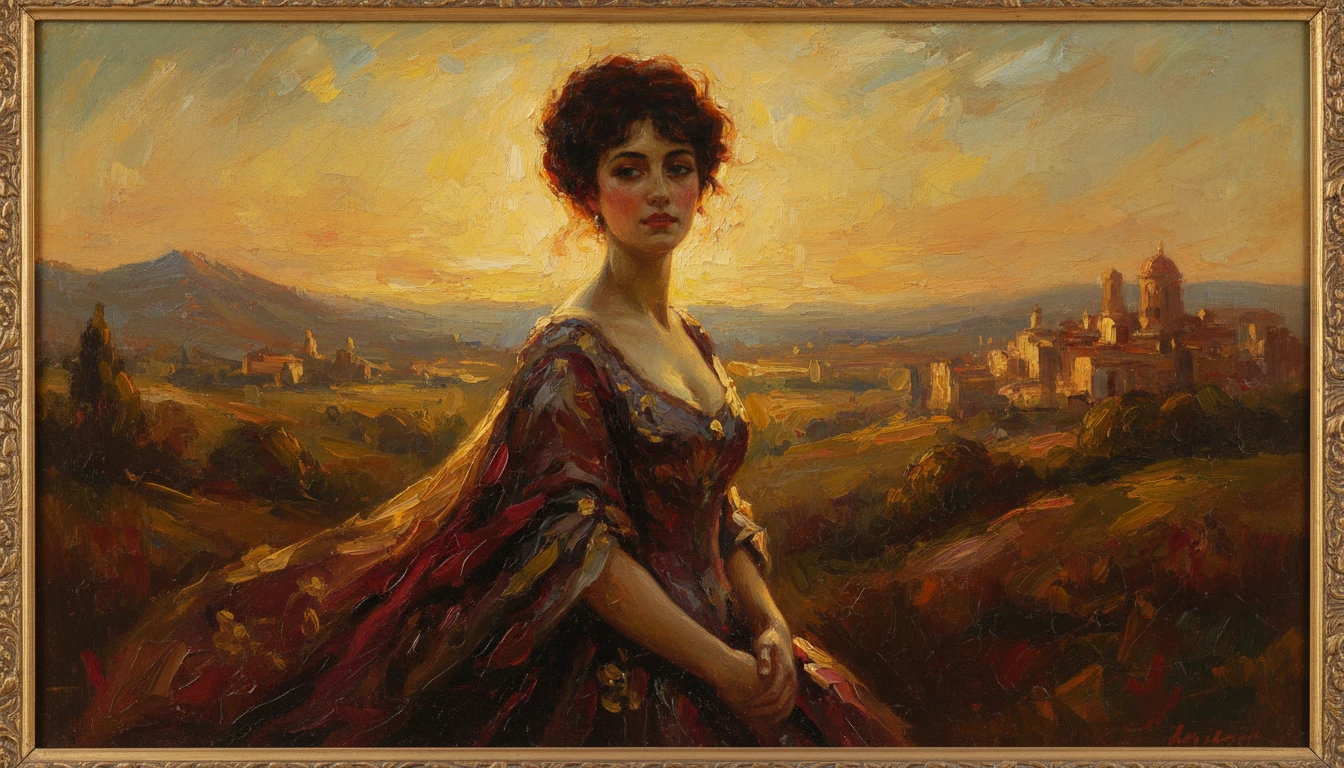
AI Photo to Art
Upload any photo and AI reimagines it as a handcrafted work of fine art. Choose from 20 artistic styles including Oil Painting, Watercolor, Impressionist, Pencil Sketch, Charcoal, Japanese Ukiyo-e, Surrealism, Stained Glass, Renaissance, Baroque, and more. Each result is generated to look like a real artwork created by hand, not a digital photo filter. Supports portraits, landscapes, still life, and architectural subjects.

AI Professional Headshot Generator
Upload any casual portrait and AI generates a studio-quality professional headshot in seconds. Choose from 14 styles including LinkedIn Profile, Corporate Business, Executive Portrait, Creative Professional, Tech Startup, Real Estate Agent, and Personal Brand. No photographer, studio, or scheduling required. Supports a wide range of ages, genders, and professional contexts.
Opens in
Image Studio
Frequently Asked Questions
Everything you need to know to get started.
How does the AI Background Remover work?
Upload any photo and AI automatically detects the subject, separates it from the background, and delivers a clean transparent PNG in seconds. No manual selection or masking needed.
What image formats does the background remover support?
You can upload JPG, PNG, and WebP images. The output is always a transparent PNG with the background cleanly removed.
How good is the edge detection on hair, fur, and fine details?
Edge detection is built for hair, fur, and fine details so cutouts stay clean.
What type of photo gives the best background removal result?
Photos with clear contrast between the subject and background work best. A single subject against a plain or uncluttered background will give the sharpest, cleanest cutout.
Start Removing Backgrounds Today
Sign up free and get 100 credits instantly. See why thousands of creators, sellers, and designers use RauGen as their go-to AI background remover.
Remove a Background NowDisclaimer: This tool uses generative AI technology which may produce content that resembles copyrighted materials or that is inaccurate, incomplete, or out-of-date. It is provided for general information and educational purposes only and is not intended for illegal activities or to replace professional advice, diagnosis, or treatment. Users are solely responsible for how they use the generated content. If you plan to use AI-generated content commercially or publicly, we strongly recommend reviewing it for potential copyright issues and obtaining proper permissions where necessary. We accept no liability for copyright infringement or any other consequences resulting from the use of content generated by this tool.