Replace Your Profile Photo Background Instantly
Upload any portrait and AI swaps the background in seconds. Studio, gradient, office, outdoor, or dark professional backdrops. Perfect for LinkedIn and social media.
Create Your Profile Photo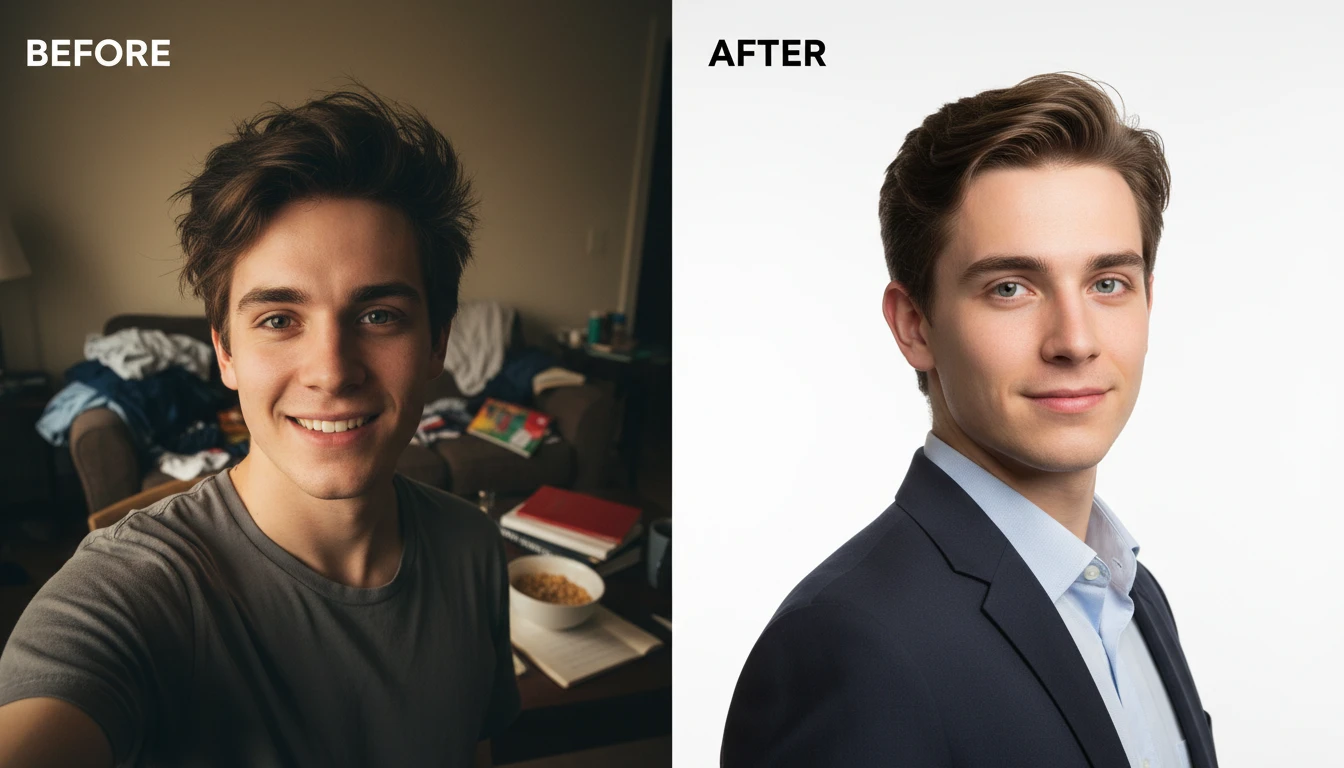
Put Any Portrait on a New Backdrop
We'll open AI Face Studio next so you can pick a backdrop and make a square profile photo.
Drag & drop your portrait here
A clear front-facing photo works best — JPG, PNG or WebP, up to 15MB
Your photo is used only to generate the profile photo for you.
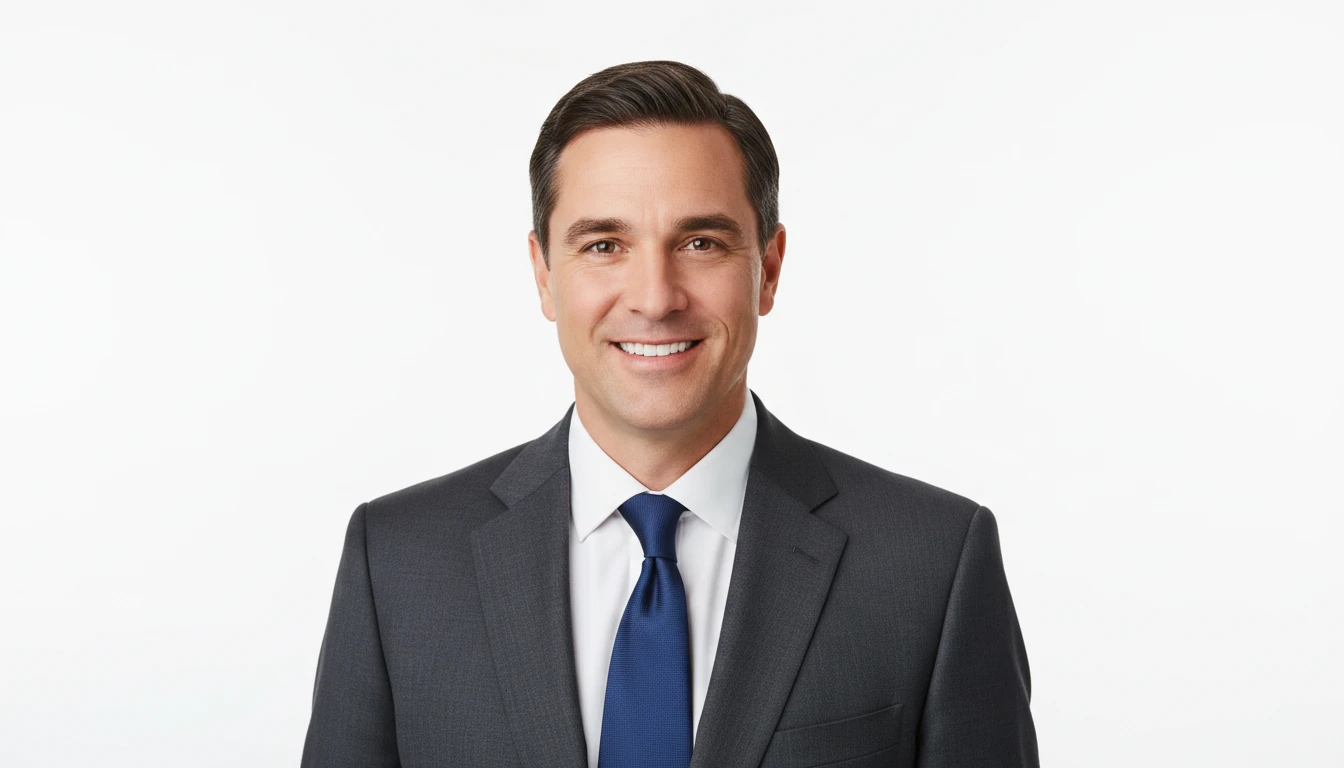
Studio White and Gradient Backgrounds
Replace any background with a clean studio white or soft gradient. The most professional and versatile options for LinkedIn, corporate directories, and business websites.
Create a Studio Profile Photo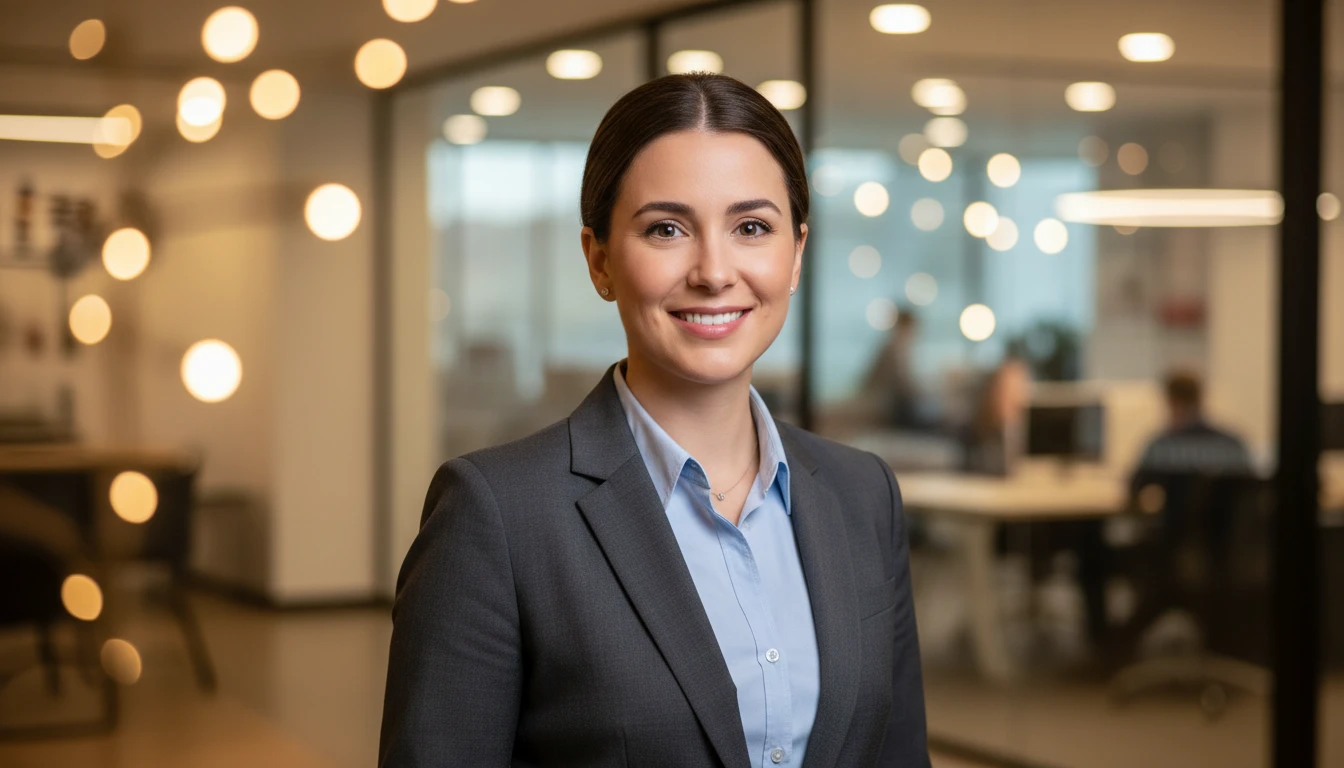
Office and Environment Backgrounds
Place yourself in a blurred modern office, creative studio, or natural outdoor setting. The shallow-focus effect keeps you sharp while creating a realistic professional context.
Create an Office Background Photo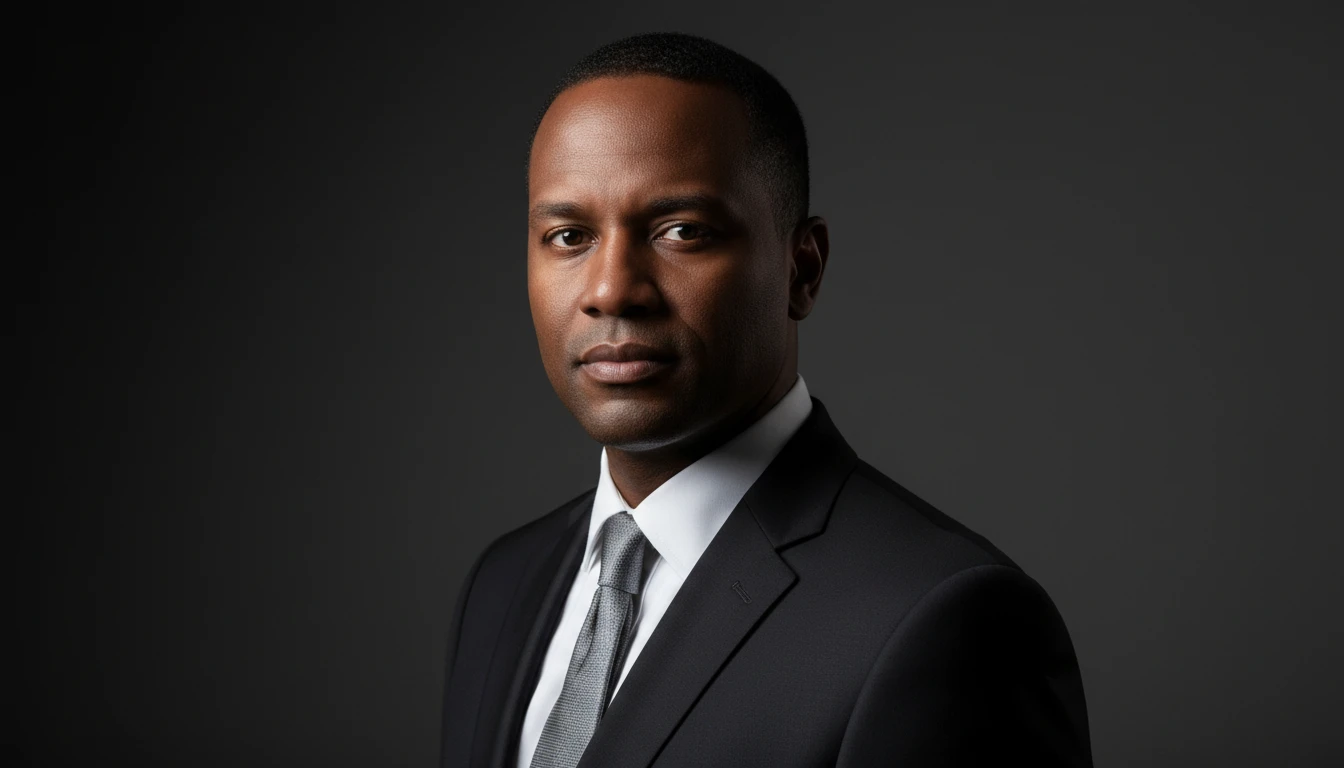
Dark Professional and Executive Backgrounds
A deep charcoal background with dramatic directional lighting gives a premium, executive quality that stands out on LinkedIn and corporate profiles.
Create a Dark Professional Photo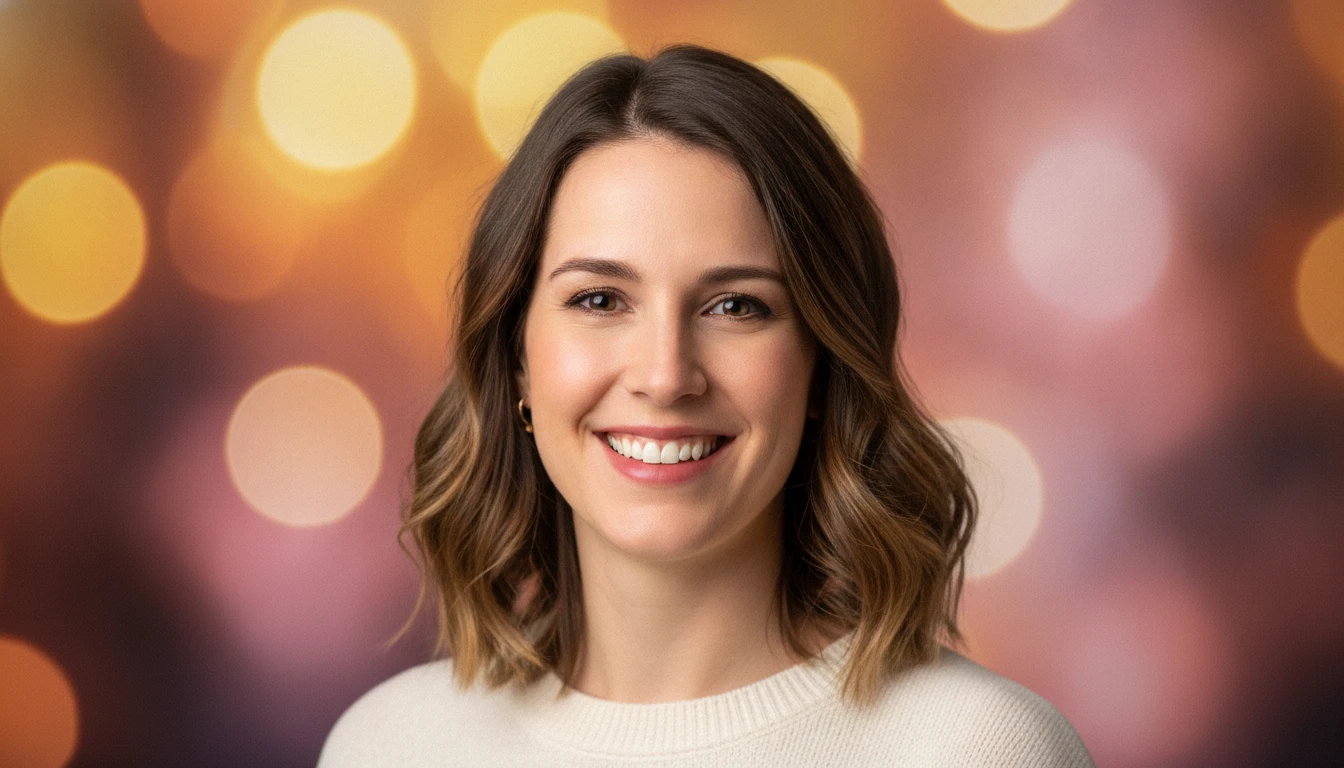
Creative and Colorful Backgrounds
Stand out with soft colorful bokeh, gradient purple, and creative backgrounds. Ideal for creative professionals, artists, designers, and social media profiles.
Create a Creative Profile PhotoWho Uses AI Profile Photo Maker
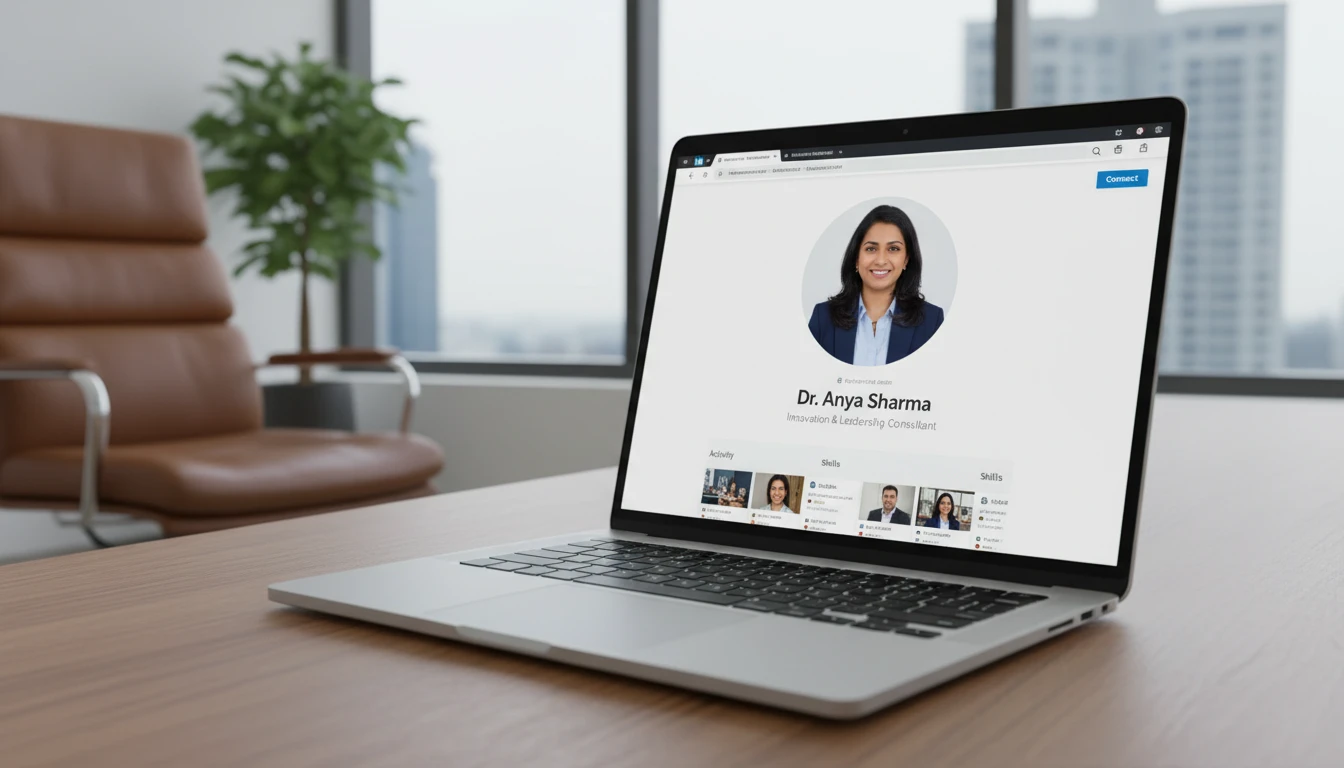
LinkedIn and Professional Networking
A clean, professional background makes your LinkedIn profile stand out. Recruiters and clients form their first impression from your profile photo. Make it count.
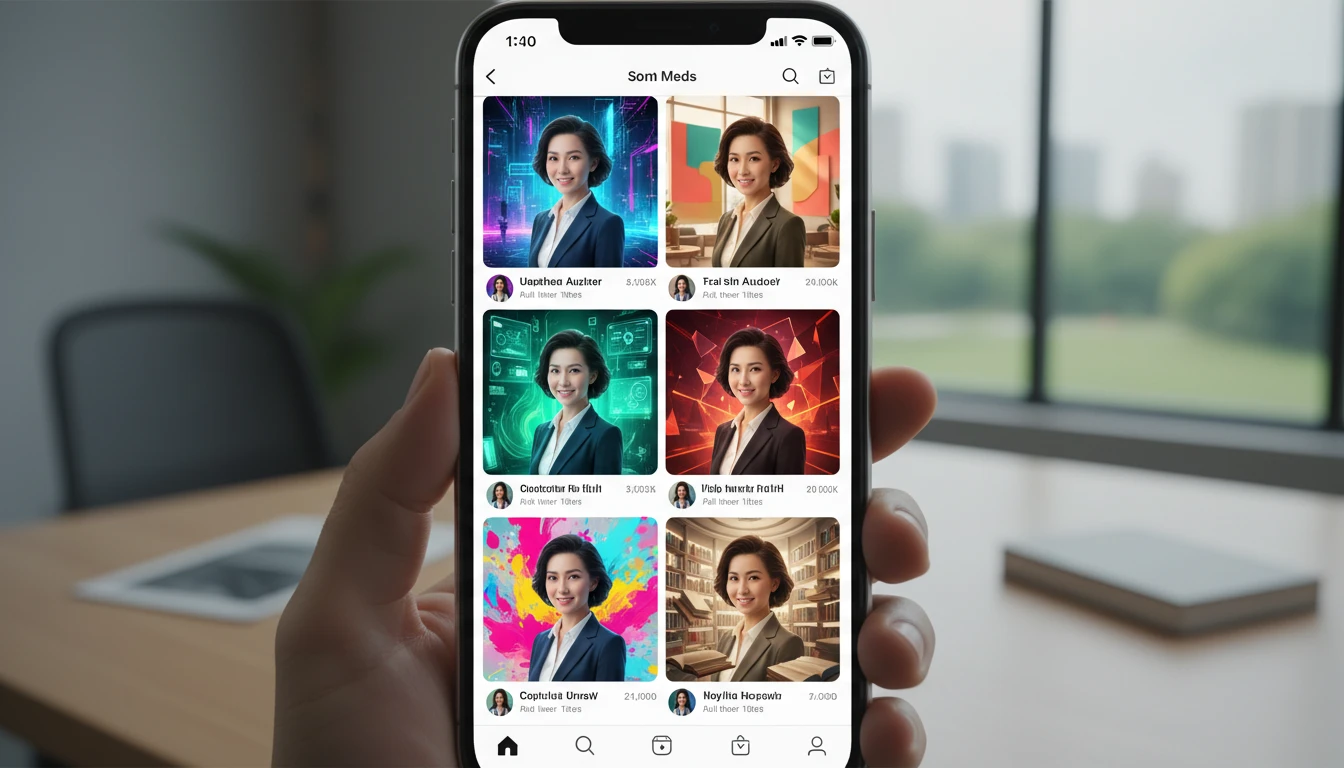
Social Media Profiles
Make your Instagram, Twitter, Facebook, and TikTok profile photos pop. A distinctive background creates instant visual identity across all your social channels.
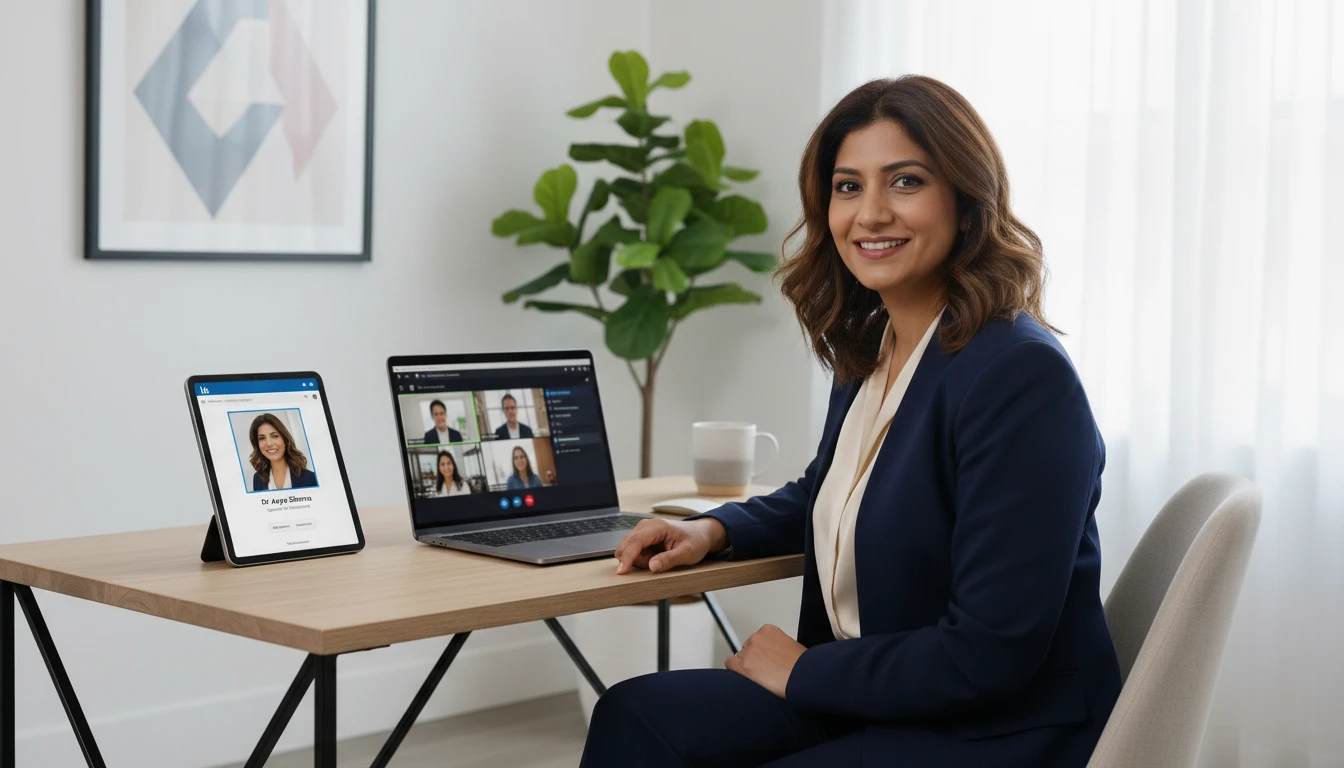
Video Calls and Virtual Meetings
Create a consistent, professional virtual headshot for Zoom, Teams, and Google Meet profile pictures. Clean backgrounds project confidence and credibility in every call.

Job Applications and Resumes
Many international job applications and CVs require a professional profile photo. A studio-quality background transforms any selfie into a credible, interview-ready portrait.
How to Create Your AI Profile Photo
Get a stunning professional profile photo in three simple steps
Choose a Background
Pick from White, Gray, Blue, Purple, Office, Outdoor, Dark, or Creative.
Upload Your Portrait
Select any portrait photo from your device. A clear, front-facing shot with good lighting produces the best results. Selfies, casual photos, and photos with cluttered backgrounds all work.
Create the Profile Photo
AI keeps your face and clothing the same and swaps in the new backdrop as a square profile photo you can download.
Explore More
More AI Studio Tools
Discover other powerful AI tools to enhance your creative workflow
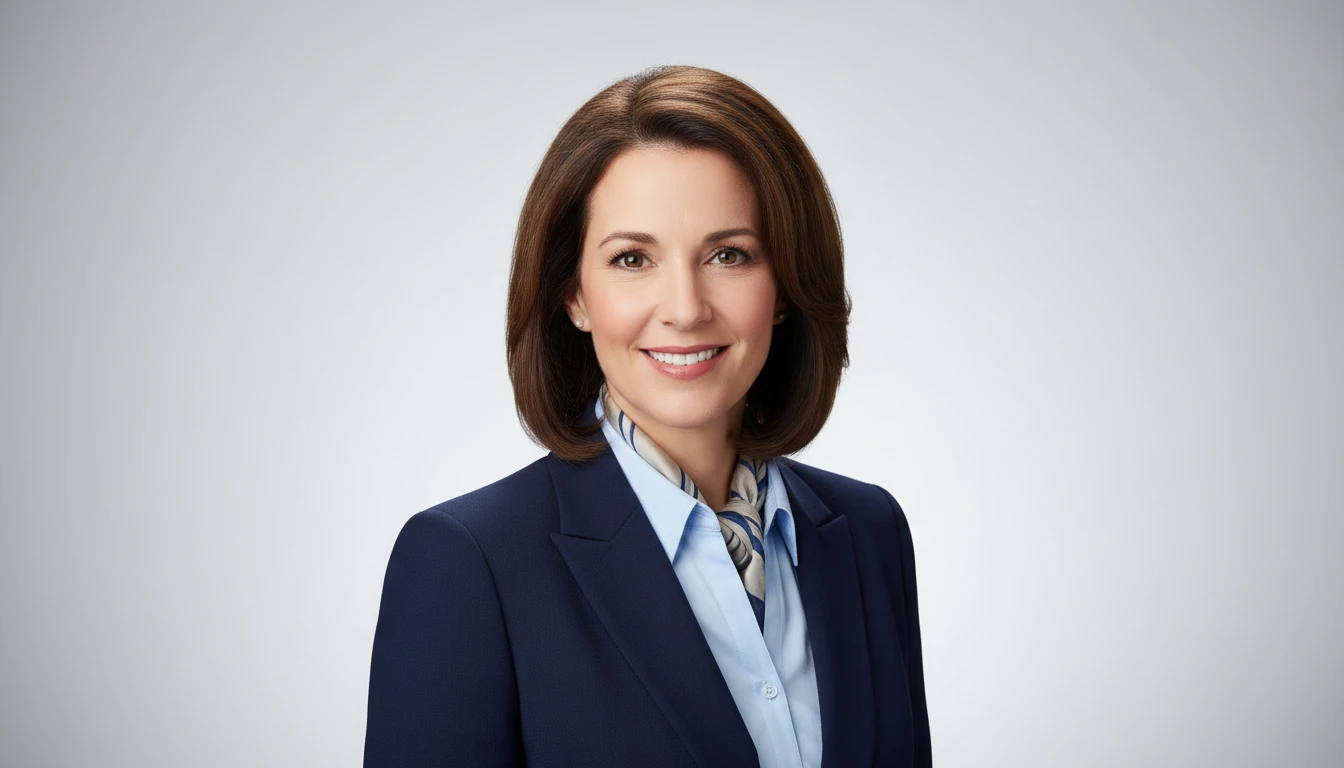
AI Professional Headshot Generator
Upload any casual portrait and AI generates a studio-quality professional headshot in seconds. Choose from 14 styles including LinkedIn Profile, Corporate Business, Executive Portrait, Creative Professional, Tech Startup, Real Estate Agent, and Personal Brand. No photographer, studio, or scheduling required. Supports a wide range of ages, genders, and professional contexts.
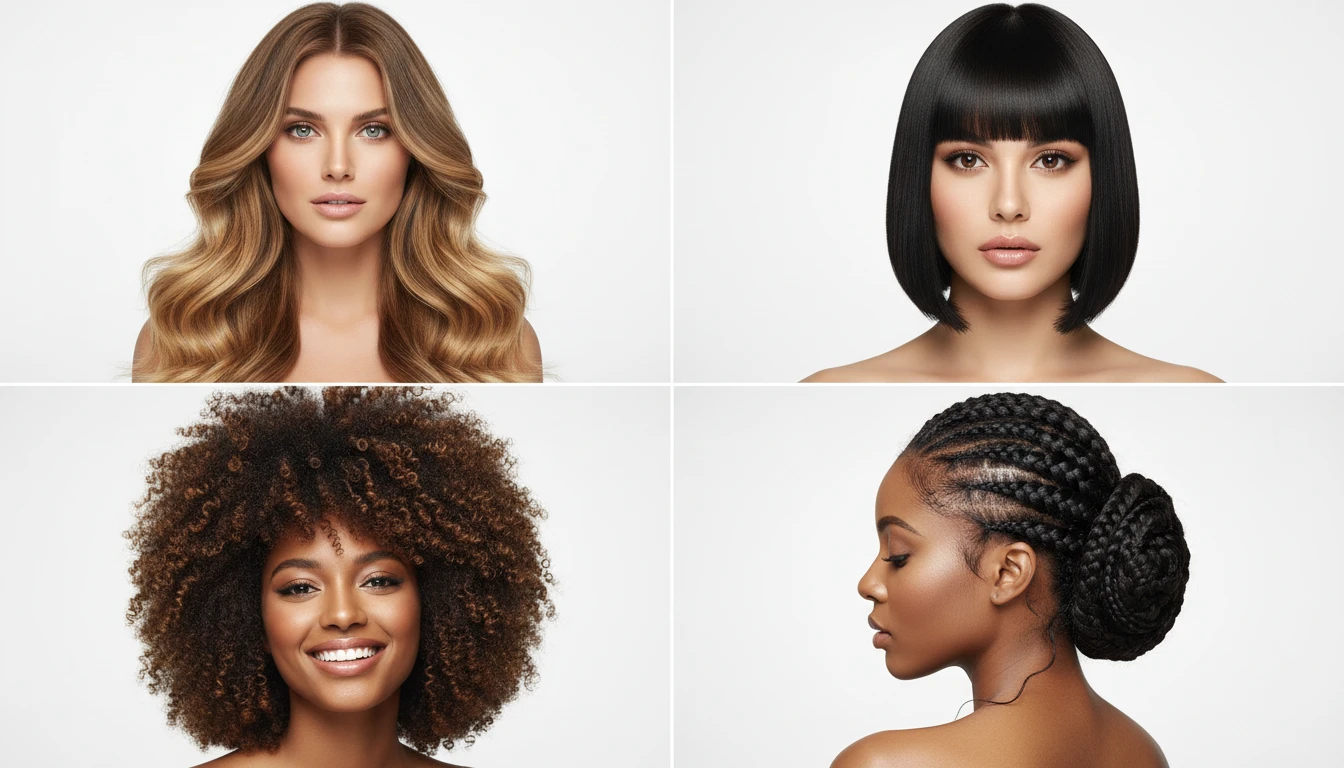
AI Hairstyle Generator
Generate photorealistic hairstyle portraits from text descriptions. Long layers, beach waves, bob, pixie, curly, braids, updo, balayage, and more styles.
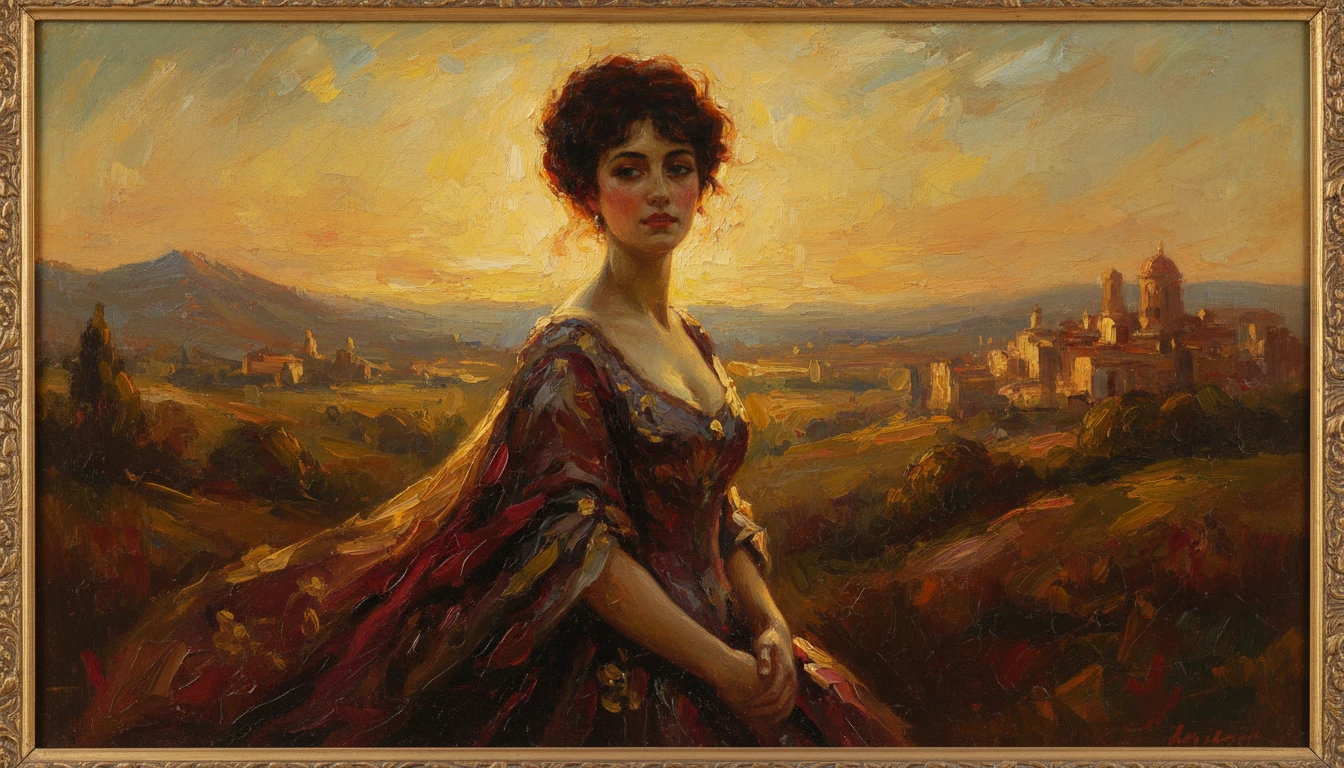
AI Photo to Art
Upload any photo and AI reimagines it as a handcrafted work of fine art. Choose from 20 artistic styles including Oil Painting, Watercolor, Impressionist, Pencil Sketch, Charcoal, Japanese Ukiyo-e, Surrealism, Stained Glass, Renaissance, Baroque, and more. Each result is generated to look like a real artwork created by hand, not a digital photo filter. Supports portraits, landscapes, still life, and architectural subjects.
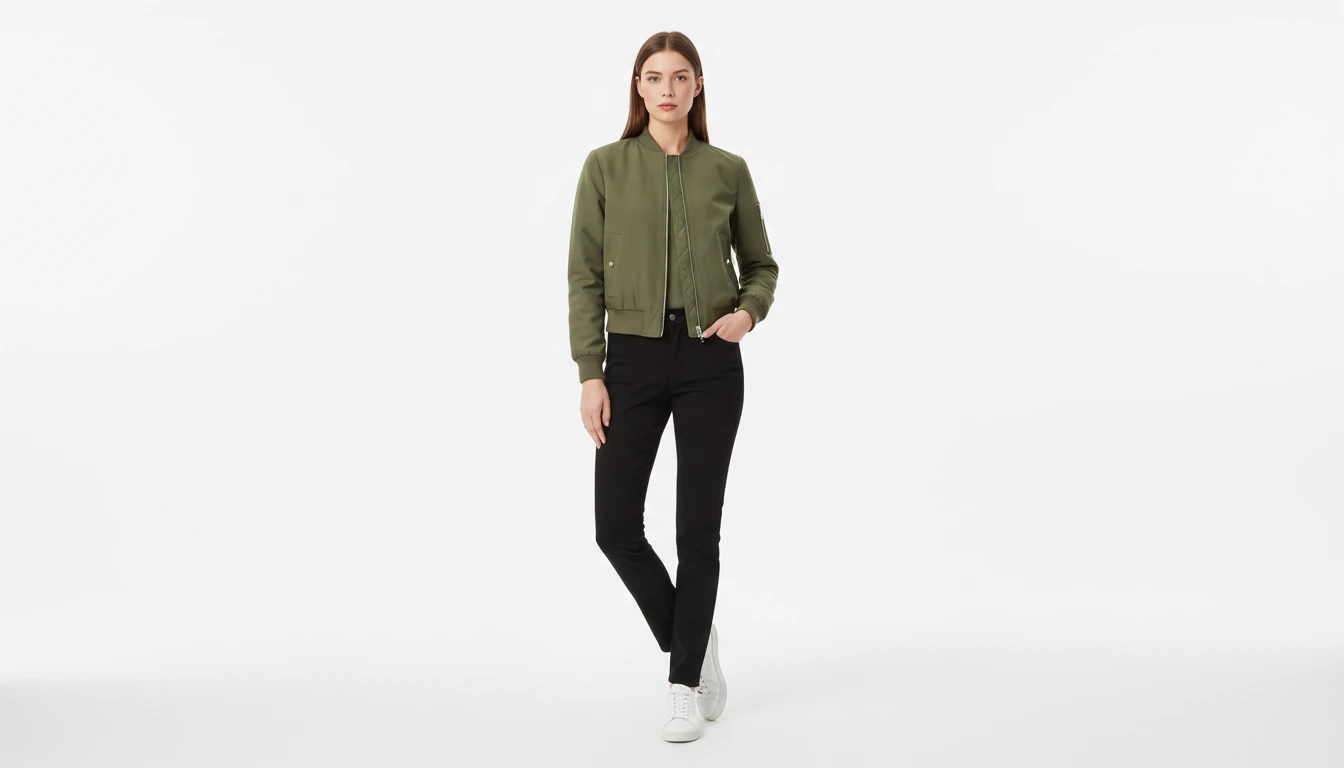
AI Virtual Try-On
Upload a garment photo and a model photo and AI generates a photorealistic image of the model wearing the outfit. The garment is fitted naturally to the model body with correct fabric draping, color, and texture. No studio booking, fitting sessions, or photoshoots required. Works for tops, dresses, jackets, pants, and full outfits.
Opens in
Image Studio
Frequently Asked Questions
Everything you need to know to get started.
What kind of photo works best?
A clear front-facing portrait with your face well-lit produces the best results. Selfies, professional photos, and casual shots all work. Photos with a simple background (wall, outdoors) tend to give cleaner output than very cluttered environments.
Which background style should I choose for LinkedIn?
Studio White and Studio Gray are the most universally professional choices for LinkedIn and corporate directories. Gradient Blue works well for tech and finance. Office Blur creates a realistic professional context. Dark Professional is ideal for executive and leadership profiles.
Can I choose the background?
Yes. Pick from 8 backdrops: studio white, studio gray, blue gradient, purple gradient, office blur, outdoor blur, dark professional, and creative bokeh. Your face stays the same; only the background changes.
What aspect ratio is the output?
Profile photos are generated as a 1:1 square, the standard for LinkedIn, most social platforms, and email avatars.
Can I generate multiple background variations?
Yes. Generate with different background styles on the same photo to compare. Each generation creates a new result that is saved to your history, so you can review all variations and choose the best one.
Is this the same as a professional headshot?
This tool focuses on background replacement to elevate an existing portrait. For full AI-generated professional headshots with lighting, retouching, and style options applied from scratch, try the AI Professional Headshot tool.
Create a Professional Profile Photo Instantly
Upload your portrait and replace the background with a studio-quality backdrop in seconds.
Create Your Profile Photo NowDisclaimer: This tool uses generative AI technology which may produce content that resembles copyrighted materials or that is inaccurate, incomplete, or out-of-date. It is provided for general information and educational purposes only and is not intended for illegal activities or to replace professional advice, diagnosis, or treatment. Users are solely responsible for how they use the generated content. If you plan to use AI-generated content commercially or publicly, we strongly recommend reviewing it for potential copyright issues and obtaining proper permissions where necessary. We accept no liability for copyright infringement or any other consequences resulting from the use of content generated by this tool.