Try On 300+ Hairstyles, Cuts and Colors on Your Photo
Upload your photo and preview a new look inside Hair Studio — 300+ styles for women and men across cuts, braids, locs, curls, updos, bangs and 18 hair colors. See it on your own face before you commit.
Try a New Hairstyle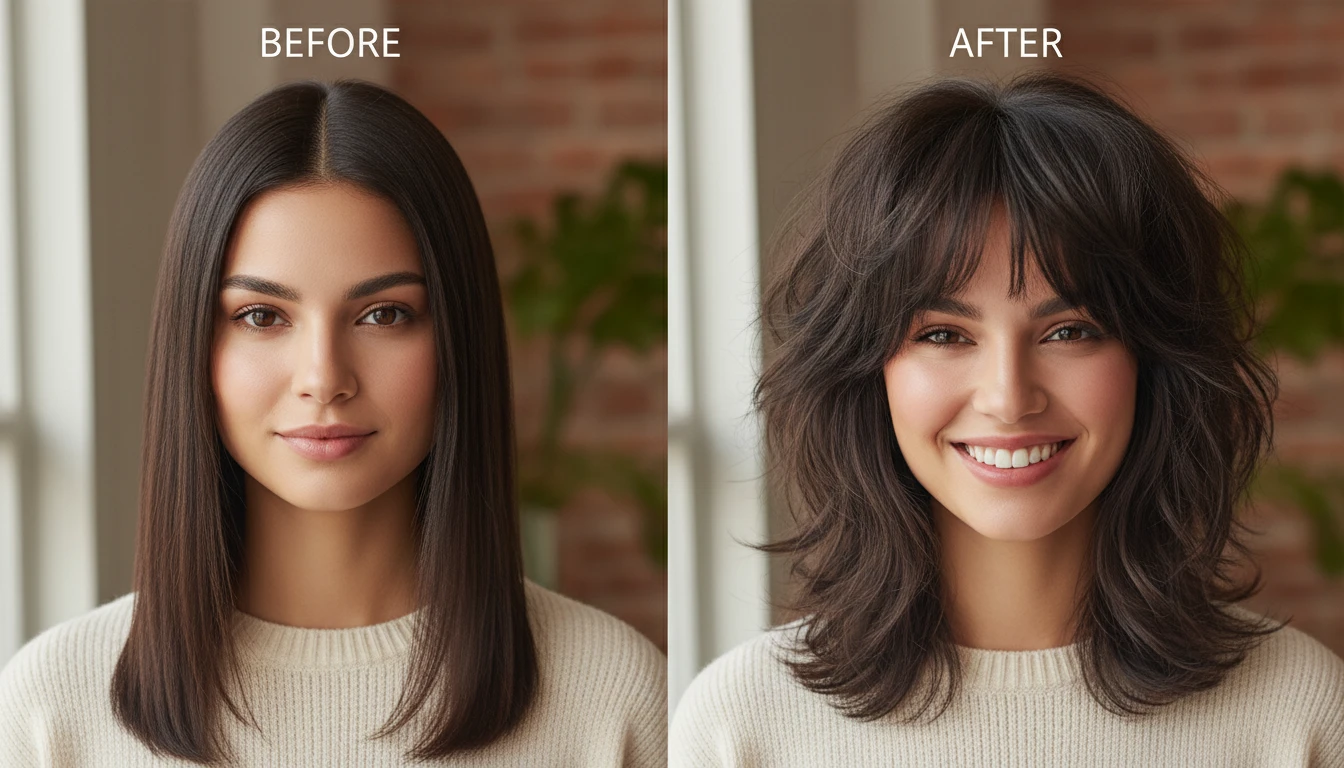
Upload Your Photo to Get Started
Add a clear portrait and we'll open Hair Studio with your photo ready to restyle.
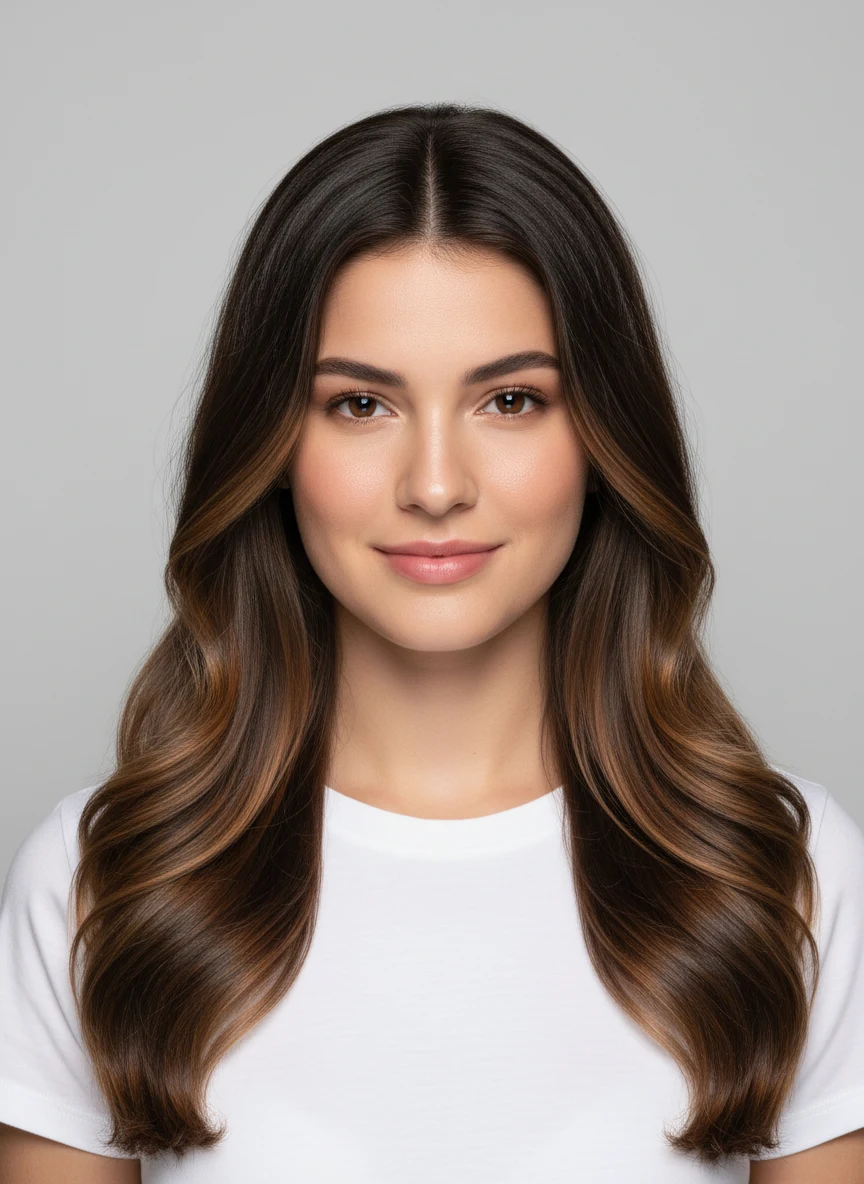
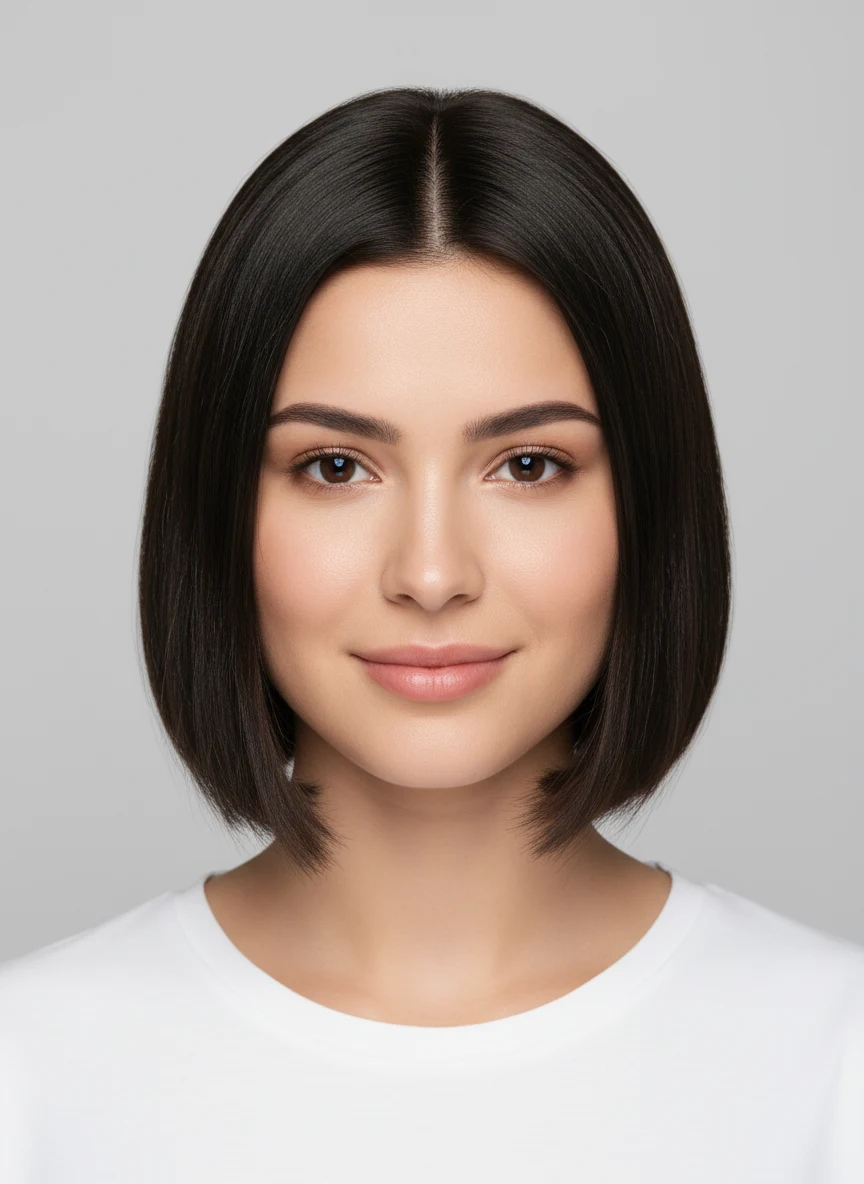
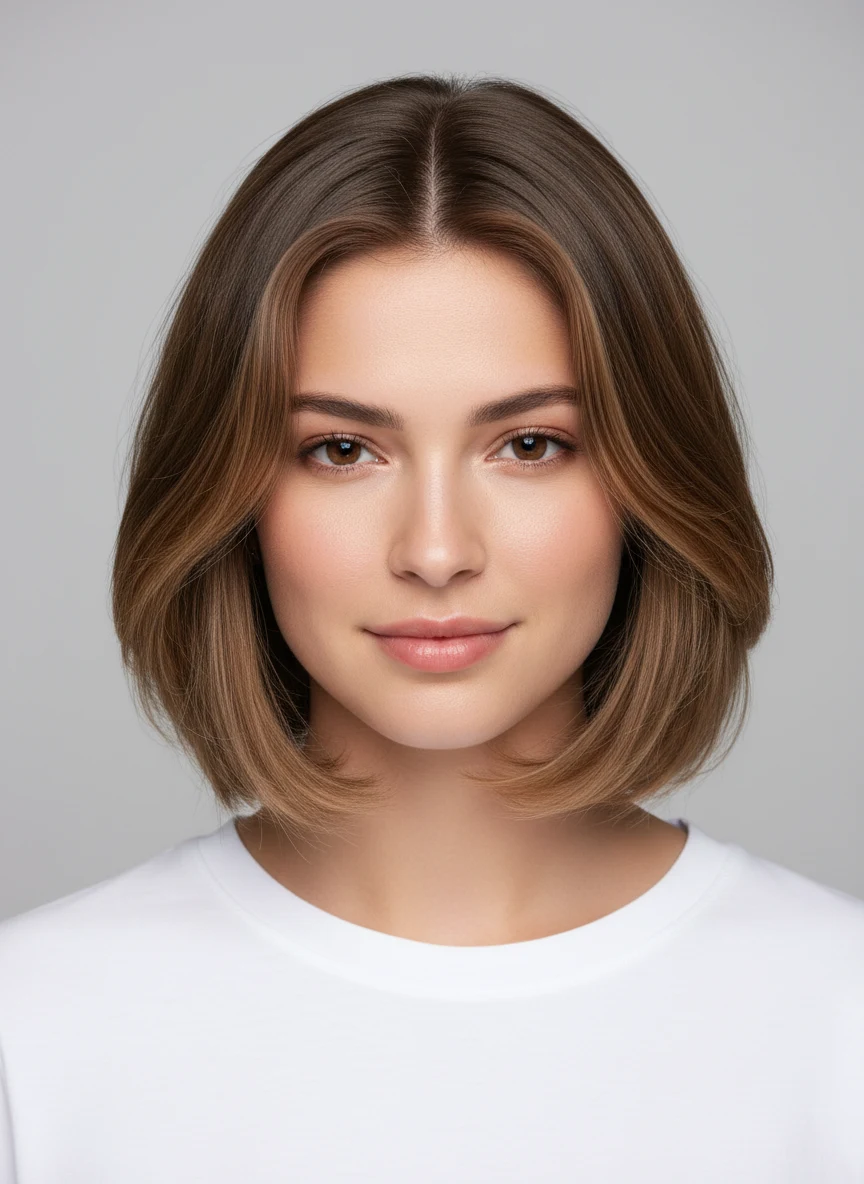
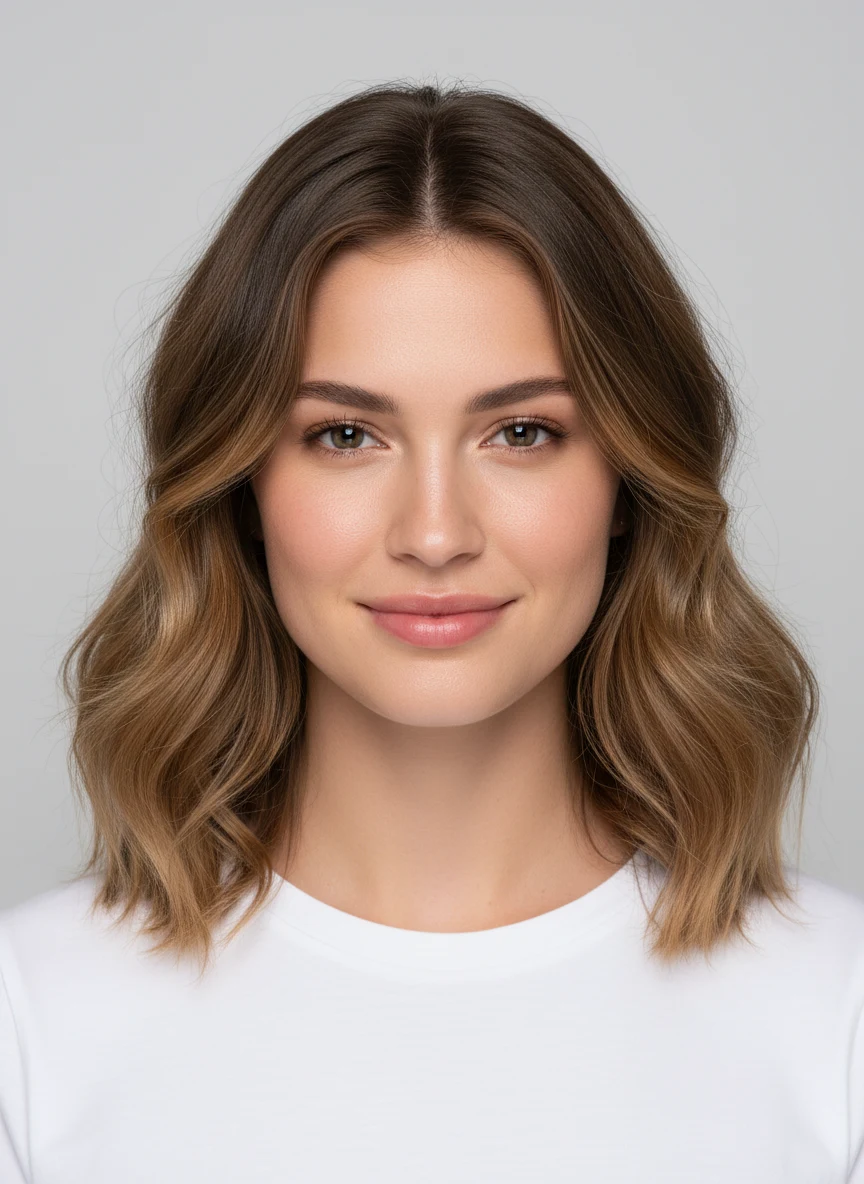
Drag & drop your photo here
or click to browse — JPG, PNG or WebP, up to 15MB
Your photo is used only to generate your hairstyle previews.
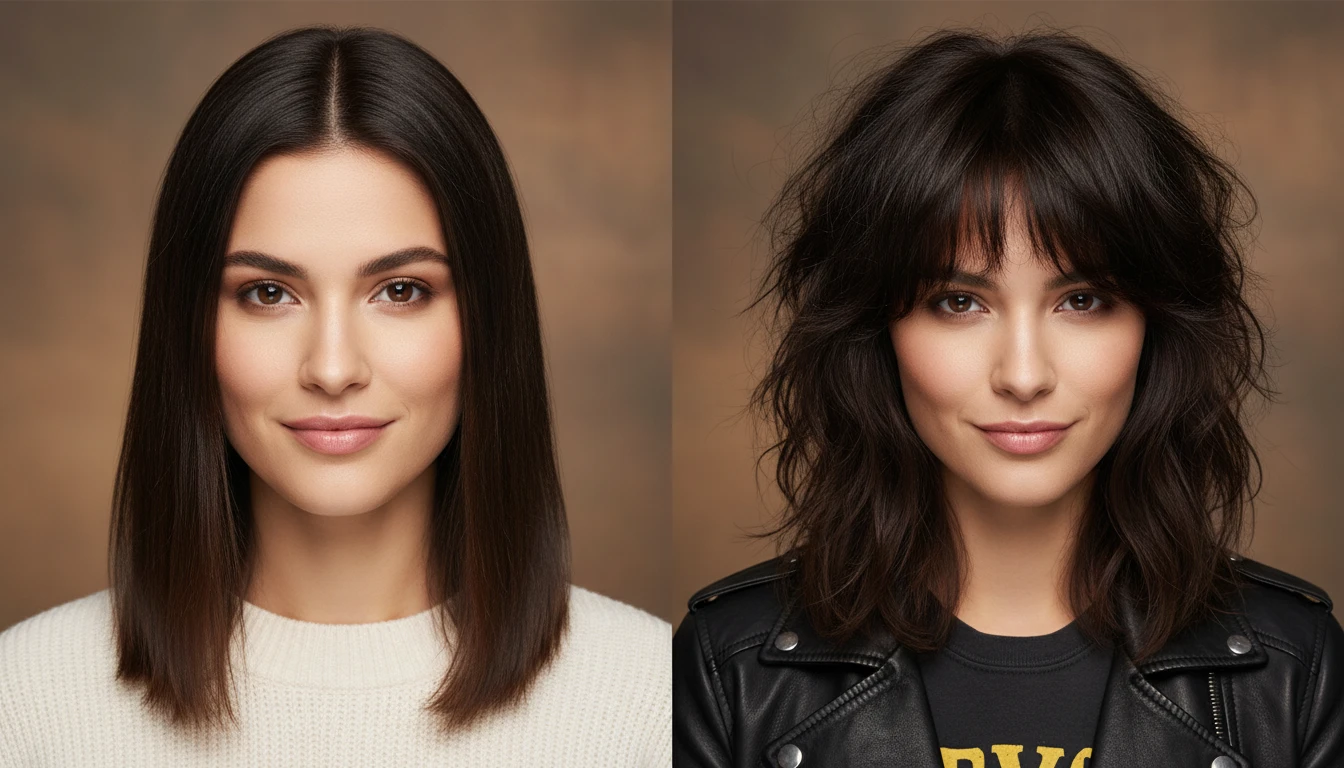
See Your New Haircut Before the Salon
Stop guessing how a cut will look on you. Upload a clear photo, pick a style, and get a photorealistic preview on your own face in seconds. Use the built-in before/after slider to compare, then download the result to show your stylist exactly what you want. Works for both women and men.
Try a New Haircut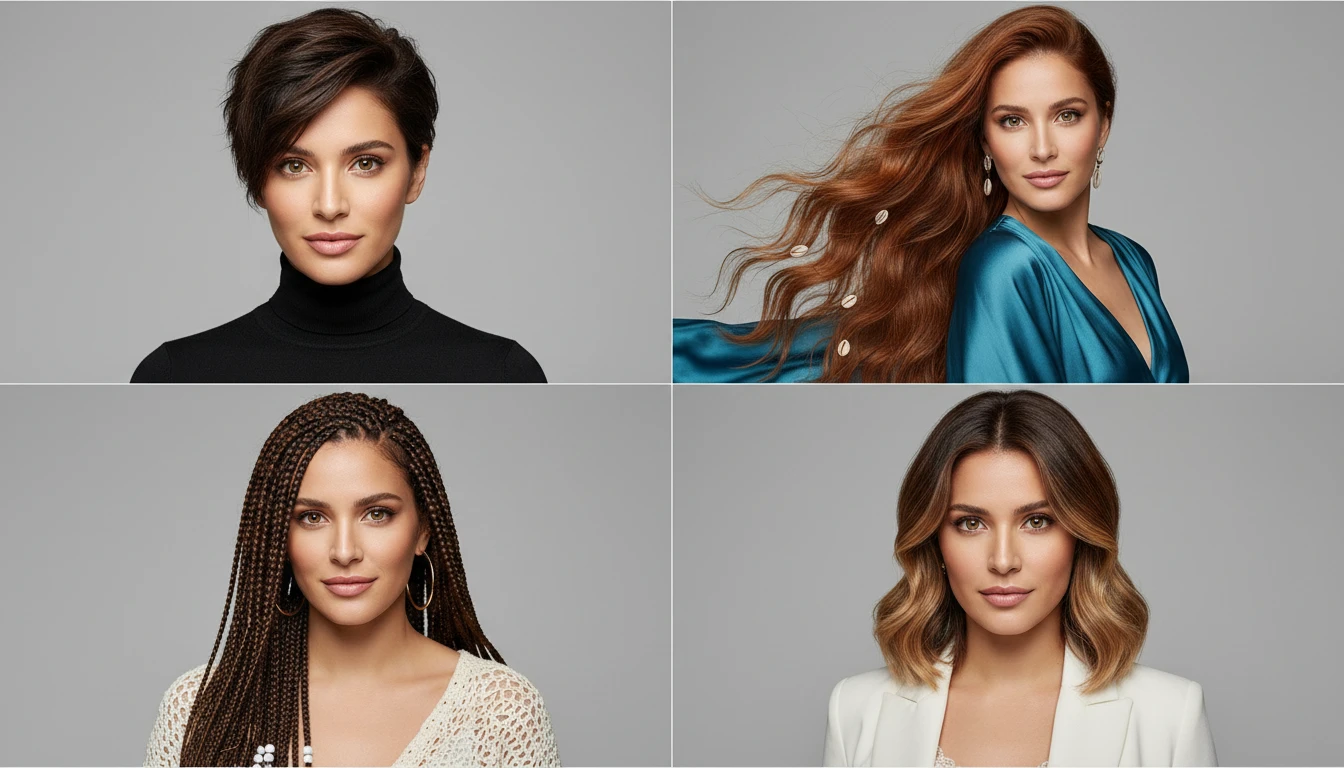
300+ Styles Across 10 Categories
Explore an enormous range organised into ten categories: Women, Men, Short Hair, Long Hair, Dreadlocks & Locs, Braided Hair, Curly & Natural, Updos & Ponytails, Bangs & Fringe, and Hair Color. From pixies, bobs and wolf cuts to fades, quiffs and mullets, mermaid waves, box braids and goddess locs — every major look is covered.
Explore All Hairstyles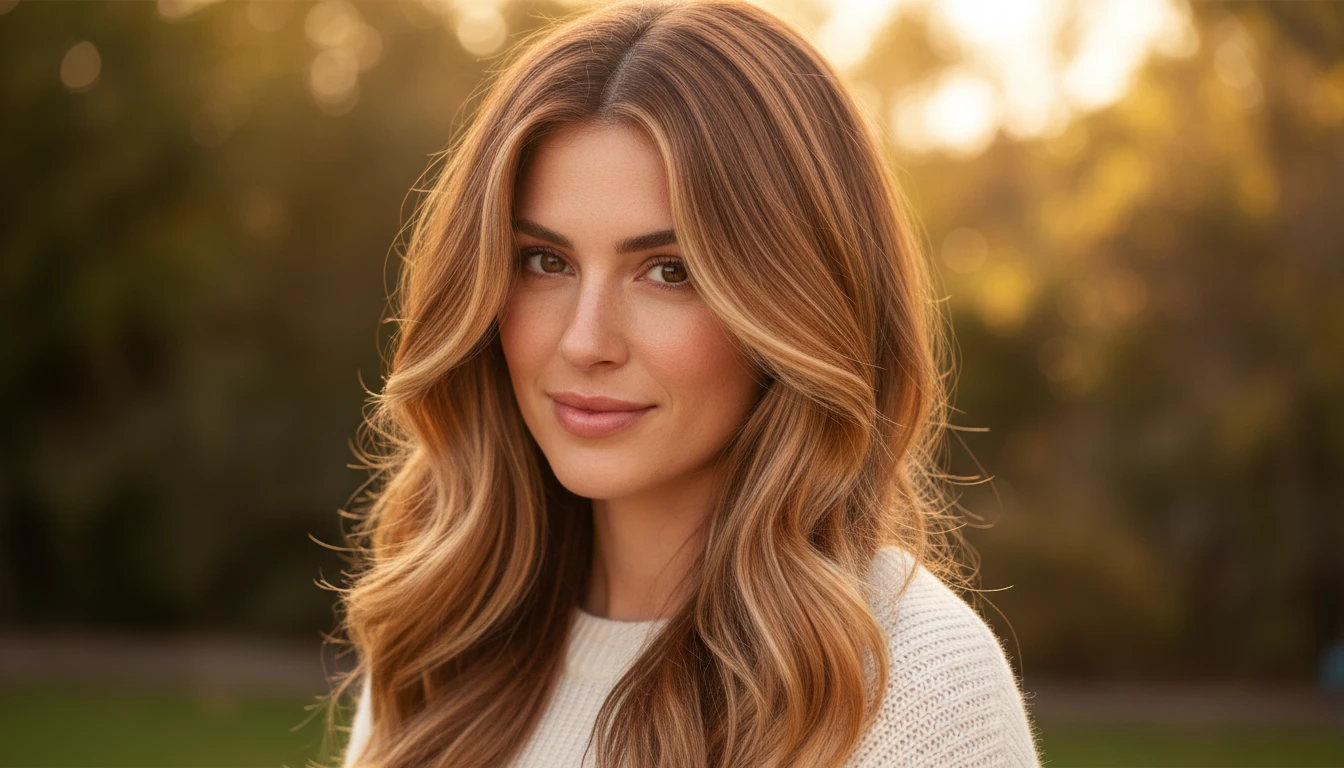
Change Your Color Without the Commitment
Try 18 hair colors and a dedicated Hair Color category that keeps your current cut while previewing balayage, money-piece highlights, root melts, ombré and bold vivids like copper, rose gold, silver and pastel. See how a new shade reads on your actual hair and skin tone first.
Try a New Hair Color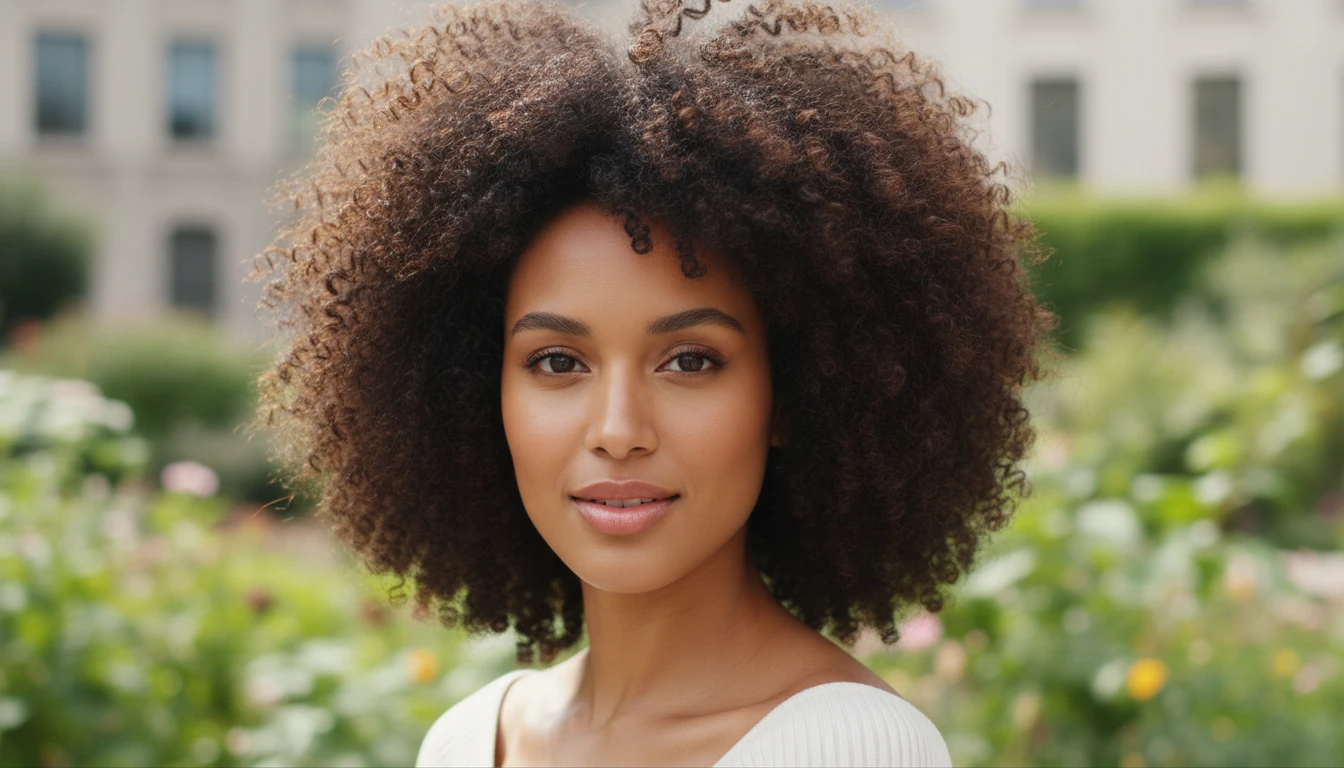
Natural, Textured and Protective Styles
Preview full afros, defined twist-outs, wash-and-go coils and silk presses, plus protective styles like box braids, knotless braids, cornrows, fulani braids, faux locs, goddess locs and microlocs. Realistic texture, natural roots and believable density for every hair type.
Try Natural and Protective StylesWho Uses Our AI Hairstyle Changer
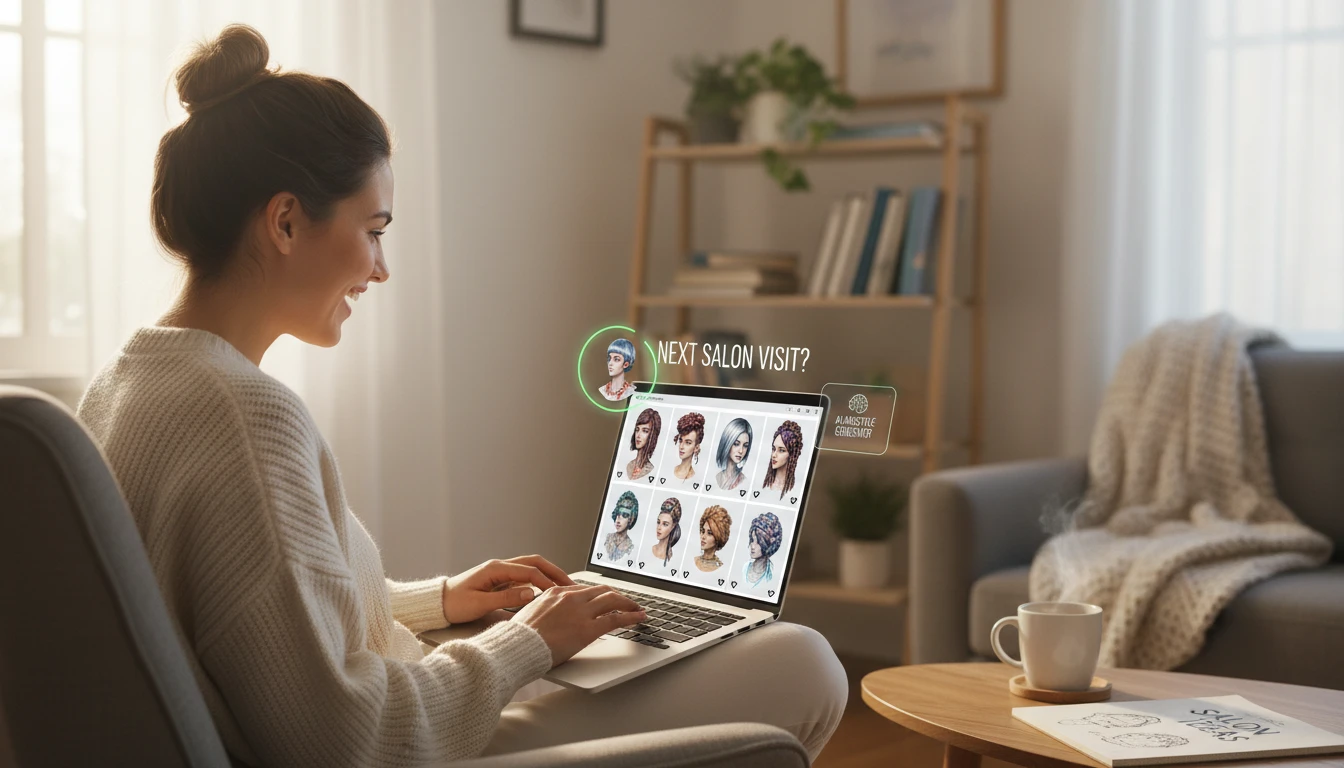
Anyone Planning a Hair Makeover
Considering a big change but not sure how it will look? Try dozens of cuts, colors and textures on your own photo before committing. Women and men alike walk into the salon with complete confidence.
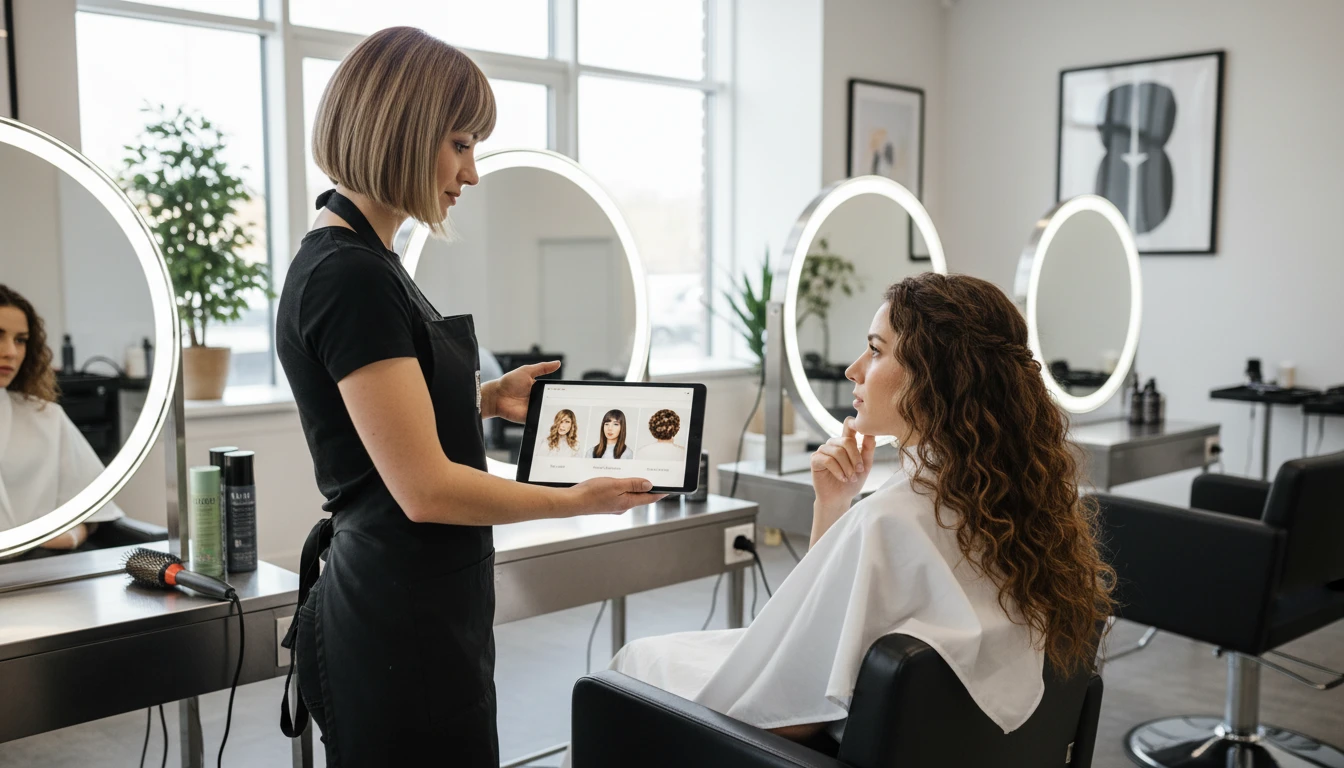
Hair Stylists and Barbers
Help clients visualize a new style before you pick up the scissors or clippers. Use the try-on as a consultation aid to set expectations, get buy-in, and deliver results they love every time.
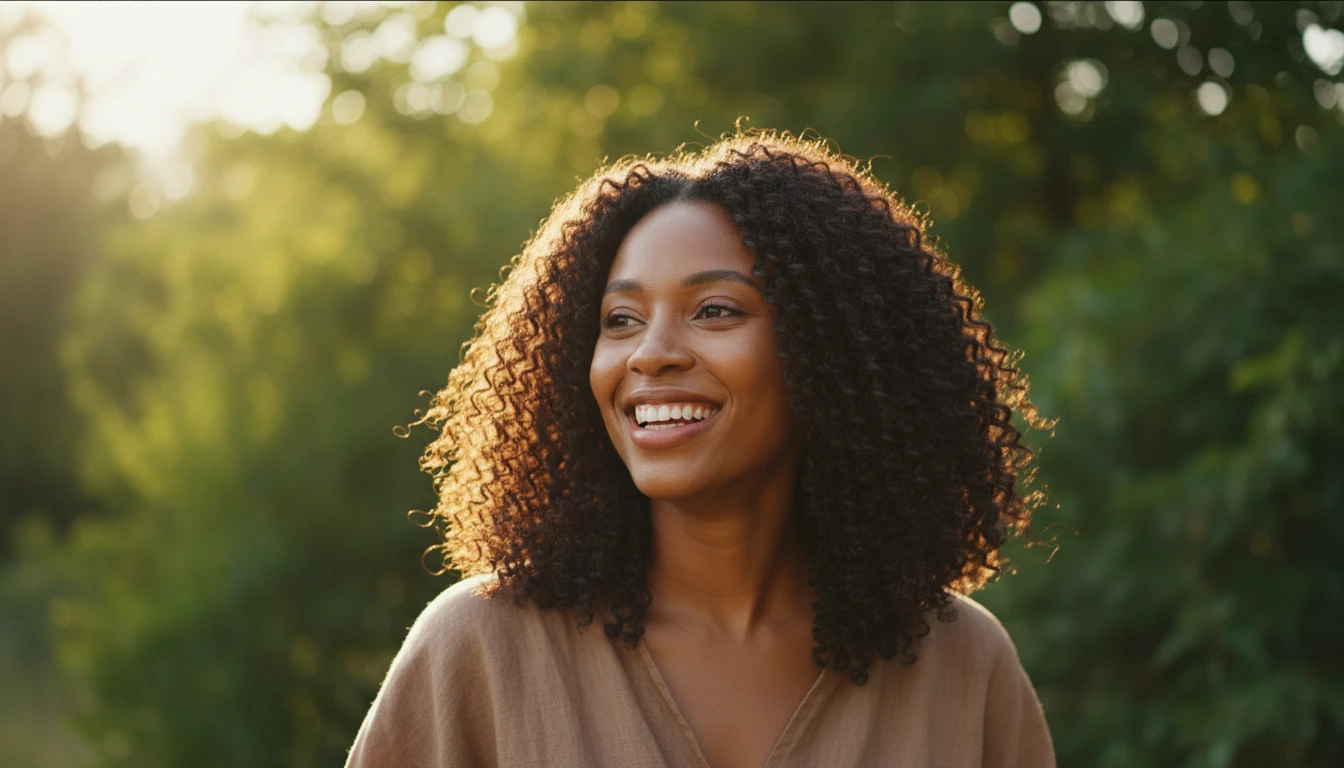
People Embracing Natural Hair, Braids or Locs
Whether you are transitioning to natural, exploring protective styles, or considering starting locs, preview afros, twist-outs, box braids, knotless braids and loc styles on your face shape first.
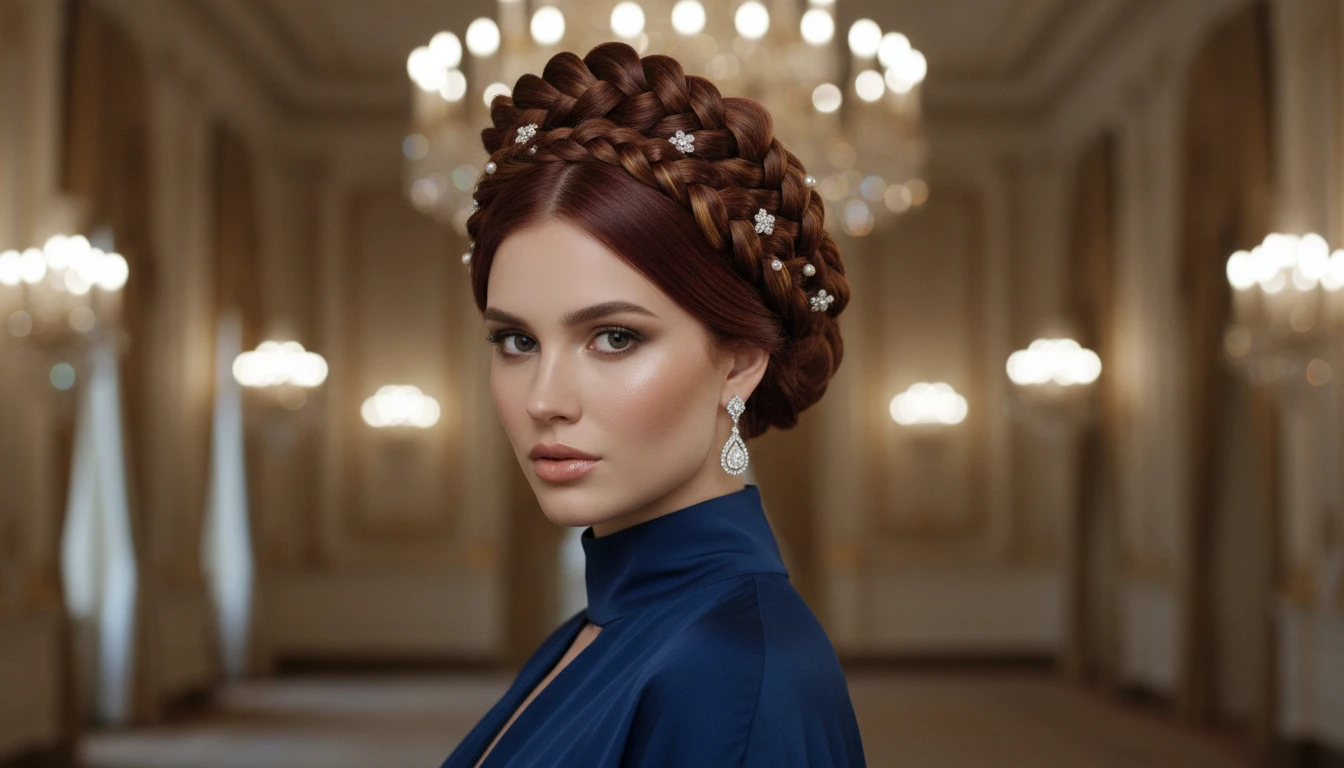
Special Occasion and Event Planning
Choosing a look for a wedding, prom, interview or photo shoot? Try updos, braided crowns, sleek ponytails and glamour styles on your own photo to nail the perfect look for your big moment.
How to Try On a New Hairstyle with AI
Upload a Clear Portrait Photo
Upload a photo where your face and hair are clearly visible. A front-facing or slight-angle shot with good lighting works best. Your photo is handed straight to Hair Studio, ready to restyle.
Pick a Style in Hair Studio
Browse 300+ looks across 10 categories for women and men, choose from 18 hair colors, and fine-tune length, texture and framing. Change just the cut, just the color, or both.
Preview, Compare and Download
Get a photorealistic result in seconds. Use the before/after compare slider, save it to your library, and download it to share or bring to your stylist.
Explore More
More AI Studio Tools
Discover other powerful AI tools to enhance your creative workflow
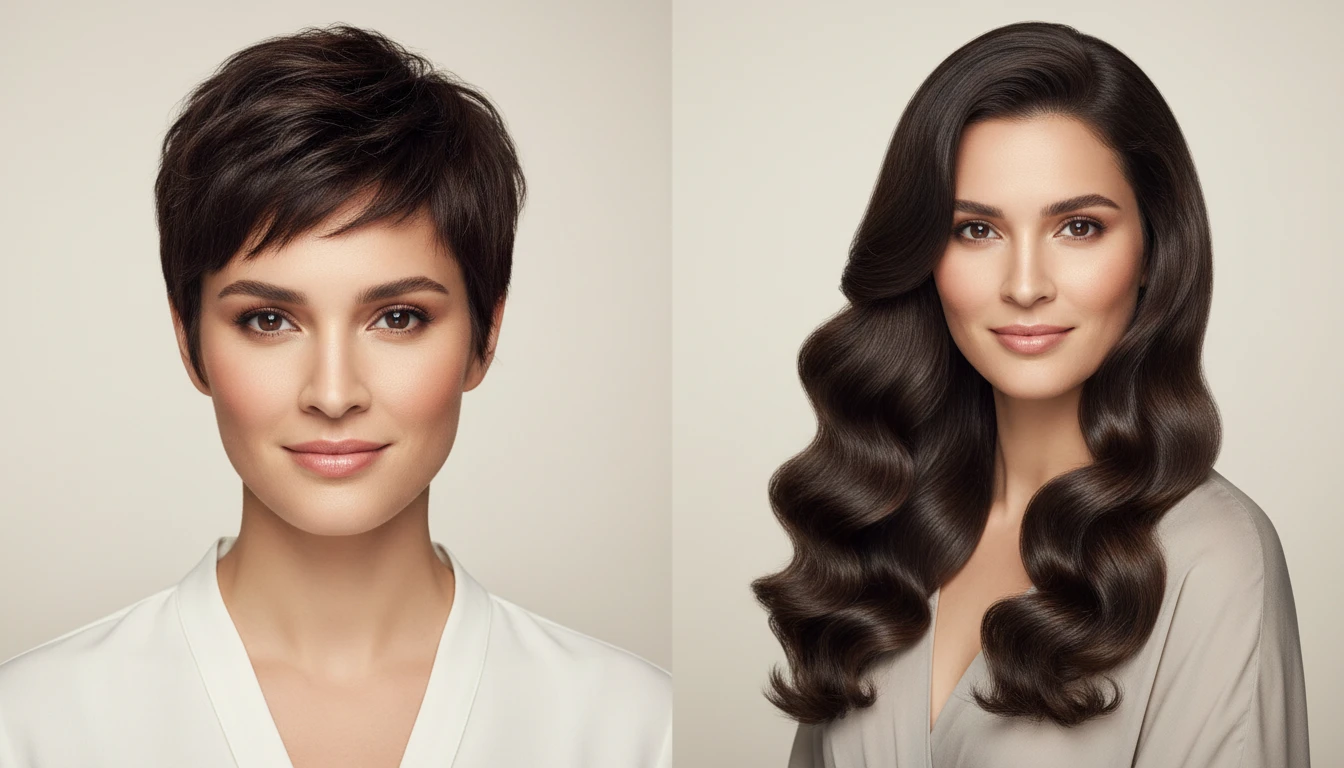
AI Long Hair Filter
See yourself with long hair — preview 10+ flowing styles like mermaid waves and waist-length.
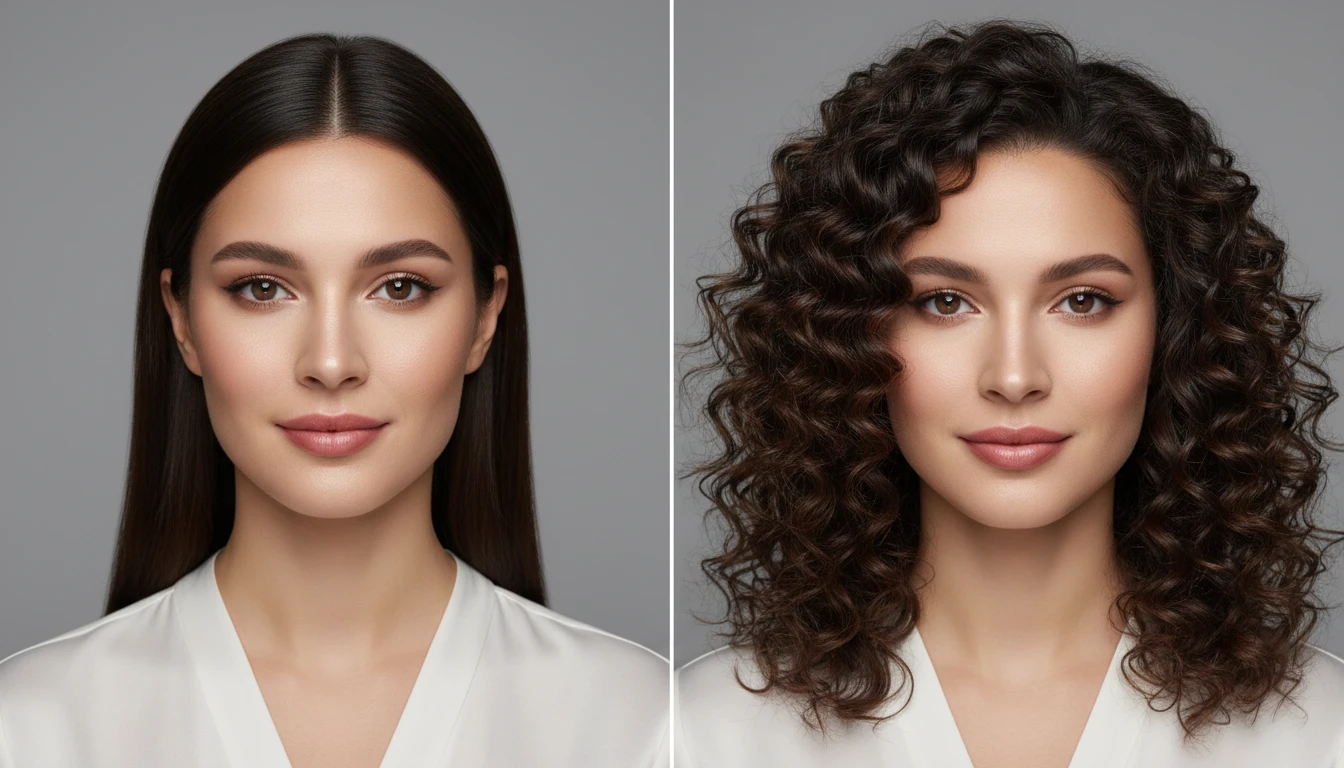
AI Curly Hair Filter
See yourself with curls — preview loose curls, ringlets, spiral curls and beachy waves before you commit.

AI Professional Headshot Generator
Upload any casual portrait and AI generates a studio-quality professional headshot in seconds. Choose from 14 styles including LinkedIn Profile, Corporate Business, Executive Portrait, Creative Professional, Tech Startup, Real Estate Agent, and Personal Brand. No photographer, studio, or scheduling required. Supports a wide range of ages, genders, and professional contexts.
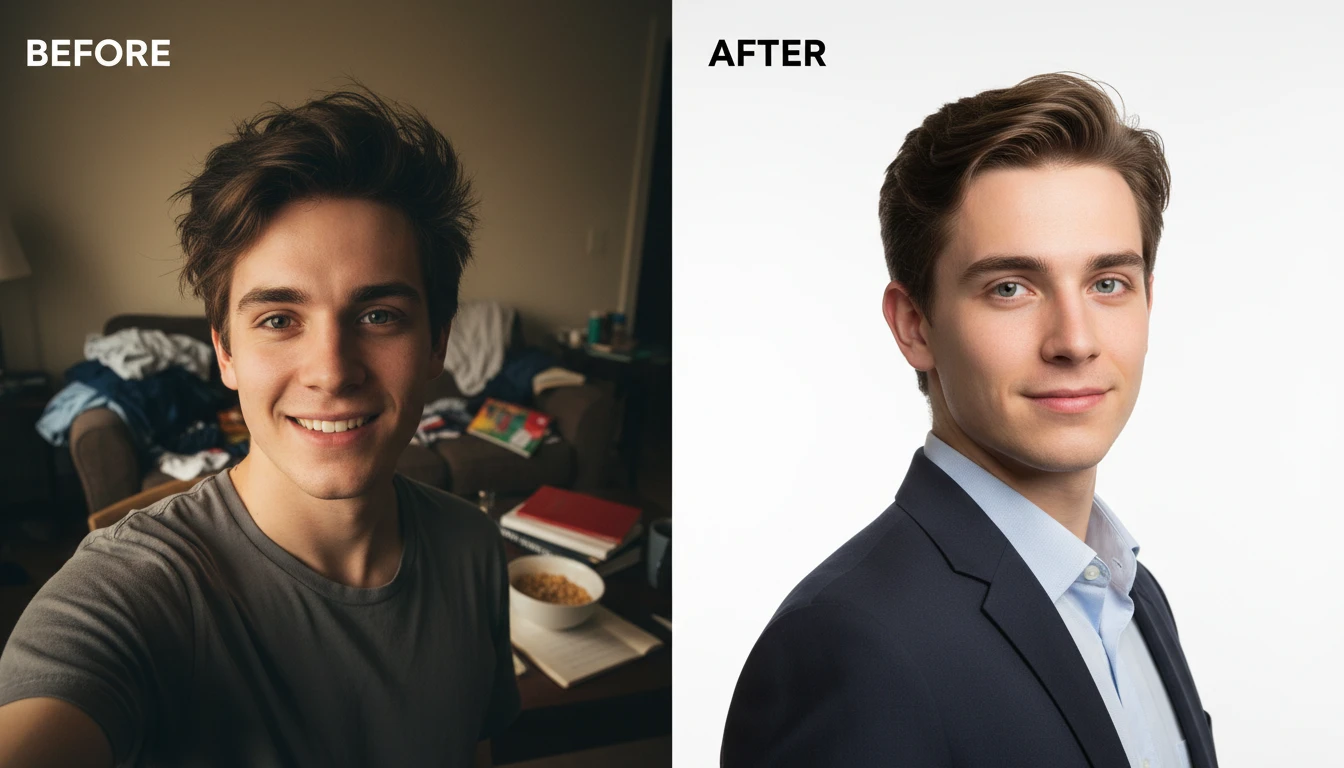
AI Profile Photo Maker
Transform any portrait photo with a new professional background. Studio white, gradient, office blur, outdoor, dark professional, and more styles.
Opens in
Image Studio
Frequently Asked Questions
Everything you need to know to get started.
How does the AI Hairstyle Changer work?
Upload a clear portrait photo and you are taken into Hair Studio with your photo ready to go. Pick a hairstyle and, optionally, a color, and the AI applies the look to your photo while preserving your face, skin tone and background — generating a realistic preview in seconds.
How many hairstyles can I try?
Over 300 styles across 10 categories: Women, Men, Short Hair, Long Hair, Dreadlocks & Locs, Braided Hair, Curly & Natural, Updos & Ponytails, Bangs & Fringe, and Hair Color. You can also fine-tune length, texture and framing on many styles.
Does it work for men?
Yes. There is a full men’s category with fades, quiffs, buzz and crew cuts, undercuts, mullets, textured crops, 360 waves, comma bangs, locs, twists and more — plus unisex short, long, curly, braided and color options.
Can I change only my hair color?
Yes. Choose from 18 hair colors, or use the dedicated Hair Color category that keeps your current cut while previewing balayage, highlights, root melts, ombré and bold vivids like copper, rose gold, silver and pastel shades.
What image formats are supported?
JPG, PNG and WebP up to 15MB. A front-facing or slight-angle portrait with good lighting gives the most realistic result.
Can I compare the result and show it to my stylist?
Yes. Hair Studio includes a before/after compare slider, and you can download the result or save it to your library to share or bring to your salon or barber appointment.
Try Your New Hairstyle Instantly
Sign up free and get credits instantly. See why thousands of people use RauGen to try on 300+ hairstyles, cuts and colors before visiting the salon.
Try a New Hairstyle Now