Generate Realistic Fashion Model Photos from a Description
Describe any outfit and AI generates a photorealistic model wearing it in seconds. Choose from e-commerce, editorial, lookbook, and street style.
Generate Model Photos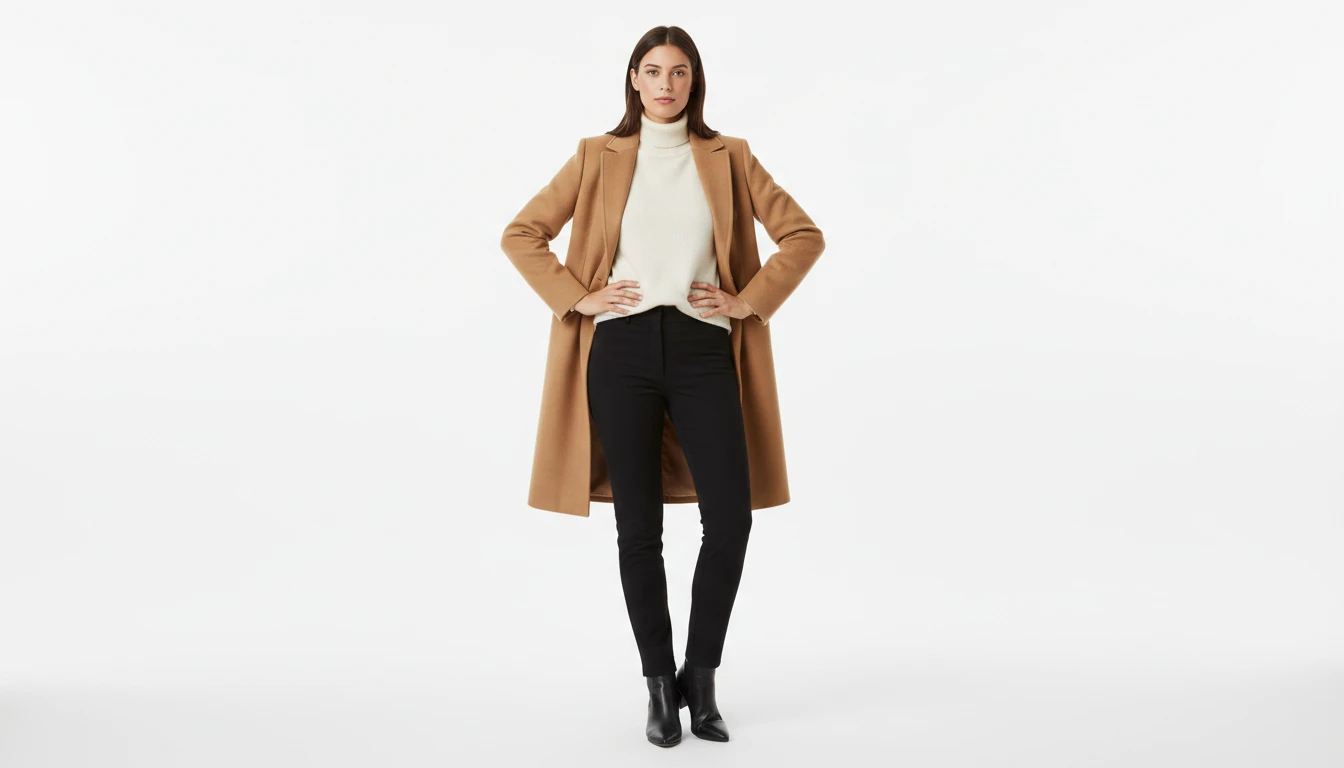
Describe the Model and Outfit
Pick a photo style, then describe the look. We'll open AI Product Studio ready to generate.
Runs inside the AI Product Studio — product photography in one place.
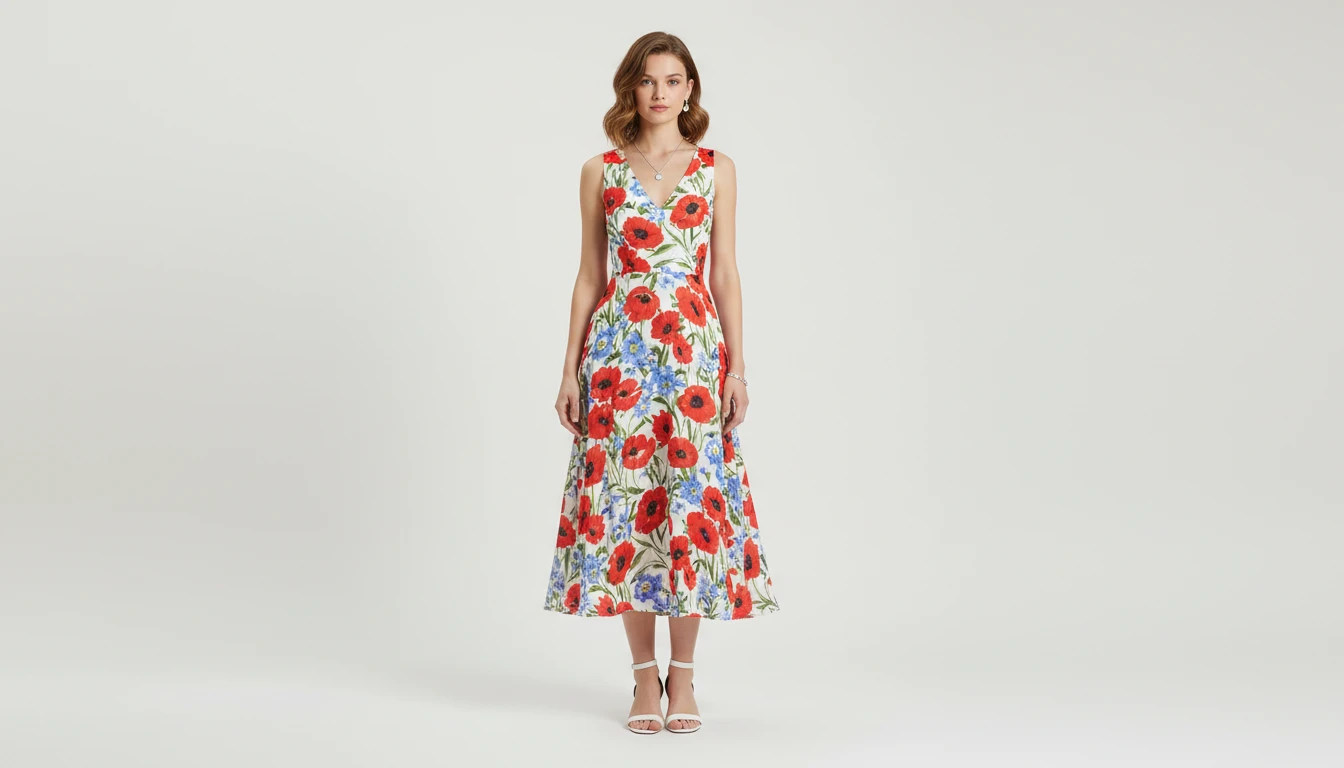
E-Commerce Model Photos Without a Photoshoot
Generate professional on-model product photography for your store instantly. Describe the garment, the model, and the setting. AI produces catalogue-quality images without a studio, photographer, or model booking.
Generate E-Commerce Photos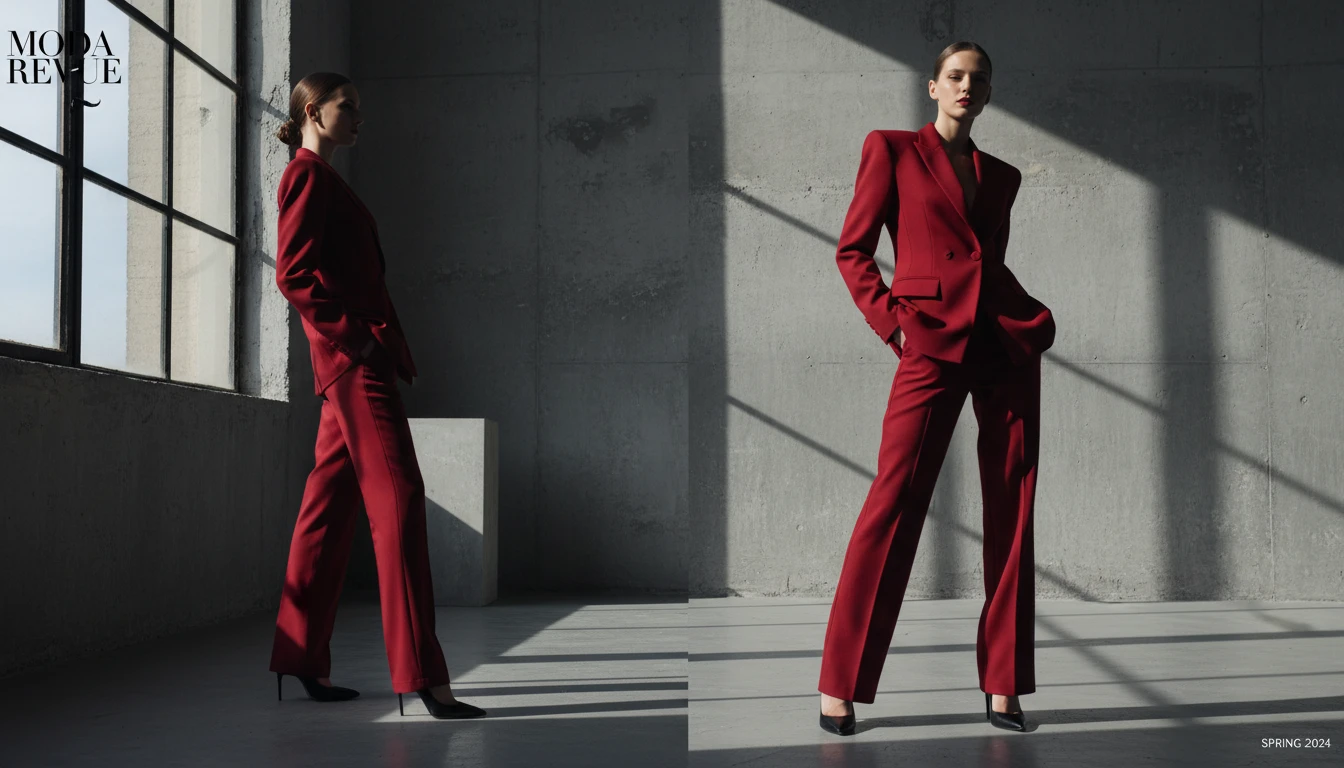
Lookbook and Editorial Imagery
Create aspirational lookbook photos and bold editorial visuals for collections, brand pitches, and social content. All from a text description and without a photoshoot budget.
Create Lookbook Photos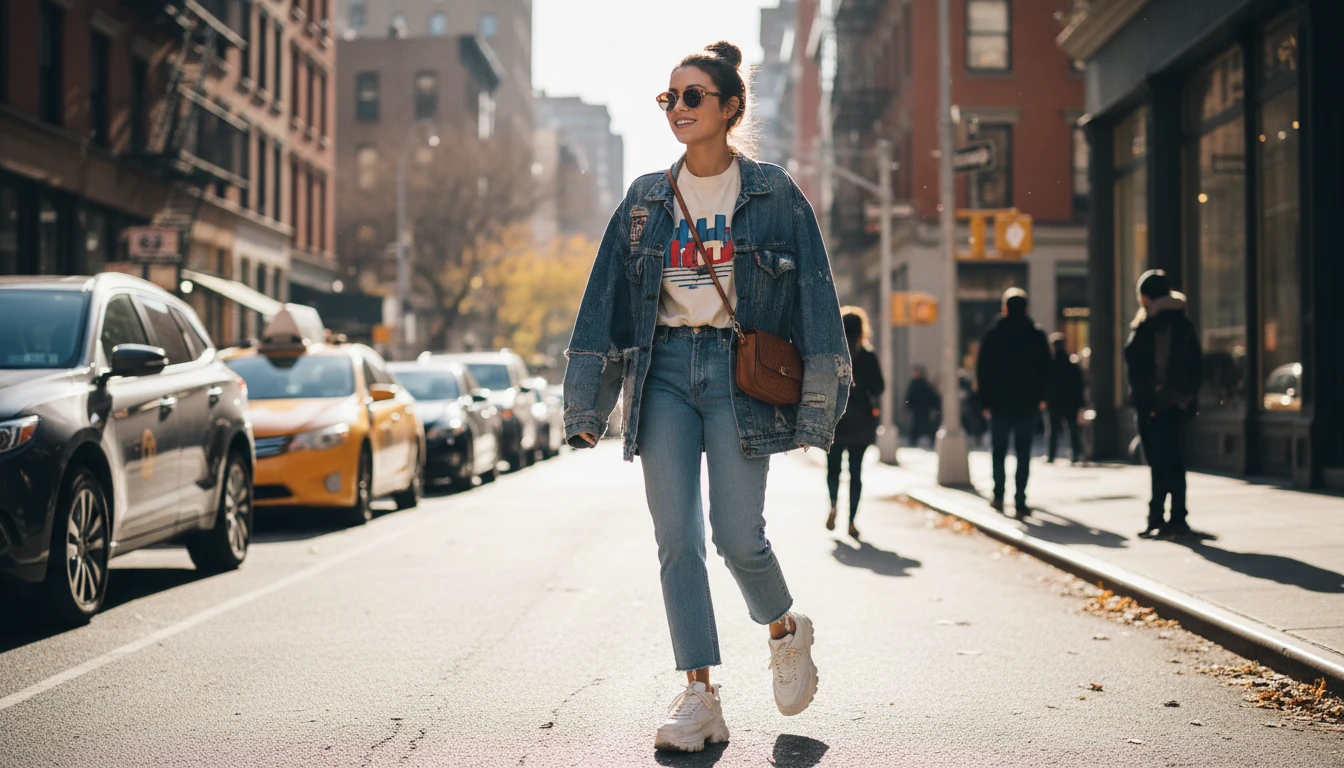
Street Style and Lifestyle Shots
Generate authentic street style and lifestyle model photography for social media. Describe the outfit, the model, and the setting. AI captures the candid, real-life energy.
Try Street Style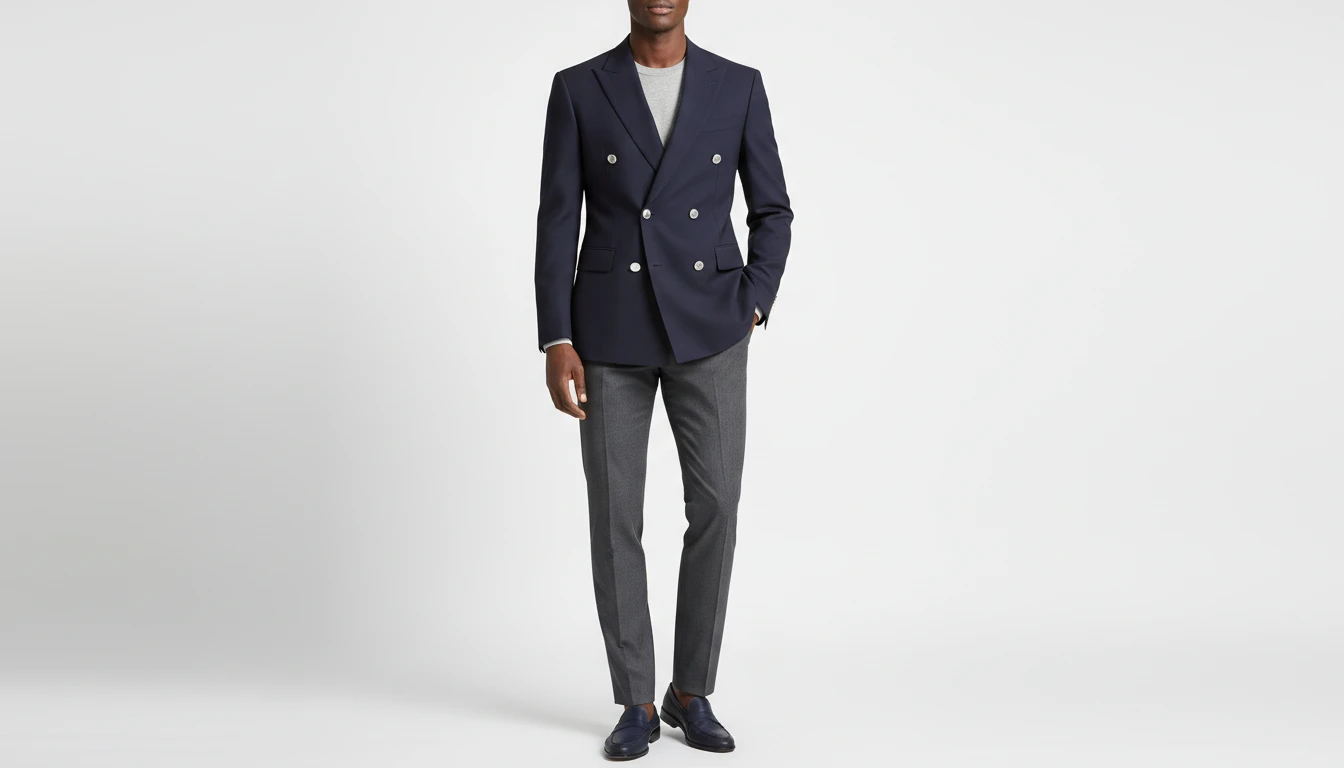
Generate a Model from a Garment Reference
Upload a clothing photo (flat lay, ghost mannequin, or product shot) and AI generates a realistic model wearing that specific garment. Perfect for bringing existing designs to life.
Try with a ReferenceWho Uses AI Fashion Model Generator
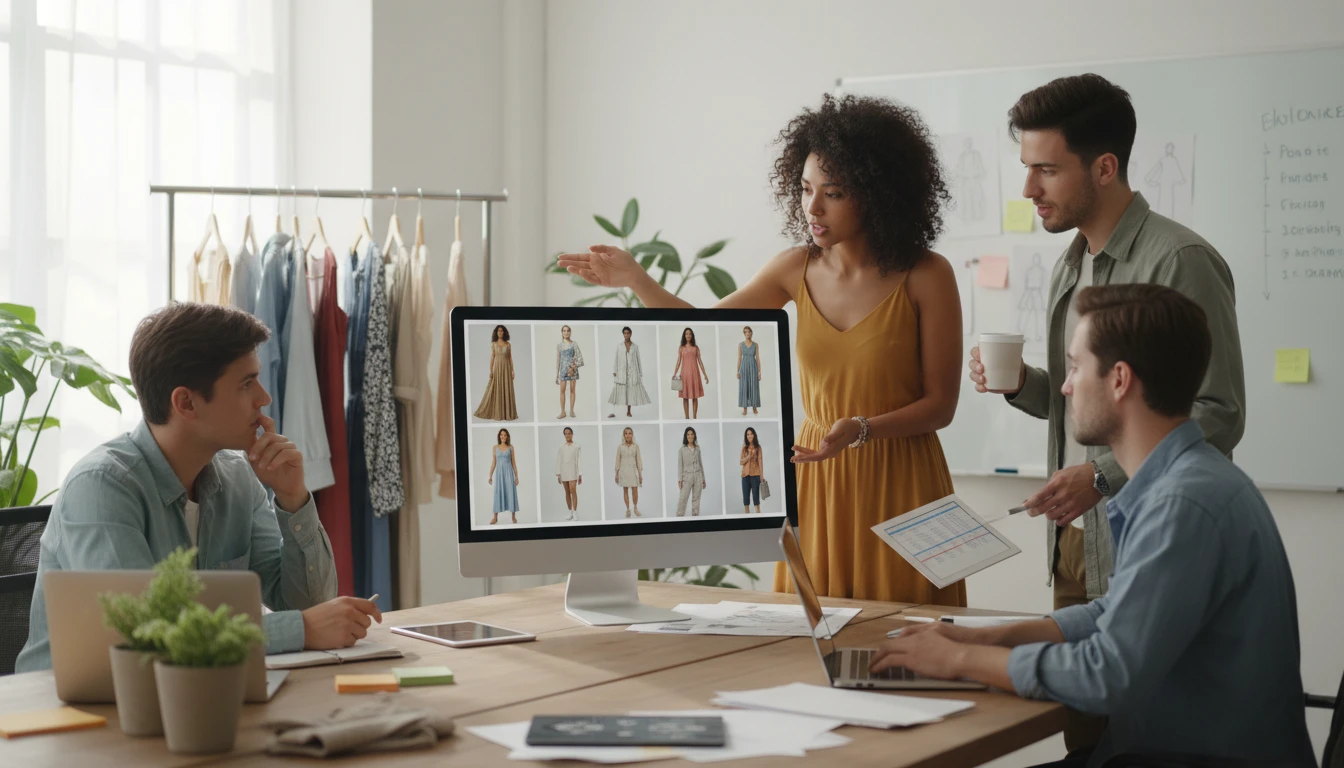
E-Commerce Brands and Online Stores
Create professional on-model photos for every product and variant without booking models or studios. Generate diverse model imagery at scale to increase conversion rates.
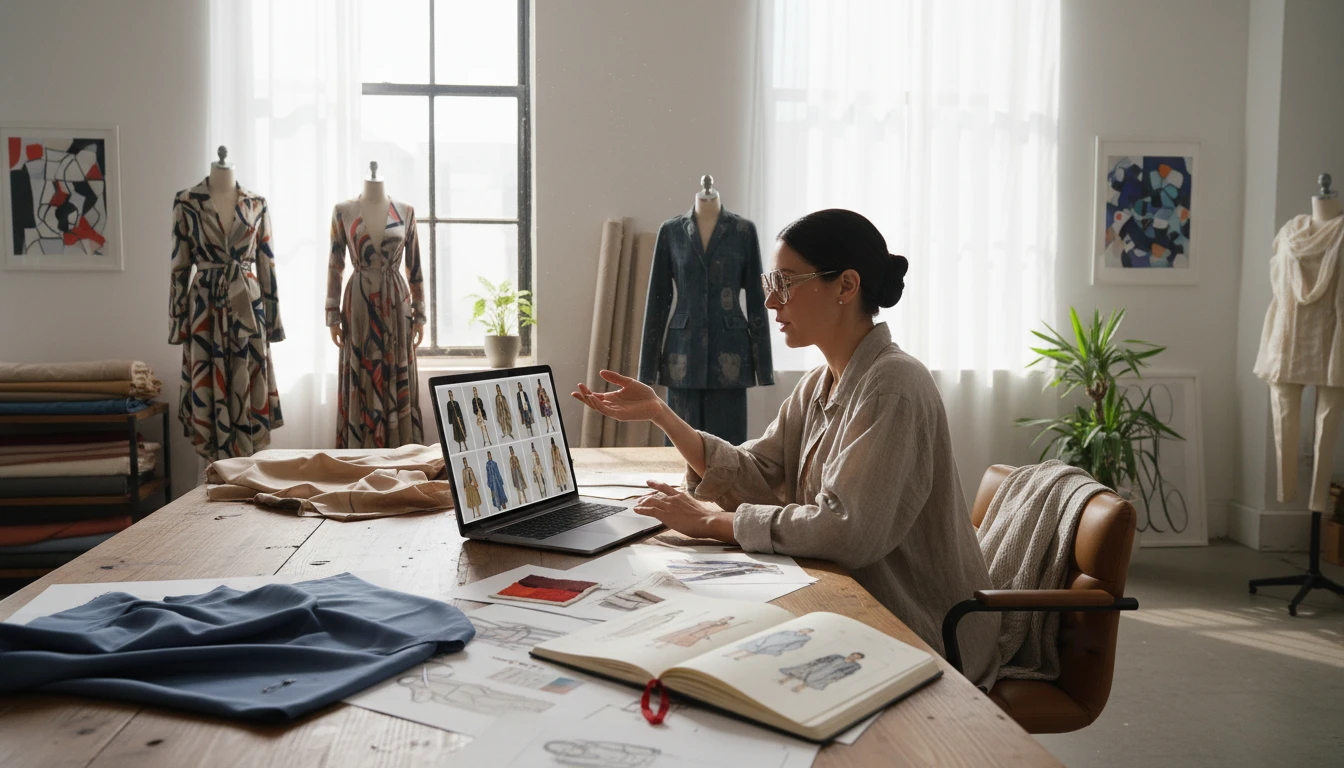
Fashion Designers and Brands
Visualize how your clothing designs look on a model before going to production. Present collections to buyers, collaborators, and investors with stunning AI-generated lookbook images.
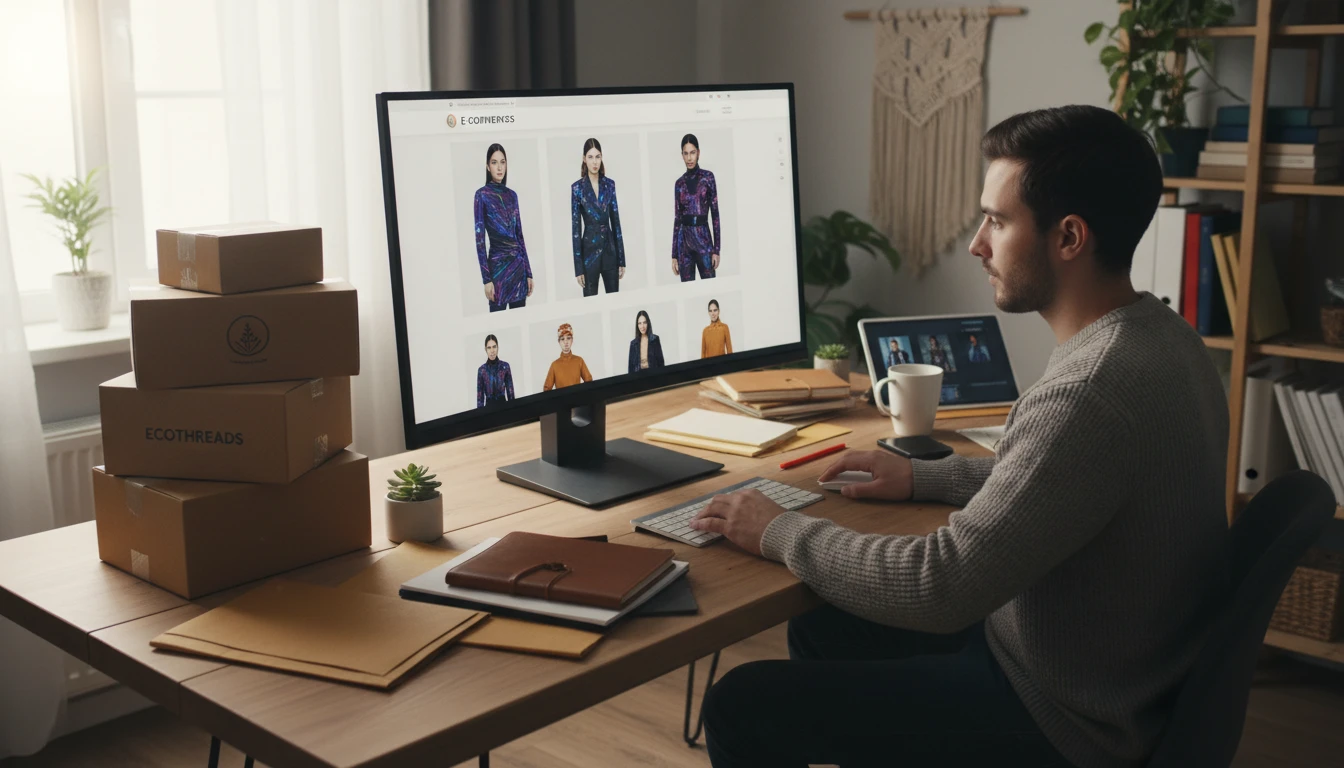
Dropshippers and Resellers
Create unique on-model photos for products you sell without owning the stock or arranging a photoshoot. Generate lifestyle imagery that converts better than plain product shots.
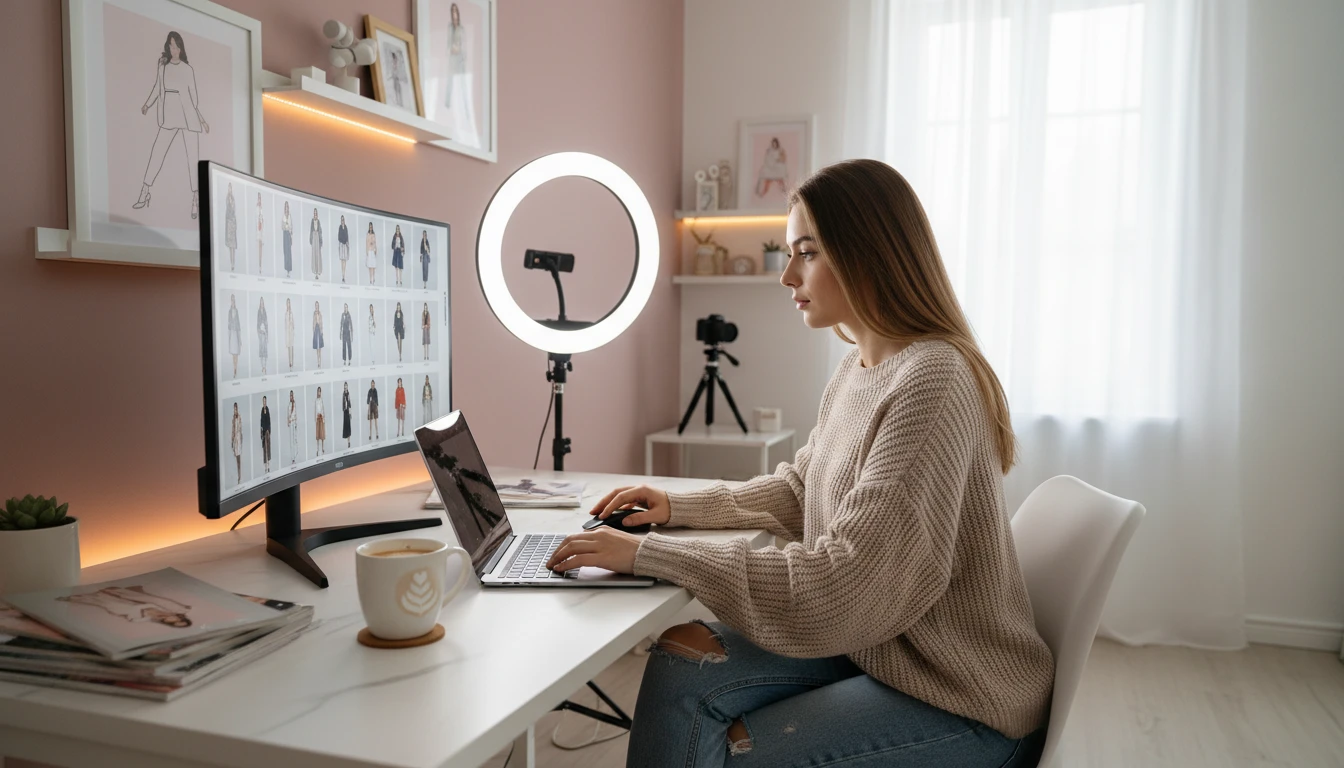
Social Media and Content Creators
Produce scroll-stopping fashion content for Instagram, TikTok, and Pinterest without hiring models or photographers. Generate on-trend looks instantly to stay ahead.
How to Generate AI Fashion Model Photos
From description to professional model photo in four simple steps
Describe the Model and Outfit
Write a prompt describing the model (age, build, pose) and the outfit they should wear: garment type, color, fabric, and styling details. The more specific, the better.
Upload a Garment Reference (Optional)
Upload a clothing photo (flat lay, ghost mannequin, or product shot) to guide the AI to generate a model wearing your specific garment.
Choose a Photo Style
Select e-commerce, editorial, lookbook, street style, campaign, runway, dark studio, or lifestyle to set the visual tone and setting of your model photo.
Generate and Download
Click Generate and your model photo is ready in seconds. Download in high resolution for immediate use in your store, social media, or marketing materials.
Explore More
More AI Studio Tools
Discover other powerful AI tools to enhance your creative workflow
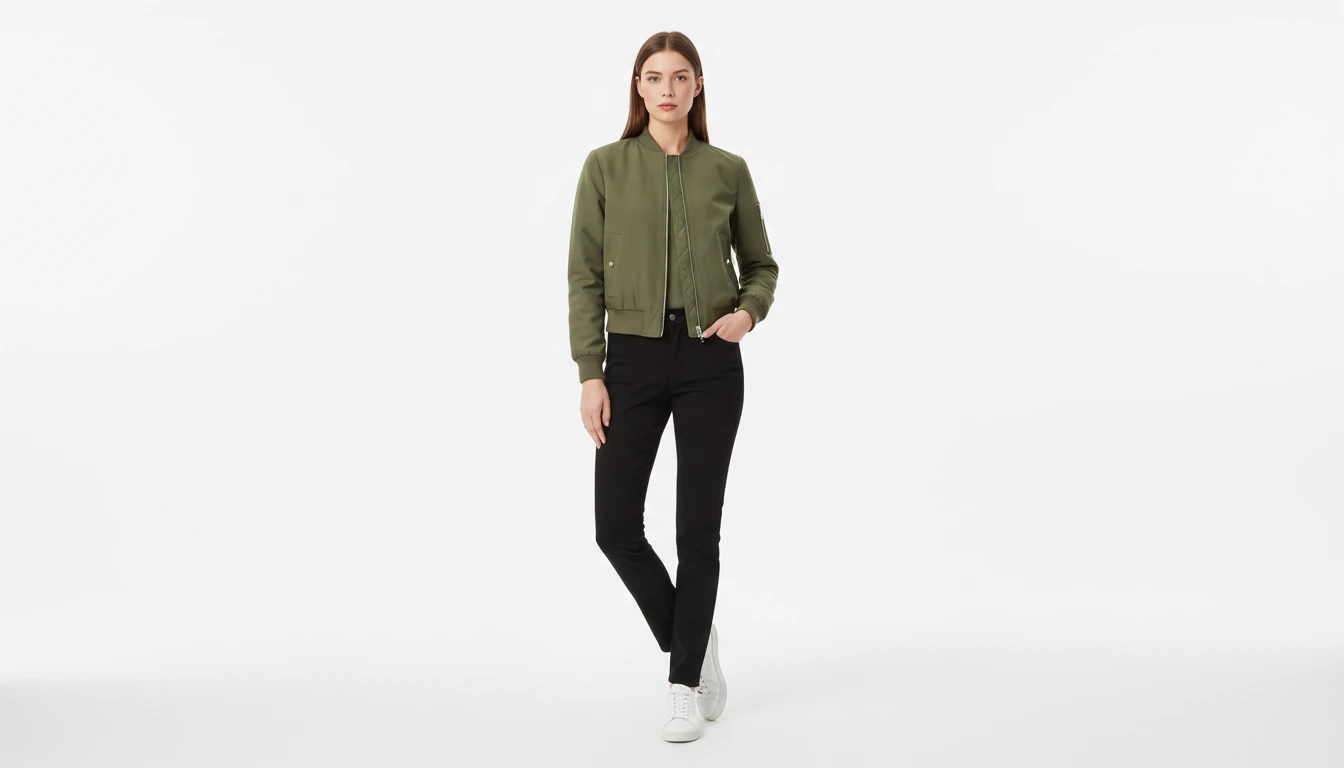
AI Virtual Try-On
Upload a garment photo and a model photo and AI generates a photorealistic image of the model wearing the outfit. The garment is fitted naturally to the model body with correct fabric draping, color, and texture. No studio booking, fitting sessions, or photoshoots required. Works for tops, dresses, jackets, pants, and full outfits.
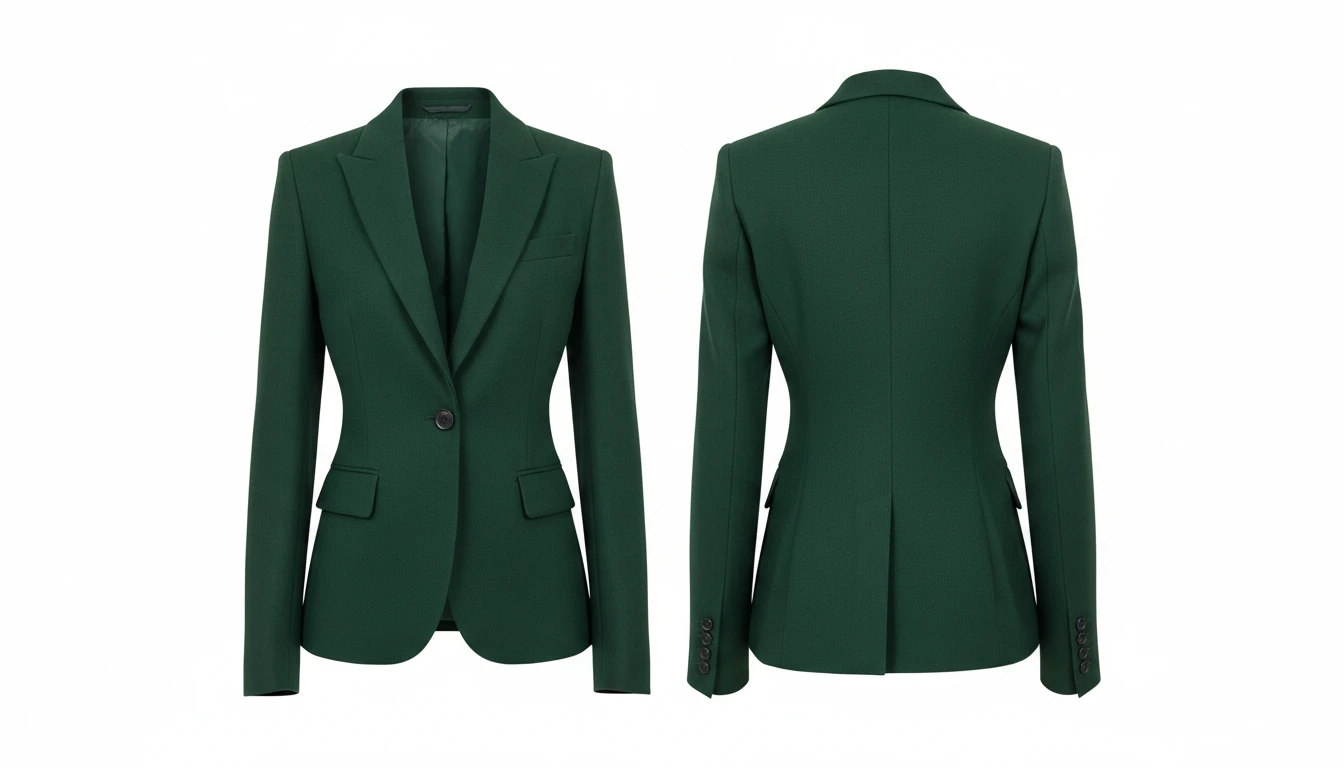
AI Clothing Generator
Generate any clothing or garment design from a text description with professional presentation styles
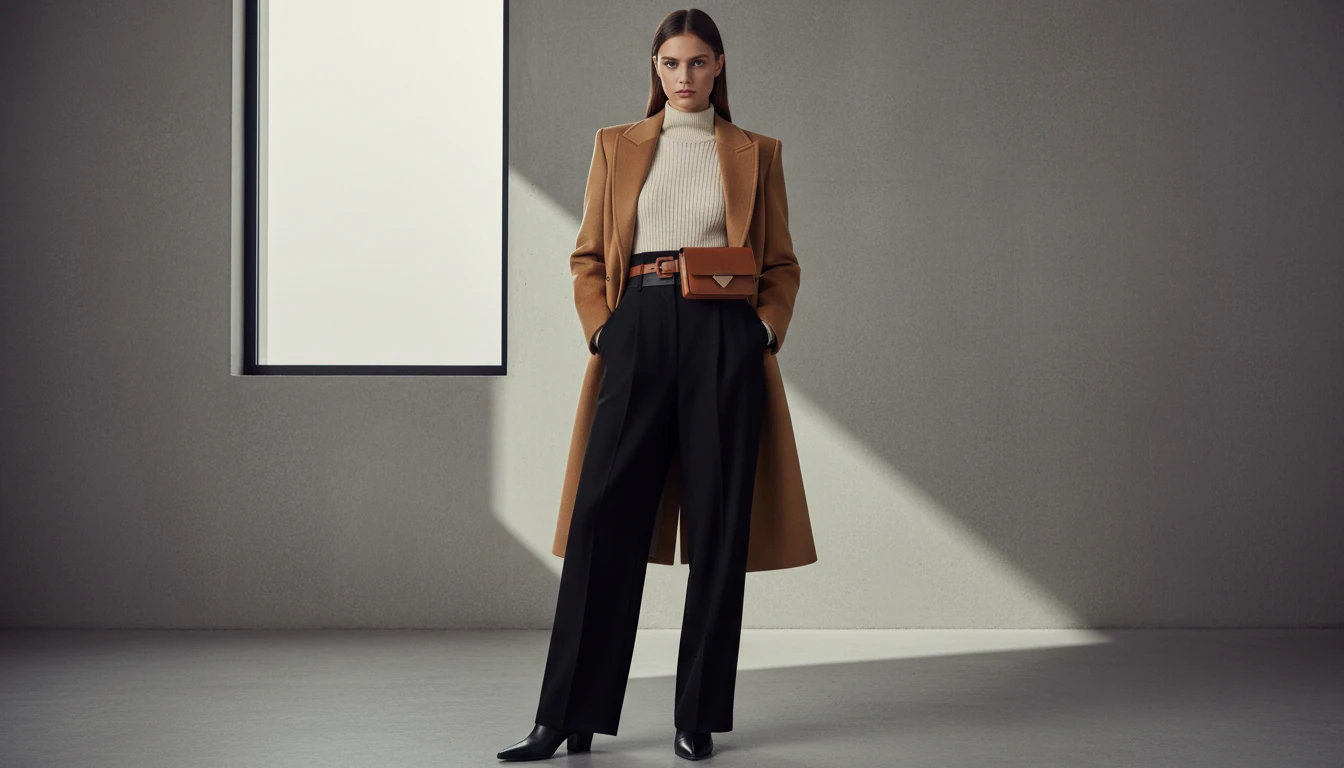
AI Outfit Generator
Generate complete outfit visuals from a text description with professional fashion photography styles
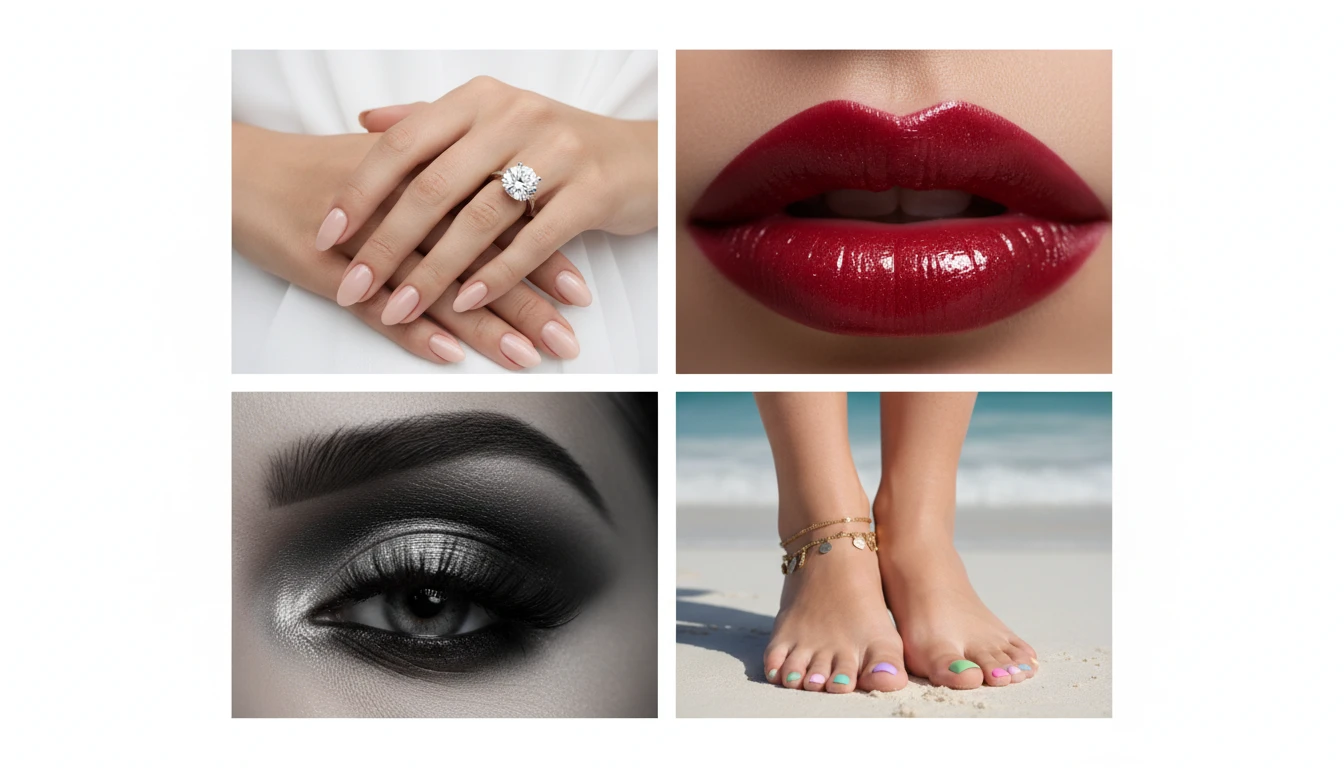
AI Detail Shots Generator
Generate professional close-up beauty and macro detail shots. Hands, nails, face, lips, eyes, neck, feet, legs, skin, and editorial styles.
Opens in
Image Studio
Frequently Asked Questions
Everything you need to know to get started.
What is AI Fashion Model Generator?
AI Fashion Model Generator creates realistic photos of a fashion model wearing any outfit you describe. You can also upload a garment reference image and AI will generate a model wearing that specific piece.
Do I need to upload a clothing photo?
No. The reference image is optional. You can describe the outfit entirely in text and AI will generate a realistic model photo. Uploading a garment photo gives the AI additional visual context for more targeted results.
What photo styles are available?
You can choose from E-Commerce, Editorial, Lookbook, Street Style, Campaign, Runway, Dark Studio, and Lifestyle. Each applies a different setting, lighting, and visual mood to the model photo.
What aspect ratio works best for fashion model photos?
Portrait ratios (2:3 or 9:16) work best for full-body model photos. Use square (1:1) for catalogue listings and social media posts. Landscape ratios suit three-quarter shots and banner imagery.
How do I get the best results from AI Fashion Model Generator?
Describe the model and outfit in detail: garment type, color, fabric, pose, and setting. For example: "a woman in her 30s wearing a tailored navy blazer, white shirt, slim trousers, standing with hands on hips, white studio background, soft lighting."
Can I use the generated model photos commercially?
Yes. You retain the rights to images you generate on RauGen and can use them for commercial purposes including e-commerce listings, social media, marketing materials, and brand presentations.
Start Generating Fashion Model Photos Today
Describe any outfit and AI creates a professional model photo in seconds. No studio or photoshoot required.
Generate Your First Model PhotoDisclaimer: This tool uses generative AI technology which may produce content that resembles copyrighted materials or that is inaccurate, incomplete, or out-of-date. It is provided for general information and educational purposes only and is not intended for illegal activities or to replace professional advice, diagnosis, or treatment. Users are solely responsible for how they use the generated content. If you plan to use AI-generated content commercially or publicly, we strongly recommend reviewing it for potential copyright issues and obtaining proper permissions where necessary. We accept no liability for copyright infringement or any other consequences resulting from the use of content generated by this tool.