Generate Any Clothing Design from Text or a Reference Image
Describe any garment and AI generates a professional visual in seconds. Choose from ghost mannequin, editorial, flat lay, runway, and street style.
Generate Clothing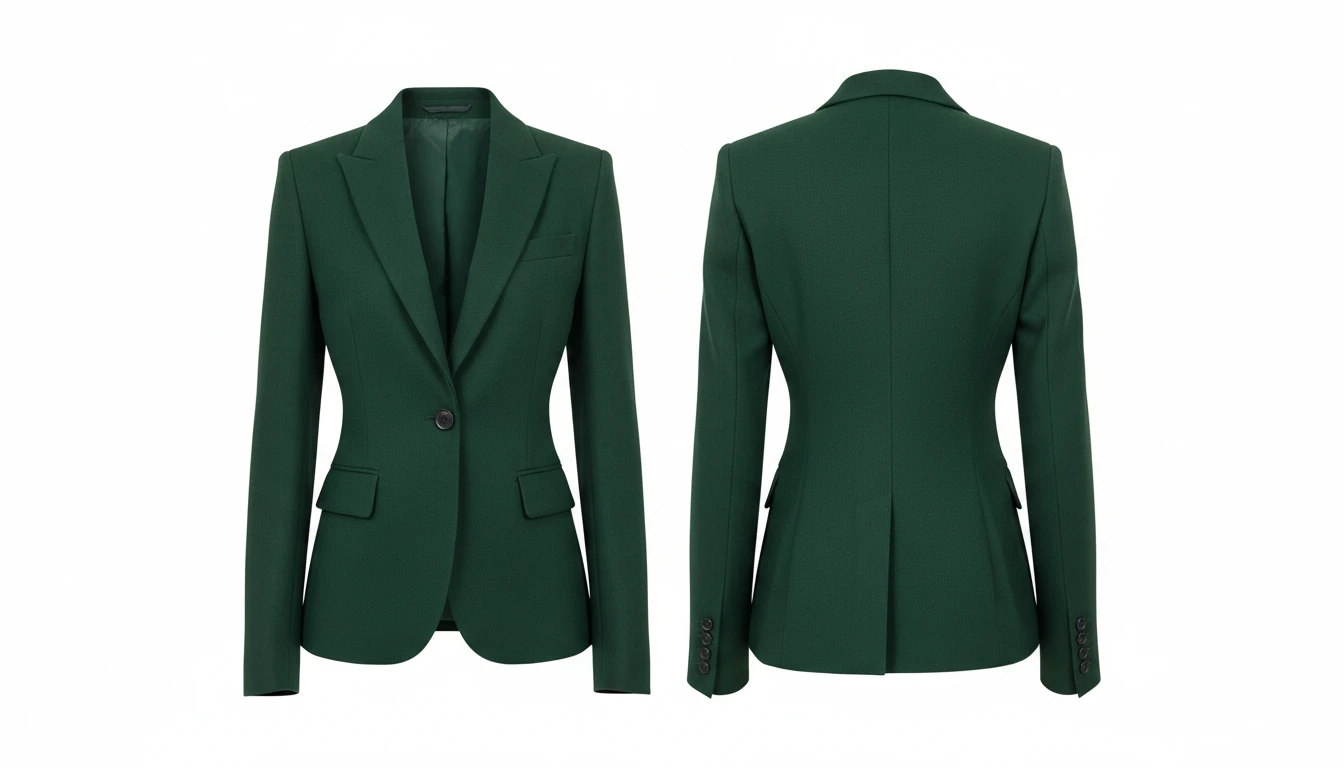
Describe the Garment
Pick a presentation style, then describe the clothing. We'll open AI Product Studio ready to generate a four-view design sheet.
Runs inside the AI Product Studio — product photography in one place.
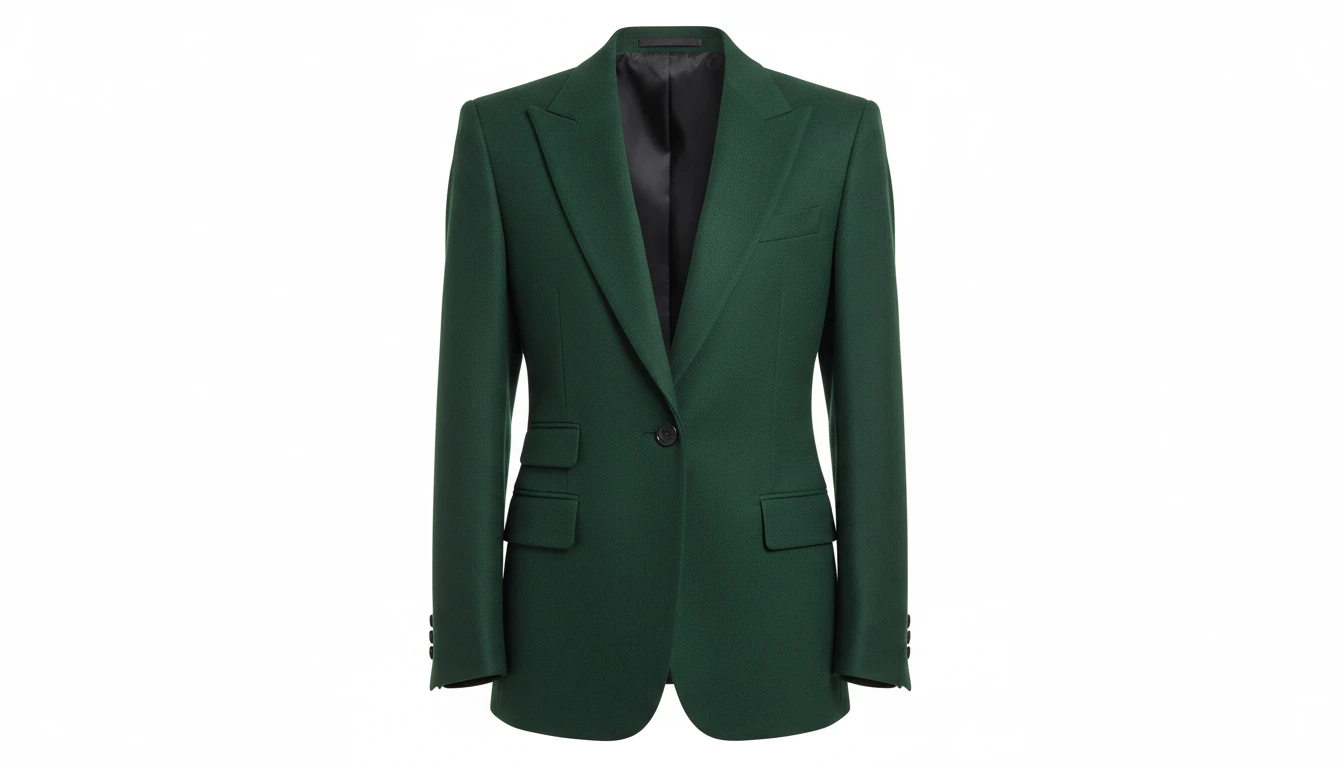
Ghost Mannequin Product Photography
Generate invisible mannequin product shots with a clean white background, the gold standard for e-commerce garment presentation. No expensive studio or photographer needed.
Generate a Product Shot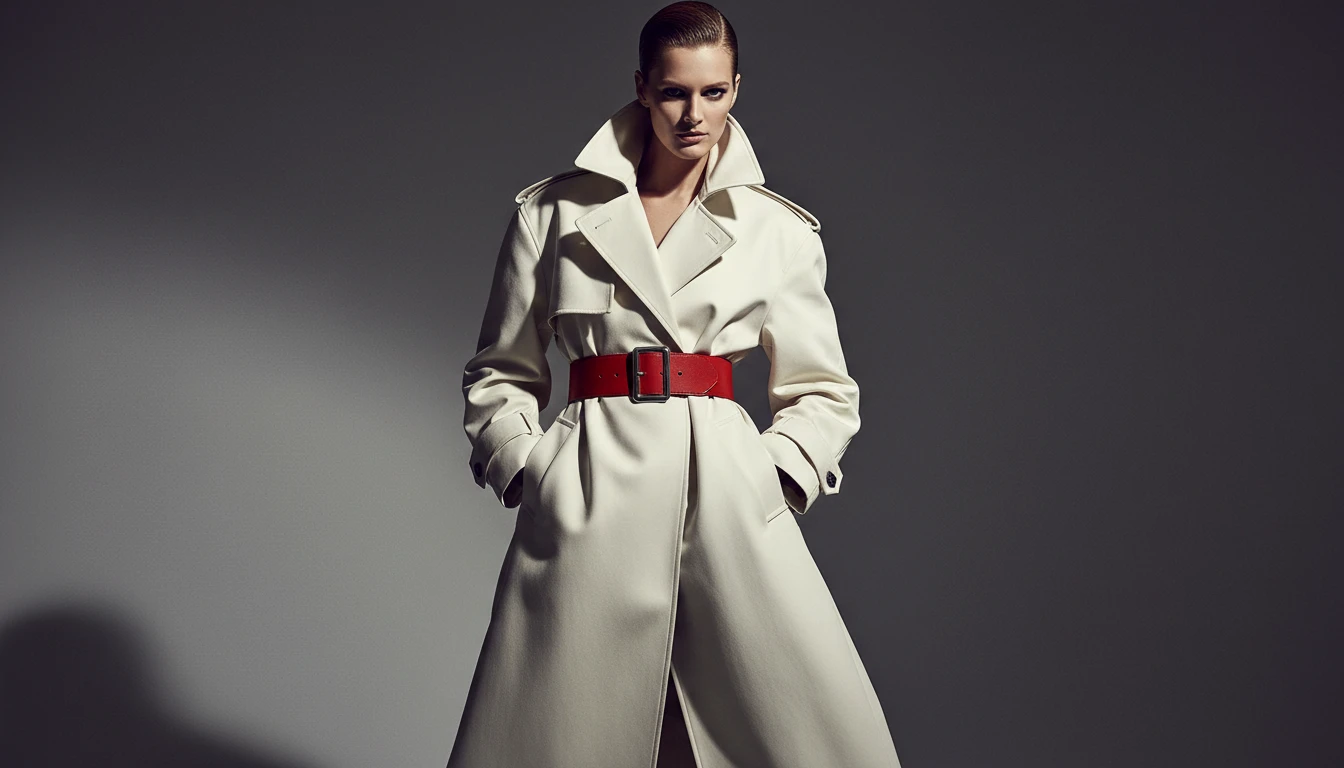
Editorial and Runway Visuals
Create high fashion editorial imagery and runway-style visuals for lookbooks, campaign pitches, and presentations without booking a photographer or model.
Create Editorial Imagery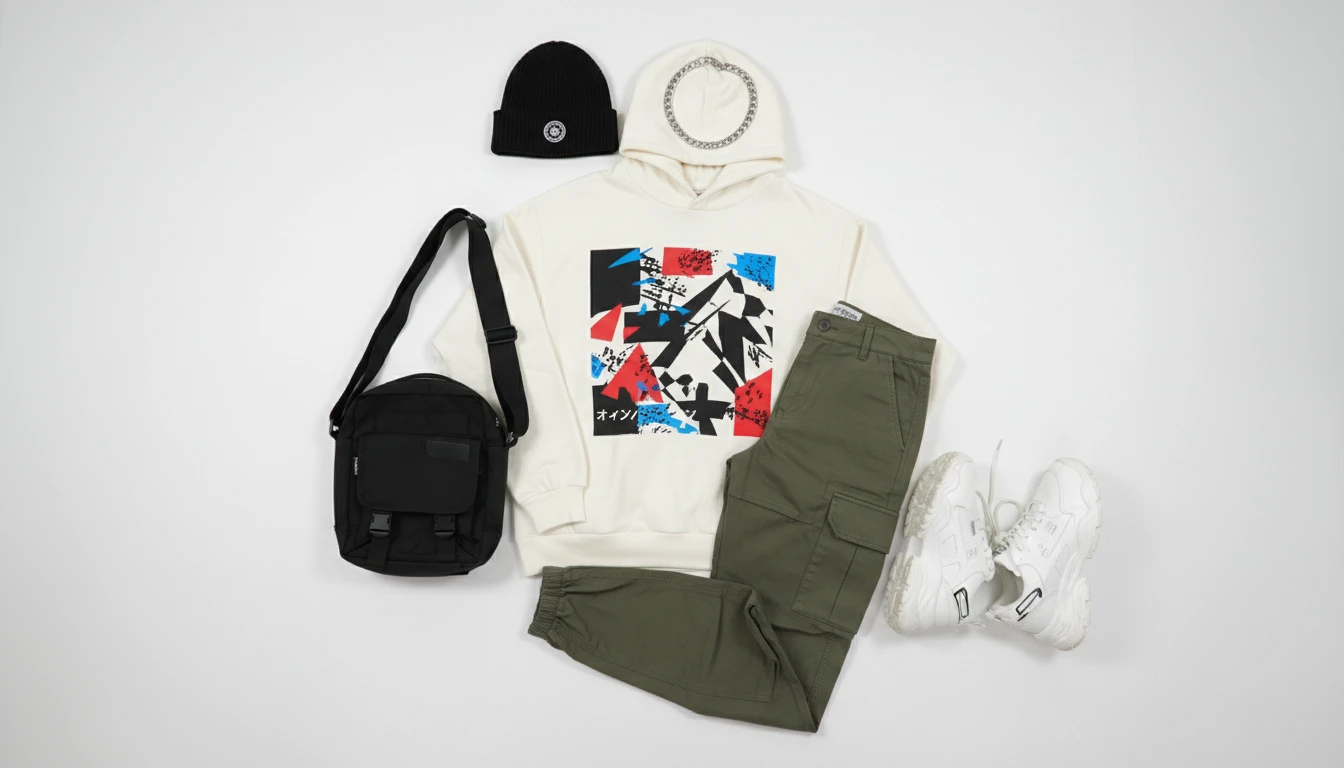
Flat Lay and Street Style
Generate overhead flat lay product layouts for social media and lookbook pages, or street style shots for lifestyle brands and campaign content.
Try Flat Lay Style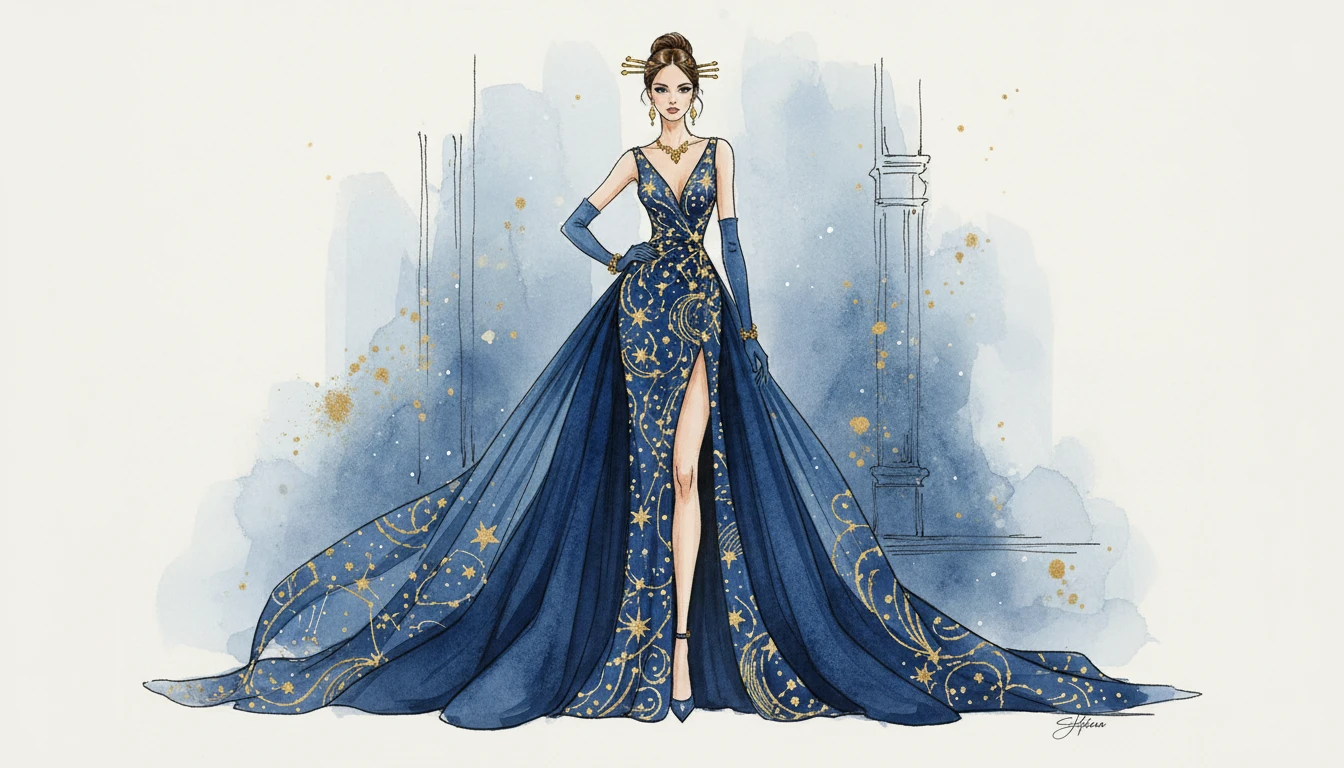
Fashion Illustrations
Generate elegant fashion plate illustrations in watercolor and ink style for mood boards, presentations, and creative pitches that stand out from photo-based content.
Generate an IllustrationWho Uses AI Clothing Generator
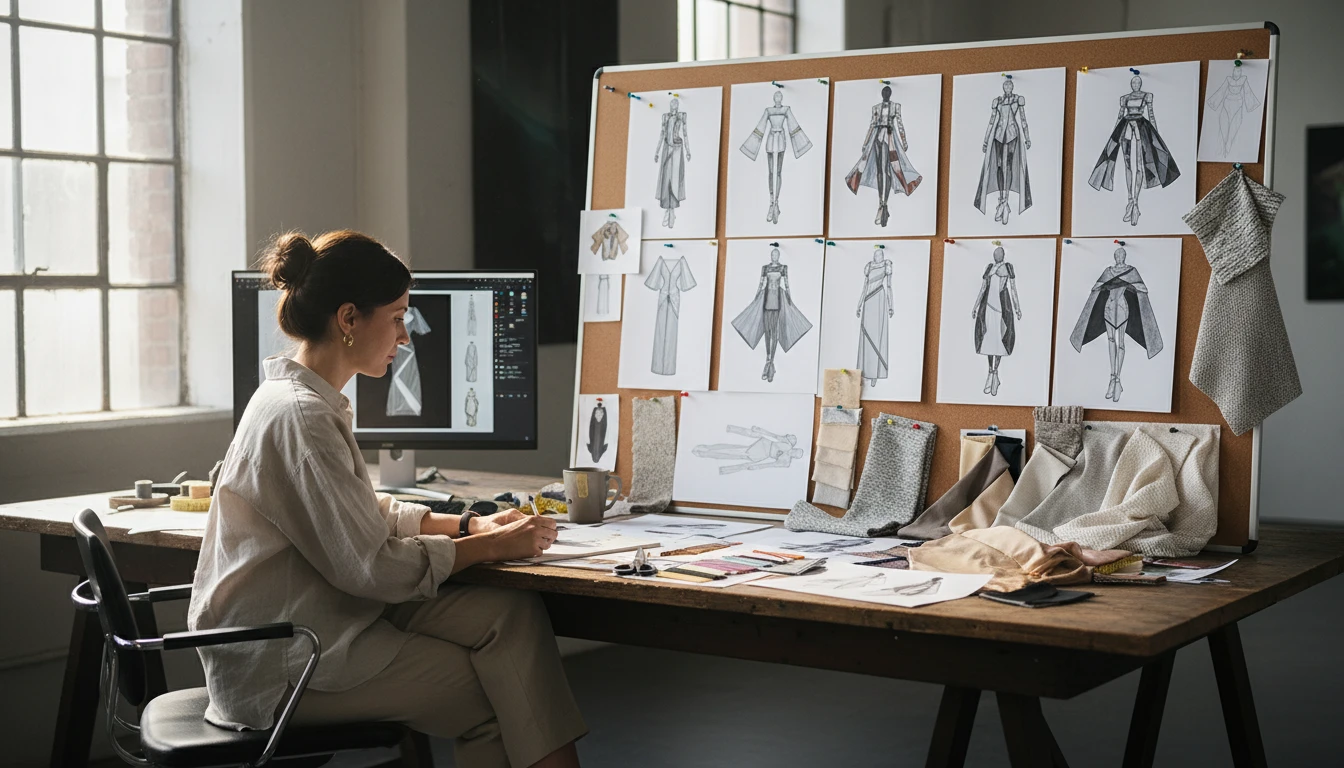
Fashion Designers
Rapidly prototype garment concepts, colorways, and silhouettes before committing to physical samples. Explore dozens of directions in the time it takes to sketch one.
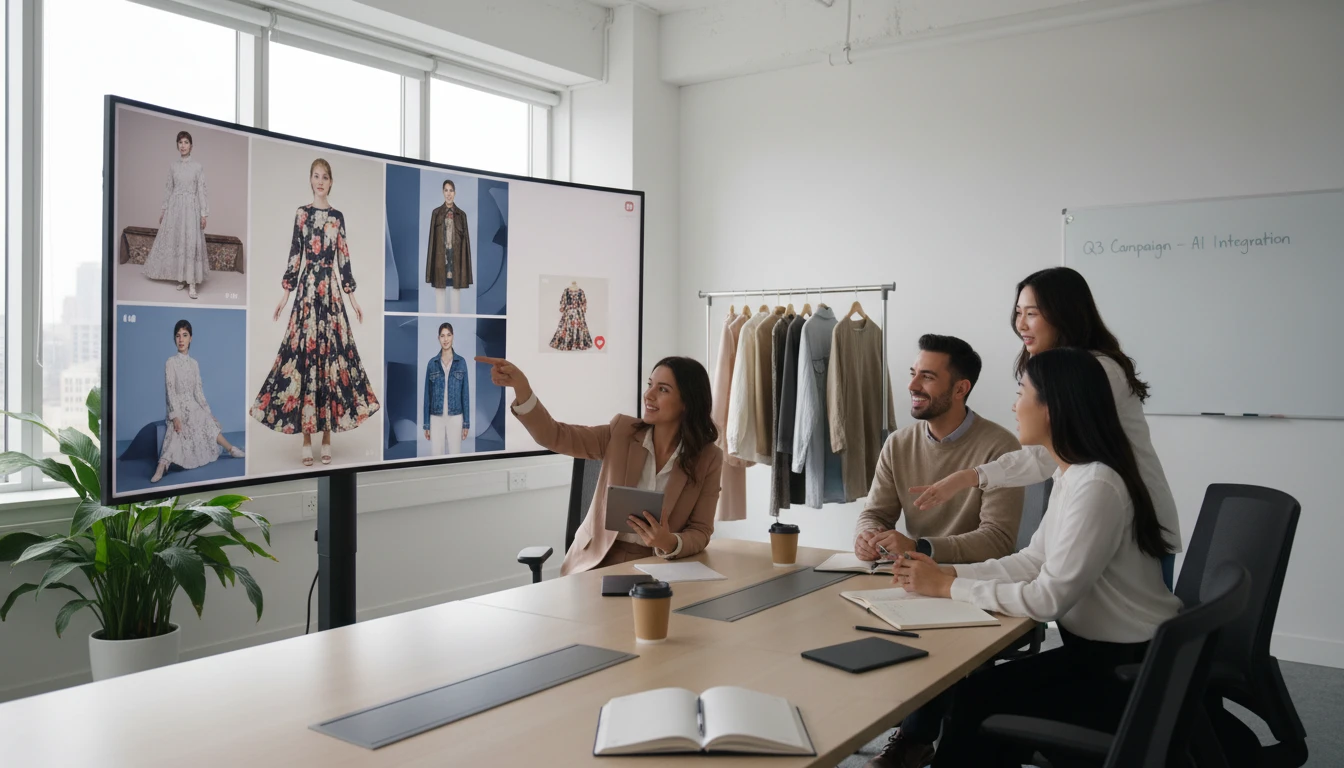
E-Commerce and Retail Brands
Create ghost mannequin product shots, lookbook imagery, and campaign visuals for upcoming collections without expensive photoshoots or sample production.
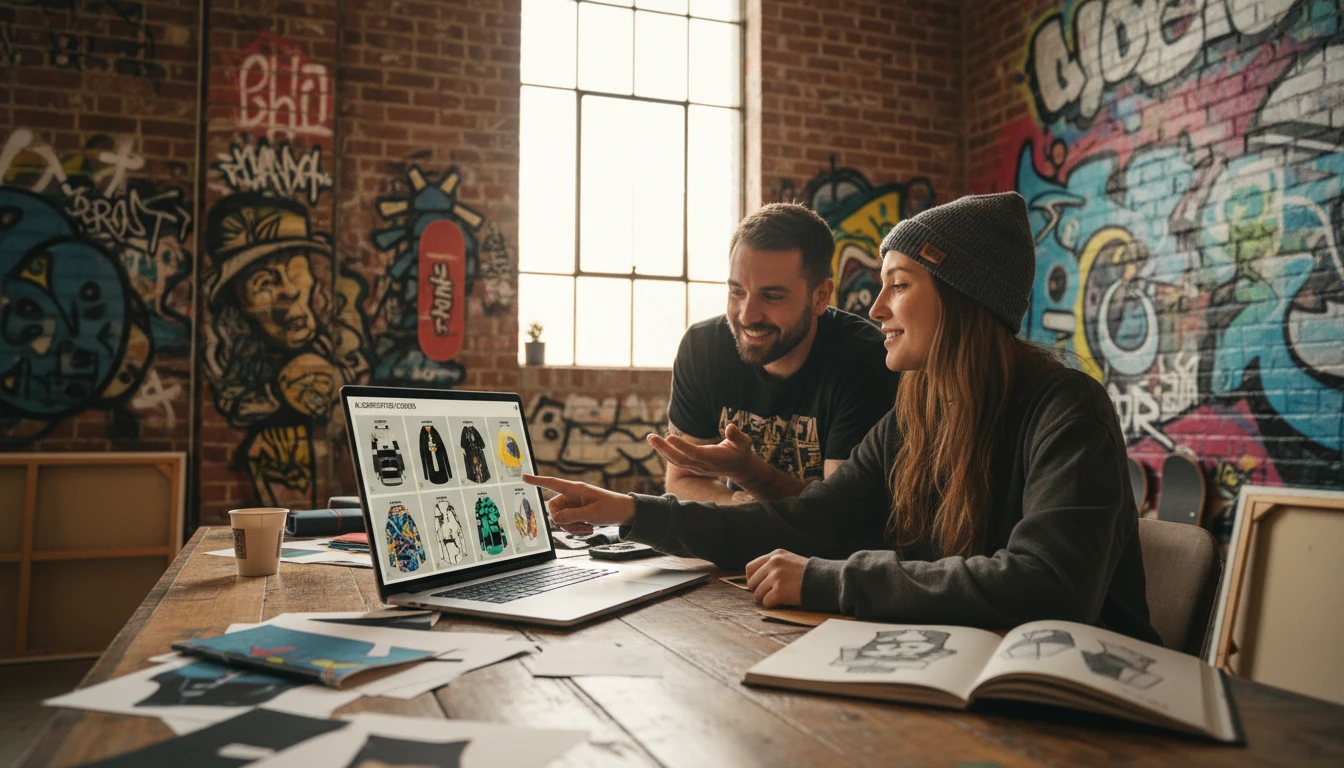
Streetwear and Merch Creators
Visualize hoodies, tees, caps, and full outfit drops before production. Present concepts to collaborators and manufacturers with photorealistic AI visuals.
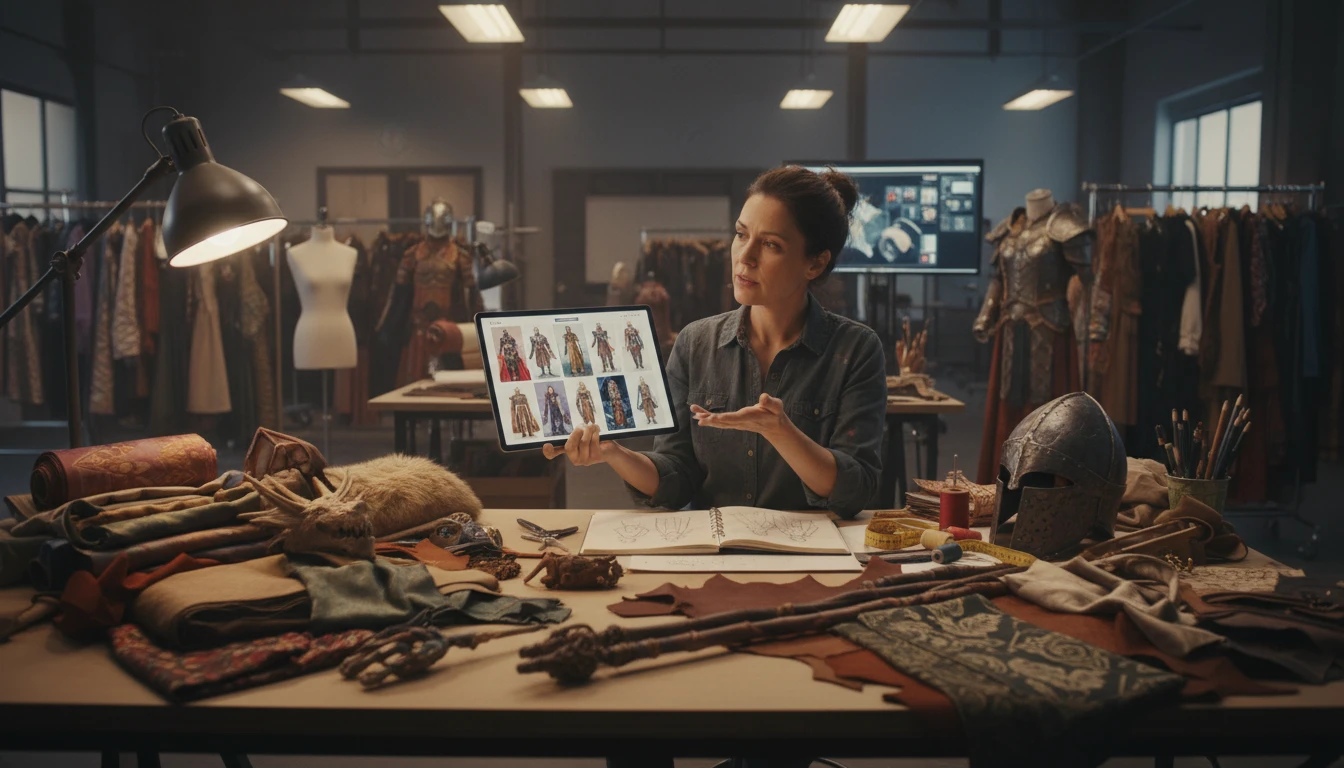
Costume and Character Designers
Design costumes for film, games, theatre, and cosplay. Explore fantasy, sci-fi, and historical apparel concepts that push the limits of traditional fashion.
How to Use AI Clothing Generator
From concept to visual in four simple steps
Describe Your Garment
Write a detailed description of your clothing concept: garment type, silhouette, fabric, color palette, patterns, and any embellishments.
Choose a Presentation Style
Pick how you want the garment presented: ghost mannequin, editorial, flat lay, runway, street style, illustration, lookbook, or e-commerce.
Set Aspect Ratio
Select portrait 2:3 for full-length looks, square for flat lays, or 9:16 for story-format content, depending on your intended use.
Generate and Download
Click Generate and your fashion visual is ready in seconds. Use it as-is or generate variations to refine the concept further.
Explore More
More AI Studio Tools
Discover other powerful AI tools to enhance your creative workflow
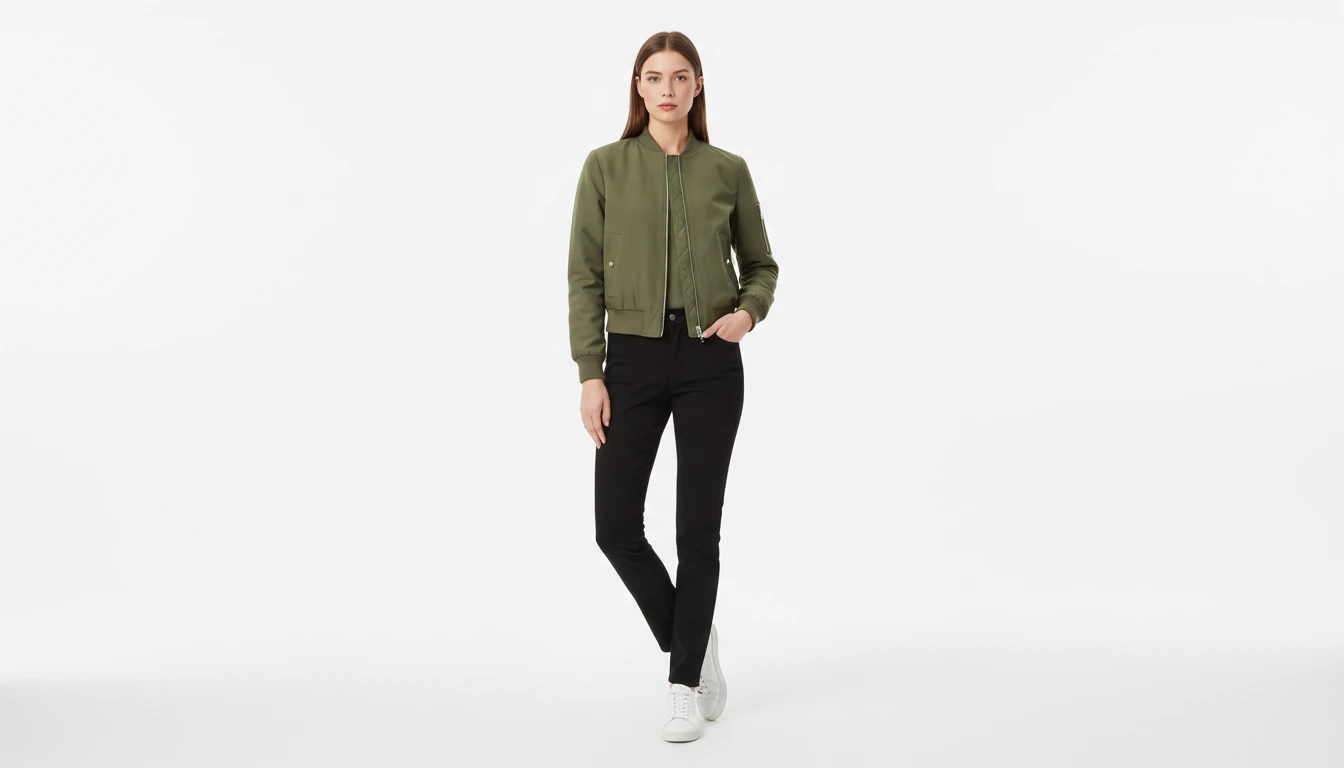
AI Virtual Try-On
Upload a garment photo and a model photo and AI generates a photorealistic image of the model wearing the outfit. The garment is fitted naturally to the model body with correct fabric draping, color, and texture. No studio booking, fitting sessions, or photoshoots required. Works for tops, dresses, jackets, pants, and full outfits.
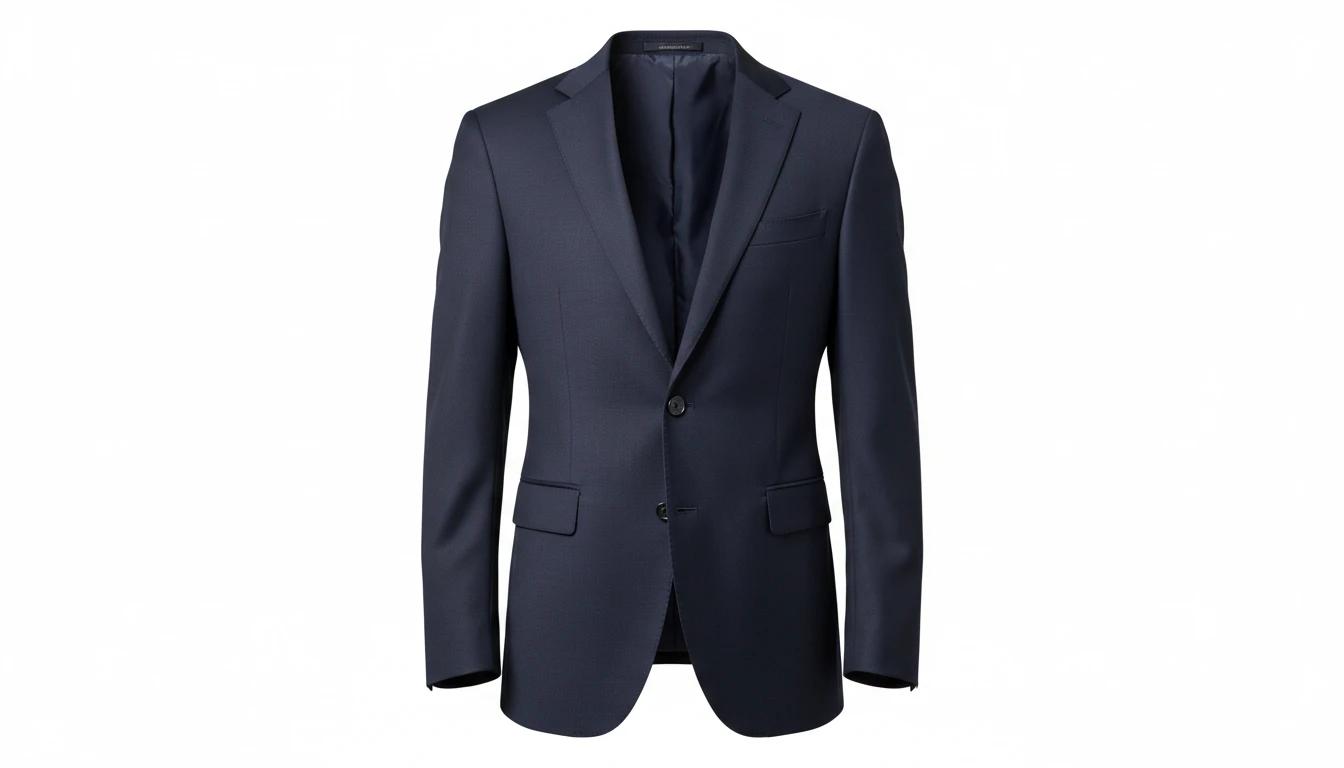
AI Ghost Mannequin
Upload a flat-lay, hanger, or model photo of any garment and AI shapes it onto a professional invisible mannequin. Automatically removes the background and applies realistic 3D fabric draping, producing the hollow neckline and sleeve effect used in professional fashion e-commerce. Outputs a clean transparent PNG ready for product listings. Works for tops, dresses, jackets, knitwear, pants, and coats.
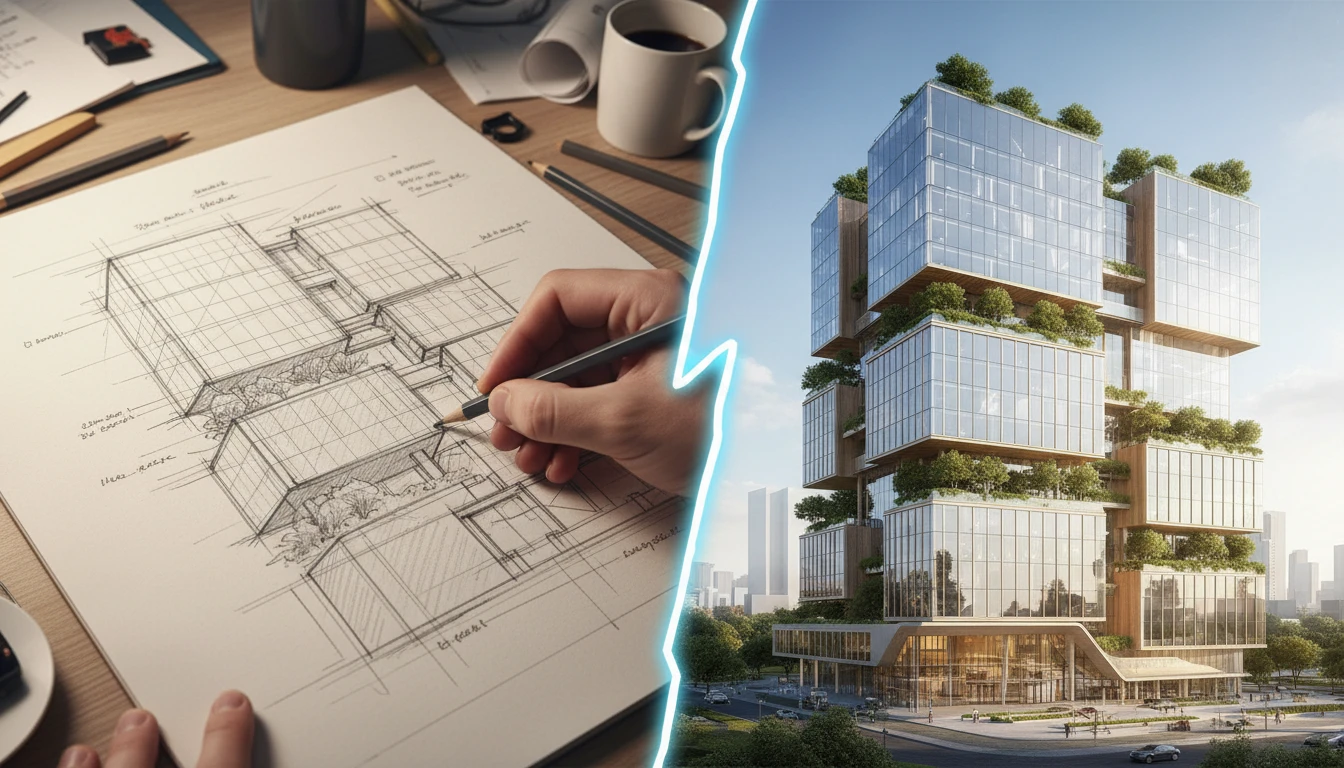
AI Sketch to Image
Upload any hand-drawn sketch, pencil drawing, blueprint, or concept line art and AI converts it into a detailed, fully rendered image. The model interprets the outline structure and fills it with colors, textures, lighting, and lifelike detail. Works for character concepts, architectural sketches, product designs, storyboards, and more.
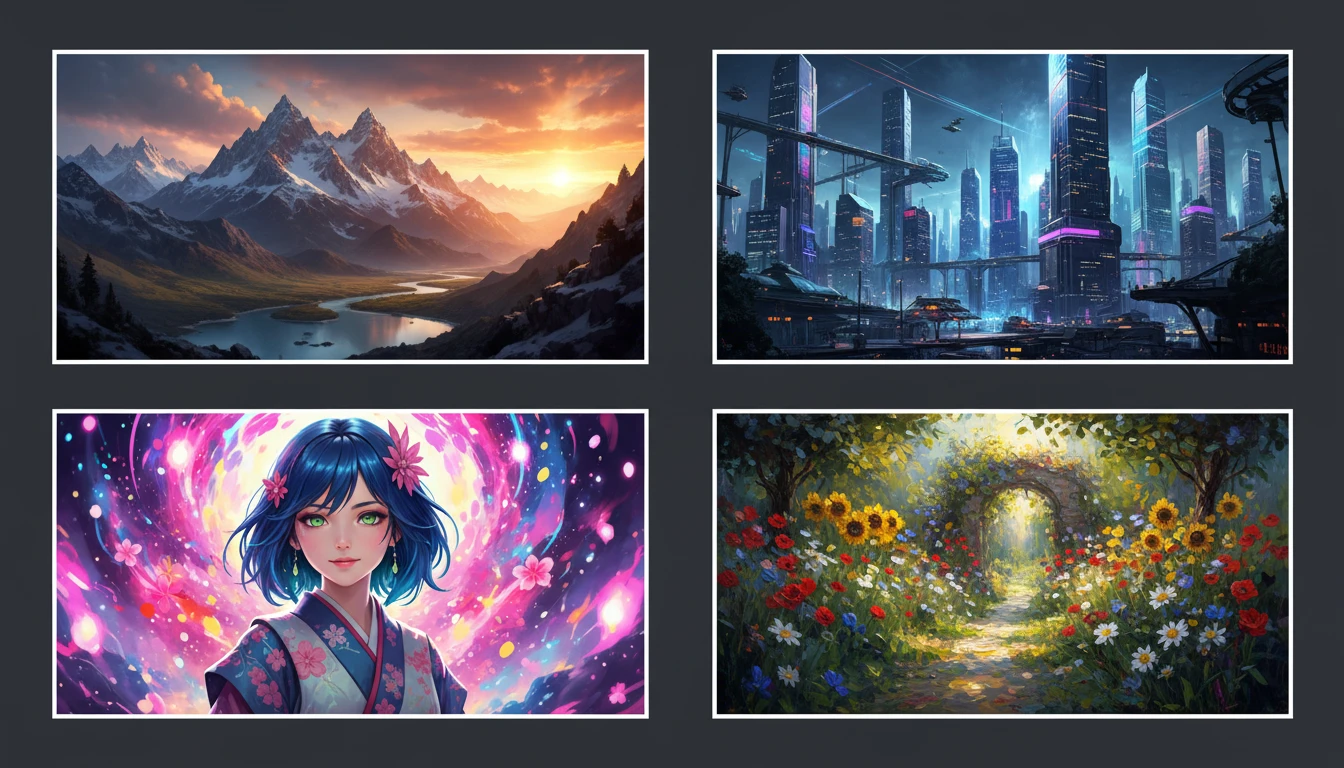
AI Text to Image
Describe any scene, character, or concept and AI generates a high-quality image in seconds. Choose from 10 artistic styles including photorealistic, cinematic, anime, oil painting, watercolor, and more, plus full aspect ratio control. Supports detailed prompt inputs and optional reference image uploads to guide the composition or style.
Opens in
Image Studio
Frequently Asked Questions
Everything you need to know to get started.
How does AI Text to Clothing Generator work?
Describe any garment in text, choose a presentation style, and AI generates a professional clothing visual in seconds. No photos or physical samples needed.
What presentation styles are available?
There are 16 styles including ghost mannequin, editorial, flat lay, runway, street style, fashion illustration, lookbook, and e-commerce product shots.
What format are the generated clothing images?
Images are delivered as high-resolution JPGs ready for download. You can choose from portrait 2:3, square, or 9:16 aspect ratios before generating.
What is the best way to write a prompt for clothing generation?
Include the garment type, silhouette, fabric, color palette, and any key details like buttons or embroidery. The more specific your description, the closer the result will be to your vision.
Start Generating Clothing Designs
Bring any garment concept to life in seconds. No studio, no samples, no waiting.
Launch Clothing GeneratorDisclaimer: This tool uses generative AI technology which may produce content that resembles copyrighted materials or that is inaccurate, incomplete, or out-of-date. It is provided for general information and educational purposes only and is not intended for illegal activities or to replace professional advice, diagnosis, or treatment. Users are solely responsible for how they use the generated content. If you plan to use AI-generated content commercially or publicly, we strongly recommend reviewing it for potential copyright issues and obtaining proper permissions where necessary. We accept no liability for copyright infringement or any other consequences resulting from the use of content generated by this tool.