Get Professional Ghost Mannequin Photos from Any Clothing Image
Upload any garment photo and AI shapes it onto an invisible mannequin with realistic 3D draping. Clean transparent PNG output ready for product listings.
Try Ghost Mannequin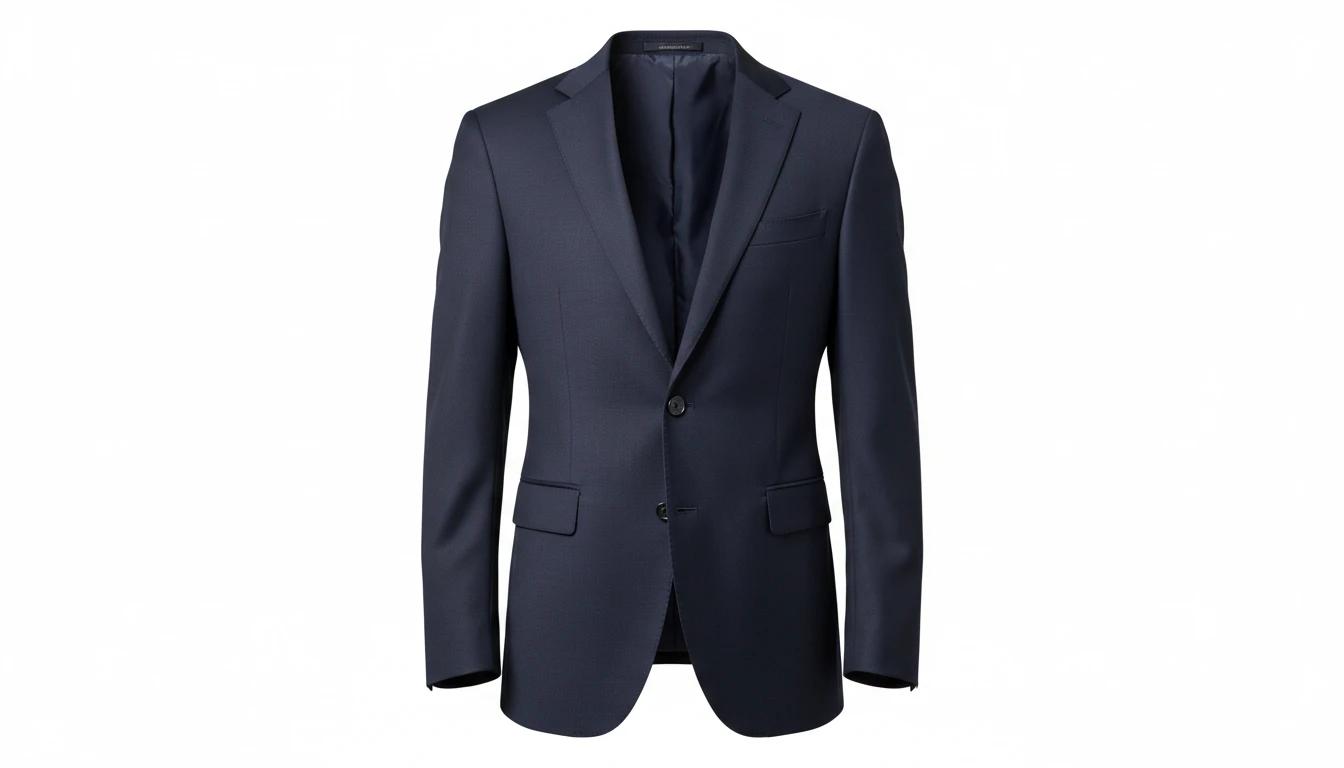
Shape Any Garment onto an Invisible Mannequin
Add a flat-lay, hanger, or model photo and we'll open AI Product Studio ready to create a ghost mannequin shot.
Drag & drop your garment photo here
A flat-lay, hanger, or model shot works best — JPG, PNG or WebP, up to 15MB
Your photo is used only to generate the product shot for you.
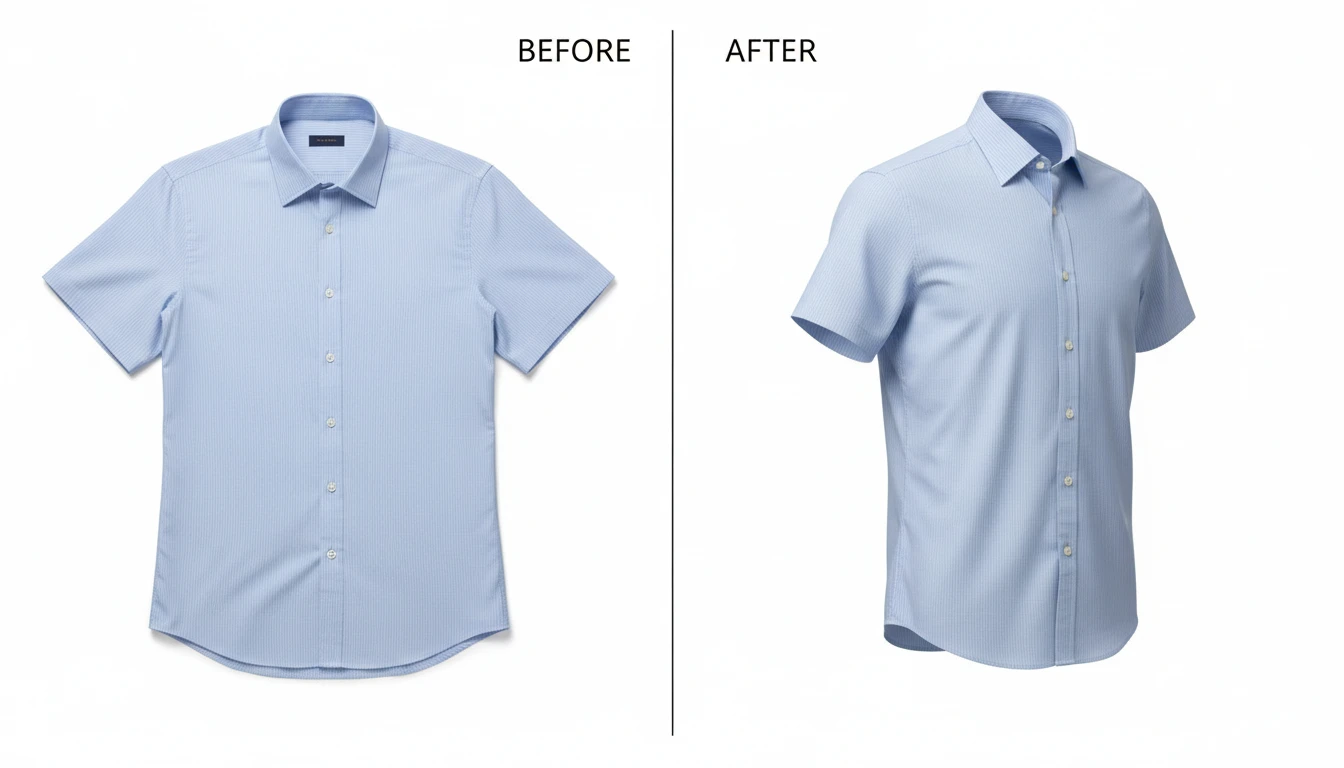
Turn Flat-Lays and Hanger Shots into Professional Product Photos
Flat-lay and hanger photos lose the natural shape of clothing. AI Ghost Mannequin reshapes your garment images into professional 3D product shots with realistic body volume, fabric draping, and empty sleeve and neckline openings in seconds.
Try It Now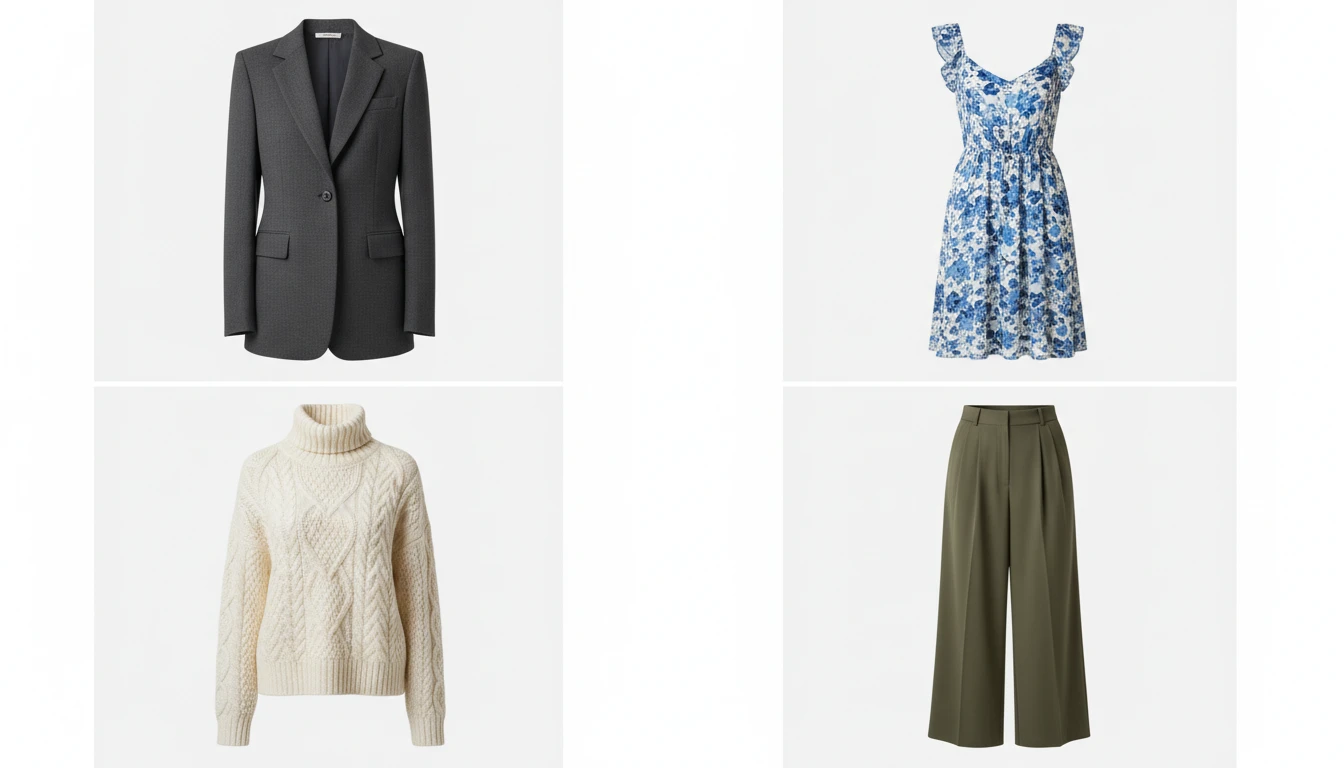
Works for Every Garment Category
Tops, shirts, blouses, dresses, jumpsuits, jackets, blazers, coats, pants, skirts, shorts, sweaters, and cardigans. Select your garment type and AI optimizes the shaping accordingly for natural, professional results every time.
Generate Your Garment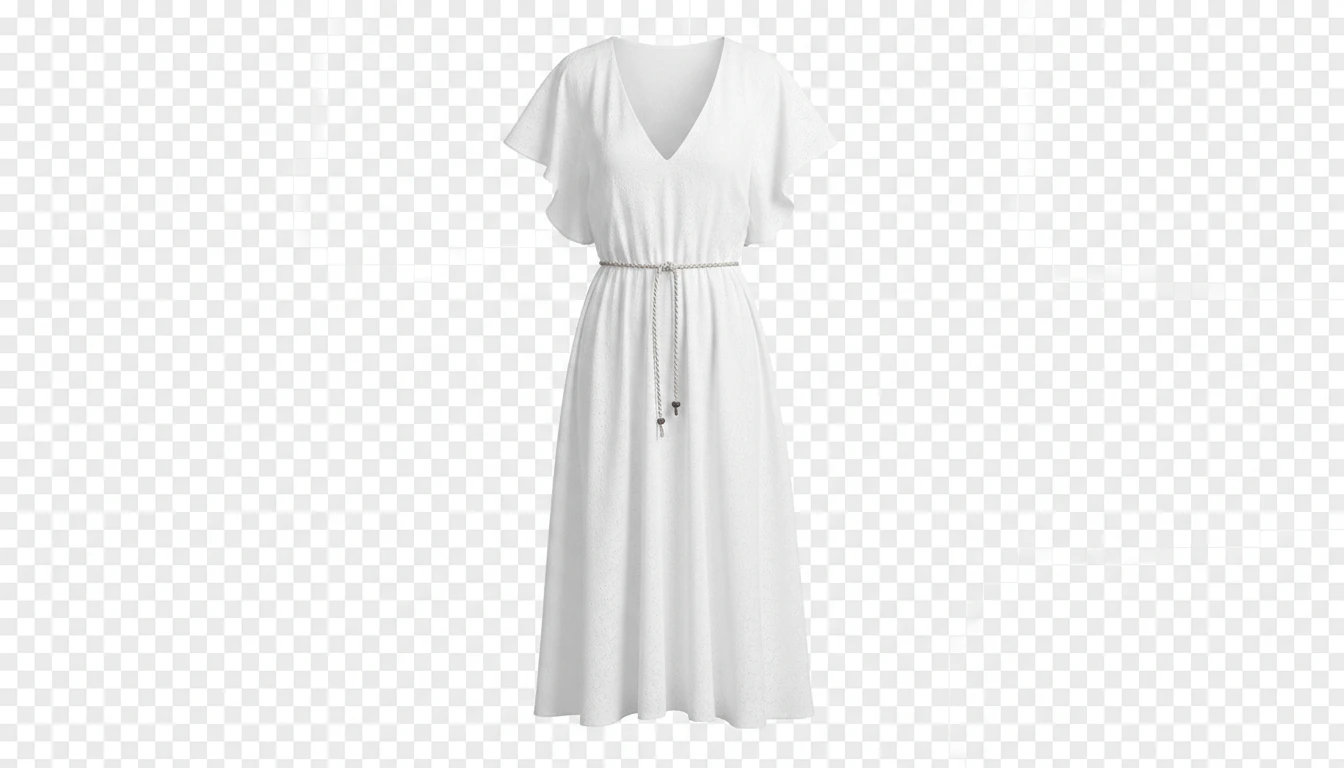
Transparent PNG Output Ready for Any Background
The output is a clean transparent PNG with the garment isolated, ready to place on any background color, texture, or scene. Use it directly on white for marketplaces or composite it into lifestyle backgrounds for social media.
Start Generating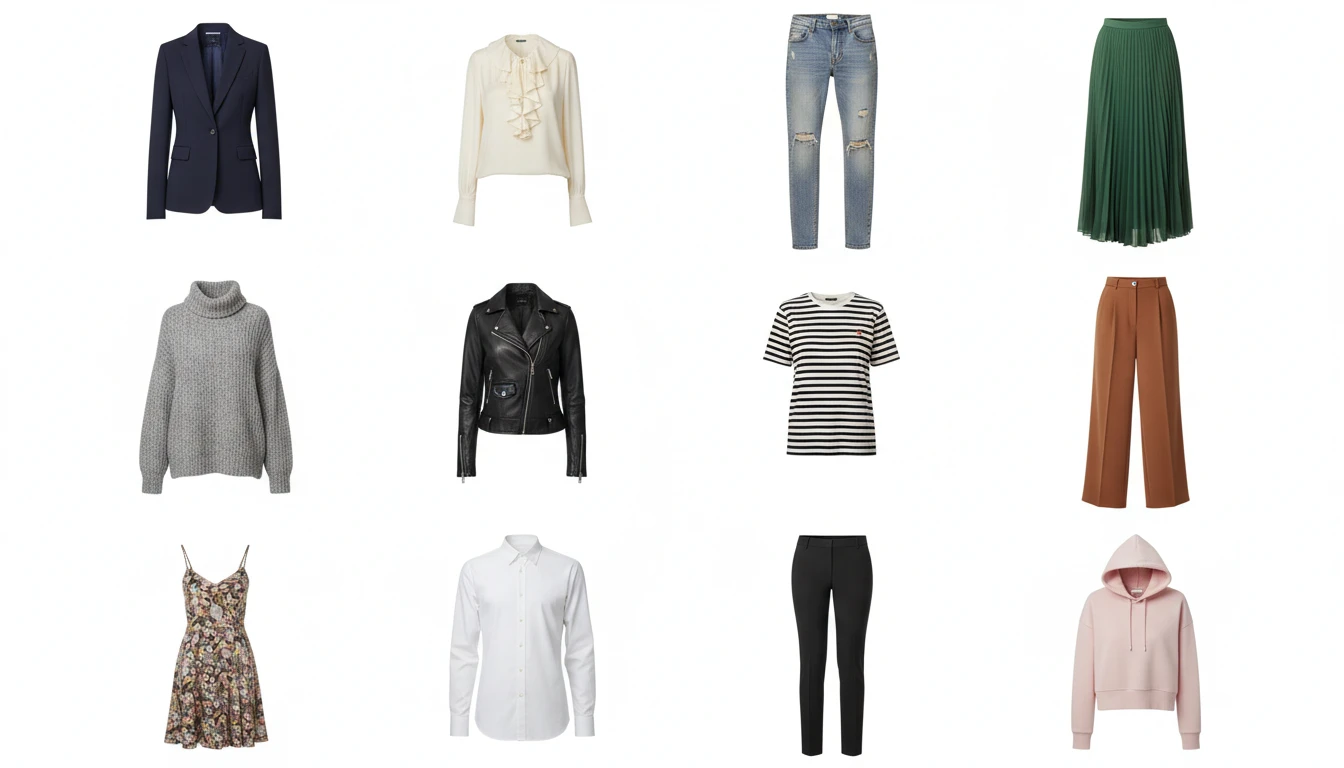
Scale Your Fashion Catalog Without Hiring Models
Eliminate model booking, studio rental, and post-production costs. Process your entire product catalog with consistent ghost mannequin styling that maintains brand cohesion across all your product listings.
Process Your CatalogWho Uses AI Ghost Mannequin
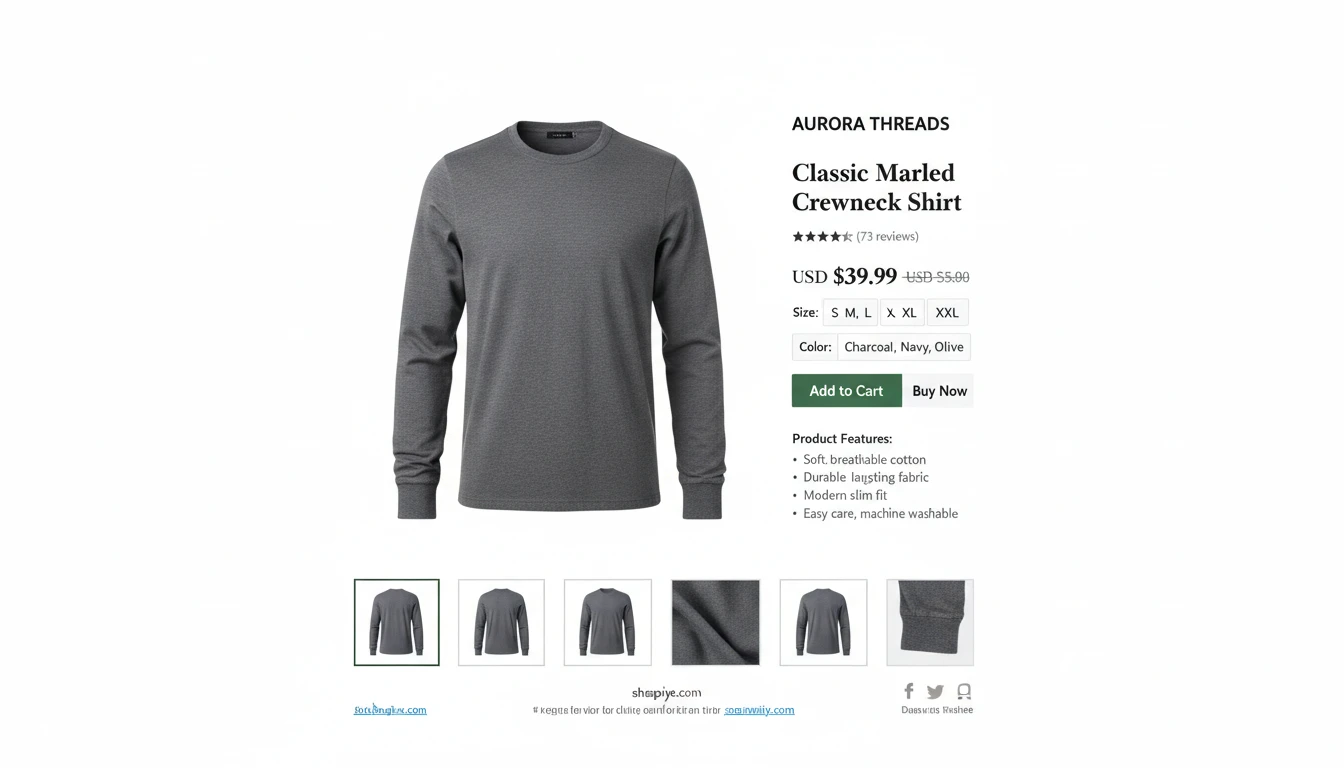
Fashion E-Commerce Brands on Shopify, Amazon, and ASOS
Marketplace and DTC fashion brands need consistent, professional product photography across their entire catalog. AI Ghost Mannequin delivers studio-quality results at scale without the production cost of traditional fashion photography.
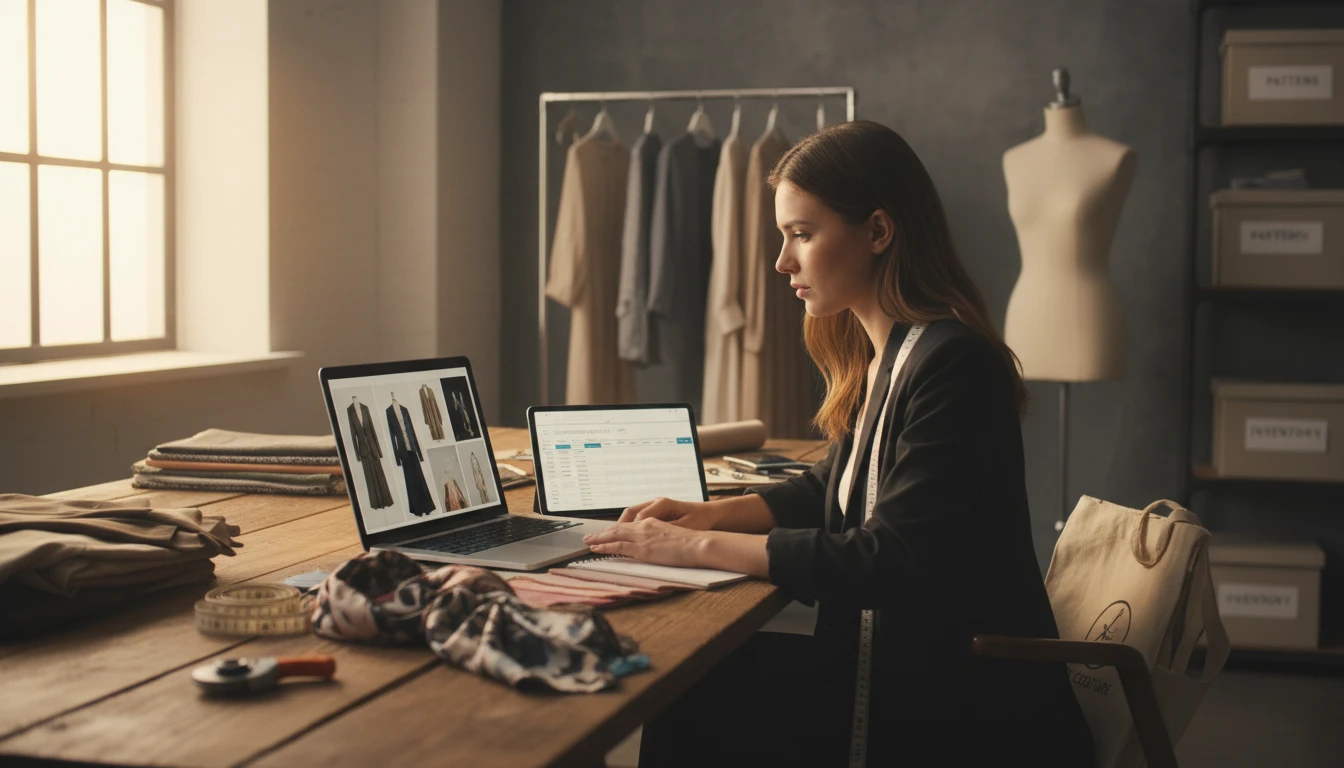
Independent Clothing Designers and Small Fashion Labels
Small fashion labels and independent designers can produce professional product imagery without investing in studios or models. Upload your garments and get e-commerce-ready photos that compete with major brands.
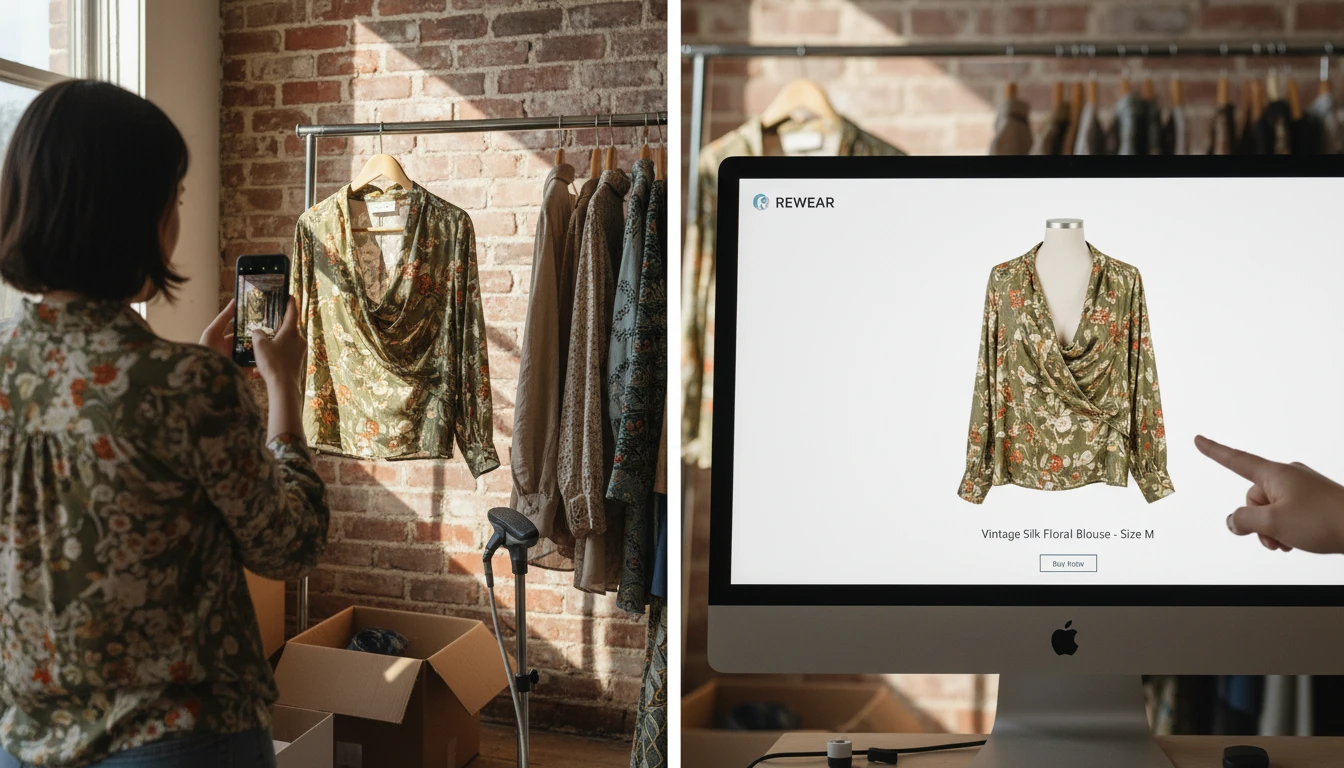
Vintage and Second-Hand Clothing Sellers
Resellers on Depop, Vinted, and eBay can transform flat-lay or hanger shots into professional ghost mannequin images that show garment shape clearly and increase buyer confidence and conversion.
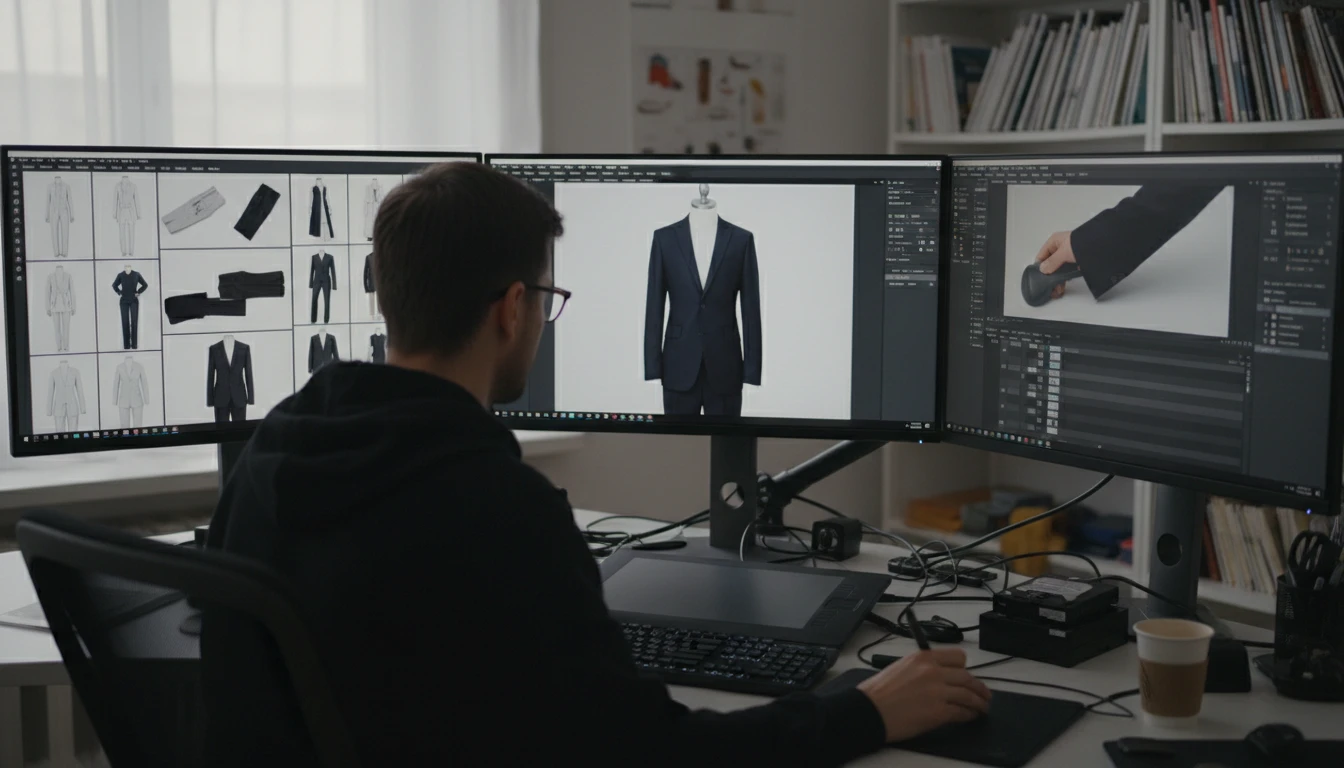
Fashion Photographers and Retouchers
Add AI ghost mannequin as a service offering. Process client garments faster and at lower cost than traditional studio shoots. Deliver transparent PNG files ready for any background placement.
How to Create Ghost Mannequin Product Photos
Upload Your Clothing Image
Upload a flat-lay, hanger shot, or model photo of your garment. PNG, JPG, and WebP are all supported. A photo with a clean or plain background gives the best results.
Select Garment Type
Choose the garment category: Top/Shirt, Dress/Jumpsuit, Jacket/Blazer, Pants/Skirt, Sweater/Knitwear, or Coat/Outerwear. This helps AI optimize the 3D shaping for your specific item.
AI Shapes Your Garment
AI automatically removes the background, reshapes the garment with realistic 3D body volume, adds natural fabric draping, and outputs a clean transparent PNG with empty neckline and sleeve openings.
Explore More
More AI Studio Tools
Discover other powerful AI tools to enhance your creative workflow
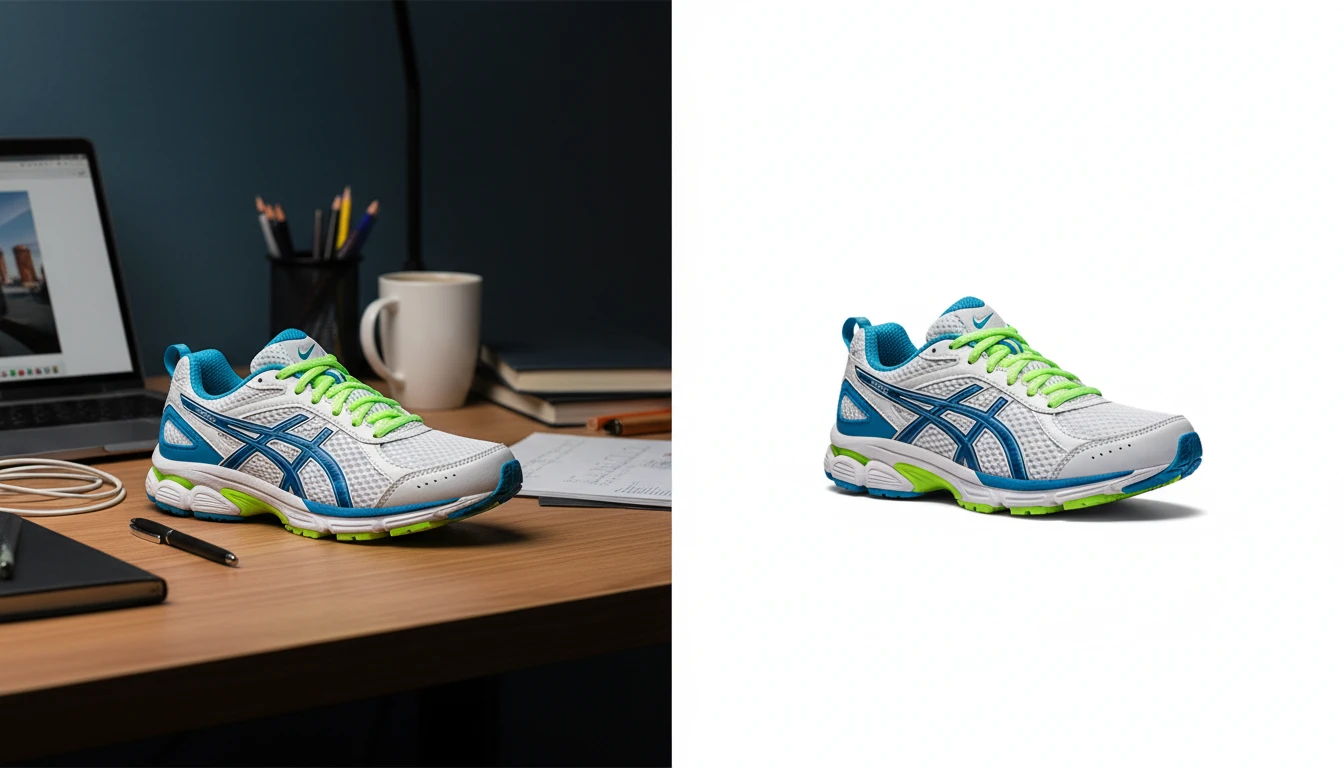
AI Background Remover
Upload any photo or product image and AI removes the background in seconds, delivering a clean transparent PNG. No manual masking required. Ideal for profile photos, marketing materials, and design assets.
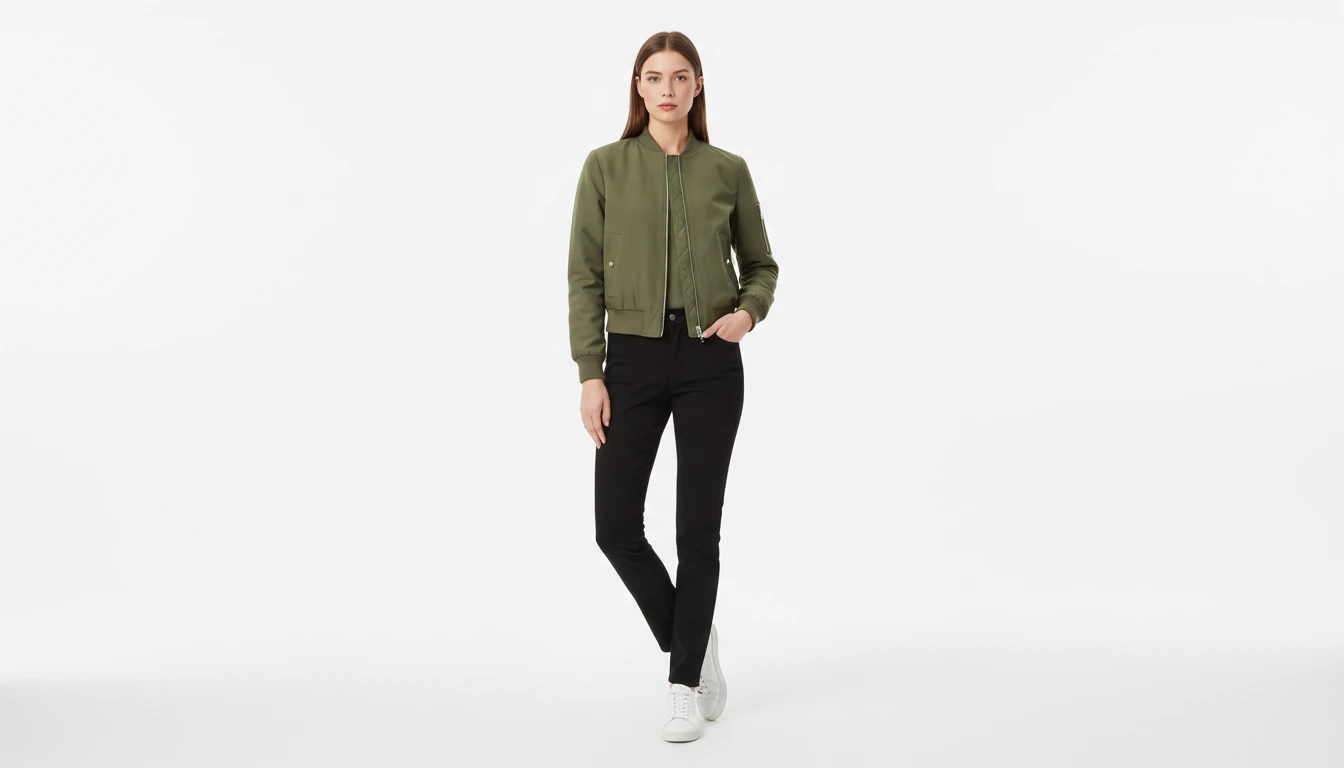
AI Virtual Try-On
Upload a garment photo and a model photo and AI generates a photorealistic image of the model wearing the outfit. The garment is fitted naturally to the model body with correct fabric draping, color, and texture. No studio booking, fitting sessions, or photoshoots required. Works for tops, dresses, jackets, pants, and full outfits.
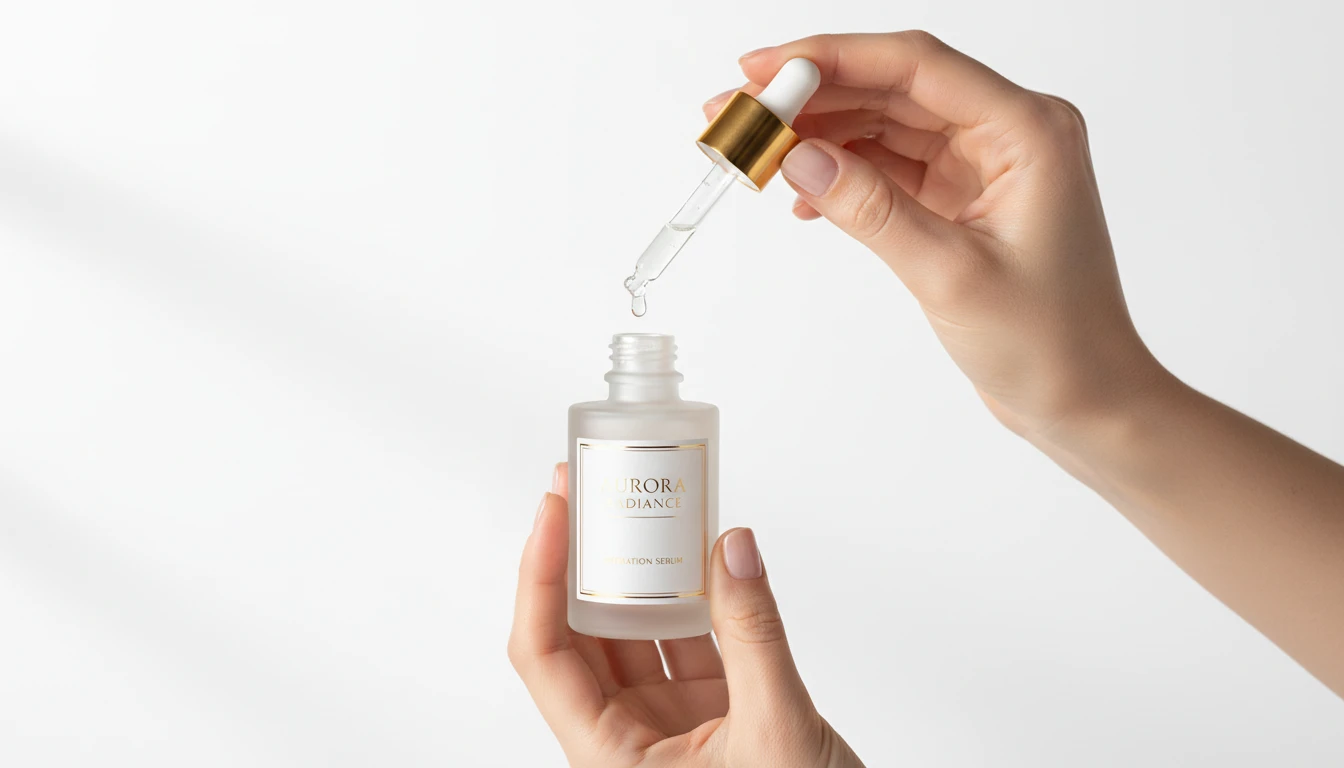
AI Product in Hand
Upload any product image and AI generates photorealistic lifestyle photos showing the item being held by hand in a natural setting. Choose from 12 scene presets including Studio White, Marble Luxury, Outdoor Lifestyle, Botanical Fresh, and Dark Dramatic. No models, photoshoots, or studio rental required. Ideal for ads, lookbooks, and social product content.
AI Product Photo Editor
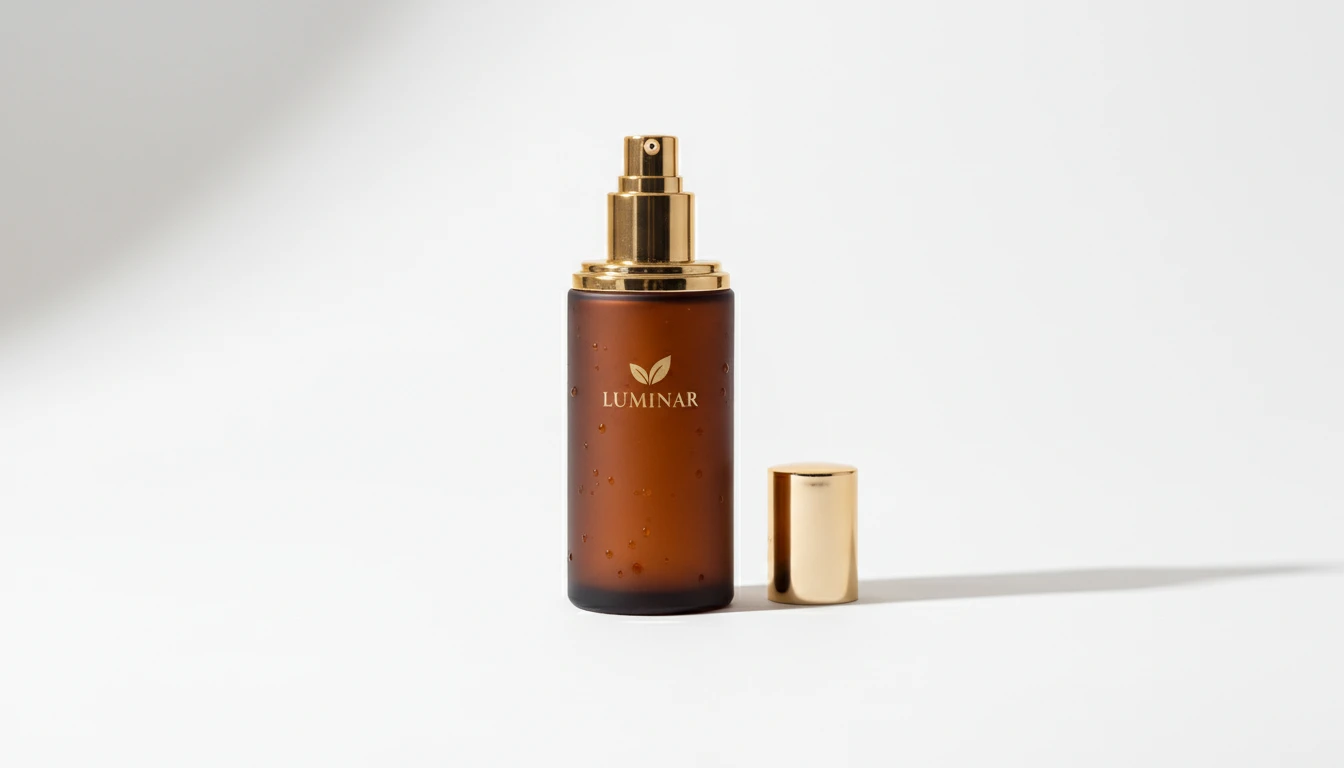
Upload any product photo and AI transforms it into a professional e-commerce image. Choose from 13 editing modes including clean white background, soft studio lighting, lifestyle scene placement, flat-lay, luxury dark background, and more. No Photoshop or photography skills required. Results are ready for Amazon, Shopify, Etsy, and social media product listings.
Opens in
Image Studio
Frequently Asked Questions
Everything you need to know to get started.
How does AI Ghost Mannequin work?
Upload a flat-lay, hanger, or model photo of your garment and select the garment type. AI removes the background, reshapes the garment with 3D body volume, and outputs a clean transparent PNG with empty neckline and sleeve openings.
What garment types are supported?
The tool works with tops and shirts, dresses and jumpsuits, jackets and blazers, pants and skirts, sweaters and knitwear, and coats and outerwear.
What image formats can I upload and what is the output?
JPG, PNG, and WebP are supported for upload. The output is a transparent PNG ready to place on any background color or scene.
What type of source photo gives the cleanest ghost mannequin result?
A photo with a plain or white background and clear garment edges gives the sharpest transparent cutout. Flat-lay photos on a white surface or hanger shots against a plain wall work especially well.
Create Professional Ghost Mannequin Photos Instantly
Sign up free and get 100 credits instantly. Transform your clothing photos into professional ghost mannequin product images in seconds.
Try Ghost MannequinDisclaimer: This tool uses generative AI technology which may produce content that resembles copyrighted materials or that is inaccurate, incomplete, or out-of-date. It is provided for general information and educational purposes only and is not intended for illegal activities or to replace professional advice, diagnosis, or treatment. Users are solely responsible for how they use the generated content. If you plan to use AI-generated content commercially or publicly, we strongly recommend reviewing it for potential copyright issues and obtaining proper permissions where necessary. We accept no liability for copyright infringement or any other consequences resulting from the use of content generated by this tool.