Get Professional Product in Hand Photos Without a Studio
Upload your product image and AI generates lifestyle photos of it being held. Studio White, Marble Luxury, Outdoor, Botanical, Dark Dramatic, and more.
Generate Your Product Shot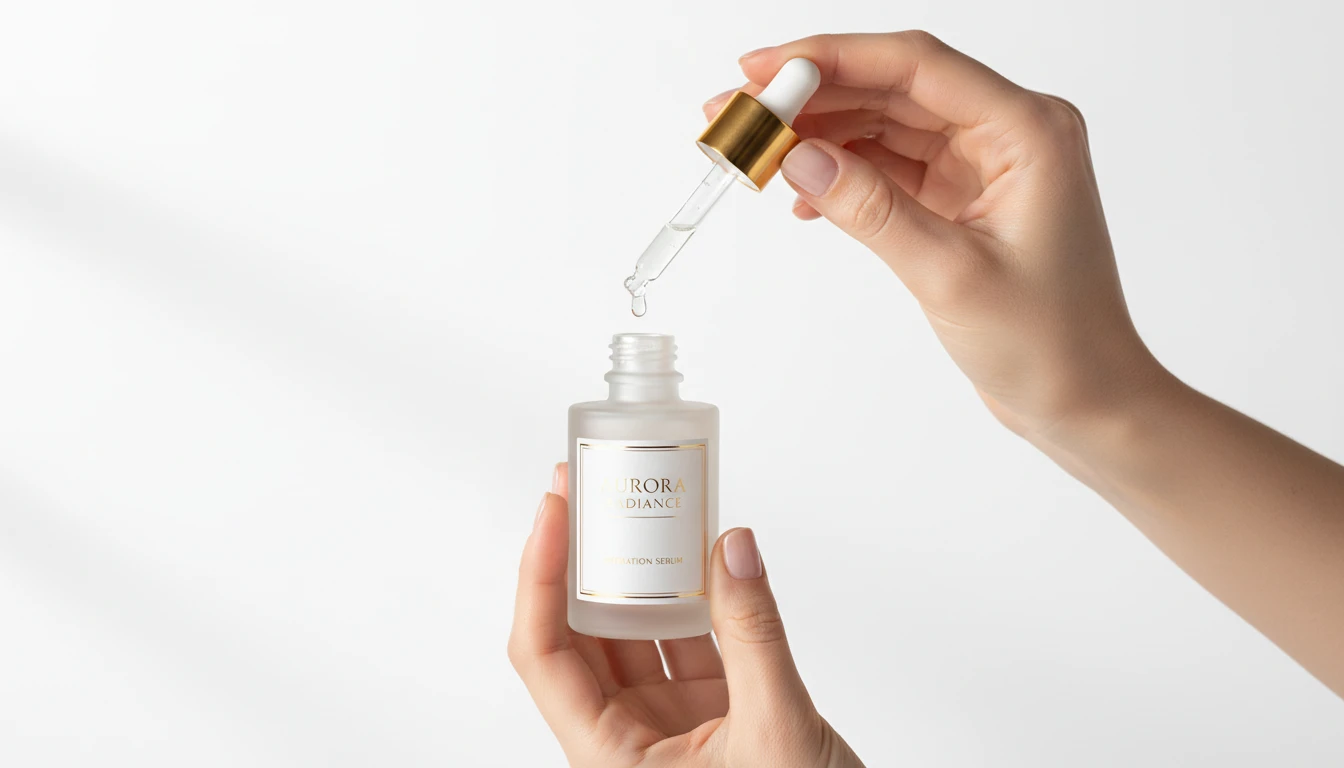
Place Any Product in a Hand
Add a product photo and we'll open AI Product Studio ready to generate a lifestyle shot of it being held.
Drag & drop your product photo here
A clear pack shot on a plain background works best — JPG, PNG or WebP, up to 15MB
Your photo is used only to generate the product shot for you.
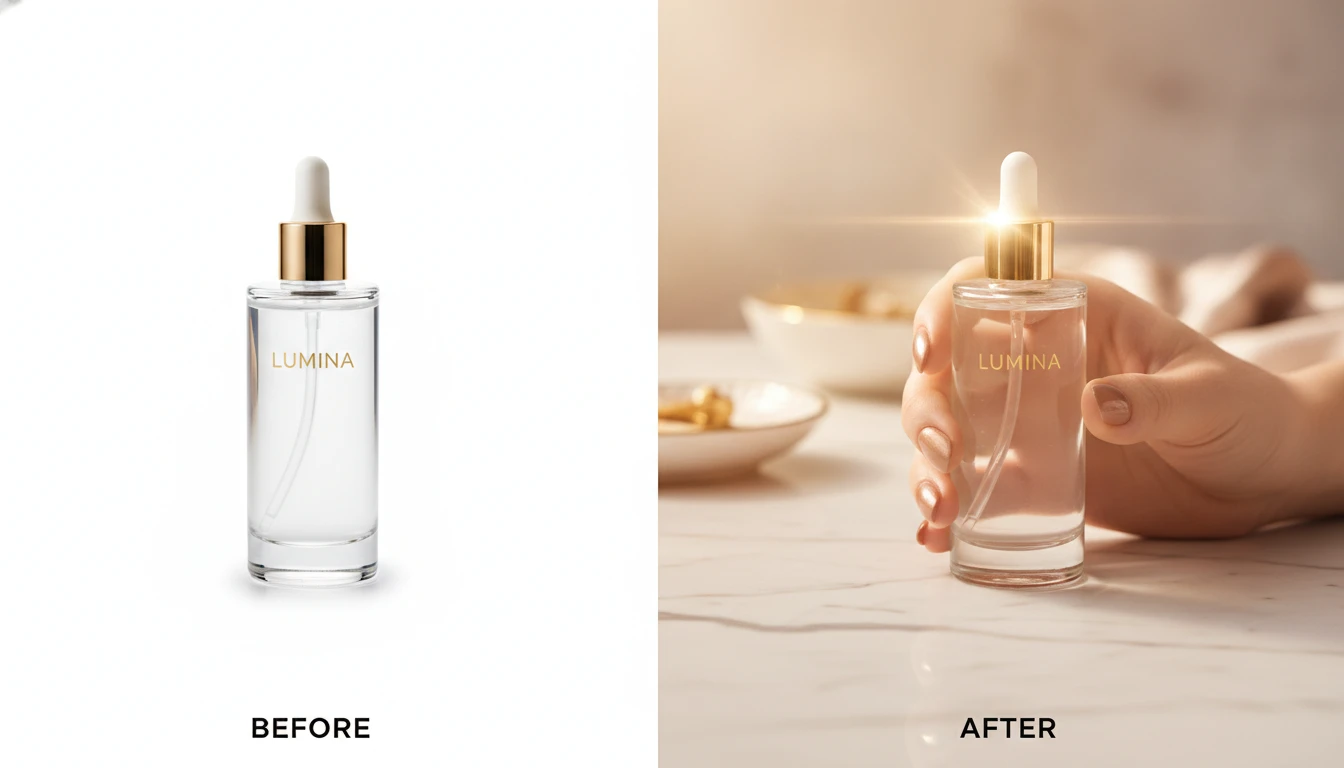
Studio-Quality Product Photography Without the Studio
Replace expensive photoshoot sessions with AI. Upload your product image, choose a scene, and get a professional lifestyle product shot in seconds. Works with any product: cosmetics, electronics, food, beverages, accessories, and more.
Generate Your First Product Shot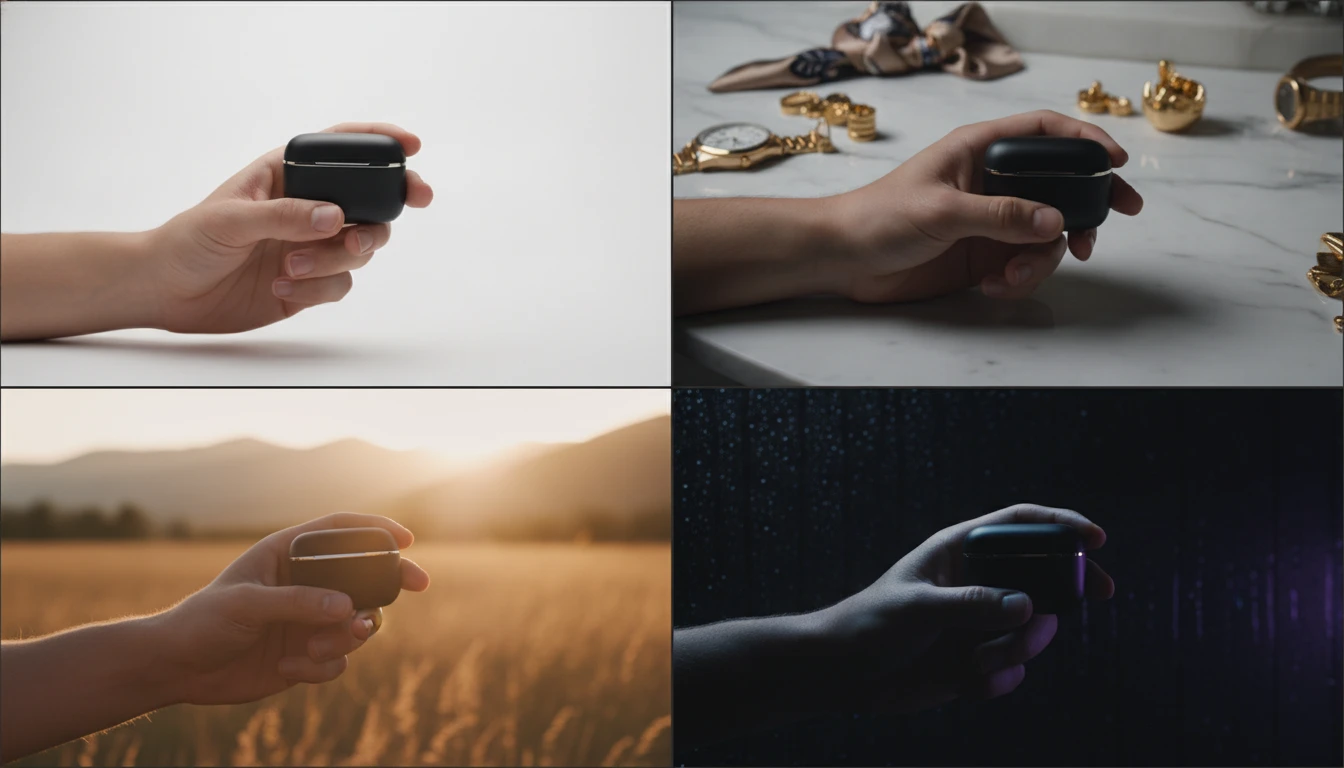
12 Scene Presets for Every Brand and Channel
From clean Studio White for marketplaces to Dark Dramatic for premium brands, from Outdoor Lifestyle for active products to Pastel Beauty for cosmetics. Each preset is designed to match a specific industry aesthetic and content channel.
Explore Scene Presets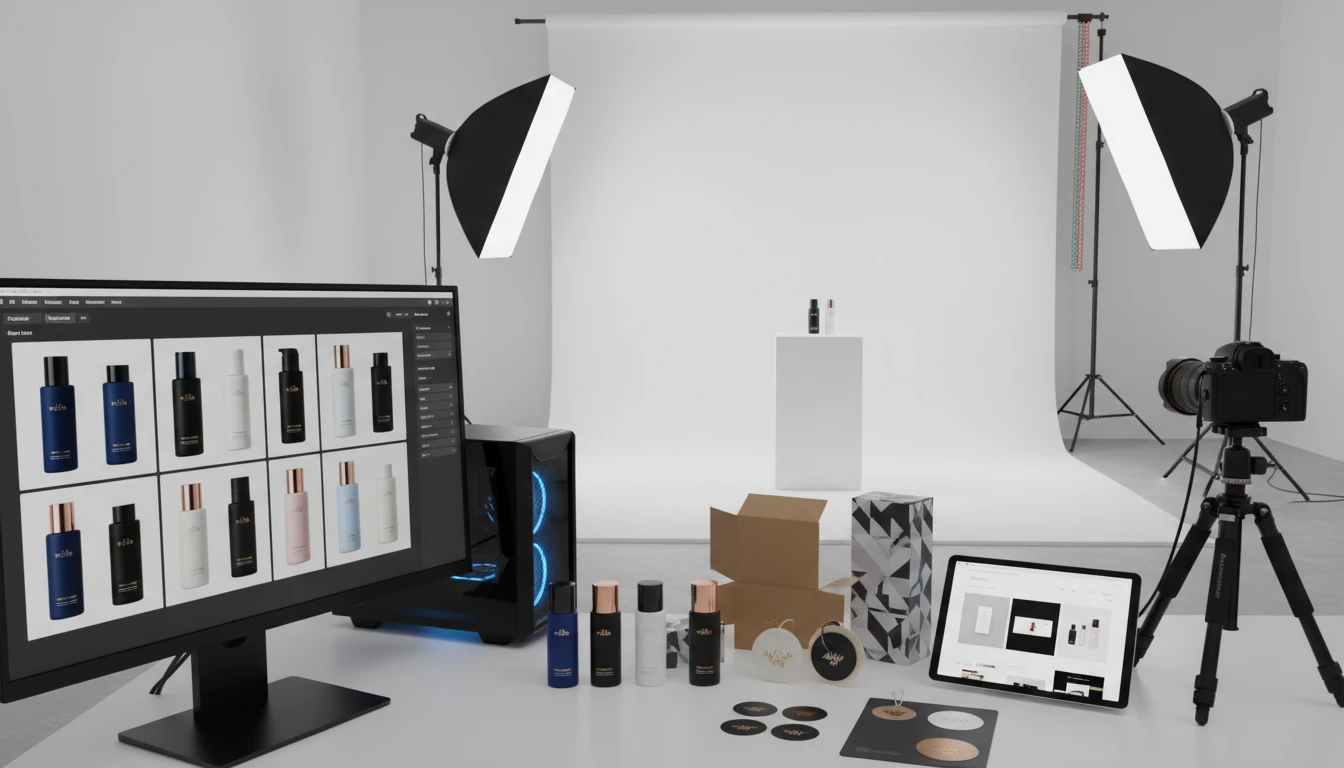
Scale Your Product Content Without Scaling Your Budget
Batch-generate lifestyle shots for your entire product catalog. Run the same product across multiple scene presets to create A/B test variants for ads. Add scene-specific details to customize each shot for different platforms and audiences.
Start Generating Product Photos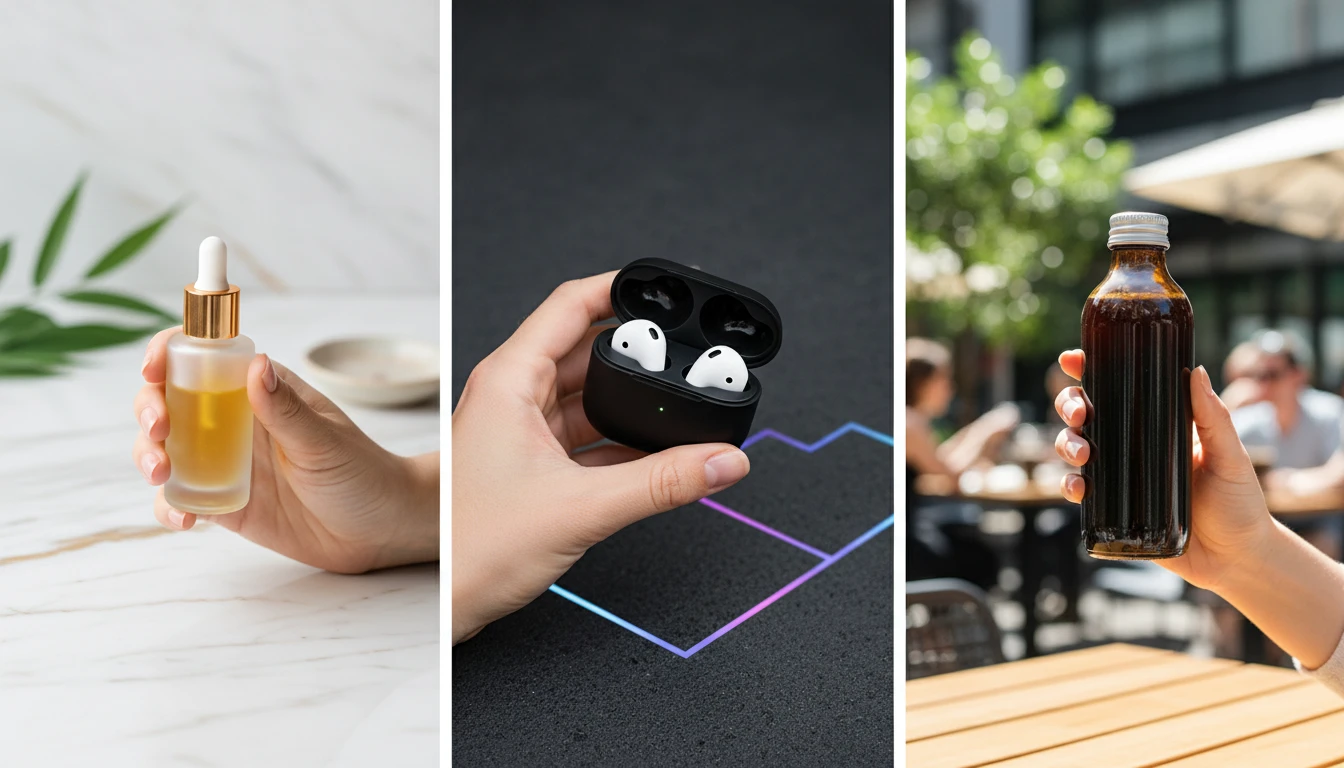
Perfect for Beauty, Tech, Food, and Any Product Category
AI Product in Hand works across every major product category. Beauty serums and skincare bottles with Marble Luxury. Tech accessories with Tech Minimal. Beverages with Coffee Shop or Outdoor Lifestyle. Food products with Modern Kitchen or Botanical Fresh.
Try Your Product CategoryWho Uses AI Product in Hand Photography
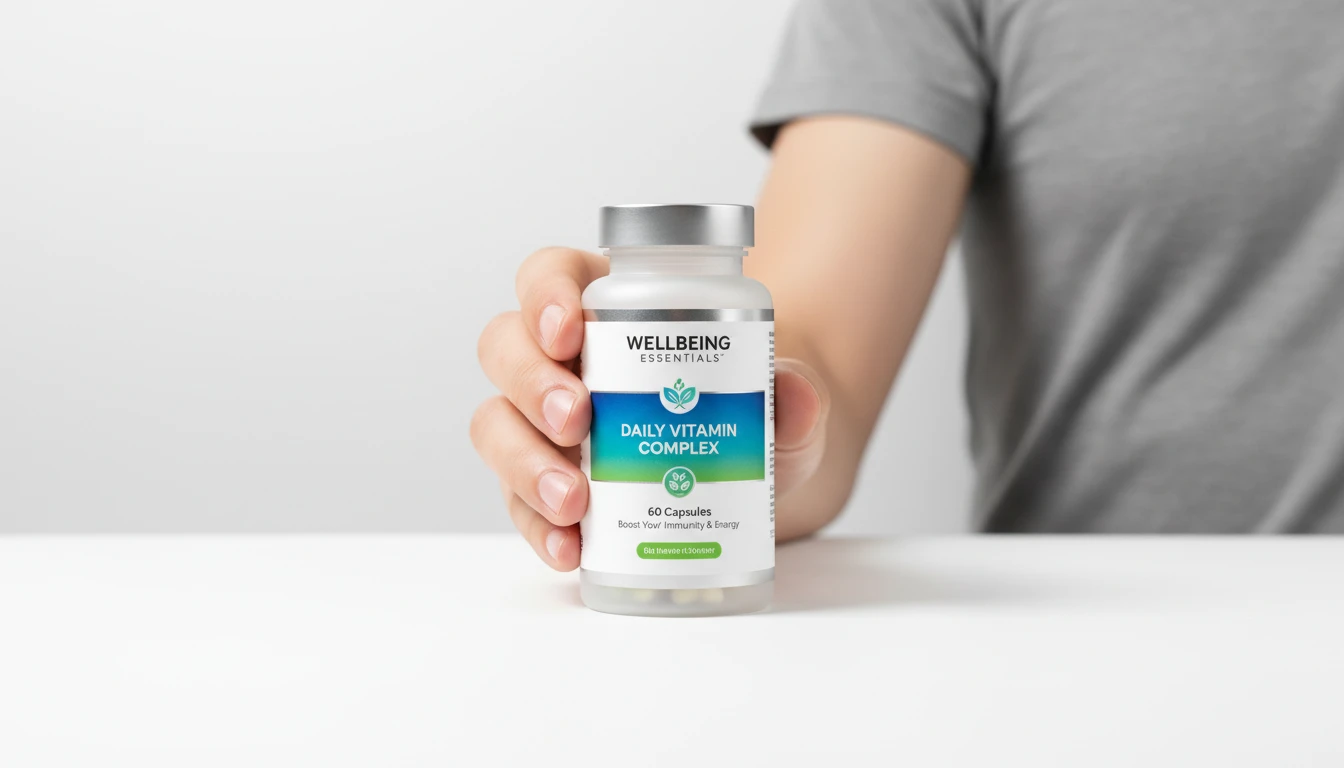
Lifestyle and Campaign Shots
Add held-product lifestyle images without organizing a photoshoot. A product in someone’s hand reads more real than a white-background still.
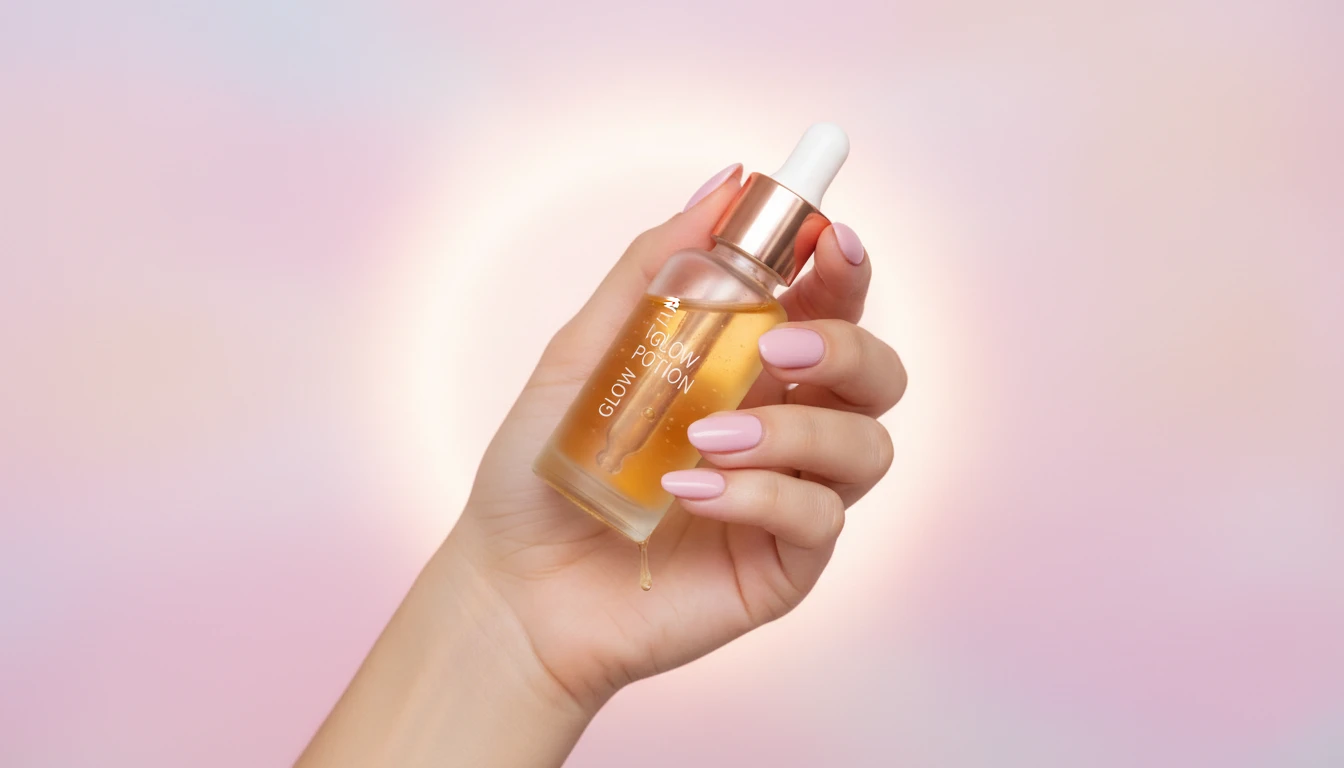
Social Media Managers and Content Creators
Create scroll-stopping lifestyle product content for Instagram, TikTok, and Pinterest without hiring models or setting up shoots. Generate multiple variants quickly to fill your content calendar across different aesthetics and seasons.
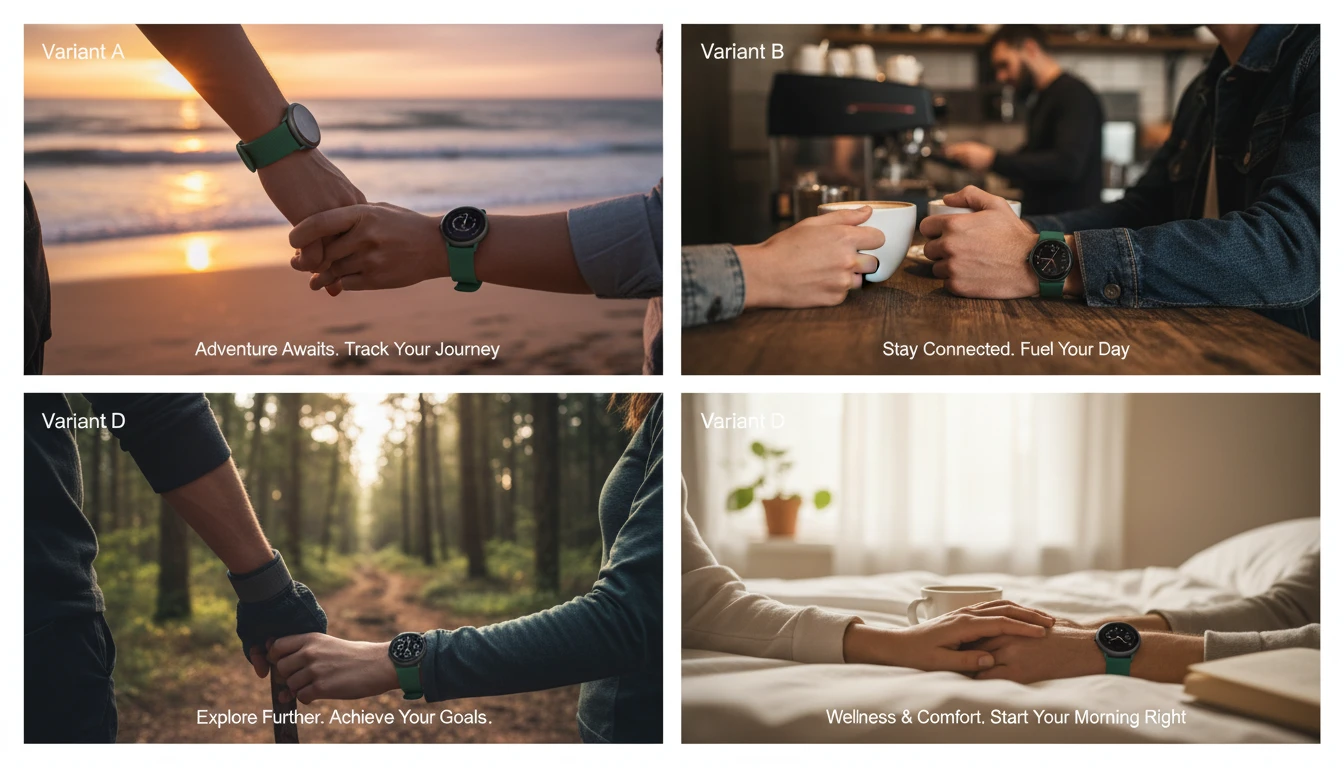
Performance Marketing Teams Running Paid Ads
Generate multiple product-in-hand creative variants to A/B test in Meta, Google, and TikTok campaigns. Reduce creative production time from days to minutes while keeping ad creative fresh and preventing ad fatigue.
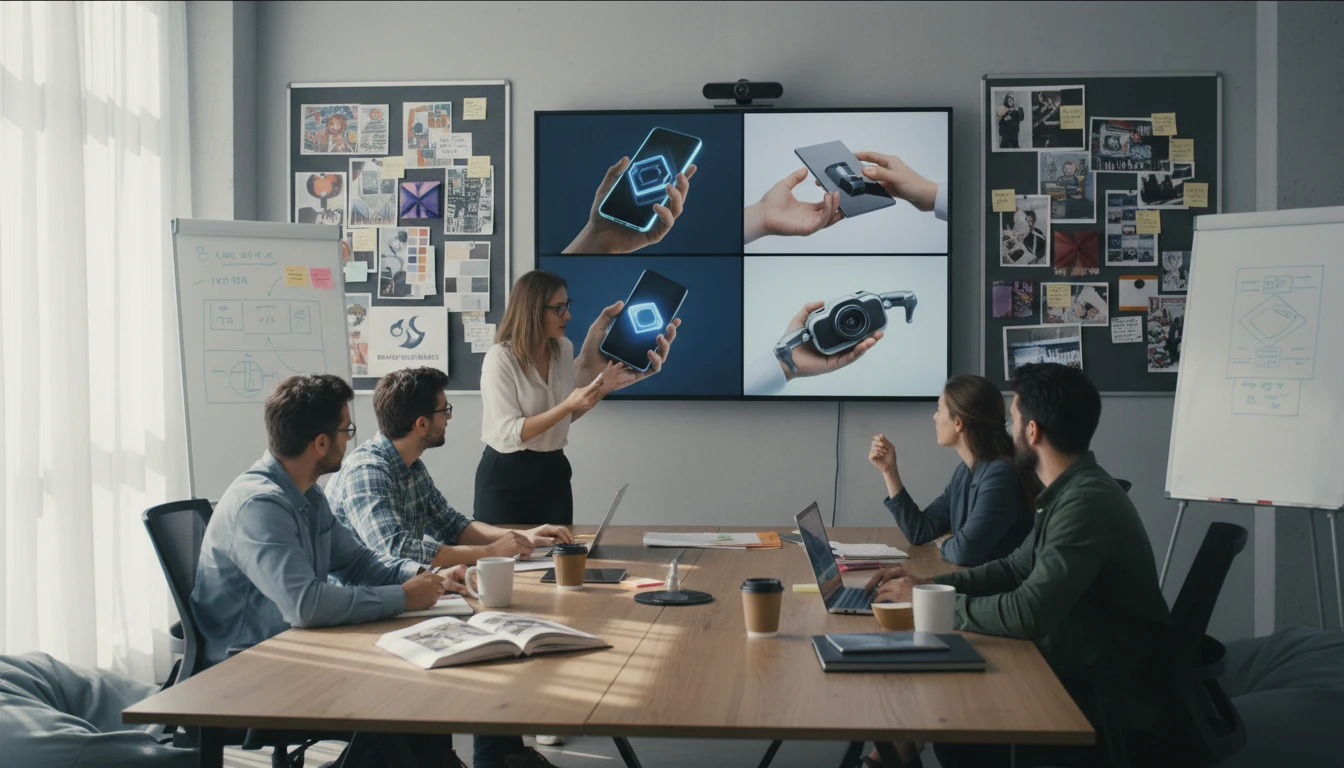
Product Photographers and Creative Agencies
Supplement traditional photoshoots with AI-generated variants. Pitch new campaign concepts to clients using AI-generated mockups before committing to full production. Deliver more creative options in less time.
How to Generate Product in Hand Photos
Upload Your Product Image
Upload a clear photo of your product. A PNG with a transparent or white background gives the cleanest result. Any angle works, but front-facing or 3/4 angle shots produce the most natural hand placement.
Choose a Scene
Select from 12 scenes: Studio White, Marble Luxury, Outdoor, Coffee Shop, Kitchen, Dramatic, Tech, Beach, Botanical, Office, Velvet, or Pastel.
Generate the Shot
AI places your product in a photorealistic hand that matches the scene lighting, then returns a commercial lifestyle photo you can download.
Explore More
More AI Studio Tools
Discover other powerful AI tools to enhance your creative workflow
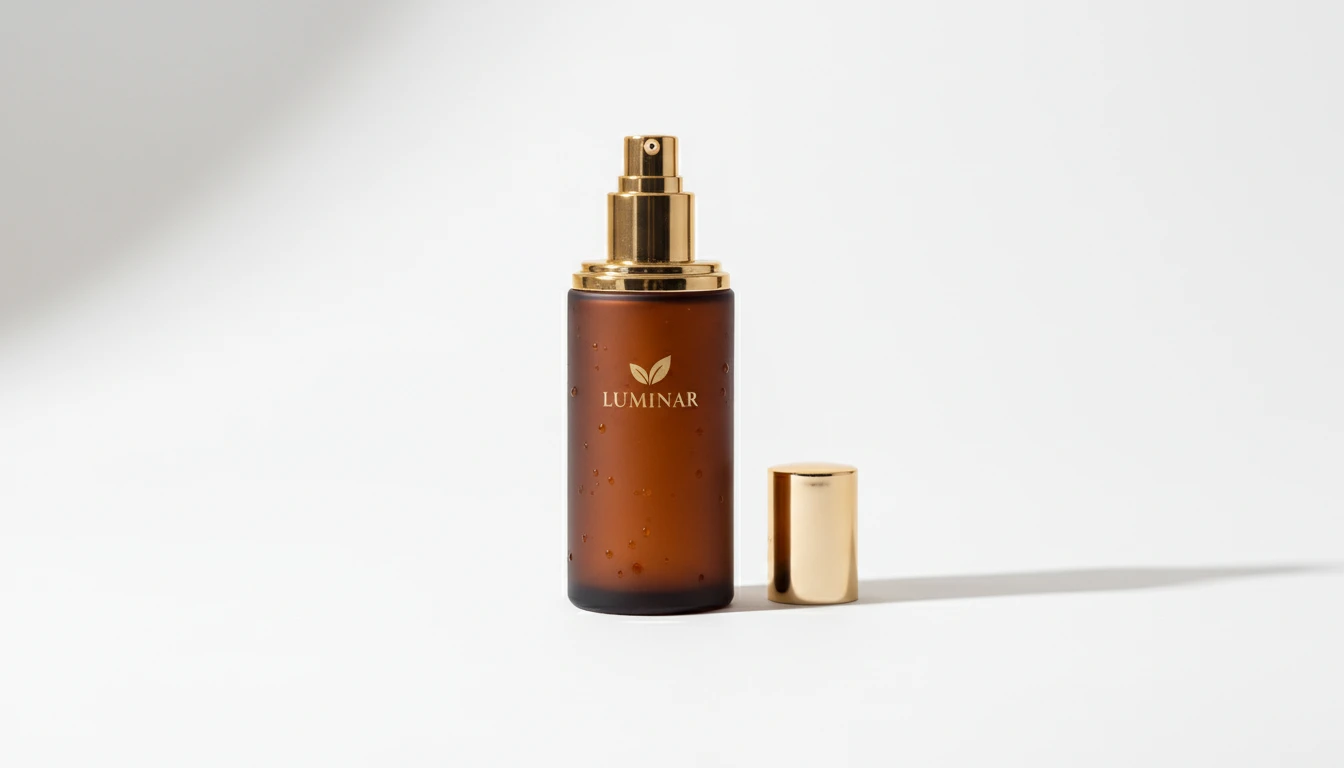
AI Product Photo Editor
Upload any product photo and AI transforms it into a professional e-commerce image. Choose from 13 editing modes including clean white background, soft studio lighting, lifestyle scene placement, flat-lay, luxury dark background, and more. No Photoshop or photography skills required. Results are ready for Amazon, Shopify, Etsy, and social media product listings.
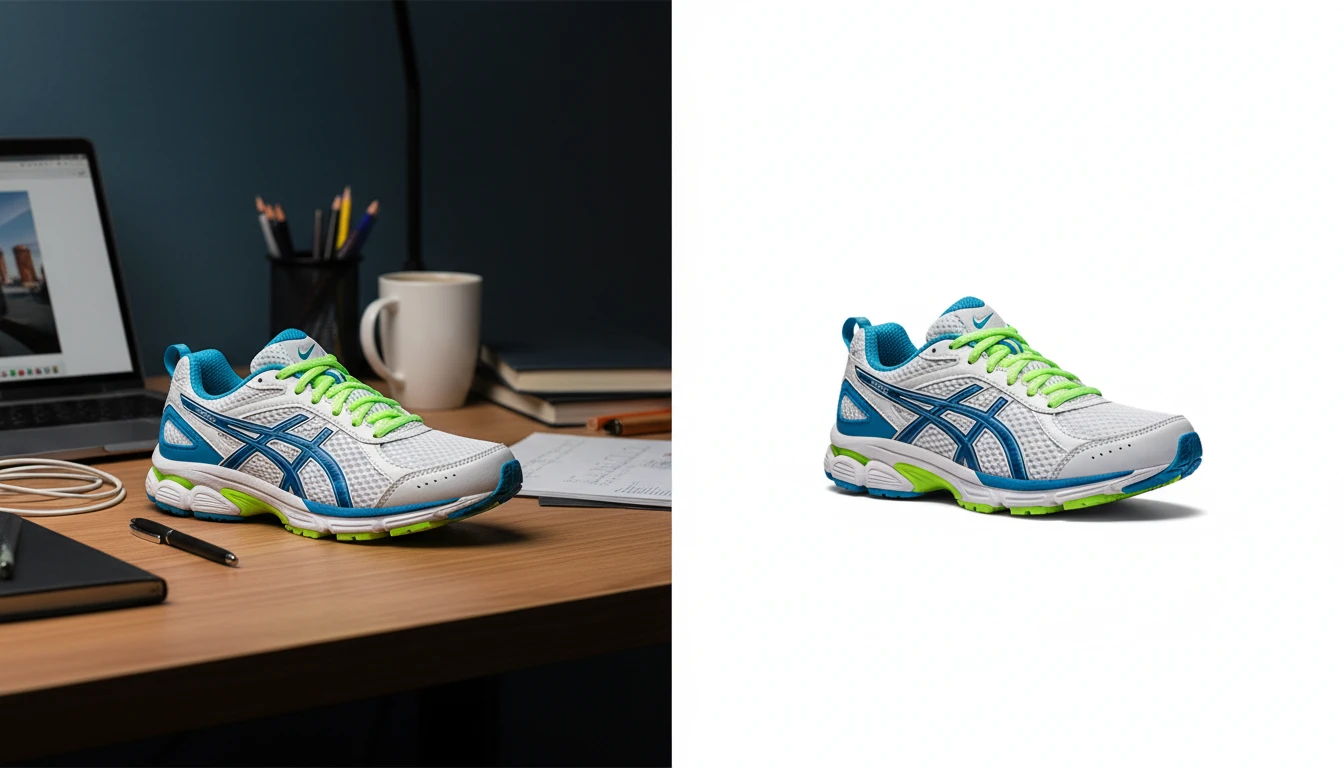
AI Background Remover
Upload any photo or product image and AI removes the background in seconds, delivering a clean transparent PNG. No manual masking required. Ideal for profile photos, marketing materials, and design assets.
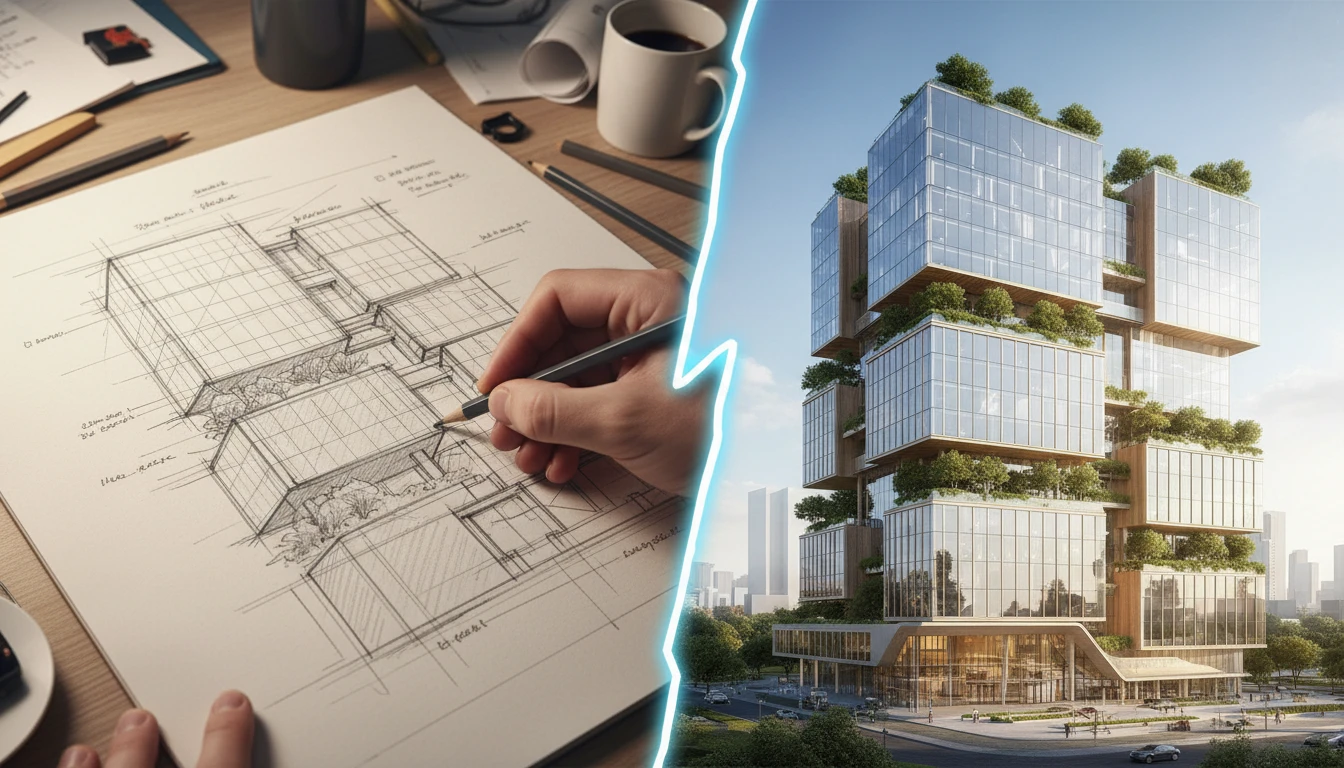
AI Sketch to Image
Upload any hand-drawn sketch, pencil drawing, blueprint, or concept line art and AI converts it into a detailed, fully rendered image. The model interprets the outline structure and fills it with colors, textures, lighting, and lifelike detail. Works for character concepts, architectural sketches, product designs, storyboards, and more.

AI Building Exterior Renovation
Upload a photo of any home, apartment building, commercial property, or structure and AI visualizes a professional exterior renovation in seconds. Choose from 12 architectural styles including Modern, Colonial, Victorian, Mediterranean, Farmhouse, Industrial, Tudor, and more. The result is a photorealistic rendering that preserves the building structure while transforming its facade, materials, windows, and landscaping.
Opens in
Image Studio
Frequently Asked Questions
Everything you need to know to get started.
How does AI Product in Hand work?
Upload a product photo and choose a scene. AI places your product in a photorealistic hand that matches the lighting of that scene and returns a commercial lifestyle shot.
What kinds of products work best?
Bottles, jars, bags, boxes, phones, cups, cosmetics, supplements, and most hand-held consumer products work well. Products with a clear silhouette and good contrast against their background produce the most accurate placements.
Can I choose the scene?
Yes. Pick from 12 scenes including studio white, marble luxury, outdoor, coffee shop, kitchen, dramatic, tech, beach, botanical, office, velvet, and pastel. The product stays the same; only the setting changes.
What image format should I upload?
JPEG, PNG, and WebP are supported. For the cleanest product placement, use a product photo with a plain or transparent background. White background cutouts work especially well.
Can I use the generated photos commercially?
Yes. Images you generate can be used in your product listings, ads, social media, and marketing materials. Results are yours to use for any commercial purpose.
Start Generating Product in Hand Photos Today
Sign up free and get 100 credits instantly. Generate professional lifestyle product photography in seconds. No studio, no model, no budget required.
Generate Your Product Shot NowDisclaimer: This tool uses generative AI technology which may produce content that resembles copyrighted materials or that is inaccurate, incomplete, or out-of-date. It is provided for general information and educational purposes only and is not intended for illegal activities or to replace professional advice, diagnosis, or treatment. Users are solely responsible for how they use the generated content. If you plan to use AI-generated content commercially or publicly, we strongly recommend reviewing it for potential copyright issues and obtaining proper permissions where necessary. We accept no liability for copyright infringement or any other consequences resulting from the use of content generated by this tool.