Turn Any Product Photo into a Professional E-Commerce Image
Upload any product photo and AI transforms it in seconds. White background, studio lighting, lifestyle scene, flat-lay, luxury dark, and more.
Edit Your Product Photo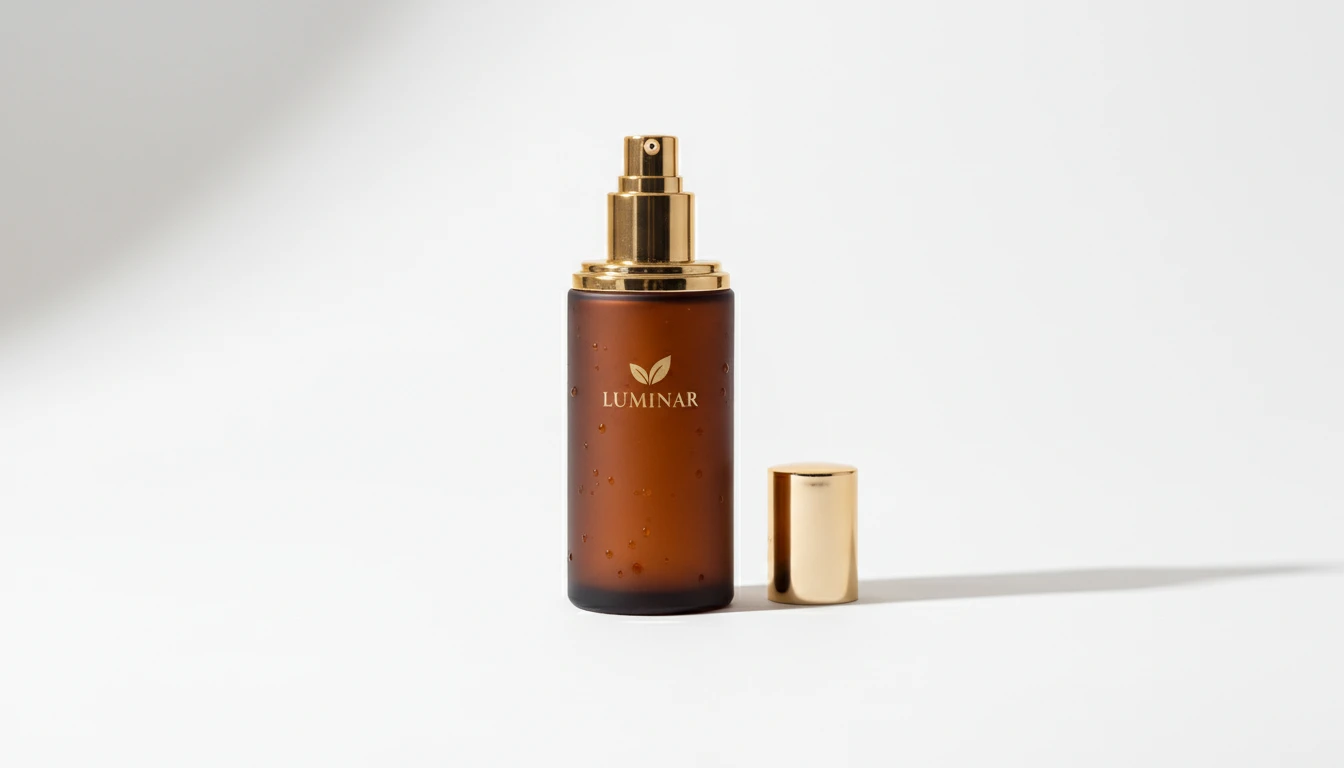
Edit Any Product Photo
Add a product photo and we'll open AI Product Studio ready to apply a professional e-commerce edit.
Drag & drop your product photo here
A clear pack shot works best — JPG, PNG or WebP, up to 15MB
Your photo is used only to generate the edited product shot for you.
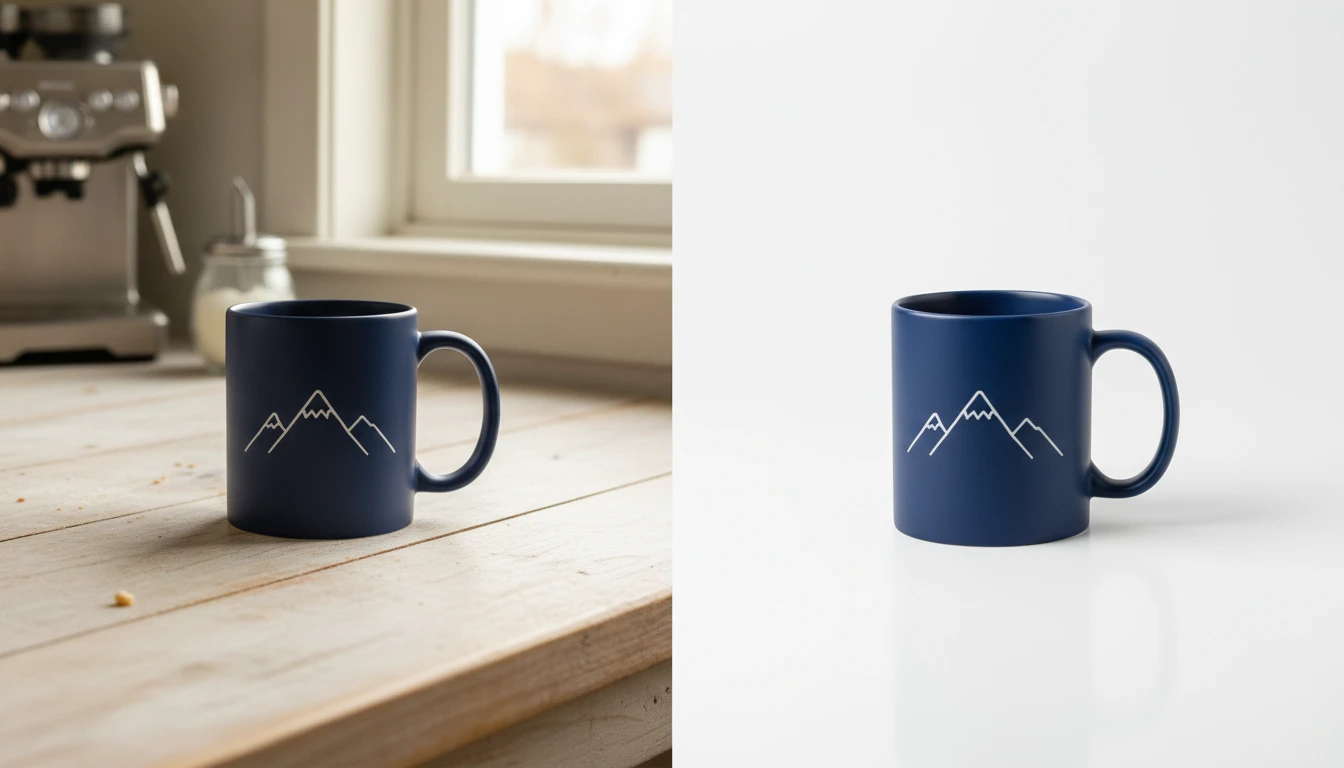
Get Marketplace-Ready Product Photos Without a Studio
Meet Amazon, Shopify, and Etsy image requirements automatically. Our AI product photo editor removes backgrounds, adds studio lighting, and delivers clean professional product images that drive more sales. No photographer required.
Edit Your Product Photos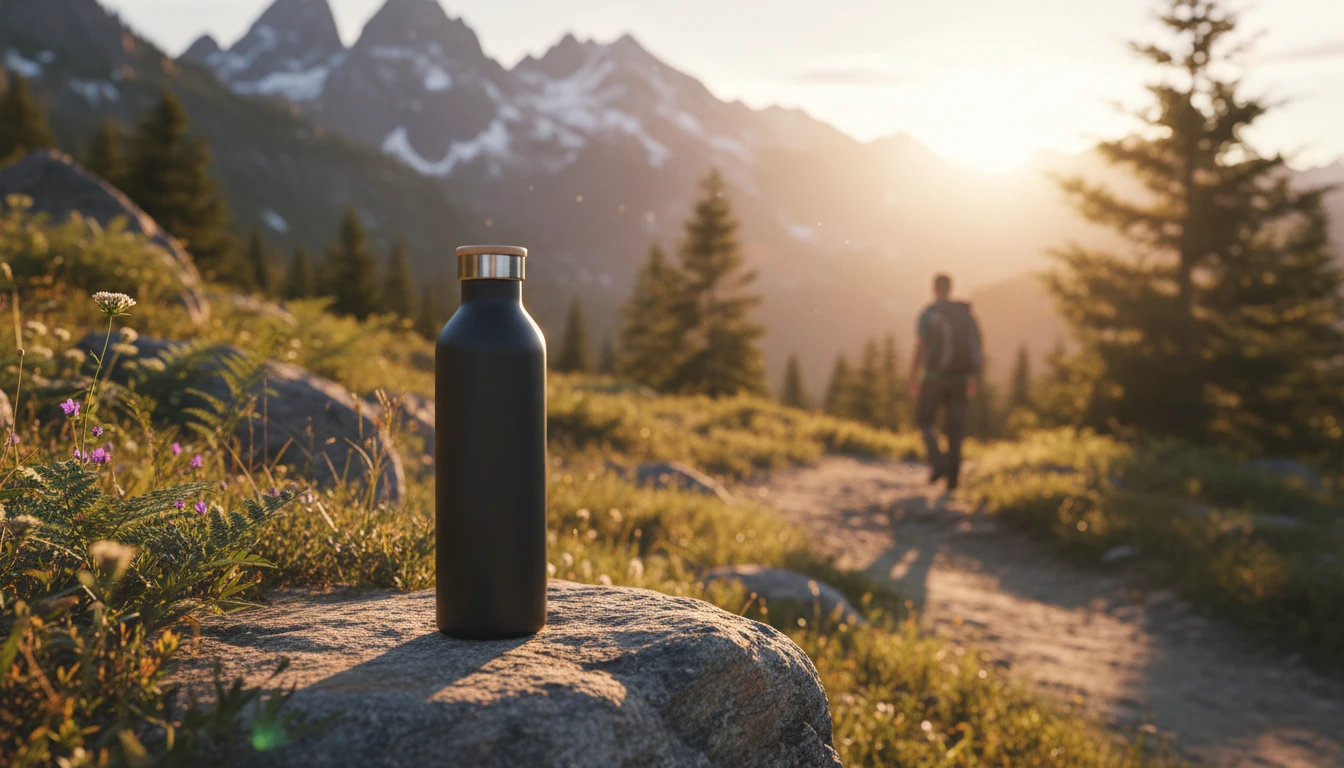
Create Lifestyle Product Photos That Convert
Move beyond plain white backgrounds. Place your product in aspirational lifestyle scenes, dramatic dark luxury backgrounds, or seasonal campaign settings that connect with customers emotionally and increase conversion rates.
Create Lifestyle Product Photos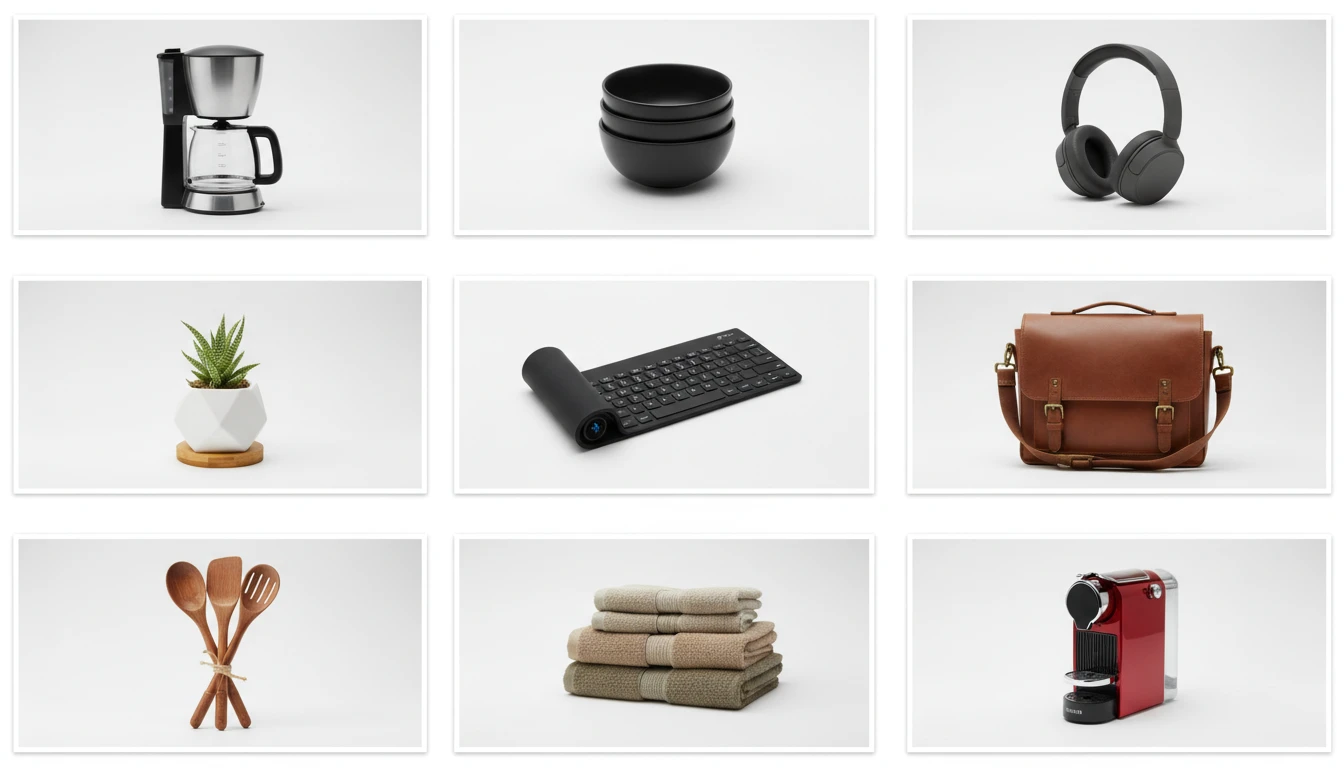
Scale Product Photo Editing for Large Catalogs
Edit entire product catalogs consistently with the same lighting, background, and styling across every SKU. Our AI product photo editor delivers consistent professional results at a fraction of the cost of traditional product photography.
Edit Product Catalog Photos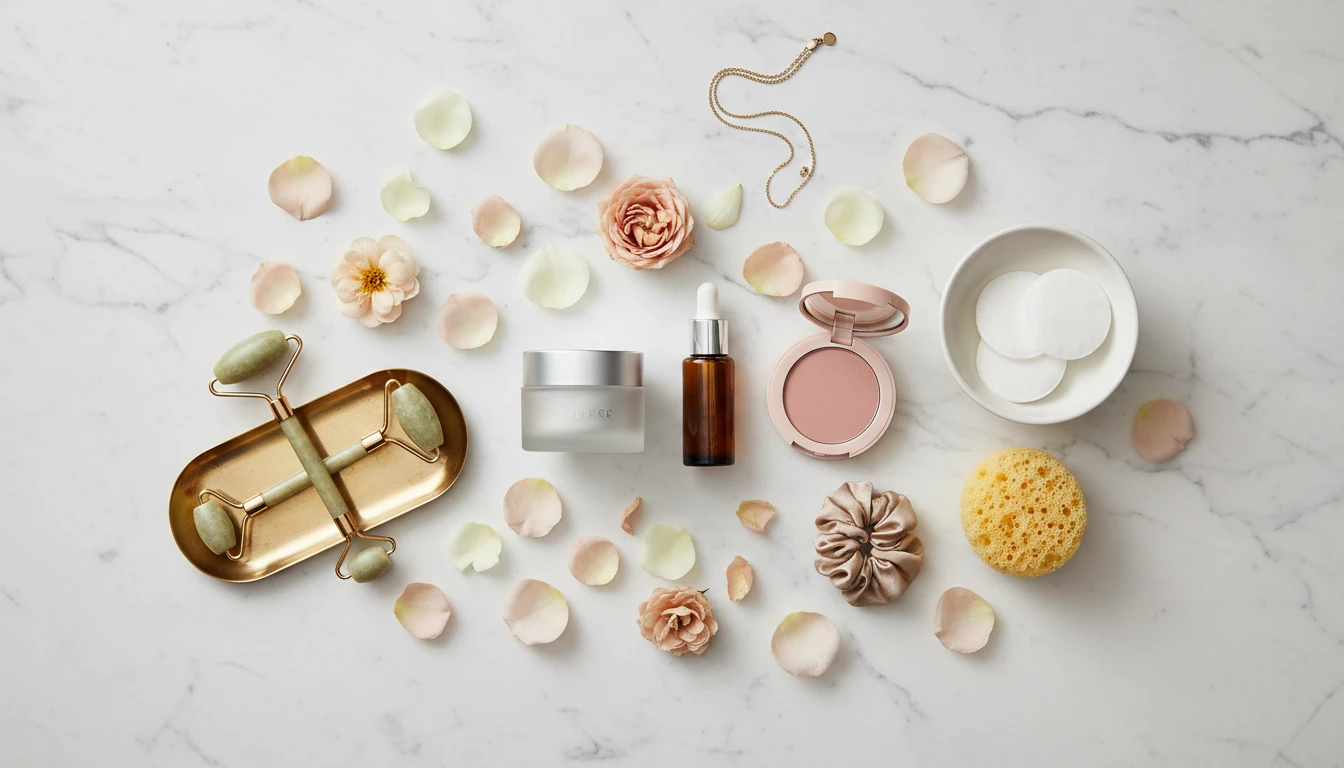
Produce Social Media Product Content at Scale
Generate scroll-stopping product photos for Instagram, TikTok, and Pinterest in seconds. From flat-lay overhead shots to gradient backgrounds and social-media-ready crops, produce platform-optimized content without a creative team.
Create Social Media Product PhotosWho Uses Our AI Product Photo Editor
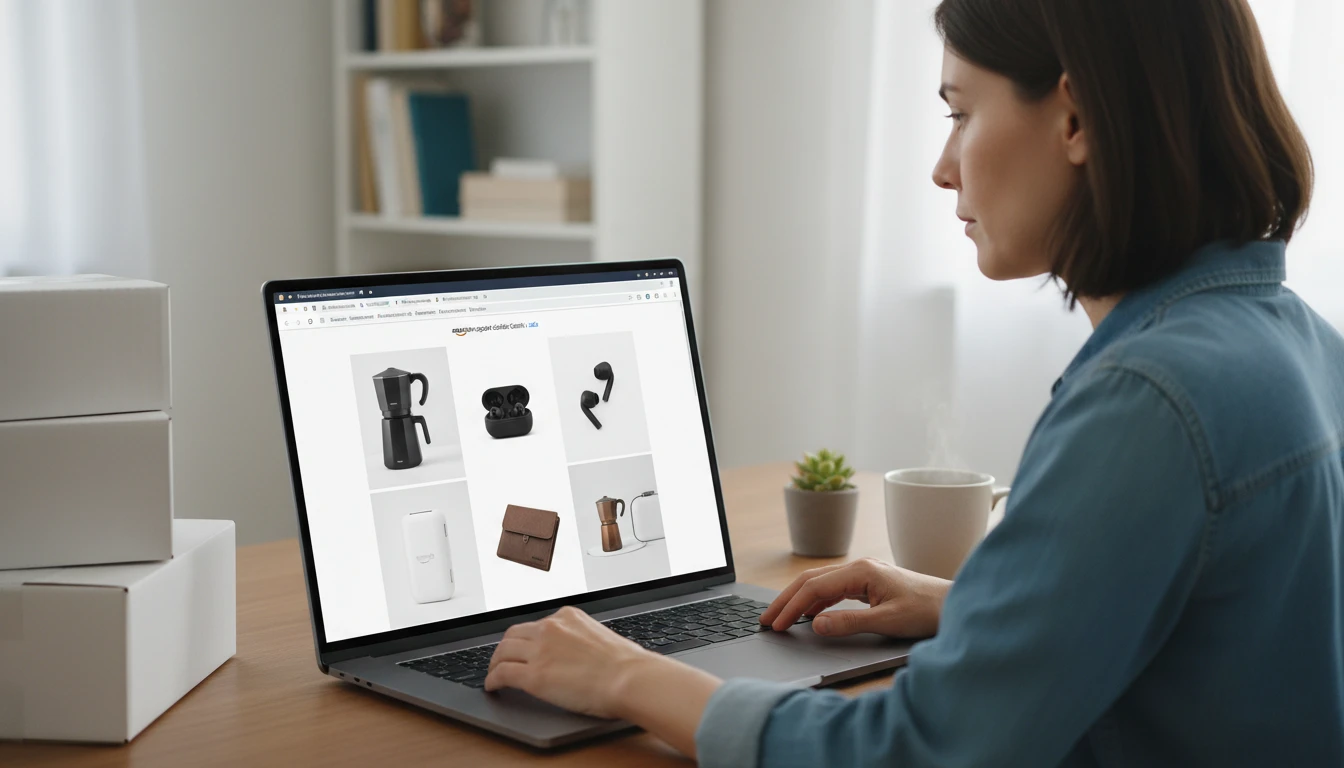
Amazon and Marketplace Sellers
Meet strict marketplace image requirements with clean white backgrounds, proper lighting, and professional presentation. Improve click-through rates and conversion by giving every listing a polished professional look.
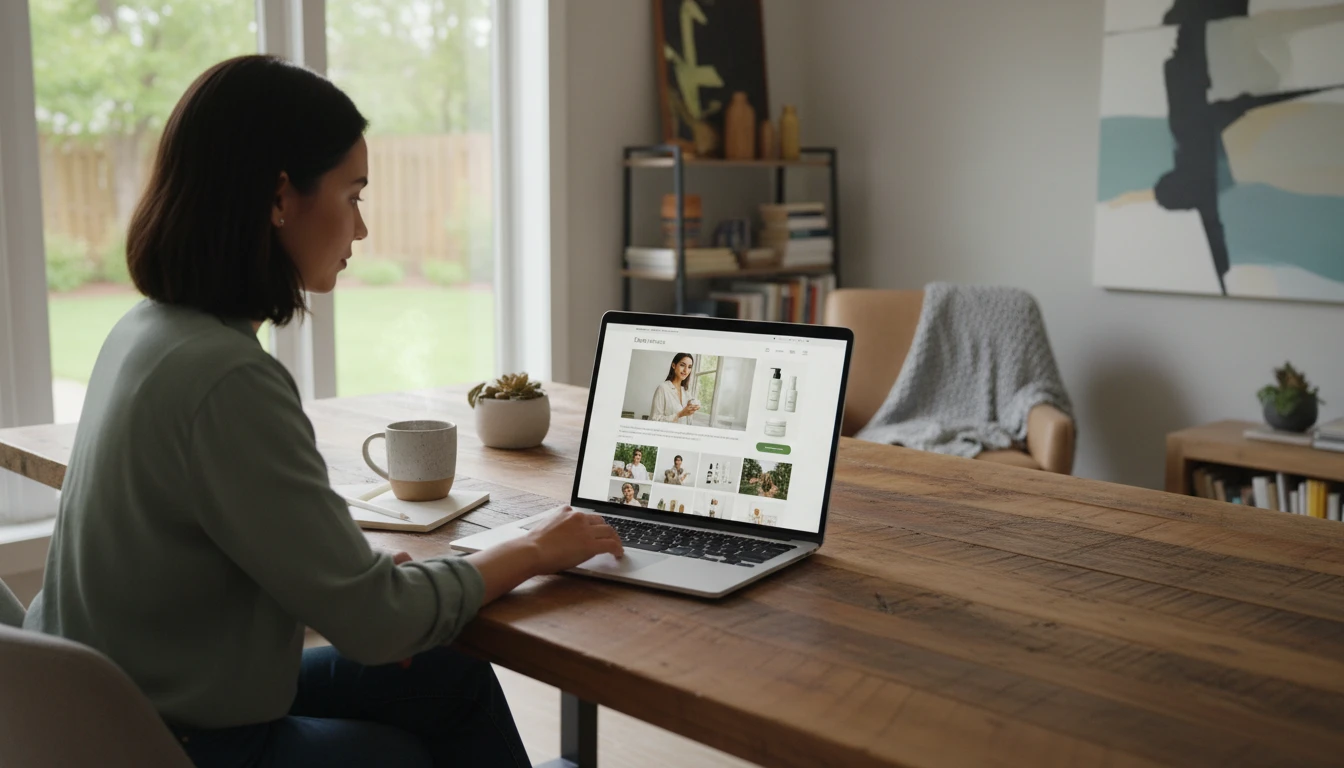
Shopify and DTC Brand Owners
Build a premium brand image with consistent, studio-quality product photography across your entire store. Our AI product photo editor keeps every image on-brand and conversion-optimized without ongoing photography costs.
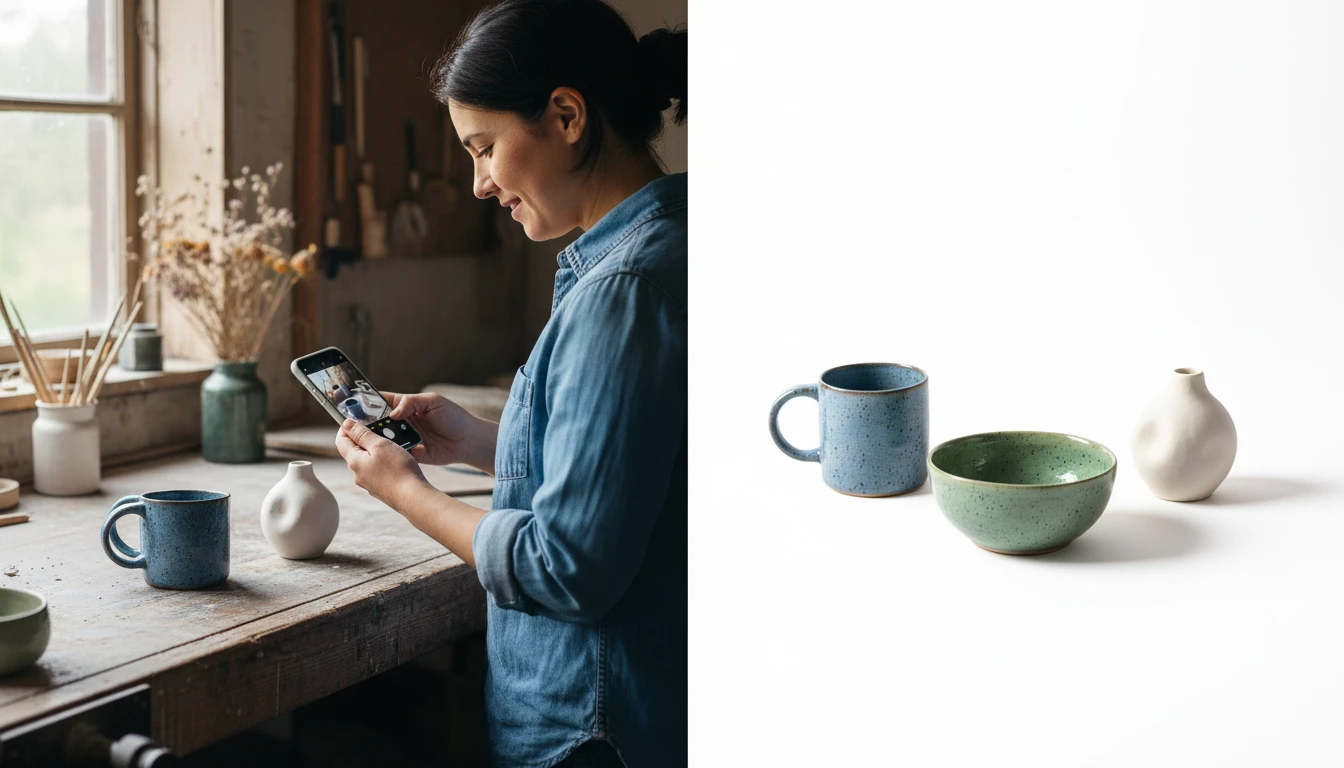
Etsy Sellers and Handmade Product Creators
Make your handmade products shine in a competitive marketplace. Transform casual phone photos into professional product images with studio lighting, clean backgrounds, and lifestyle scenes that help buyers visualize owning your product.
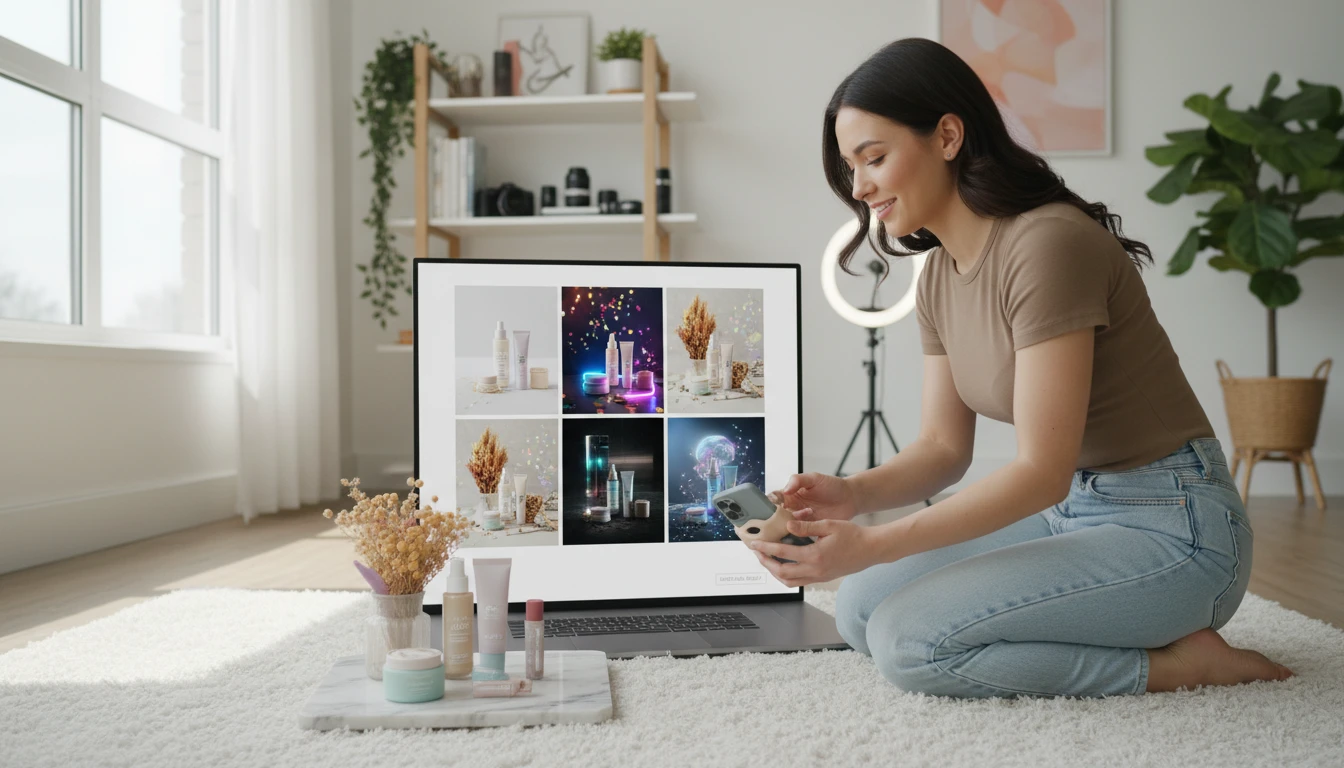
Social Media and Content Creators
Produce product content for Instagram, TikTok, and Pinterest without a studio. Generate flat-lay shots, gradient backgrounds, and lifestyle scenes that fit each platform's aesthetic and drive engagement.
How to Edit Product Photos with AI
Upload Your Product Photo
Upload any product photo. Even a casual phone snap works. Our AI handles the rest. Works with all product categories including fashion, beauty, food, electronics, home goods, and handmade items.
Choose an Editing Mode
Select from 13 professional editing modes: Clean White Background, Studio Lighting, Lifestyle Scene, Flat Lay, Luxury Dark, Gradient Background, Outdoor Lifestyle, Holiday Seasonal, Social Media Ready, Color Enhancement, Shadow and Reflection, and more.
Download Your Professional Product Photo
Get a marketplace-ready product image in seconds. Download and use directly on Amazon, Shopify, Etsy, or any social media platform.
Explore More
More AI Studio Tools
Discover other powerful AI tools to enhance your creative workflow
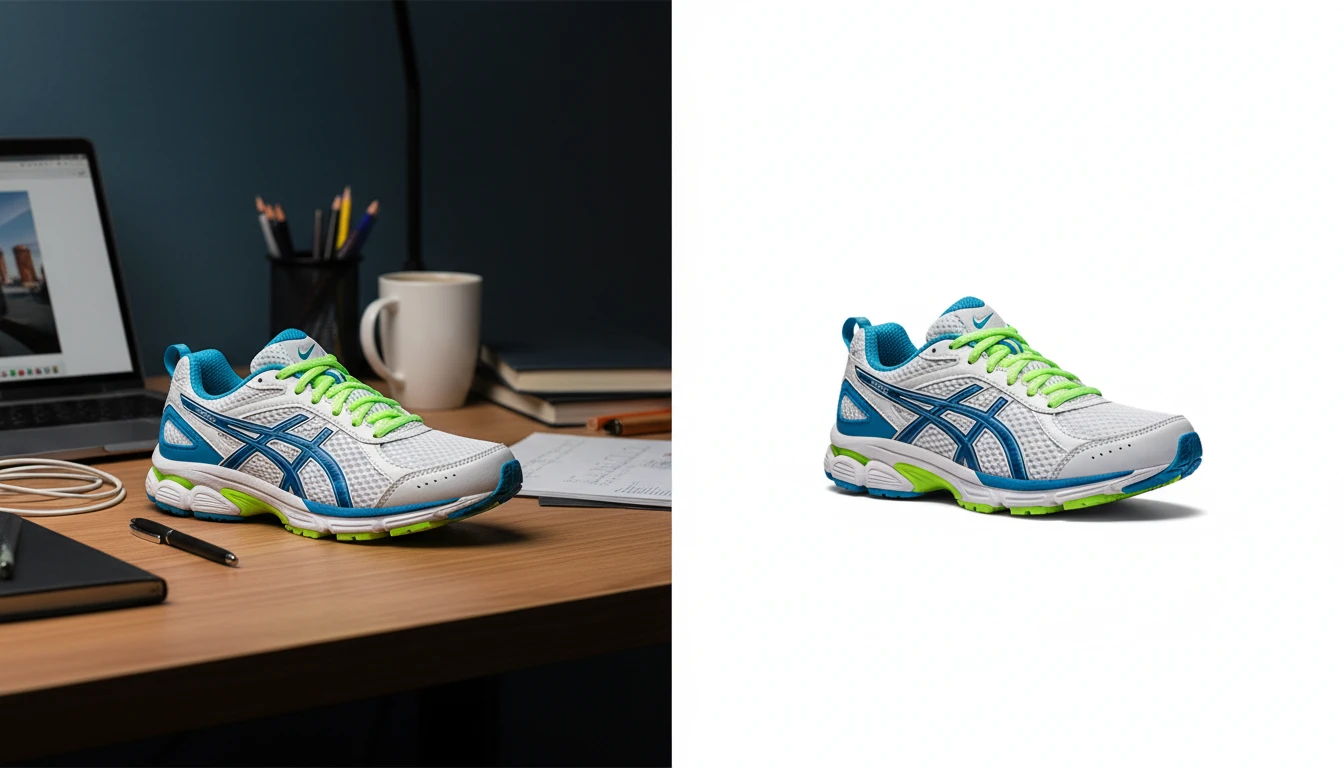
AI Background Remover
Upload any photo or product image and AI removes the background in seconds, delivering a clean transparent PNG. No manual masking required. Ideal for profile photos, marketing materials, and design assets.
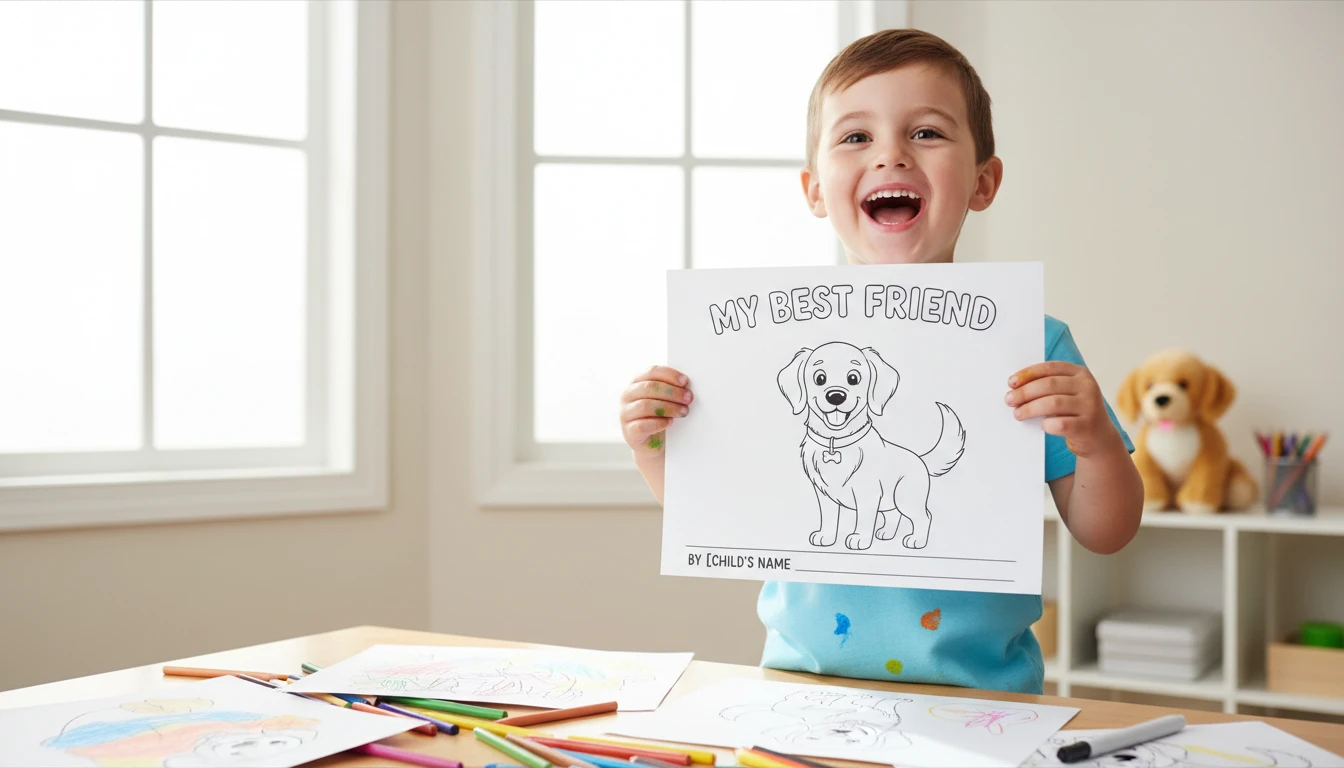
AI Image to Coloring Page
Upload any photo and AI converts it into a clean, print-ready black and white coloring page. Choose from 10 styles including simple outlines for children, detailed adult coloring pages, mandala patterns, and sketch-style line art. Works well for portraits, pets, landscapes, and objects. Downloads as a high-resolution PNG ready to print at home or at a print shop.
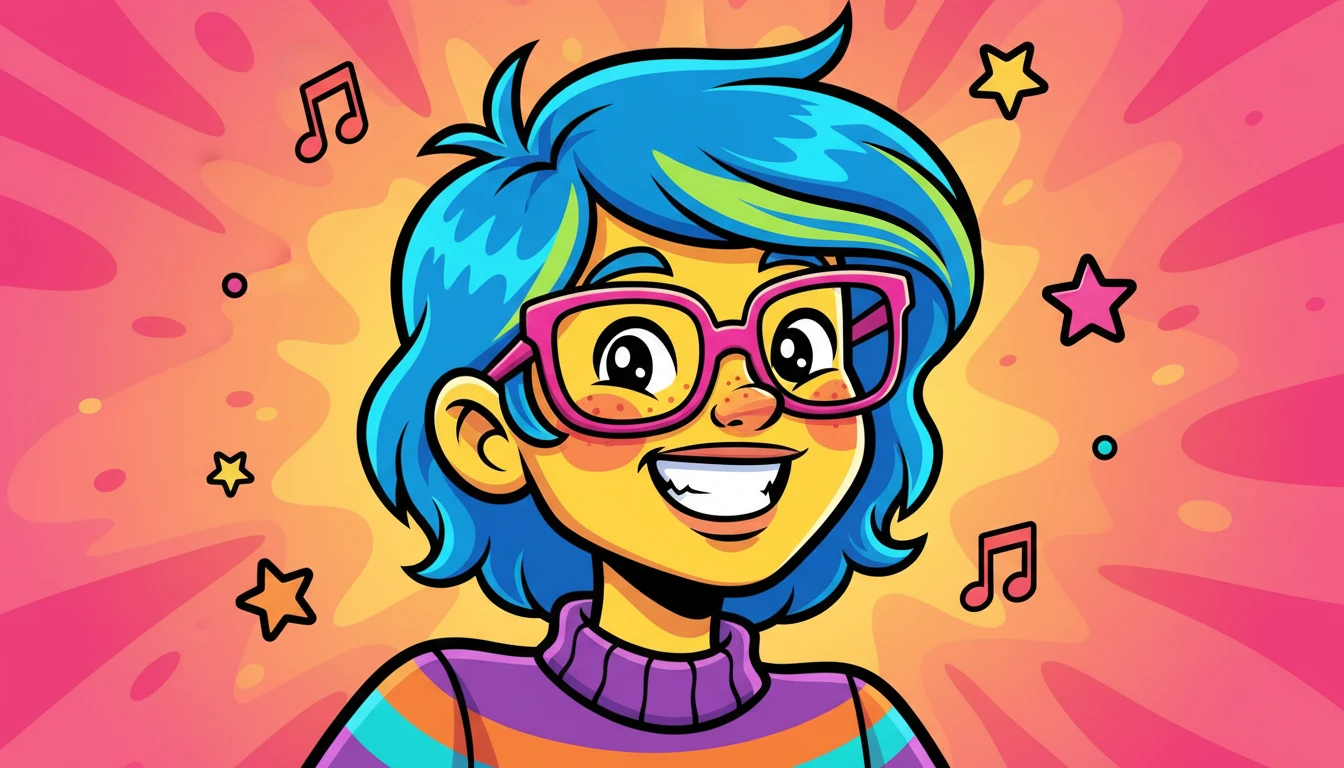
AI Image to Cartoon
Transform any photo into cartoon artwork in 18 styles including Anime, Pixar, Disney, Ghibli, and more
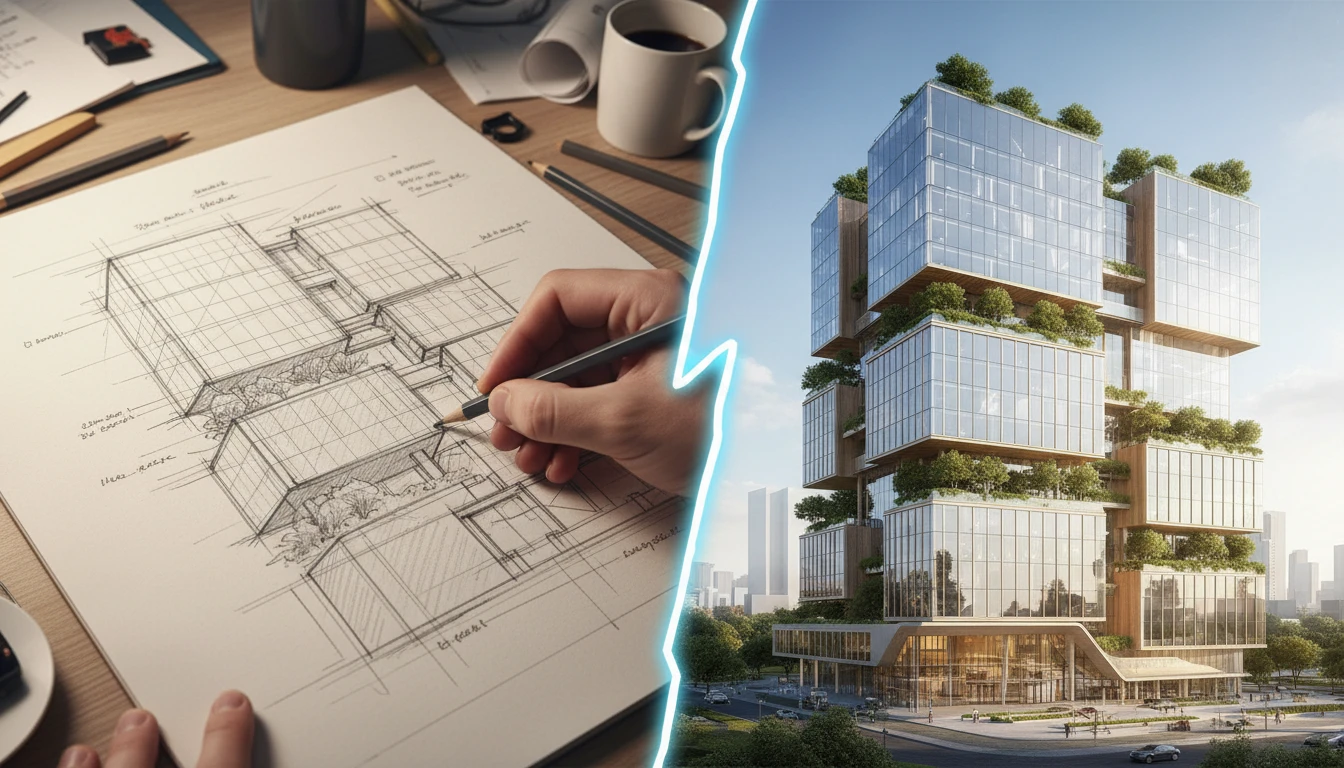
AI Sketch to Image
Upload any hand-drawn sketch, pencil drawing, blueprint, or concept line art and AI converts it into a detailed, fully rendered image. The model interprets the outline structure and fills it with colors, textures, lighting, and lifelike detail. Works for character concepts, architectural sketches, product designs, storyboards, and more.
Opens in
Image Studio
Frequently Asked Questions
Everything you need to know to get started.
How does AI Photo Editing work?
Upload a product photo and choose an editing mode. AI applies that look — white background, studio lighting, lifestyle scene, and more — while keeping the product itself unchanged.
What kinds of edits can I make?
There are 13 modes: clean white background, transparent cutout, studio lighting, lifestyle scene, luxury dark, flat lay, gradient, outdoor, holiday, social, color enhance, shadow and reflection, and 360 studio.
Will the product itself change?
The edit keeps the product’s shape, color, label, and design the same. Only the background, lighting, environment, and presentation change.
What image format should I upload?
JPEG, PNG, and WebP are all supported. High-resolution photos with good lighting produce the most accurate and detailed edit results.
Can I use this for product photography?
Yes. AI Photo Editing is widely used to enhance product photos by swapping backgrounds, improving lighting, adding shadows, and making color corrections without needing a professional photography setup.
Start Editing Product Photos with AI Today
Sign up free and get 100 credits instantly. See why brand owners and content creators use RauGen to produce professional product photos without a photography studio.
Edit Your Product Photos NowDisclaimer: This tool uses generative AI technology which may produce content that resembles copyrighted materials or that is inaccurate, incomplete, or out-of-date. It is provided for general information and educational purposes only and is not intended for illegal activities or to replace professional advice, diagnosis, or treatment. Users are solely responsible for how they use the generated content. If you plan to use AI-generated content commercially or publicly, we strongly recommend reviewing it for potential copyright issues and obtaining proper permissions where necessary. We accept no liability for copyright infringement or any other consequences resulting from the use of content generated by this tool.