Transform Any Sketch or Drawing into a Realistic Image
Upload any hand-drawn sketch or line art and get a detailed, realistic image in seconds. Colors, textures, and lifelike detail added automatically.
Convert Sketch to Image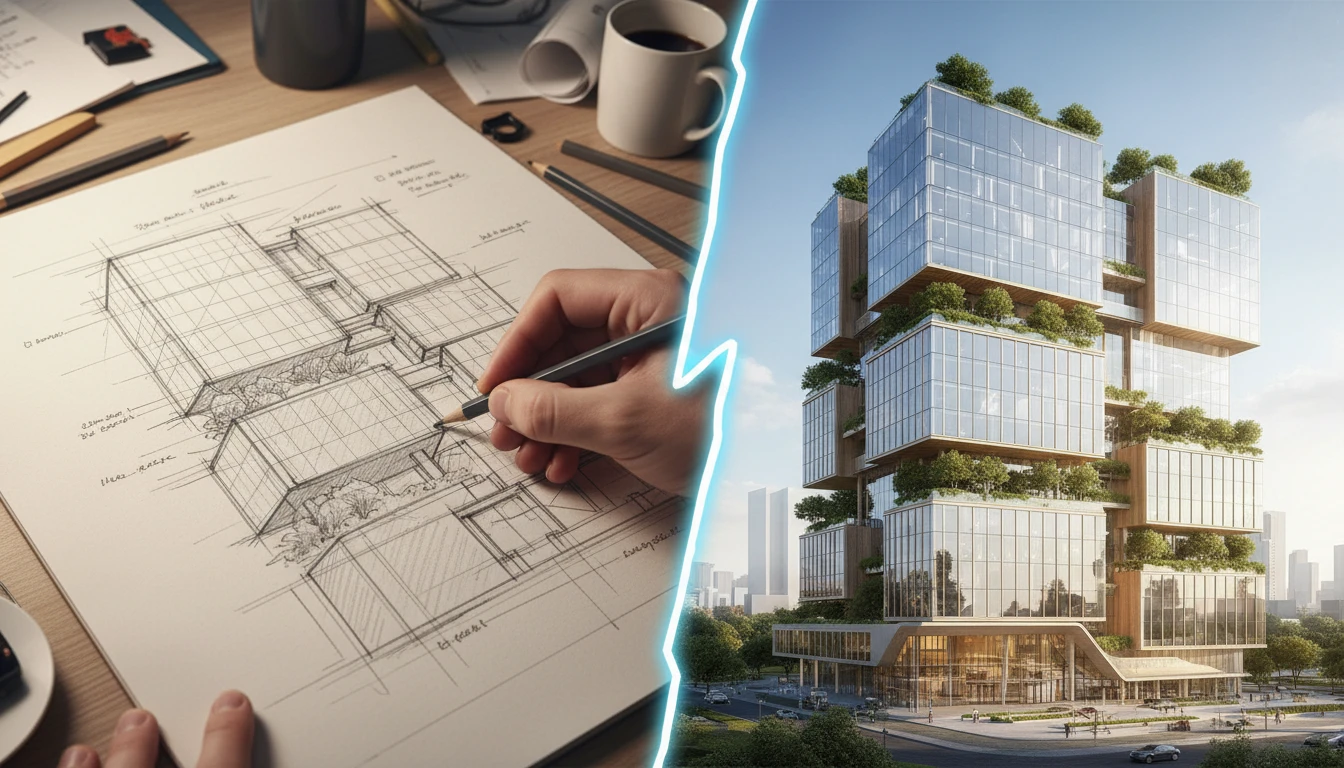
Turn Any Sketch into a Finished Image
Add a sketch or line drawing and we'll open AI Image Studio ready to render it.
Drag & drop your sketch here
Pencil, ink, or digital line art works best — JPG, PNG or WebP, up to 15MB
Your sketch is used only to generate the image for you.
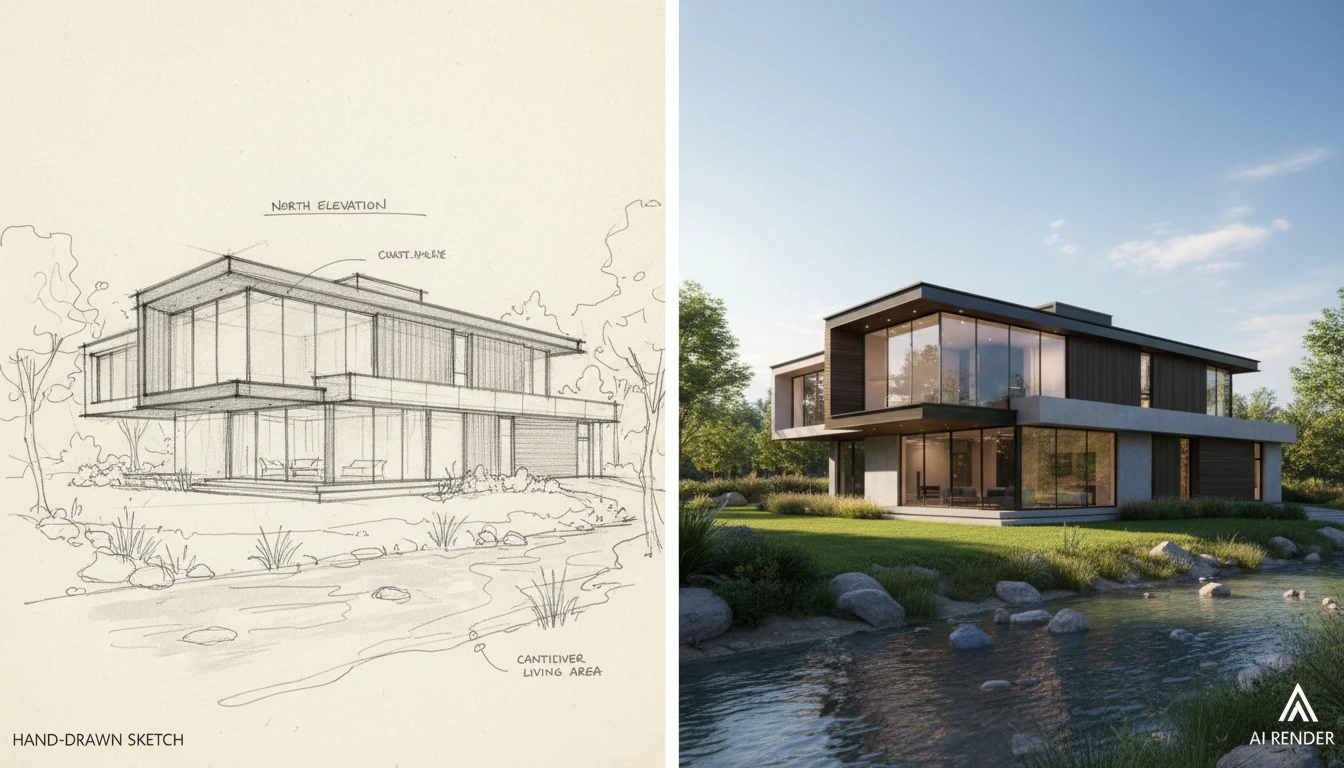
Convert Architecture Sketches into Realistic Renderings
Transform rough floor plans and architectural sketches into photorealistic building visualizations. Our sketch to image AI lets architects and designers see their concepts as finished structures before a single brick is laid.
Convert My Sketch Now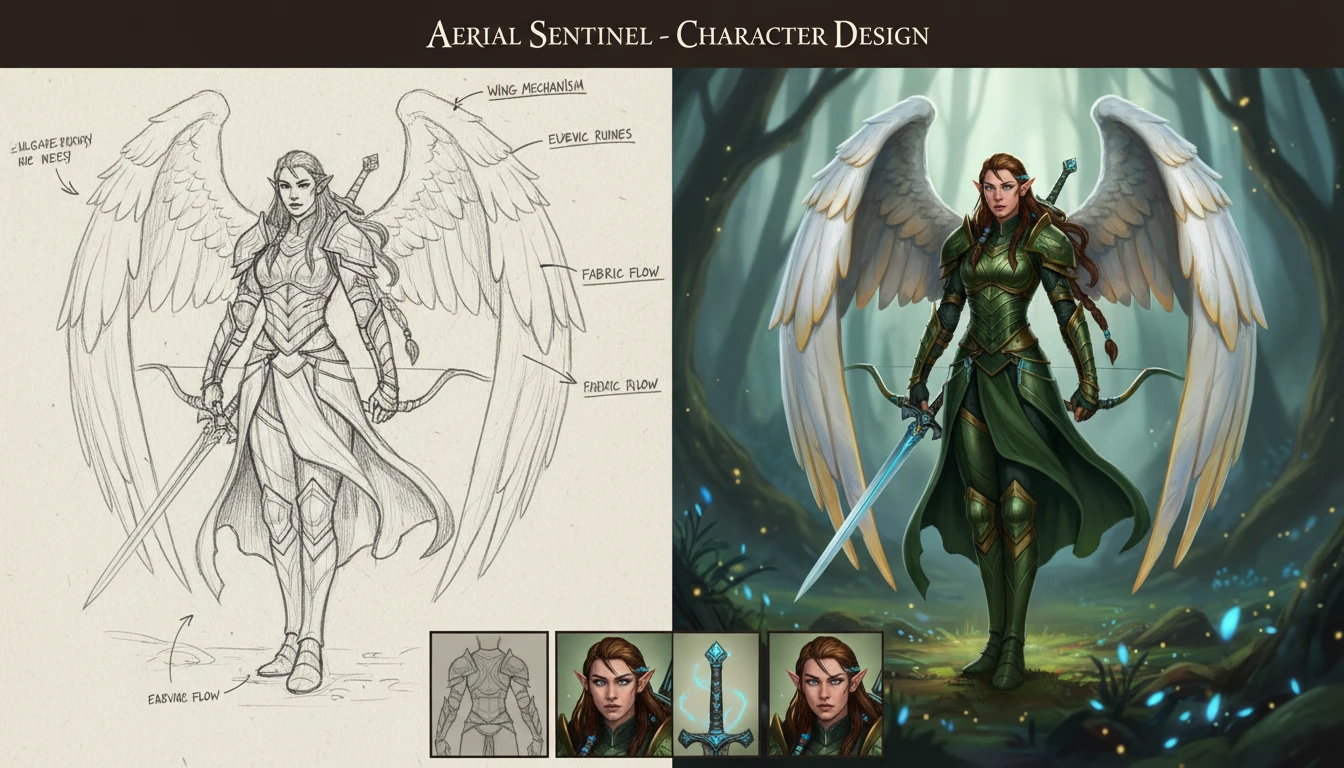
Bring Character Sketches to Life with AI Drawing Generator
Transform hand-drawn character designs into fully rendered illustrations for games, animation, and comics. Our AI sketch converter turns rough pencil art into polished character artwork in seconds.
Try Sketch to Image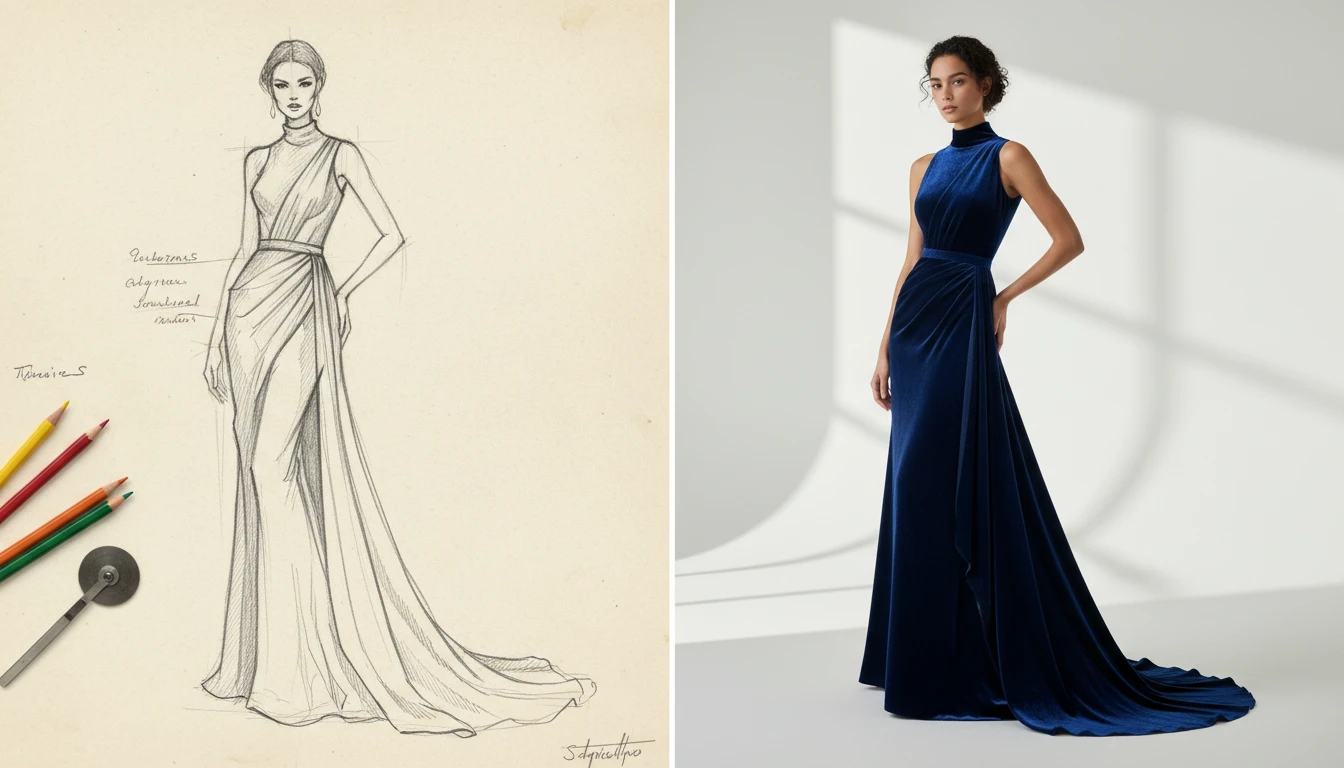
Turn Fashion Sketches into Realistic Garment Previews
Convert fashion design sketches into realistic clothing previews using our sketch to photo AI. See exactly how your garment concepts look on a model before production begins.
Generate Fashion Images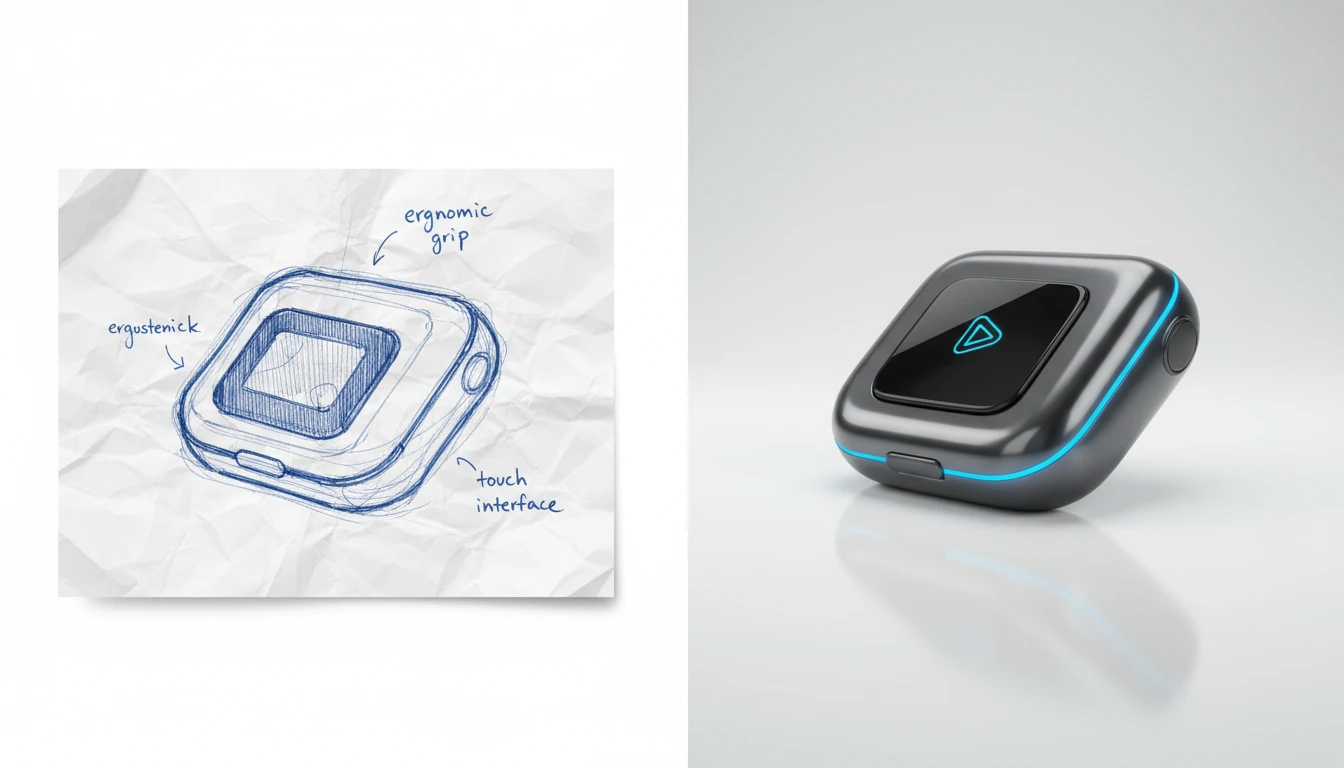
Visualize Product Concepts from Simple Sketches
Transform rough product sketches into professional photorealistic renders with our AI drawing generator. Validate design concepts and present ideas to clients without expensive prototype builds.
Try ItBest Uses for Our AI Sketch to Image Converter
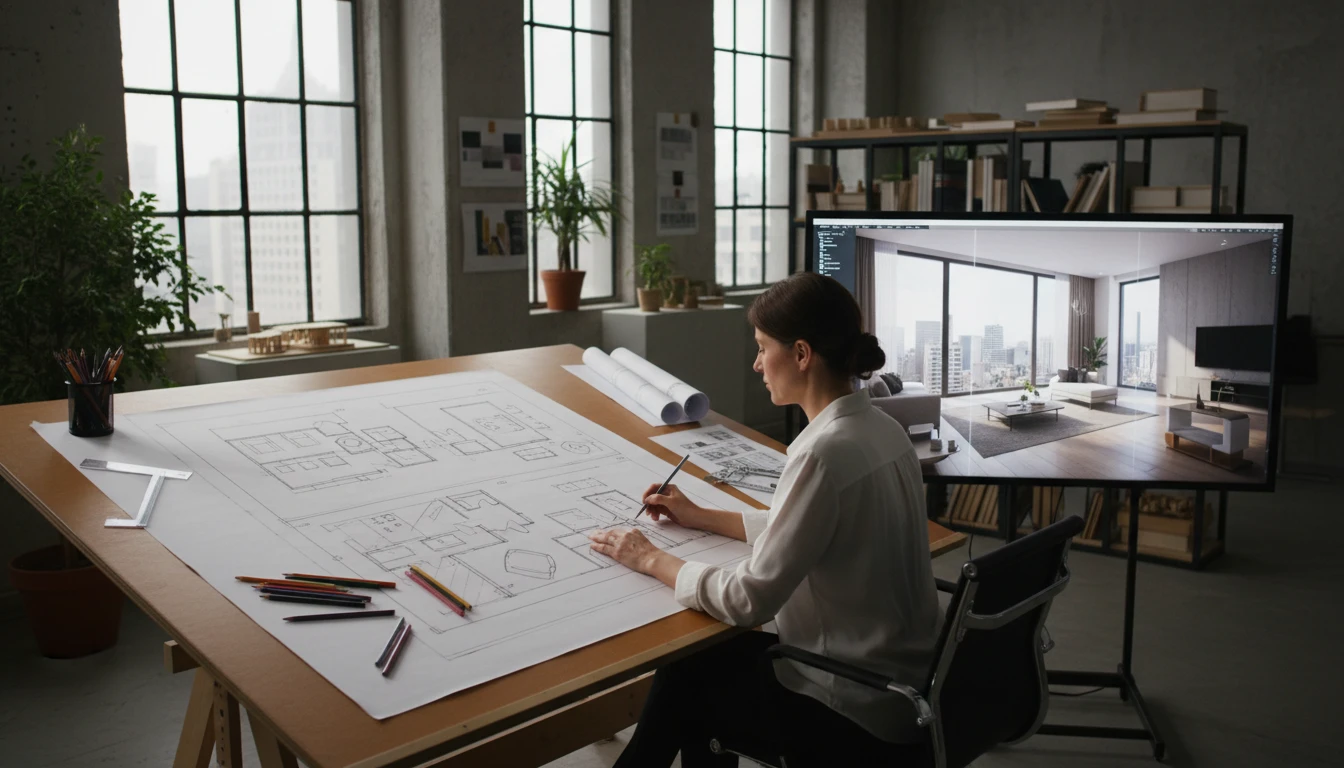
Architects and Interior Designers
Use sketch to image AI to instantly convert hand-drawn floor plans, facade drawings, and interior concept sketches into photorealistic renderings. Present ideas to clients with confidence from day one.
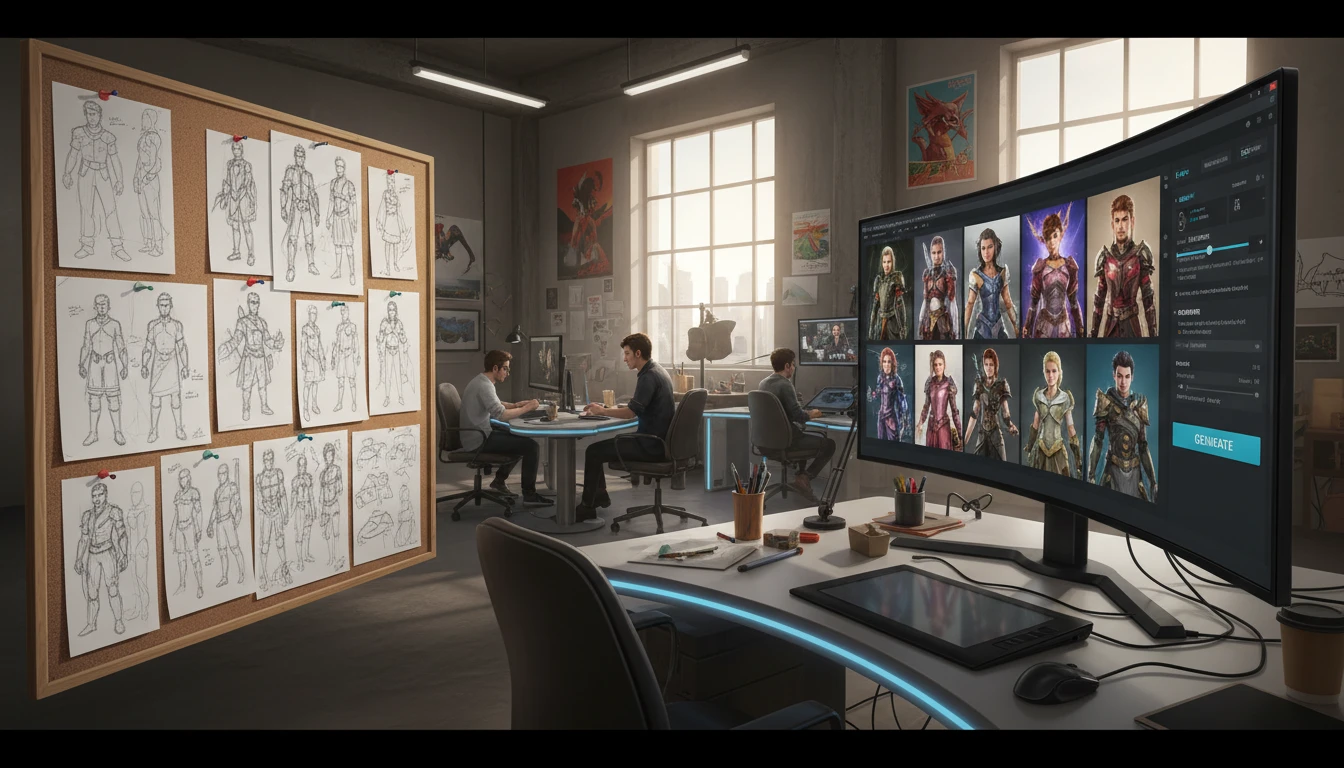
Game and Character Artists
Turn rough character sketches and creature concepts into fully realized AI-generated artwork. Speed up the concept-to-asset pipeline for games, animation studios, and comic book production.
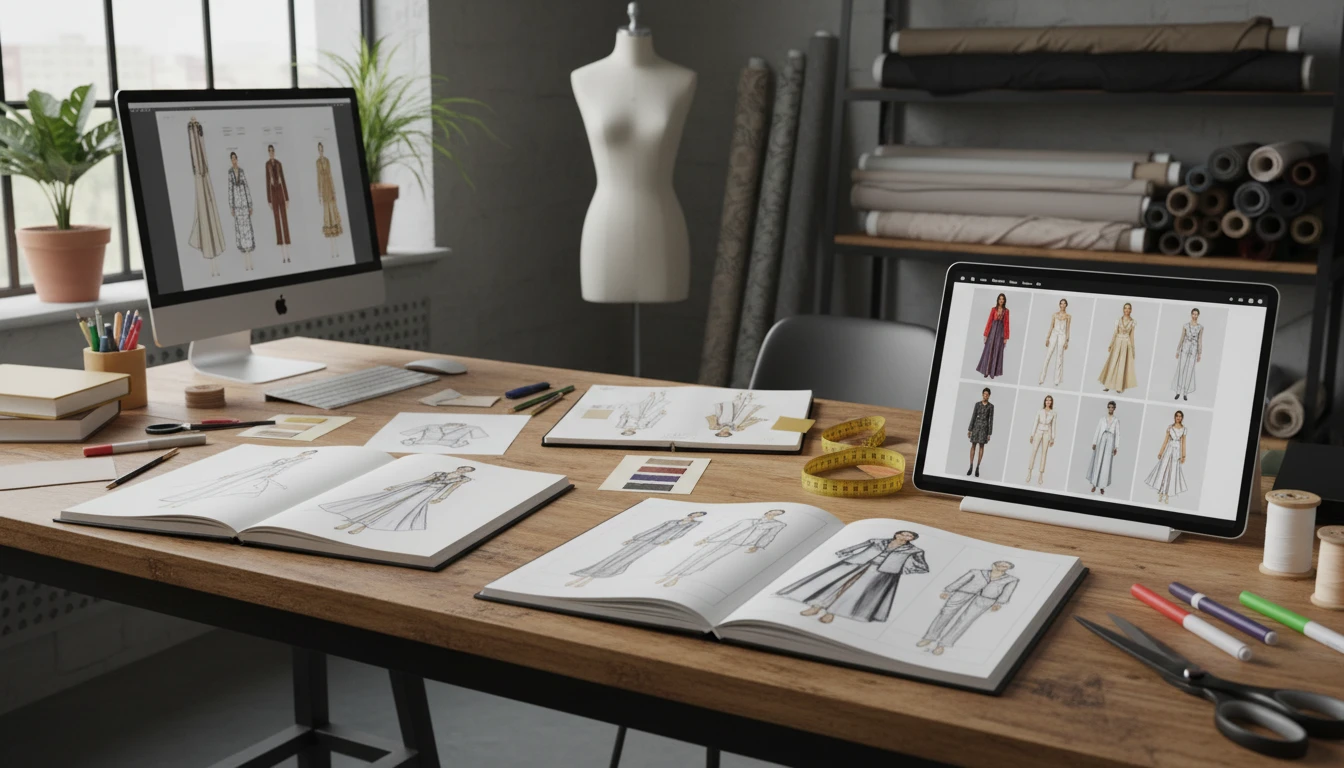
Fashion Designers
Convert croquis and garment sketches into realistic clothing previews using our AI sketch to image tool. Share accurate visual concepts with production teams and buyers before sampling.
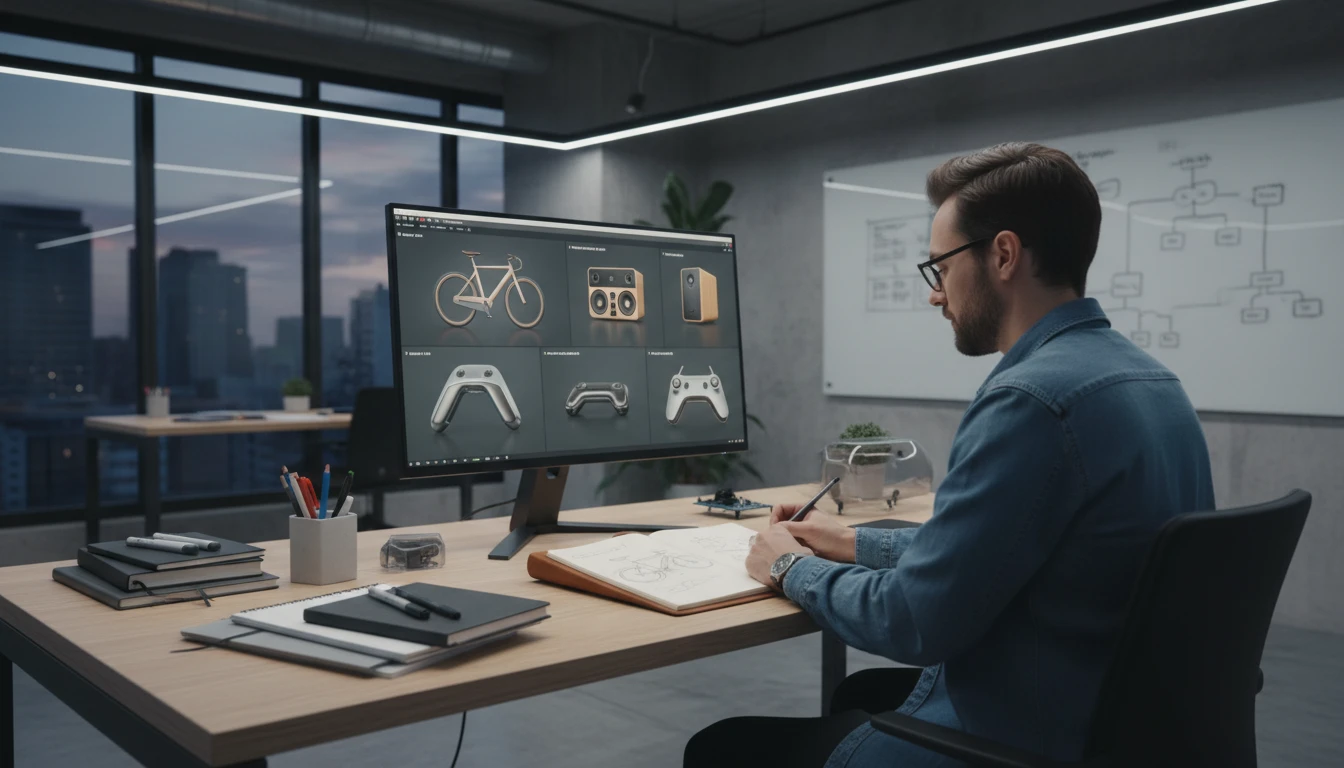
Product Designers and Engineers
Use our sketch to realistic image converter to validate industrial design concepts early. Transform napkin sketches and CAD-adjacent drawings into presentation-ready product renderings.
How to Convert Sketch to Image with AI
Upload Your Sketch
Drag and drop any hand-drawn sketch, pencil drawing, or digital line art into the sketch to image tool. Supports JPG, PNG, and WEBP.
Choose an Art Style
Pick Photo, Digital, Oil, Watercolor, Anime, Cartoon, Fantasy, Concept, Pencil, or Pixel. The sketch stays the guide; only the finish changes.
Download Your Realistic Image
Your sketch is converted to a realistic image in seconds. Download the result or continue refining it with additional prompts.
Explore More
More AI Studio Tools
Discover other powerful AI tools to enhance your creative workflow
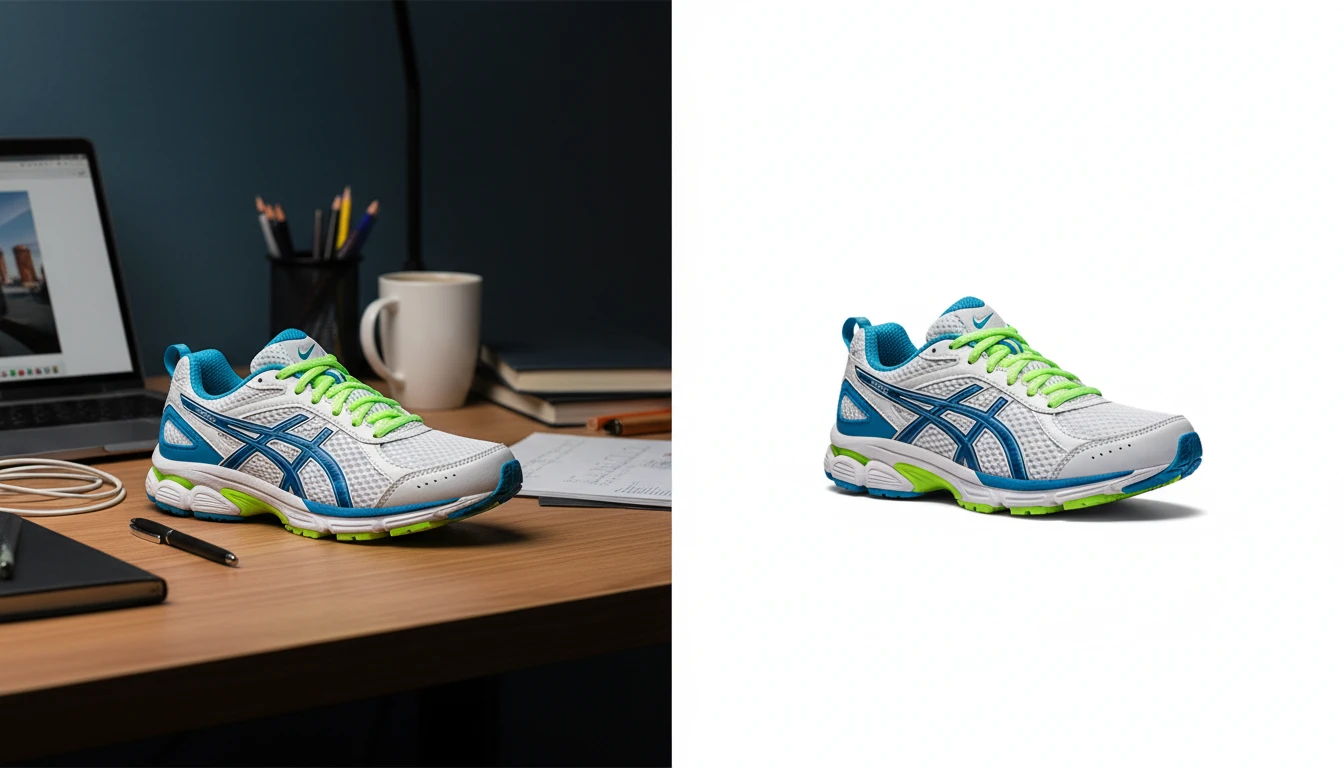
AI Background Remover
Upload any photo or product image and AI removes the background in seconds, delivering a clean transparent PNG. No manual masking required. Ideal for profile photos, marketing materials, and design assets.
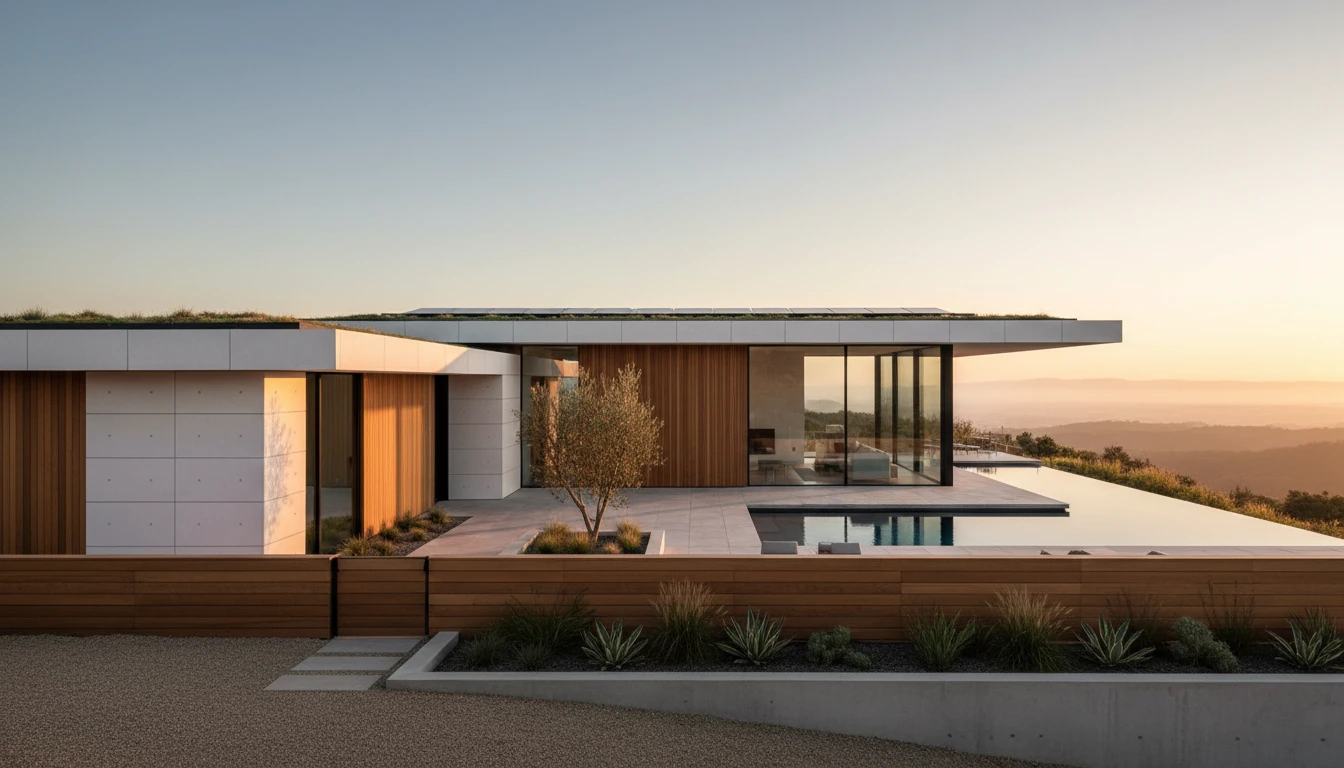
AI Building Exterior Renovation
Upload a photo of any home, apartment building, commercial property, or structure and AI visualizes a professional exterior renovation in seconds. Choose from 12 architectural styles including Modern, Colonial, Victorian, Mediterranean, Farmhouse, Industrial, Tudor, and more. The result is a photorealistic rendering that preserves the building structure while transforming its facade, materials, windows, and landscaping.
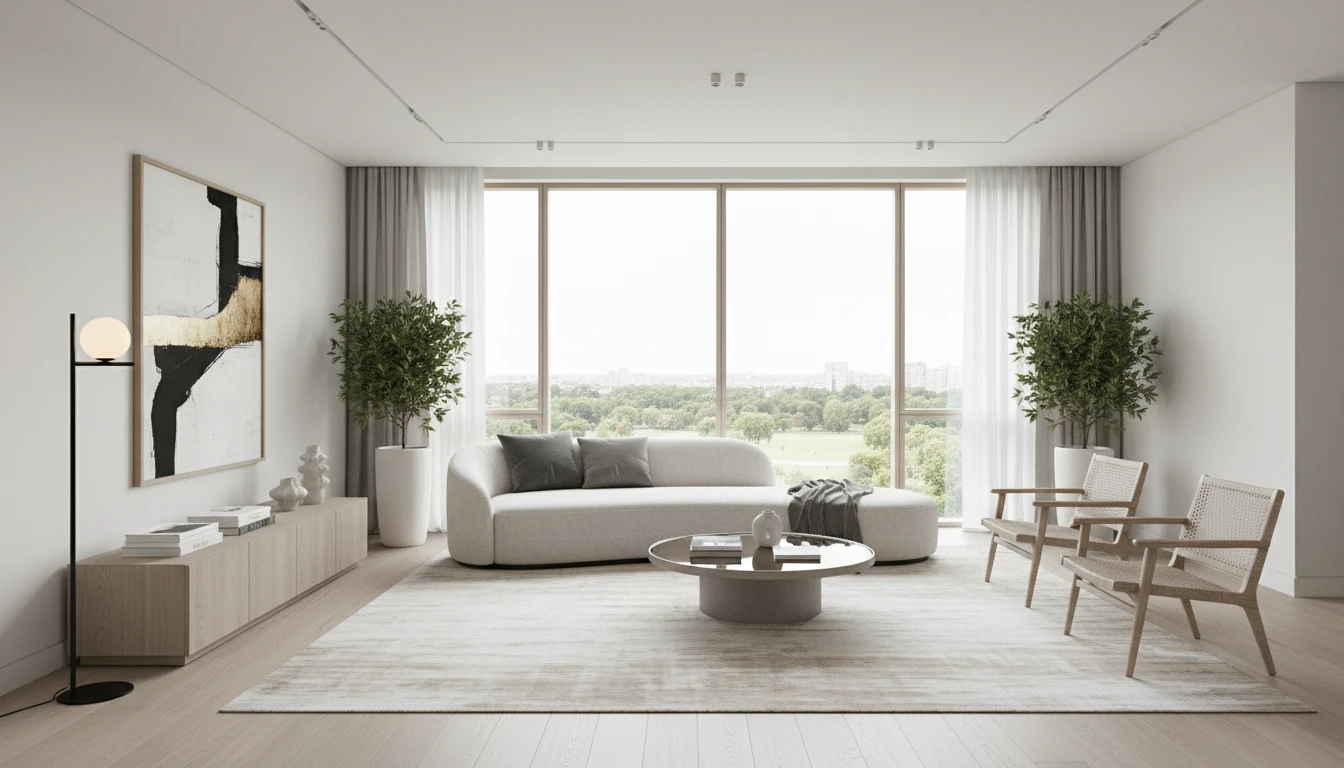
AI Interior Design
Upload a photo of any room and AI generates a photorealistic interior redesign in seconds. Choose from 15 distinct styles including Modern, Scandinavian, Bohemian, Japandi, Hollywood Regency, Art Deco, New York Loft, and more. The result preserves your room layout, windows, and architecture while replacing furniture, finishes, and decor. Works for living rooms, bedrooms, kitchens, bathrooms, and home offices.
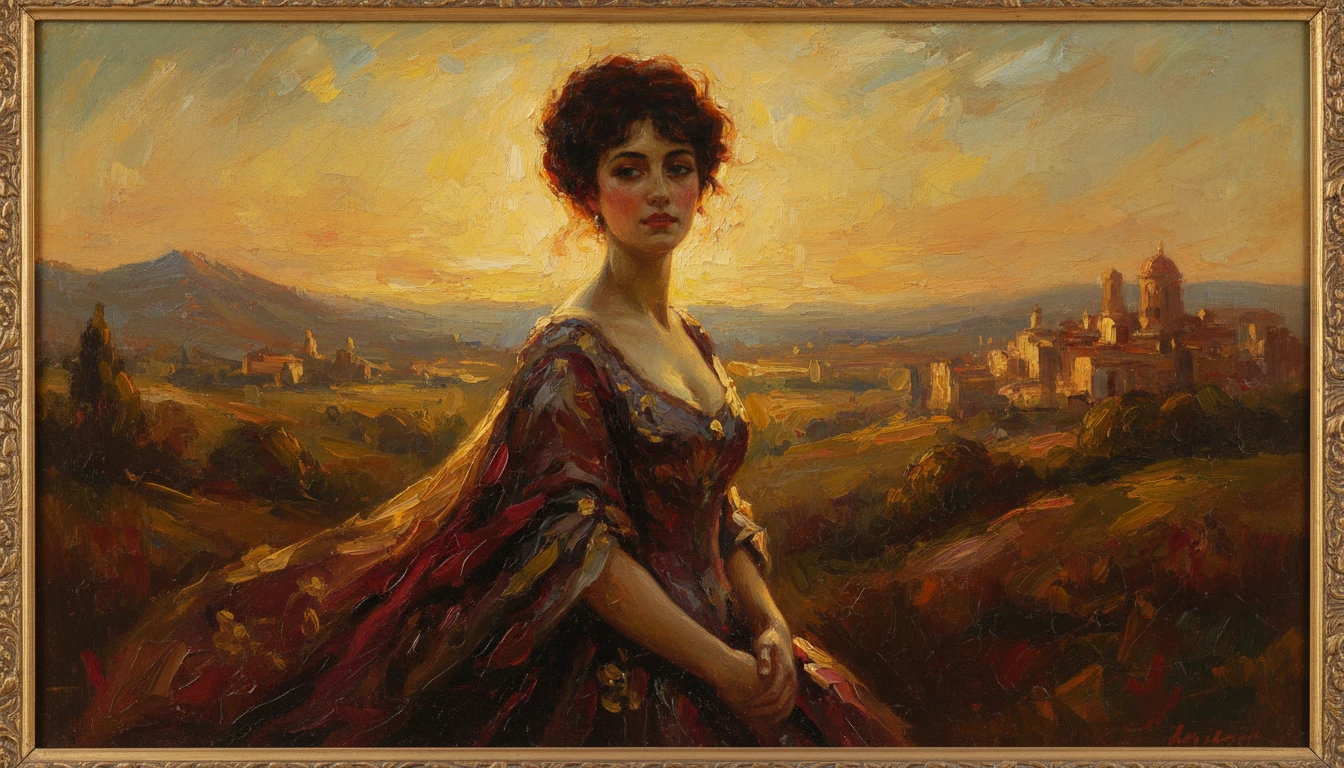
AI Photo to Art
Upload any photo and AI reimagines it as a handcrafted work of fine art. Choose from 20 artistic styles including Oil Painting, Watercolor, Impressionist, Pencil Sketch, Charcoal, Japanese Ukiyo-e, Surrealism, Stained Glass, Renaissance, Baroque, and more. Each result is generated to look like a real artwork created by hand, not a digital photo filter. Supports portraits, landscapes, still life, and architectural subjects.
Opens in
Image Studio
Frequently Asked Questions
Everything you need to know to get started.
How does AI Sketch to Image work?
Upload a photo of your sketch or drawing and choose an art style. The AI uses your sketch as a structural guide and fills it with color, texture, and lighting in that style.
Does my sketch need to be detailed?
No. Even rough stick figures and basic outlines work. The AI reads the shapes and composition from your sketch and fills in details in the style you pick. More detailed sketches give the AI more structure to follow.
What kinds of sketches work best?
Floor plans, architectural drawings, product design sketches, character concept art, storyboard panels, and fashion design sketches all work well. The tool handles both digital and hand-drawn sketches photographed on paper.
Can I use this for architectural or product design work?
Yes. Architects, interior designers, product designers, and concept artists use AI Sketch to Image to quickly visualize design ideas from rough sketches before investing in full renders or physical prototypes.
What image format should I upload?
JPEG, PNG, and WebP are all supported. For hand-drawn sketches, photograph them in good natural light on a flat surface, or scan them at 300 DPI for the sharpest results.
Start Converting Sketches to Images Today
Sign up free and get 100 credits instantly. See why thousands of architects, artists, and designers use RauGen as their go-to AI sketch to image converter.
Convert a Sketch NowDisclaimer: This tool uses generative AI technology which may produce content that resembles copyrighted materials or that is inaccurate, incomplete, or out-of-date. It is provided for general information and educational purposes only and is not intended for illegal activities or to replace professional advice, diagnosis, or treatment. Users are solely responsible for how they use the generated content. If you plan to use AI-generated content commercially or publicly, we strongly recommend reviewing it for potential copyright issues and obtaining proper permissions where necessary. We accept no liability for copyright infringement or any other consequences resulting from the use of content generated by this tool.