See Any Outfit on Any Model Instantly with AI
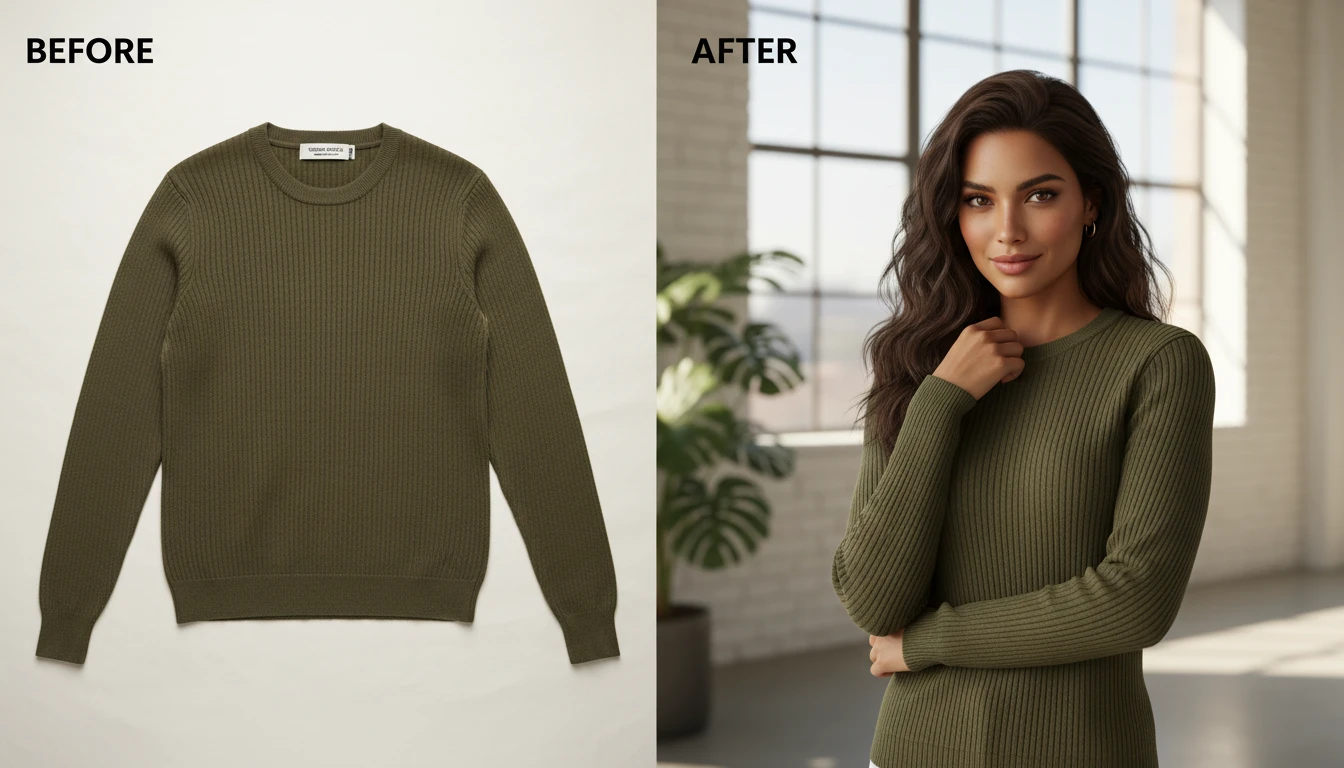
Upload a garment photo and a model photo. AI generates a photorealistic image of the model wearing the outfit. No studio, no fittings needed.
Try It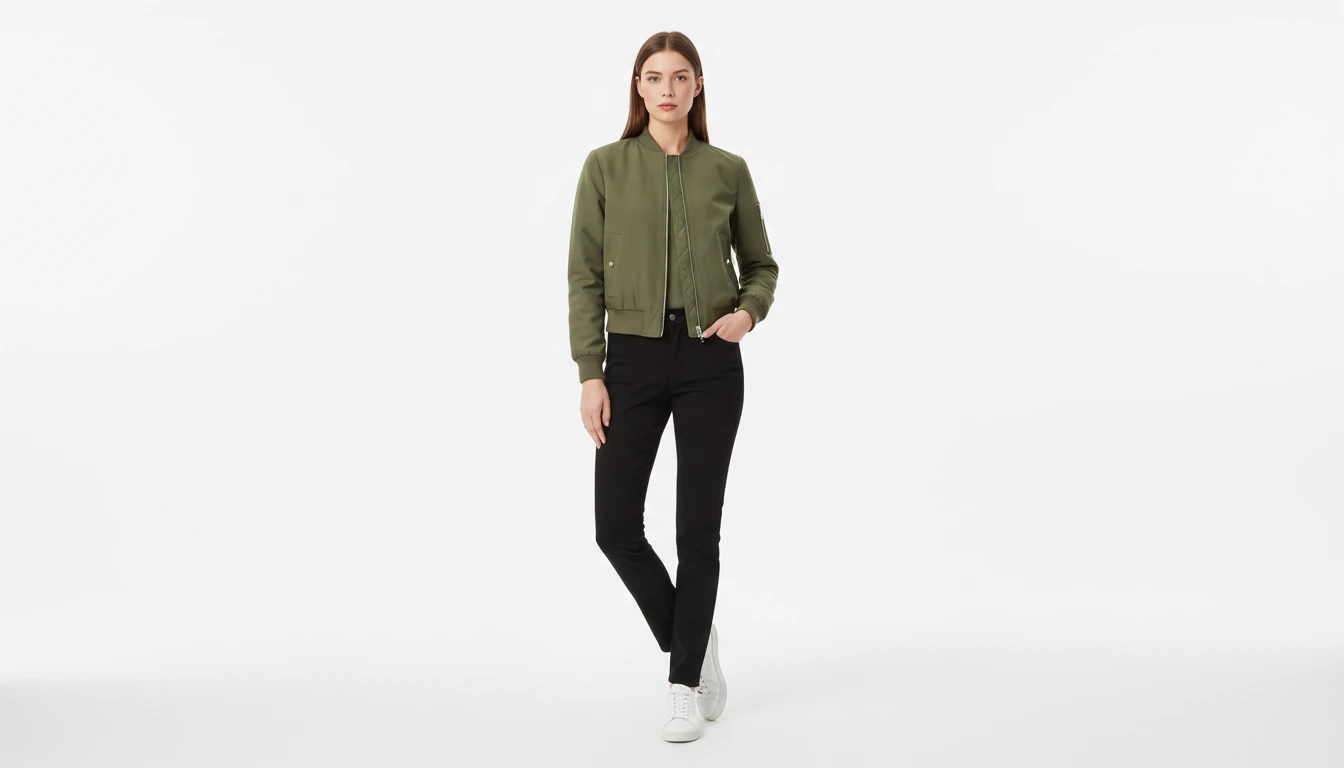
Upload the Garment
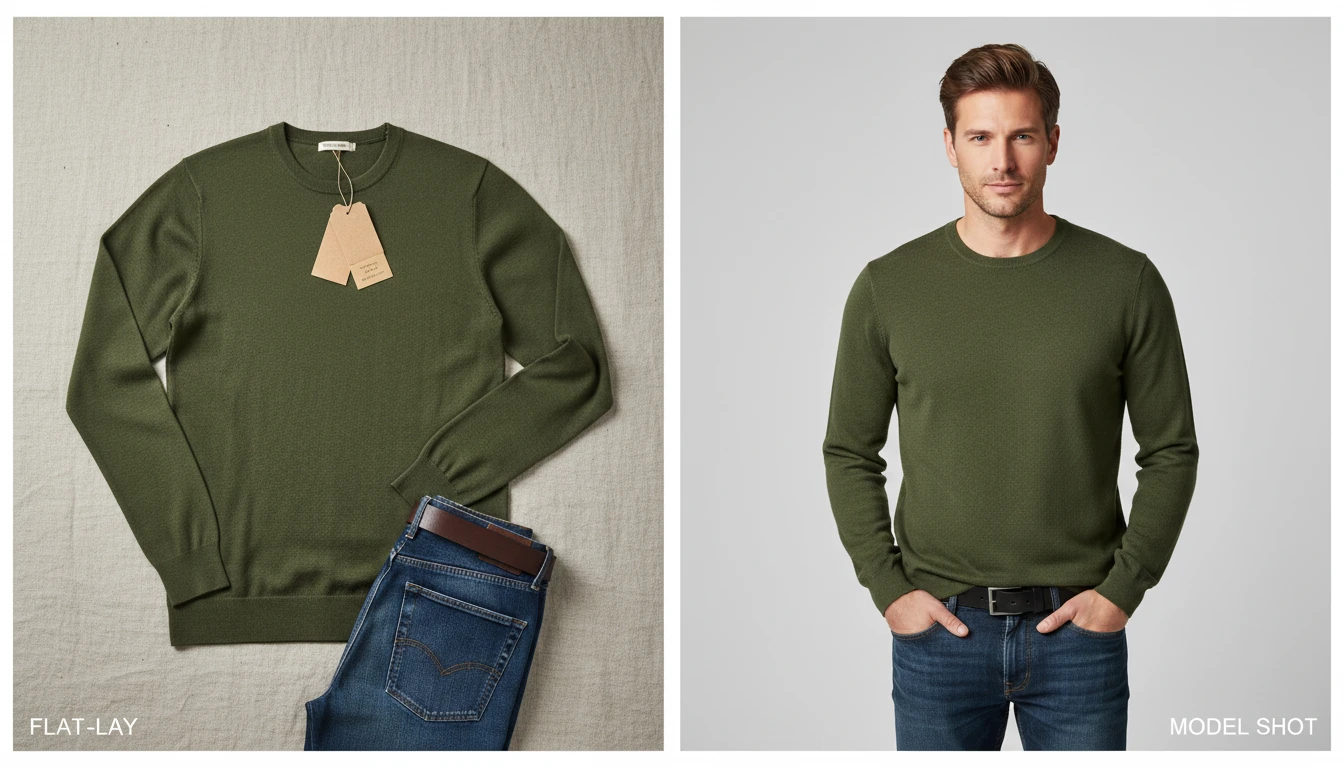
This photo is the clothing — a flat-lay, hanger, or mannequin shot. We'll open AI Product Studio next so you can add a person and try it on.
Drag & drop your garment here
Tops, dresses, jackets, pants — JPG, PNG or WebP, up to 15MB
This upload is the garment. You'll add a person photo in the studio.
Turn Any Garment into a Professional Product Photo
Upload a flat-lay, hanger, or mannequin shot of any clothing item and combine it with a model photo. AI generates a realistic full-body product image of the model wearing the garment, ready for your store or catalog.
Try Virtual Try-On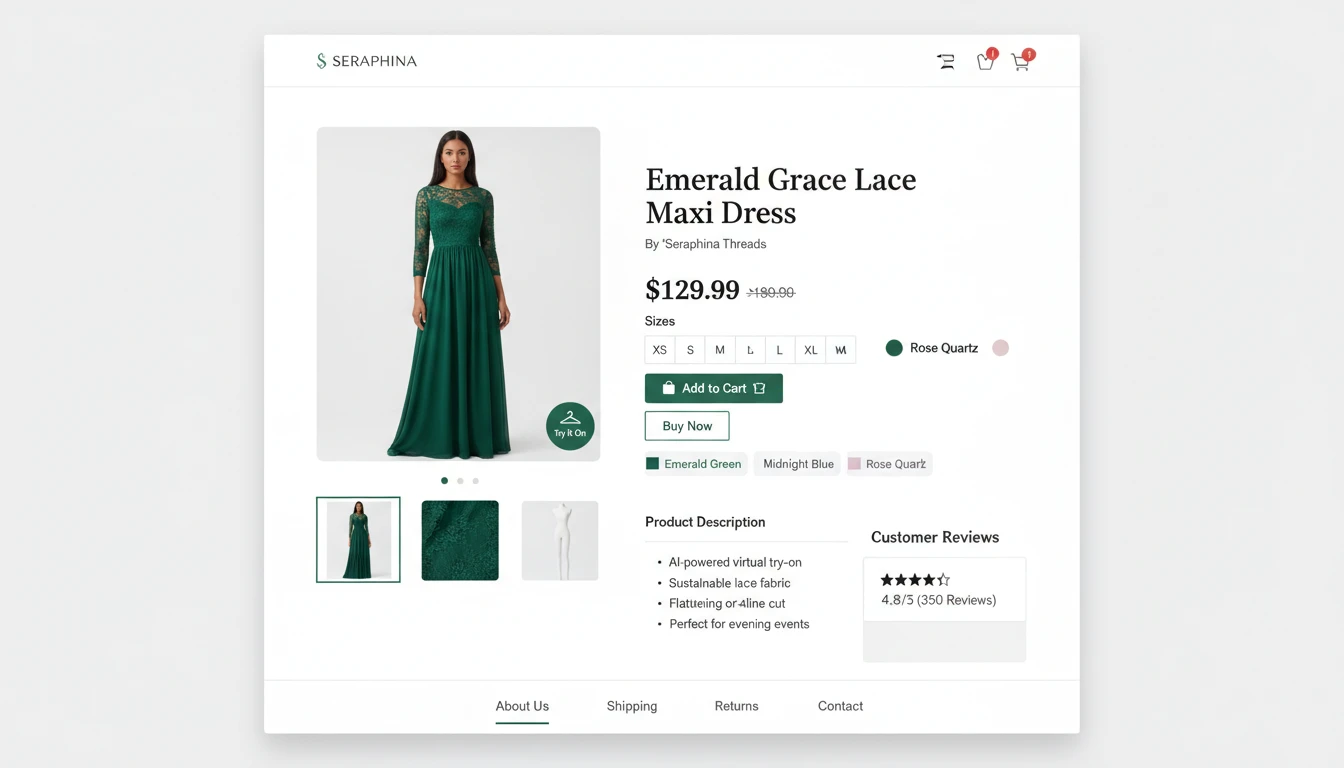
Reduce Return Rates with Realistic Fit Visualization
Customers return clothes when the product looks nothing like what they imagined. Virtual try-on shows shoppers exactly how the garment fits and drapes on a real body, reducing uncertainty and increasing purchase confidence.
Visualize Your Garments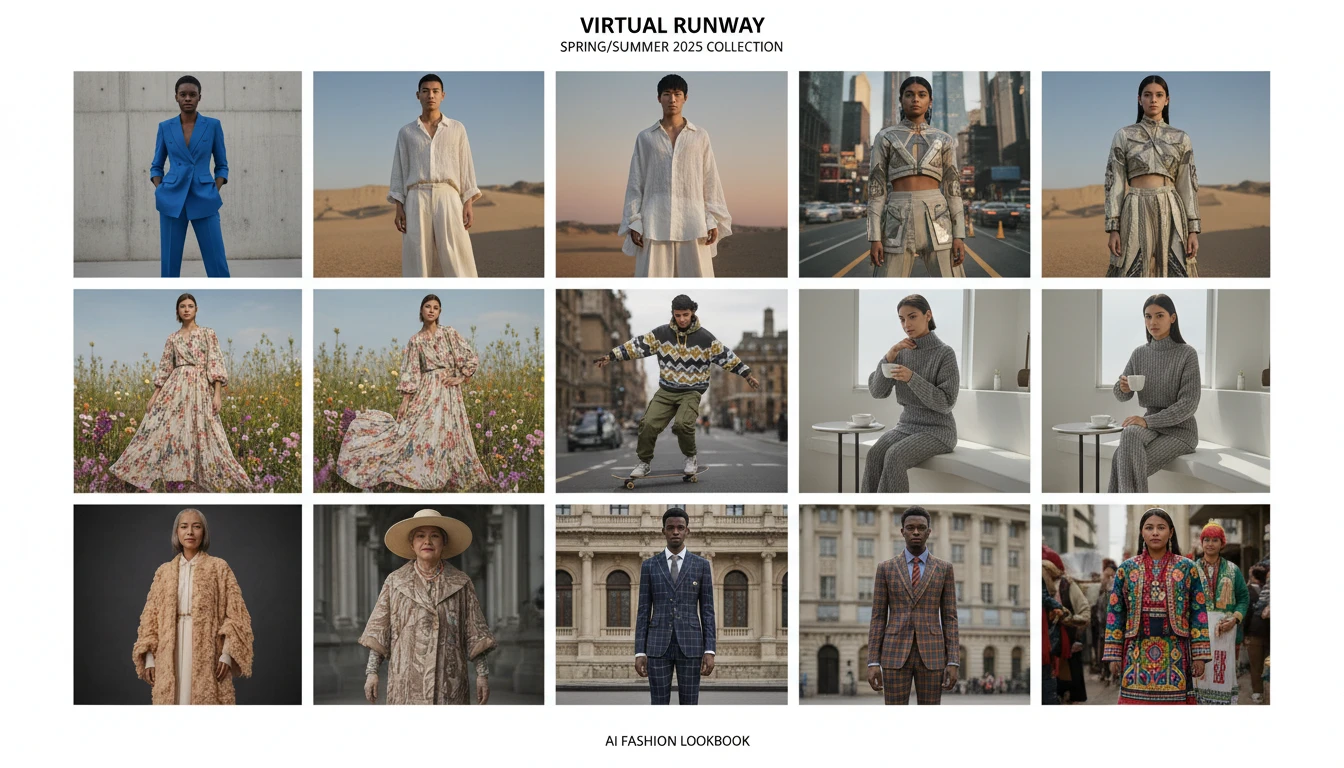
Shoot New Collections Without a Photoshoot
Replace expensive model shoots with AI-generated product images. Upload garments from your collection and apply them to a library of model photos to create a full lookbook in minutes, not weeks.
Build Your Lookbook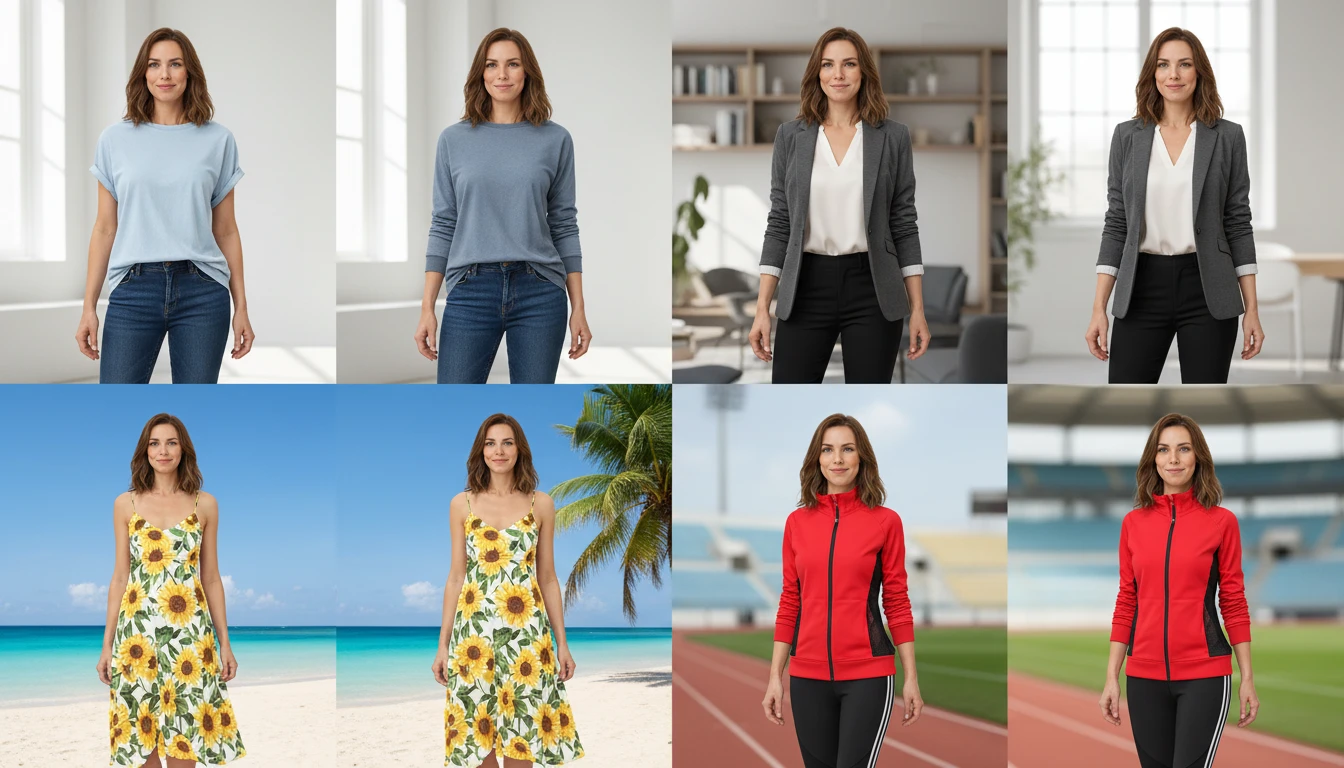
Works with Any Garment Type and Style
From casual t-shirts and jeans to formal suits and evening dresses, AI Virtual Try-On handles any clothing category. It preserves fabric texture, color, and garment structure for realistic results every time.
Try Any OutfitWho Uses AI Virtual Try-On
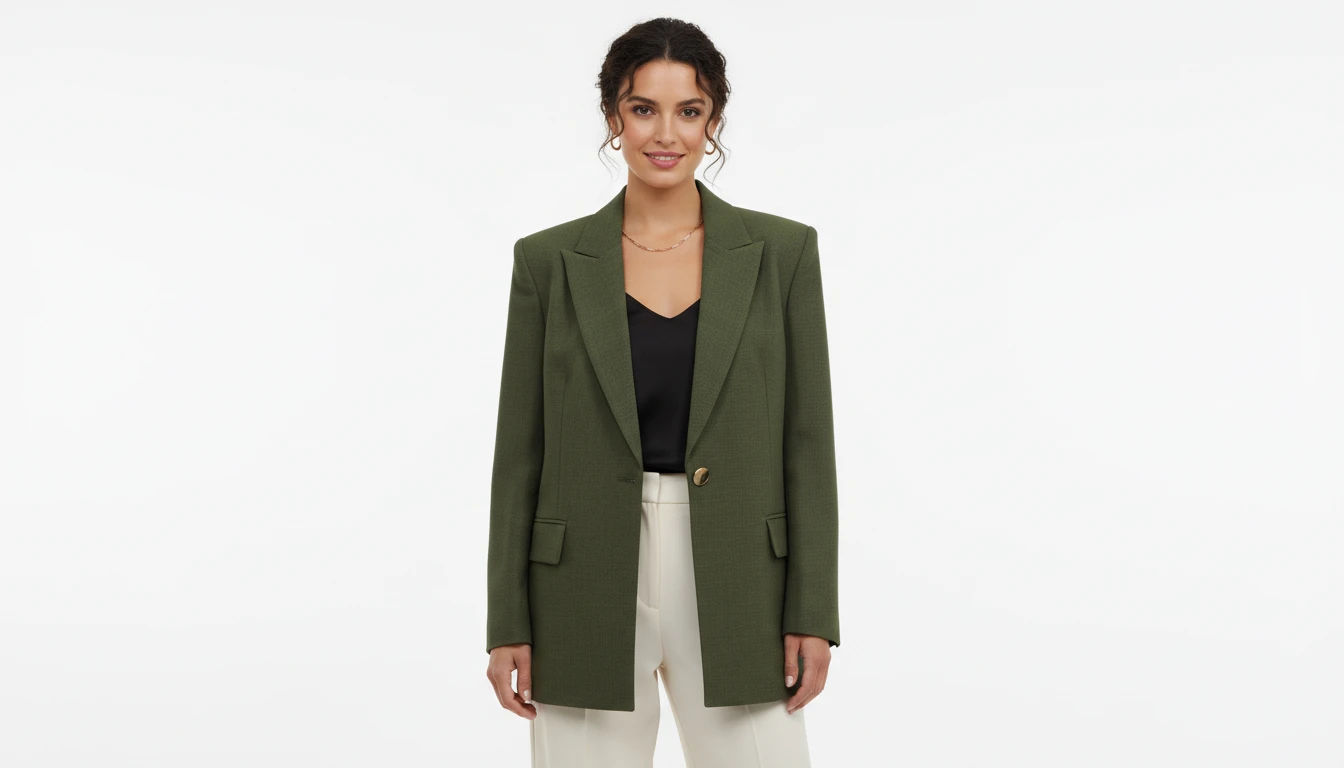
E-Commerce Fashion Stores
Create professional product images for every garment in your catalog without booking a model or studio. Scale your product photography at a fraction of the cost.
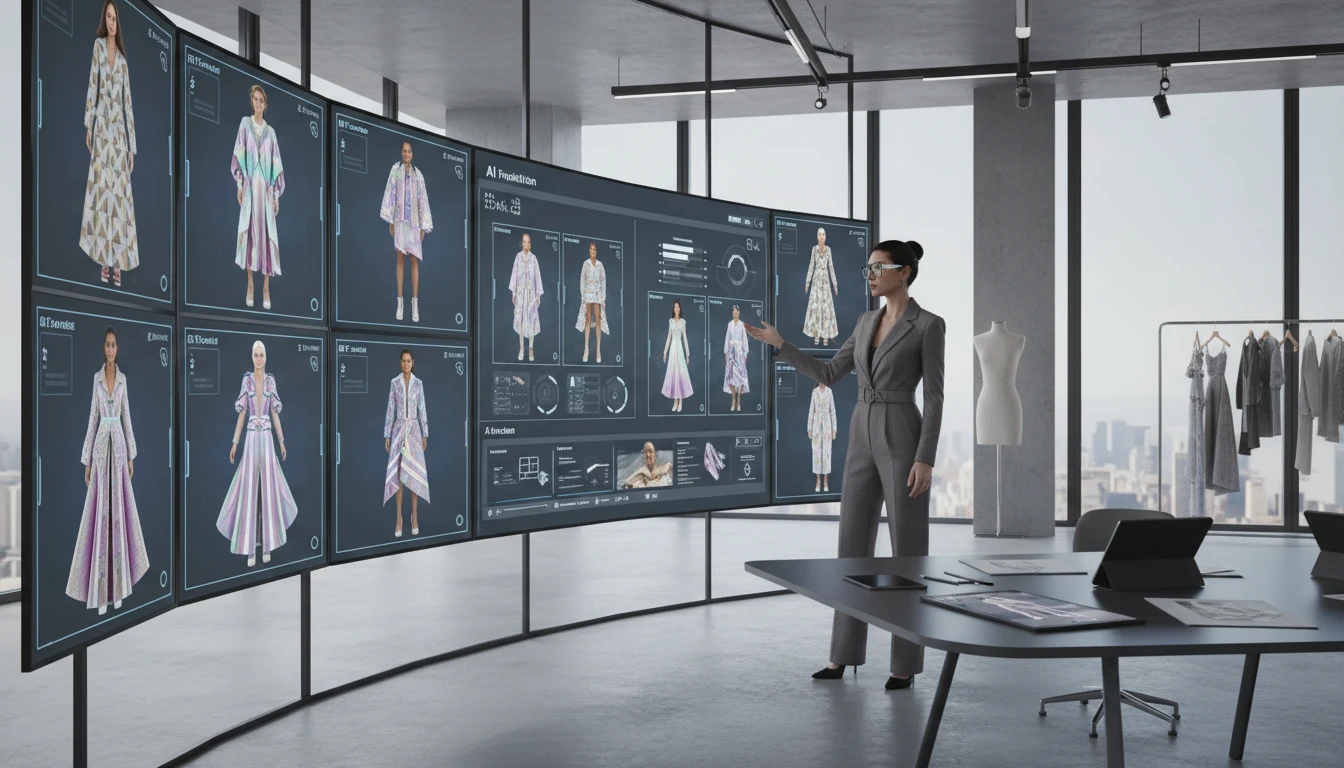
Fashion Designers and Brands
Visualize how new designs look on different body types before production. Iterate quickly on cuts, colors, and styles without sewing a single sample.
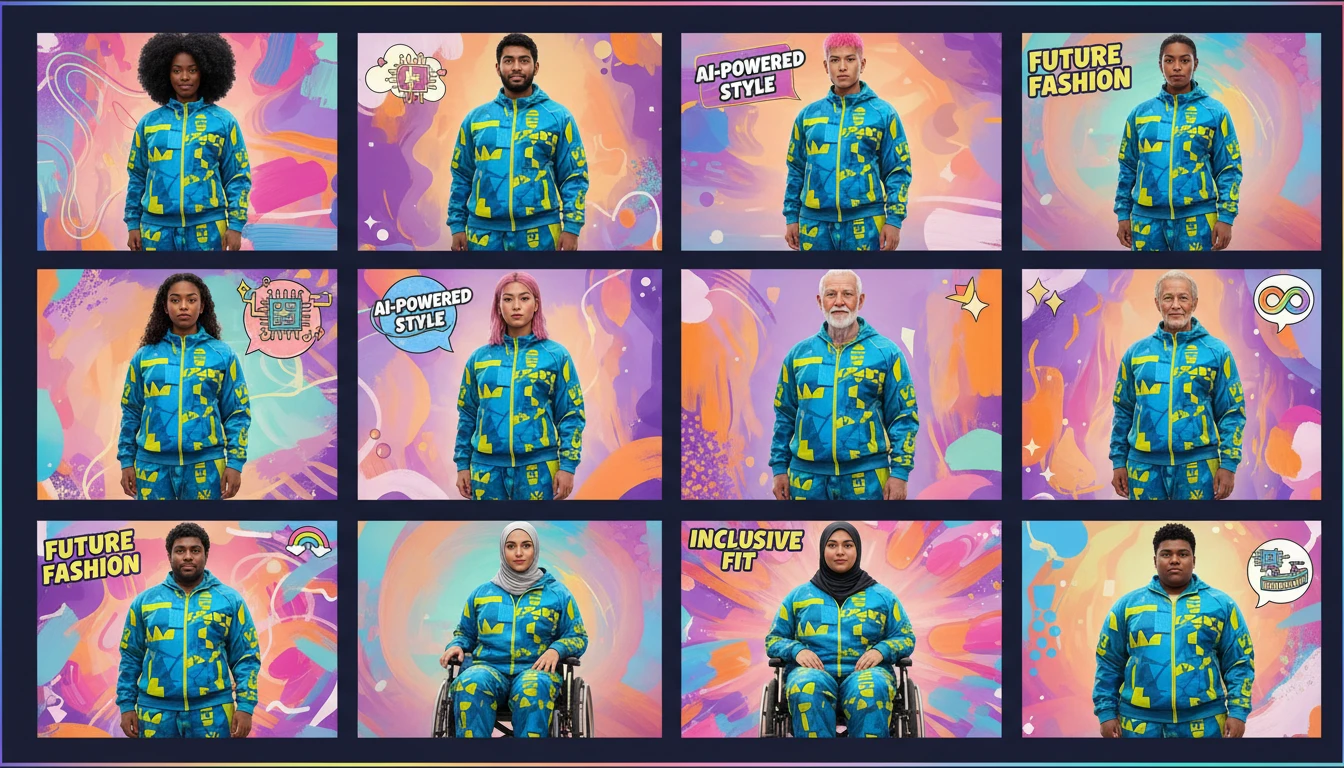
Marketing and Creative Teams
Generate diverse model imagery for ads, social media, and campaigns. Create consistent visuals featuring the same outfit across different models and settings.
Wholesale and Dropshipping Sellers
Turn manufacturer product photos into professional lifestyle images. Upload product shots and generate model photos that make your listings stand out from competitors.
How AI Virtual Try-On Works
Upload the Garment Photo
Upload a clear photo of the clothing item you want to visualize. Flat-lay, hanger shots, and mannequin photos all work well.
Upload the Model Photo
Upload a photo of the person who will wear the garment. Front-facing or three-quarter poses produce the most realistic results.
AI Generates the Try-On
AI combines both photos to create a photorealistic product image of the model wearing the garment with natural fit, lighting, and drape.
Explore More
More AI Studio Tools
Discover other powerful AI tools to enhance your creative workflow
AI Ghost Mannequin
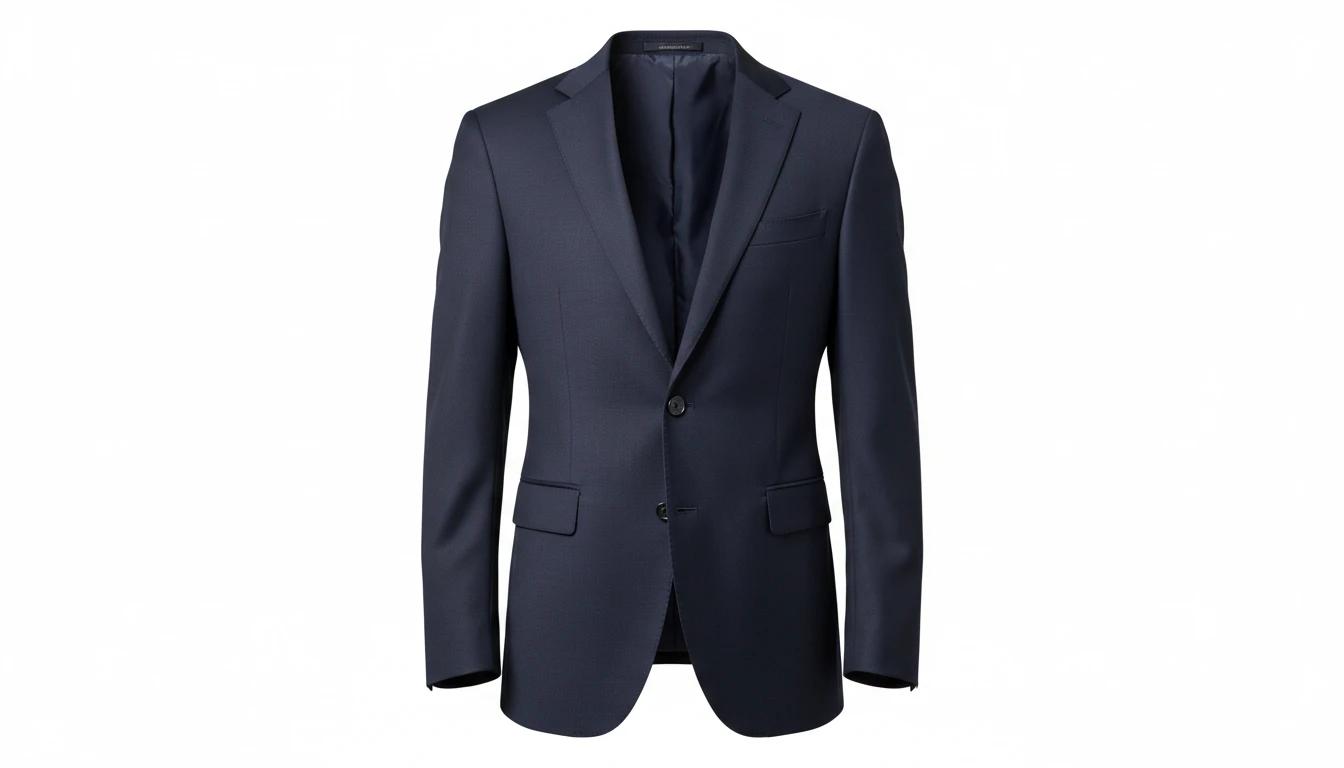
Upload a flat-lay, hanger, or model photo of any garment and AI shapes it onto a professional invisible mannequin. Automatically removes the background and applies realistic 3D fabric draping, producing the hollow neckline and sleeve effect used in professional fashion e-commerce. Outputs a clean transparent PNG ready for product listings. Works for tops, dresses, jackets, knitwear, pants, and coats.
AI Background Remover
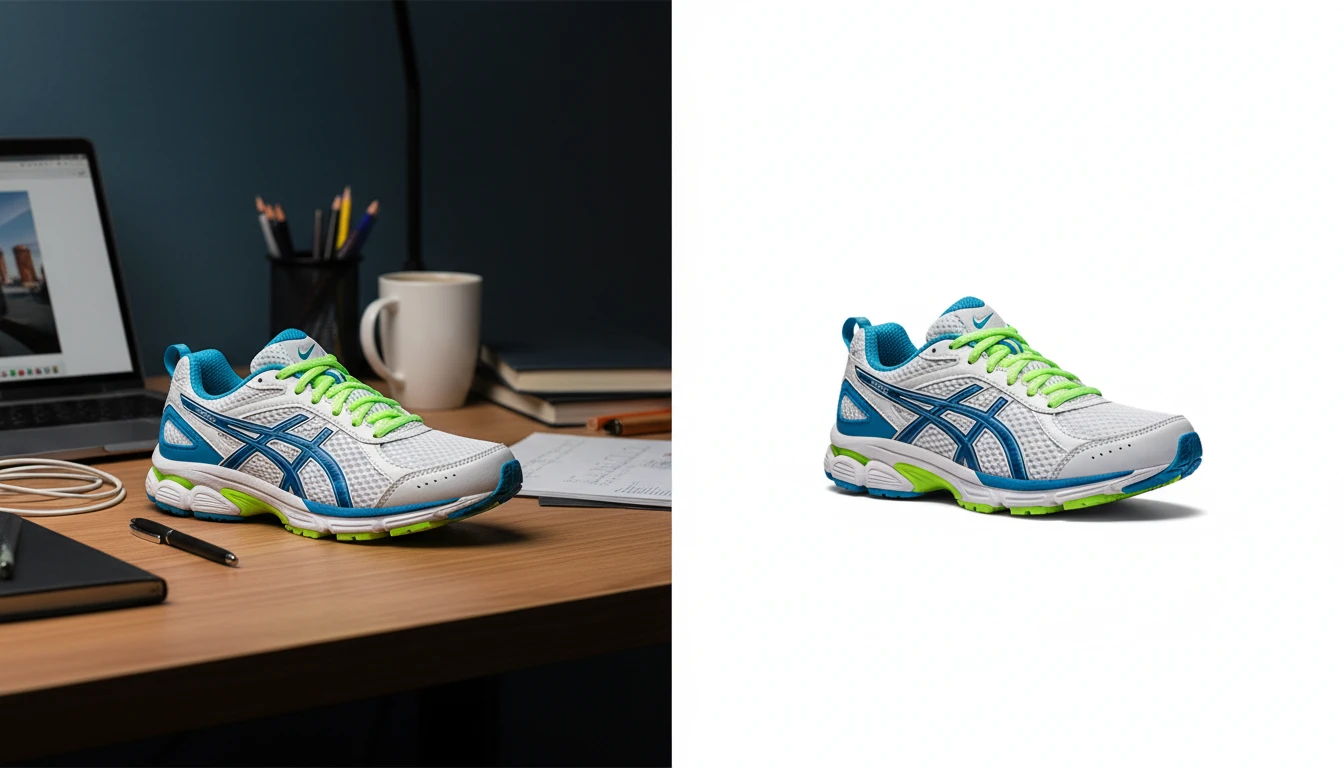
Upload any photo or product image and AI removes the background in seconds, delivering a clean transparent PNG. No manual masking required. Ideal for profile photos, marketing materials, and design assets.
AI Product in Hand
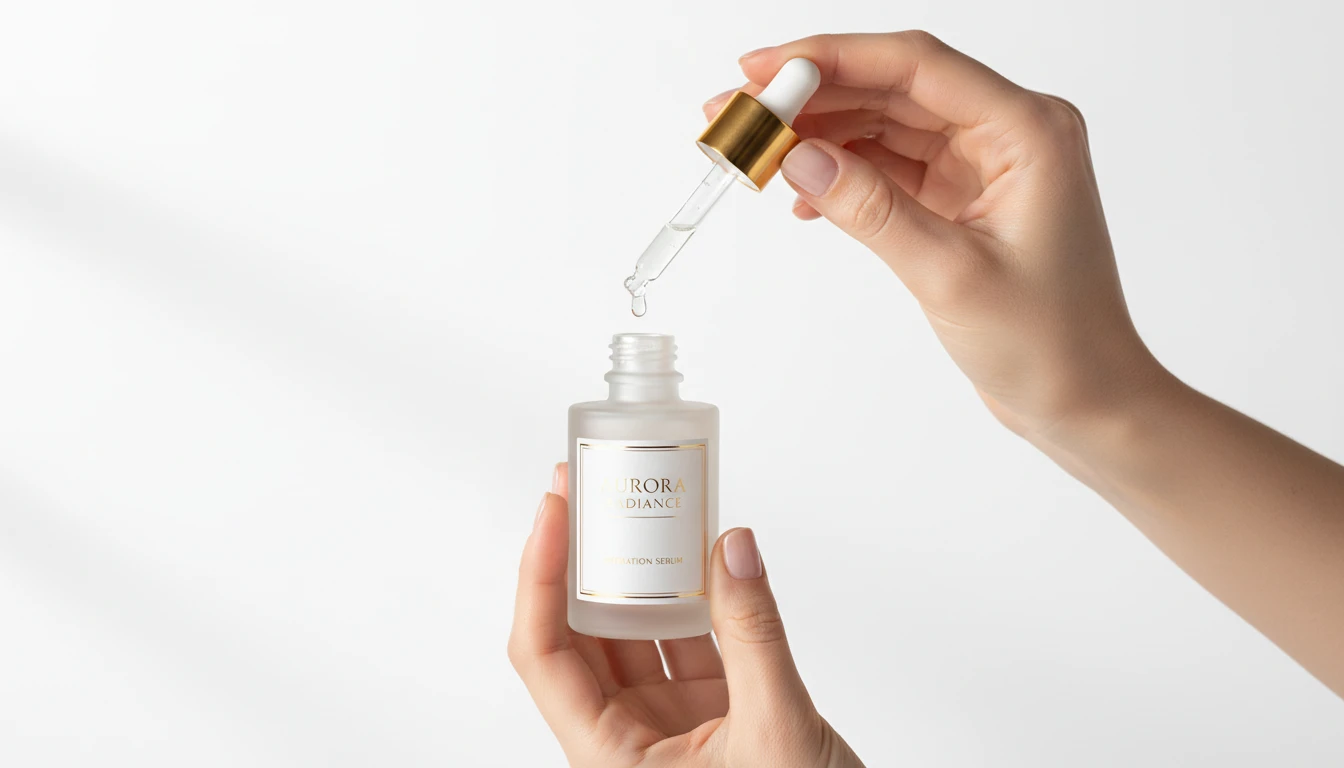
Upload any product image and AI generates photorealistic lifestyle photos showing the item being held by hand in a natural setting. Choose from 12 scene presets including Studio White, Marble Luxury, Outdoor Lifestyle, Botanical Fresh, and Dark Dramatic. No models, photoshoots, or studio rental required. Ideal for ads, lookbooks, and social product content.
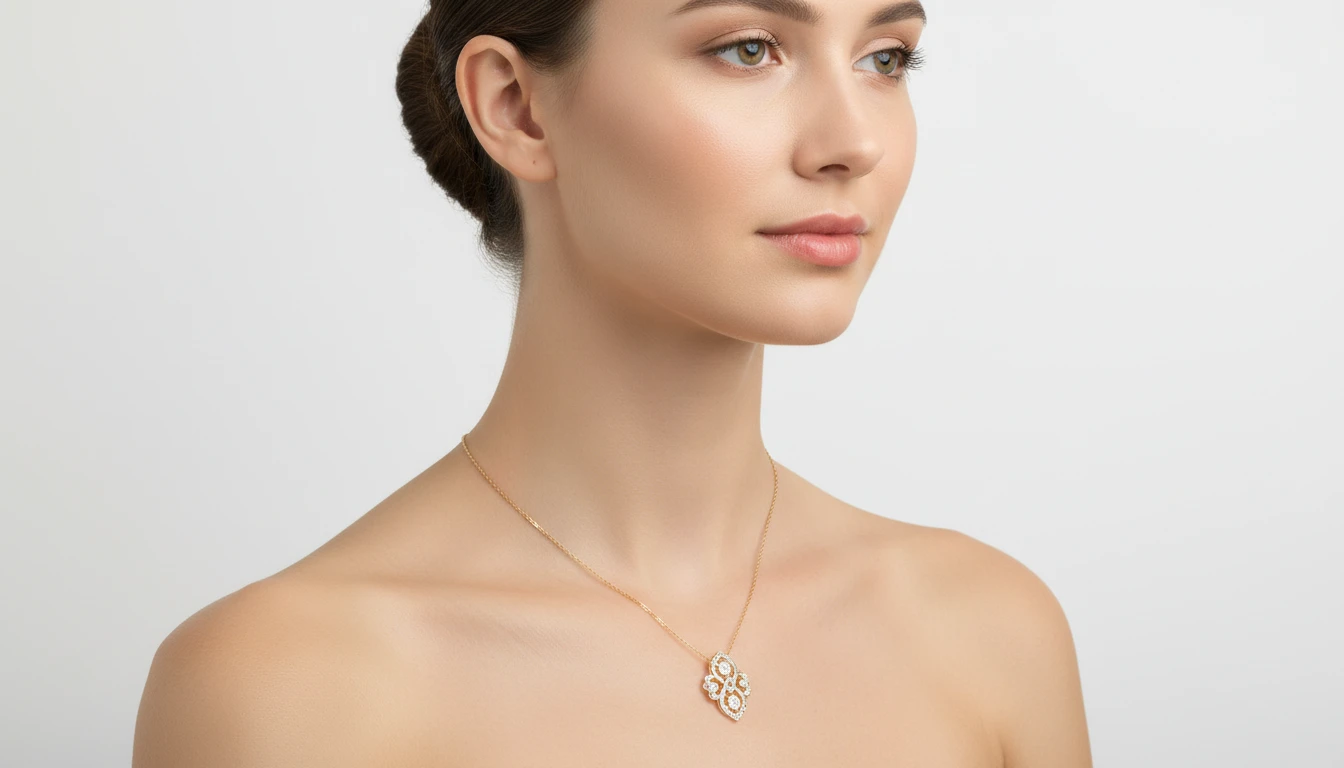
AI Accessories Try-On
Upload an accessory photo and a model photo to generate a photorealistic virtual try-on image. AI automatically identifies the accessory type and places it in the correct position: necklaces at the neck, watches on the wrist, sunglasses on the face, bags over the shoulder. Works for jewelry, watches, eyewear, handbags, scarves, and more.
Opens in
Image Studio
Frequently Asked Questions
Everything you need to know to get started.
How does AI Virtual Try-On work?
Upload a garment photo and a model photo. The AI extracts the clothing from the first image and dresses the model in the second image with it, matching the lighting, body position, and fabric drape for a natural result.
What types of garments are supported?
Tops, dresses, jackets, coats, suits, and most upper-body garments work well. Full outfits including bottoms are also supported. The cleaner and more isolated the garment photo, the more accurate the placement.
What if I only have a headshot of the model?
The AI can work from a headshot and will generate a natural full-body pose for the model wearing the garment. Results may vary slightly from using a full-body model photo.
What image format should I upload?
JPEG, PNG, and WebP are supported for both the garment and model photos. Use clean, well-lit photos for both images. A garment on a white or plain background gives the most accurate clothing transfer.
Can I use the results for social and campaigns?
Yes. Many people use AI Virtual Try-On to produce model imagery without booking a photoshoot. The generated images can be used in lookbooks, social media, and marketing campaigns.
Start Creating Virtual Try-On Images Today
Sign up free and get 100 credits instantly. Generate professional fashion product photos without a studio or model booking.
Try Virtual Try-OnDisclaimer: This tool uses generative AI technology which may produce content that resembles copyrighted materials or that is inaccurate, incomplete, or out-of-date. It is provided for general information and educational purposes only and is not intended for illegal activities or to replace professional advice, diagnosis, or treatment. Users are solely responsible for how they use the generated content. If you plan to use AI-generated content commercially or publicly, we strongly recommend reviewing it for potential copyright issues and obtaining proper permissions where necessary. We accept no liability for copyright infringement or any other consequences resulting from the use of content generated by this tool.