See How Any Accessory Looks on a Real Model
Upload an accessory photo and a model photo. AI places the item with natural positioning, lighting, and reflections. No studio or fittings required.
Try It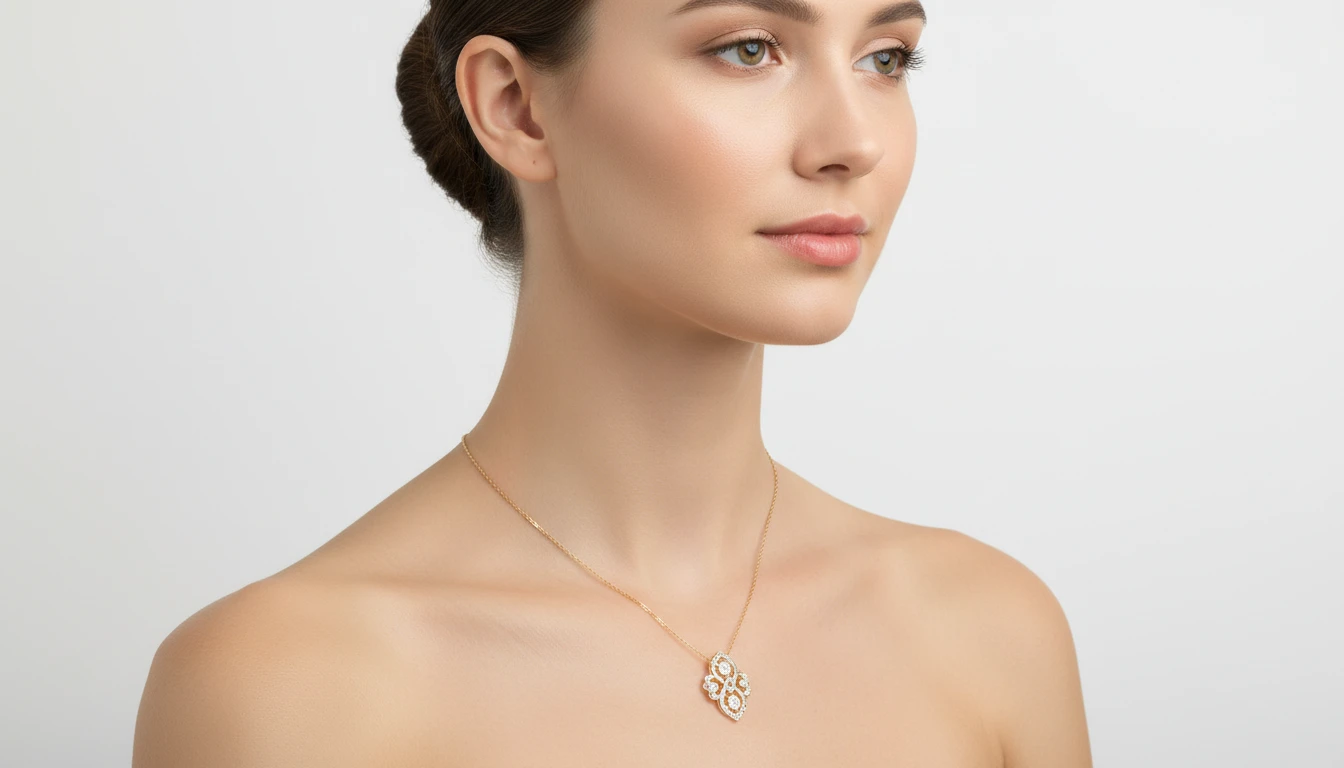
Upload the Accessory
This photo is the accessory — jewelry, a watch, bag, or glasses. We'll open AI Image Studio next so you can add a person and try it on.
Drag & drop your accessory here
Jewelry, watch, bag, glasses — JPG, PNG or WebP, up to 15MB
This upload is the accessory. You'll add a person photo in the studio.
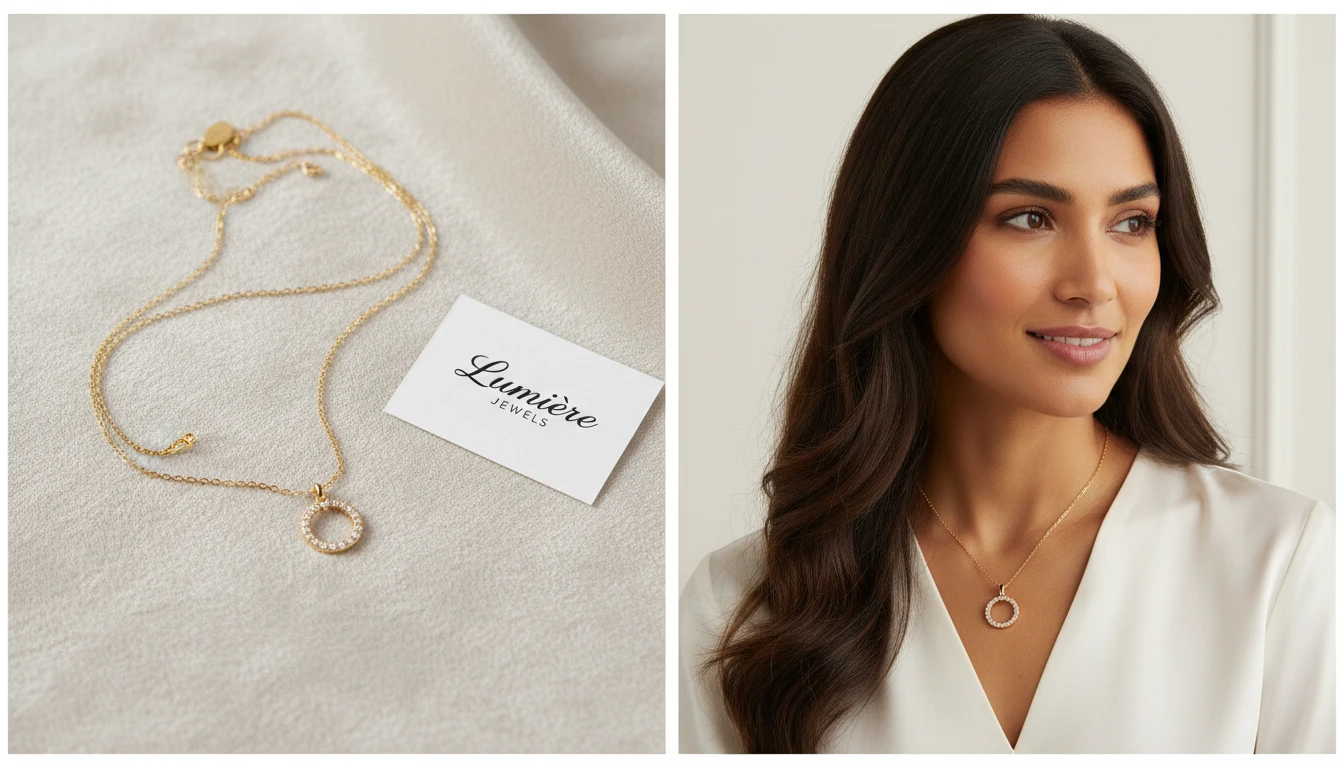
Place Any Accessory on Any Model Instantly
Upload a product photo of your accessory and combine it with any model photo. AI positions the accessory exactly where it would naturally sit, adjusts reflections and shadows, and outputs a professional product image ready for your store.
Try Accessories Try-On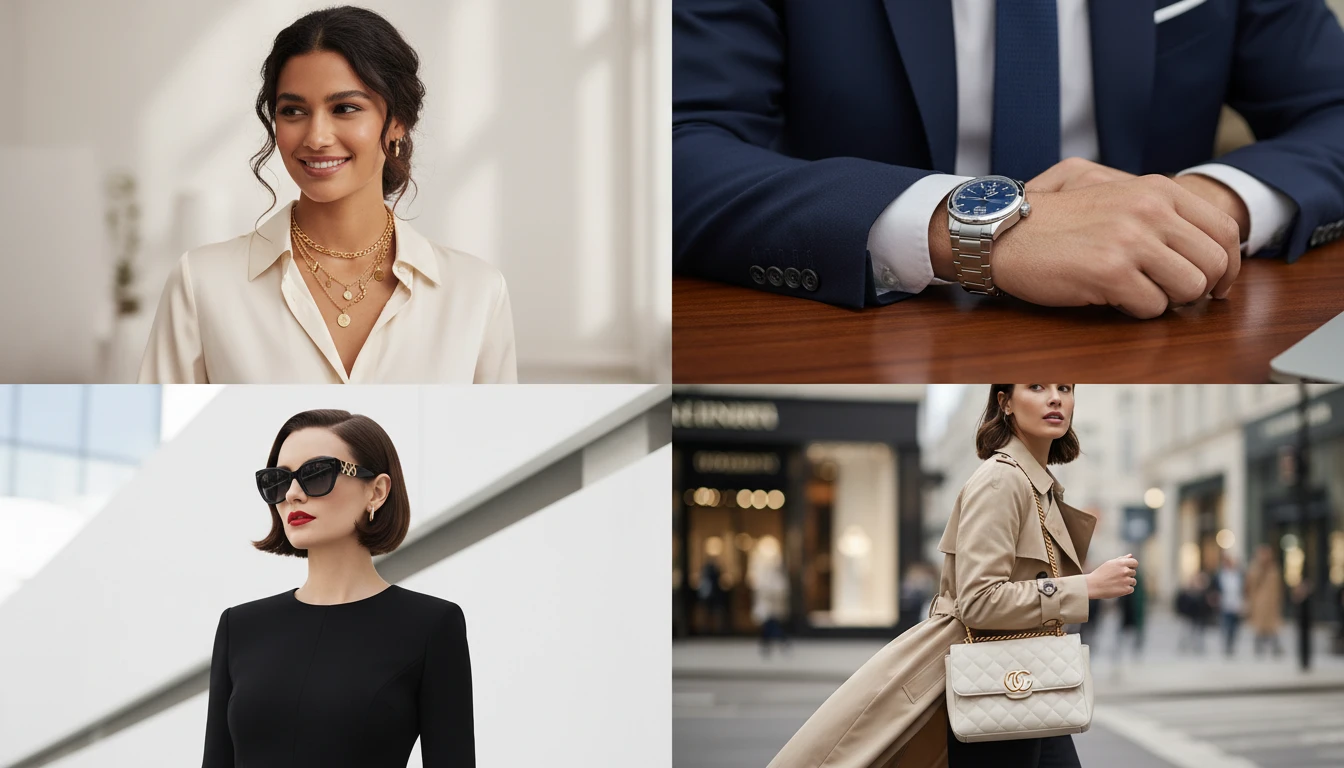
Works for Jewelry, Watches, Sunglasses, Bags, and More
From delicate diamond earrings to statement handbags, AI Accessories Try-On handles any accessory category. It understands natural placement for each type: necklaces around the neck, rings on fingers, watches on wrists, sunglasses on the face.
Try Any Accessory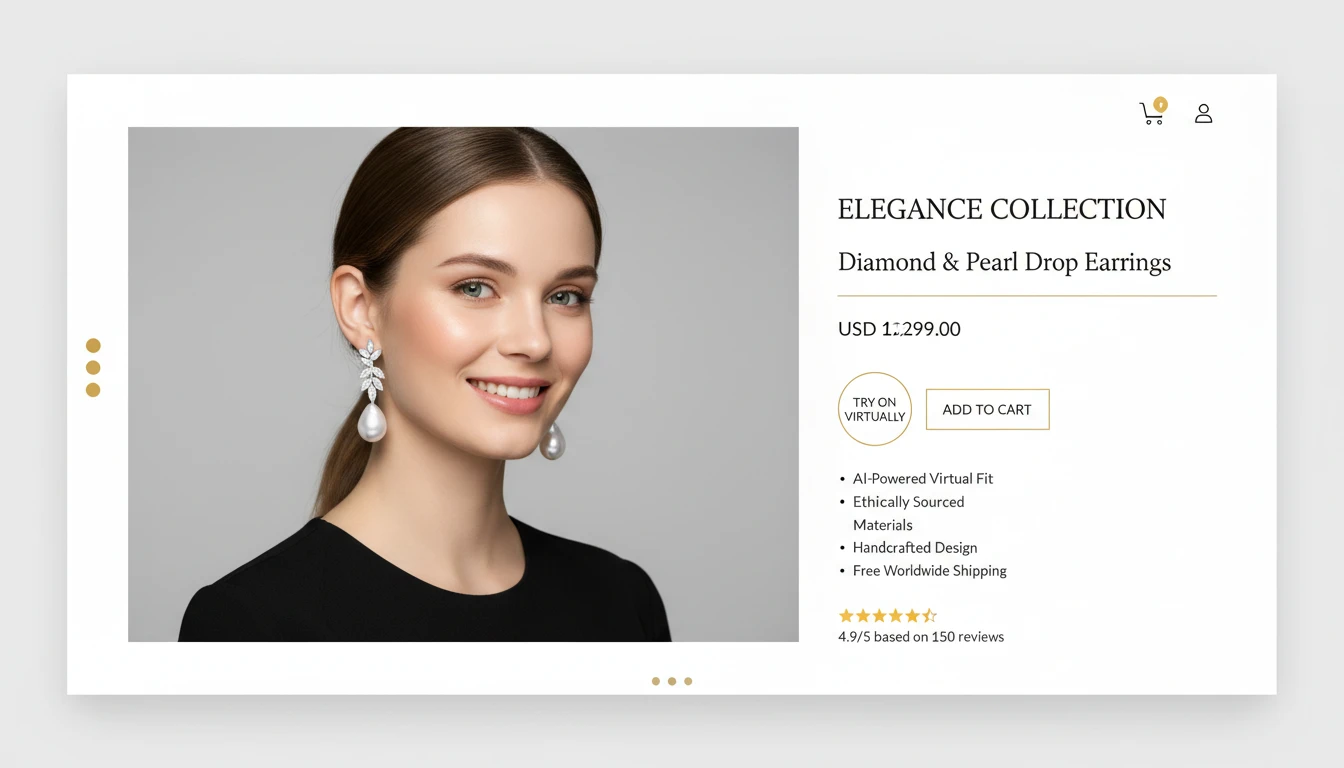
Reduce Returns with Accurate Accessory Visualization
Customers return accessories when they cannot tell how they will look worn. Virtual try-on shows shoppers exactly how the piece looks on a real person, including scale, fit, and style, reducing purchase hesitation and increasing confidence.
Reduce Your Return Rate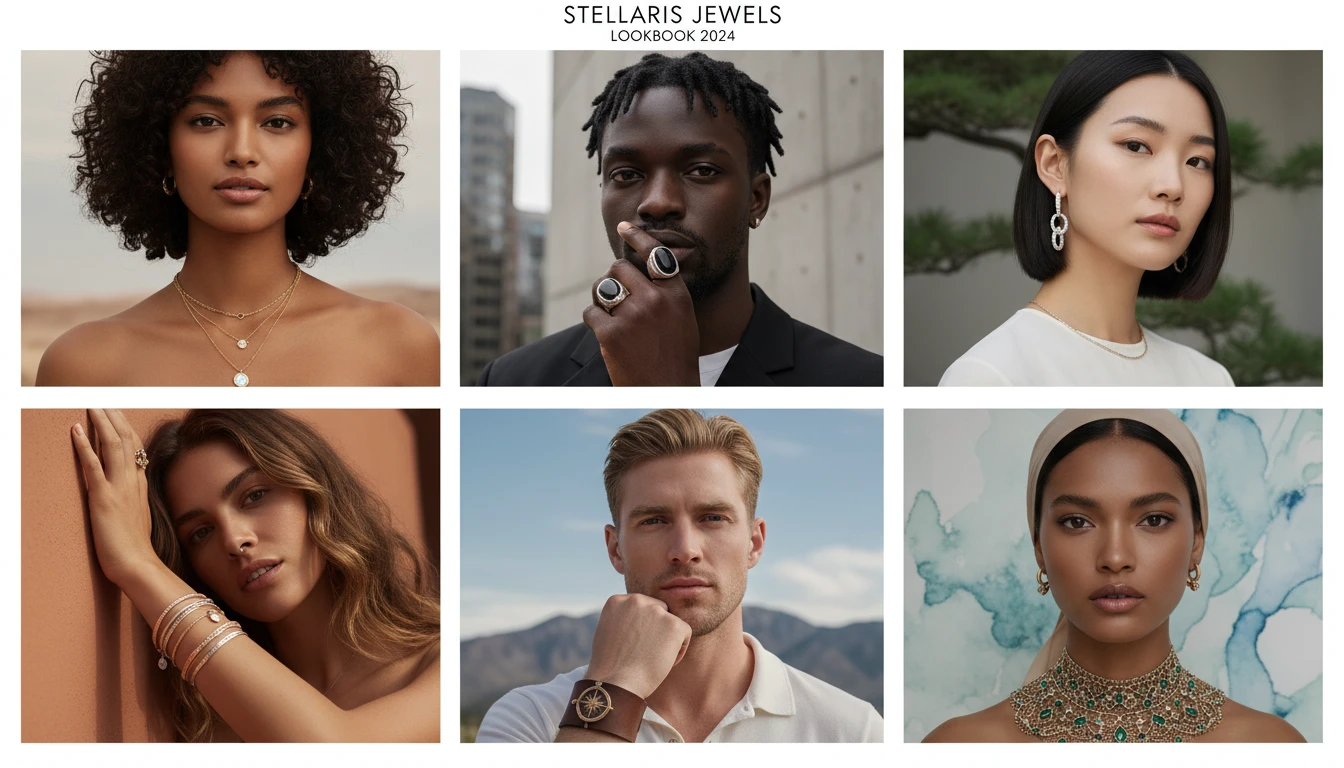
Scale Your Accessory Catalog Without a Photoshoot
Apply entire accessory collections to a library of model photos in minutes. Create consistent lifestyle imagery for your full catalog at a fraction of the cost of traditional photoshoots, without booking models or studio time.
Build Your CatalogWho Uses AI Accessories Try-On
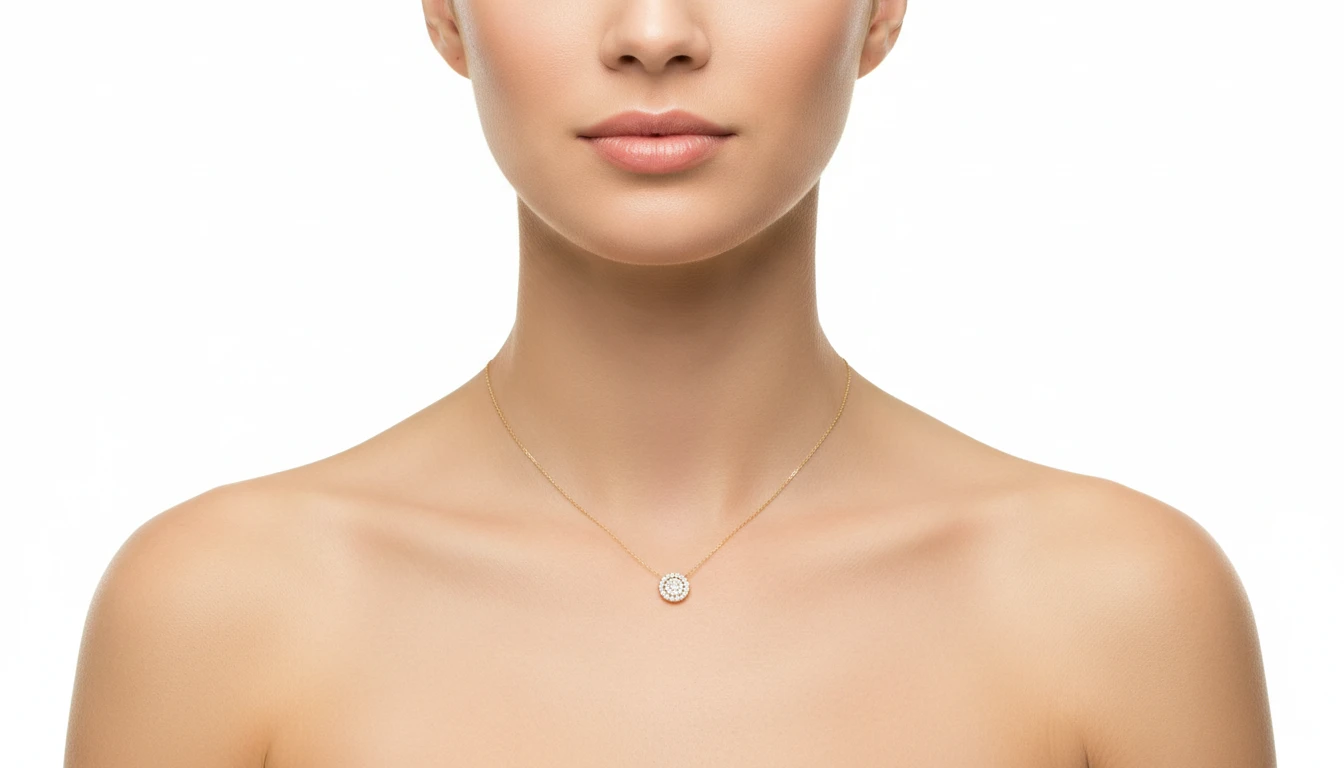
Jewelry Stores and Brands
Create professional product images for every piece in your collection without booking models. Show necklaces, earrings, rings, and bracelets worn on real people at scale.
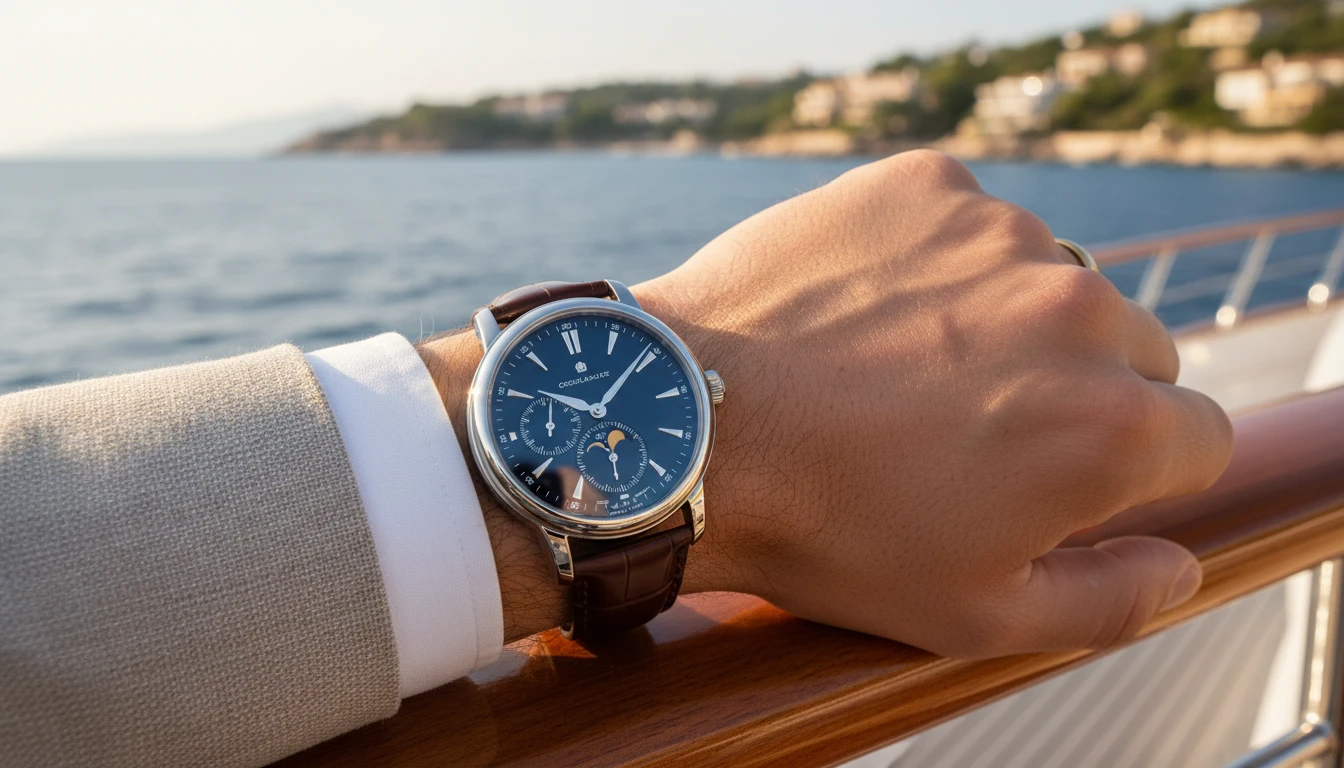
Watch and Luxury Accessory Brands
Visualize how watches, cufflinks, and luxury accessories look on different wrist types and model styles. Create aspirational lifestyle imagery without expensive shoots.
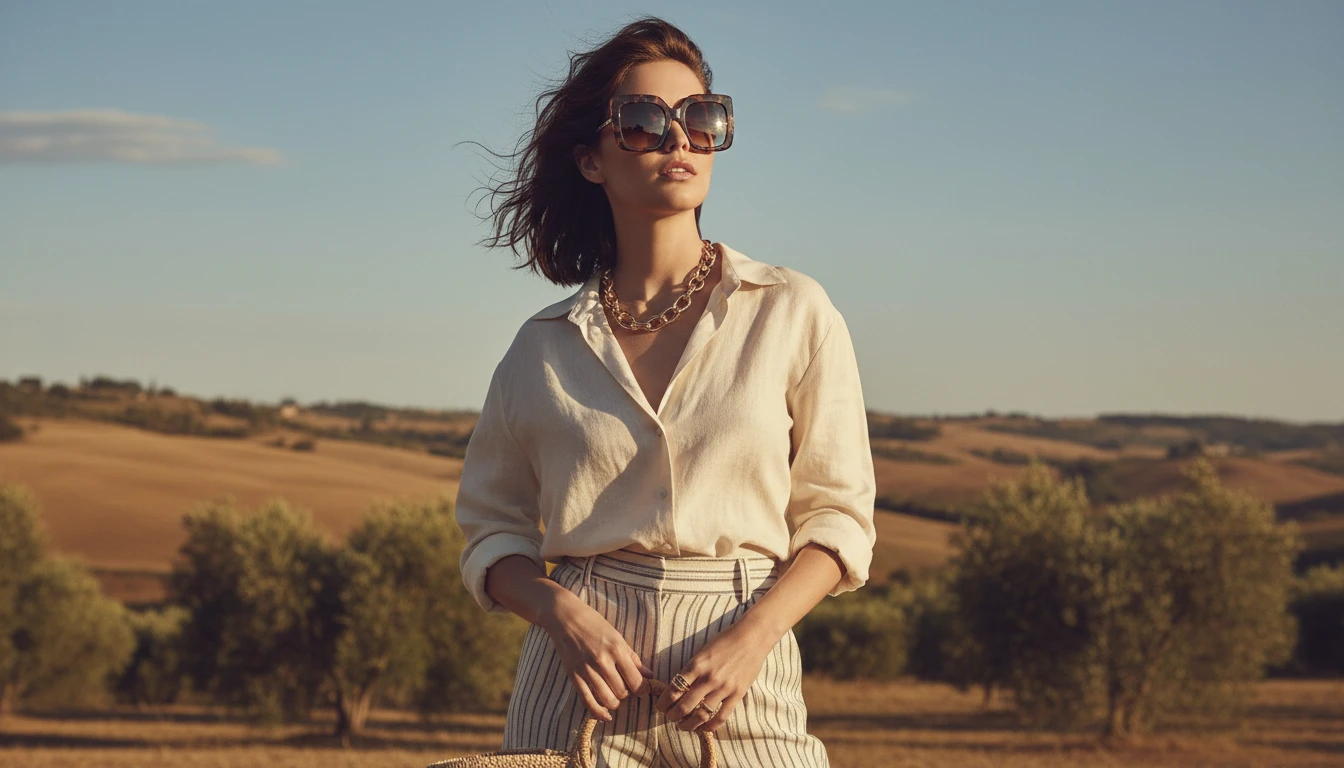
Eyewear and Sunglasses Retailers
Show customers exactly how each frame shape looks on a face. Generate diverse model imagery for every style in your catalog to help customers find their perfect pair.
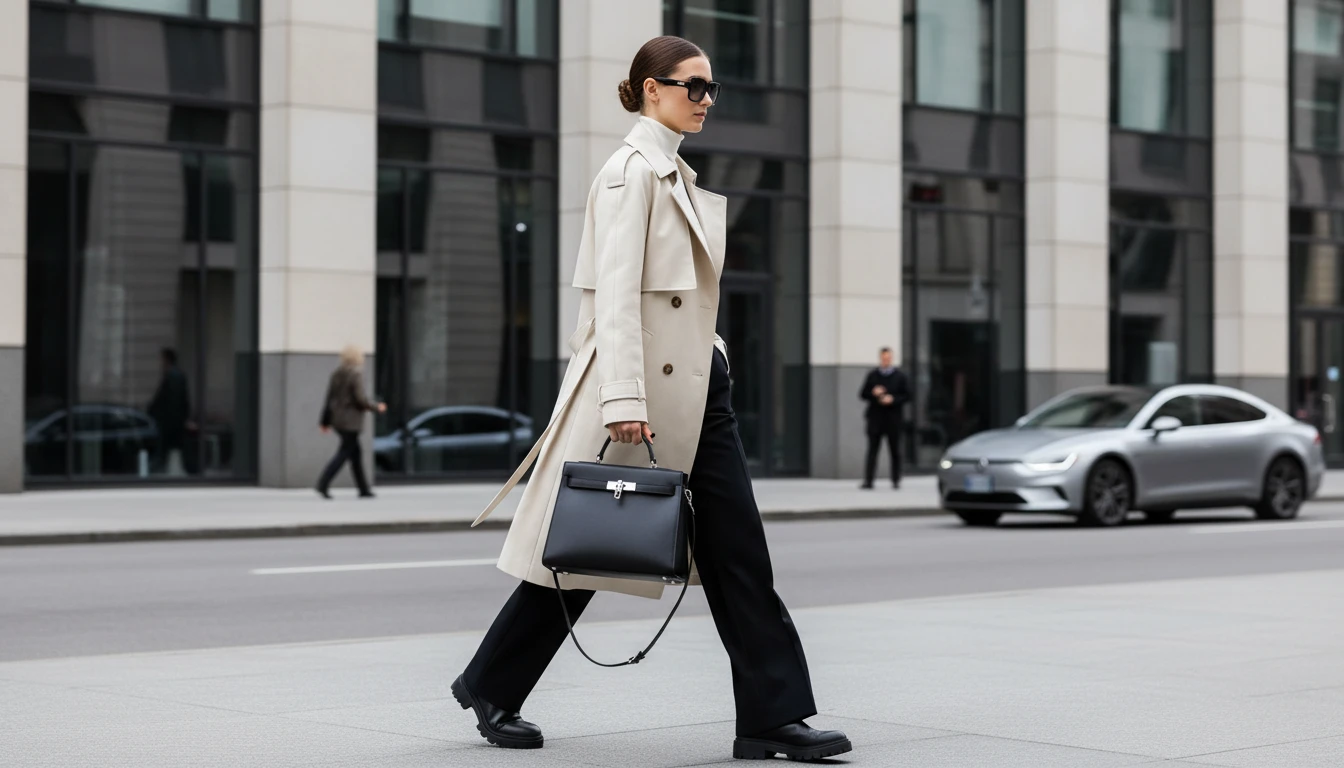
Handbag and Fashion Accessory Sellers
Show handbags, clutches, and totes carried by real models in lifestyle settings. Turn product-only photos into styled images that drive higher engagement and conversions.
How AI Accessories Try-On Works
Upload the Accessory Photo
Upload a clear photo of the accessory. A clean background or flat-lay works best to help AI capture every detail of the piece.
Upload the Model Photo
Upload a photo of the person who will wear the accessory. Portraits work for jewelry, full-body shots work for bags and full-outfit accessories.
AI Places the Accessory
AI identifies the accessory type, finds the correct placement on the body, and generates a photorealistic image with natural fit, lighting, and reflections.
Explore More
More AI Studio Tools
Discover other powerful AI tools to enhance your creative workflow
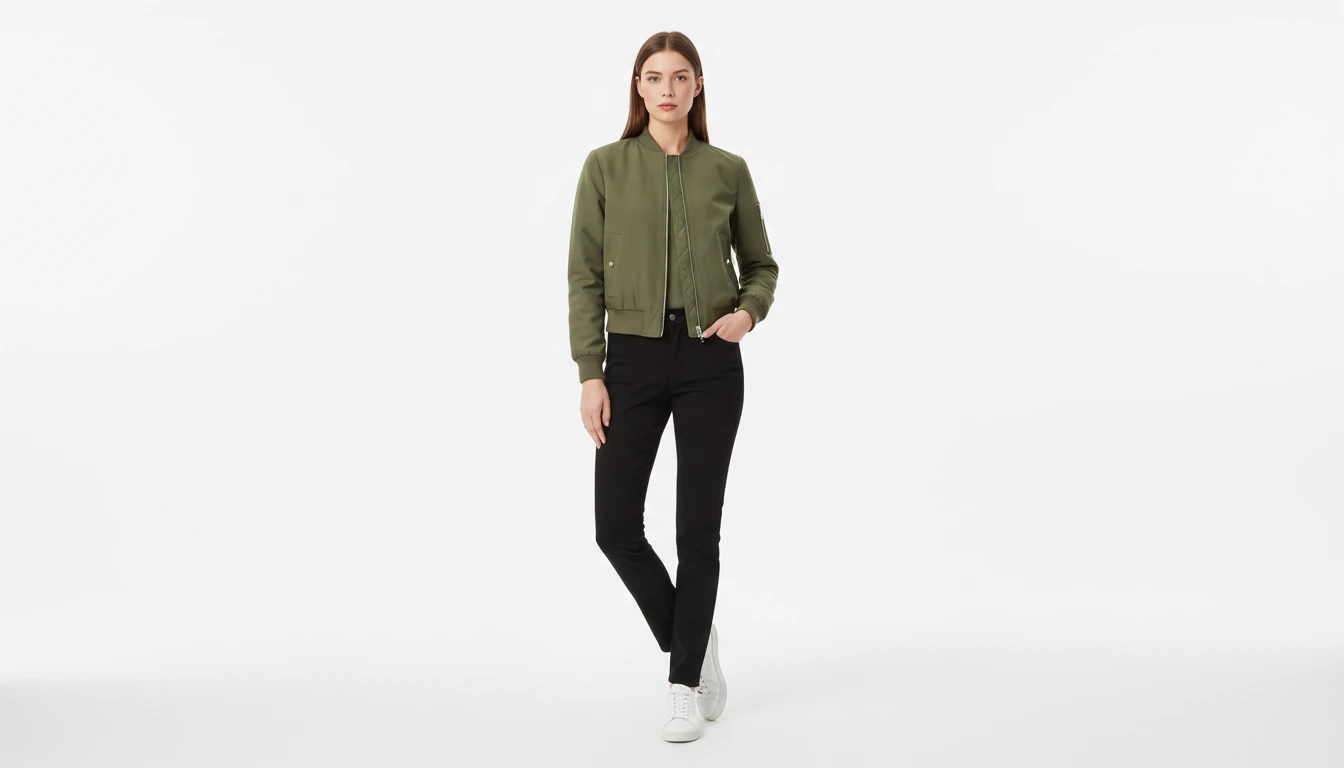
AI Virtual Try-On
Upload a garment photo and a model photo and AI generates a photorealistic image of the model wearing the outfit. The garment is fitted naturally to the model body with correct fabric draping, color, and texture. No studio booking, fitting sessions, or photoshoots required. Works for tops, dresses, jackets, pants, and full outfits.
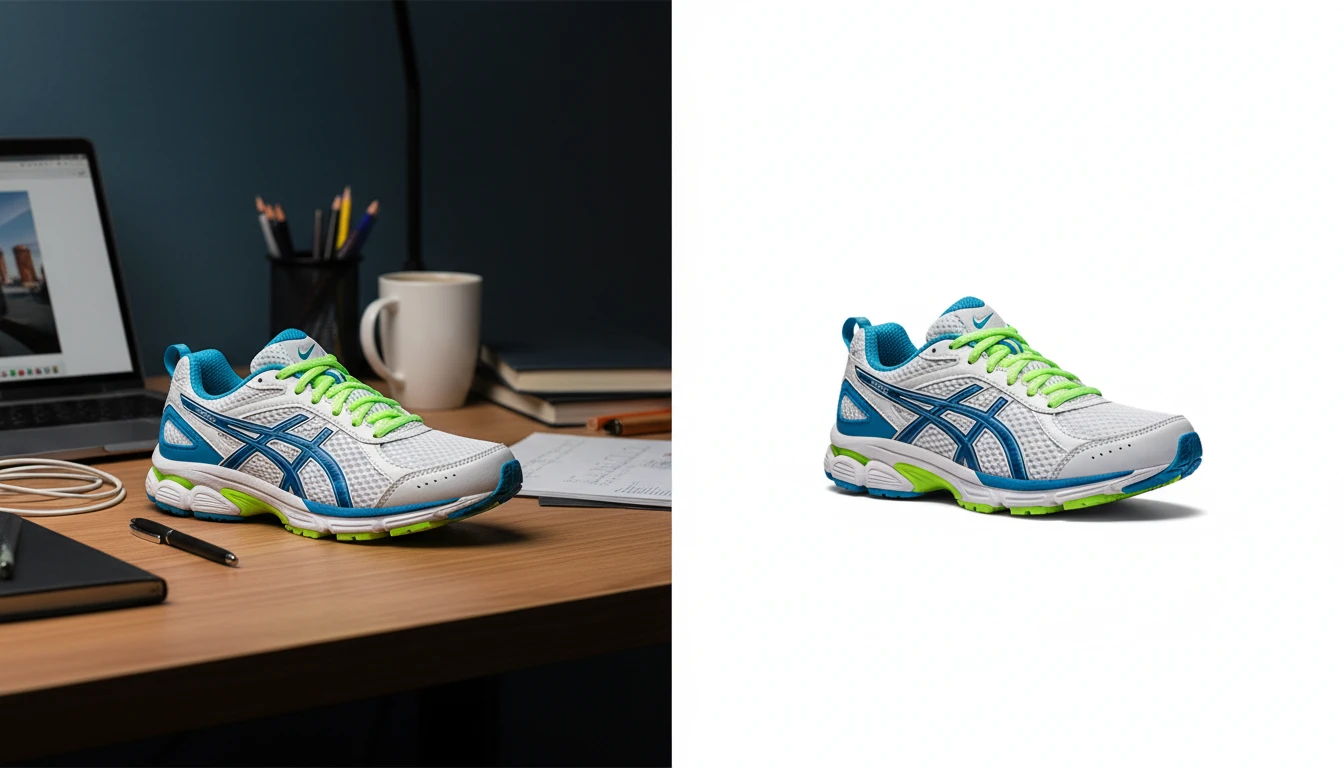
AI Background Remover
Upload any photo or product image and AI removes the background in seconds, delivering a clean transparent PNG. No manual masking required. Ideal for profile photos, marketing materials, and design assets.
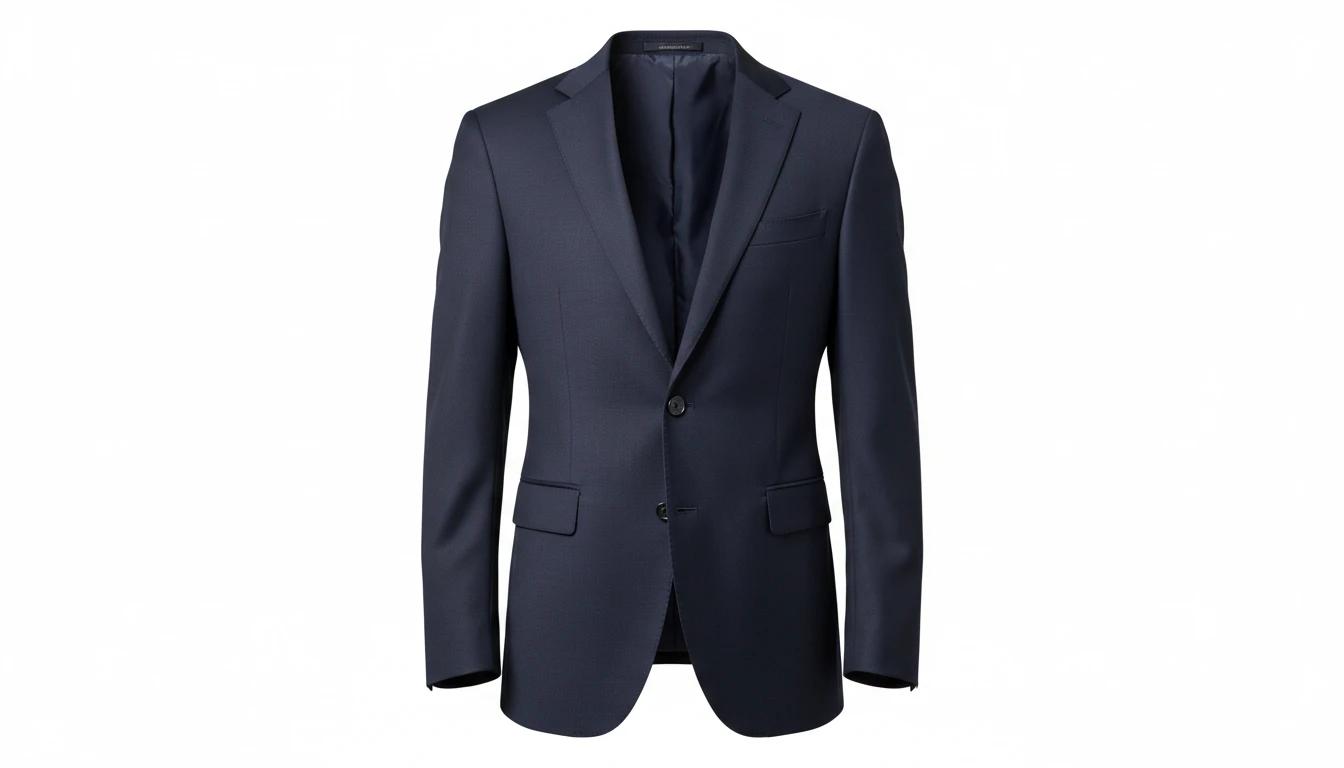
AI Ghost Mannequin
Upload a flat-lay, hanger, or model photo of any garment and AI shapes it onto a professional invisible mannequin. Automatically removes the background and applies realistic 3D fabric draping, producing the hollow neckline and sleeve effect used in professional fashion e-commerce. Outputs a clean transparent PNG ready for product listings. Works for tops, dresses, jackets, knitwear, pants, and coats.
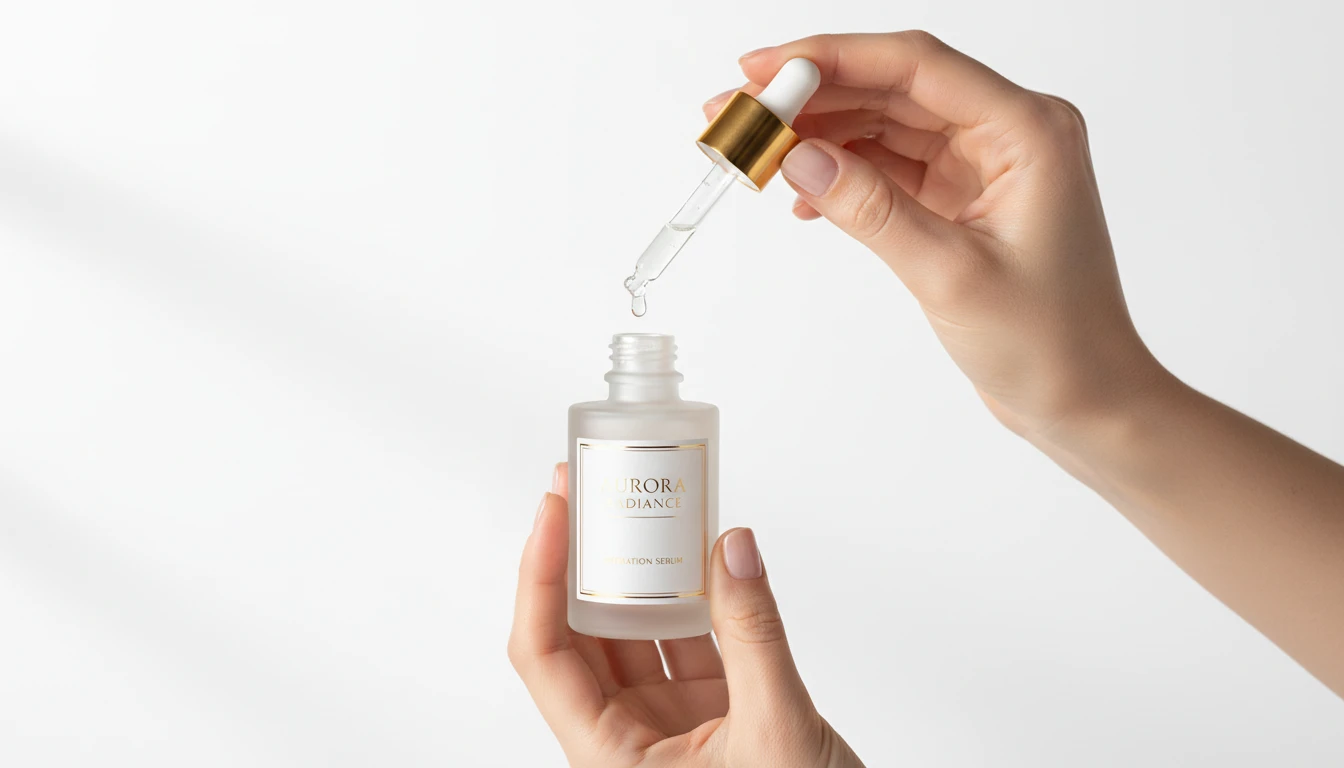
AI Product in Hand
Upload any product image and AI generates photorealistic lifestyle photos showing the item being held by hand in a natural setting. Choose from 12 scene presets including Studio White, Marble Luxury, Outdoor Lifestyle, Botanical Fresh, and Dark Dramatic. No models, photoshoots, or studio rental required. Ideal for ads, lookbooks, and social product content.
Opens in
Image Studio
Frequently Asked Questions
Everything you need to know to get started.
How does AI Virtual Try-On Accessories work?
Upload a photo of an accessory and a photo of a model or person. The AI places the accessory onto the appropriate position on the model, matching the scale, angle, lighting, and skin tone for a natural result.
What types of accessories can I try on?
Necklaces, earrings, rings, bracelets, watches, sunglasses, hats, bags, scarves, and belts all work well. The AI places each accessory in its natural wearing position based on the accessory type.
What if I only have a headshot for jewelry try-on?
For neck and face accessories like necklaces, earrings, and sunglasses a headshot or portrait works great. For wrist and hand accessories, a photo showing the hands or arms produces better placement.
What image format should I upload?
JPEG, PNG, and WebP are supported for both photos. Use a clean accessory photo, ideally on a white or plain background, and a clear model photo with good lighting for the most accurate placement.
Can I use the results for selling accessories online?
Yes. Jewelry brands, boutiques, and accessory sellers use AI Virtual Try-On Accessories to create on-model product imagery without expensive photoshoots. The generated images can be used in listings, ads, and lookbooks.
Start Creating Accessories Try-On Images Today
Sign up free and get 100 credits instantly. Generate professional accessory product photos without a studio or model booking.
Try Accessories Try-OnDisclaimer: This tool uses generative AI technology which may produce content that resembles copyrighted materials or that is inaccurate, incomplete, or out-of-date. It is provided for general information and educational purposes only and is not intended for illegal activities or to replace professional advice, diagnosis, or treatment. Users are solely responsible for how they use the generated content. If you plan to use AI-generated content commercially or publicly, we strongly recommend reviewing it for potential copyright issues and obtaining proper permissions where necessary. We accept no liability for copyright infringement or any other consequences resulting from the use of content generated by this tool.