Generate Complete Outfit Visuals from a Description
Describe any full look and AI creates a professional fashion visual in seconds. Editorial, lookbook, street style, runway, and flat lay.
Generate an Outfit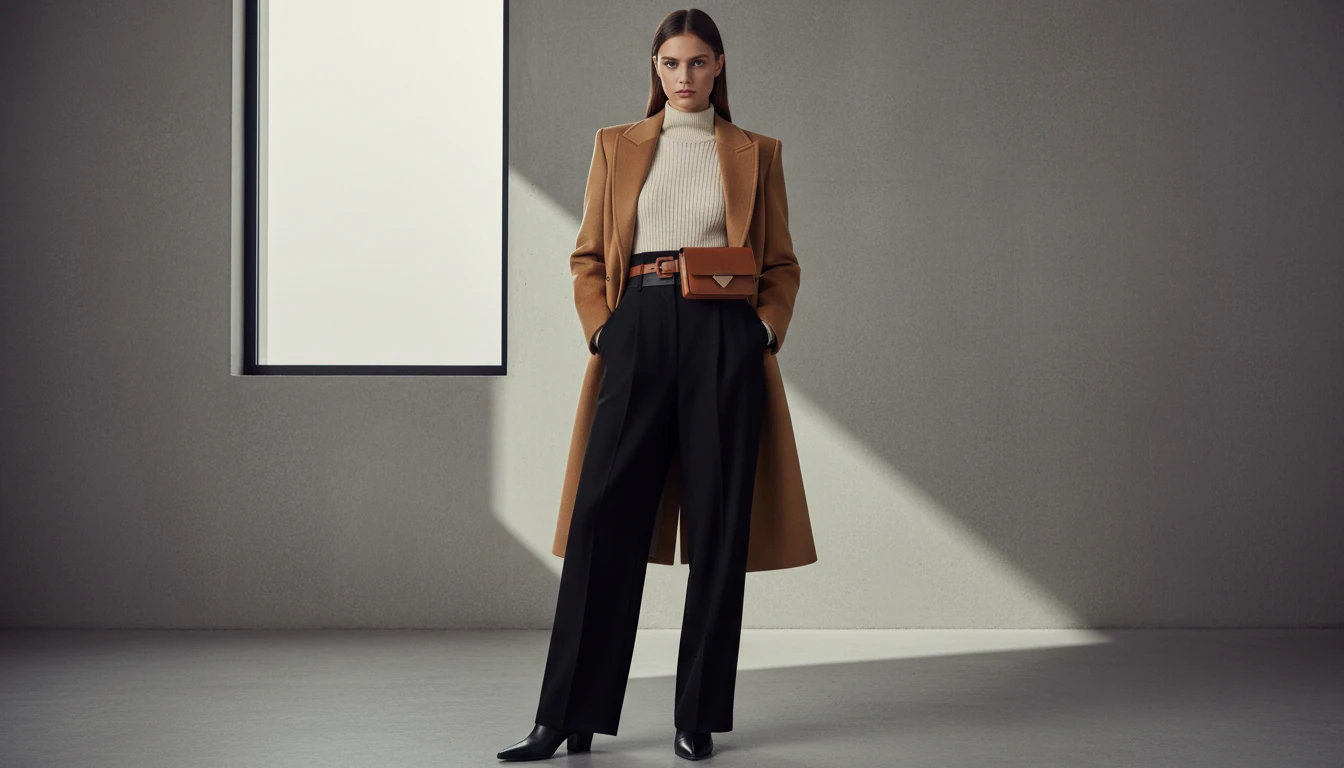
Describe the Outfit
Pick a presentation style, then describe the look. We'll open AI Product Studio ready to generate a four-view outfit sheet.
Runs inside the AI Product Studio — product photography in one place.
Full Outfit Editorials from a Single Description
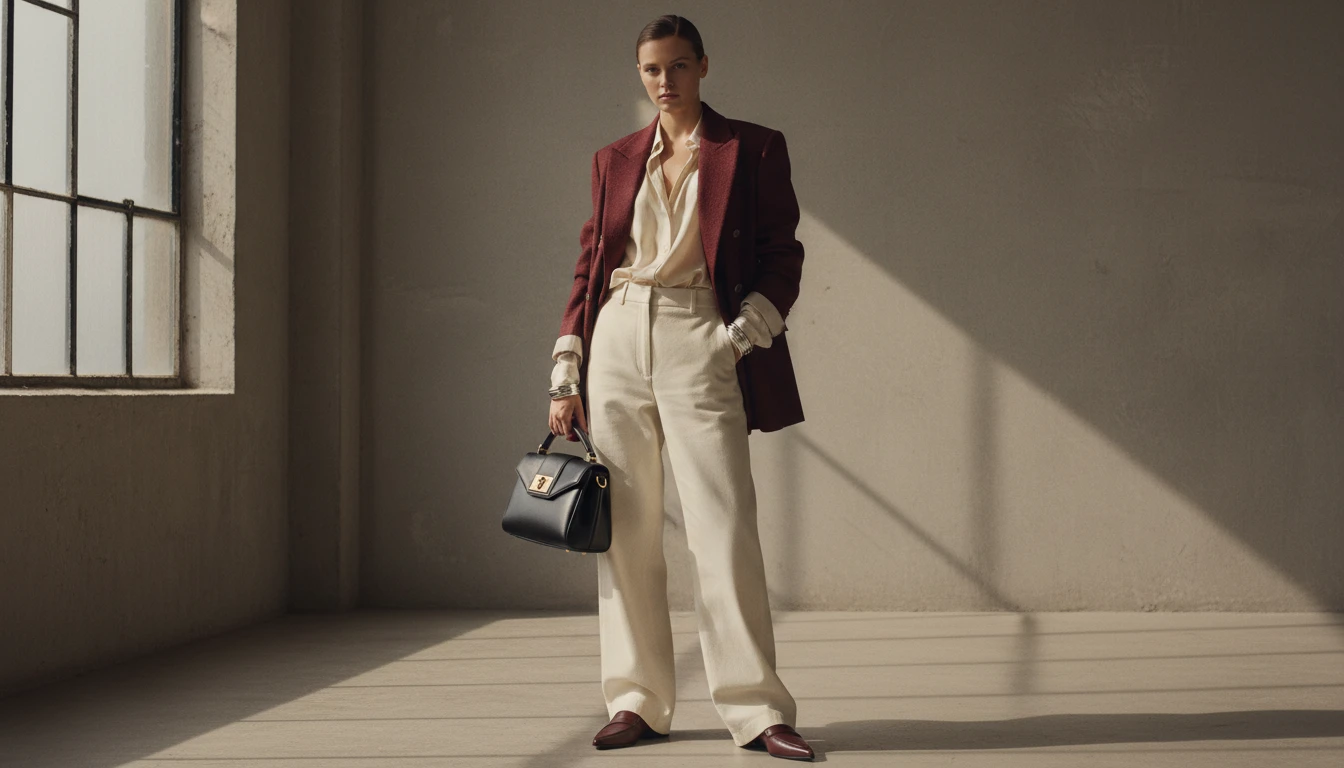
Describe any complete look: silhouette, fabrics, colors, accessories, occasion. AI renders it as a polished editorial fashion image. No model, no photographer, no studio required.
Generate Your First Outfit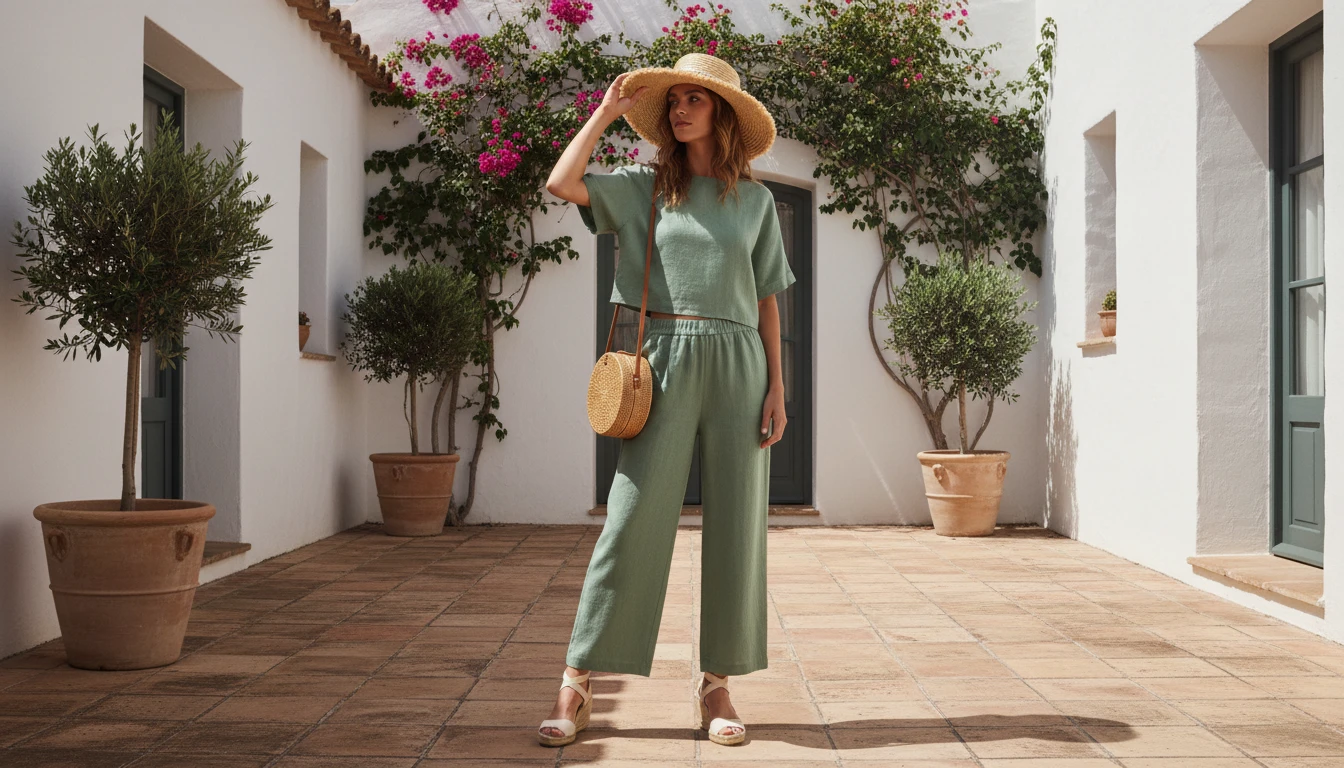
Lookbook and Campaign Imagery
Create aspirational lookbook shots and bold campaign visuals for upcoming collections, social content, or brand pitches. All from a text description and without a photoshoot budget.
Create Lookbook Images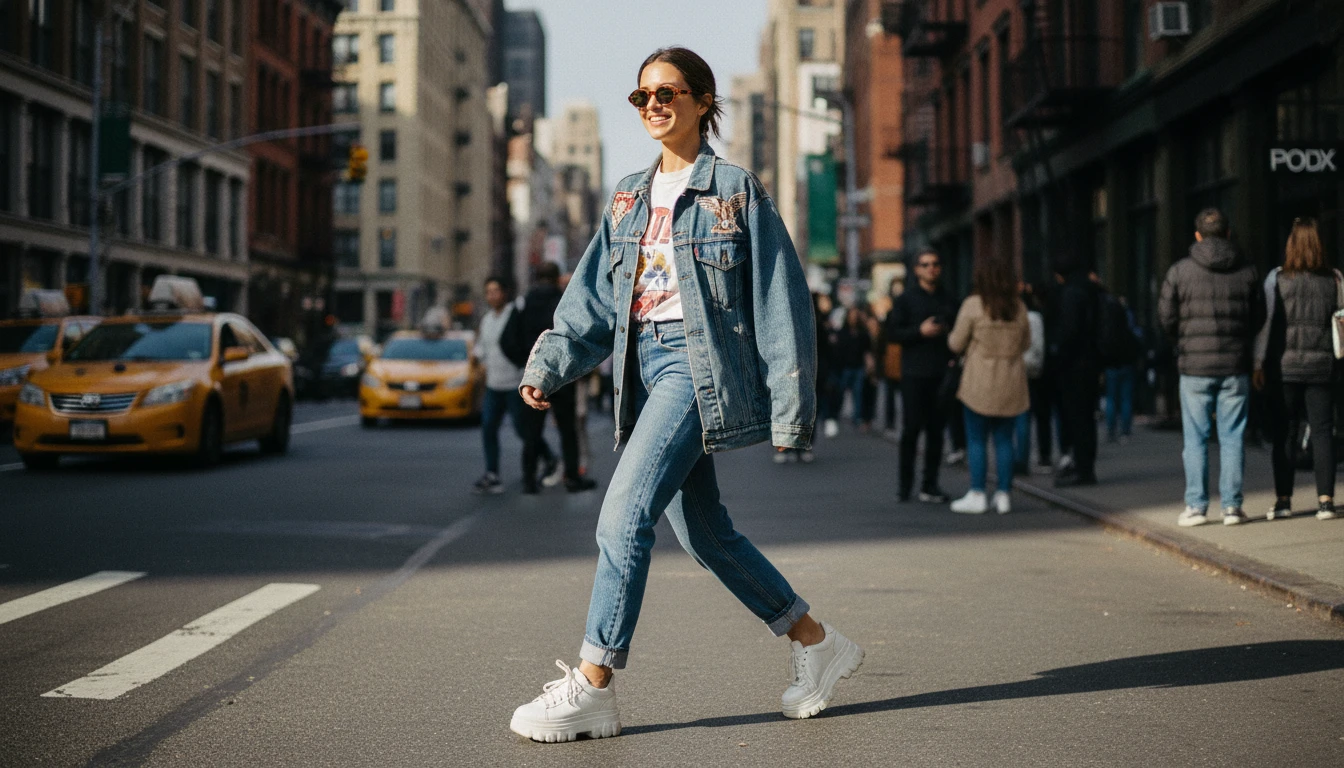
Street Style and Lifestyle Outfits
Generate authentic street style shots and lifestyle outfit content for social media. Describe the vibe, the pieces, and the setting. AI builds the full visual.
Try Street Style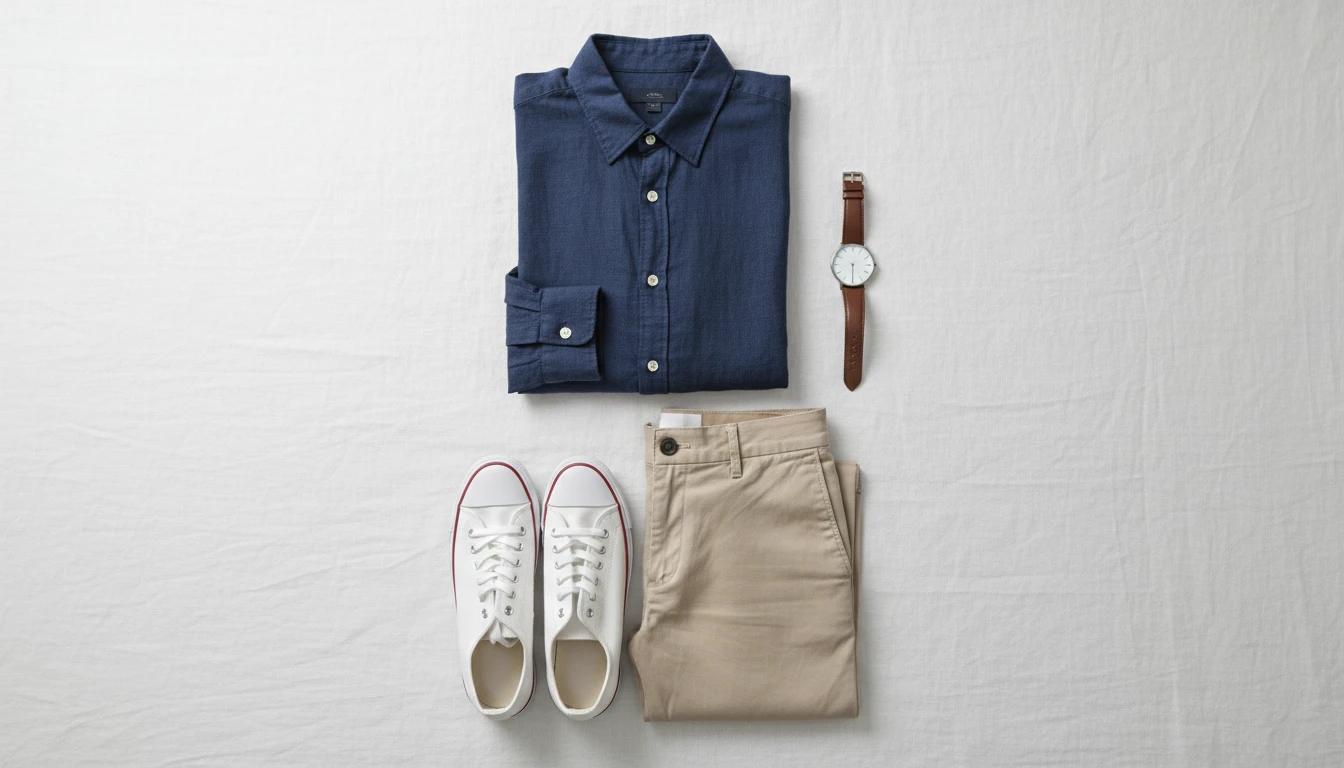
Flat Lay Outfit Arrangements
Generate styled flat lay outfit layouts for social media posts, e-commerce, and lookbooks. Describe each piece and AI arranges a clean overhead composition.
Try Flat Lay StyleWho Uses AI Outfit Generator
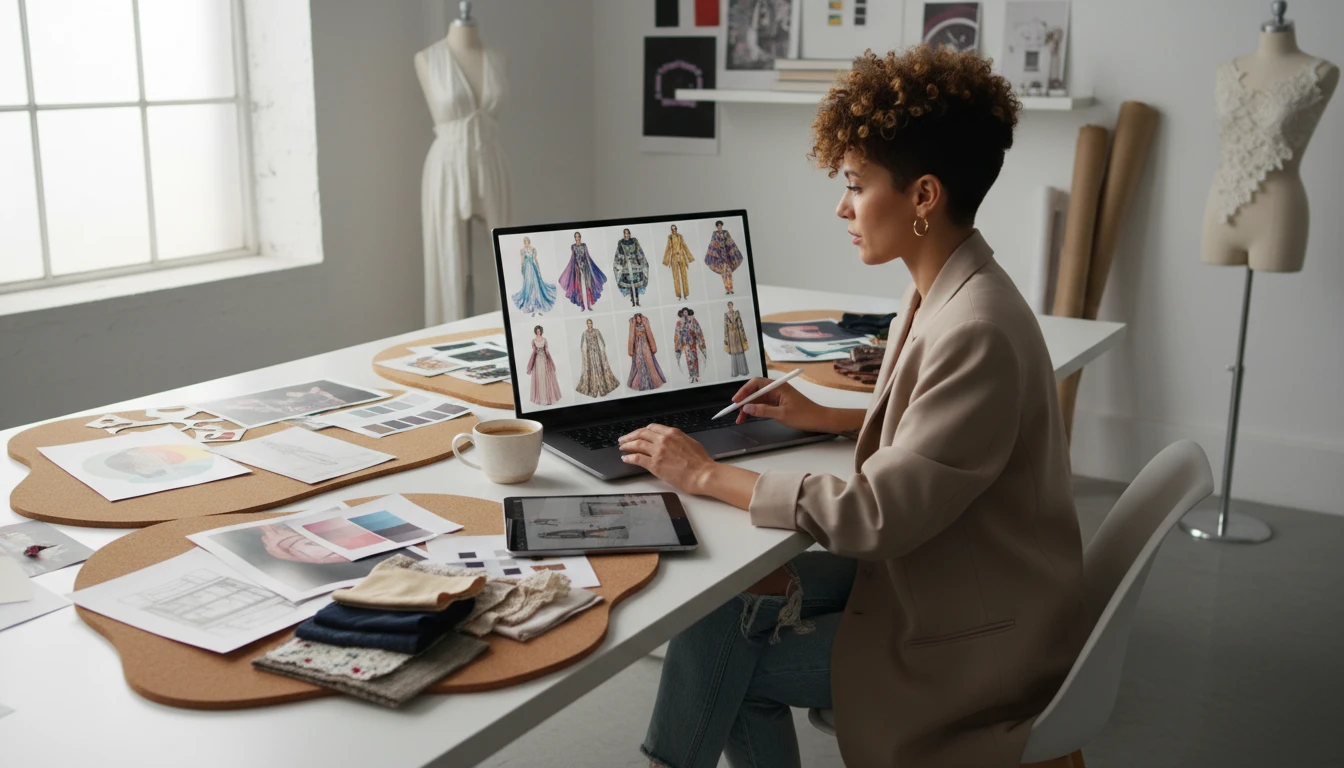
Fashion Stylists and Creative Directors
Prototype complete looks and present outfit concepts to clients, brands, and production teams before booking a model or studio. Visualize multiple styling directions in minutes.
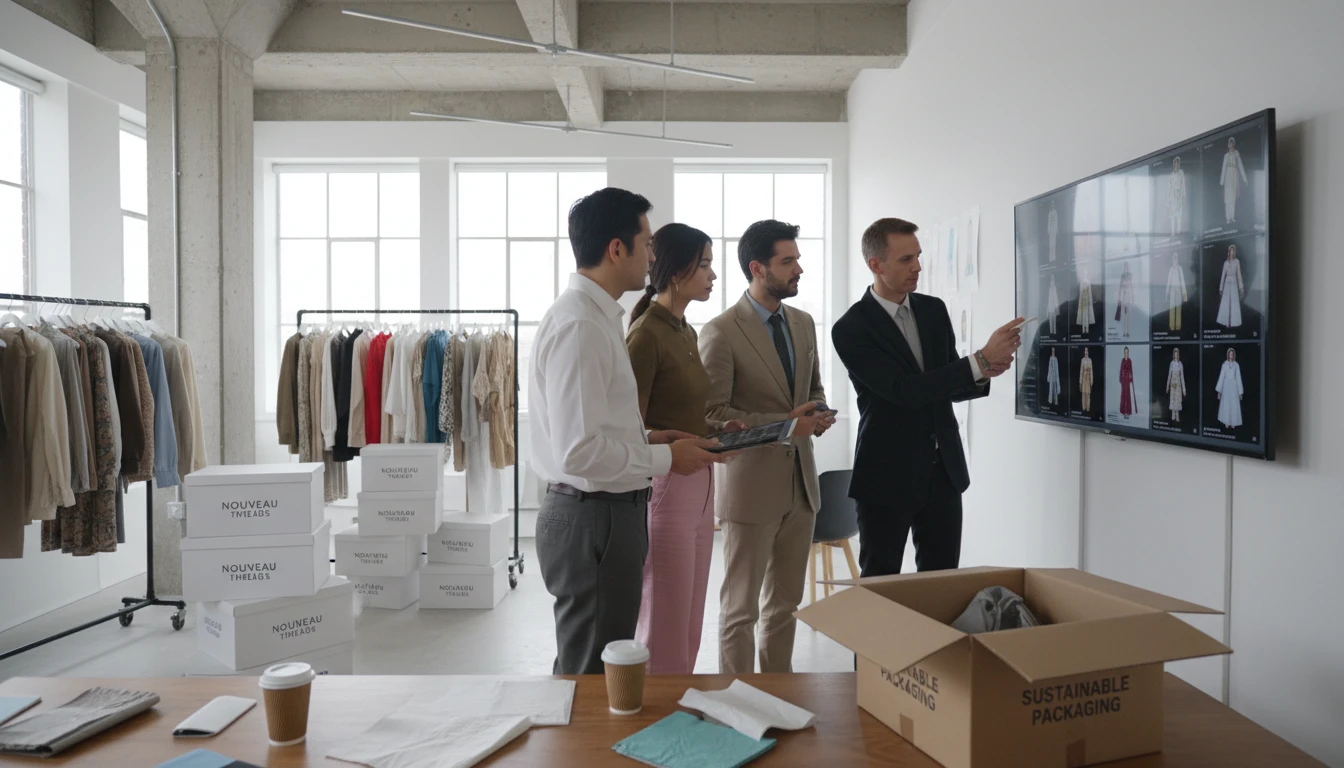
Fashion Brands and E-Commerce Teams
Create lookbook imagery, campaign visuals, and seasonal outfit content for upcoming collections without photoshoot costs. Test looks before committing to production.
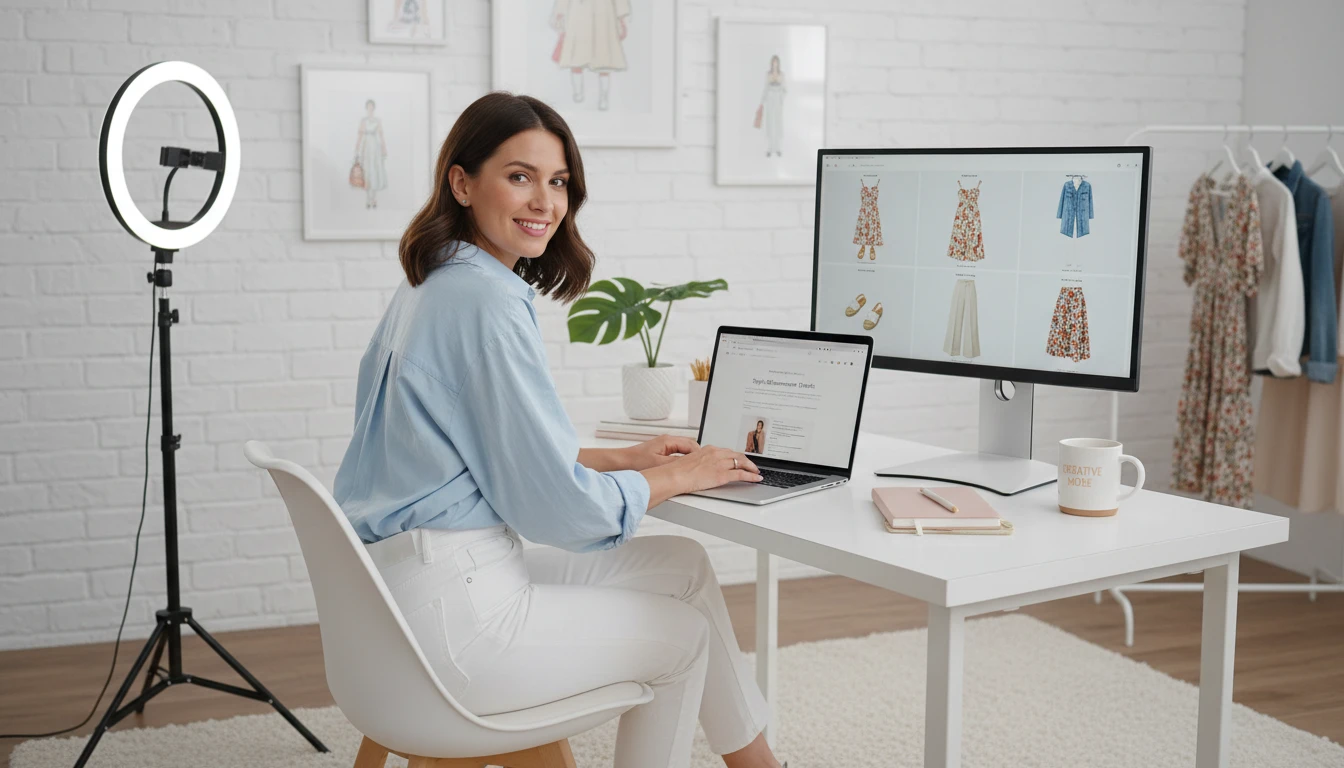
Social Media and Content Creators
Generate outfit content ideas, style inspiration posts, and visual mood boards for Instagram, Pinterest, and TikTok without owning or shooting every piece.
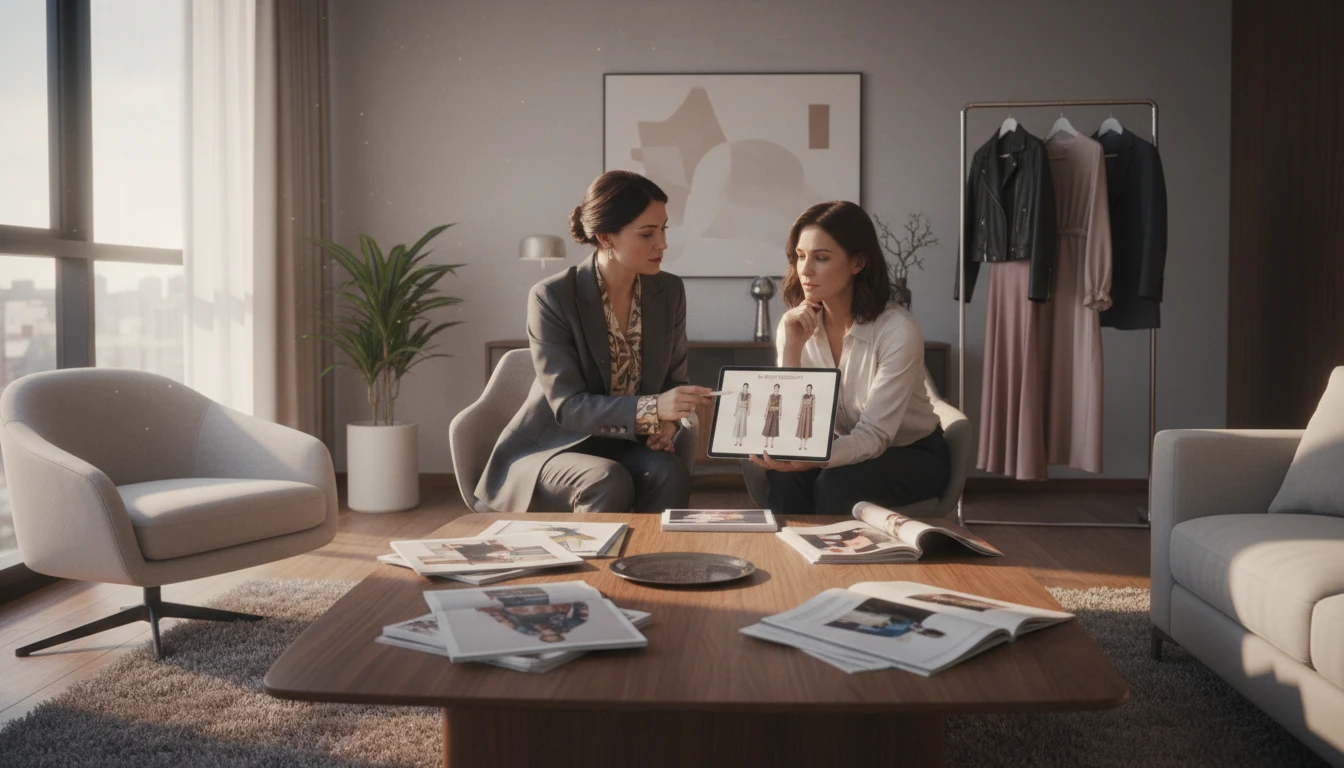
Personal Shoppers and Stylists
Show clients exactly how a complete outfit will look before purchasing. Create visual style guides, capsule wardrobe proposals, and seasonal edit presentations.
How to Generate Outfit Visuals with AI
From description to fashion image in four simple steps
Describe Your Outfit
Write a detailed description of the complete look: pieces, fabrics, colors, silhouettes, accessories, and occasion. The more specific, the better the result.
Add a Reference (Optional)
Upload a reference image to guide the style direction. AI uses it as visual context alongside your text description for more targeted results.
Choose a Presentation Style
Select editorial, lookbook, street style, runway, flat lay, e-commerce, campaign, or vintage to set the visual tone and setting for your outfit.
Generate and Download
Click Generate and your outfit visual is ready in seconds. Download it or generate variations to explore different looks.
Explore More
More AI Studio Tools
Discover other powerful AI tools to enhance your creative workflow
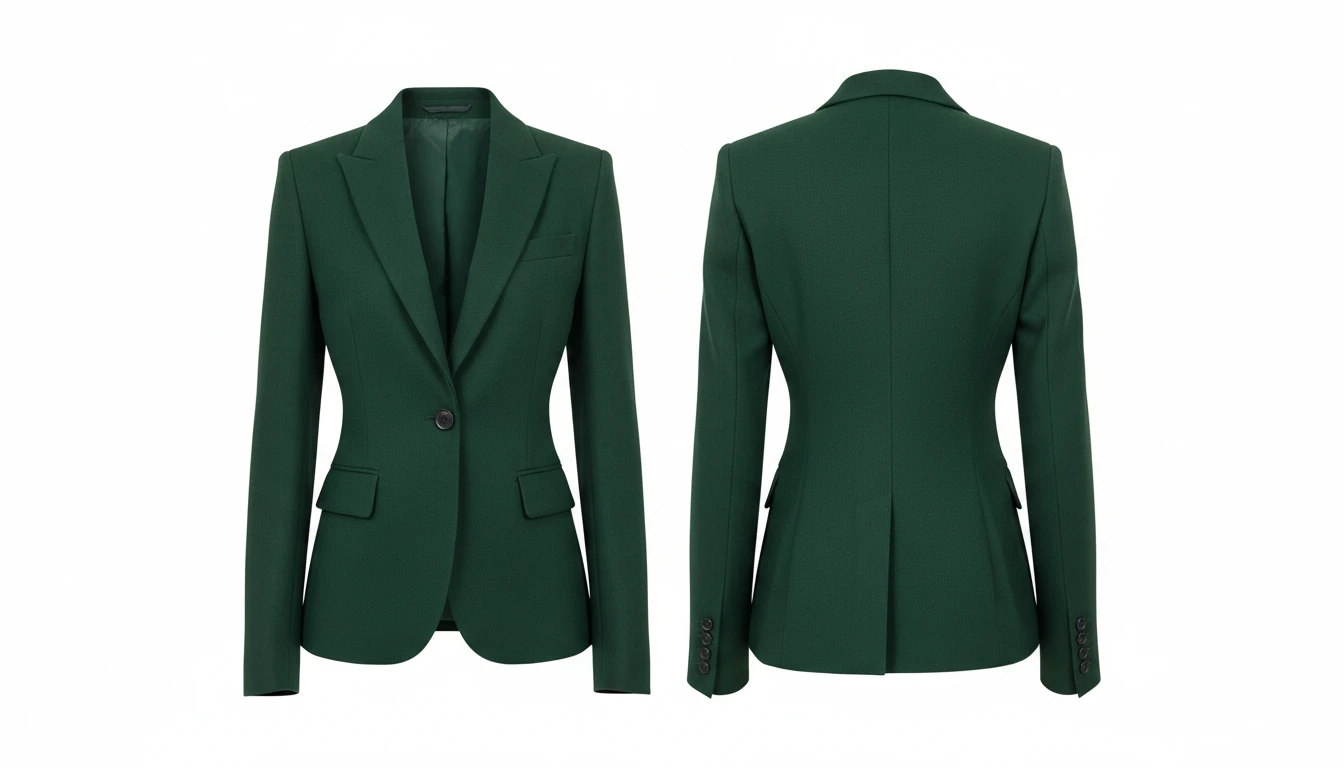
AI Clothing Generator
Generate any clothing or garment design from a text description with professional presentation styles
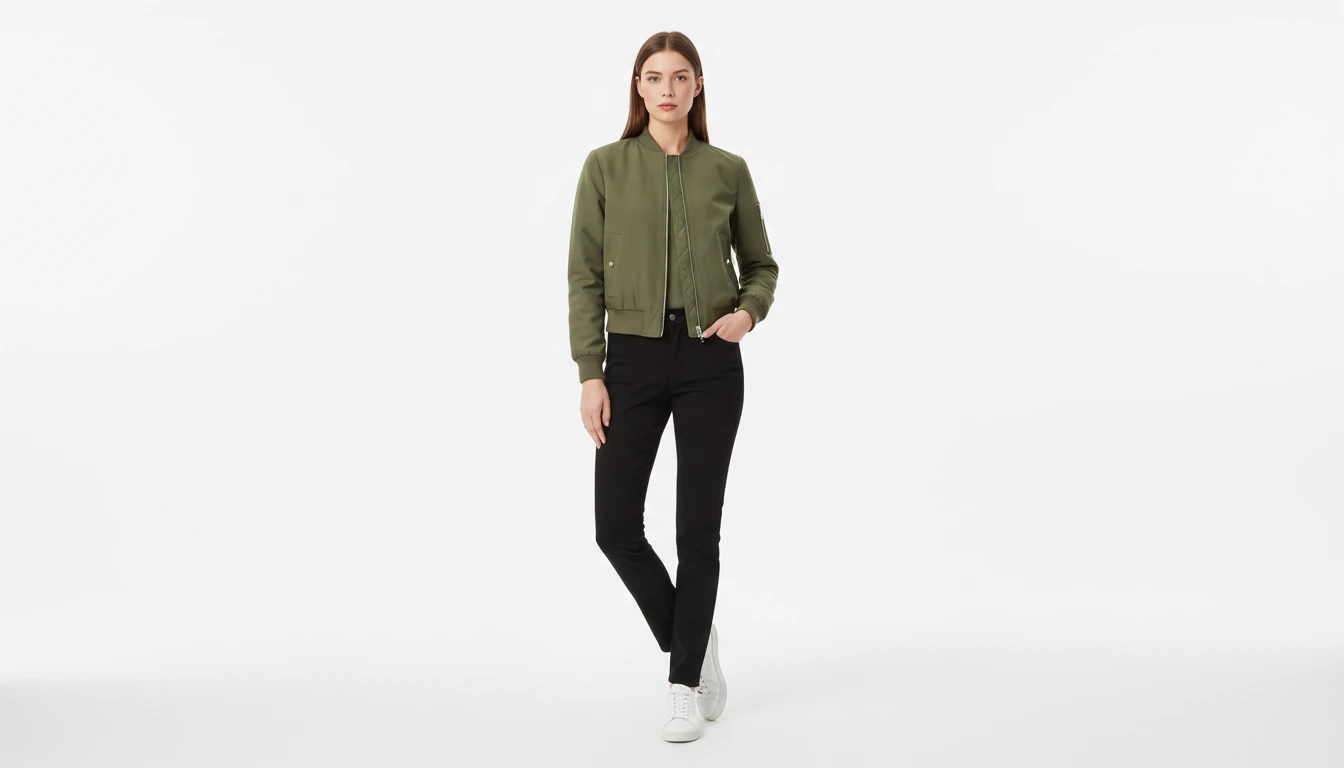
AI Virtual Try-On
Upload a garment photo and a model photo and AI generates a photorealistic image of the model wearing the outfit. The garment is fitted naturally to the model body with correct fabric draping, color, and texture. No studio booking, fitting sessions, or photoshoots required. Works for tops, dresses, jackets, pants, and full outfits.
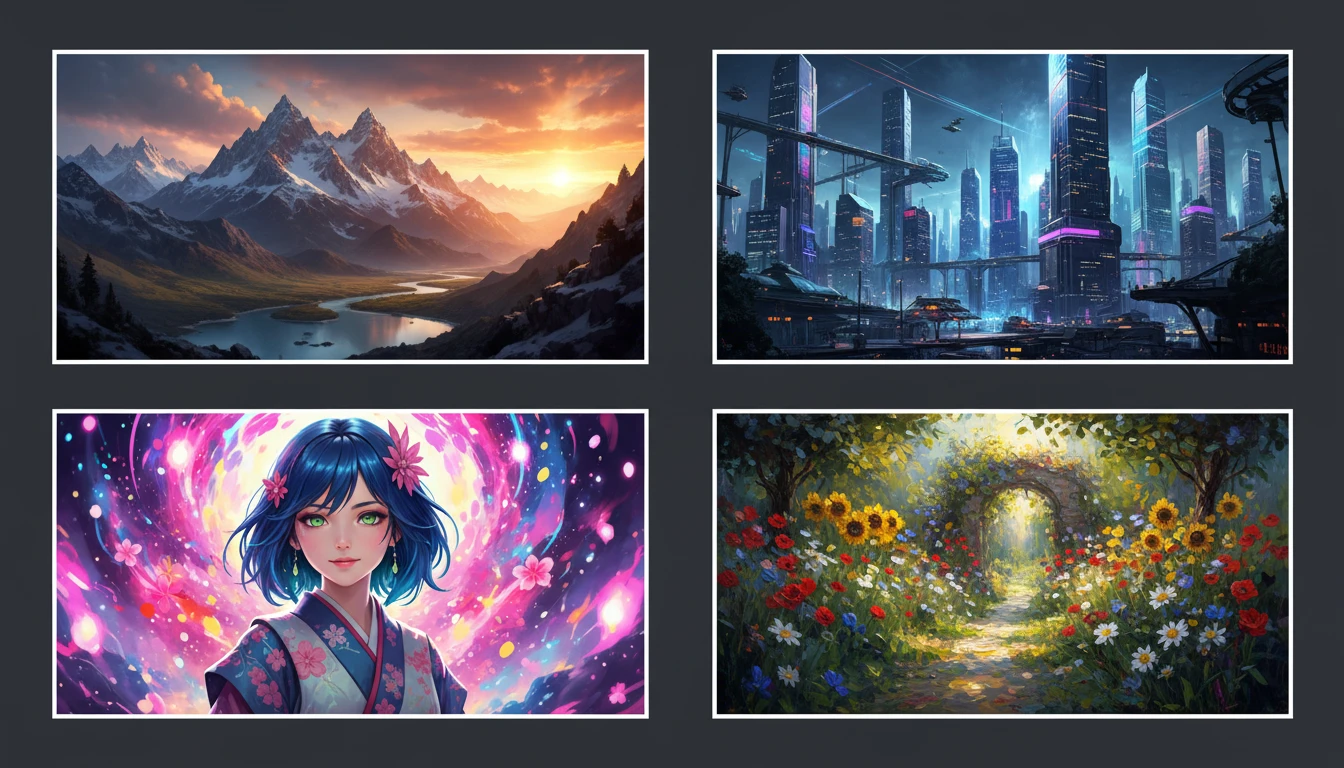
AI Text to Image
Describe any scene, character, or concept and AI generates a high-quality image in seconds. Choose from 10 artistic styles including photorealistic, cinematic, anime, oil painting, watercolor, and more, plus full aspect ratio control. Supports detailed prompt inputs and optional reference image uploads to guide the composition or style.
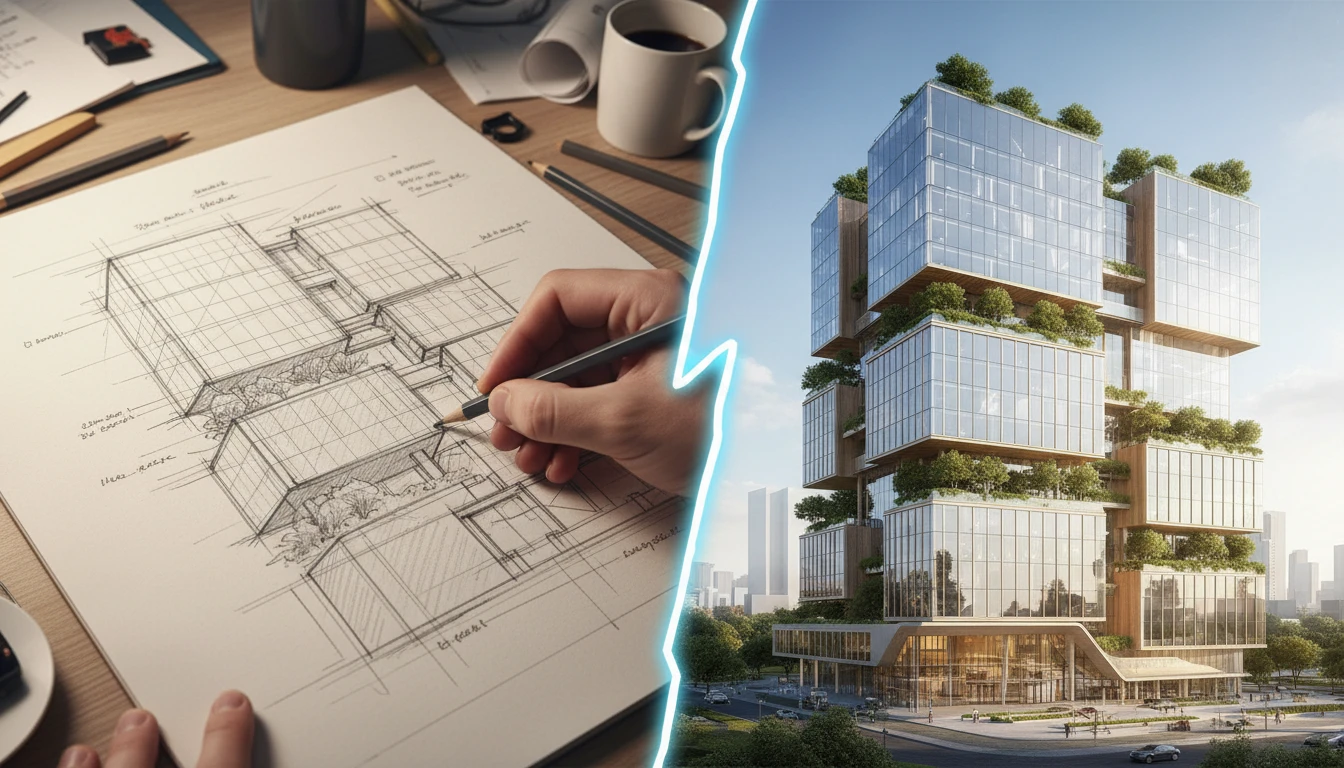
AI Sketch to Image
Upload any hand-drawn sketch, pencil drawing, blueprint, or concept line art and AI converts it into a detailed, fully rendered image. The model interprets the outline structure and fills it with colors, textures, lighting, and lifelike detail. Works for character concepts, architectural sketches, product designs, storyboards, and more.
Opens in
Image Studio
Frequently Asked Questions
Everything you need to know to get started.
How does AI Outfit Generator work?
Describe a complete outfit in text and AI generates a professional fashion visual in your chosen presentation style. You can also upload a reference image to guide the style direction.
What is the difference between AI Outfit Generator and AI Clothing Generator?
AI Outfit Generator focuses on complete looks: full styling with multiple pieces, accessories, and context. AI Clothing Generator is better suited for generating and visualizing individual garments like a single jacket or dress.
What presentation styles are available?
You can choose from editorial, lookbook, street style, runway, e-commerce, flat lay, campaign, vintage, sportswear, and illustration. Each applies a different visual setting and mood to the outfit.
Do I need to upload a reference image?
No. A reference image is optional. If you upload one, AI uses it as visual context alongside your prompt for more targeted results. Without it, AI generates entirely from your text description.
What image format should I upload as reference?
JPEG, PNG, and WebP are all supported. Use a clear, well-lit photo of a similar outfit, garment, or style that represents the direction you want.
Can I use the generated outfit images commercially?
Yes. You retain the rights to images you generate on RauGen and can use them for personal or commercial purposes including social media, e-commerce, presentations, and marketing.
Start Generating Outfit Visuals Today
Describe any look and AI brings it to life as a professional fashion image in seconds.
Generate Your First OutfitDisclaimer: This tool uses generative AI technology which may produce content that resembles copyrighted materials or that is inaccurate, incomplete, or out-of-date. It is provided for general information and educational purposes only and is not intended for illegal activities or to replace professional advice, diagnosis, or treatment. Users are solely responsible for how they use the generated content. If you plan to use AI-generated content commercially or publicly, we strongly recommend reviewing it for potential copyright issues and obtaining proper permissions where necessary. We accept no liability for copyright infringement or any other consequences resulting from the use of content generated by this tool.