Generate Professional Beauty Detail Shots from Text
Create close-up photography of hands, nails, face, lips, eyes, and more for beauty, jewellery, and skincare content. No studio required.
Generate a Detail Shot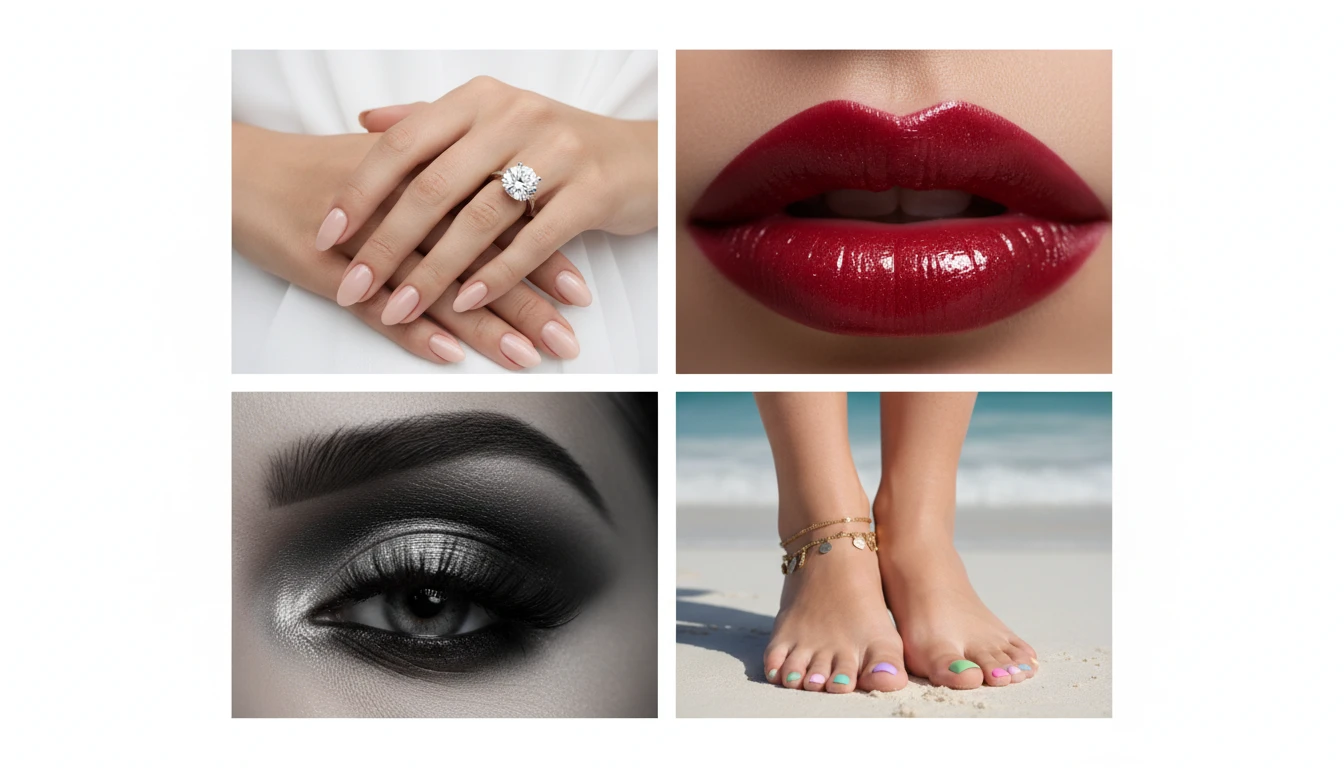
Describe the Detail Shot
Pick a close-up type, then describe the look. We'll open AI Product Studio ready to generate.
Runs inside the AI Product Studio — product photography in one place.
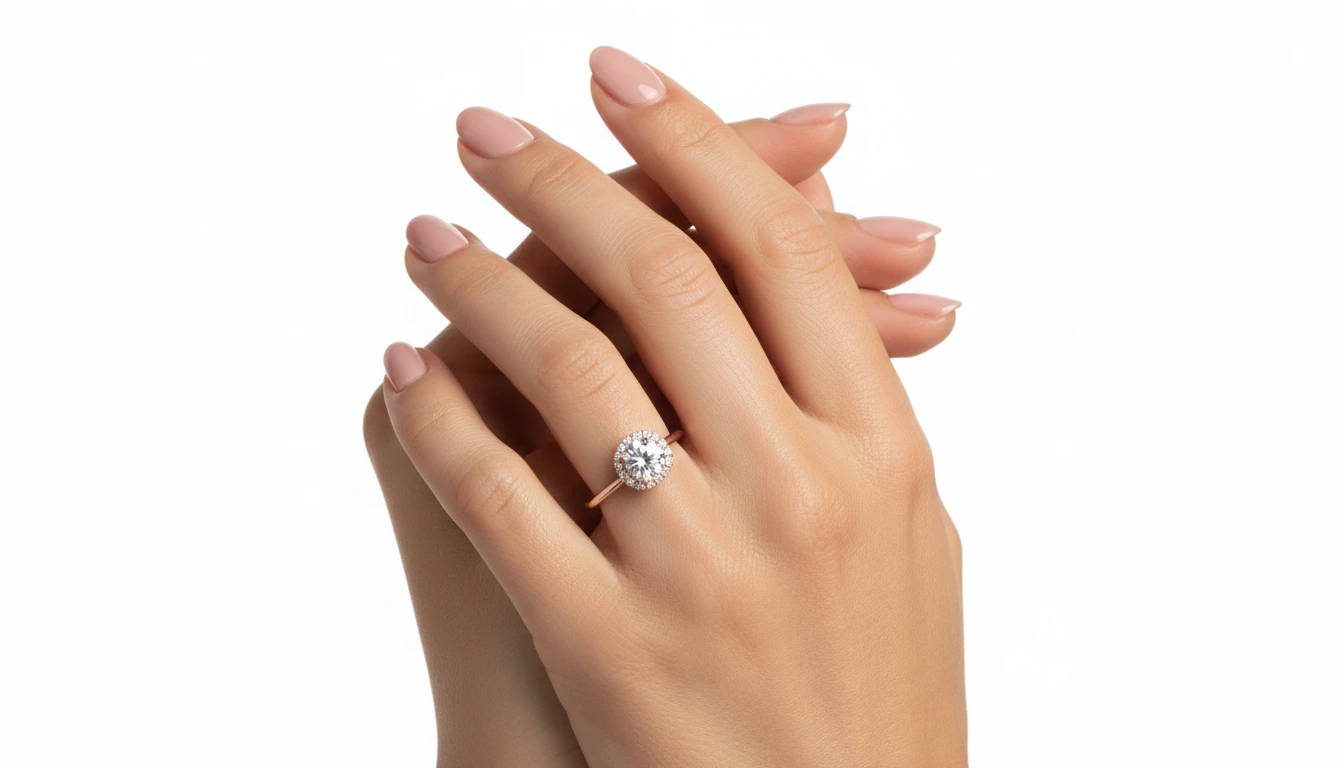
Hand and Jewellery Detail Shots
Generate professional close-up shots of hands wearing rings, bracelets, and nail art. Perfect for jewellery e-commerce listings, nail studio portfolios, and beauty brand social media.
Generate a Hand Detail Shot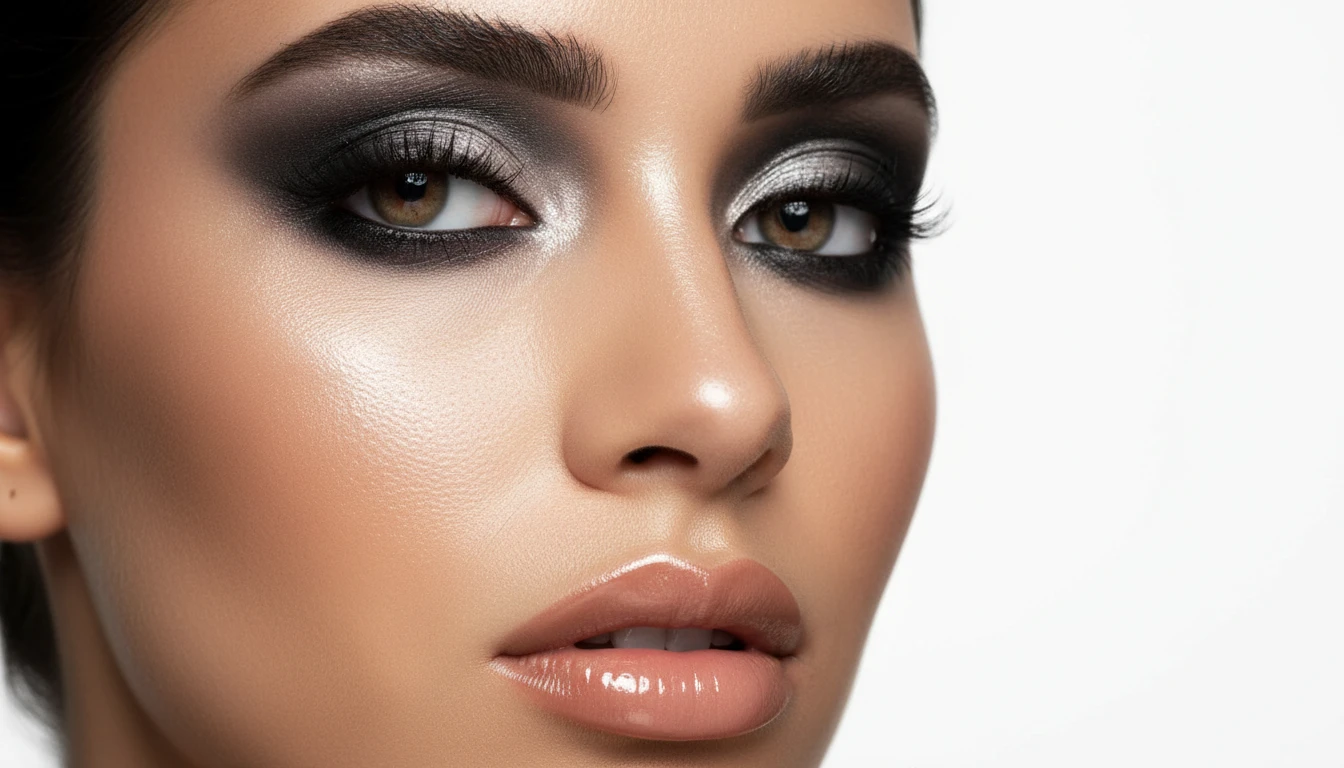
Face and Skin Beauty Photography
Create flawless close-up skin texture and makeup photography for skincare campaigns, beauty brands, and editorial content. Perfect skin, dramatic eyes, glossy lips, all without a studio.
Generate a Face Detail Shot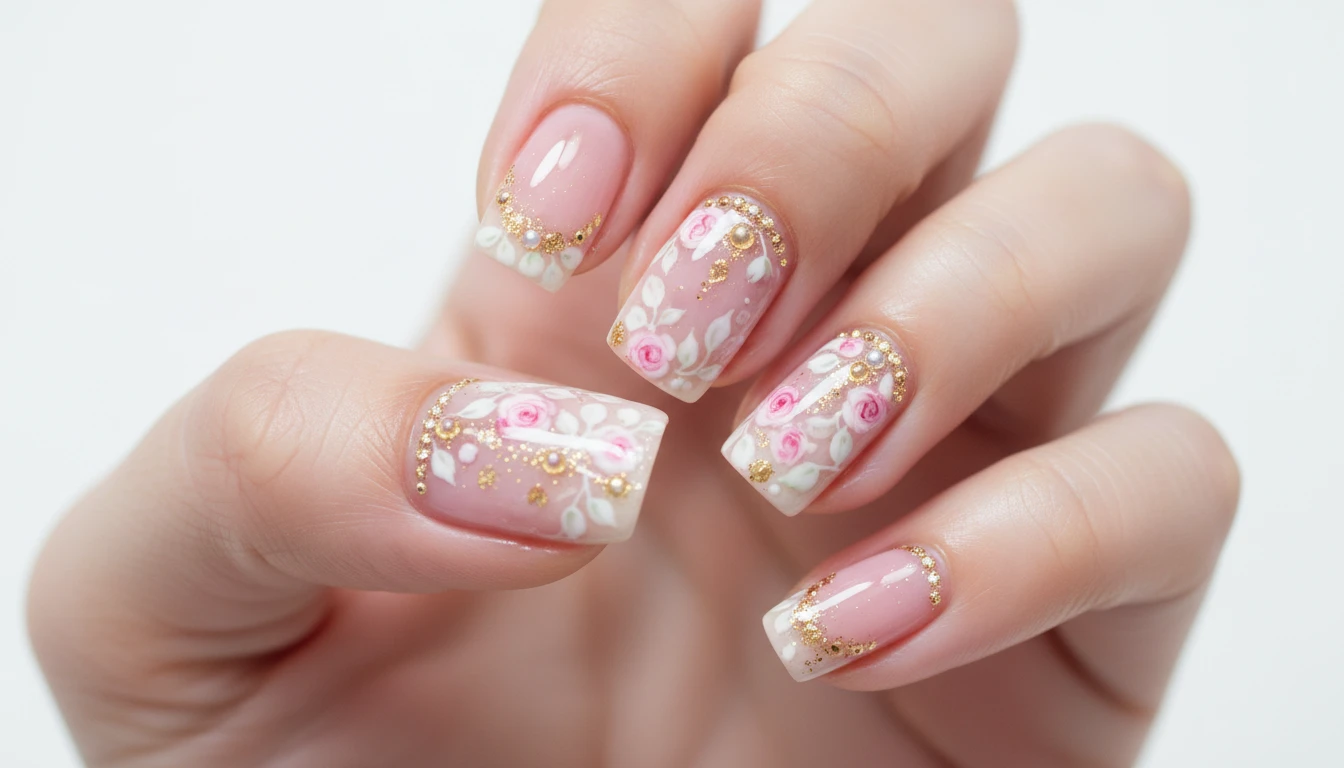
Nail Art Macro Photography
Showcase nail designs with professional macro lighting and sharp close-up detail. Generate nail art portfolio shots, seasonal inspiration, and product demonstrations without a photography setup.
Generate a Nail Art Shot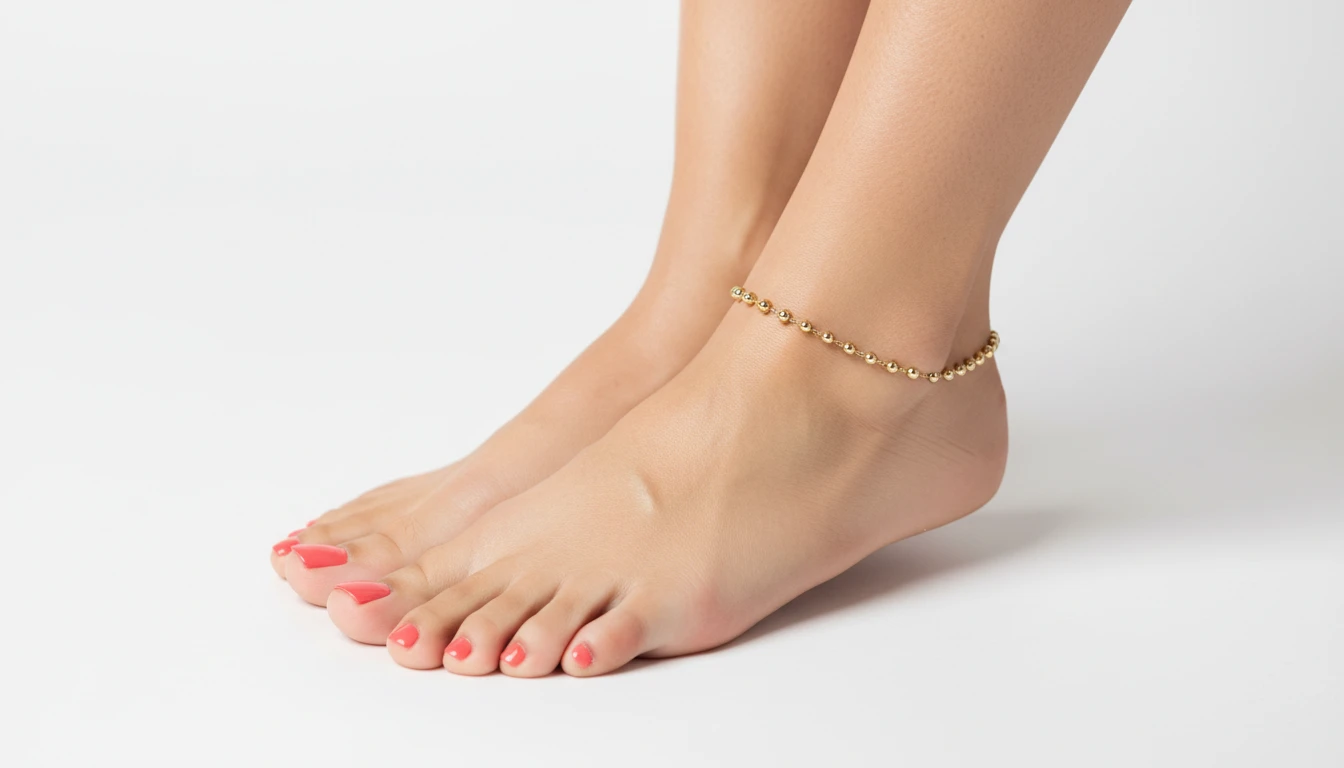
Feet, Legs, and Footwear Close-Ups
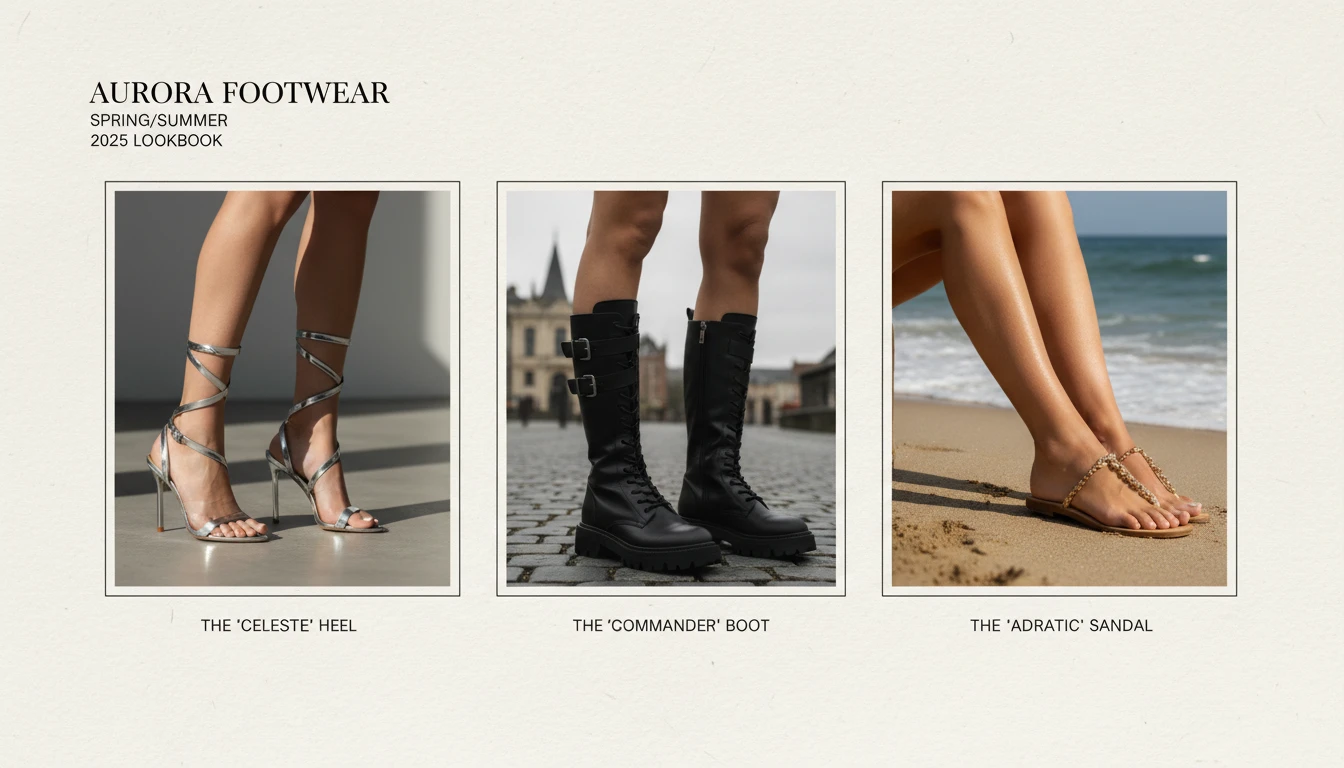
Generate professional close-up shots for shoes, heels, anklets, pedicures, and legwear. Ideal for footwear brands, fashion e-commerce, and beauty campaigns without costly photo productions.
Generate a Feet or Legs Detail ShotWho Uses AI Detail Shots
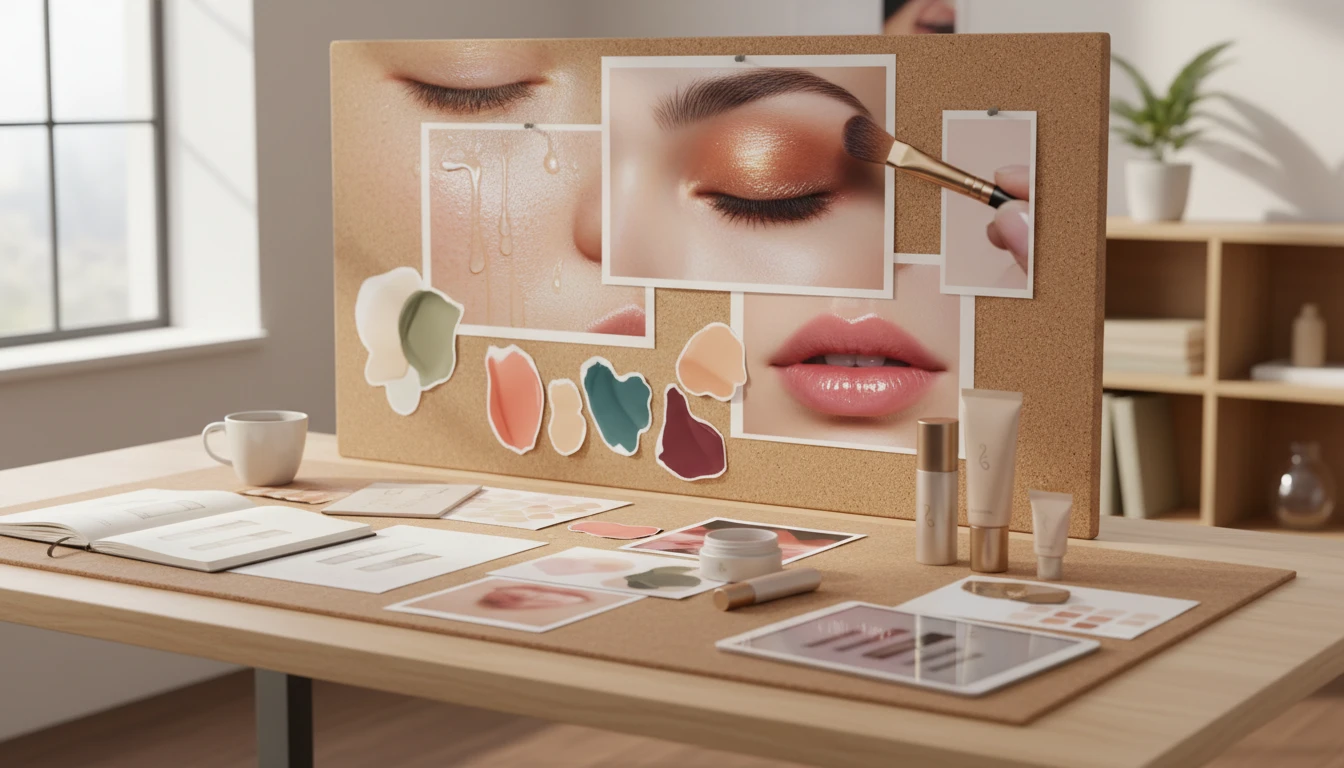
Beauty and Skincare Brands
Create flawless close-up skin shots, product-on-skin imagery, and beauty campaign photography without expensive studios or models. Generate consistent, on-brand detail imagery instantly.
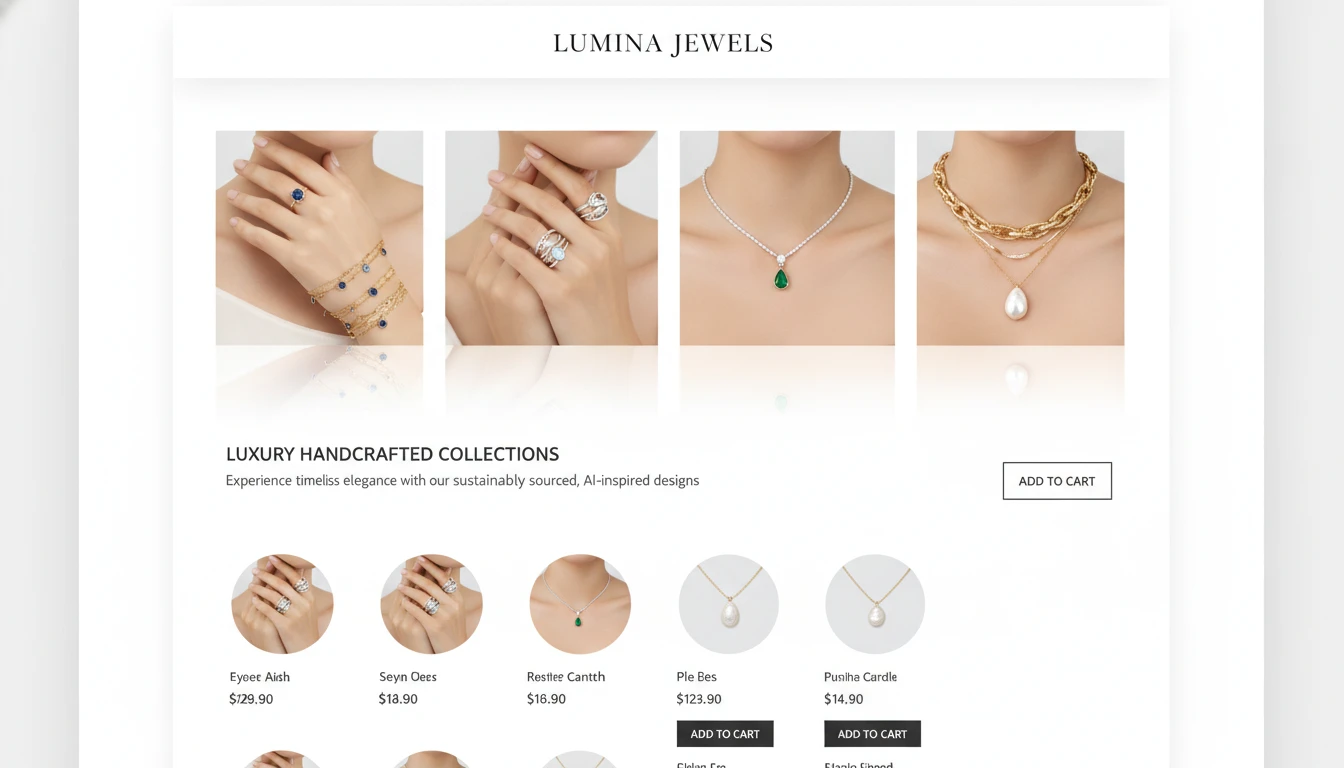
Jewellery and Accessories Sellers
Generate stunning close-up shots of rings, necklaces, bracelets, and anklets on hands and necks. Perfect for e-commerce listings and lookbooks without studio photography costs.
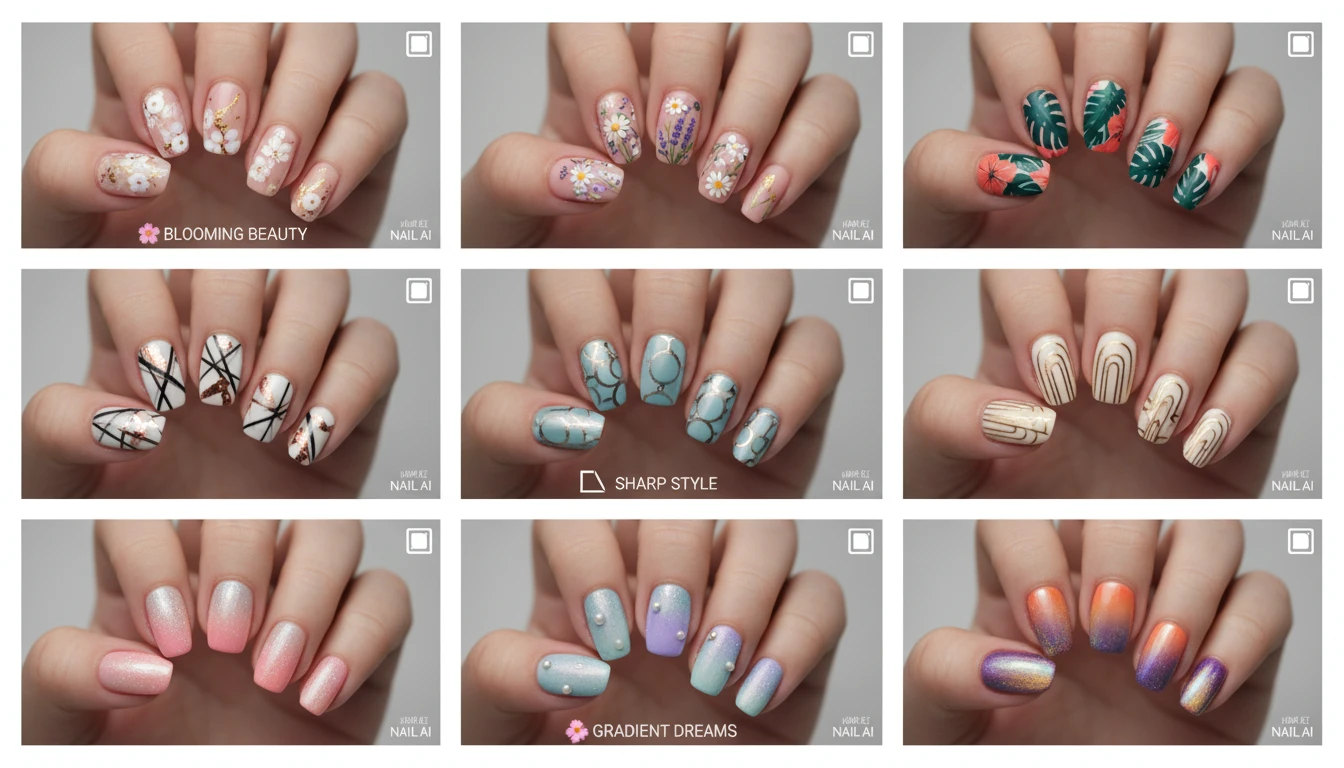
Nail Studios and Artists
Create photorealistic nail art photography for social media portfolios and client menus. Showcase seasonal designs and nail services with professional macro lighting.
Footwear and Fashion Brands
Generate professional product photography for shoes, heels, boots, stockings, and tights. Capture every material detail and design element in high-resolution close-up shots.
How to Generate AI Beauty Detail Shots
From concept to professional close-up in four simple steps
Describe Your Shot
Write a description of what you want in the detail shot. Be specific: body part, skin tone, product, colour, finish (matte, glossy), and any accessories or props.
Upload a Reference (Optional)
Upload a photo of your actual jewellery, nail art, or product to feature in the shot. AI will incorporate your item into a professional close-up beauty photograph.
Choose a Shot Type
Select from 10 shot types: Hands, Nails, Face, Lips, Eyes, Neck, Feet, Legs, Skin Texture, and Editorial. Each sets the right photography context for your subject.
Download and Use
Get your professional detail shot in seconds. Download in high resolution for e-commerce listings, social media, campaign materials, and brand presentations.
Explore More
More AI Studio Tools
Discover other powerful AI tools to enhance your creative workflow
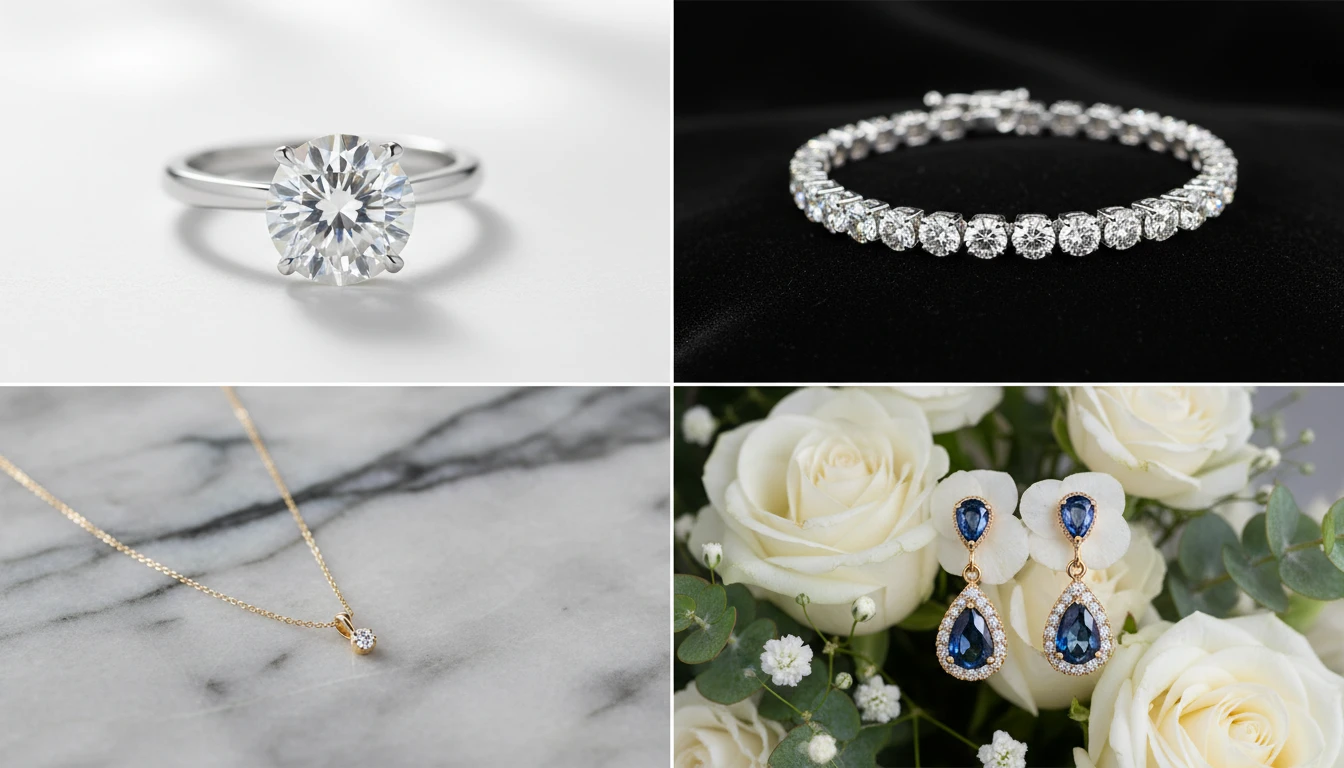
AI Jewellery Design Generator
Generate professional jewellery product photos from text descriptions. Studio white, marble, editorial, macro, bridal, dark drama, and more presentation styles.
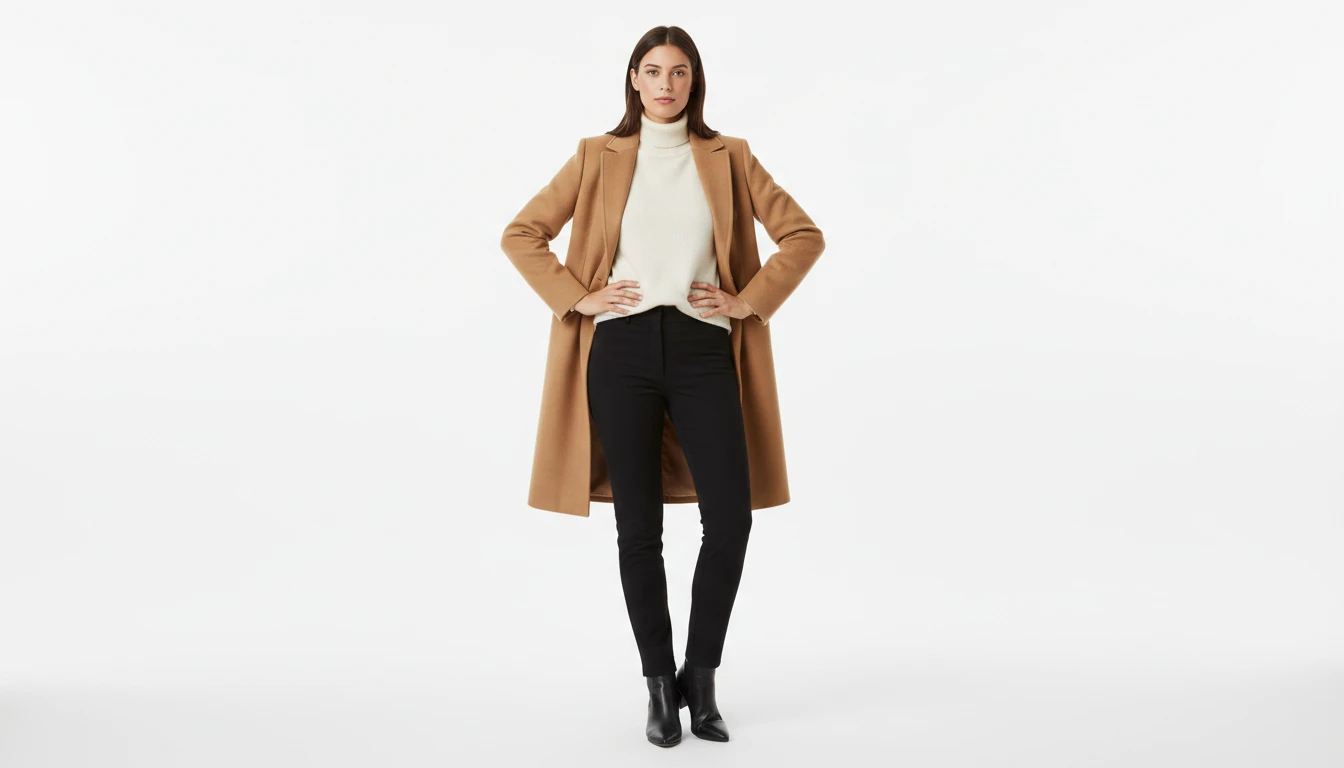
AI Fashion Model Generator
Generate realistic fashion model photos wearing any outfit or garment, from text description or a reference clothing image
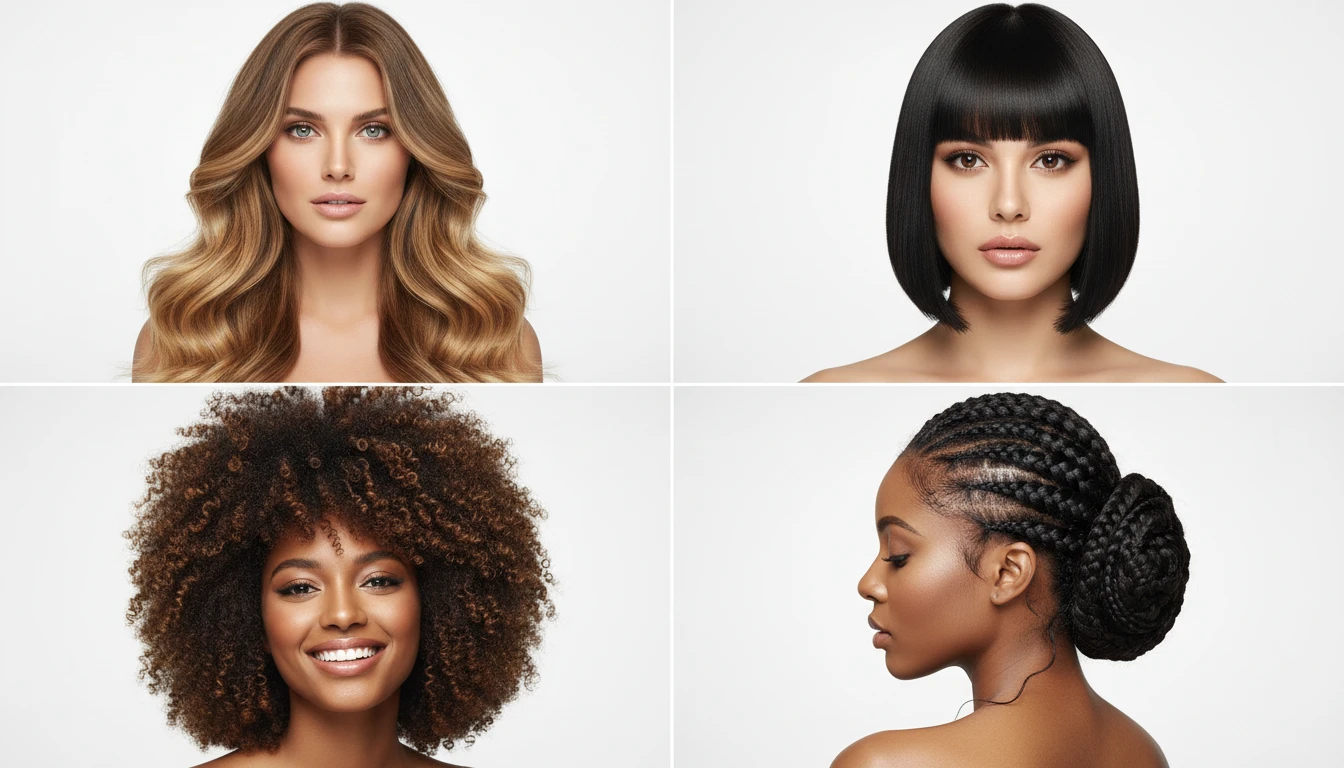
AI Hairstyle Generator
Generate photorealistic hairstyle portraits from text descriptions. Long layers, beach waves, bob, pixie, curly, braids, updo, balayage, and more styles.
AI Product Spotlight
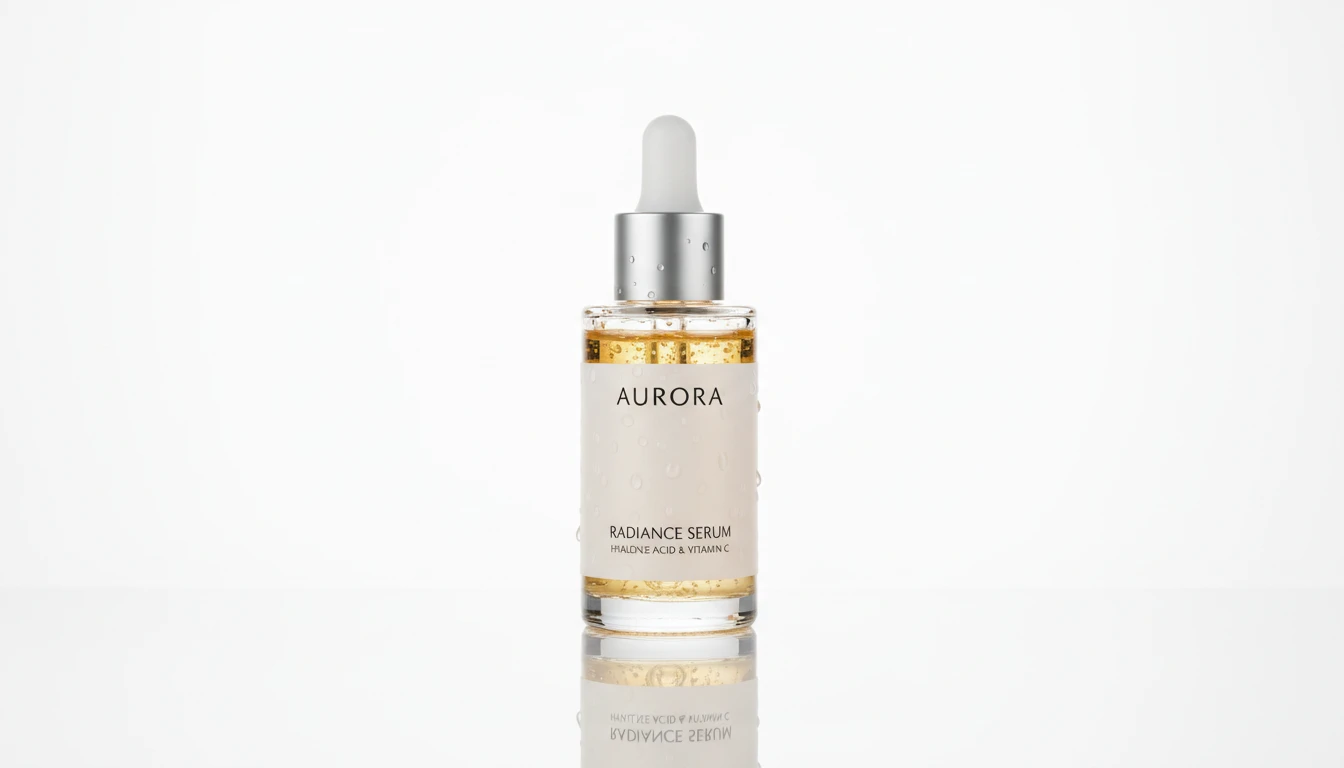
Generate cinematic hero product shots with dramatic AI lighting. Spotlight, rim, neon, golden hour, dark drama, and more styles.
Opens in
Image Studio
Frequently Asked Questions
Everything you need to know to get started.
What body parts and shot types does this tool support?
The tool supports 10 shot types: Hands, Nails/Nail Art, Face, Lips, Eyes, Neck/Decolletage, Feet/Ankles, Legs, Skin Texture, and Editorial. Each applies optimized photography context including lighting, angle, and background for that subject.
How do I write a good detail shot prompt?
Be specific about every visible element. Name the body part, skin tone, product finish (matte, glossy, dewy), material (gold, silver, leather), colour, and background. Example: "elegant hands, light skin, wearing a rose gold ring with a pink sapphire, soft nude nail polish, white seamless background".
Can I use my own jewellery or product in the shot?
Yes. Upload a reference photo of your jewellery piece, nail art design, or product and AI will incorporate it into a professional close-up beauty shot. A clean, well-lit photo on a neutral background works best as a reference.
What lighting is best for each shot type?
The shot type selector automatically applies appropriate lighting context. For additional control, include lighting keywords in your prompt: "soft box lighting" for skincare and beauty, "dramatic rim light" for editorial, "high-key white" for e-commerce, and "natural window light" for a lifestyle feel.
Which aspect ratio should I use?
1:1 Square works for Instagram posts and e-commerce thumbnails. 4:5 is ideal for Instagram feed and nail, ring, or foot detail shots. 9:16 suits vertical social media stories. 4:3 or 16:9 work well for editorial and website banner content.
Can these photos be used commercially?
Yes. AI-generated detail shots can be used in e-commerce listings, advertising campaigns, social media, and marketing materials. They are particularly valuable for product launches, lookbooks, and beauty brand campaigns where studio photography costs are high.
Generate Professional Beauty Detail Shots Instantly
Describe your shot, pick a type, and get a studio-quality close-up in seconds. No studio, no model, no equipment required.
Start Generating Detail ShotsDisclaimer: This tool uses generative AI technology which may produce content that resembles copyrighted materials or that is inaccurate, incomplete, or out-of-date. It is provided for general information and educational purposes only and is not intended for illegal activities or to replace professional advice, diagnosis, or treatment. Users are solely responsible for how they use the generated content. If you plan to use AI-generated content commercially or publicly, we strongly recommend reviewing it for potential copyright issues and obtaining proper permissions where necessary. We accept no liability for copyright infringement or any other consequences resulting from the use of content generated by this tool.