Generate Professional Jewellery Product Photos from a Description
Describe any ring, necklace, bracelet, or earring and AI generates a professional product photo instantly. Studio white, marble, editorial, bridal, and more.
Generate a Jewellery Photo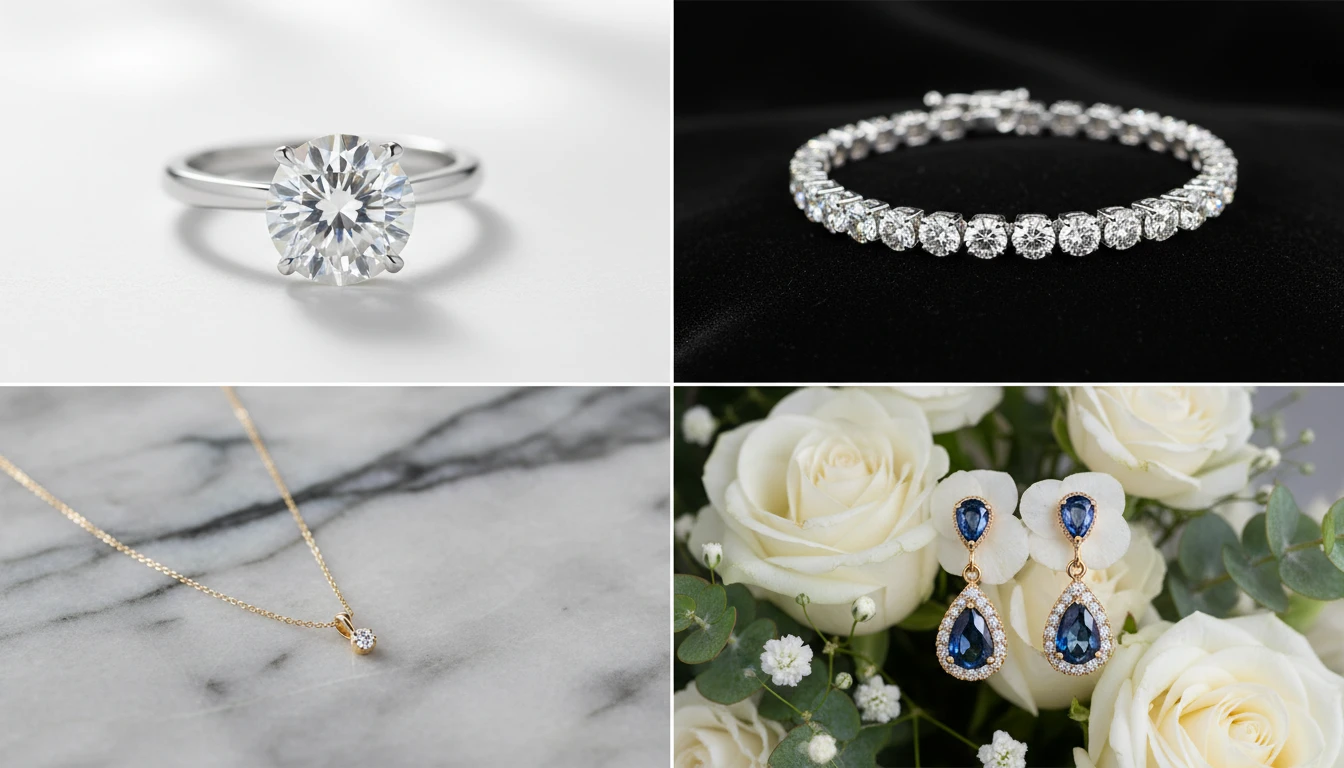
Describe the Jewellery
Pick a photography style, then describe the piece. We'll open AI Product Studio ready to generate a four-view product sheet.
Runs inside the AI Product Studio — product photography in one place.
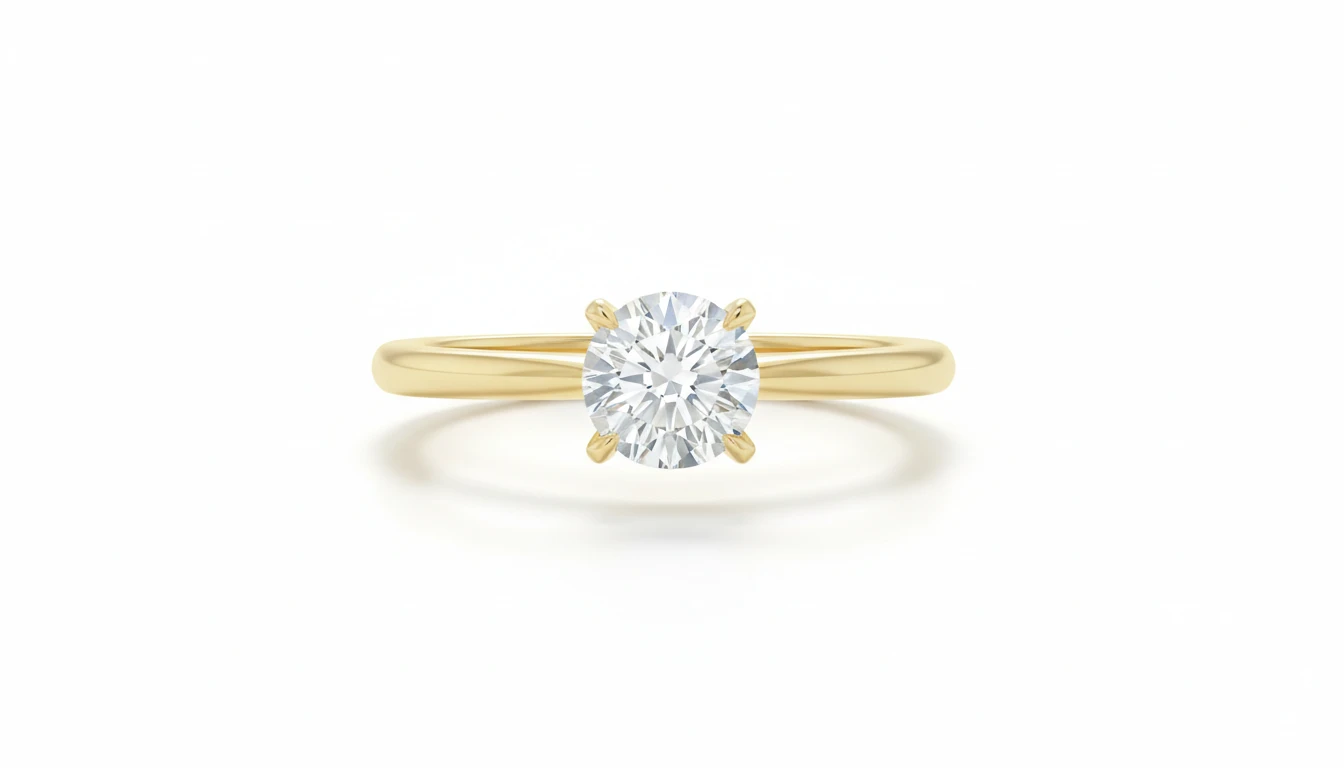
Studio White E-Commerce Product Photos
Generate clean, white-background jewellery product shots ready for e-commerce listings, ads, and catalogs. No samples, no photoshoot, no studio time required.
Generate an E-Commerce Jewellery Photo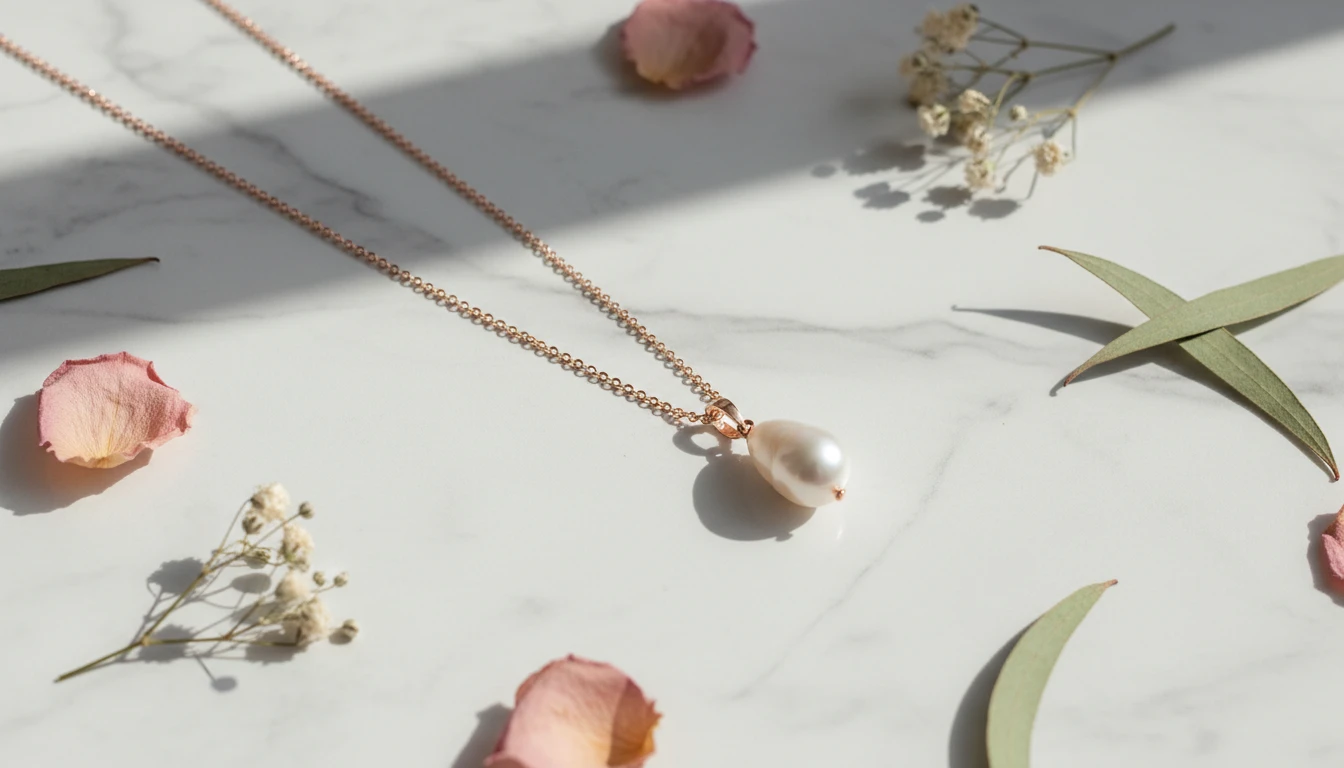
Editorial and Lifestyle Jewellery Photography
Create styled editorial product shots on marble, velvet, floral, and textured surfaces. Perfect for brand lookbooks, social media campaigns, and premium brand presentations.
Generate an Editorial Jewellery Shot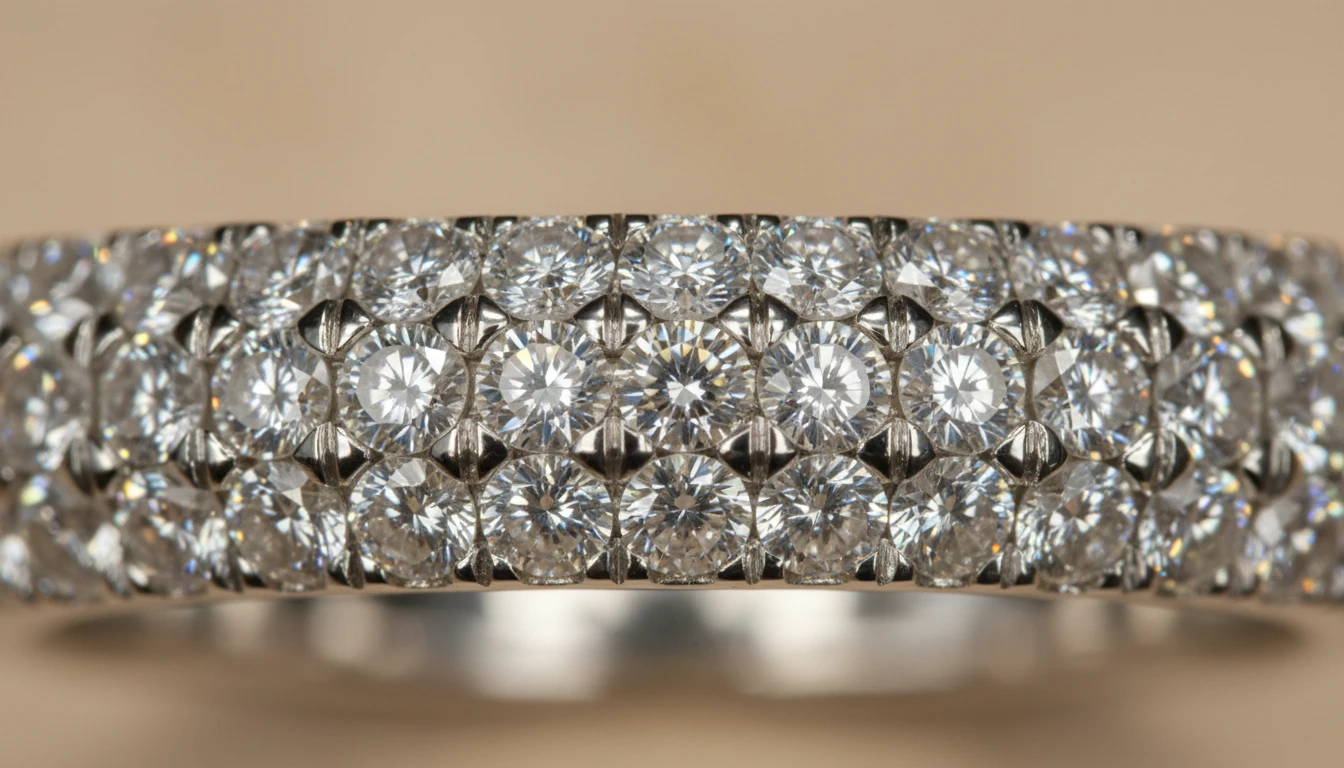
Macro Close-Up Gem and Metal Detail
Show the craftsmanship. Macro photography style zooms into facets, pavé settings, and metal textures at a level no standard camera can match without specialist equipment.
Generate a Macro Jewellery Shot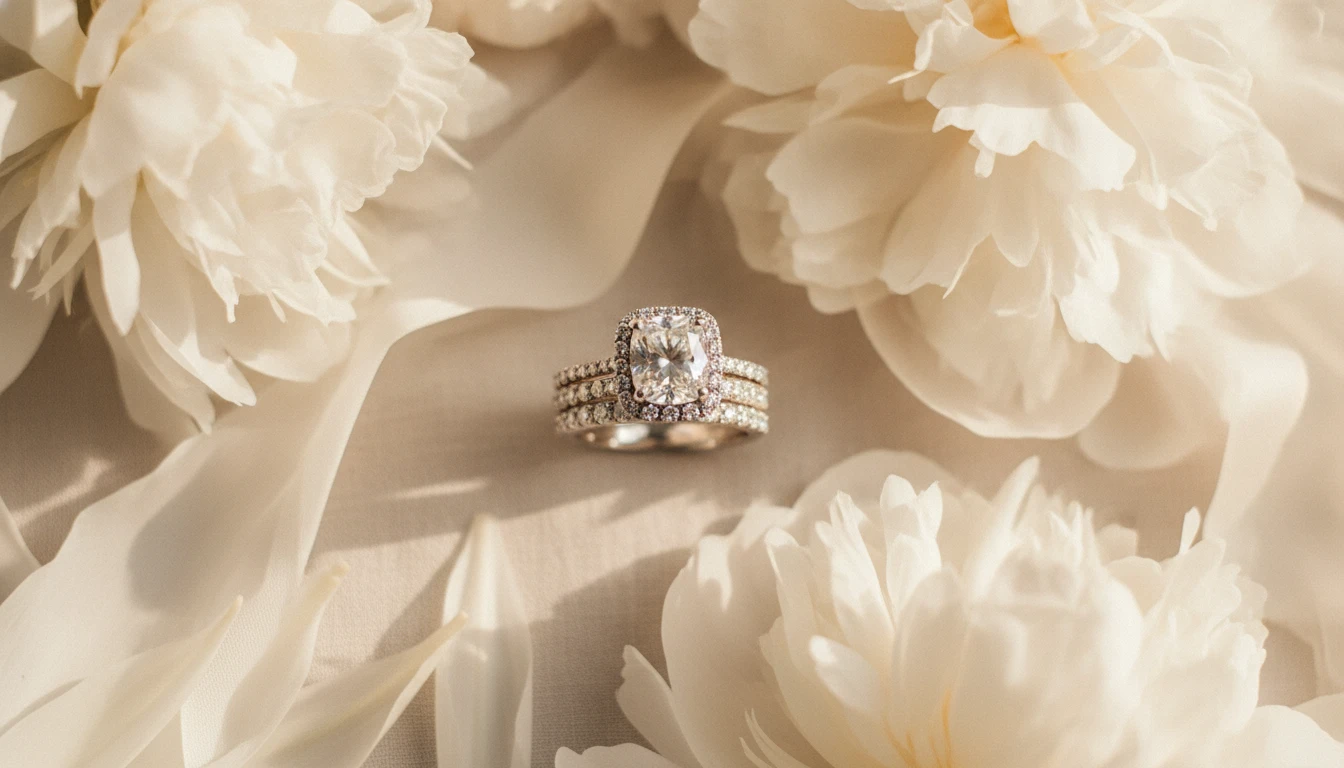
Bridal and Wedding Jewellery Presentations
Showcase engagement rings, wedding bands, and bridal sets in romantic settings with soft florals, satin, and warm natural light. Ideal for bridal boutiques and wedding vendors.
Generate a Bridal Jewellery PhotoWho Uses AI Jewellery Design
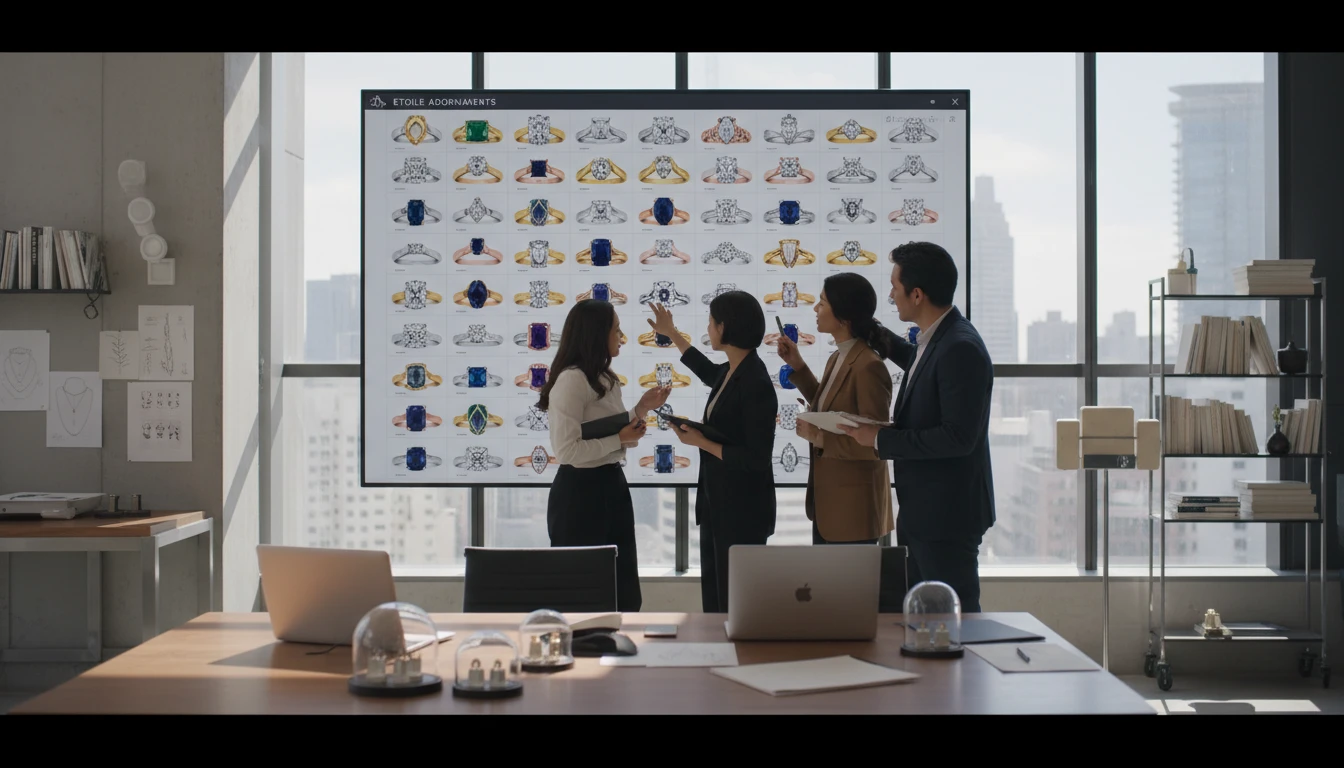
Fine Jewellery Brands
Prototype rings, necklaces, and bracelets before costly sampling. Generate metal and gemstone variations in seconds for team review and buyer presentations.
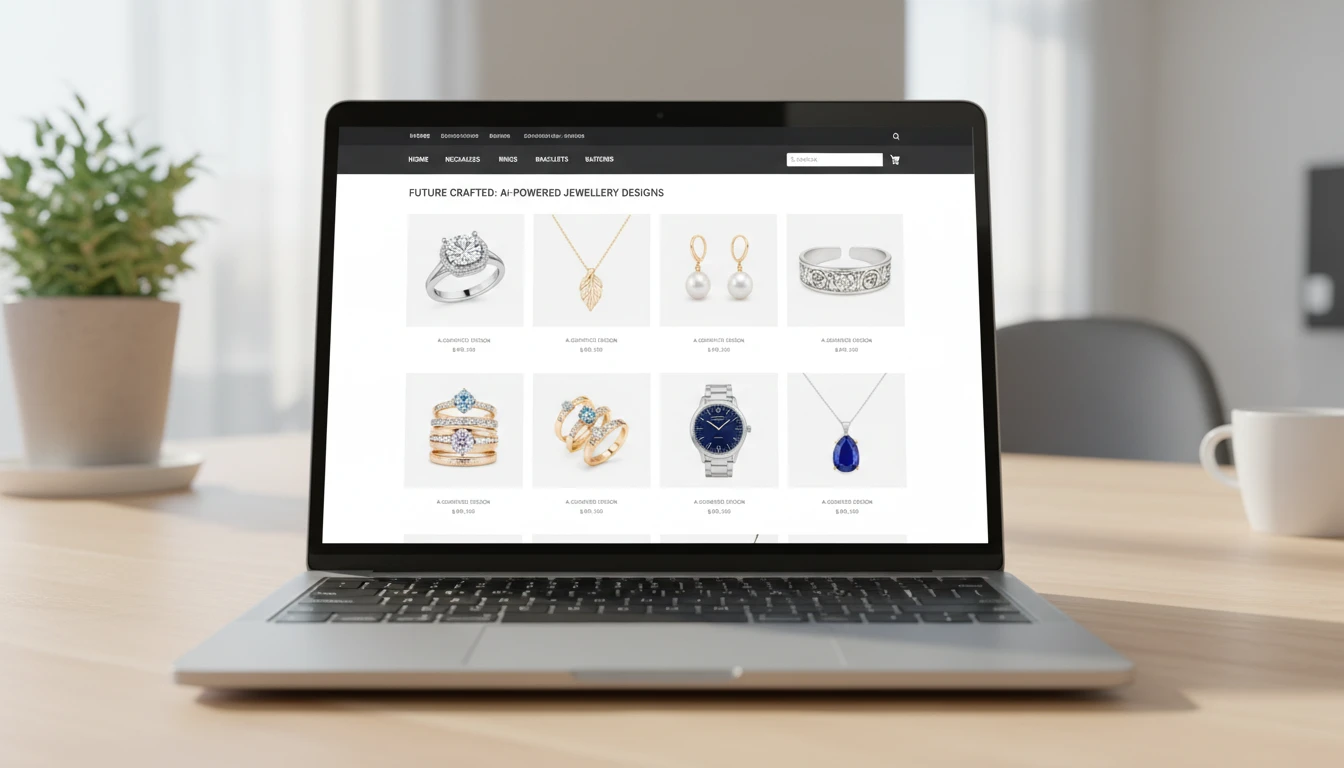
Lookbooks and Presentations
Create clean, professional product images for ads and lookbooks without expensive photoshoots or physical samples.
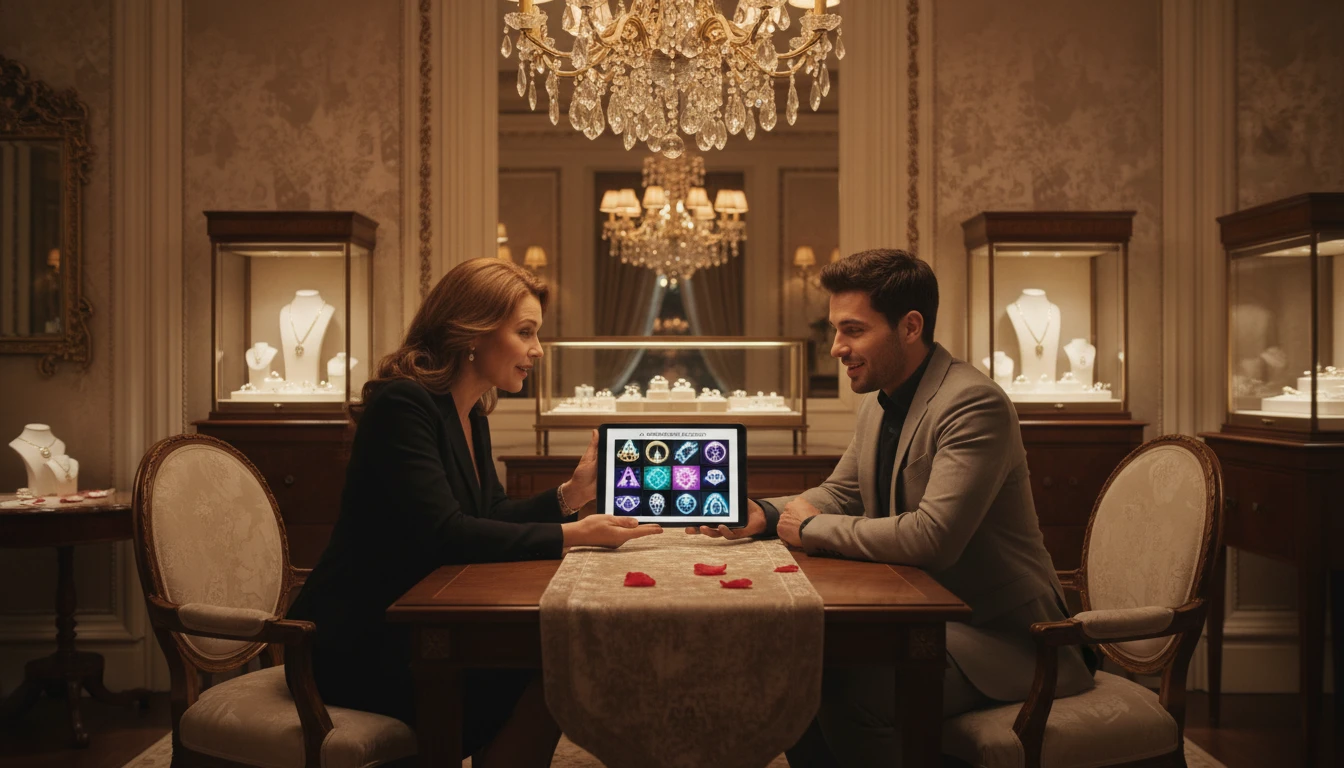
Luxury and Bridal Jewellers
Visualise engagement rings, wedding bands, and bespoke pieces with precise metal and stone control. Present concepts to clients before expensive bench work begins.
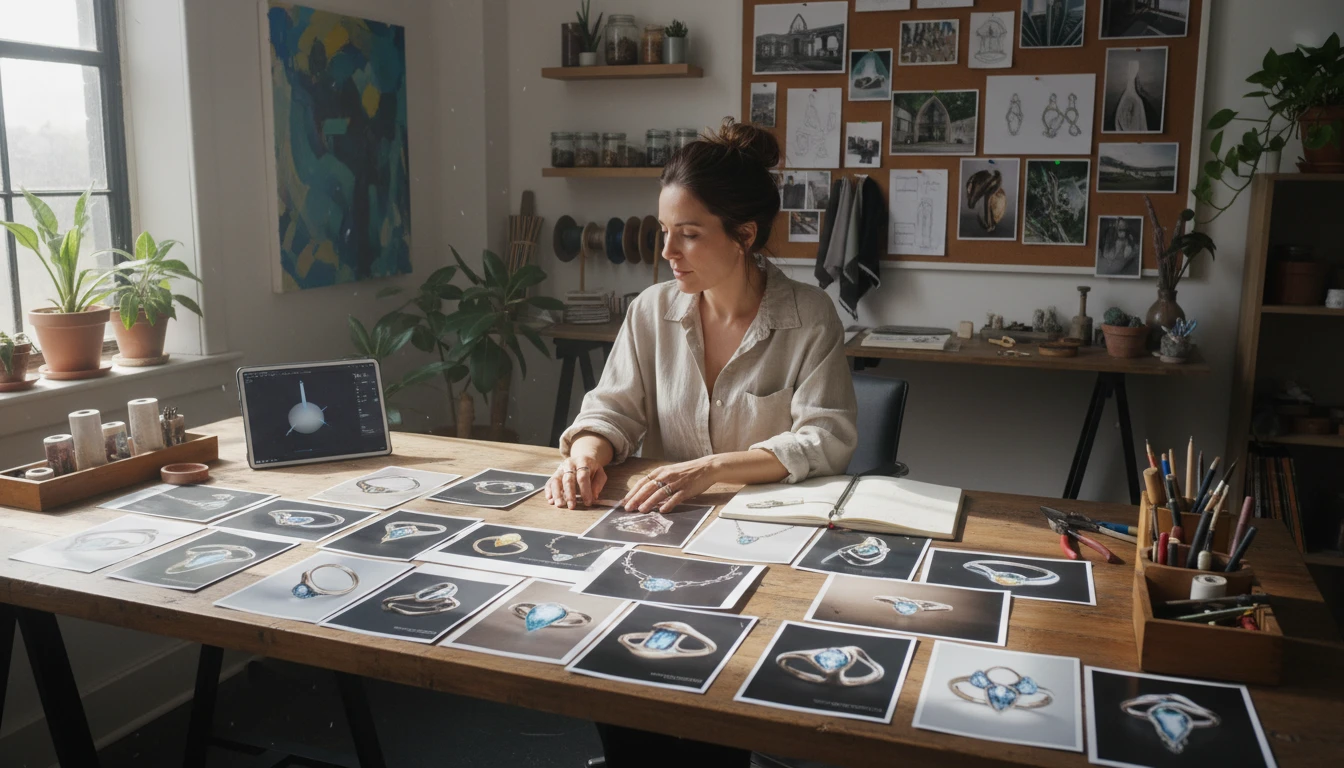
Designers and Stylists
Rapidly explore new seasonal concepts, collaborations, and limited-edition pieces to present to clients, investors, or production teams without any production investment.
How to Generate Jewellery Product Photos with AI
From concept to studio-quality product shot in four simple steps
Describe Your Jewellery
Write a detailed description including the piece type, metal, gemstones, and any key design details. The more precise your description, the more accurate the result.
Upload a Reference (Optional)
Upload an existing jewellery photo to restyle, recolor, or redesign with AI. Swap metals, change gemstones, adjust the setting, or add engraving while keeping the overall form.
Choose a Photography Style
Select from 10 photography styles: studio white, black velvet, marble, editorial, macro, flat lay, bridal, gold surface, dark drama, and minimal.
Download and Use
Get your product photo in seconds. Download in high resolution for e-commerce listings, ads, client presentations, or use as a reference for the next iteration.
Explore More
More AI Studio Tools
Discover other powerful AI tools to enhance your creative workflow
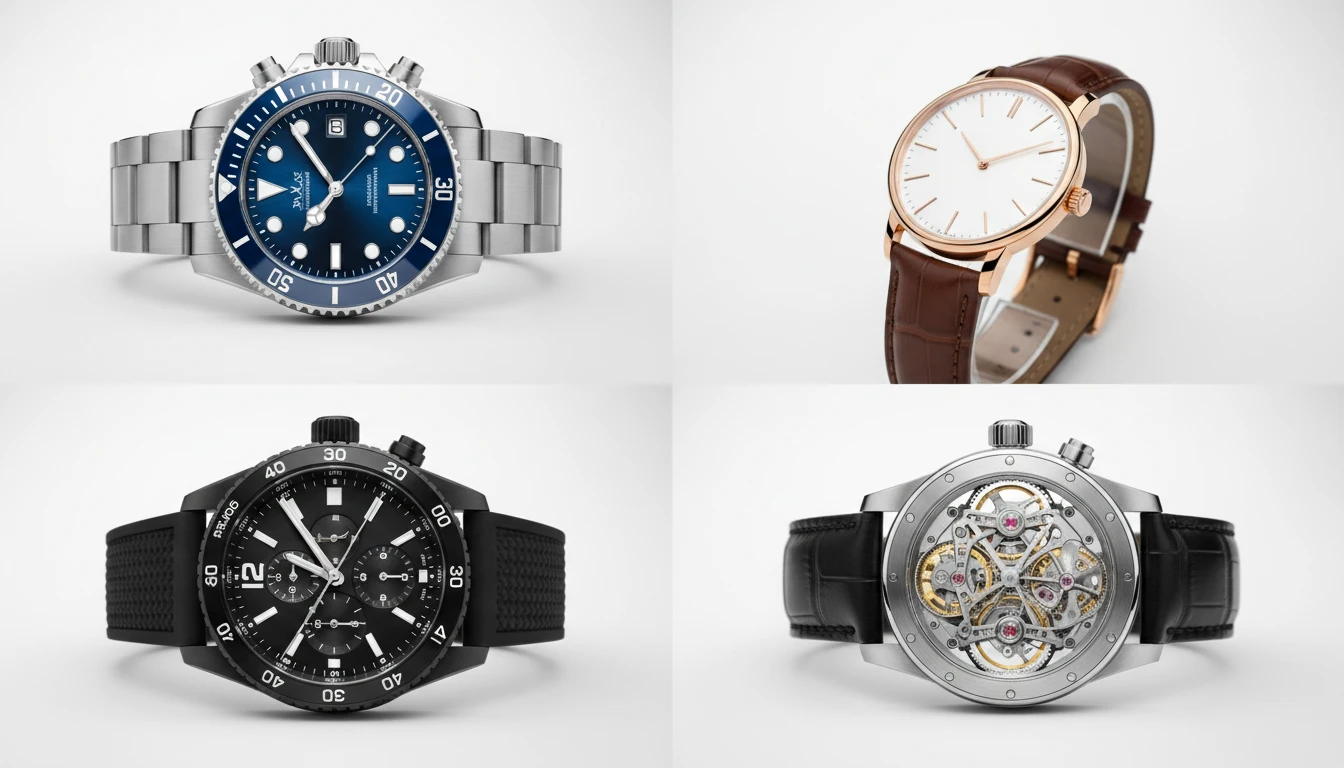
AI Watch Design Generator
Generate realistic watch product photos from text descriptions. Dive, dress, chronograph, pilot, GMT, skeleton, luxury, and more styles.
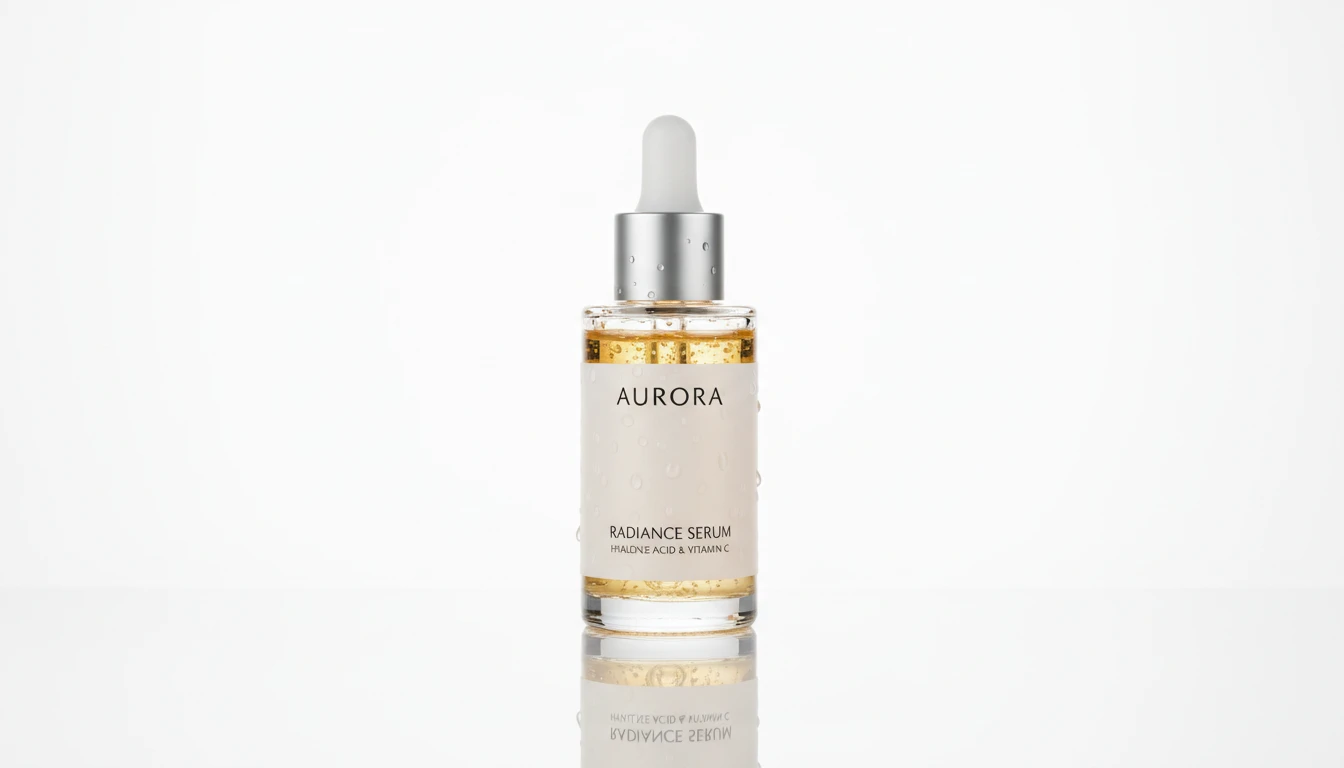
AI Product Spotlight
Generate cinematic hero product shots with dramatic AI lighting. Spotlight, rim, neon, golden hour, dark drama, and more styles.
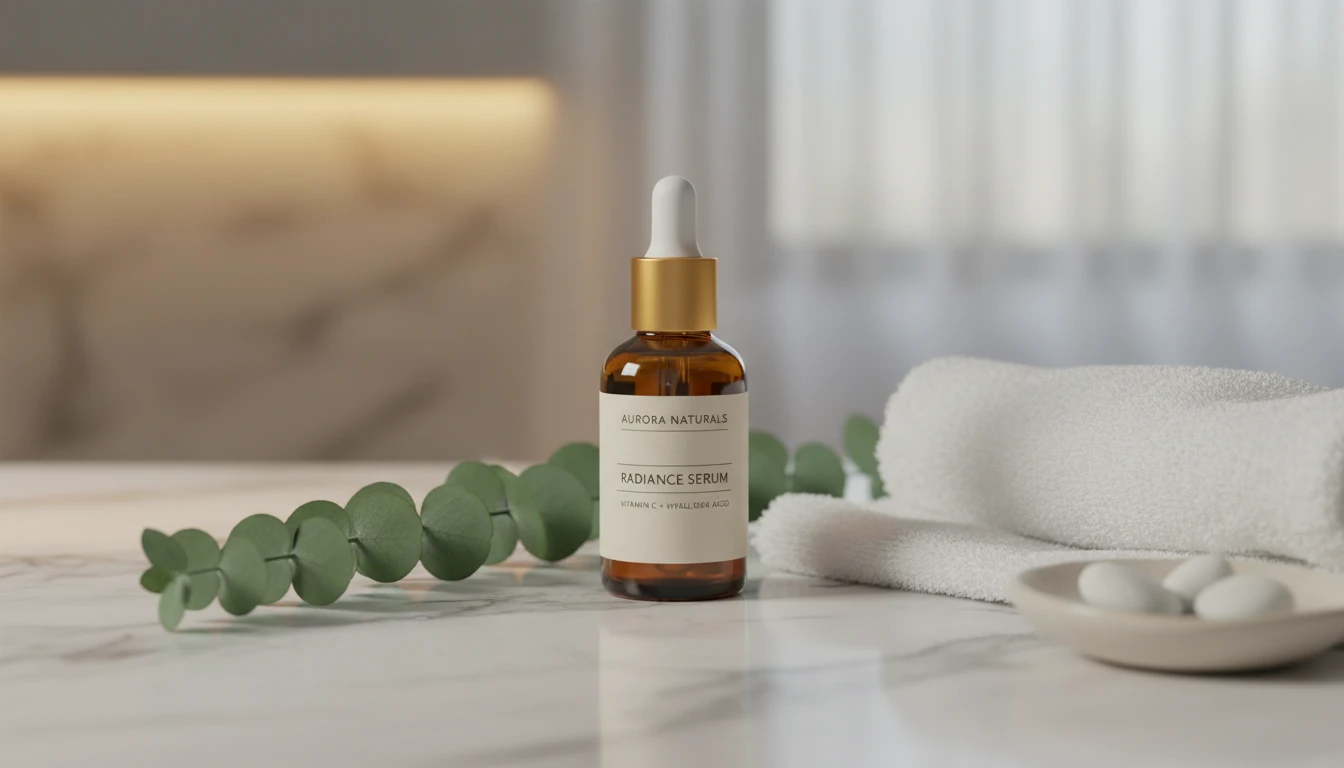
AI Product Lifestyle Scene
Place your product naturally into real-world lifestyle environments (kitchens, cafés, beaches, wellness spas, rooftops, and more) with photorealistic AI.
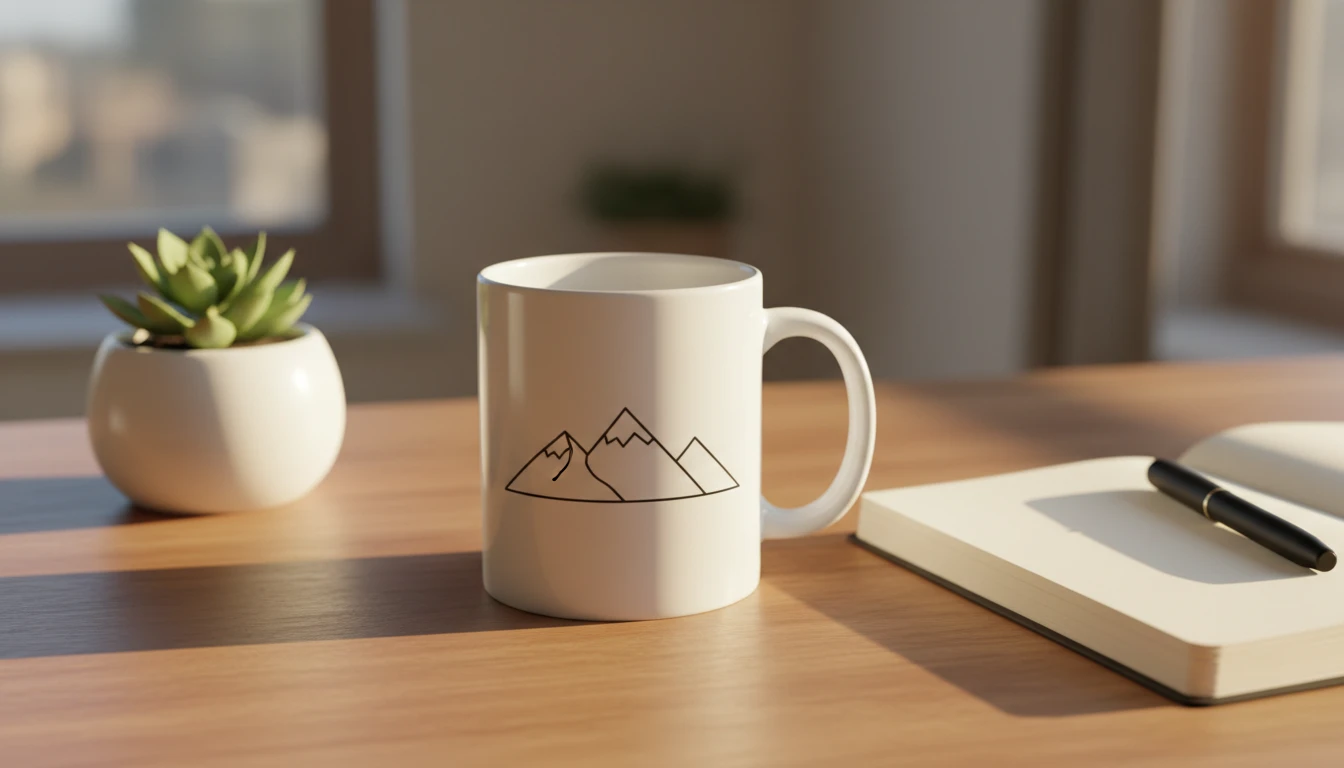
AI Mockup Generator
Generate professional product mockup images from text descriptions. Mugs, t-shirts, phones, packaging, and more in studio, lifestyle, flat lay, and premium styles.
Opens in
Image Studio
Frequently Asked Questions
Everything you need to know to get started.
How do I write a good jewellery prompt?
Start with the piece type: "solitaire engagement ring", "tennis bracelet", "pendant necklace". Then specify the metal and karat: "18k yellow gold", "sterling silver", "platinum". Add gemstone details: "1ct round brilliant diamond", "oval blue sapphire", "pavé diamond band". The more specific your description, the more accurate the result.
Can I restyle an existing jewellery photo?
Yes. Upload an existing jewellery photo as a reference and describe the changes you want in the prompt. You can swap metals, change gemstone colors, adjust the setting style, or add details while preserving the overall piece shape.
Which photography style should I use for e-commerce?
Studio White and Flat Lay produce the cleanest product shots for e-commerce listings and marketplaces. Black Velvet and Dark Drama work well for luxury brand presentations. Marble and Bridal suit premium and wedding jewellery. Editorial works best for social media campaigns.
What aspect ratio is best for jewellery photos?
1:1 square is standard for most e-commerce platforms and flat-lay shots. 4:5 and 3:4 portrait work well for single pieces on a surface. 16:9 landscape suits styled editorial layouts with multiple pieces. 9:16 is ideal for social media stories and vertical content.
Can I use generated jewellery photos commercially?
Yes, AI-generated product photos can be used commercially for e-commerce listings, ads, and marketing. Avoid prompting for exact replicas of specific branded designs (such as trademarked Cartier or Tiffany pieces). Use generations as original product concepts and marketing assets.
What gemstone and metal details should I include?
For metals: specify the karat and color such as "18k yellow gold", "14k rose gold", "sterling silver", or "platinum". For gemstones: name the stone, cut, and size: "1ct round brilliant diamond", "3mm sapphire accent stones", "emerald-cut ruby". Describe the setting style too: "prong set", "bezel set", "pavé band".
Generate Professional Jewellery Product Photos Instantly
Describe any piece of jewellery and get a studio-quality product photo in seconds. No samples, no photoshoot, no studio time.
Start Designing JewelleryDisclaimer: This tool uses generative AI technology which may produce content that resembles copyrighted materials or that is inaccurate, incomplete, or out-of-date. It is provided for general information and educational purposes only and is not intended for illegal activities or to replace professional advice, diagnosis, or treatment. Users are solely responsible for how they use the generated content. If you plan to use AI-generated content commercially or publicly, we strongly recommend reviewing it for potential copyright issues and obtaining proper permissions where necessary. We accept no liability for copyright infringement or any other consequences resulting from the use of content generated by this tool.