Place Your Product in Any Lifestyle Scene with AI
Upload your product photo and AI places it naturally into a real-world environment with matching light and atmosphere. Kitchens, cafes, beaches, spas, and more.
Try It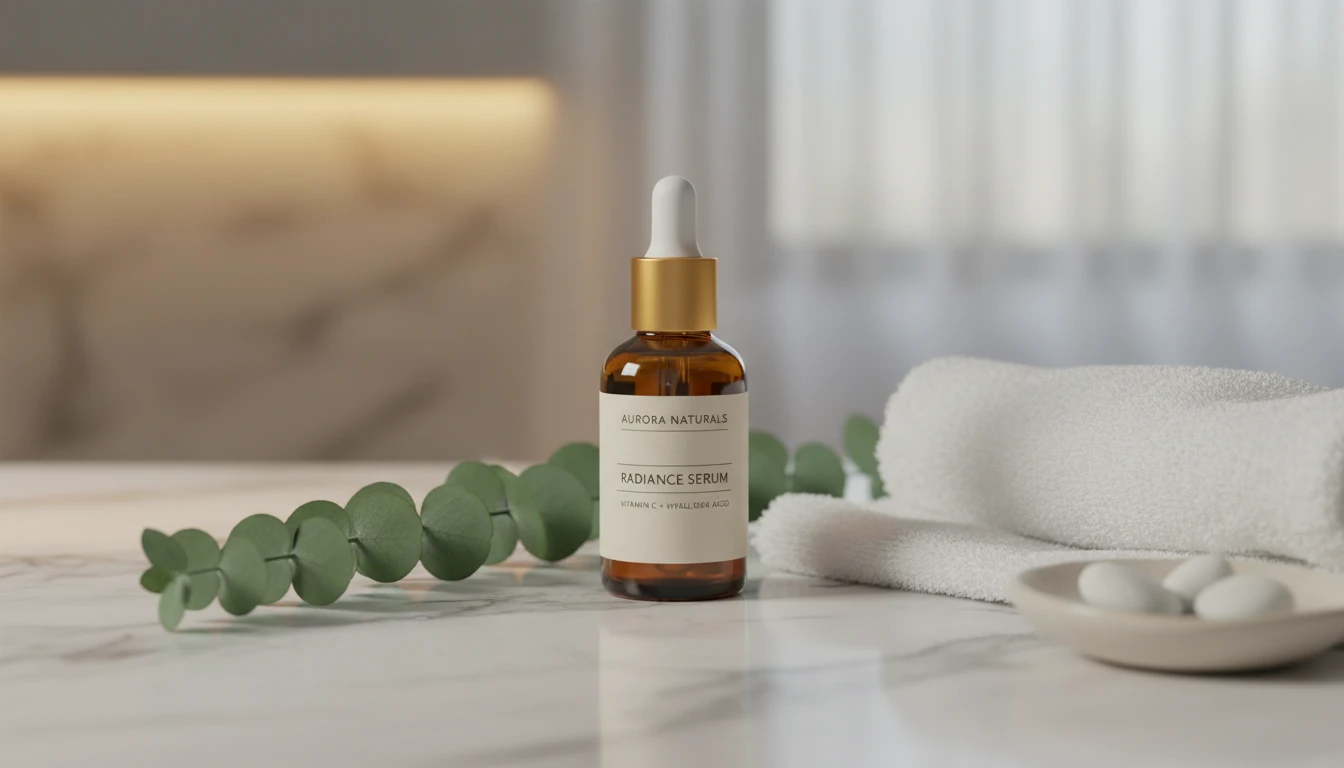
Place Any Product in a Lifestyle Scene
Add a product photo and we'll open AI Product Studio ready to drop it into a real-world setting.
Drag & drop your product photo here
A clear pack shot on a plain background works best — JPG, PNG or WebP, up to 15MB
Your photo is used only to generate the lifestyle scene for you.
Home and Kitchen Scenes
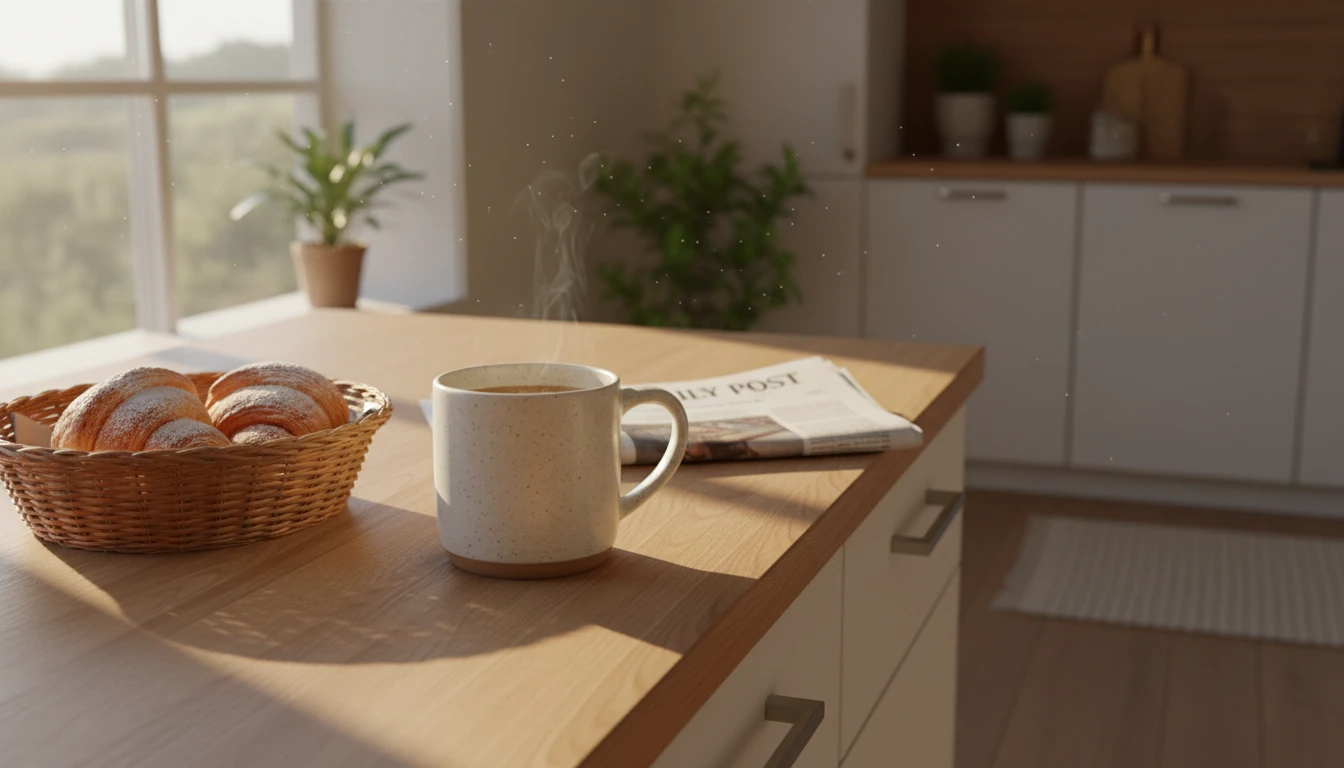
Place your product in warm, authentic home environments: kitchens, living rooms, bedrooms, and bathrooms. Perfect for food, beverage, beauty, and household product brands.
Try Home Scene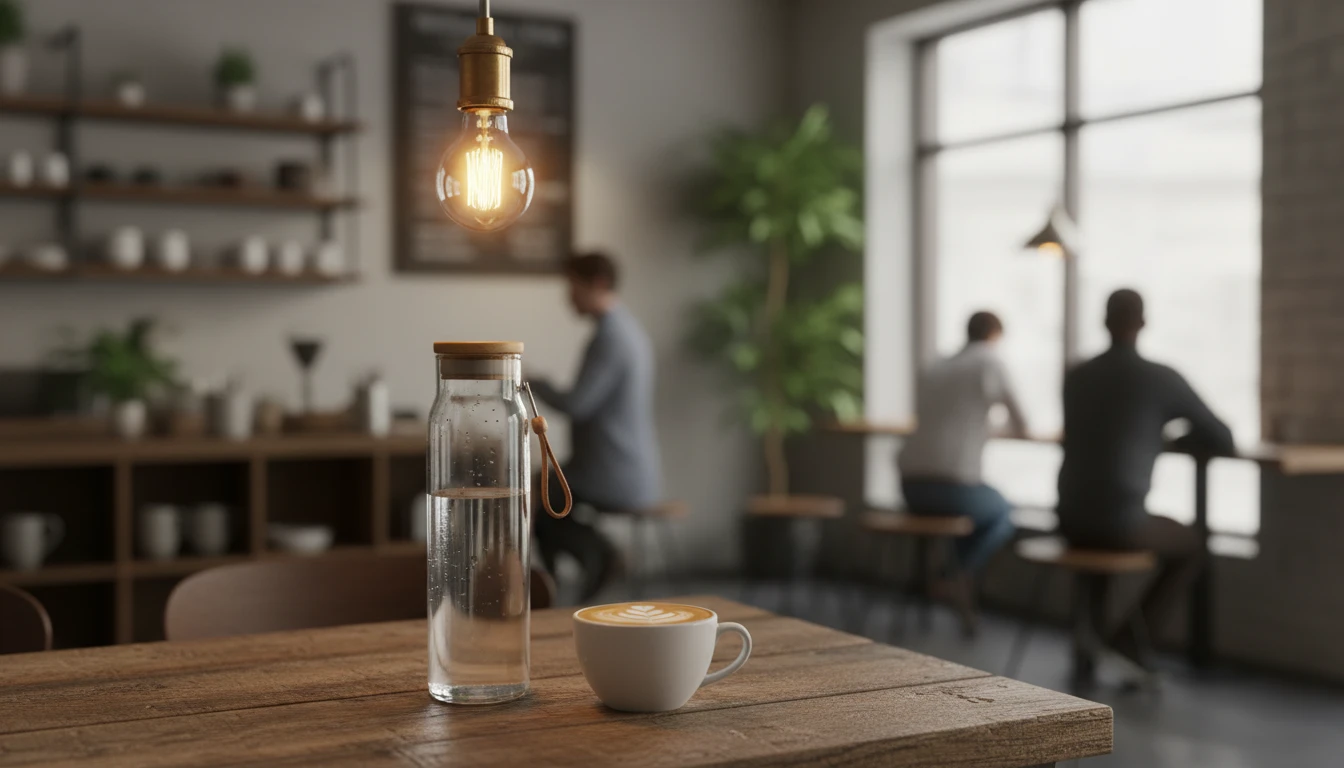
Café and Restaurant Scenes
Put your product in aspirational food and drink settings: artisan cafés, brunch tables, wine bars, and restaurant scenes that make products feel desirable and shareable.
Try Café Scene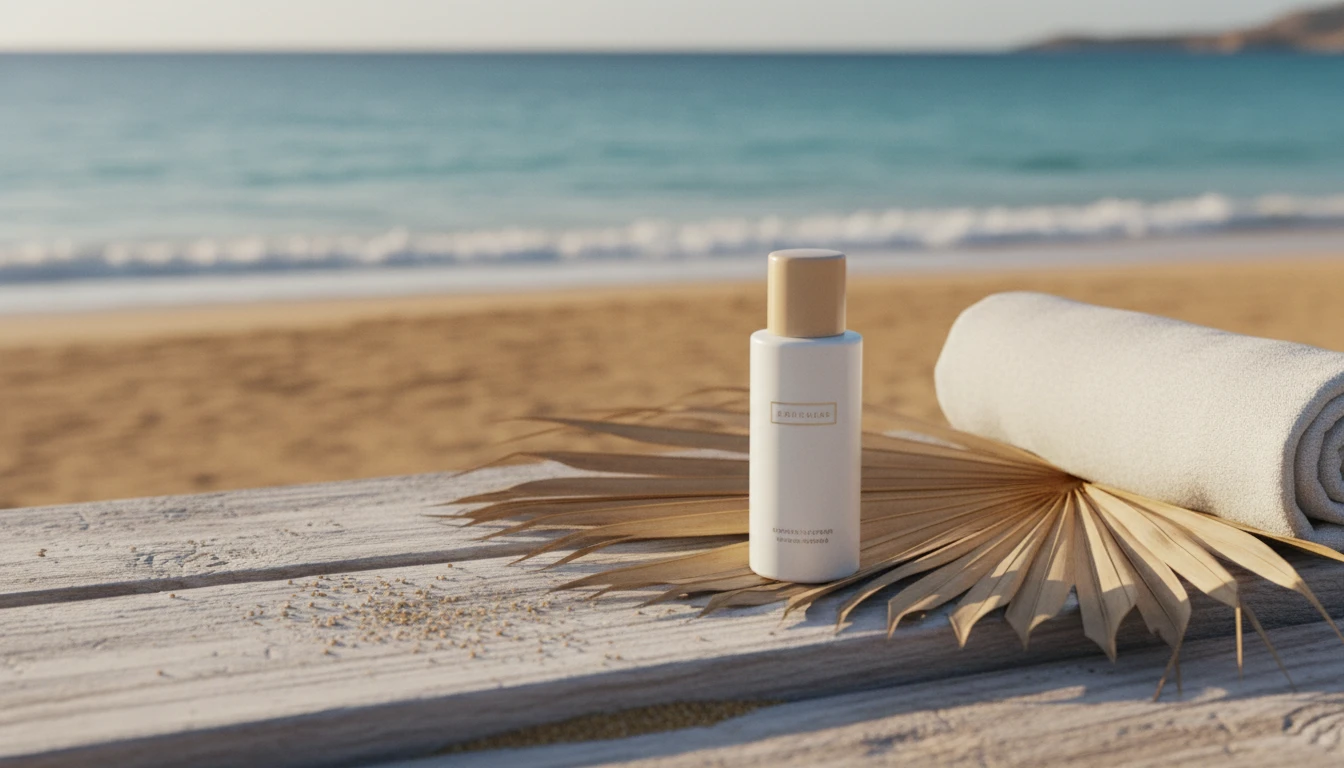
Outdoor and Nature Scenes
Place your product in fresh outdoor settings: gardens, beaches, rooftops, and forests. Great for wellness, beauty, food, and lifestyle brands targeting active audiences.
Try Outdoor Scene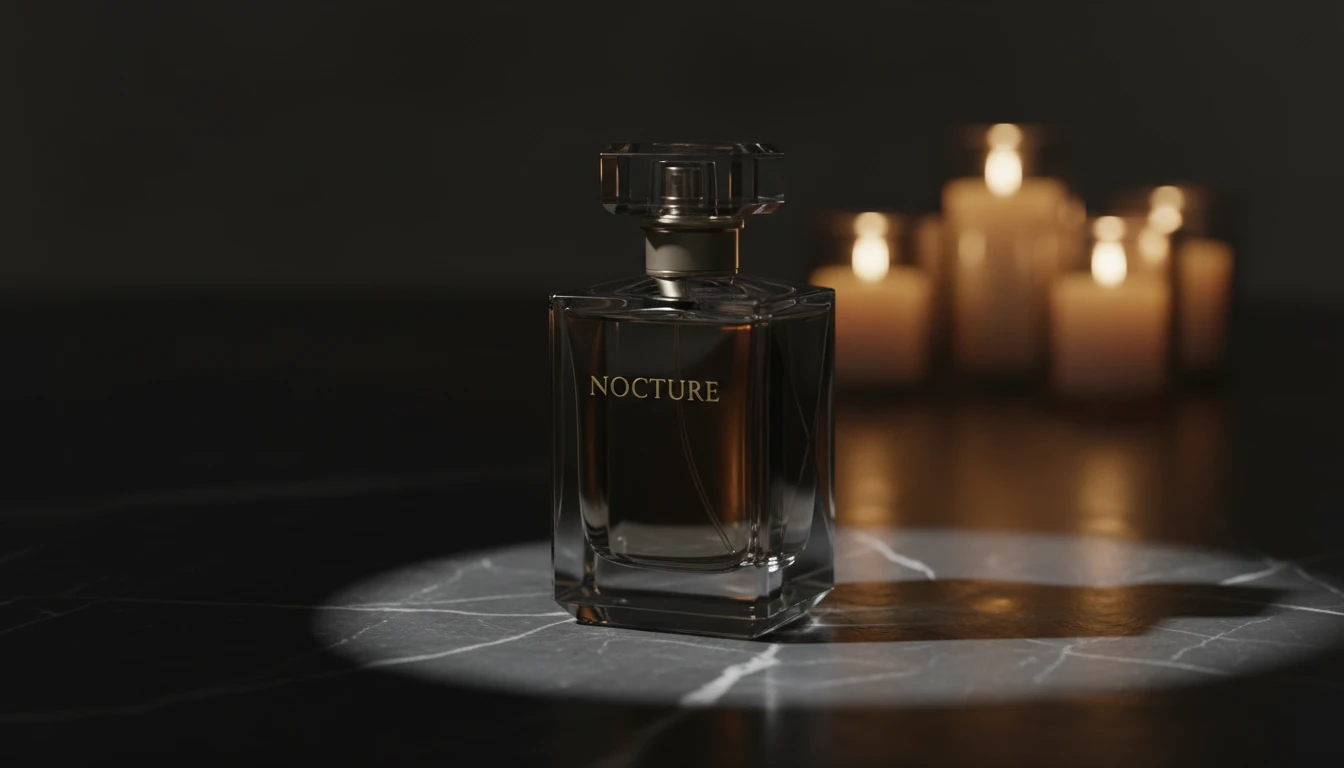
Premium and Luxury Scenes
Position your product in upscale environments: marble surfaces, dark studio setups, and high-end spa settings that communicate premium brand value instantly.
Try Premium SceneWho Uses AI Product Lifestyle Scene
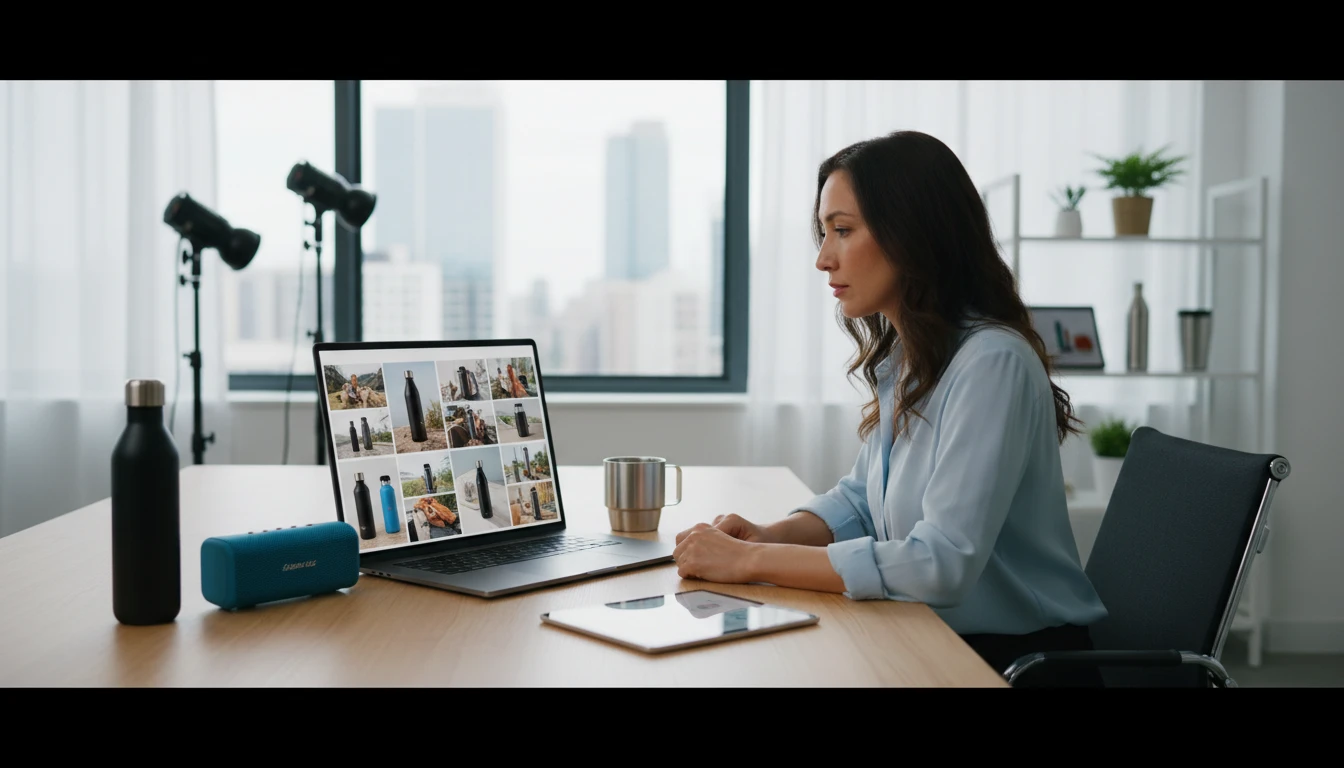
E-Commerce Brands
Complement hero product shots with lifestyle photography that shows customers exactly how and where they would use your product. Increase purchase confidence and reduce returns.
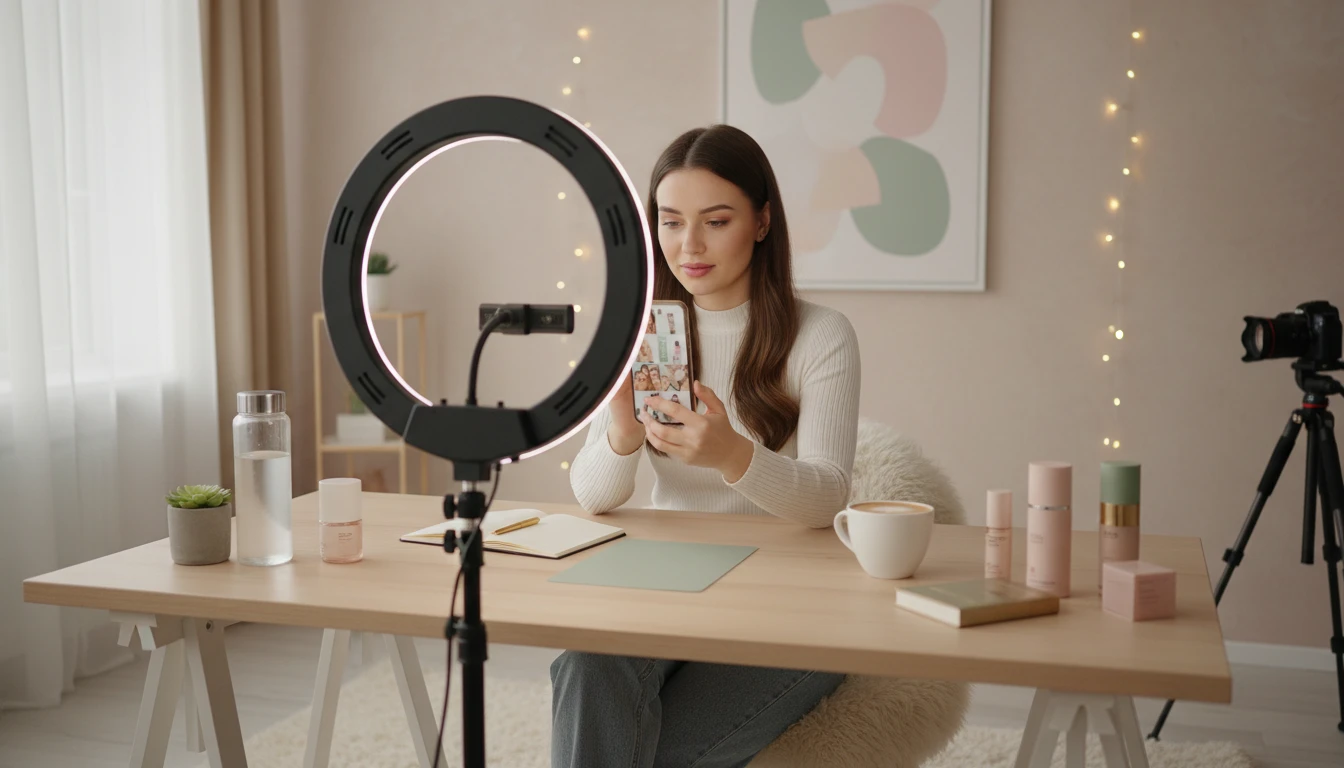
Social Media Creators
Create authentic-looking lifestyle posts for Instagram, TikTok, and Pinterest that drive engagement. Generate content that looks native and unsponsored, not staged.
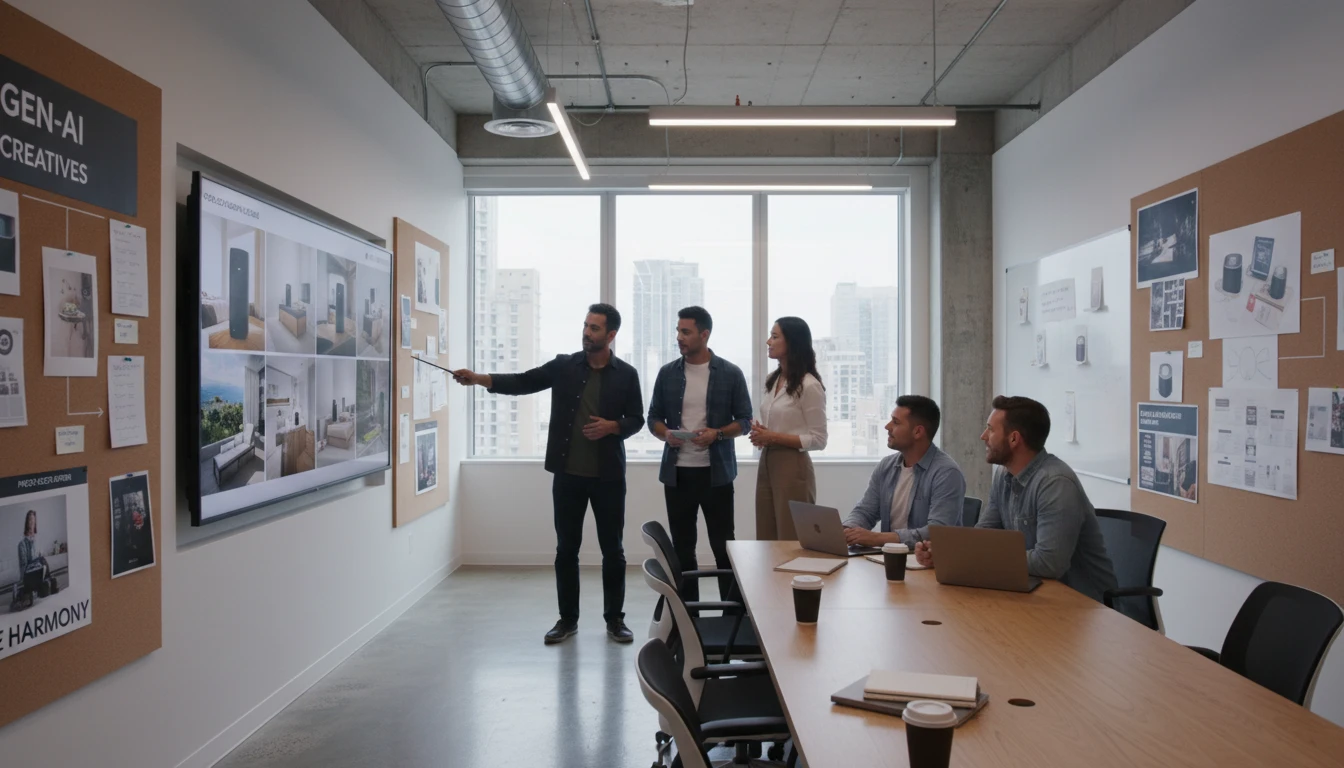
Marketing and Ad Teams
Generate multiple scene variants for seasonal campaigns, A/B testing, and platform-specific creative without booking new shoots. Go from brief to assets in minutes.
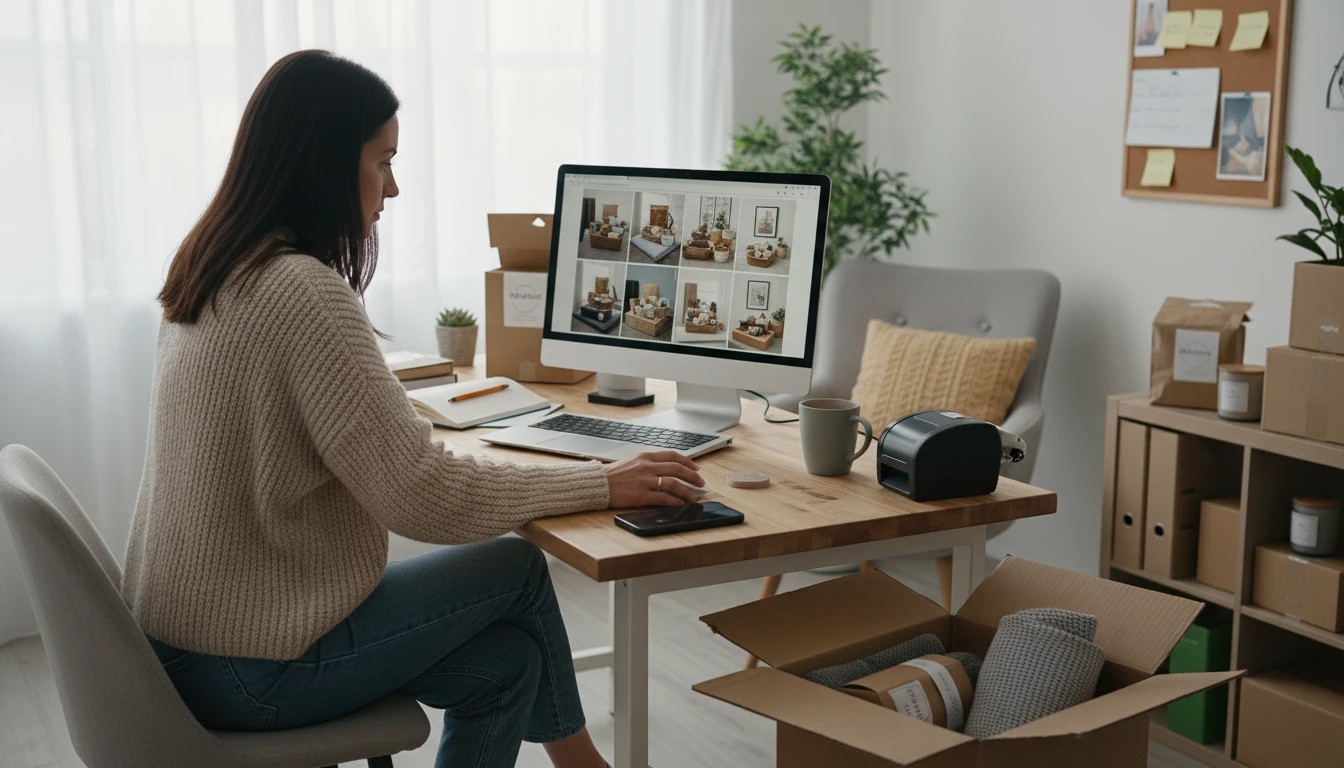
Sellers on Amazon and Etsy
Boost listing conversions with lifestyle images showing your product in a real home or gift setting. Compete with larger brands using professional-quality photography at zero shoot cost.
How to Create Lifestyle Product Scenes
From a plain product photo to an authentic lifestyle image in three steps
Upload Your Product Photo
Upload a clean photo of your product. A plain white or transparent background gives the AI the cleanest subject to work with for the most natural integration.
Choose a Scene
Select from Home, Kitchen, Bathroom, Bedroom, Café, Restaurant, Outdoors, Garden, Beach, Rooftop, Wellness, or Premium.
Generate the Scene
AI places your product naturally in the setting with matching light and atmosphere. Download and use it on social, product pages, or campaigns.
Explore More
More AI Studio Tools
Discover other powerful AI tools to enhance your creative workflow
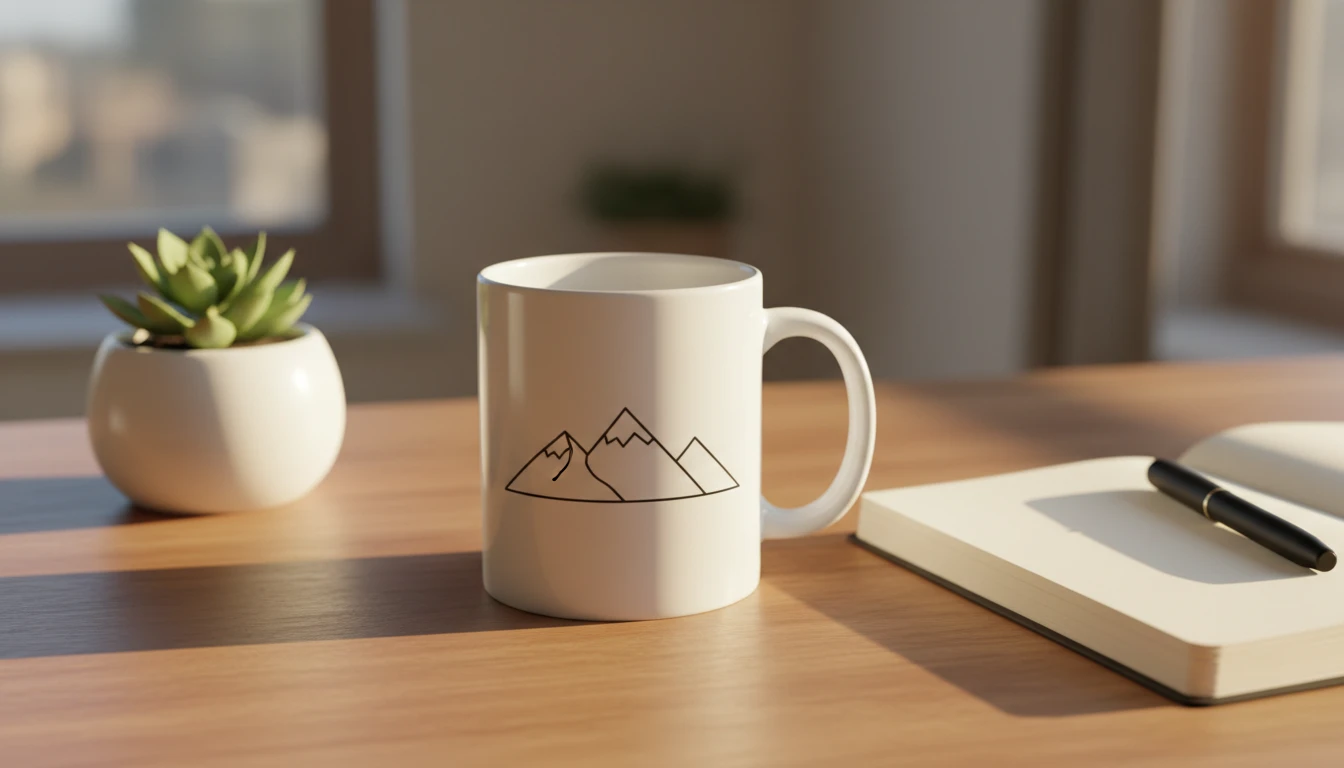
AI Mockup Generator
Generate professional product mockup images from text descriptions. Mugs, t-shirts, phones, packaging, and more in studio, lifestyle, flat lay, and premium styles.
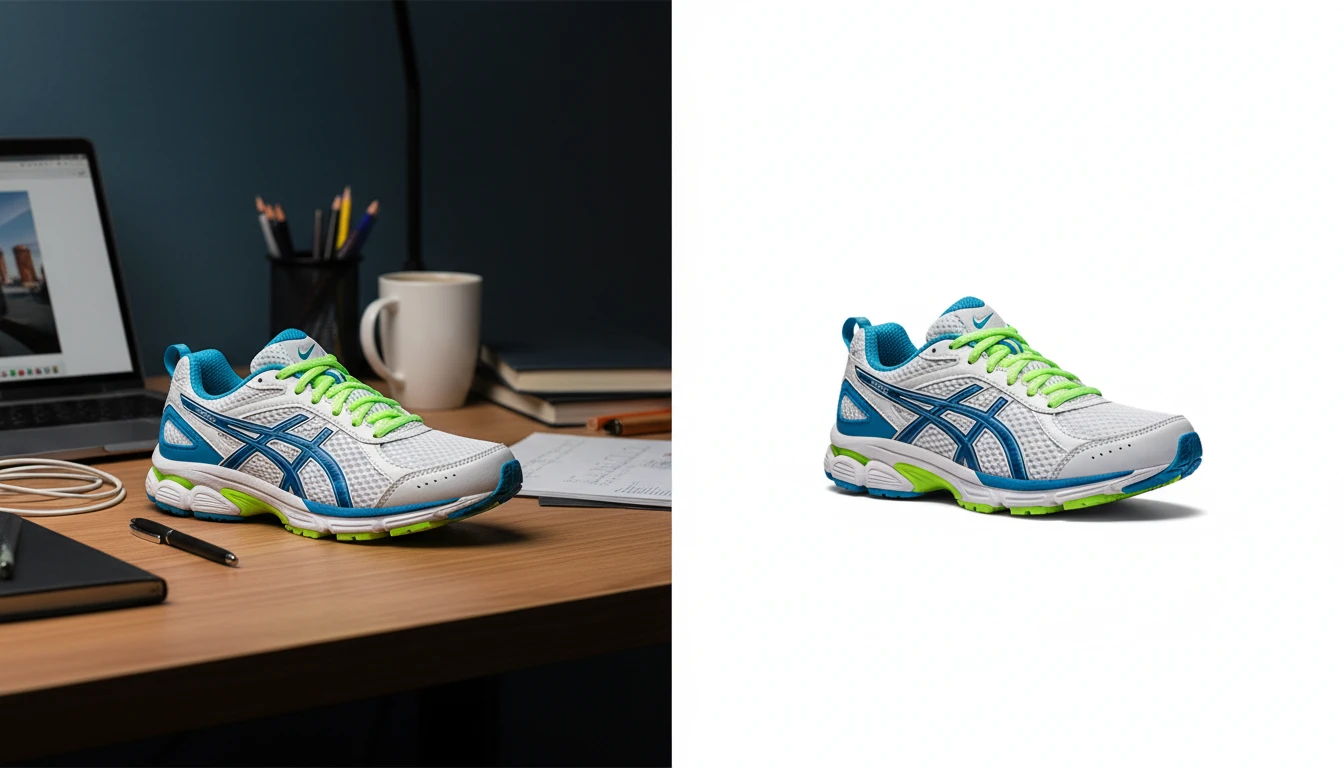
AI Background Remover
Upload any photo or product image and AI removes the background in seconds, delivering a clean transparent PNG. No manual masking required. Ideal for profile photos, marketing materials, and design assets.
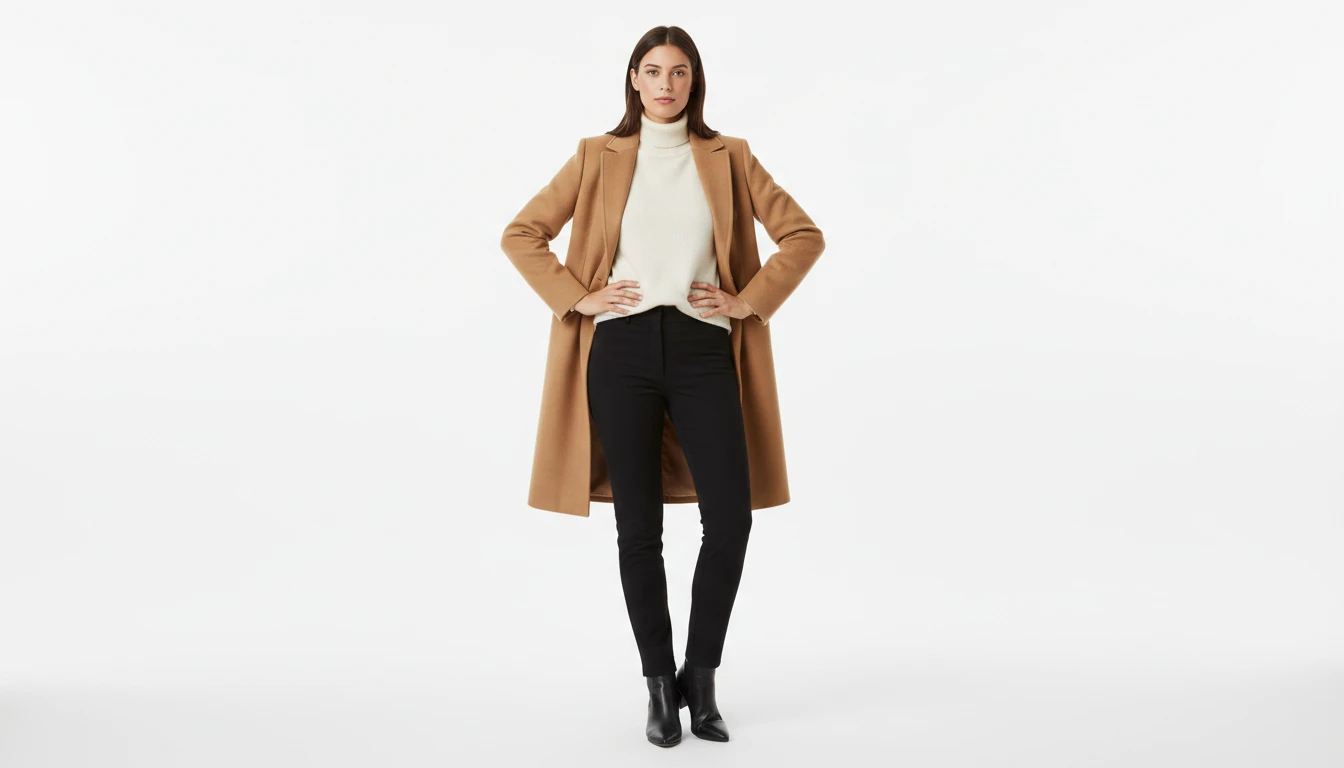
AI Fashion Model Generator
Generate realistic fashion model photos wearing any outfit or garment, from text description or a reference clothing image
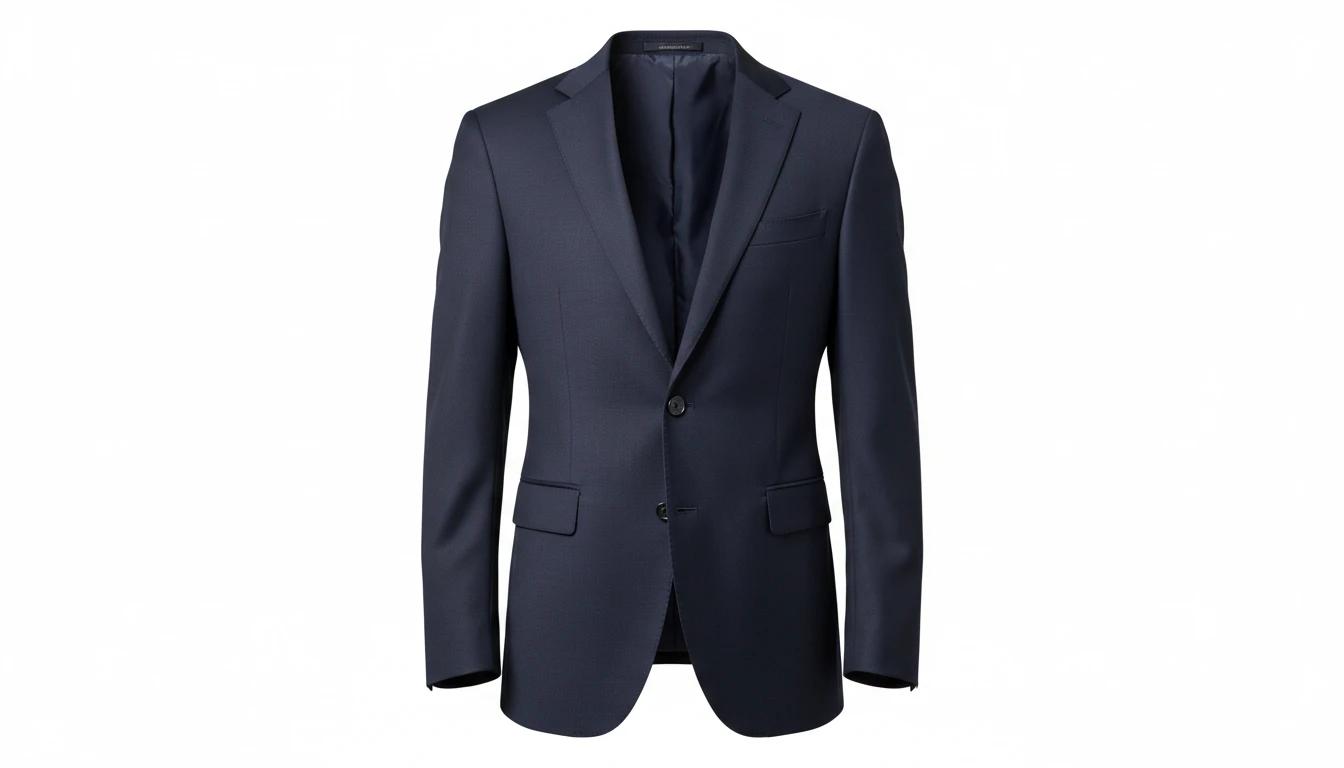
AI Ghost Mannequin
Upload a flat-lay, hanger, or model photo of any garment and AI shapes it onto a professional invisible mannequin. Automatically removes the background and applies realistic 3D fabric draping, producing the hollow neckline and sleeve effect used in professional fashion e-commerce. Outputs a clean transparent PNG ready for product listings. Works for tops, dresses, jackets, knitwear, pants, and coats.
Opens in
Image Studio
Frequently Asked Questions
Everything you need to know to get started.
What is AI Product Lifestyle Scene?
AI Product Lifestyle Scene places your product naturally into real-world lifestyle environments using AI. Upload your product photo, choose a scene, and AI renders a photorealistic lifestyle image with matching light and atmosphere.
What kind of product photos work best?
Products on a plain white or transparent background integrate most naturally. Front-facing or 3/4 angle shots work best. Higher resolution inputs (1000px+) preserve label detail and texture in the final lifestyle image.
What scenes are available?
You can choose from Home, Kitchen, Bathroom, Bedroom, Café, Restaurant, Outdoors, Garden, Beach, Rooftop, Wellness/Spa, and Premium/Luxury scenes. Each applies distinct lighting, atmosphere, and environmental context.
Can I choose the scene?
Yes. Pick from 12 scenes including home, kitchen, bathroom, bedroom, café, restaurant, outdoors, garden, beach, rooftop, wellness, and premium. The product stays the same; only the setting changes.
Can I use the generated lifestyle images commercially?
Yes. You retain rights to the lifestyle images you generate on RauGen and can use them commercially for e-commerce listings, social media, advertising, brand campaigns, and any other commercial purpose.
What aspect ratio should I use for different platforms?
Use 1:1 square for Instagram grid posts and product cards. Use 9:16 portrait for Instagram Stories and TikTok. Use 16:9 wide for website banners and YouTube thumbnails. Use 4:3 for e-commerce product page secondary images.
Start Creating Lifestyle Scenes Today
Upload your product and place it in any real-world environment. Photorealistic results in seconds.
Generate Your First SceneDisclaimer: This tool uses generative AI technology which may produce content that resembles copyrighted materials or that is inaccurate, incomplete, or out-of-date. It is provided for general information and educational purposes only and is not intended for illegal activities or to replace professional advice, diagnosis, or treatment. Users are solely responsible for how they use the generated content. If you plan to use AI-generated content commercially or publicly, we strongly recommend reviewing it for potential copyright issues and obtaining proper permissions where necessary. We accept no liability for copyright infringement or any other consequences resulting from the use of content generated by this tool.