Generate Professional Product Mockups from a Description
Describe any product and scene and AI generates a photorealistic mockup in seconds. Studio, lifestyle, flat lay, dark, and premium scene styles.
Generate a Mockup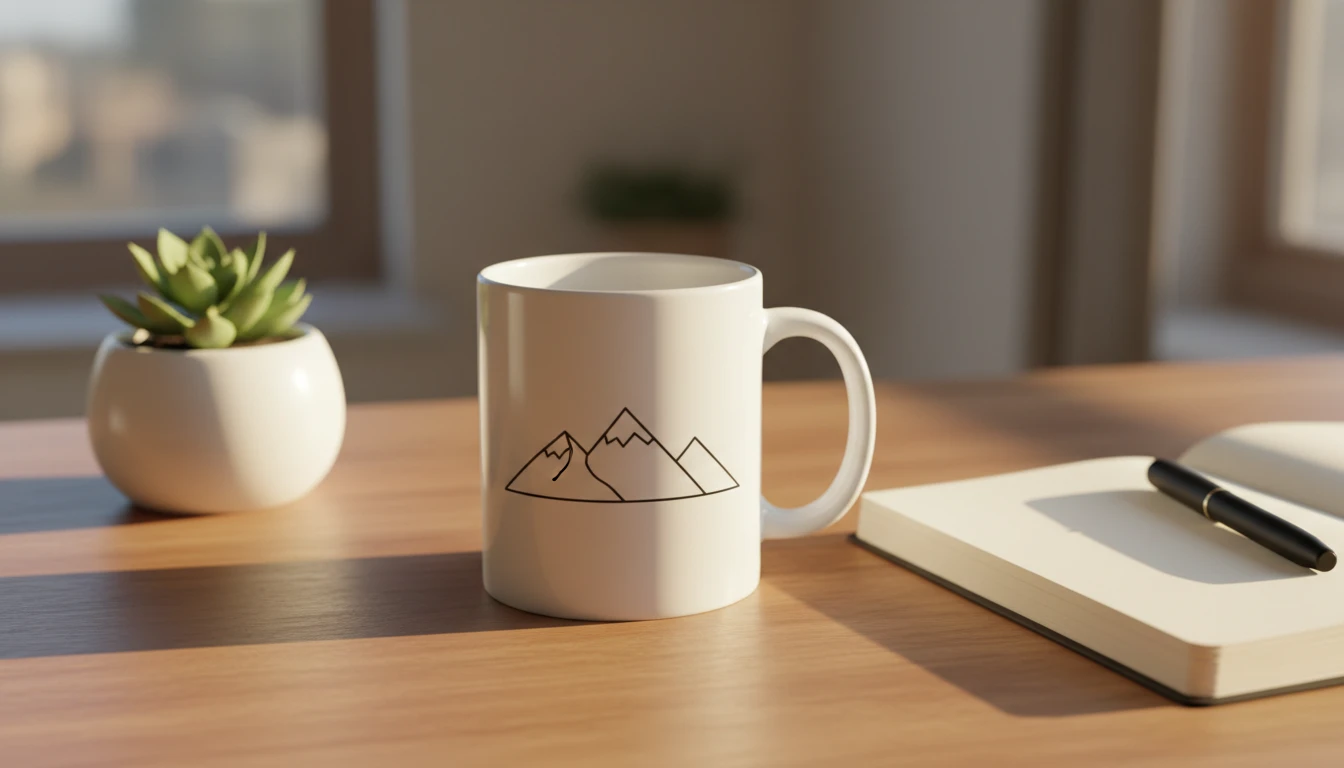
Describe Your Mockup
Say what product you want and pick a style, then open it in AI Product Studio to generate.
Runs inside the AI Product Studio — product photography in one place.
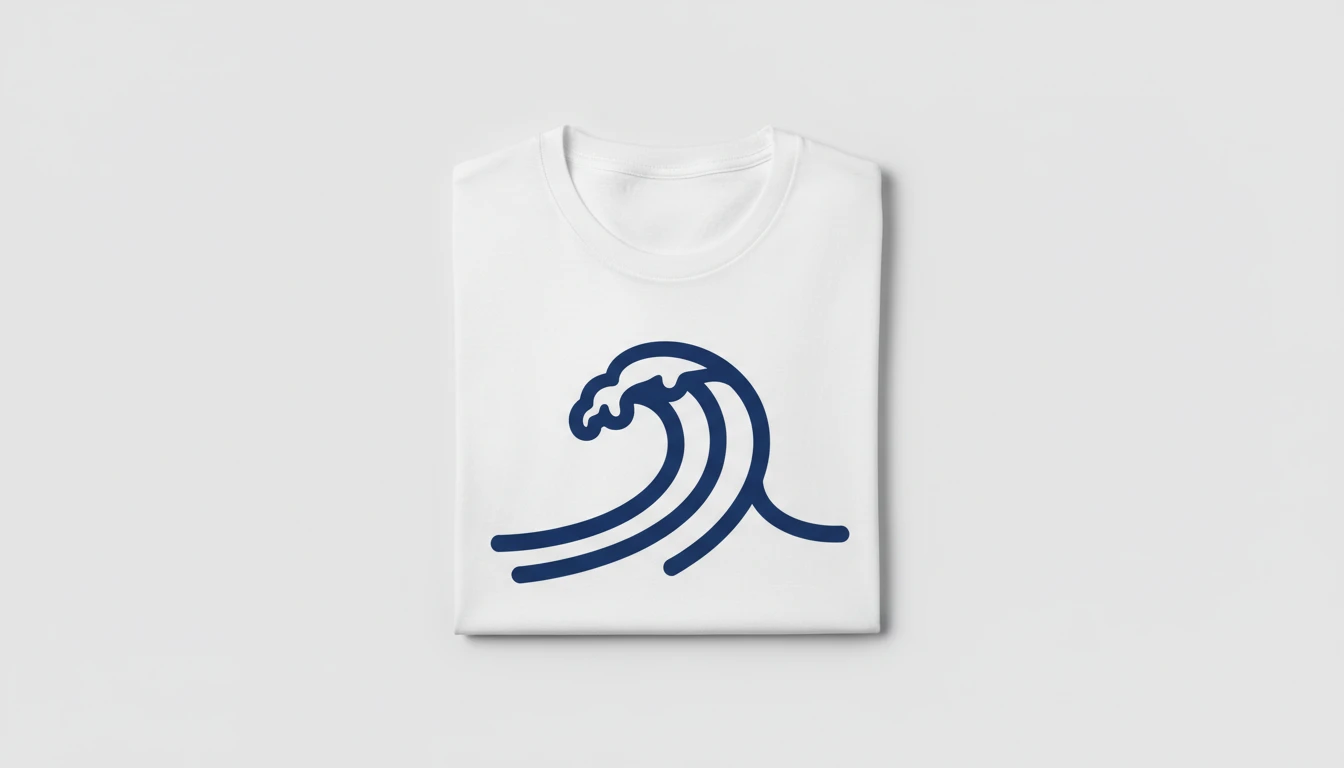
Apparel and Merchandise Mockups
Generate on-model or flat mockup images for t-shirts, hoodies, hats, and apparel products. Describe the garment, the print design, and the setting. AI builds the product photo.
Generate an Apparel Mockup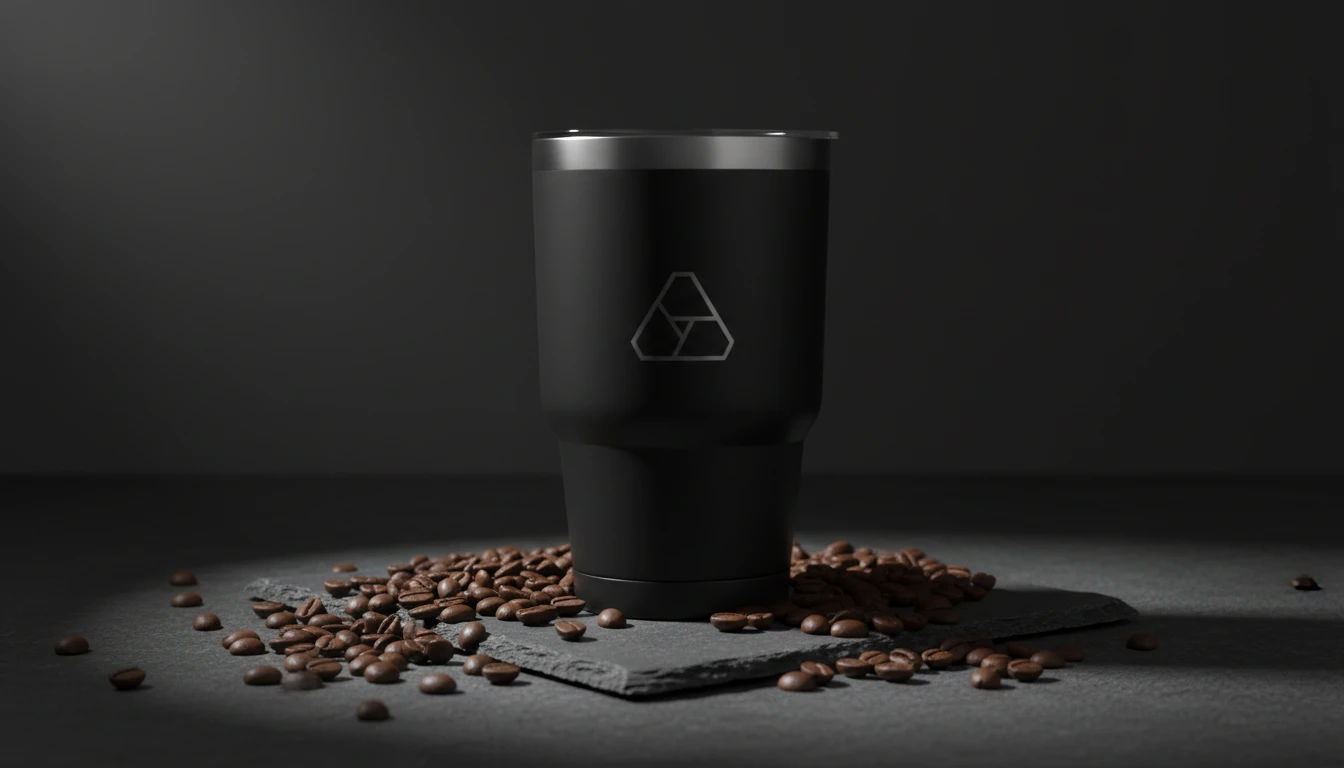
Drinkware and Kitchen Product Mockups
Create professional mockup photos for mugs, bottles, tumblers, and kitchen products. Describe the item, the design on it, and the scene setting.
Try Drinkware Mockups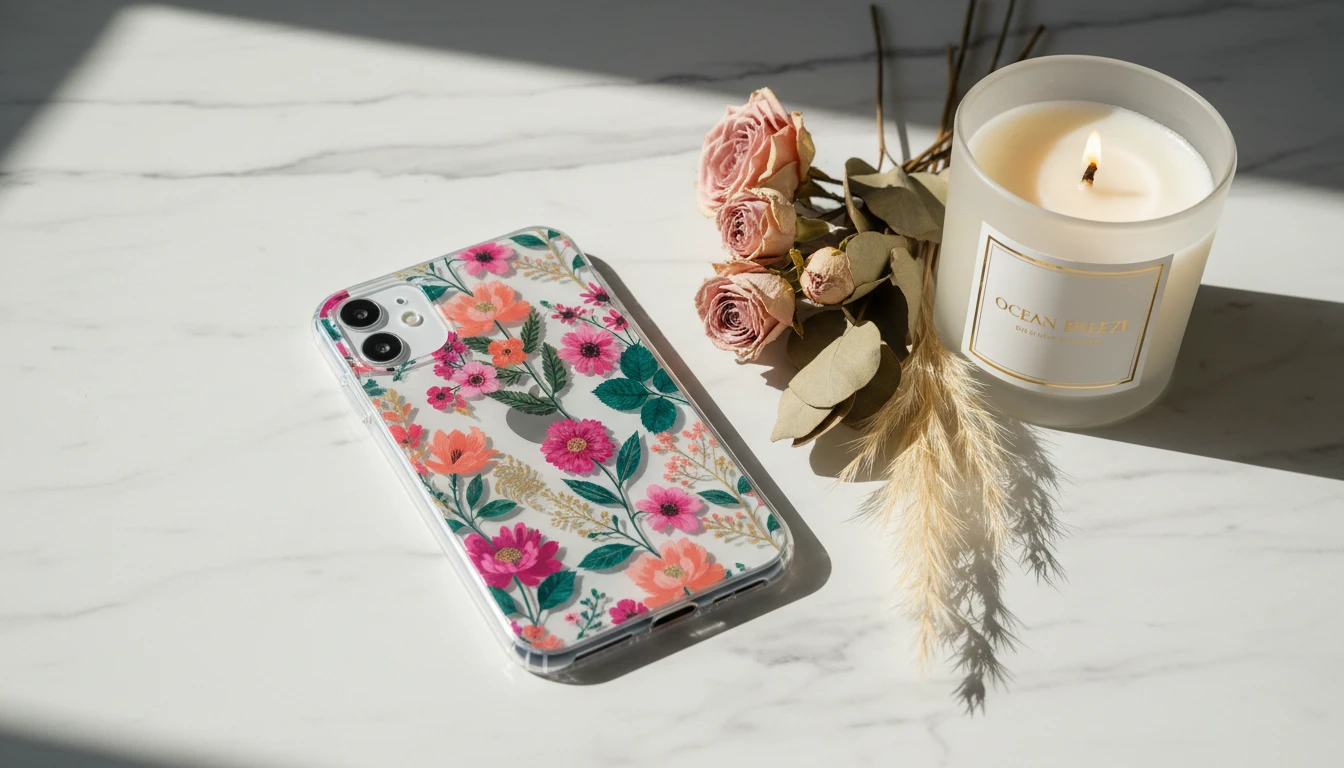
Phone Case and Tech Product Mockups
Generate realistic mockup images for phone cases, tech accessories, and digital product packaging. Describe the device, the design, and the display context.
Try Tech Mockups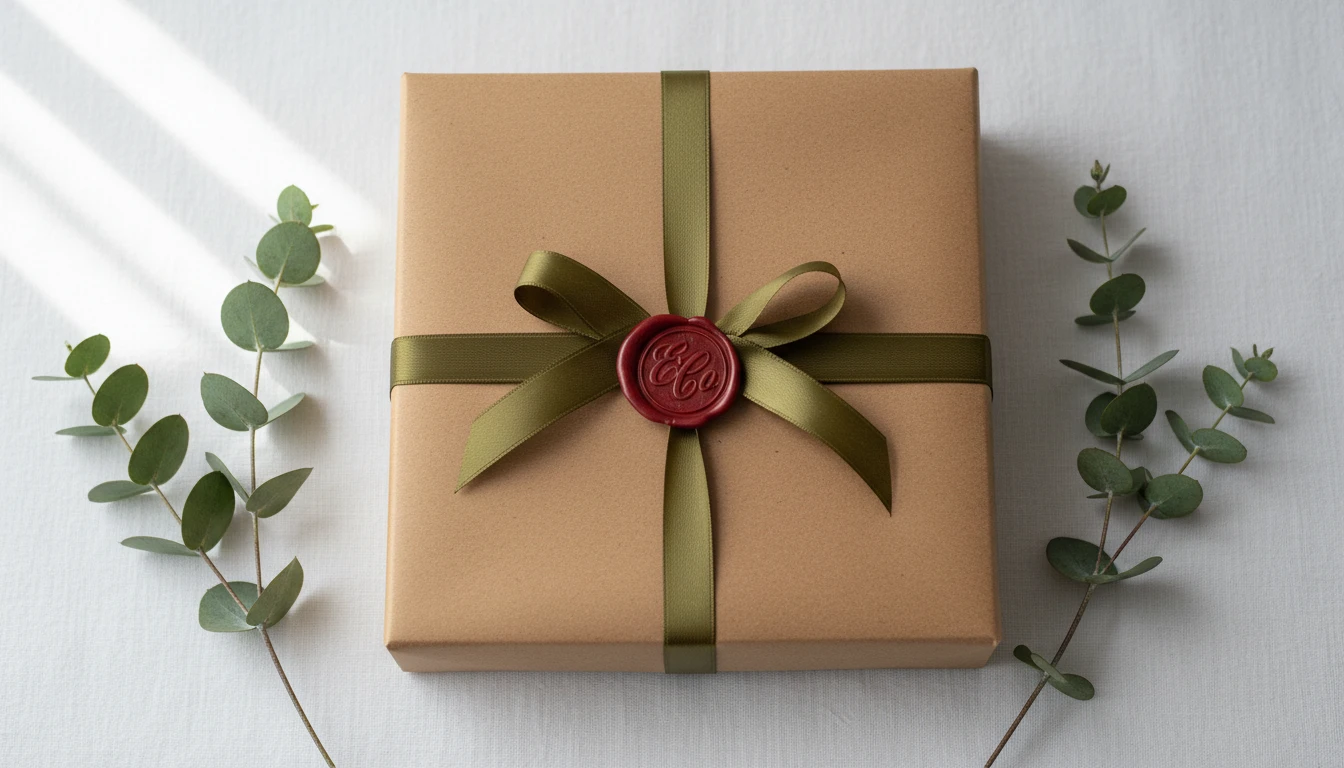
Packaging and Brand Identity Mockups
Generate mockup images for packaging, boxes, bags, and brand identity materials. Describe the product and the visual treatment to get a professional brand presentation photo.
Try Packaging MockupsWho Uses AI Mockup Generator
Brands and Designers
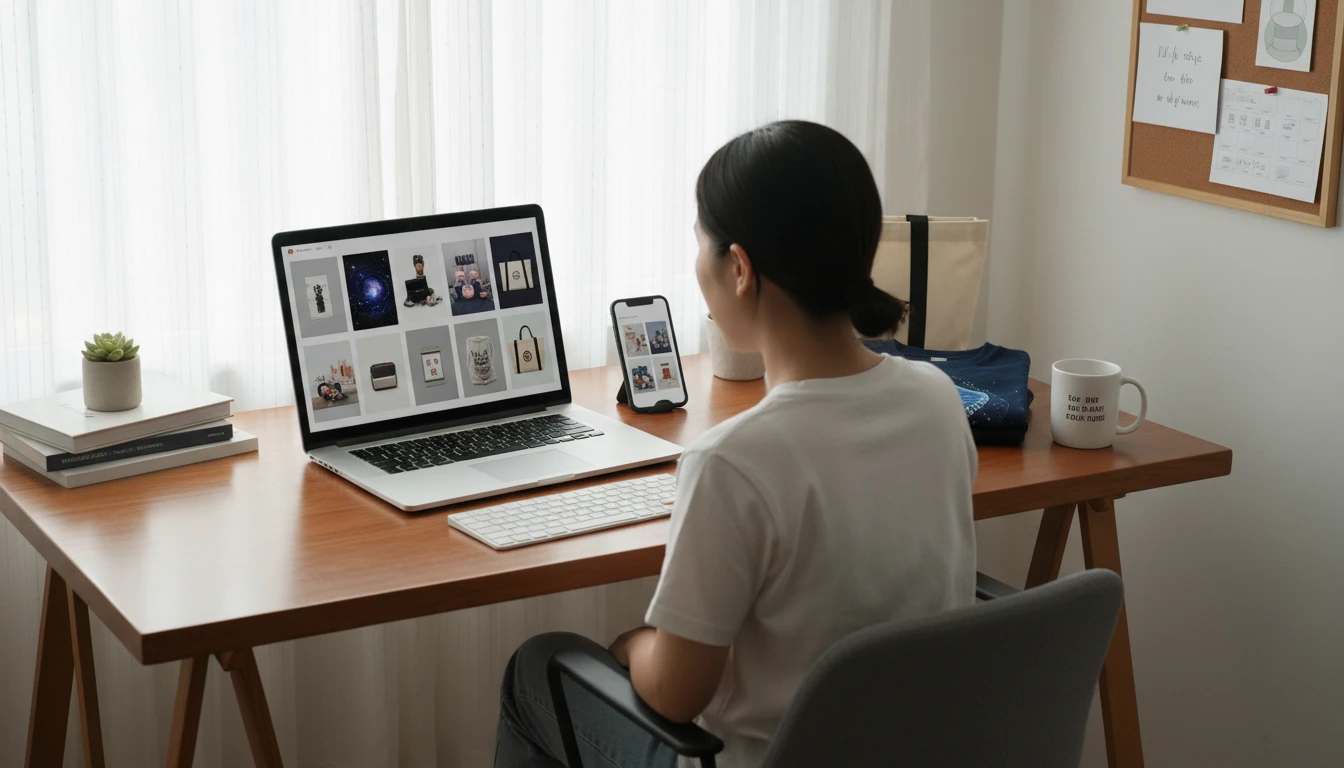
Generate professional product photos without expensive photography. Describe your product and scene and get catalogue-quality images instantly.
Print-on-Demand and Merchandise Creators
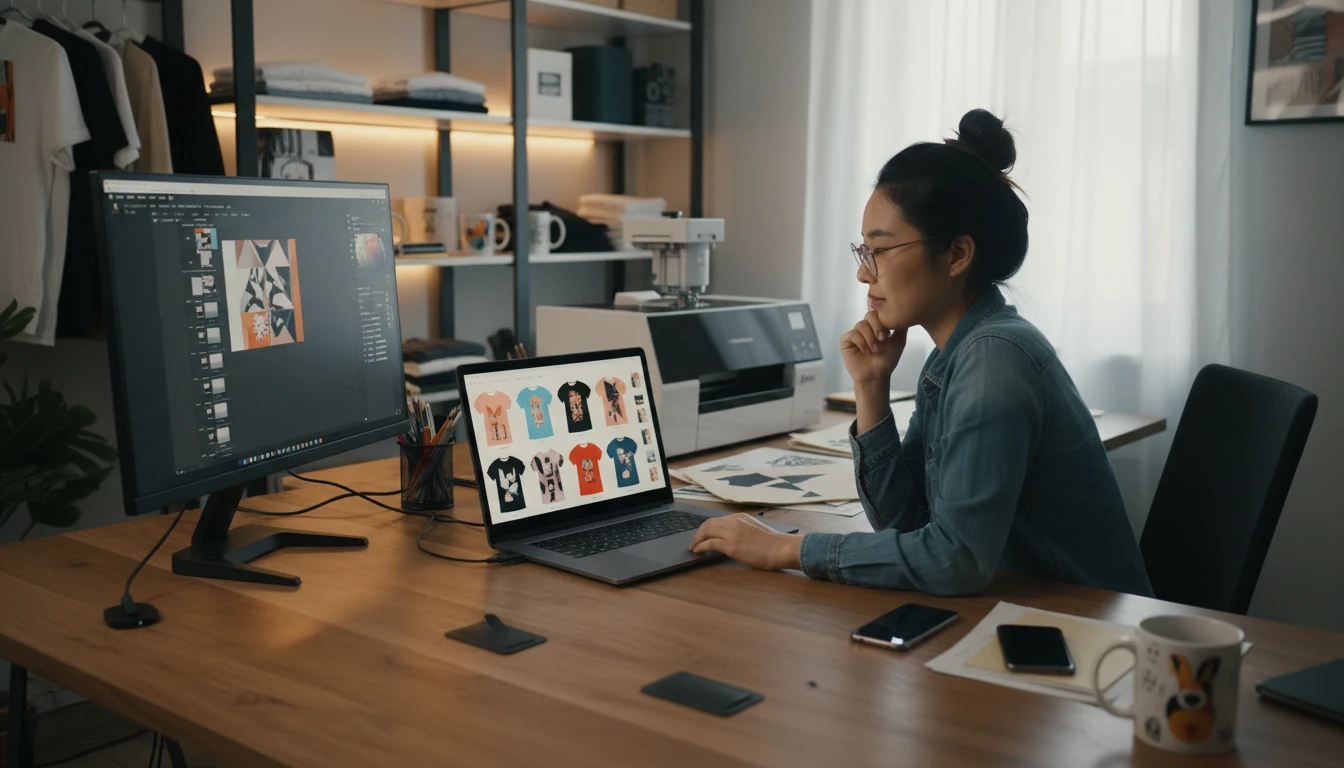
Create mockup images for your print-on-demand products before they go live. Visualize how your designs look on mugs, t-shirts, phone cases, and more.
Designers and Brand Agencies
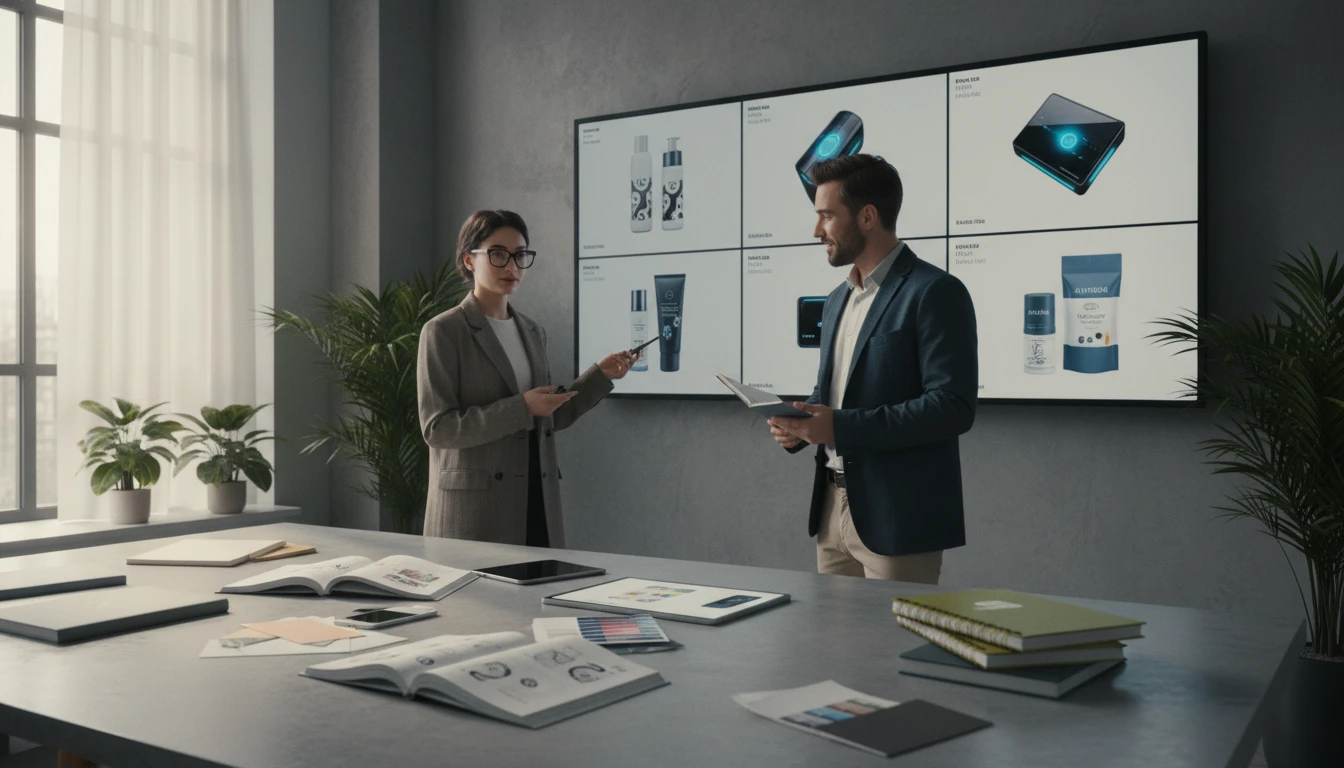
Rapidly generate mockup imagery for client presentations, brand decks, and pitch materials. Show products in context without needing physical samples or photoshoots.
Social Media and Content Creators
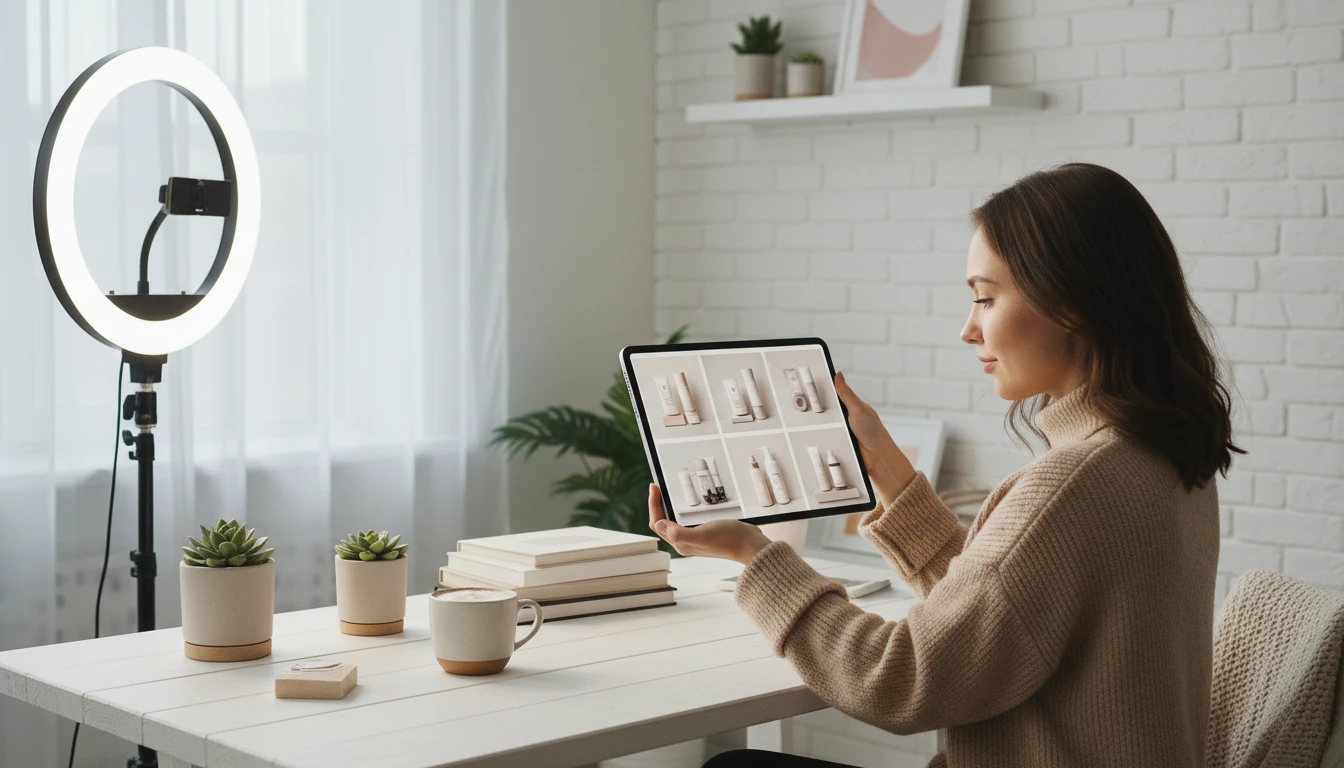
Generate product mockup content for Instagram, Pinterest, and TikTok. Lifestyle product images that look professionally shot without booking a photographer.
How to Generate AI Product Mockups
From description to professional product photo in four simple steps
Describe Your Product and Scene
Write what the product is, what design or graphic it has, and the setting you want: surface, props, lighting, and mood. The more detail, the better the result.
Upload a Design Reference (Optional)
Upload your product design or artwork to guide the AI toward generating a mockup with your specific visual.
Choose a Scene Style
Select from Studio, Lifestyle, Flat Lay, Minimal, Desk/Workspace, Dark Studio, Premium/Luxury, or Outdoor to set the visual tone and environment of your mockup.
Generate and Download
Click Generate and your product mockup is ready in seconds. Download in high resolution for immediate use in your store, social media, or pitch materials.
Explore More
More AI Studio Tools
Discover other powerful AI tools to enhance your creative workflow
AI Background Remover
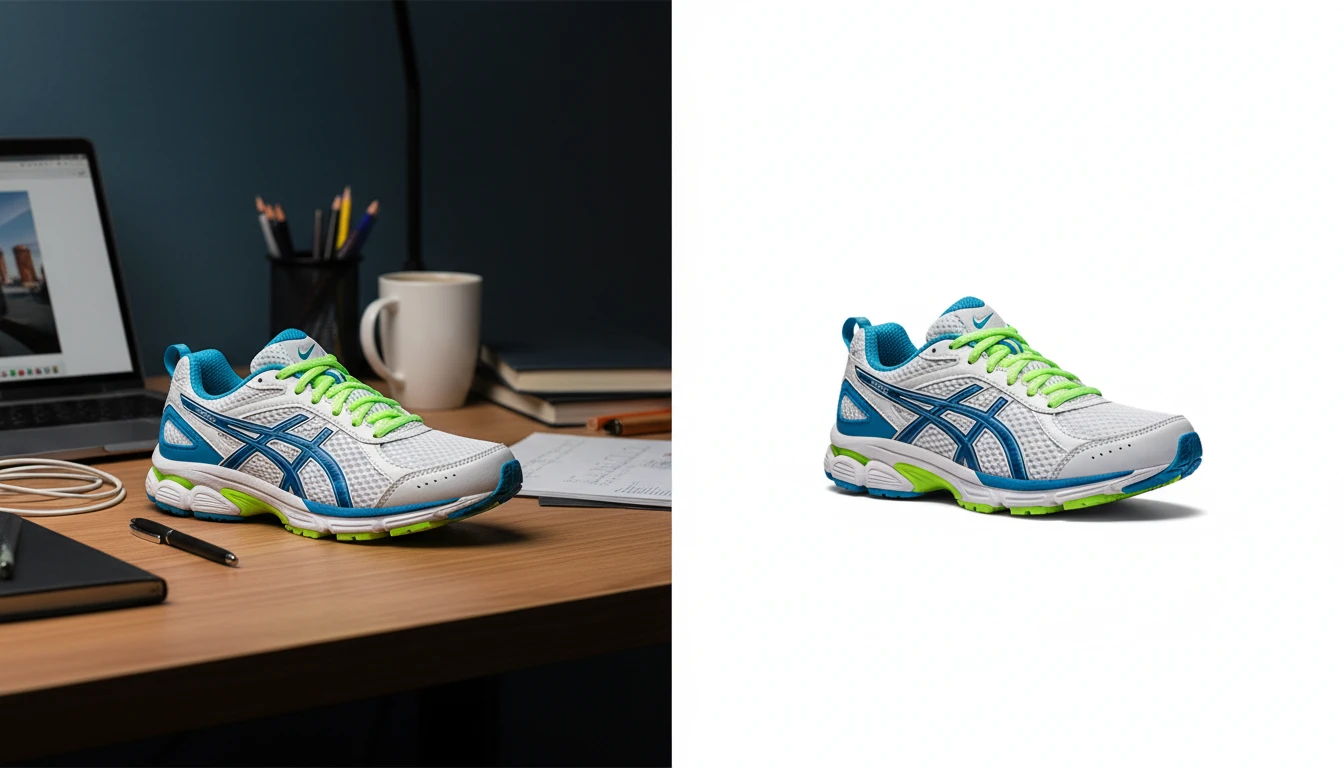
Upload any photo or product image and AI removes the background in seconds, delivering a clean transparent PNG. No manual masking required. Ideal for profile photos, marketing materials, and design assets.
AI Product in Hand
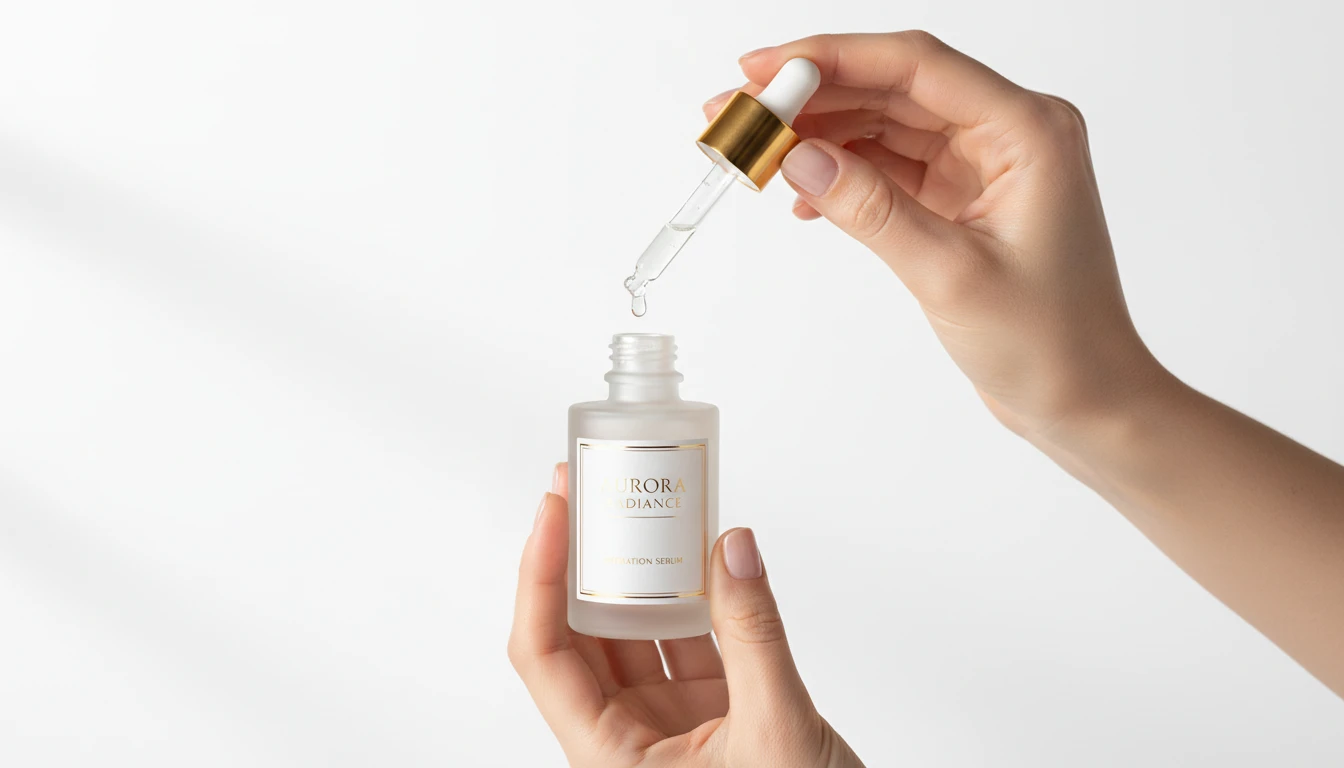
Upload any product image and AI generates photorealistic lifestyle photos showing the item being held by hand in a natural setting. Choose from 12 scene presets including Studio White, Marble Luxury, Outdoor Lifestyle, Botanical Fresh, and Dark Dramatic. No models, photoshoots, or studio rental required. Ideal for ads, lookbooks, and social product content.
AI Ghost Mannequin
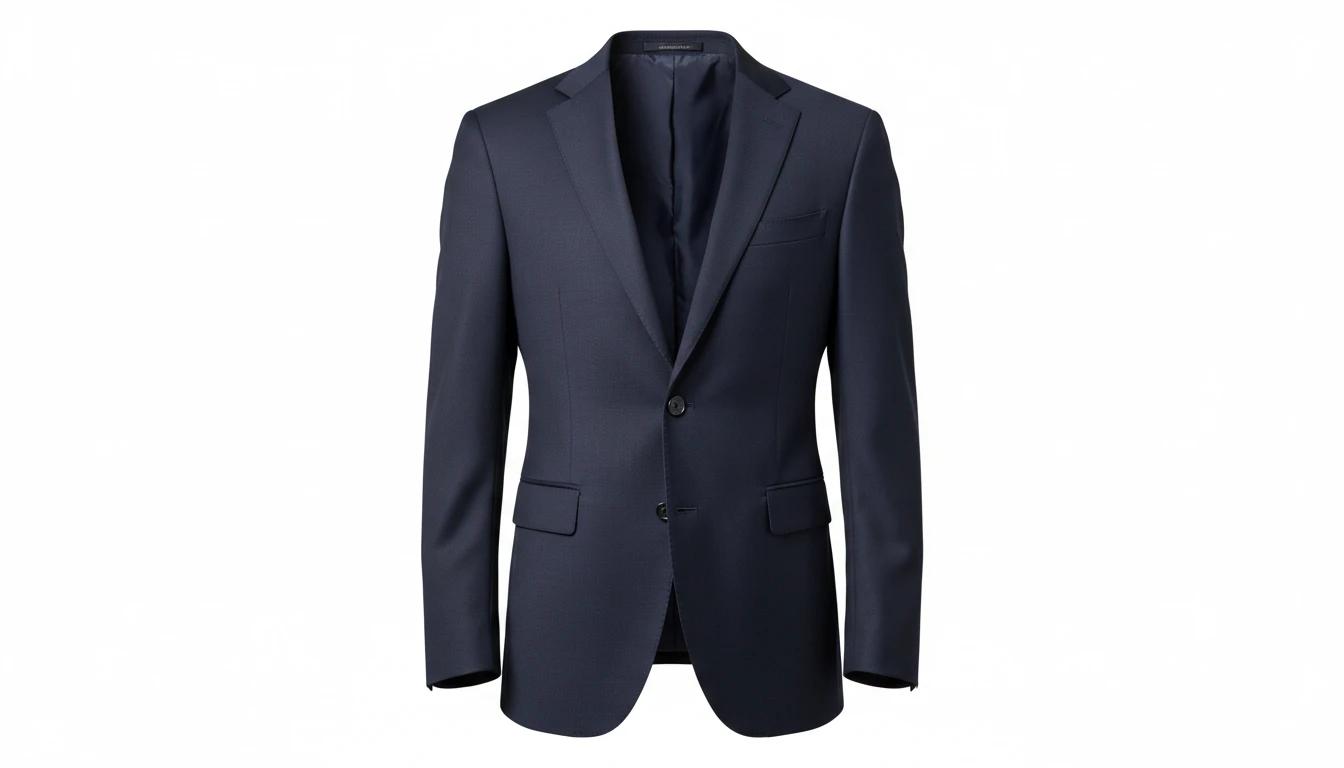
Upload a flat-lay, hanger, or model photo of any garment and AI shapes it onto a professional invisible mannequin. Automatically removes the background and applies realistic 3D fabric draping, producing the hollow neckline and sleeve effect used in professional fashion e-commerce. Outputs a clean transparent PNG ready for product listings. Works for tops, dresses, jackets, knitwear, pants, and coats.
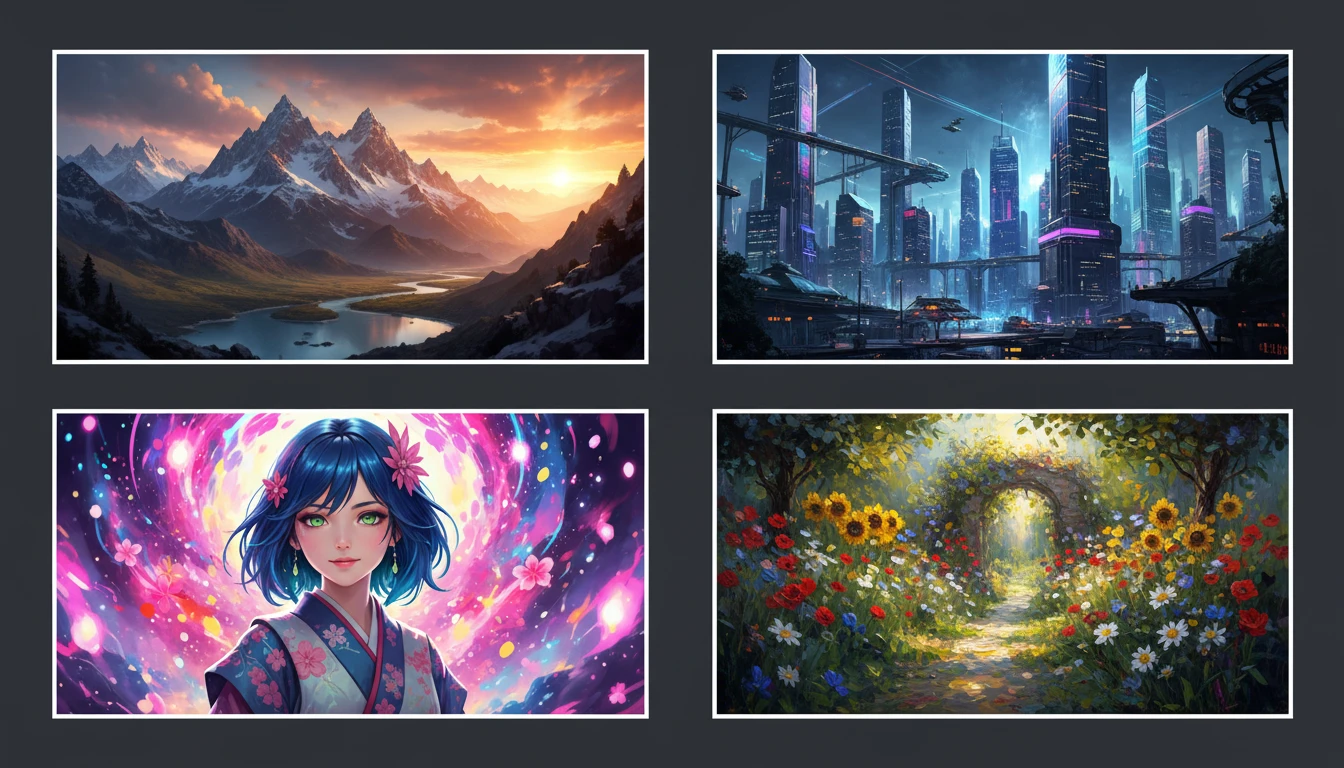
AI Text to Image
Describe any scene, character, or concept and AI generates a high-quality image in seconds. Choose from 10 artistic styles including photorealistic, cinematic, anime, oil painting, watercolor, and more, plus full aspect ratio control. Supports detailed prompt inputs and optional reference image uploads to guide the composition or style.
Opens in
Image Studio
Frequently Asked Questions
Everything you need to know to get started.
What is AI Mockup Generator?
AI Mockup Generator creates photorealistic product mockup images from text descriptions. Describe any product and scene and AI generates a professional product photo in seconds.
What products can I generate mockups for?
You can generate mockups for virtually any product: mugs, t-shirts, hoodies, phone cases, bottles, tumblers, books, packaging, bags, candles, and more. Just describe the product in your prompt.
What scene styles are available?
You can choose from Studio, Lifestyle, Flat Lay, Minimal, Desk/Workspace, Dark Studio, Premium/Luxury, and Outdoor. Each applies a different setting, lighting, and visual mood to your product mockup.
Can I upload my design to appear on the mockup?
Yes. Upload your design artwork or product reference image and AI will use it as context to generate a mockup featuring your specific visual. This is optional. You can also describe the design entirely in text.
How do I write a good mockup prompt?
Describe the product type, the design or graphics on it, the surface or setting, and the lighting. For example: "a white ceramic mug with a minimalist mountain graphic, on a wooden desk with a succulent plant, warm morning light."
Can I use the generated mockup images commercially?
Yes. You retain rights to the images you generate on RauGen and can use them for commercial purposes including e-commerce listings, social media, pitch decks, and marketing materials.
Start Generating Product Mockups Today
Describe any product and scene and AI creates a professional mockup photo in seconds.
Generate Your First MockupDisclaimer: This tool uses generative AI technology which may produce content that resembles copyrighted materials or that is inaccurate, incomplete, or out-of-date. It is provided for general information and educational purposes only and is not intended for illegal activities or to replace professional advice, diagnosis, or treatment. Users are solely responsible for how they use the generated content. If you plan to use AI-generated content commercially or publicly, we strongly recommend reviewing it for potential copyright issues and obtaining proper permissions where necessary. We accept no liability for copyright infringement or any other consequences resulting from the use of content generated by this tool.