Generate Any Watch Design from a Text Description
Describe the case, dial, strap, and complications. AI renders a professional studio product photo in seconds. Dive, dress, chronograph, pilot, and more.
Generate a Watch Design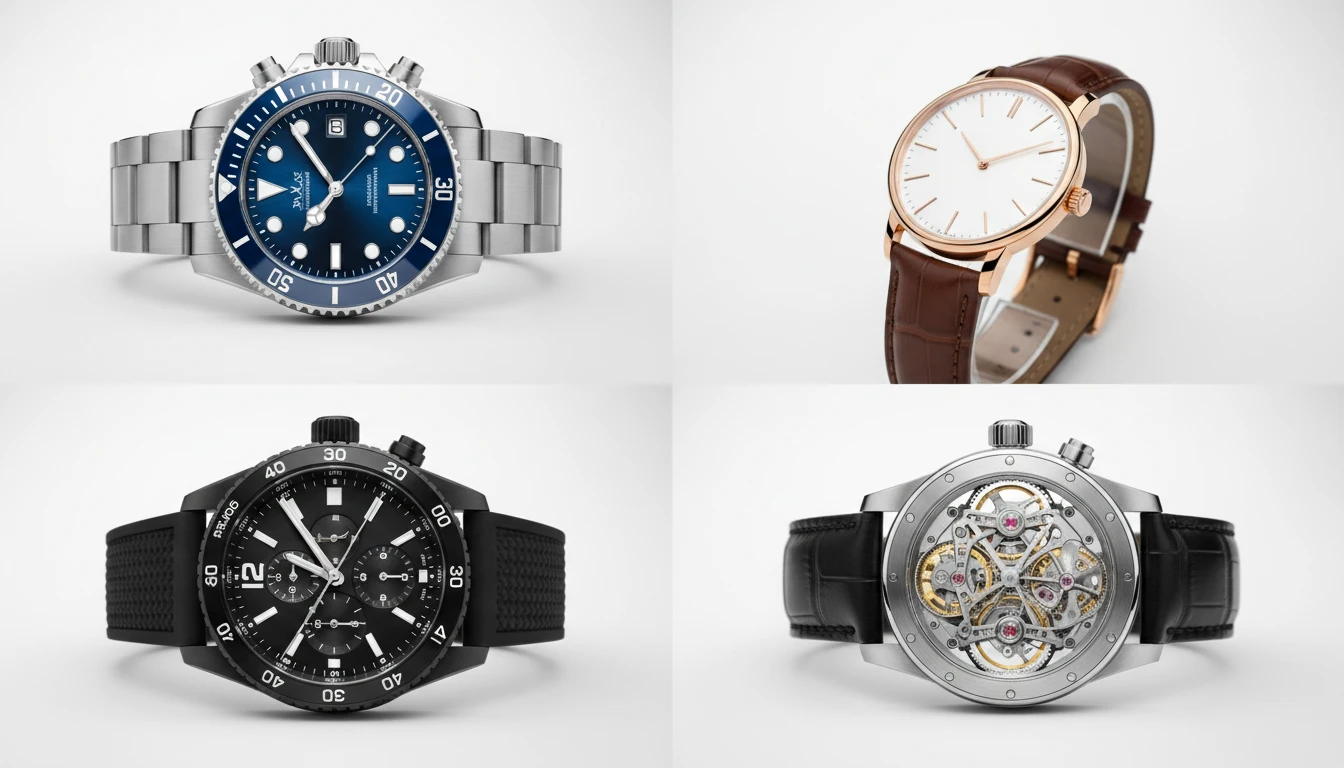
Describe the Watch
Pick a watch type, then describe the design. We'll open AI Product Studio ready to generate a four-view product sheet.
Runs inside the AI Product Studio — product photography in one place.
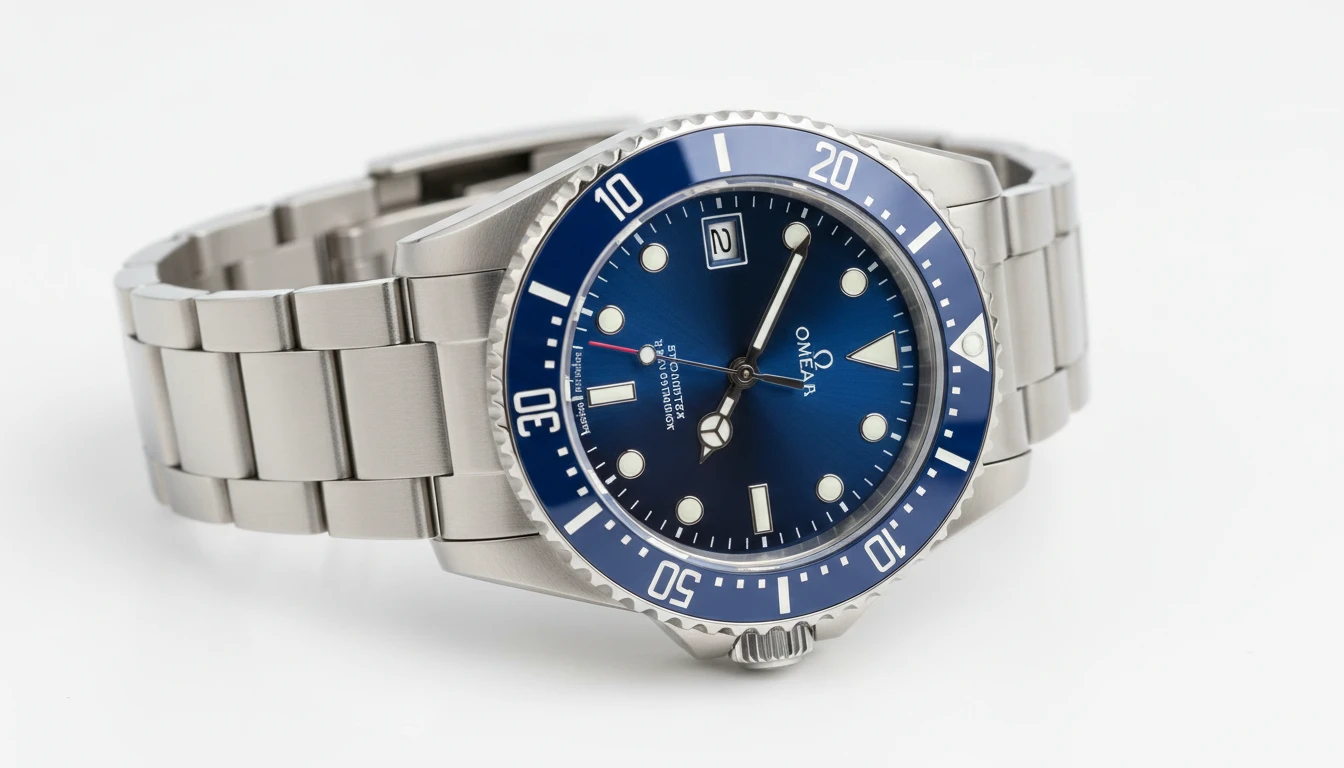
Dive and Sport Watches
Rotating bezels, luminous indices, screw-down crowns, and robust bracelets. The most popular watch category for e-commerce and editorial photography. Clean studio shots that show every detail.
Generate a Dive Watch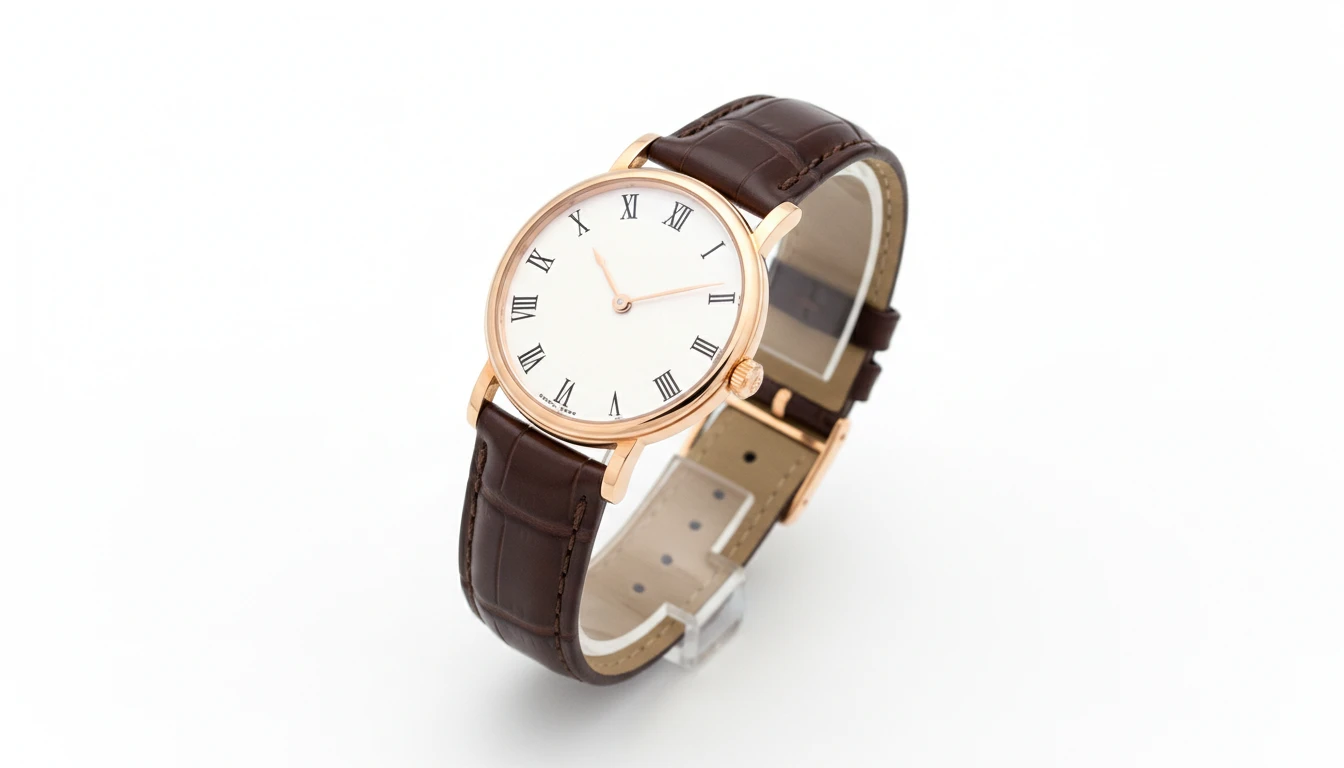
Dress and Luxury Watches
Ultra-thin cases, guilloché dials, precious metal finishing, and exotic straps. Elegant, refined product photography for high-end brand presentations and boutique listings.
Generate a Dress Watch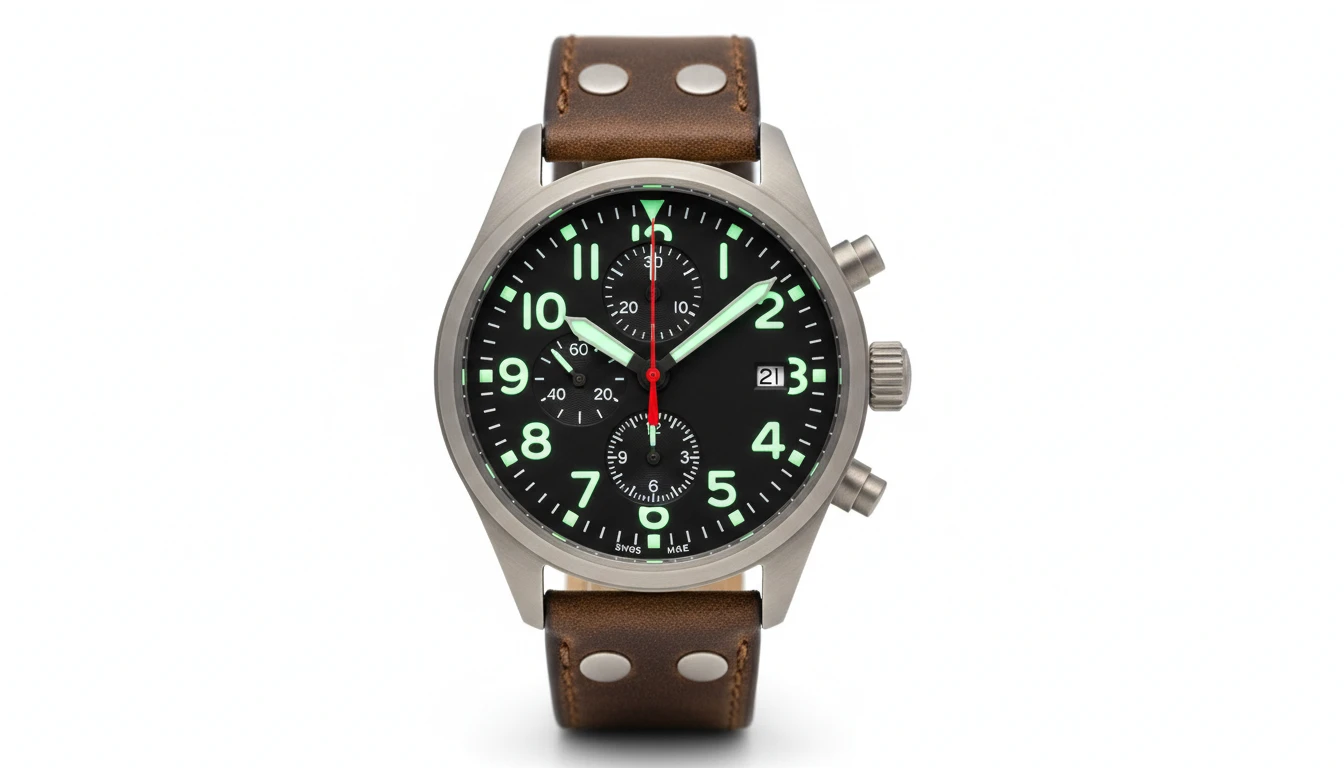
Chronograph and Pilot Watches
Pushers, sub-dials, tachymeter bezels, and large legible cockpit-inspired numerals. The tool watch category that combines function and visual impact in equal measure.
Generate a Chronograph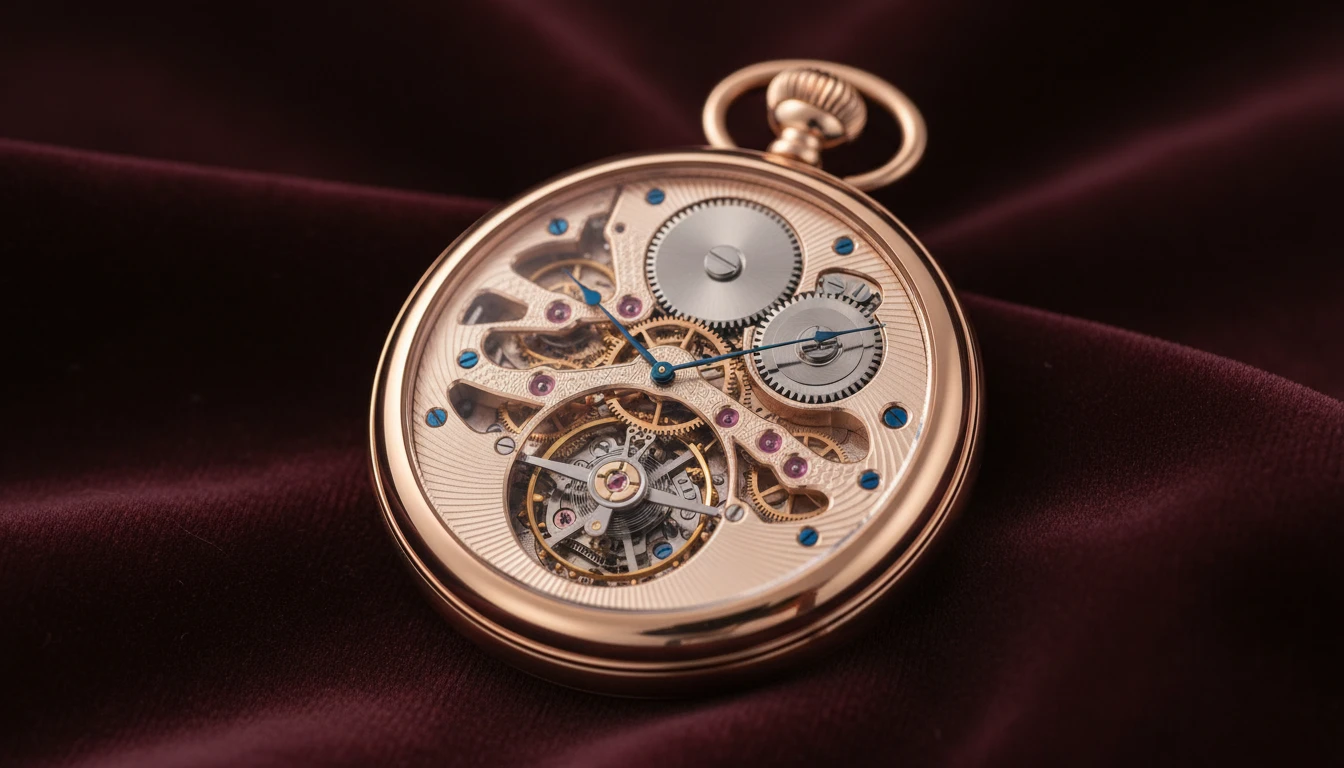
Skeleton and Tourbillon
Exposed movements, guilloché bridges, sapphire casebacks, and tourbillon complications. Macro-detail product photography that showcases the craft of fine watchmaking.
Generate a Skeleton WatchWho Uses AI Watch Design
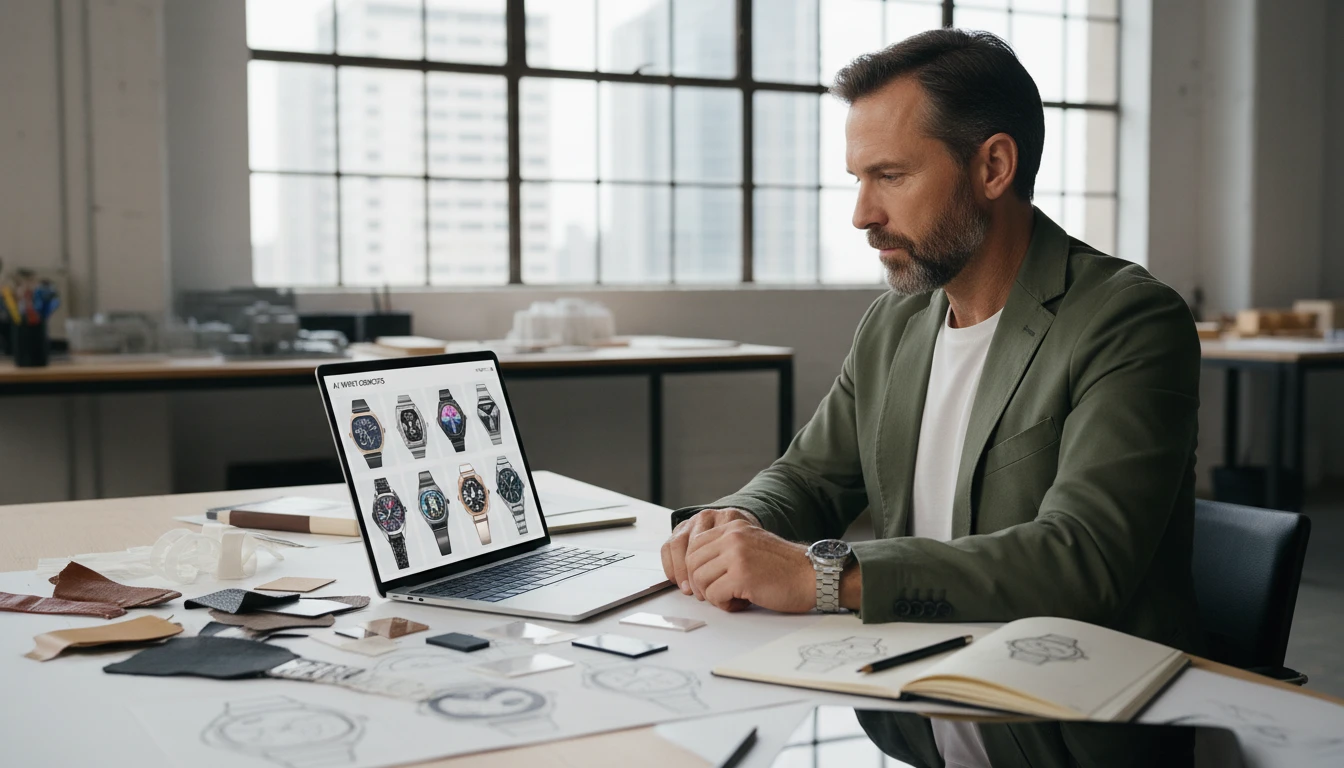
Watch Brands and Startups
Prototype new references before expensive tooling and sampling. Generate dial, case, and strap variations in seconds for team review, investor presentations, and pre-order marketing.
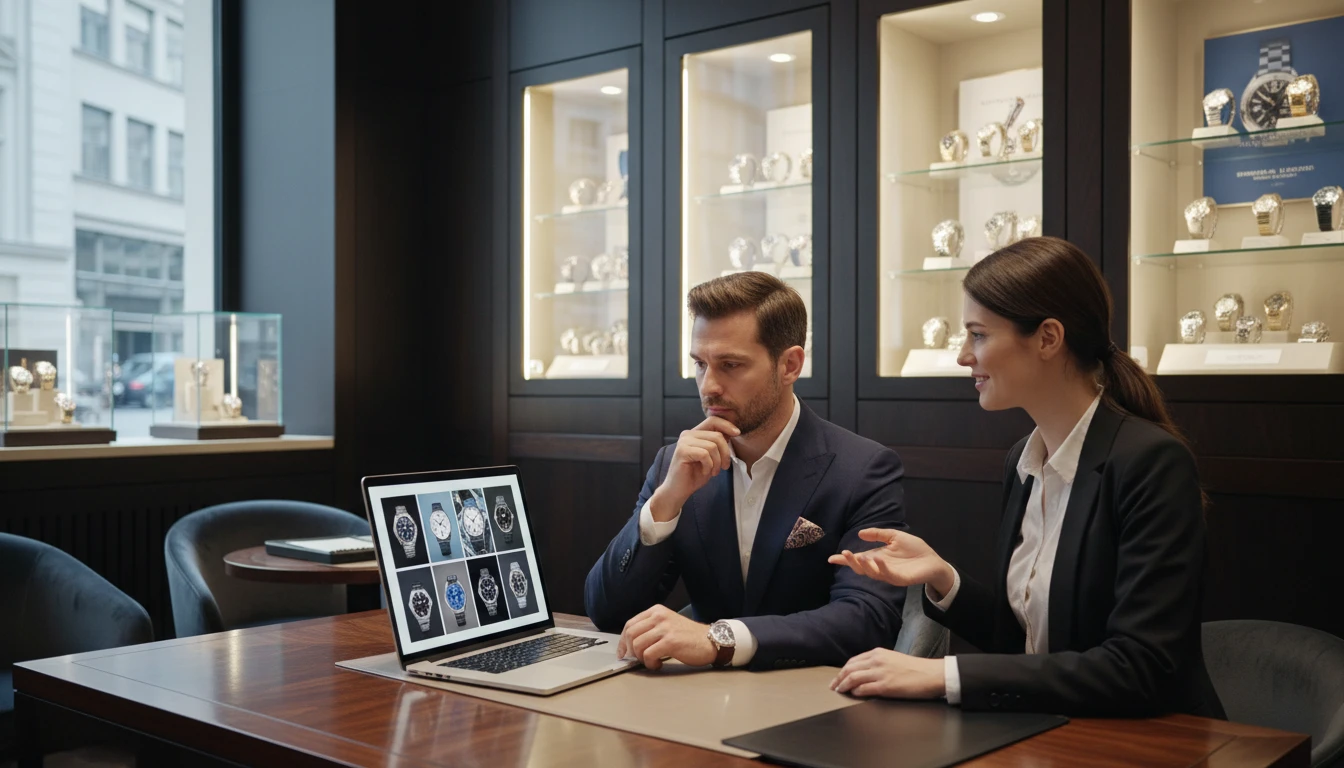
Retailers and Boutiques
Create clean white-background product images for listings, ads, and lookbooks without expensive photoshoots or waiting for physical samples to arrive.
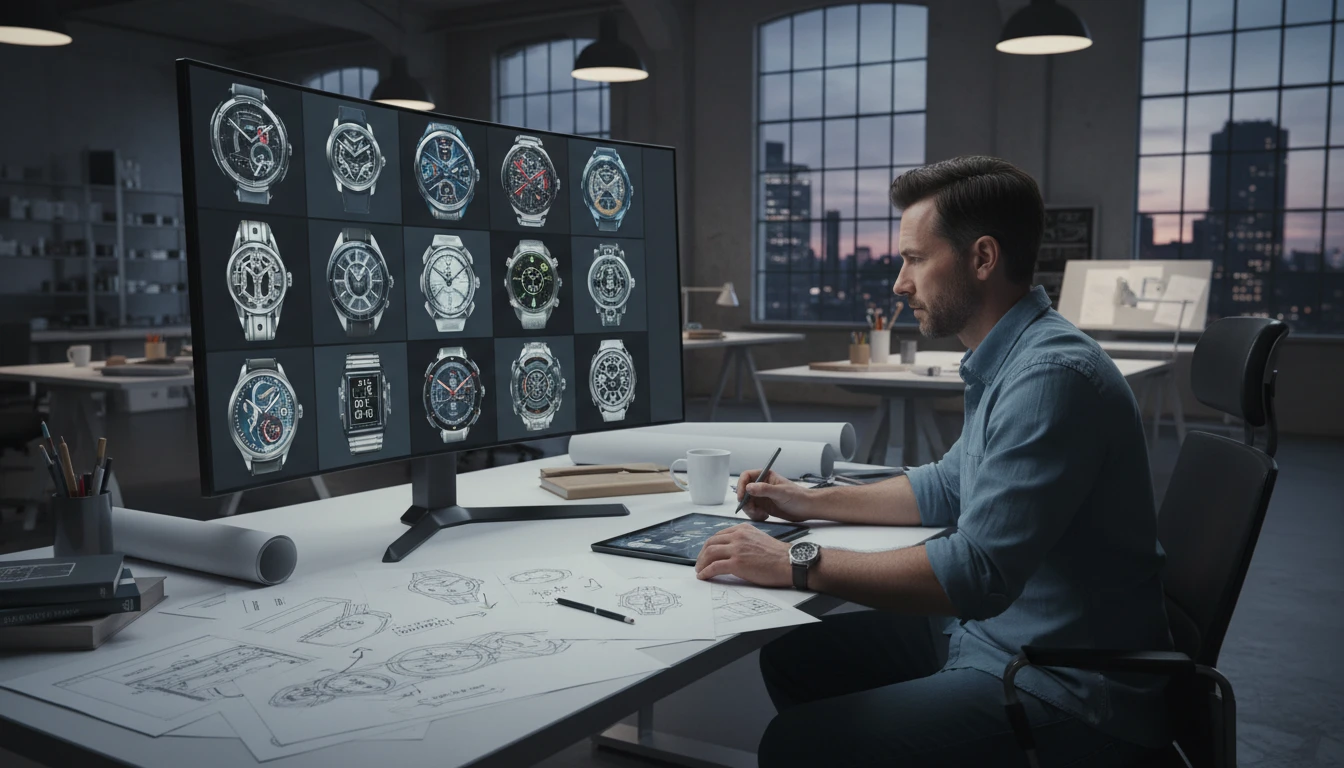
Watch Designers
Rapidly explore new case shapes, dial configurations, and material combinations to present to clients, manufacturers, or editorial teams without building physical prototypes.
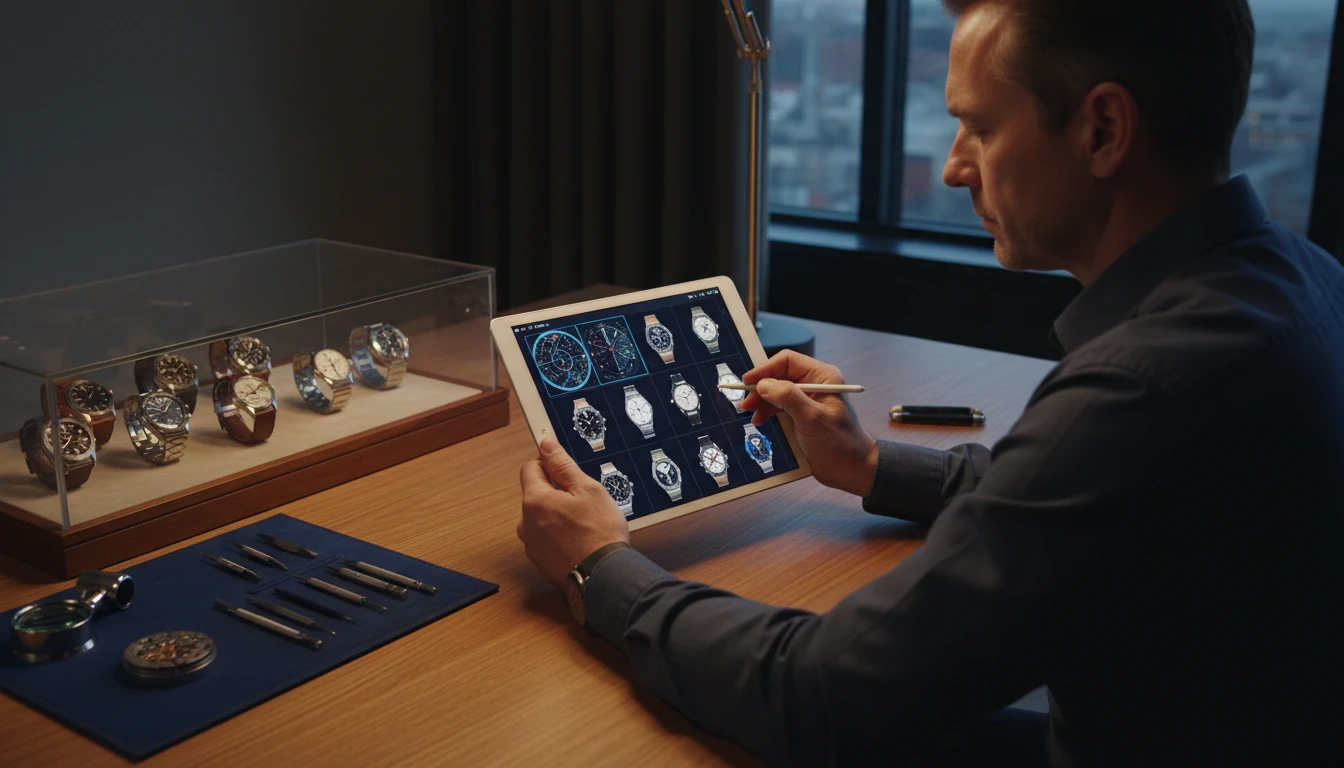
Collectors and Enthusiasts
Visualize custom configurations: unique dials, strap swaps, and modifications. Perfect for planning real-world builds or creating social media content for collector communities.
How to Generate Watch Photos with AI
From description to a four-view product sheet in three steps
Choose a Watch Type
Select from Dive, Dress, Chronograph, Pilot, GMT, Field, Skeleton, Digital, Pocket, or Luxury. Each type applies the correct photography style and four-view layout.
Describe Your Watch
Write the case size and material, dial color and design, strap or bracelet type, and any complications. For example: "40mm stainless steel, sunburst blue dial, white indices, oyster bracelet".
Generate the Product Sheet
AI renders a four-view studio sheet of the same watch. Download it for listings, presentations, or the next design pass.
Explore More
More AI Studio Tools
Discover other powerful AI tools to enhance your creative workflow
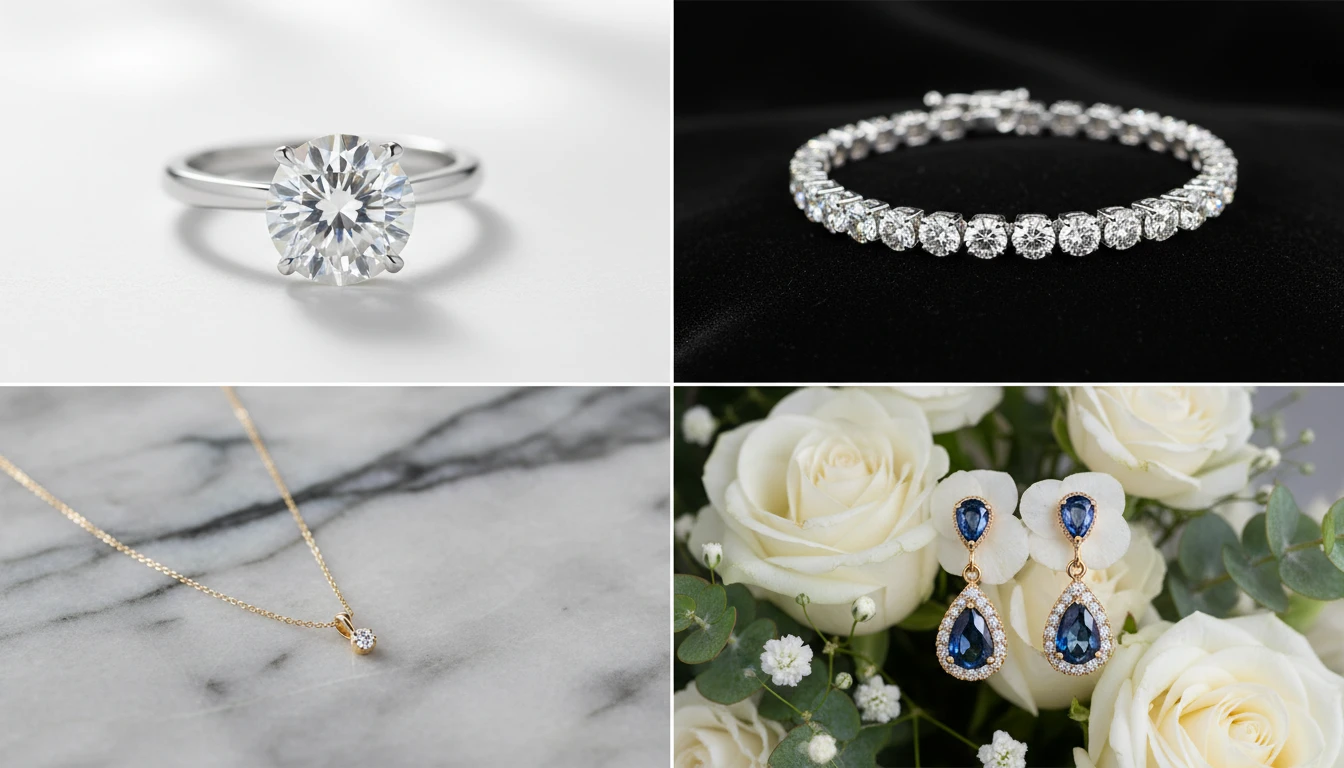
AI Jewellery Design Generator
Generate professional jewellery product photos from text descriptions. Studio white, marble, editorial, macro, bridal, dark drama, and more presentation styles.
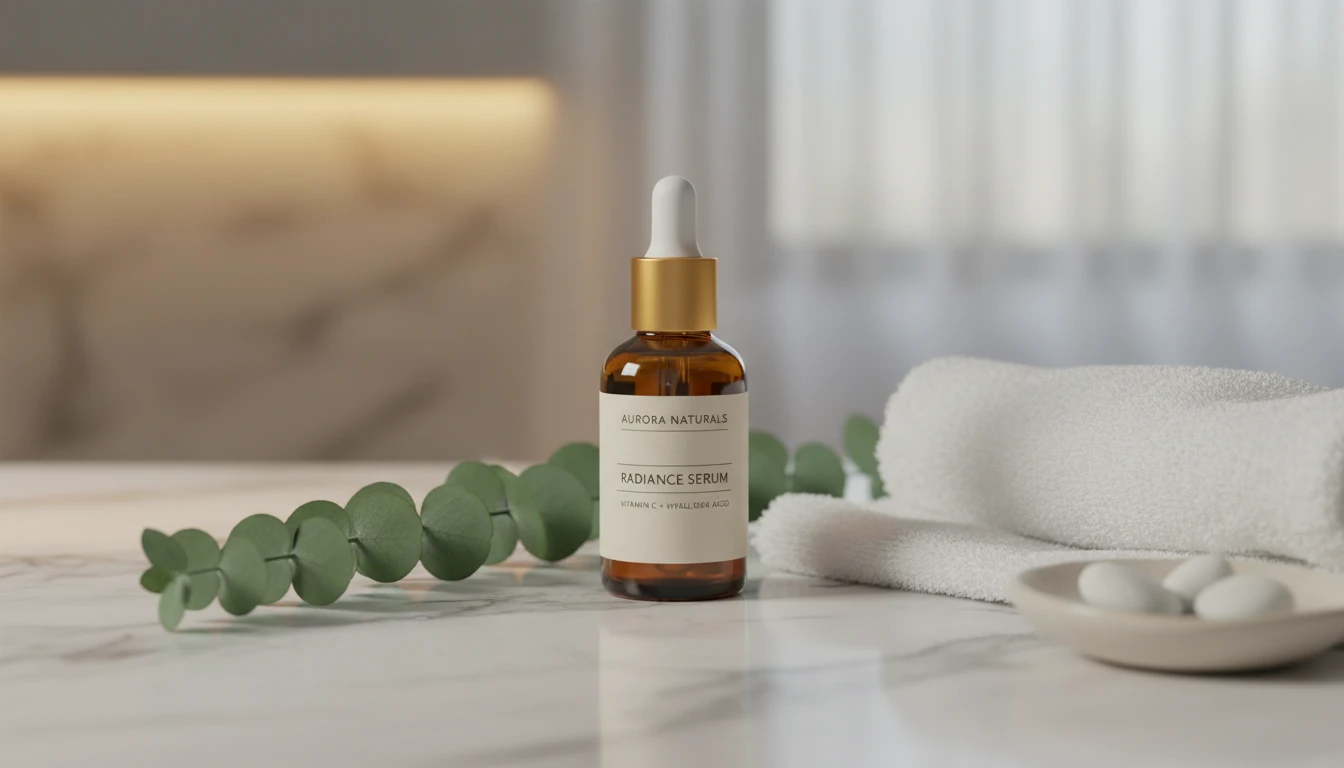
AI Product Lifestyle Scene
Place your product naturally into real-world lifestyle environments (kitchens, cafés, beaches, wellness spas, rooftops, and more) with photorealistic AI.
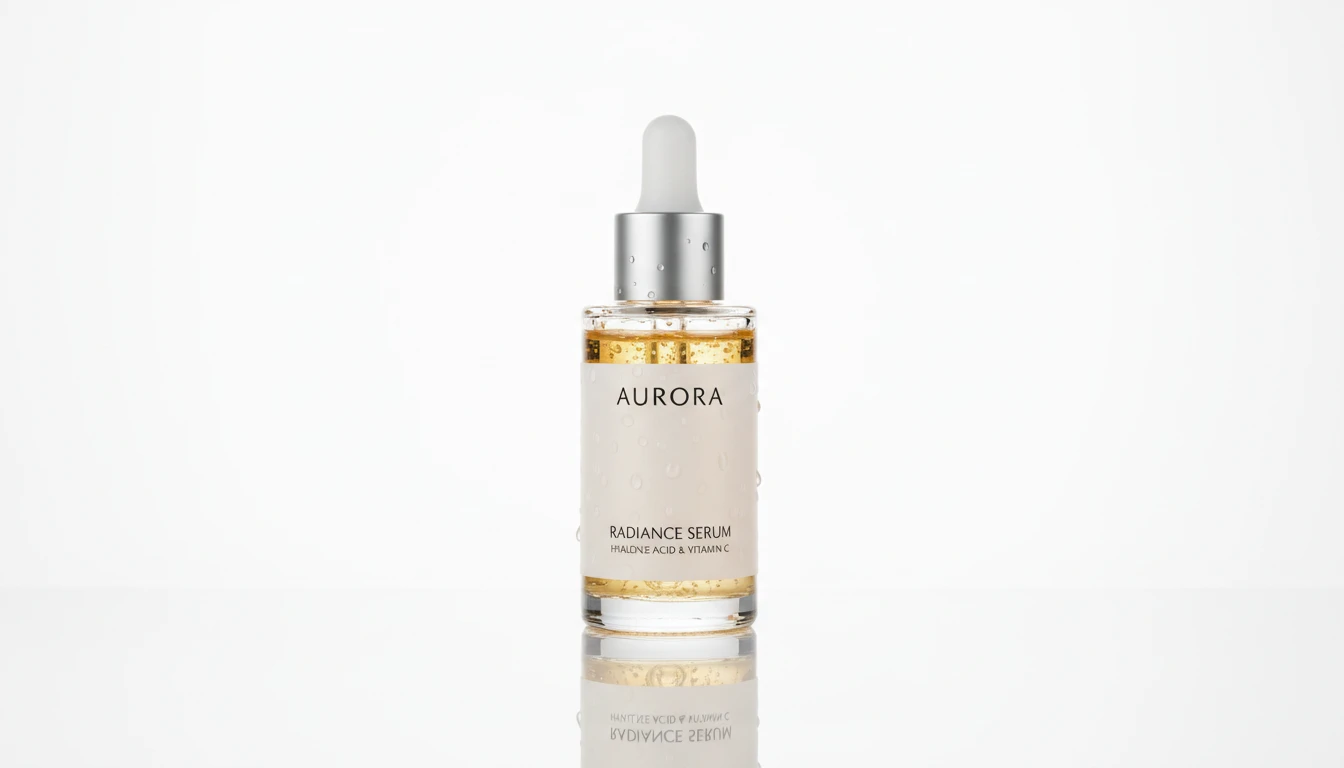
AI Product Spotlight
Generate cinematic hero product shots with dramatic AI lighting. Spotlight, rim, neon, golden hour, dark drama, and more styles.
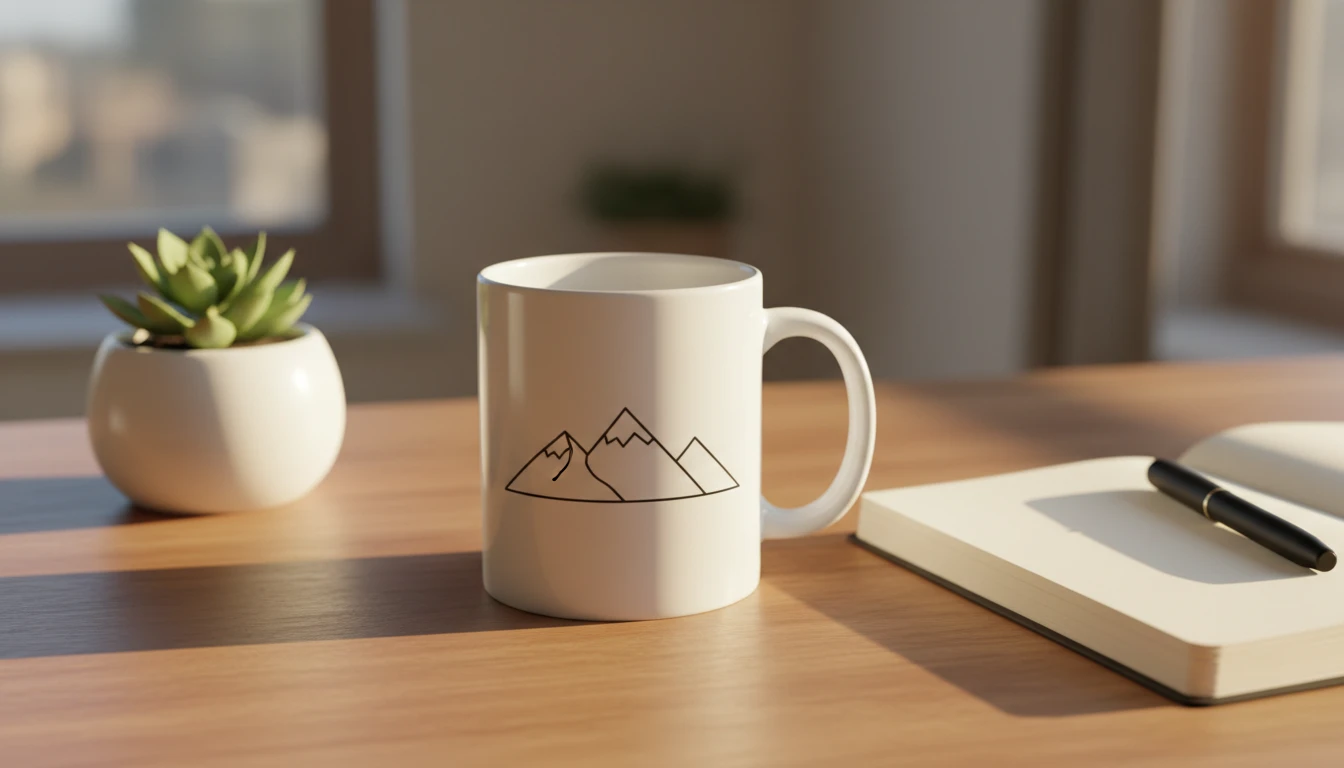
AI Mockup Generator
Generate professional product mockup images from text descriptions. Mugs, t-shirts, phones, packaging, and more in studio, lifestyle, flat lay, and premium styles.
Opens in
Image Studio
Frequently Asked Questions
Everything you need to know to get started.
What is AI Watch Design Generator?
AI Watch Design Generator creates photorealistic watch product photos from text descriptions. Describe the case, dial, strap, and any complications. AI renders a studio-quality product shot in seconds.
What watch types are available?
You can choose from Dive, Dress, Chronograph, Pilot, GMT, Field, Skeleton, Digital, Pocket, and Luxury. Each type applies the correct photography context and four-view layout.
How do I write a good watch prompt?
Think like a spec sheet sent to a product photographer. Include case size and material ("40mm titanium"), dial description ("matte black with lume plots"), strap or bracelet ("rubber strap"), and any complications ("chronograph sub-dials"). The more specific, the more accurate the result.
What does the output look like?
You get a 2x2 product sheet of the same watch from four angles — typically dial front, case profile, and two detail close-ups — on a clean studio background.
What aspect ratio should I use?
Square (1:1) is ideal for e-commerce product listings and four-view sheets. Portrait (4:5, 3:4) suits angled three-quarter shots. Wide (16:9) works for lifestyle and editorial compositions.
Can I use generated watch photos commercially?
Yes. You retain rights to the watch images you generate on RauGen. Use them commercially for e-commerce listings, brand presentations, marketing materials, and social content. Avoid prompting for designs that closely replicate specific branded watches to prevent IP issues.
Start Designing Watches Today
Describe any timepiece and AI creates a studio-quality product photo in seconds.
Generate Your Watch DesignDisclaimer: This tool uses generative AI technology which may produce content that resembles copyrighted materials or that is inaccurate, incomplete, or out-of-date. It is provided for general information and educational purposes only and is not intended for illegal activities or to replace professional advice, diagnosis, or treatment. Users are solely responsible for how they use the generated content. If you plan to use AI-generated content commercially or publicly, we strongly recommend reviewing it for potential copyright issues and obtaining proper permissions where necessary. We accept no liability for copyright infringement or any other consequences resulting from the use of content generated by this tool.