Generate Cinematic Hero Product Shots with AI Lighting
Upload your product and choose a lighting style. AI renders a dramatic professional hero shot in seconds. Spotlight, rim light, neon glow, dark drama, golden hour, and more.
Generate a Hero Shot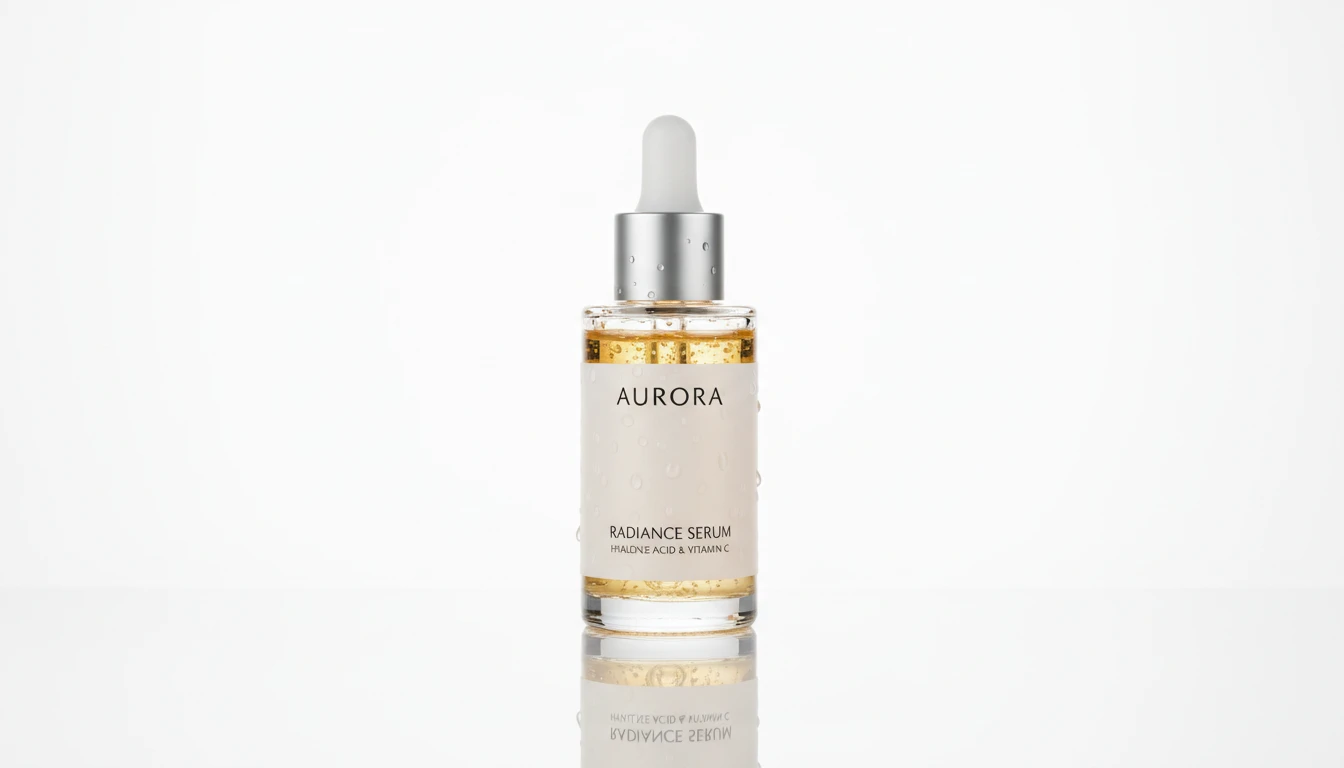
Give Any Product a Hero Shot
Add a product photo and we'll open AI Product Studio ready to light it as a cinematic hero image.
Drag & drop your product photo here
A clear pack shot on a plain background works best — JPG, PNG or WebP, up to 15MB
Your photo is used only to generate the hero shot for you.
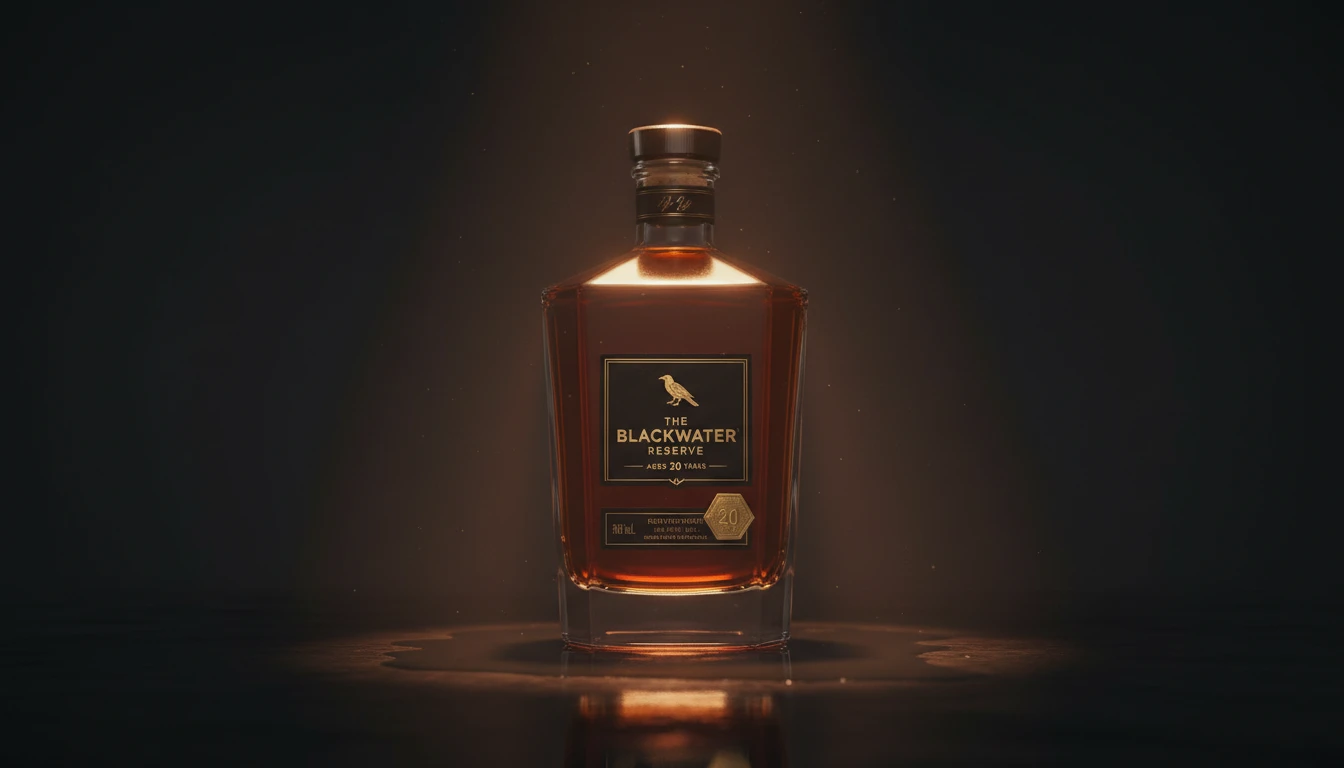
Spotlight and Dark Drama
Create the most impactful hero shots for luxury brands. Deep black backgrounds, single spotlight cones, and dramatic moody rim lighting that makes any product look premium and editorial.
Try Spotlight Style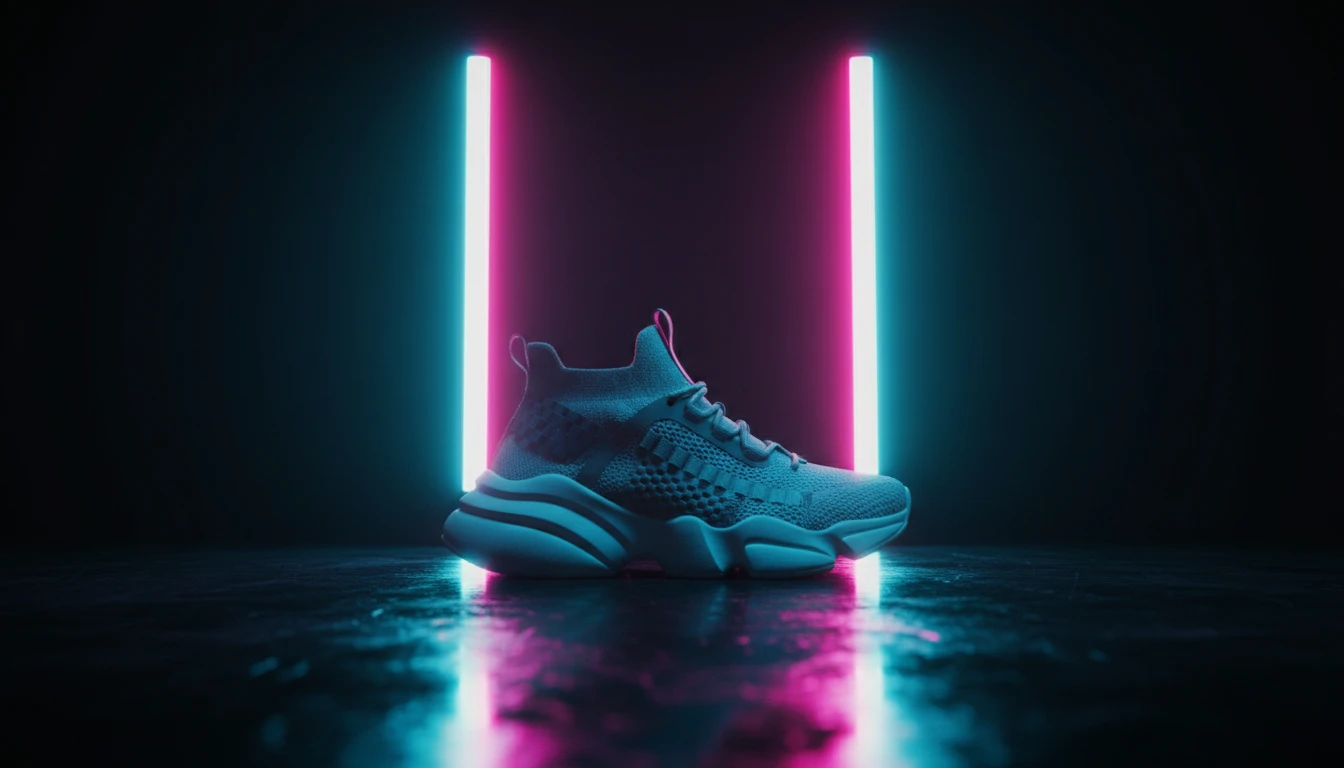
Neon and Gradient Lighting
Bold, electric hero shots for modern brands. Neon glow in vivid cyan, magenta, and purple, or smooth gradient backgrounds that pop on social media and digital ads.
Try Neon Style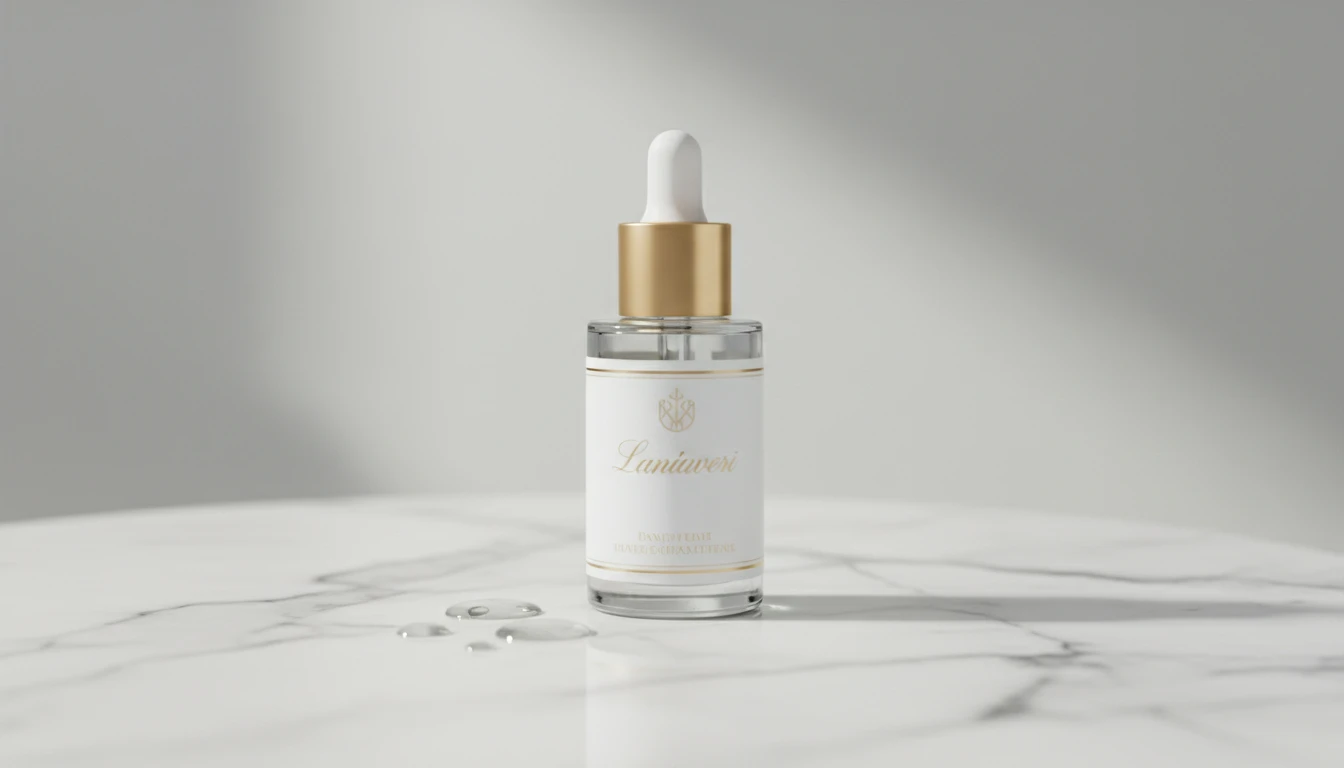
Studio White and Marble
Clean, professional hero shots for e-commerce. Crisp studio white for product pages, elegant marble surfaces for beauty, skincare, and food brands.
Try Studio Style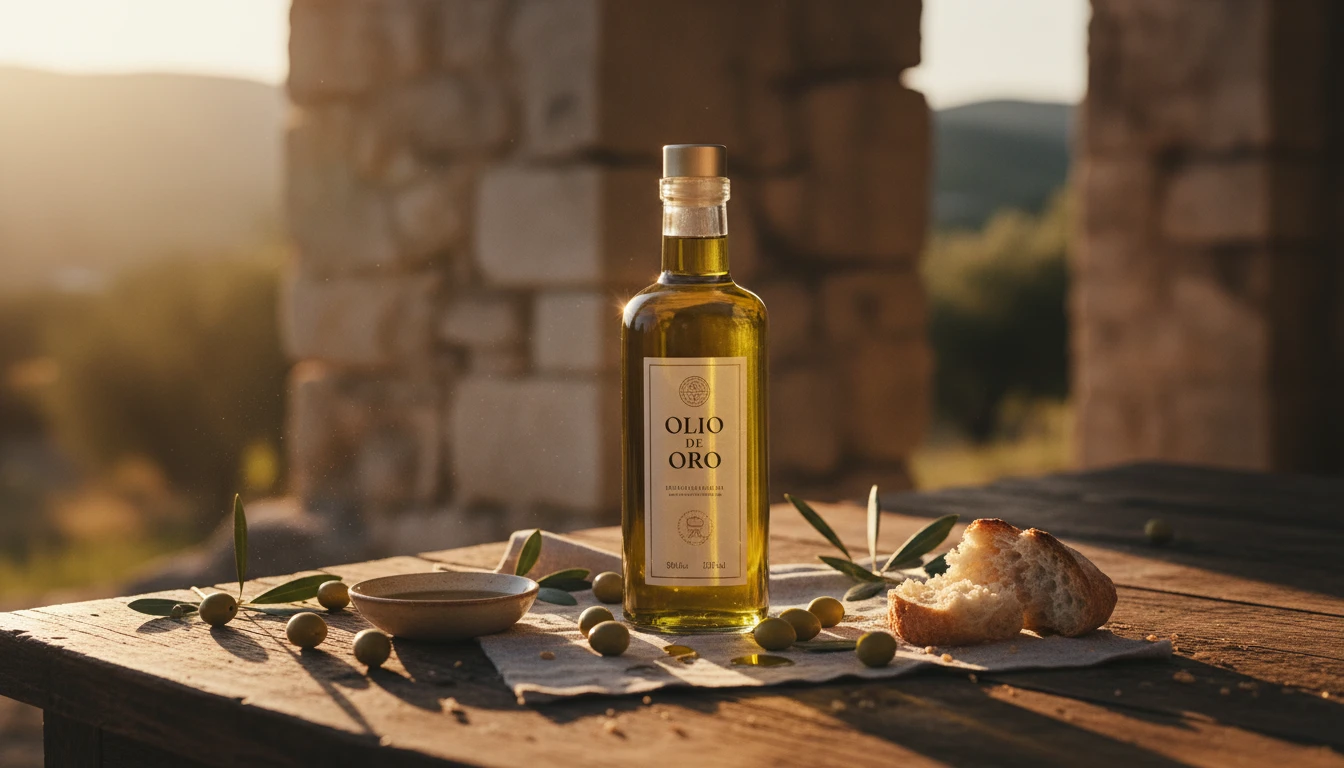
Golden Hour and Cinematic
Warm, emotive hero shots with a cinematic feel. Rich golden light for lifestyle and food products, or full film-grade colour grading for ad campaigns.
Try Cinematic StyleWho Uses AI Product Spotlight
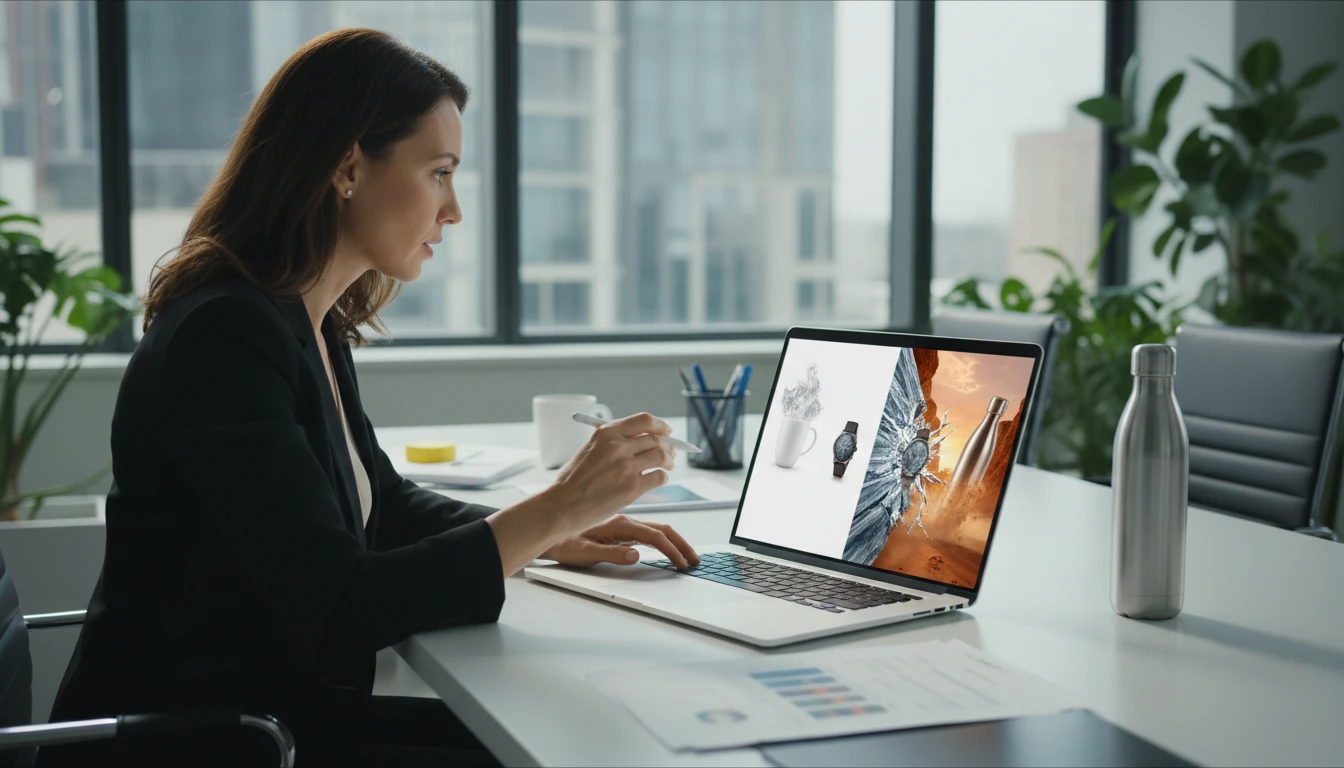
E-Commerce Brands
Replace flat product photos with dramatic hero shots that stop scrollers and increase click-through rates. Generate a full library of hero images at a fraction of the cost of a studio shoot.
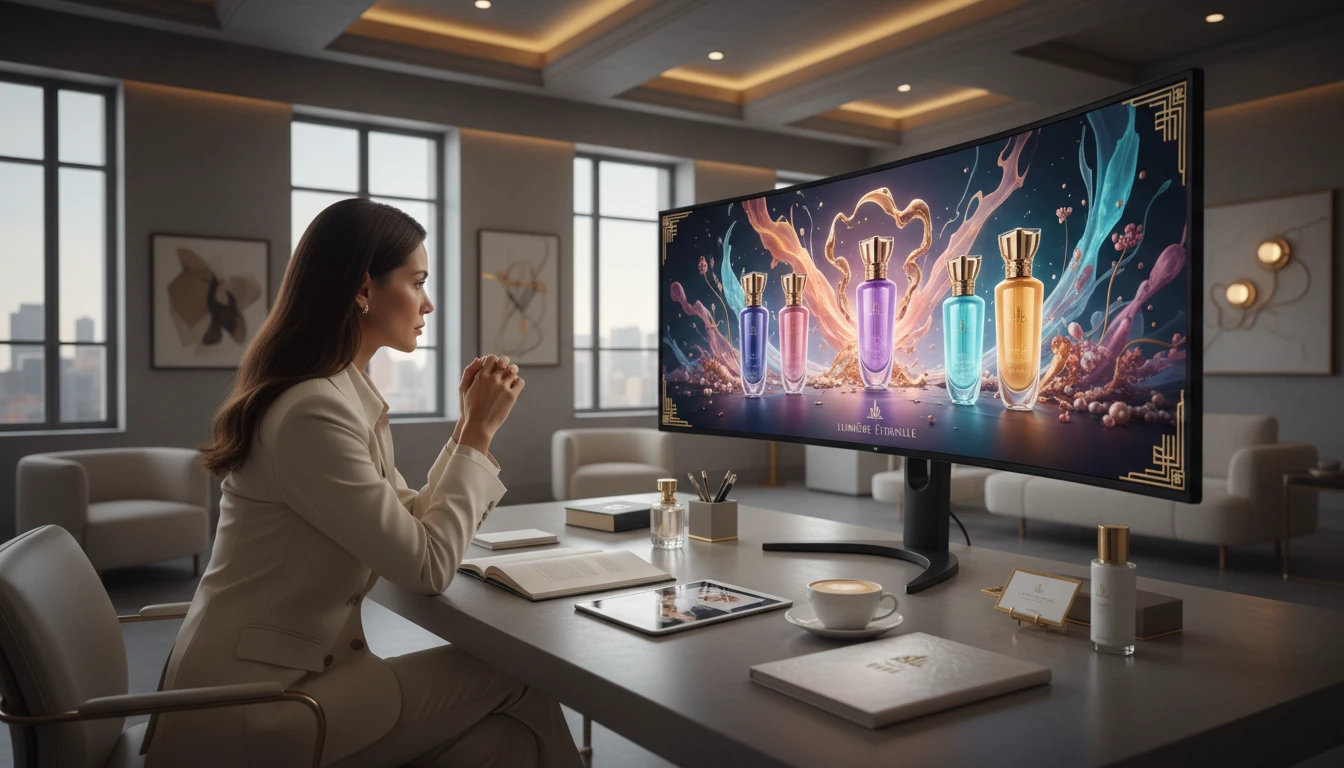
Luxury and Beauty Brands
Achieve high-end editorial and campaign photography quality from any product photo. Dark drama, rim lighting, and marble setups create an instantly premium brand impression.
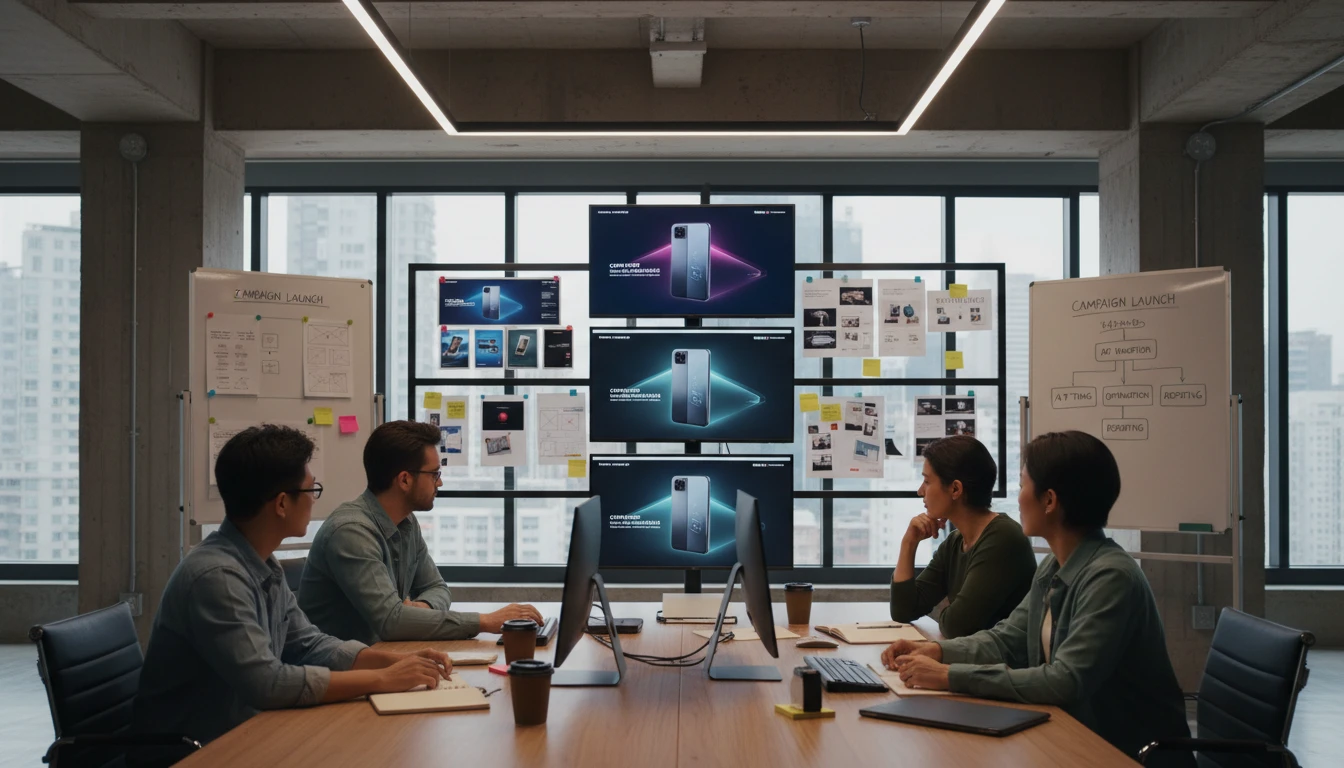
Ad Creative Teams
Generate hero shot variants for A/B testing, seasonal campaigns, and paid social without booking shoots. Different lighting styles per campaign, all from a single product photo.
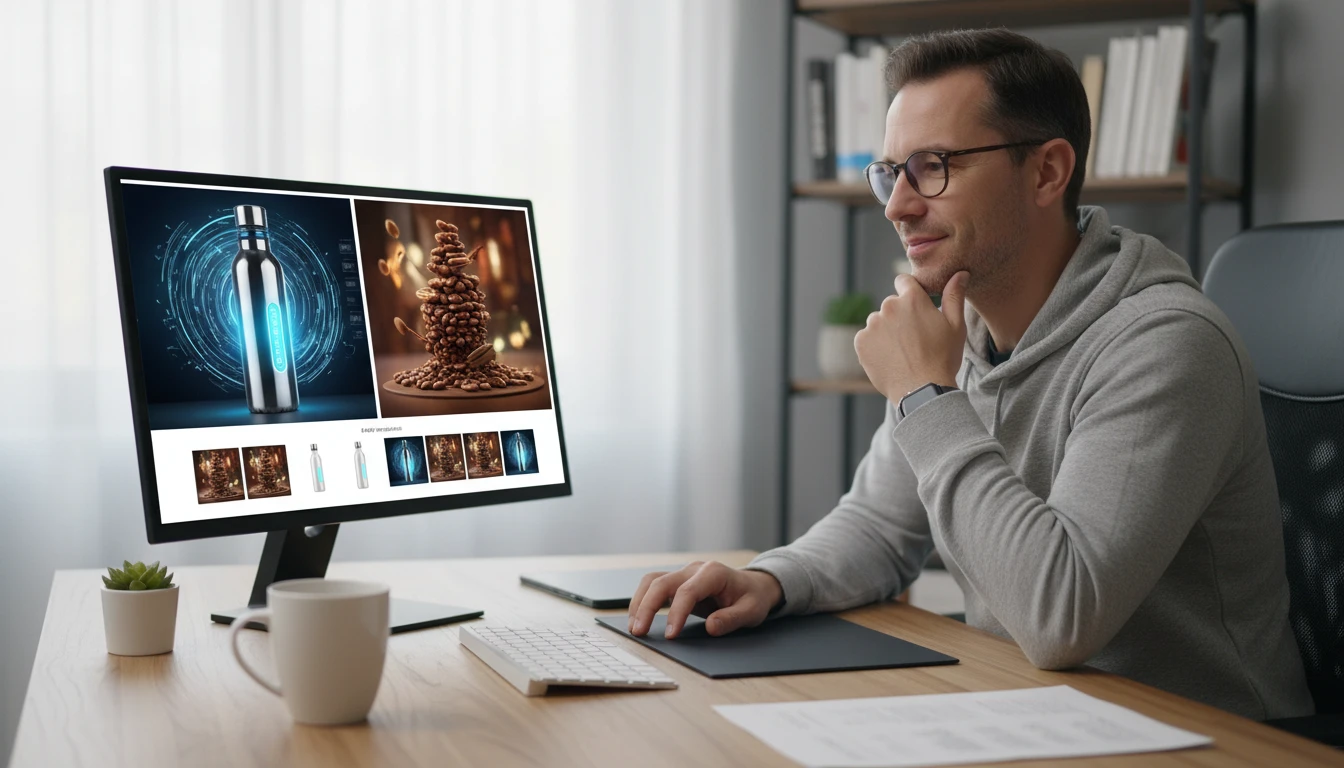
Amazon and DTC Sellers
Stand out in crowded marketplaces with professional cinematic hero images. Compete with large brands using dramatic product photography that costs a fraction of a studio shoot.
How to Create AI Product Hero Shots
From a plain product photo to a cinematic hero shot in three steps
Upload Your Product Photo
Upload a clean photo of your product. A transparent PNG or plain white background gives the AI the cleanest base for the most natural and dramatic lighting result.
Choose a Lighting Style
Select from Spotlight, Drama, Rim, Cinematic, Golden, Neon, Studio, Marble, Misty, or Gradient.
Generate the Hero Shot
AI lights your product with that look — reflections, shadows, and atmosphere — and returns a commercial hero image you can download.
Explore More
More AI Studio Tools
Discover other powerful AI tools to enhance your creative workflow
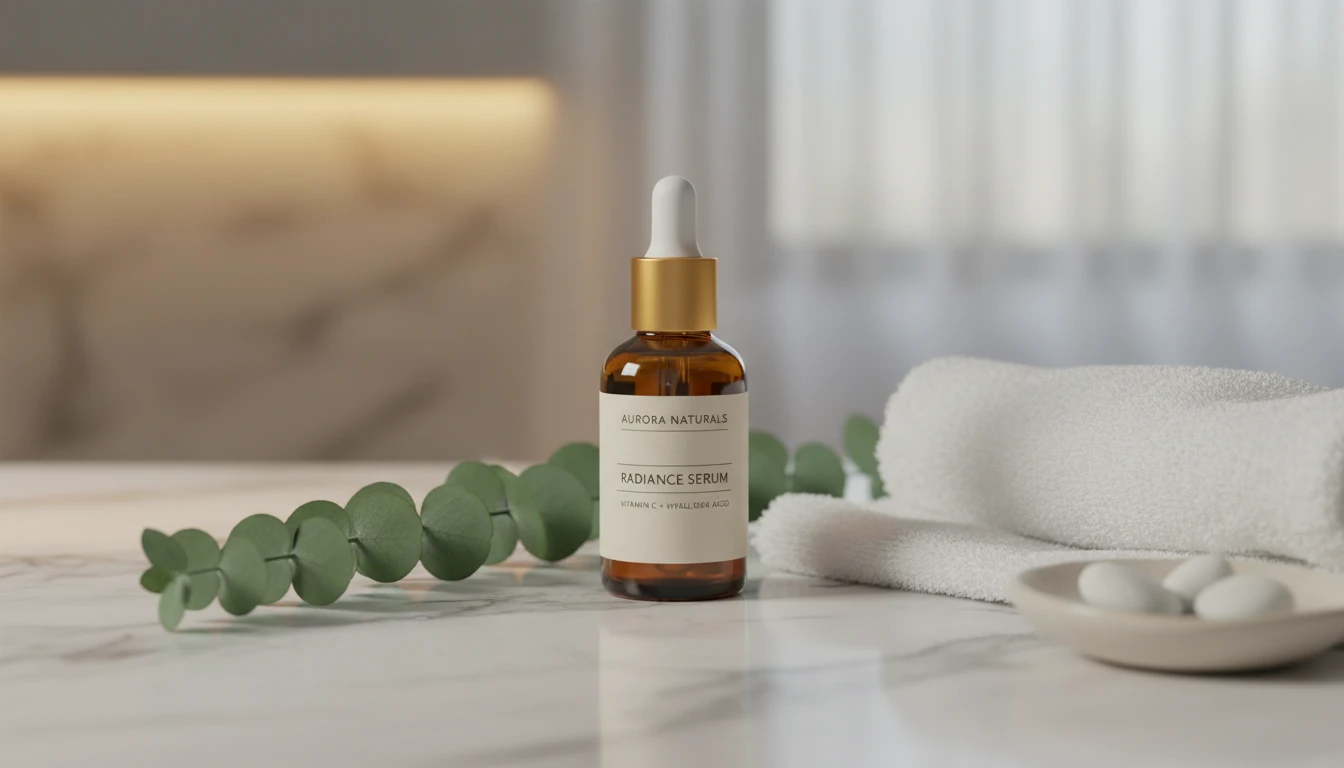
AI Product Lifestyle Scene
Place your product naturally into real-world lifestyle environments (kitchens, cafés, beaches, wellness spas, rooftops, and more) with photorealistic AI.
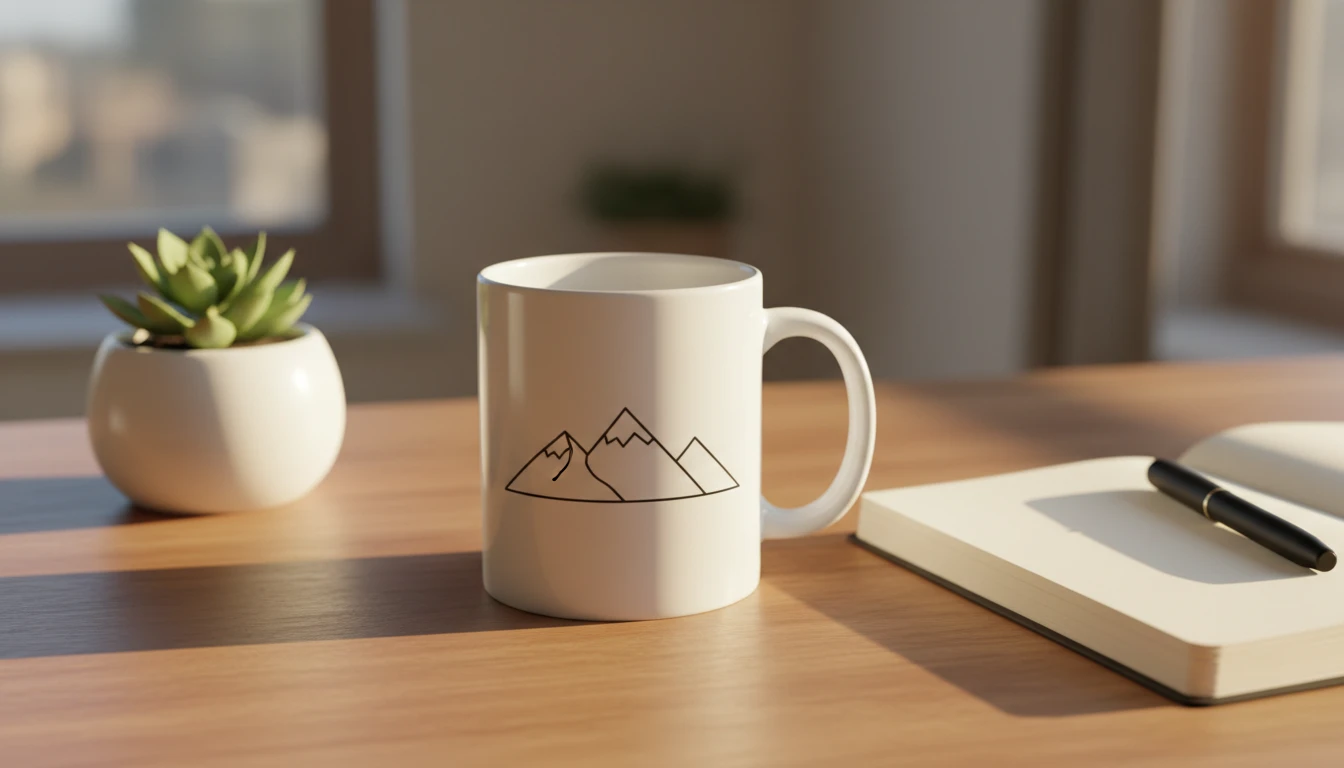
AI Mockup Generator
Generate professional product mockup images from text descriptions. Mugs, t-shirts, phones, packaging, and more in studio, lifestyle, flat lay, and premium styles.
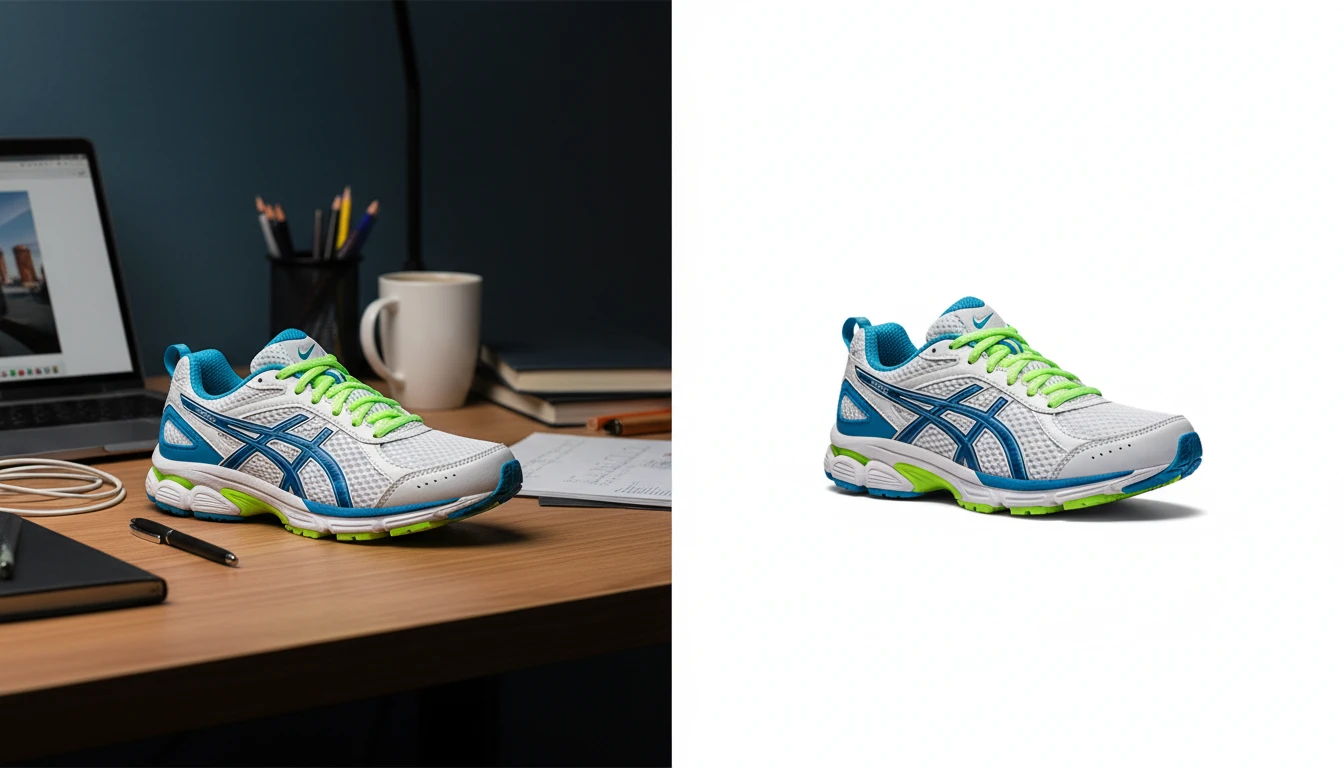
AI Background Remover
Upload any photo or product image and AI removes the background in seconds, delivering a clean transparent PNG. No manual masking required. Ideal for profile photos, marketing materials, and design assets.
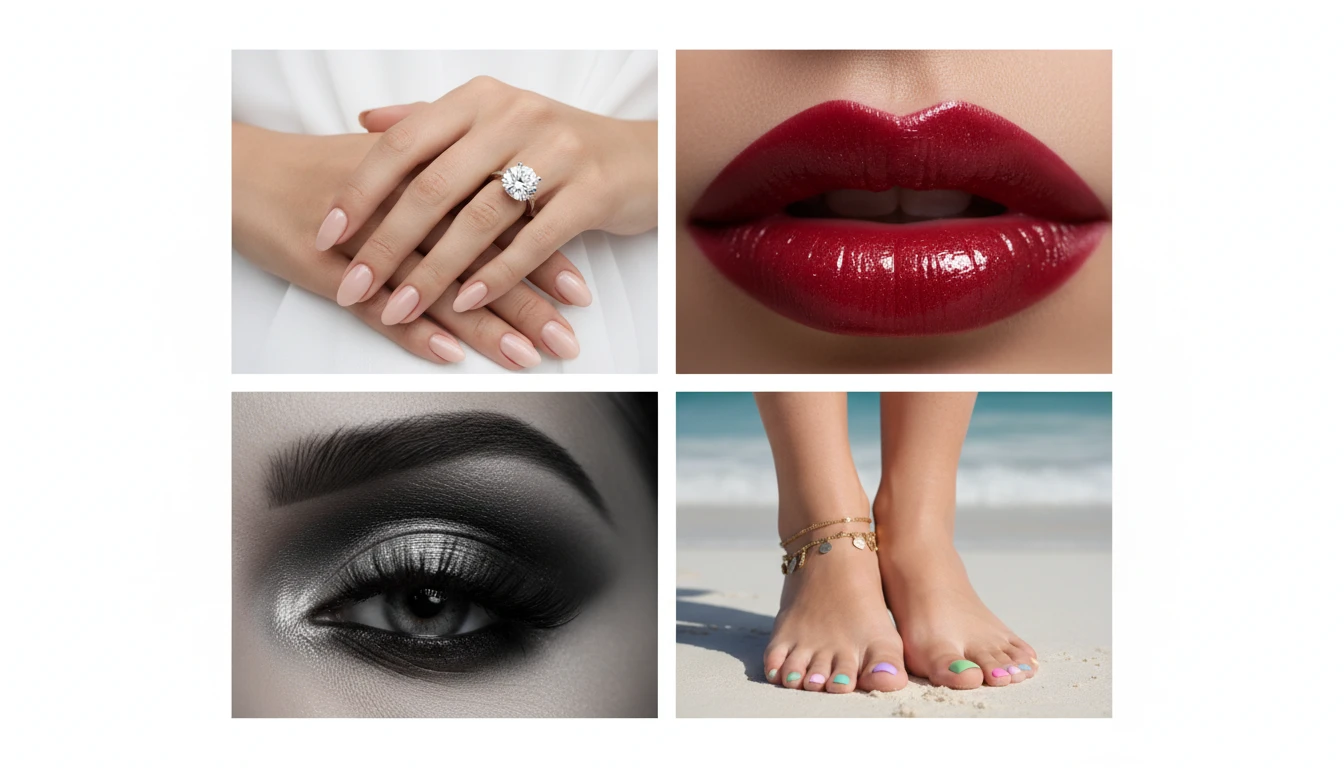
AI Detail Shots Generator
Generate professional close-up beauty and macro detail shots. Hands, nails, face, lips, eyes, neck, feet, legs, skin, and editorial styles.
Opens in
Image Studio
Frequently Asked Questions
Everything you need to know to get started.
What is AI Product Spotlight?
AI Product Spotlight generates cinematic hero product shots by applying professional lighting styles to your product photo. Upload your product, choose a lighting style, and AI renders a dramatic studio-quality image in seconds.
What lighting styles are available?
You can choose from Spotlight, Dark Drama, Rim Light, Cinematic, Golden Hour, Neon Glow, Studio White, Marble Surface, Misty/Fog, and Gradient Background. Each creates a distinct mood and aesthetic suitable for different brand styles.
What type of product photo works best?
Transparent PNG or white background product photos work best. They give the AI the cleanest base for compositing light and shadows naturally. Higher resolution inputs preserve label detail and texture in the final hero shot.
Can I choose the lighting?
Yes. Pick from 10 looks including spotlight, drama, rim, cinematic, golden, neon, studio, marble, misty, and gradient. The product stays the same; only the lighting and presentation change.
Can I use the generated hero shots commercially?
Yes. You retain rights to the hero shots you generate on RauGen and can use them commercially for e-commerce listings, paid ads, social media, brand campaigns, and any other commercial application.
What aspect ratio should I use?
Use Auto (Match Source) to keep your original product proportions. Use 1:1 square for Instagram and product cards. Use 16:9 wide for website banners and YouTube thumbnails. Use 9:16 tall for Stories and TikTok.
Start Creating Hero Shots Today
Upload your product and choose a lighting style. Cinematic hero shot ready in seconds.
Generate Your First Hero ShotDisclaimer: This tool uses generative AI technology which may produce content that resembles copyrighted materials or that is inaccurate, incomplete, or out-of-date. It is provided for general information and educational purposes only and is not intended for illegal activities or to replace professional advice, diagnosis, or treatment. Users are solely responsible for how they use the generated content. If you plan to use AI-generated content commercially or publicly, we strongly recommend reviewing it for potential copyright issues and obtaining proper permissions where necessary. We accept no liability for copyright infringement or any other consequences resulting from the use of content generated by this tool.