Try Any Haircut on Your Photo Before You Commit
Upload your photo and virtually try on new hairstyles, cuts, colors, and protective styles with AI. Pixie, wolf cut, box braids, balayage, and more.
Try a New Hairstyle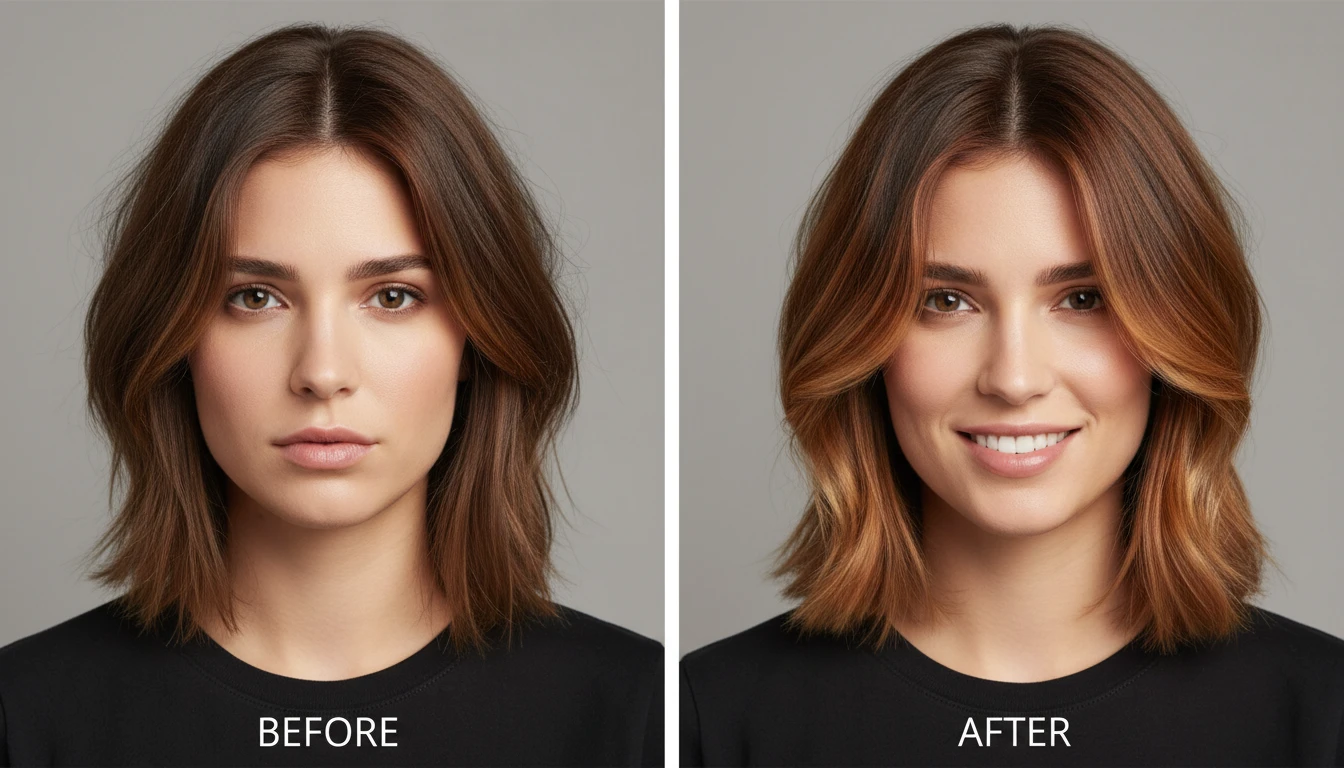
AI Hairstyle Changer
Upload a portrait photo and virtually try on a new hairstyle before booking a salon appointment. Choose from 37 distinct options spanning cuts, colors, and protective styles, including pixie, wolf cut, lob, box braids, sisterlocks, balayage, and silk press. AI replaces the hair naturally while preserving facial features, skin tone, and background. Supports an optional color input for fine-tuning the result.
Uses third-party AI. Credits are consumed upon generation.
Preview
Hairstyle Result
Your result will appear here
Upload an image on the left and click generate to see the before & after comparison.
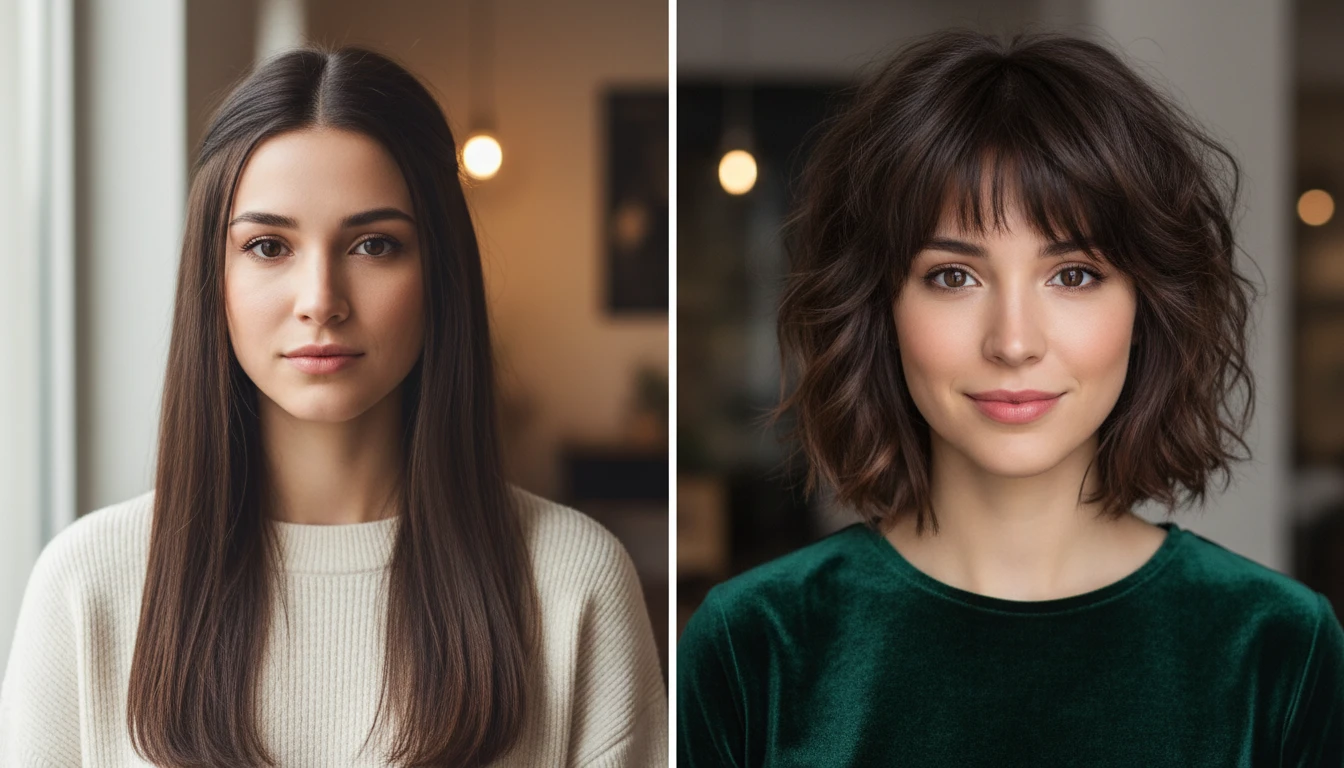
See Your New Hairstyle Before Going to the Salon
Stop wondering how a new haircut will look on you. Upload a clear photo, choose a hairstyle, and see a photorealistic preview in seconds. Show the result directly to your stylist to communicate exactly what you want.
Try a New Haircut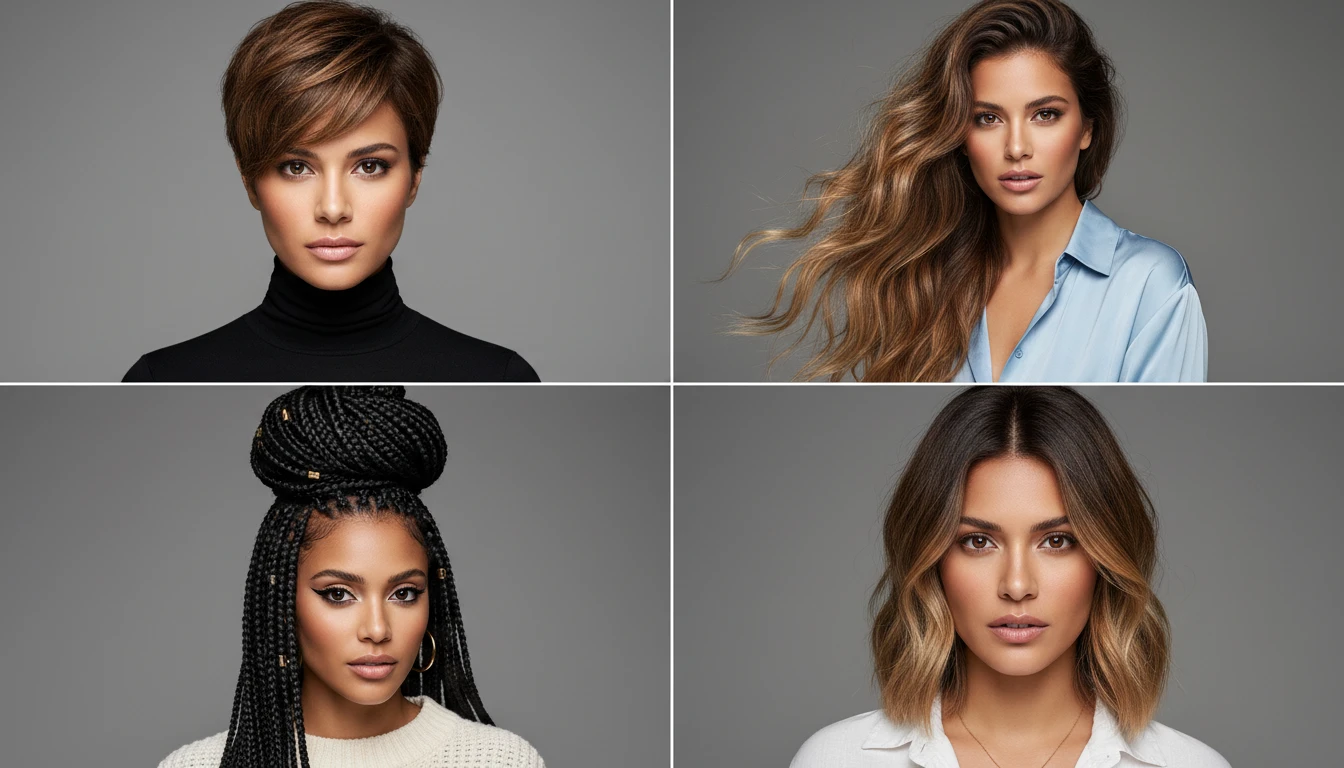
Try 37 Styles Including Cuts, Colors, Braids, and Updos
Explore the full range from short pixie cuts and French bobs to long mermaid waves, natural afros, box braids, knotless braids, silk press, and balayage color. Every major salon category is covered.
Explore All Hairstyle Options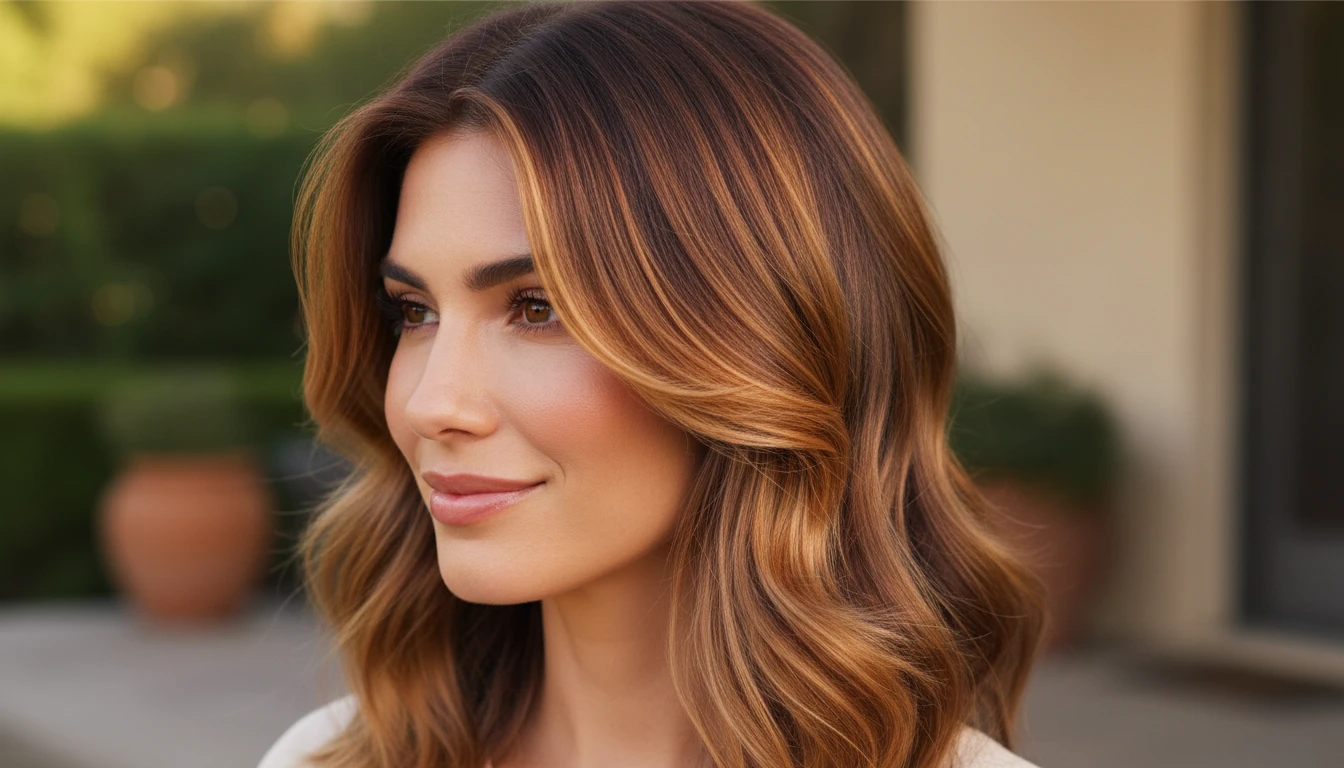
Find the Right Color Without the Commitment
Curious about balayage, going blonde, trying copper, or jet black? See how color changes look on your actual hair and skin tone before sitting in the salon chair. Try warm balayage, ash icy tones, money-piece highlights, and more.
Try a New Hair Color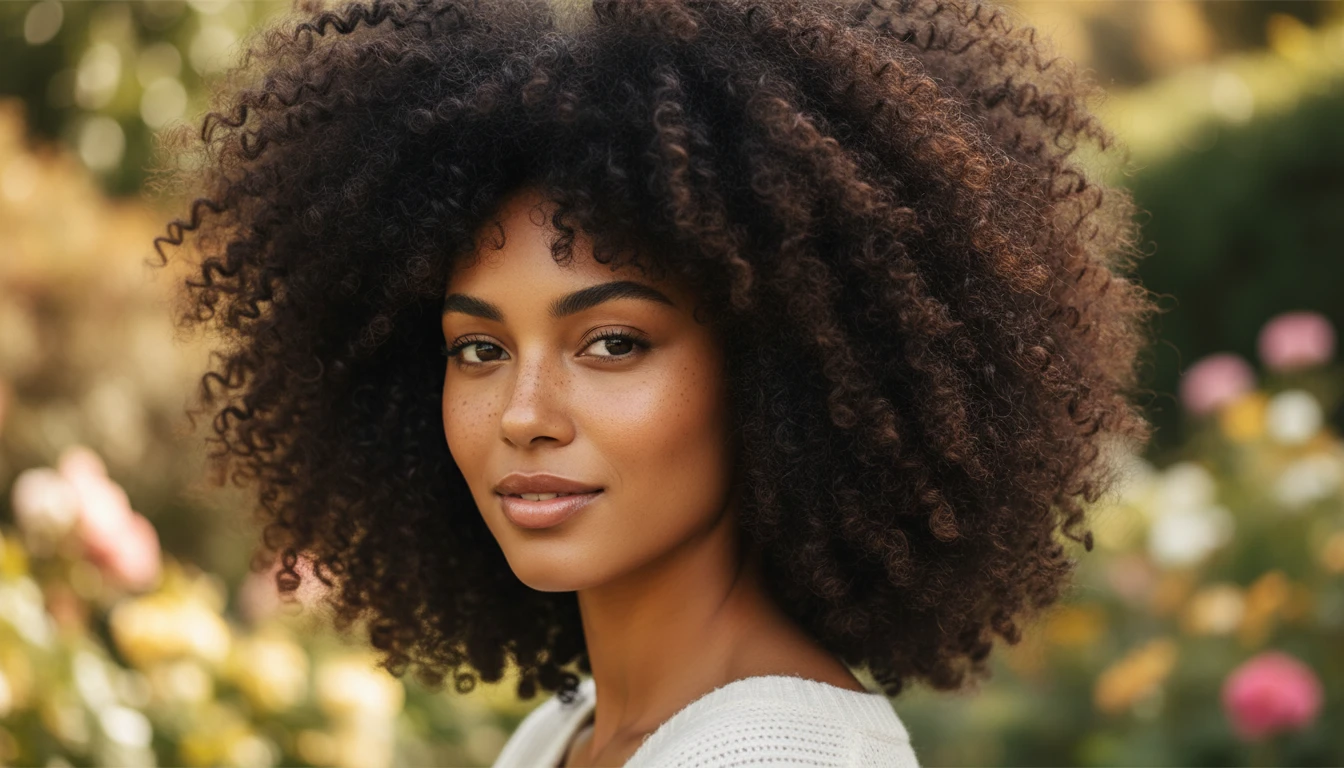
Explore Natural, Protective, and Textured Styles
Try on full natural afros, defined twist-outs, coily wash-and-go styles, straight-back cornrows, goddess braids, and knotless braids. Our AI hairstyle changer works with all hair types and textures.
Try Natural and Protective StylesWho Uses Our AI Hairstyle Changer

People Planning a Hair Makeover
Considering a big change but not sure how it will look on you? Try dozens of cuts and colors on your own photo before committing to anything. Walk into your salon appointment with complete confidence.
Hair Stylists and Salon Professionals
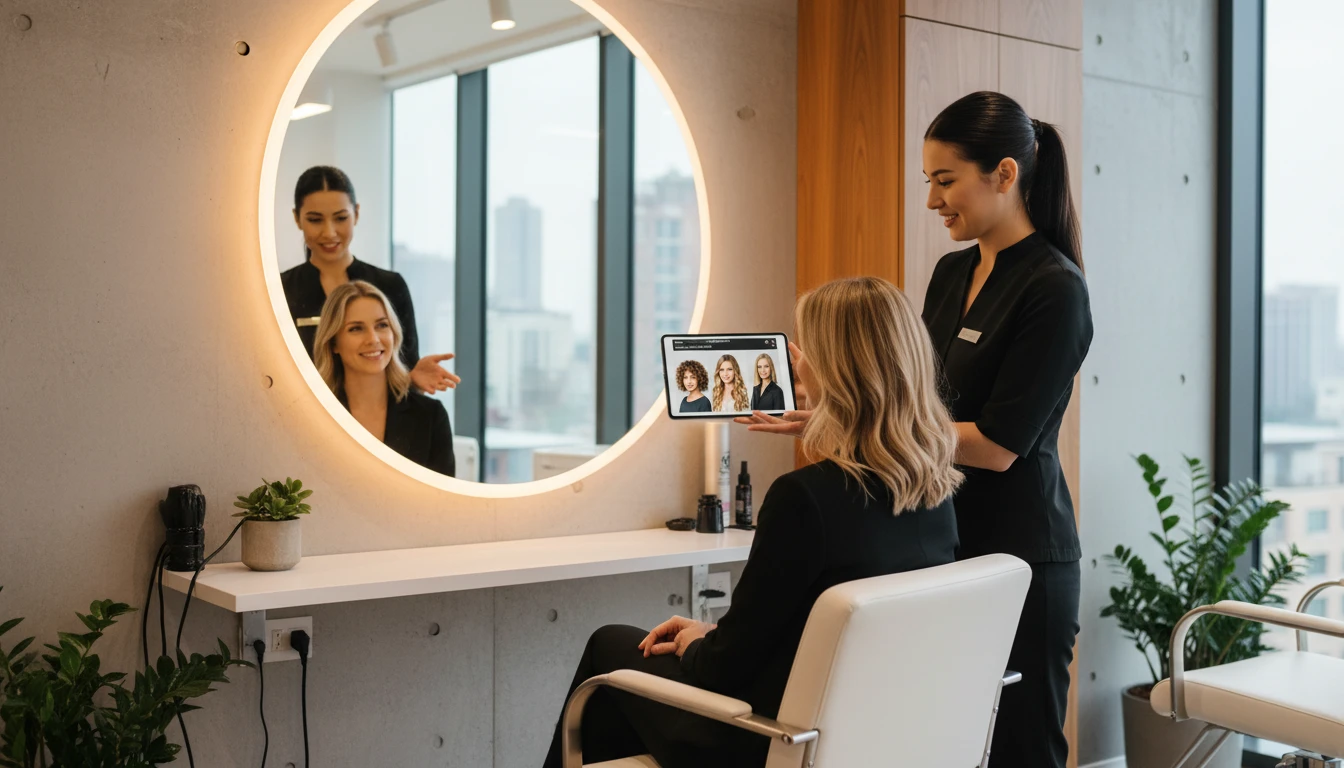
Help clients visualize new styles before you pick up the scissors. Use our AI hairstyle try-on tool as a consultation aid to set expectations, get client buy-in, and deliver results they love every time.
People Transitioning or Embracing Natural Hair
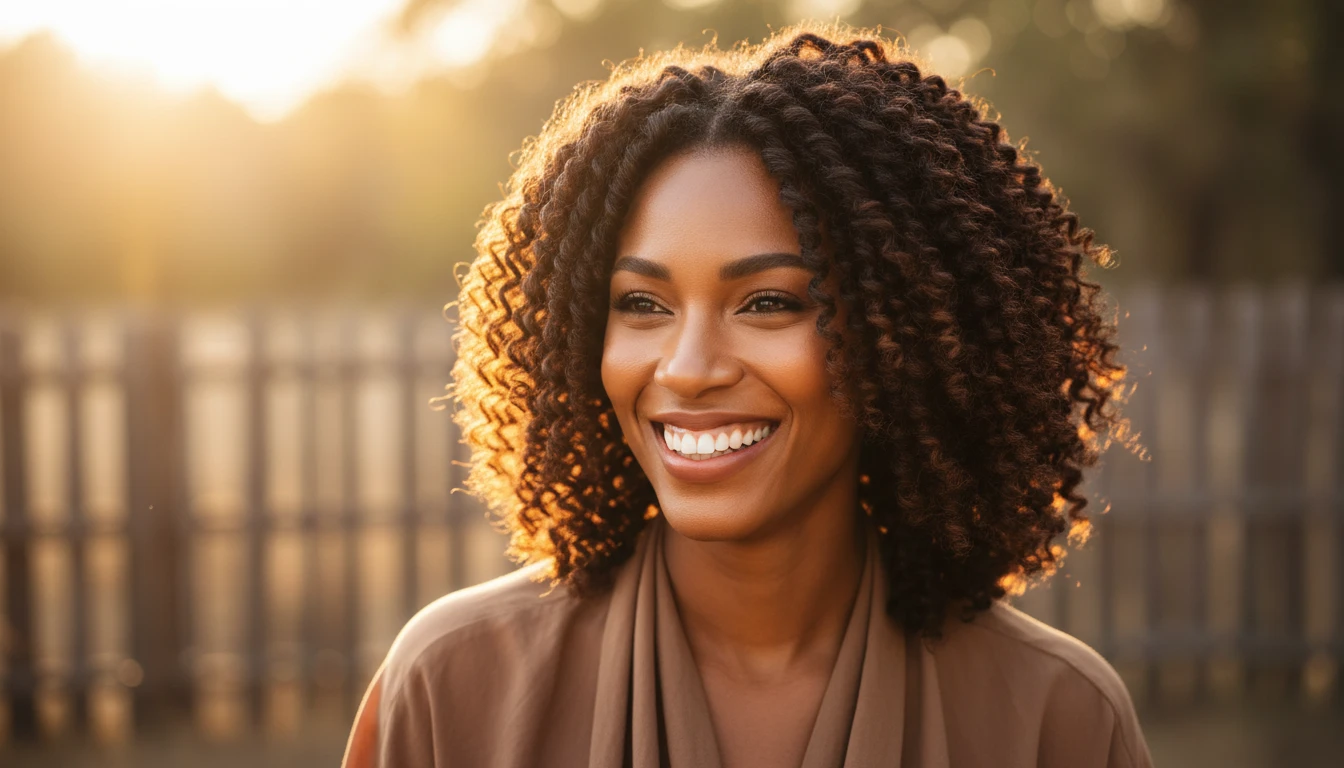
Whether you are growing out a relaxer, transitioning to natural, or exploring protective styles for the first time, see how different textures and protective styles will look on your face shape and features.
Special Occasion and Event Planning
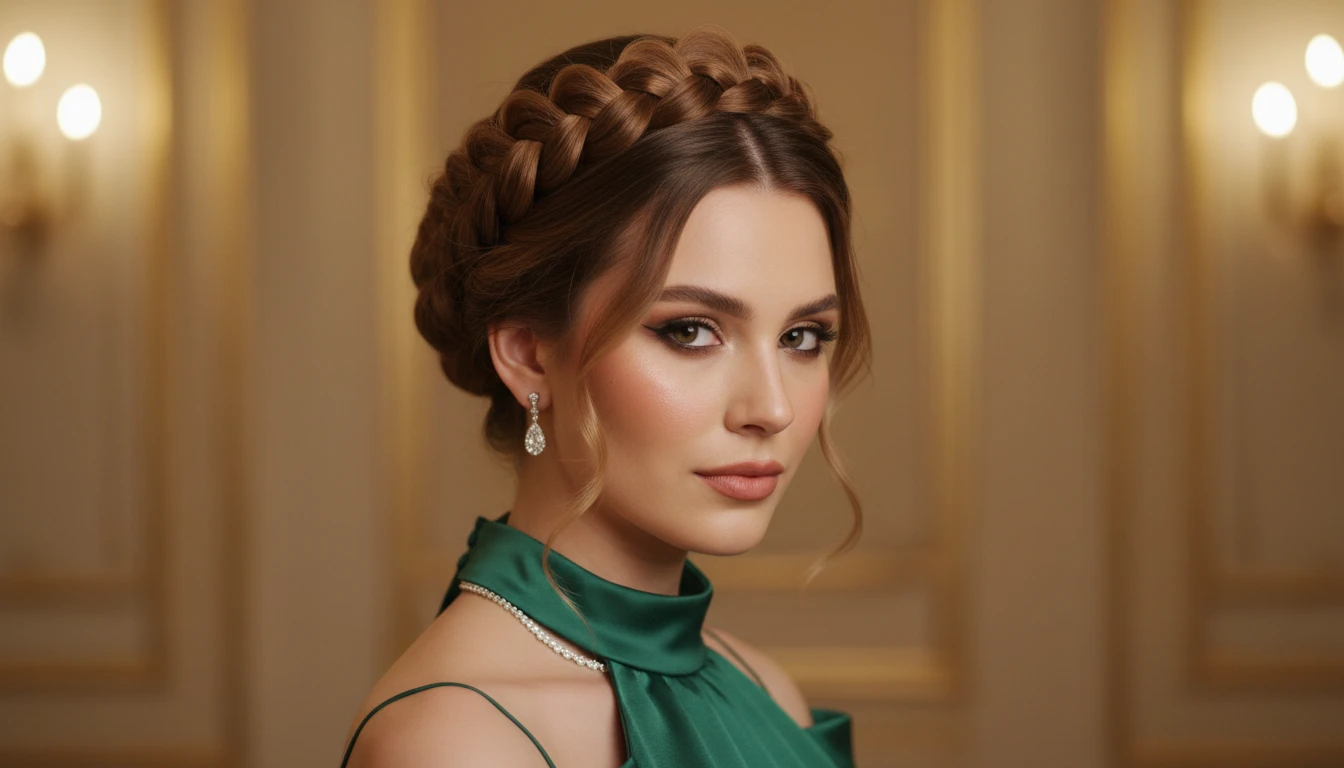
Choosing a hairstyle for a wedding, prom, job interview, or photo shoot? Try updos, braided crowns, sleek ponytails, and glamour styles on your own photo to find the perfect look for your big moment.
How to Try On a New Hairstyle with AI
Upload a Clear Portrait Photo
Upload a photo where your face and hair are clearly visible. A front-facing or slight-angle photo with good lighting works best. The better the source photo, the more realistic the hairstyle preview.
Choose a Hairstyle
Select from 37 hairstyles across 8 categories: Short Cuts, Medium Length, Long Hair, Natural and Texture, Braids and Protective, Updos and Ponytails, Bangs and Face Frame, and Color and Dimension.
See Your New Look
Get a photorealistic hairstyle preview in seconds. Download the result and bring it to your stylist, share it with friends, or use it to plan your next hair transformation.
Explore More
More AI Studio Tools
Discover other powerful AI tools to enhance your creative workflow

AI Professional Headshot Generator
Upload any casual portrait and AI generates a studio-quality professional headshot in seconds. Choose from 14 styles including LinkedIn Profile, Corporate Business, Executive Portrait, Creative Professional, Tech Startup, Real Estate Agent, and Personal Brand. No photographer, studio, or scheduling required. Supports a wide range of ages, genders, and professional contexts.
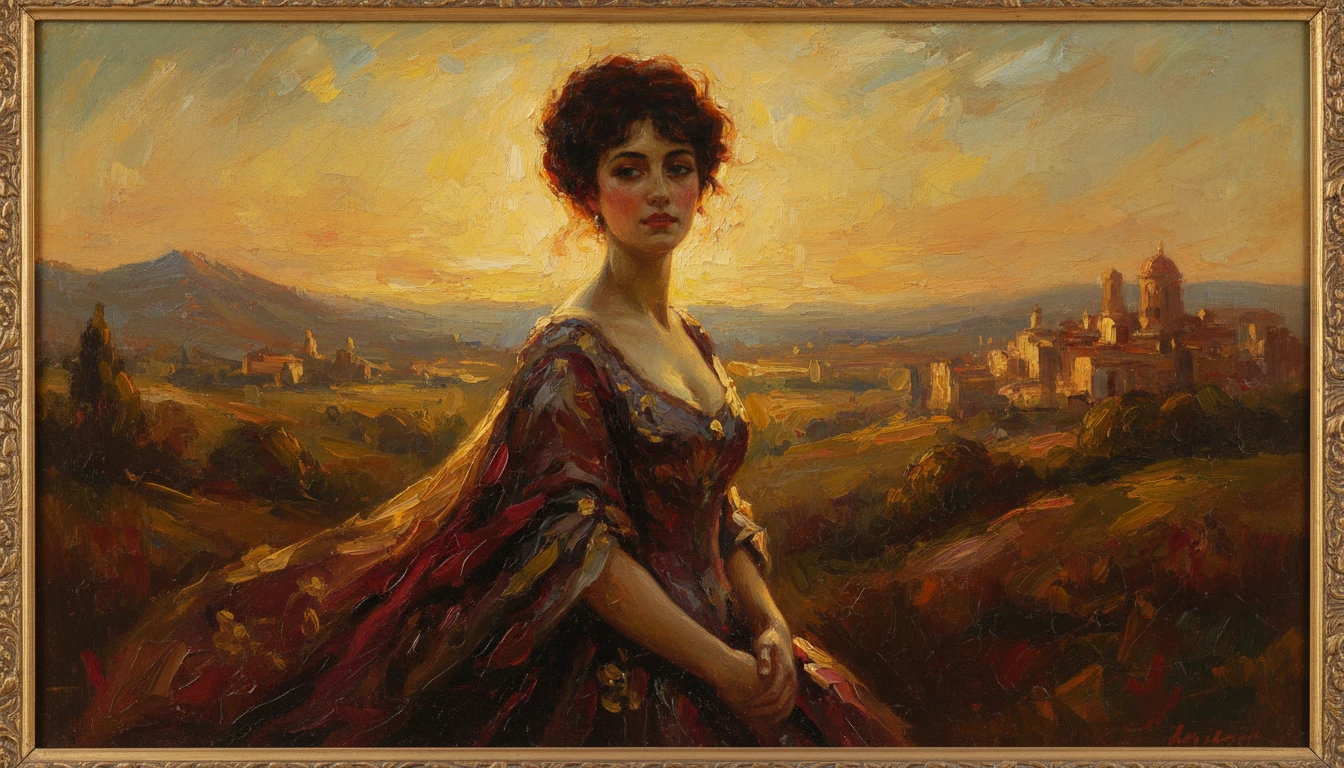
AI Photo to Art
Upload any photo and AI reimagines it as a handcrafted work of fine art. Choose from 20 artistic styles including Oil Painting, Watercolor, Impressionist, Pencil Sketch, Charcoal, Japanese Ukiyo-e, Surrealism, Stained Glass, Renaissance, Baroque, and more. Each result is generated to look like a real artwork created by hand, not a digital photo filter. Supports portraits, landscapes, still life, and architectural subjects.
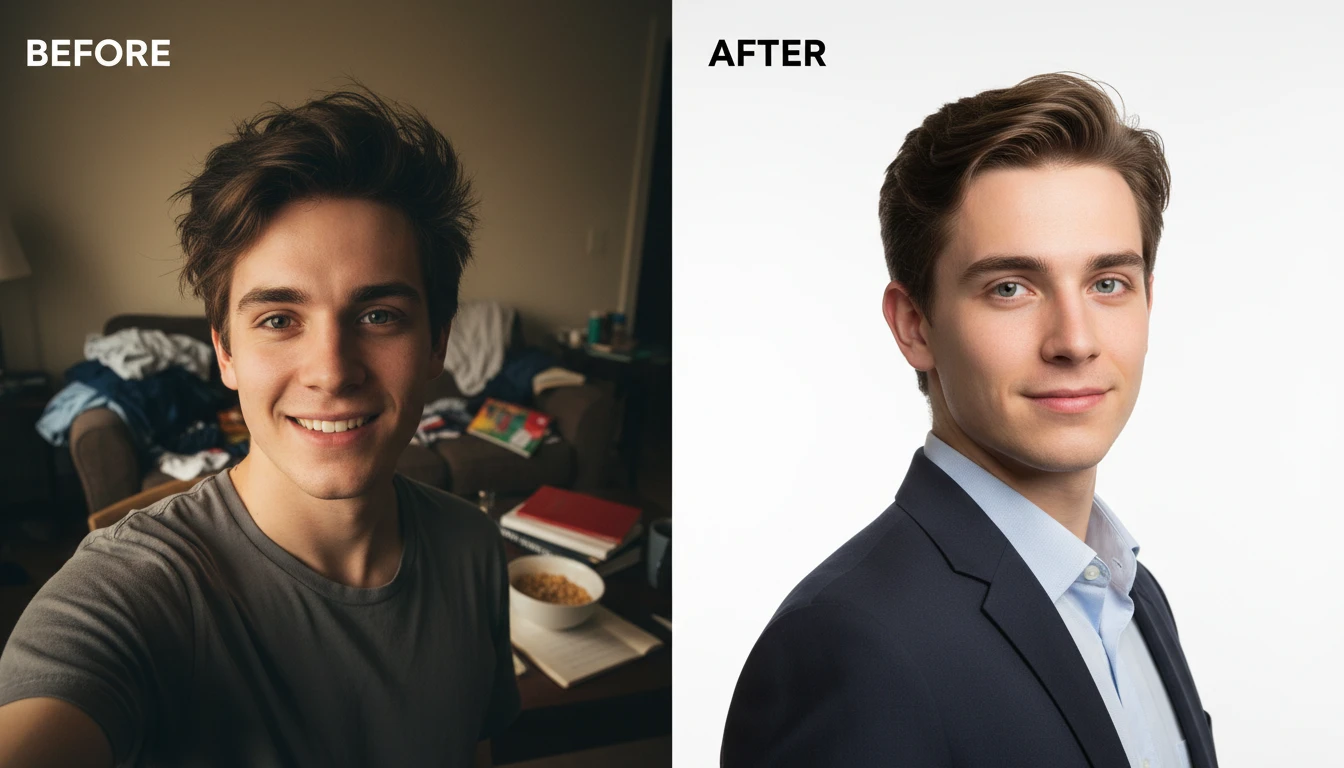
AI Profile Photo Maker
Transform any portrait photo with a new professional background. Studio white, gradient, office blur, outdoor, dark professional, and more styles.
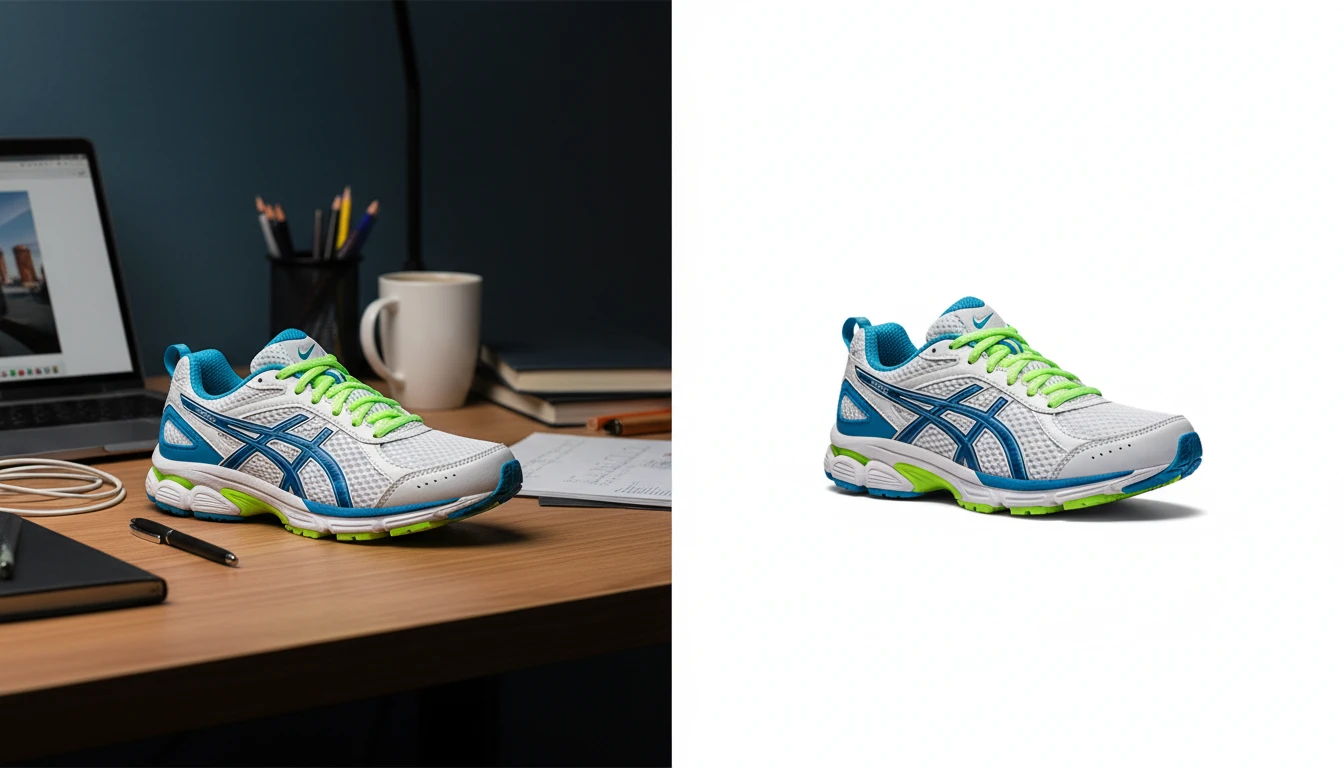
AI Background Remover
Upload any photo or product image and AI removes the background in seconds, delivering a clean transparent PNG. Uses BiRefNet for pixel-perfect edge detection on hair, fur, complex outlines, and fine details. No manual masking required. Ideal for e-commerce product listings, profile photos, marketing materials, and design assets.
All-in-One Workspace
AI Image Editor
Frequently Asked Questions
Everything you need to know to get started.
How does AI Hairstyle Changer work?
Upload a clear portrait photo and choose a hairstyle from the available options. AI applies the selected style to your photo and generates a realistic preview of how it looks on you.
How many hairstyles are available?
There are 37 hairstyles across 8 categories: Short Cuts, Medium Length, Long Hair, Natural and Texture, Braids and Protective, Updos and Ponytails, Bangs and Face Frame, and Color and Dimension.
What image formats are supported?
JPG, PNG, and WebP are all supported. A front-facing or slight-angle portrait with good lighting gives the most realistic hairstyle preview.
Can I show the result directly to my hair stylist?
Yes. Many people download the result and bring it to their salon appointment as a reference photo. It is a great way to communicate exactly what you want before your stylist picks up the scissors.
Try Your New Hairstyle Instantly
Sign up free and get 100 credits instantly. See why thousands of people use RauGen to virtually try on hairstyles before visiting the salon.
Try a New Hairstyle NowDisclaimer: This tool uses generative AI technology which may produce content that resembles copyrighted materials or that is inaccurate, incomplete, or out-of-date. It is provided for general information and educational purposes only and is not intended for illegal activities or to replace professional advice, diagnosis, or treatment. Users are solely responsible for how they use the generated content. If you plan to use AI-generated content commercially or publicly, we strongly recommend reviewing it for potential copyright issues and obtaining proper permissions where necessary. We accept no liability for copyright infringement or any other consequences resulting from the use of content generated by this tool.