Create Stunning Portraits from Text with AI
Describe any person, character, or persona and AI generates it instantly. Photorealistic headshots, oil paintings, fantasy characters, and more.
Generate Portraits Now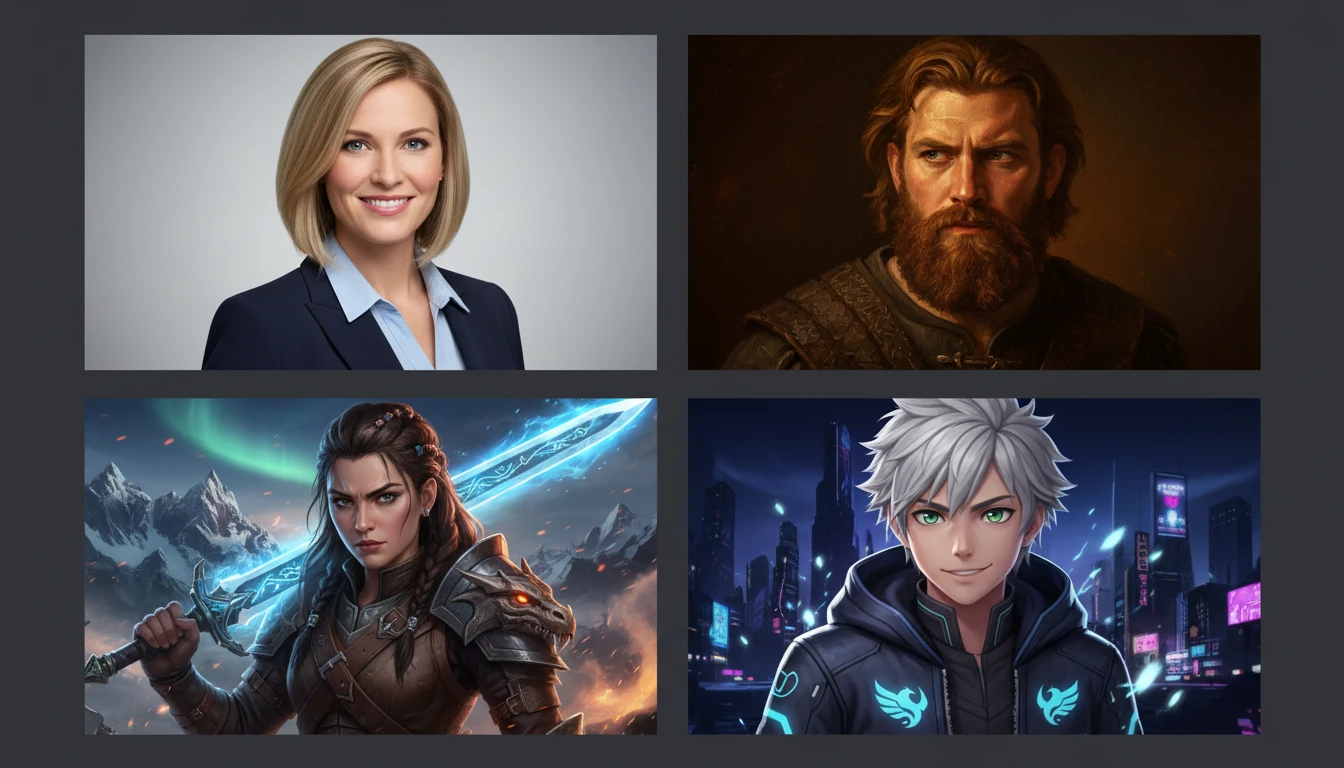
Describe a Portrait
We'll open AI Face Studio next so you can pick a look and generate it.
Runs inside AI Face Studio — generate a portrait from a description.
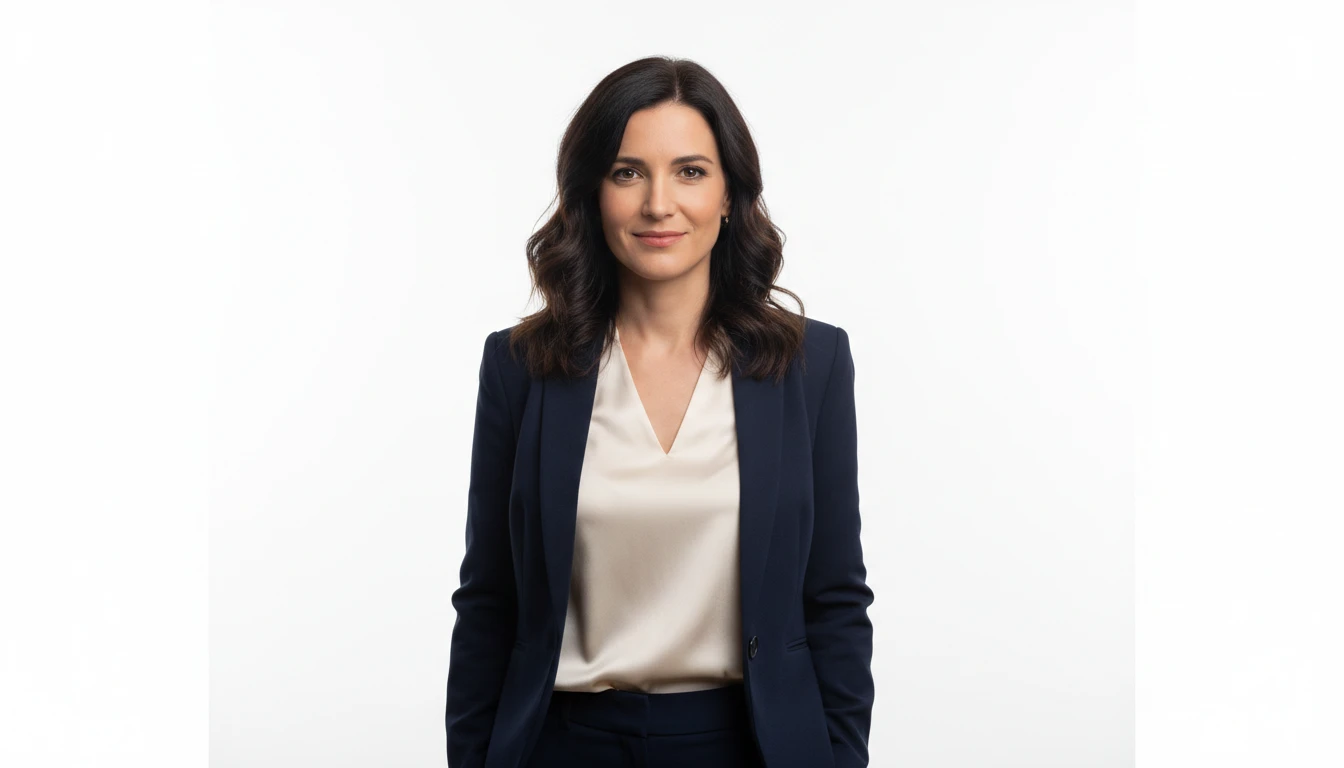
Photorealistic Headshots & Portraits
Generate DSLR-quality portrait photographs with precise facial detail, natural lighting, and lifelike expressions. Perfect for professional profiles, social media, and creative projects. No photographer needed.
Generate a Photorealistic Portrait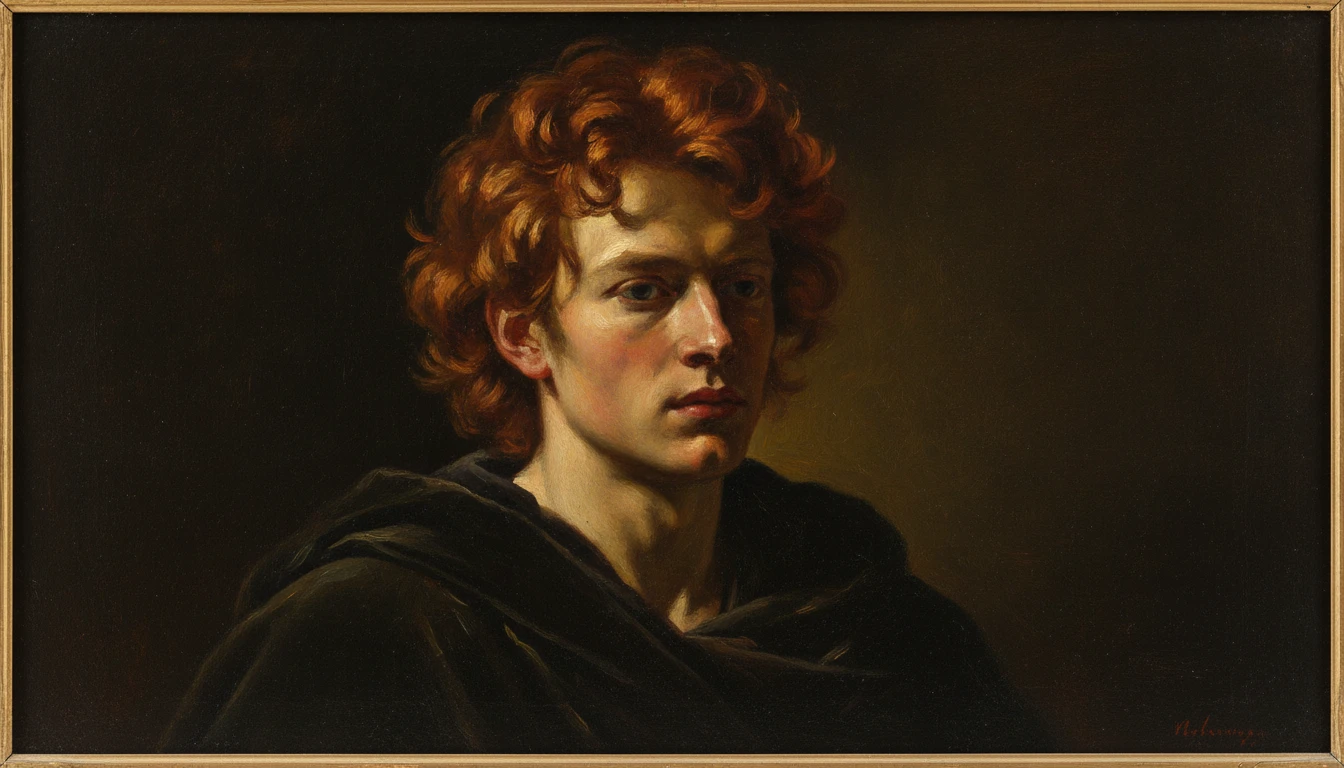
Artistic & Painted Portraits
Transform any subject into an oil painting, watercolor, charcoal sketch, or impressionist masterpiece. Specify the style in your prompt and get gallery-quality fine art results in seconds.
Create an Artistic Portrait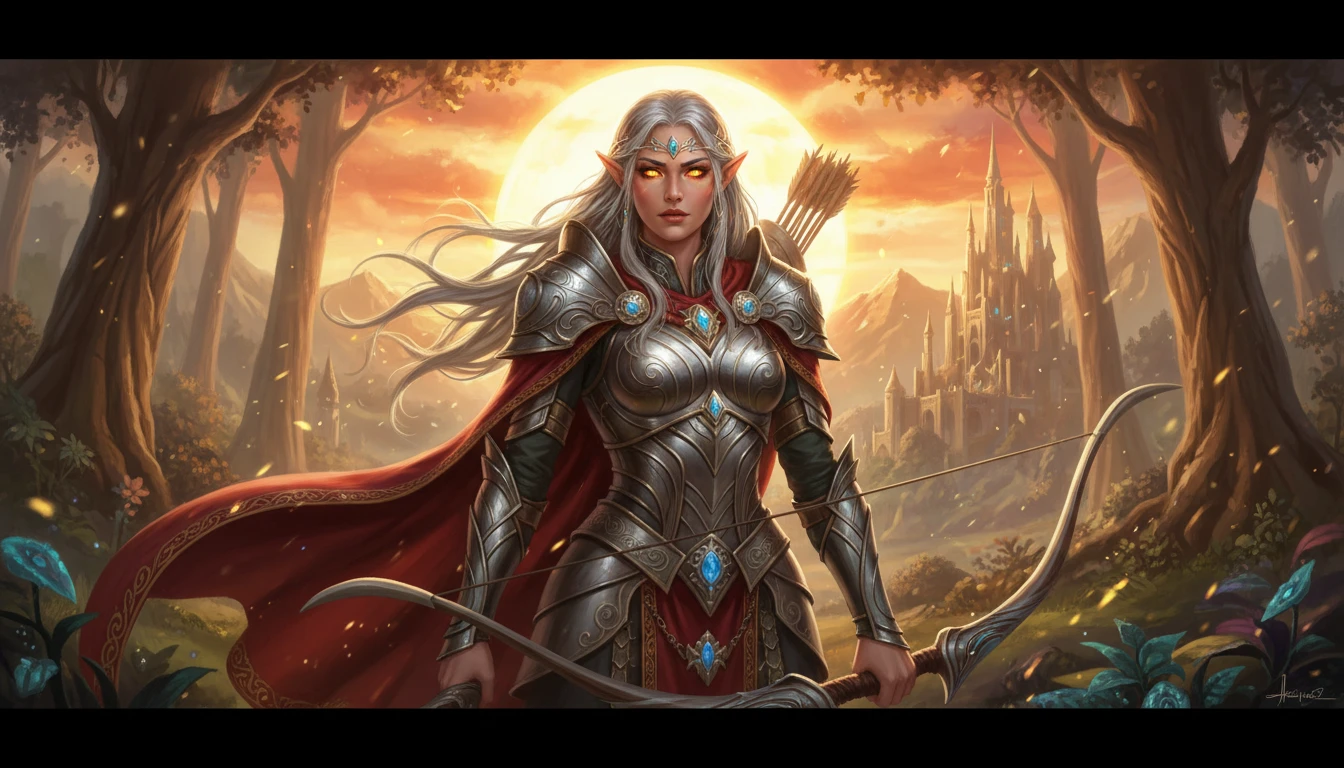
Character & Fantasy Portraits
Design detailed character portraits for games, novels, comics, and creative projects. Describe any fictional persona: warrior, wizard, alien, or villain, with full control over appearance, clothing, and setting.
Design a Character Portrait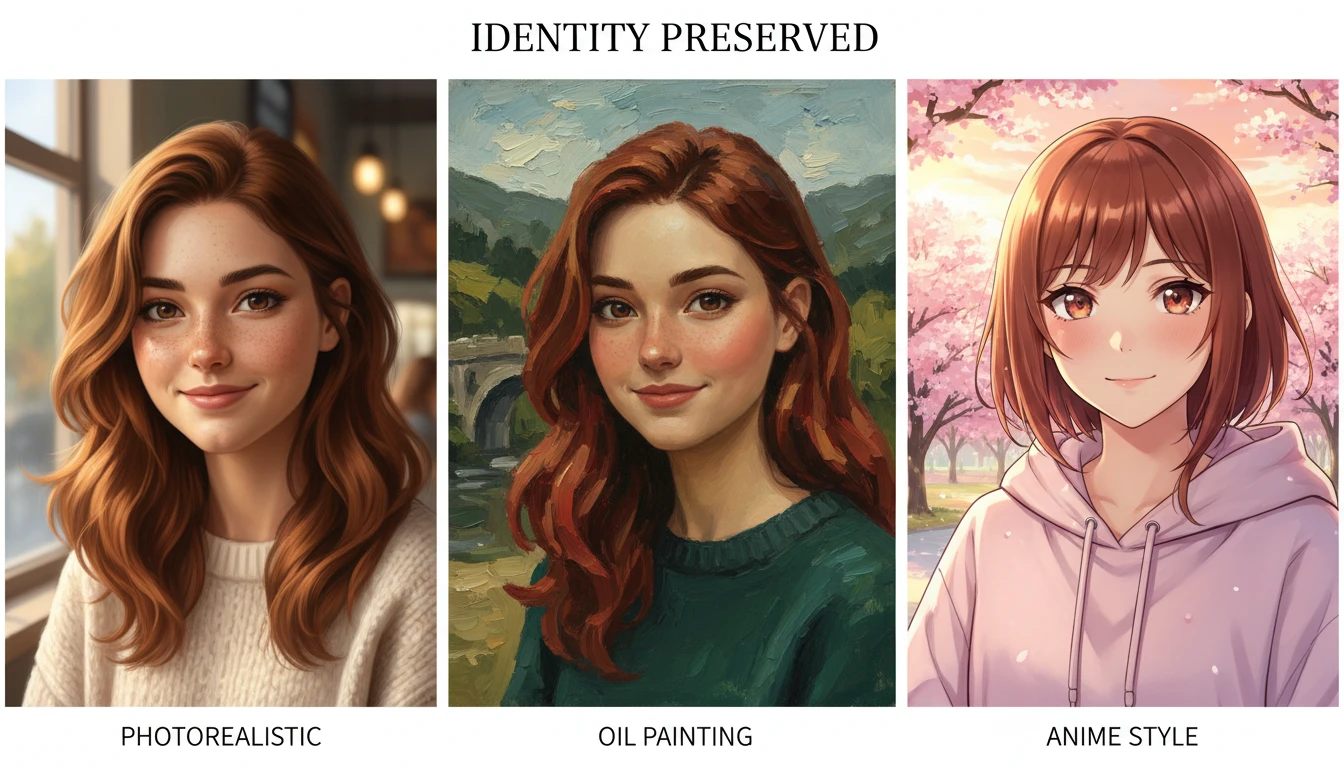
Ten Looks, Any Shape
Start with a look — photorealistic, cinematic, oil painting, watercolor, digital art, charcoal, anime, fantasy, vintage, or editorial — then pick a portrait, square, or wide crop that fits the use.
Pick a Portrait LookWhat People Create with AI Portrait Generator
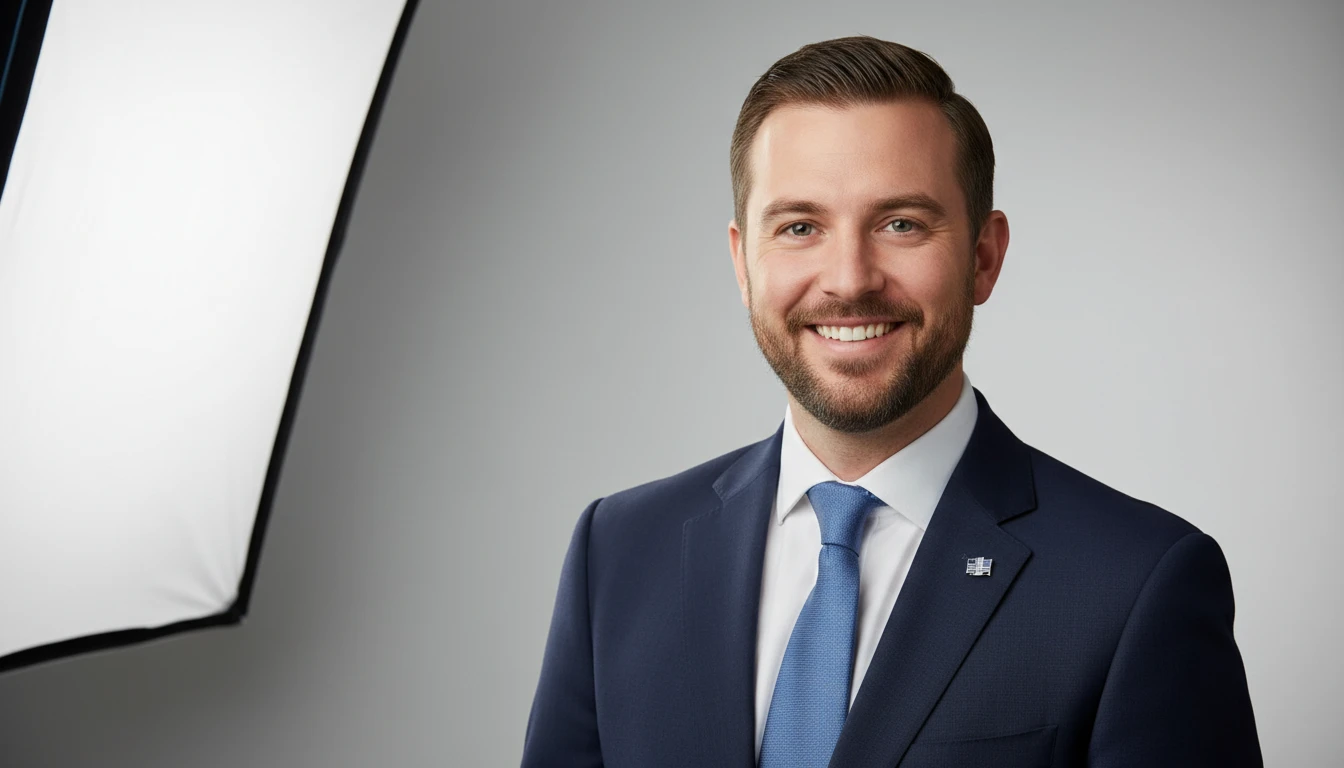
Professional Headshots
Generate polished LinkedIn and corporate headshots without a photography session. Studio quality at a fraction of the cost, ready in seconds.
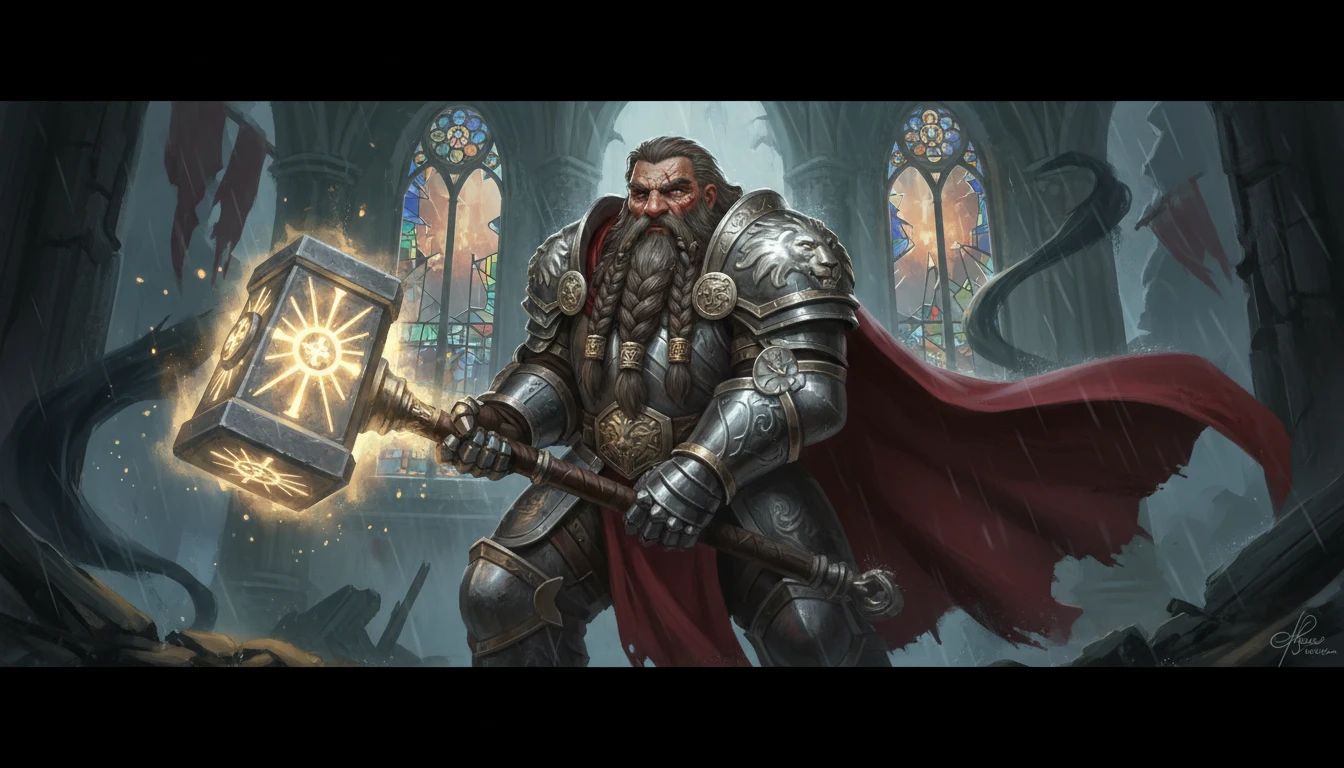
Game & Novel Characters
Create detailed character portraits for RPGs, fantasy novels, comics, and tabletop campaigns. Full control over race, class, costume, and mood.
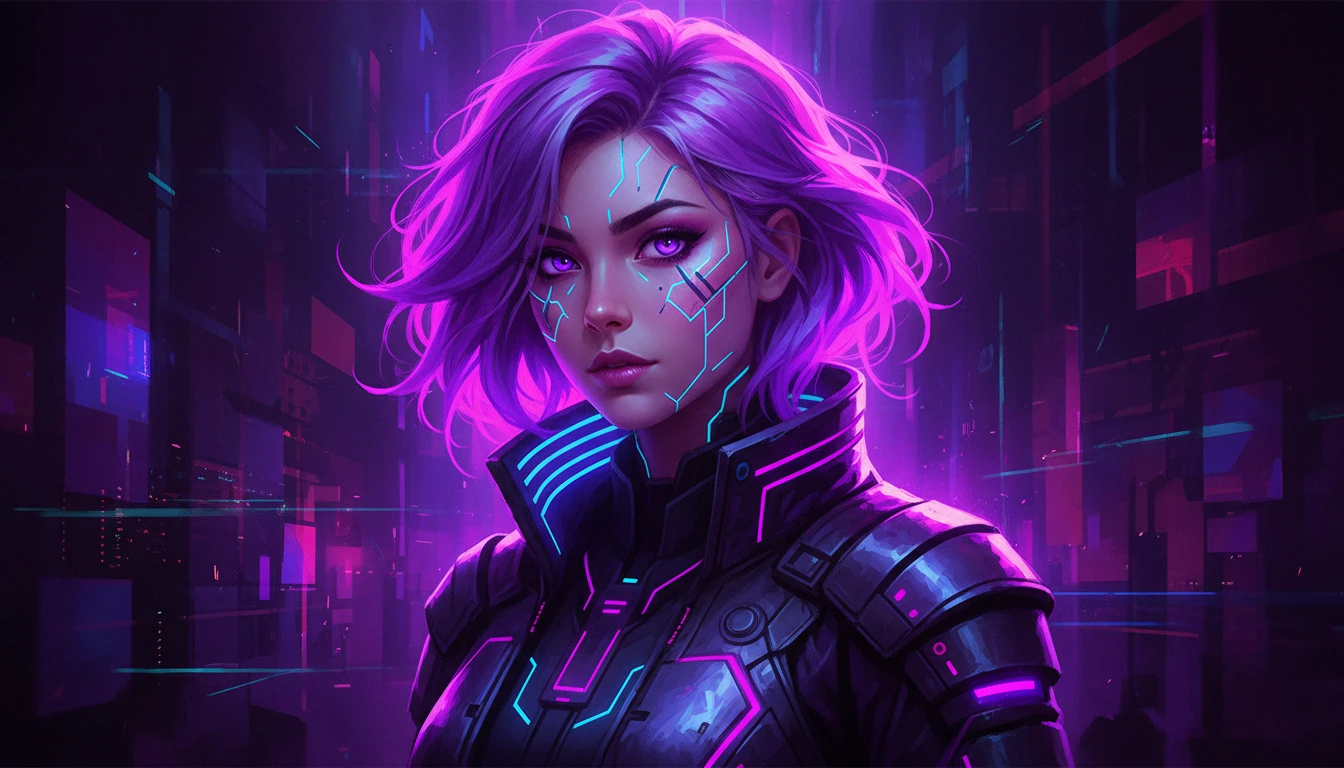
Social Media Avatars
Design unique profile pictures and avatars that stand out across Instagram, Twitter, Discord, and other platforms.
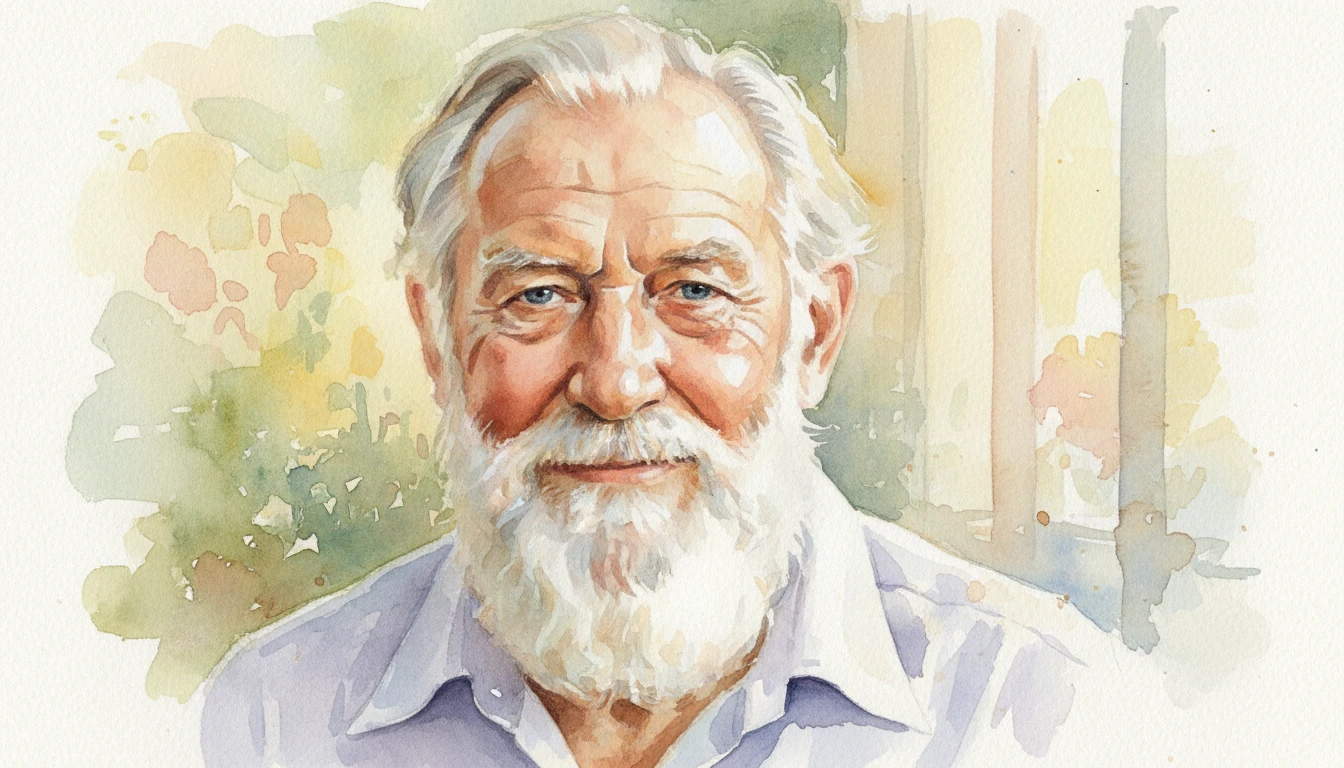
Fine Art & Illustration
Produce beautiful portrait art in any style: oil paintings, watercolors, pencil sketches, or cinematic photography, for prints, gifts, or creative portfolios.
How to Generate AI Portraits
Create a portrait in four steps inside Face Studio
Pick a Look
Choose photorealistic, cinematic, oil painting, watercolor, digital art, charcoal, anime, fantasy, vintage, or editorial.
Describe the Person
Name the subject, the light, and a setting. The more specific, the closer the result.
Choose a Shape
Pick a portrait crop, square, or wide format that matches how you will use the image.
Generate and Download
Review your look, prompt, and shape, then generate. Download the result or make another variation.
Explore More
More AI Studio Tools
Discover other powerful AI tools to enhance your creative workflow
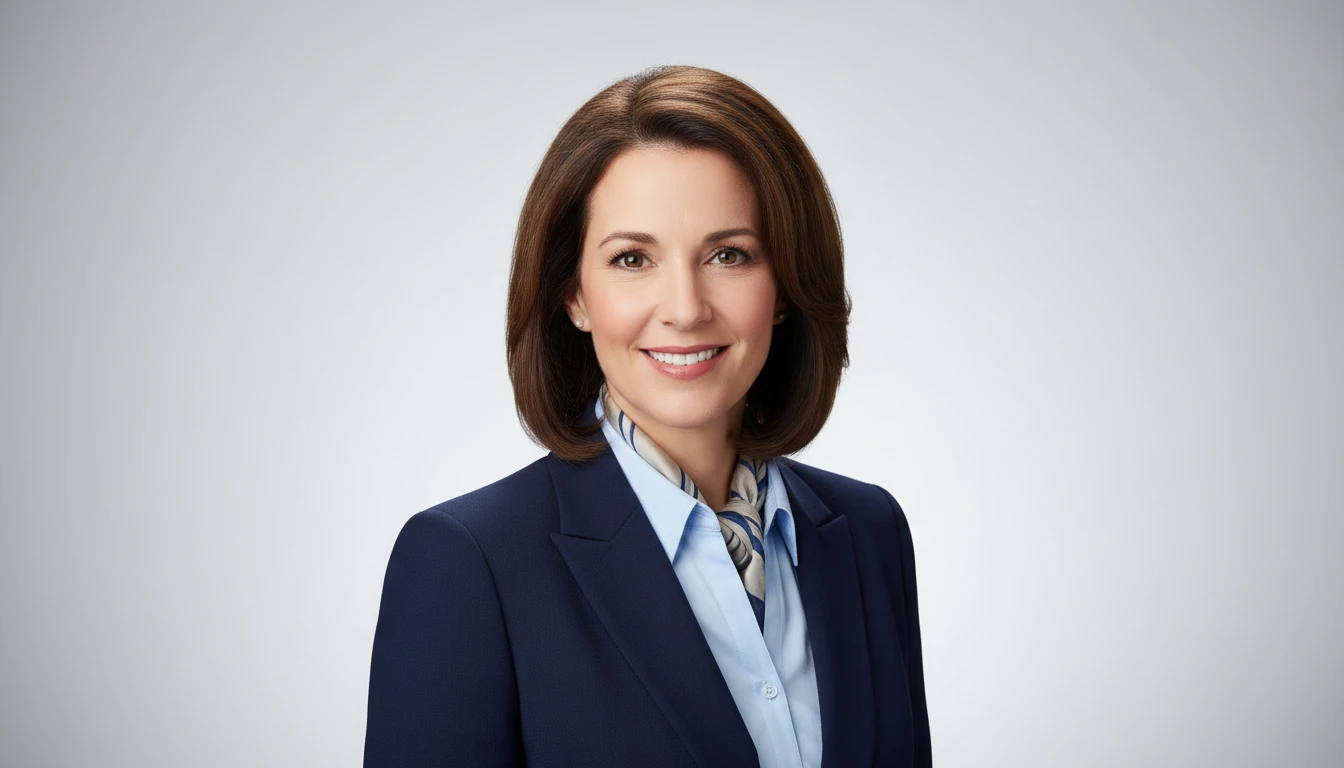
AI Professional Headshot Generator
Upload any casual portrait and AI generates a studio-quality professional headshot in seconds. Choose from 14 styles including LinkedIn Profile, Corporate Business, Executive Portrait, Creative Professional, Tech Startup, Real Estate Agent, and Personal Brand. No photographer, studio, or scheduling required. Supports a wide range of ages, genders, and professional contexts.
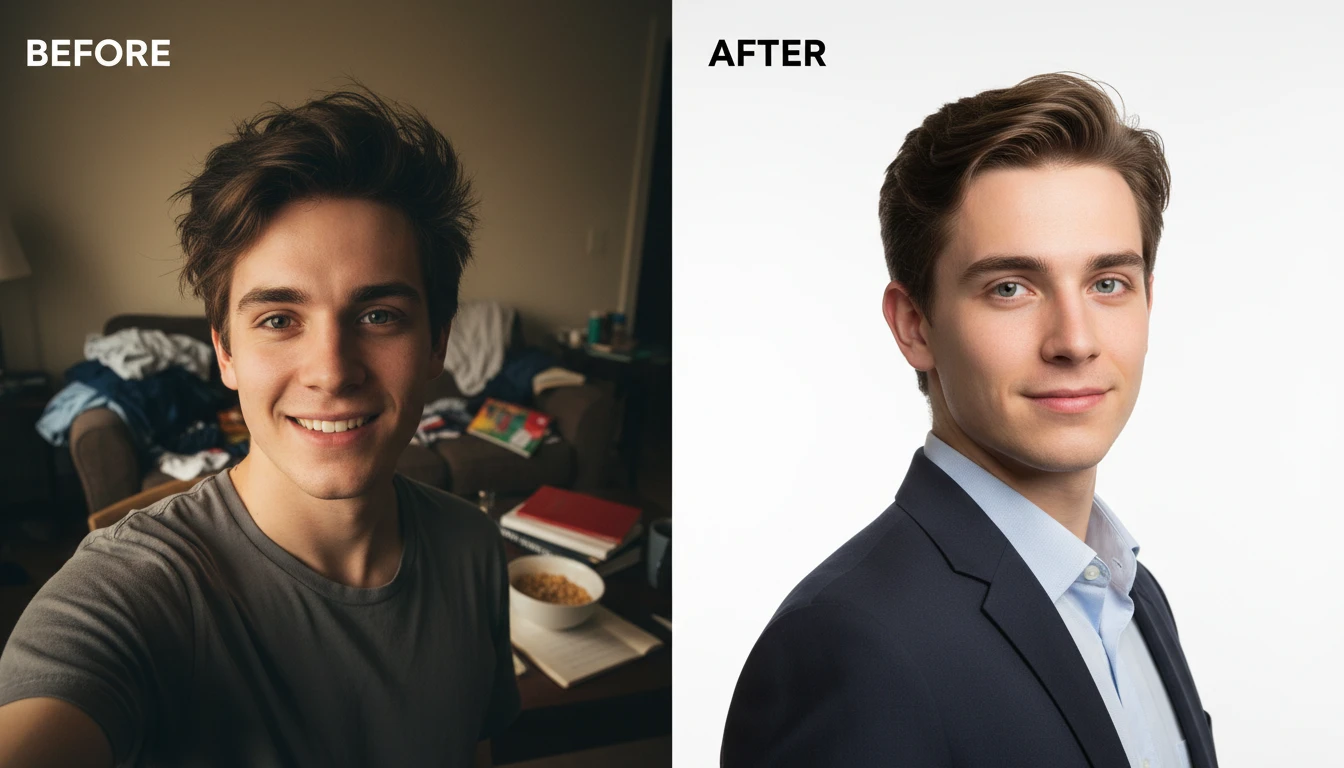
AI Profile Photo Maker
Transform any portrait photo with a new professional background. Studio white, gradient, office blur, outdoor, dark professional, and more styles.
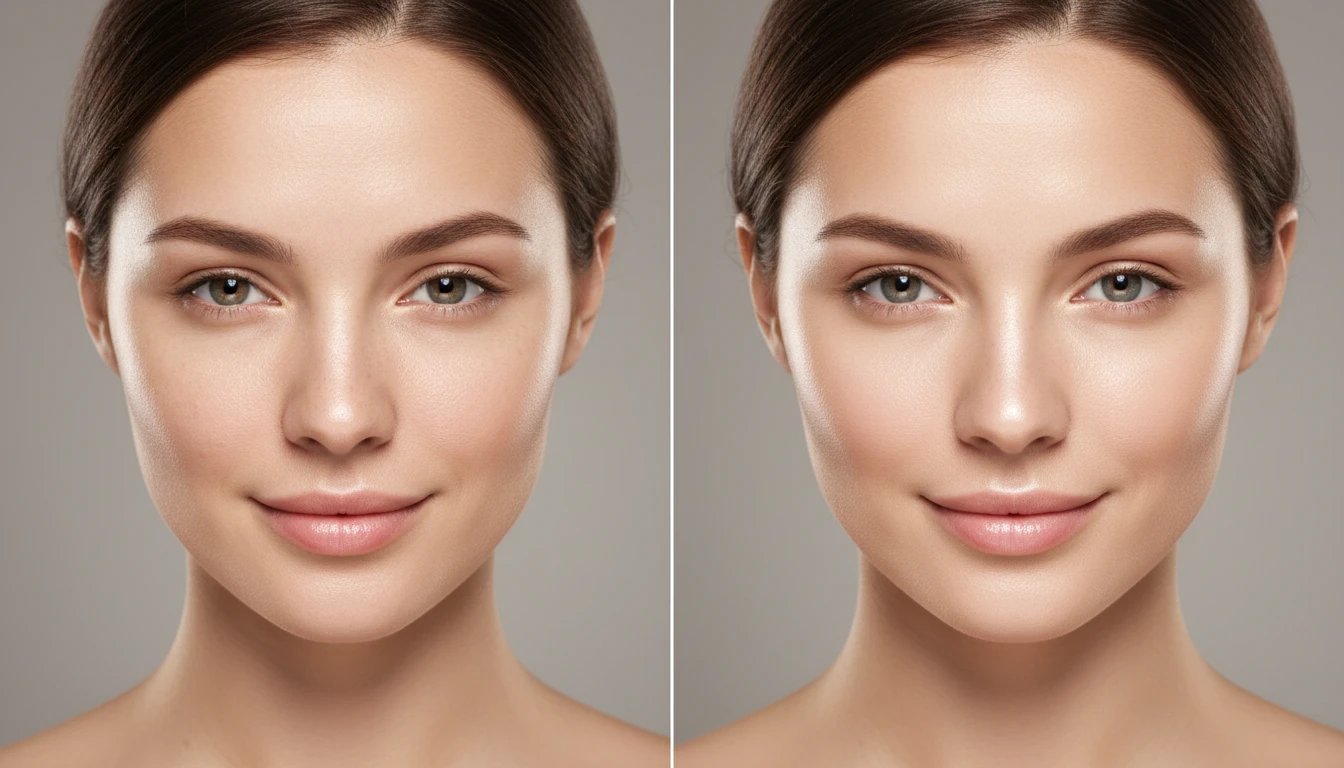
AI Face Retouching
Subtly improve your features and showcase your natural beauty. Smooth, clear, and flawless results — without harsh filters or excessive editing.
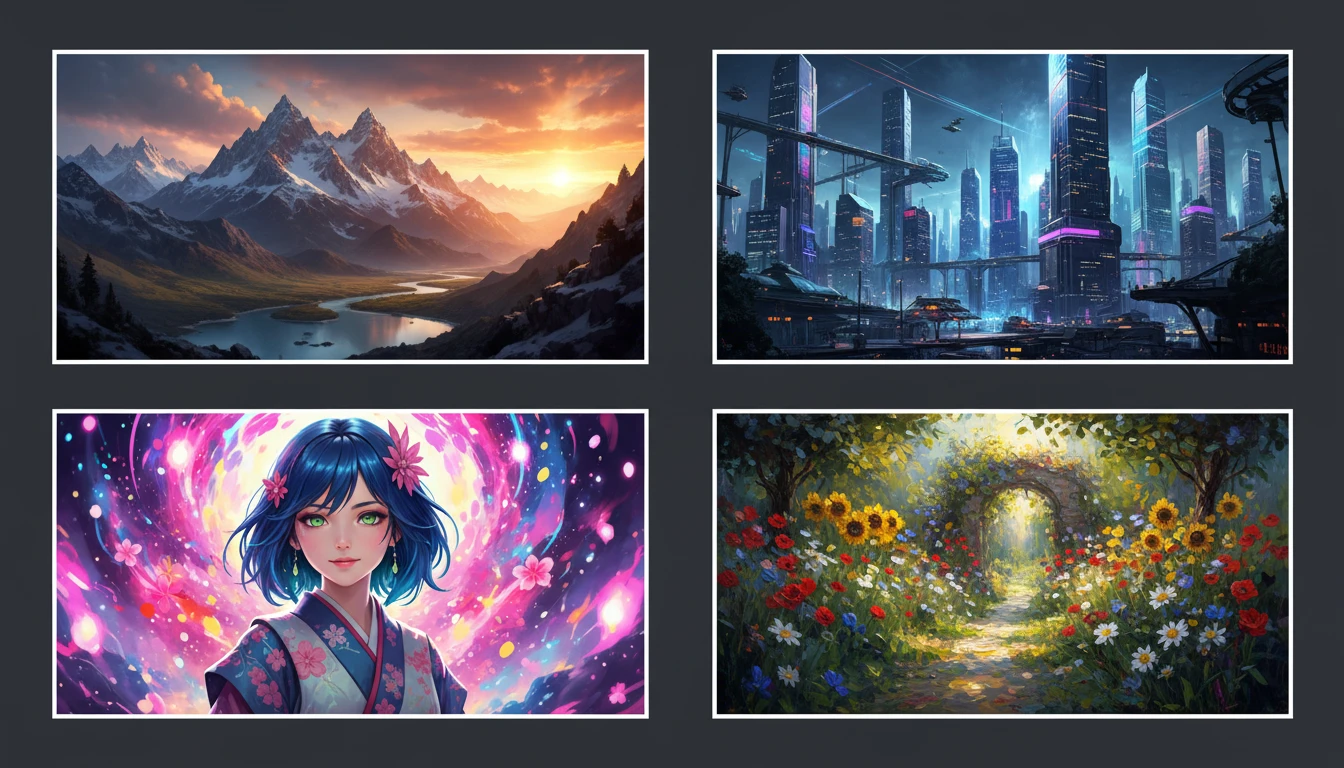
AI Text to Image
Describe any scene, character, or concept and AI generates a high-quality image in seconds. Choose from 10 artistic styles including photorealistic, cinematic, anime, oil painting, watercolor, and more, plus full aspect ratio control. Supports detailed prompt inputs and optional reference image uploads to guide the composition or style.
Opens in
Image Studio
Frequently Asked Questions
Everything you need to know to get started.
What types of portraits can I generate?
You can generate photorealistic headshots, oil paintings, watercolors, charcoal sketches, digital art, anime portraits, cinematic character art, and more. Just describe the style in your prompt.
Do I need a photo?
No. Portrait Generator creates a new portrait from your description. If you already have a photo to polish, use Face Retouch or Professional Headshot instead.
How do I write a good portrait prompt?
Layer your prompt: start with the subject (age, gender, ethnicity, hair, eyes), then add style (oil painting, DSLR, anime), then lighting (golden hour, studio, dramatic), then background. More detail gives more control.
Can I use portraits for commercial projects?
Yes. Generated portraits are downloaded in high resolution and are suitable for professional profiles, brand assets, marketing, merchandise, book covers, and other commercial uses.
How do I get consistent results for the same character?
Keep the same detailed description and look, then generate again. Small wording changes move the result; repeating the same prompt stays closer.
Ready to Create Your Portrait?
Try AI Portrait Generator now and bring your vision to life in seconds. No camera, no photographer, no limits.
Launch Portrait GeneratorDisclaimer: This tool uses generative AI technology which may produce content that resembles copyrighted materials or that is inaccurate, incomplete, or out-of-date. It is provided for general information and educational purposes only and is not intended for illegal activities or to replace professional advice, diagnosis, or treatment. Users are solely responsible for how they use the generated content. If you plan to use AI-generated content commercially or publicly, we strongly recommend reviewing it for potential copyright issues and obtaining proper permissions where necessary. We accept no liability for copyright infringement or any other consequences resulting from the use of content generated by this tool.