Restore Old and Damaged Photos with AI
Upload any damaged, faded, or scratched photo. AI repairs scratches, cracks, discoloration, blur, and noise in one click. No manual editing. No software. Just upload and restore.
Restore a Photo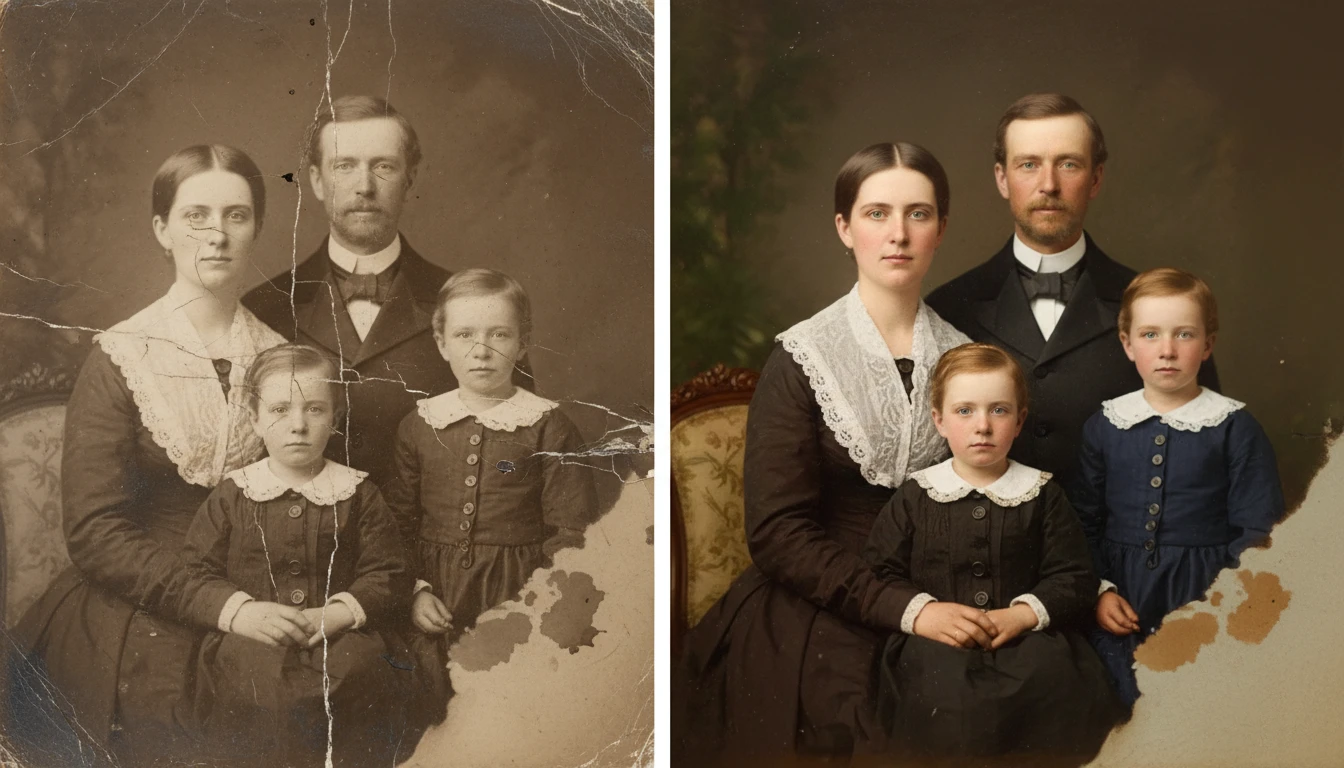
Restore Any Old or Damaged Photo
Add a photo and we'll open AI Image Studio ready to restore it.
Drag & drop your photo here
or click to browse — JPG, PNG or WebP, up to 15MB
Your photo is used only to restore it for you.
Scratch and Physical Damage Repair
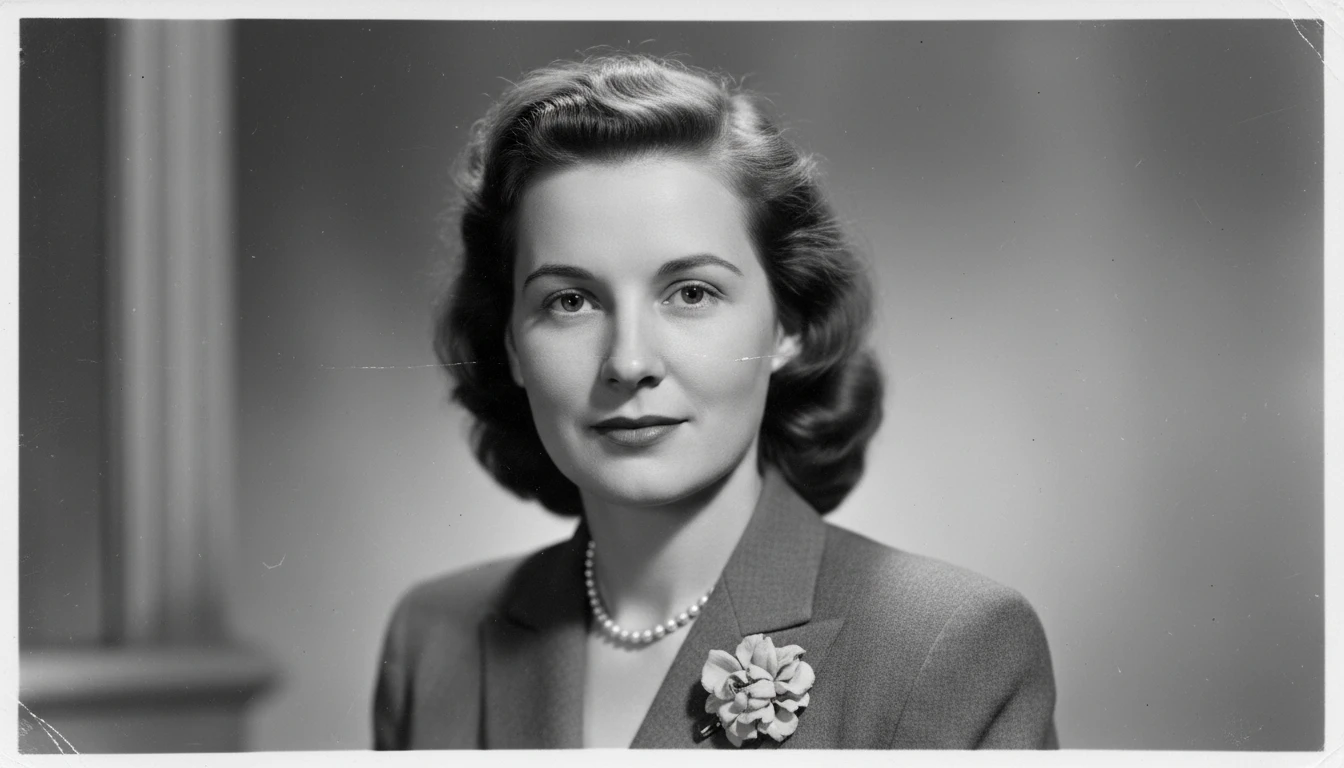
AI automatically detects and repairs scratches, cracks, tears, and creases. It reconstructs missing areas with seamlessly blended content, making damage invisible in the final result.
Restore a Damaged Photo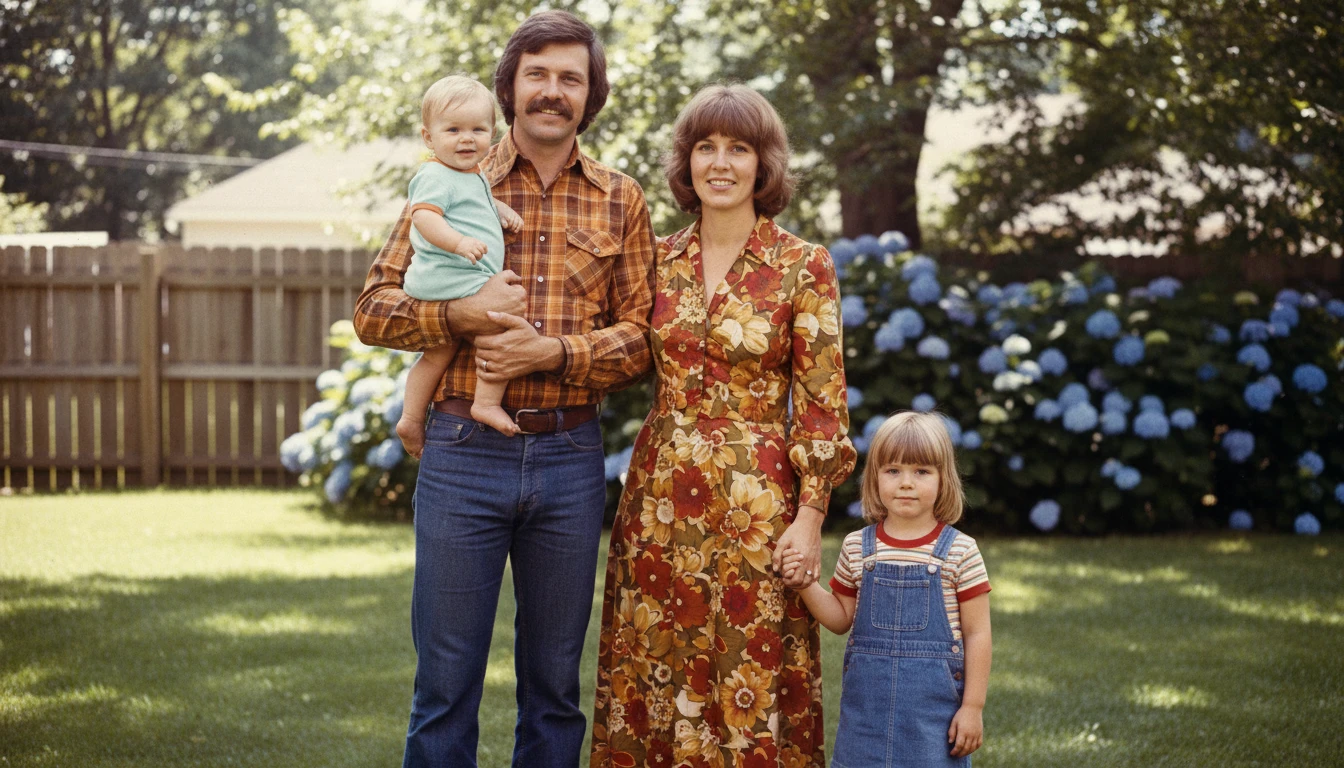
Fading and Color Restoration
Revive yellowed, faded, or discolored photos by restoring natural color balance, contrast, and tonal range. Bring washed-out vintage prints back to their original warmth and clarity.
Fix a Faded Photo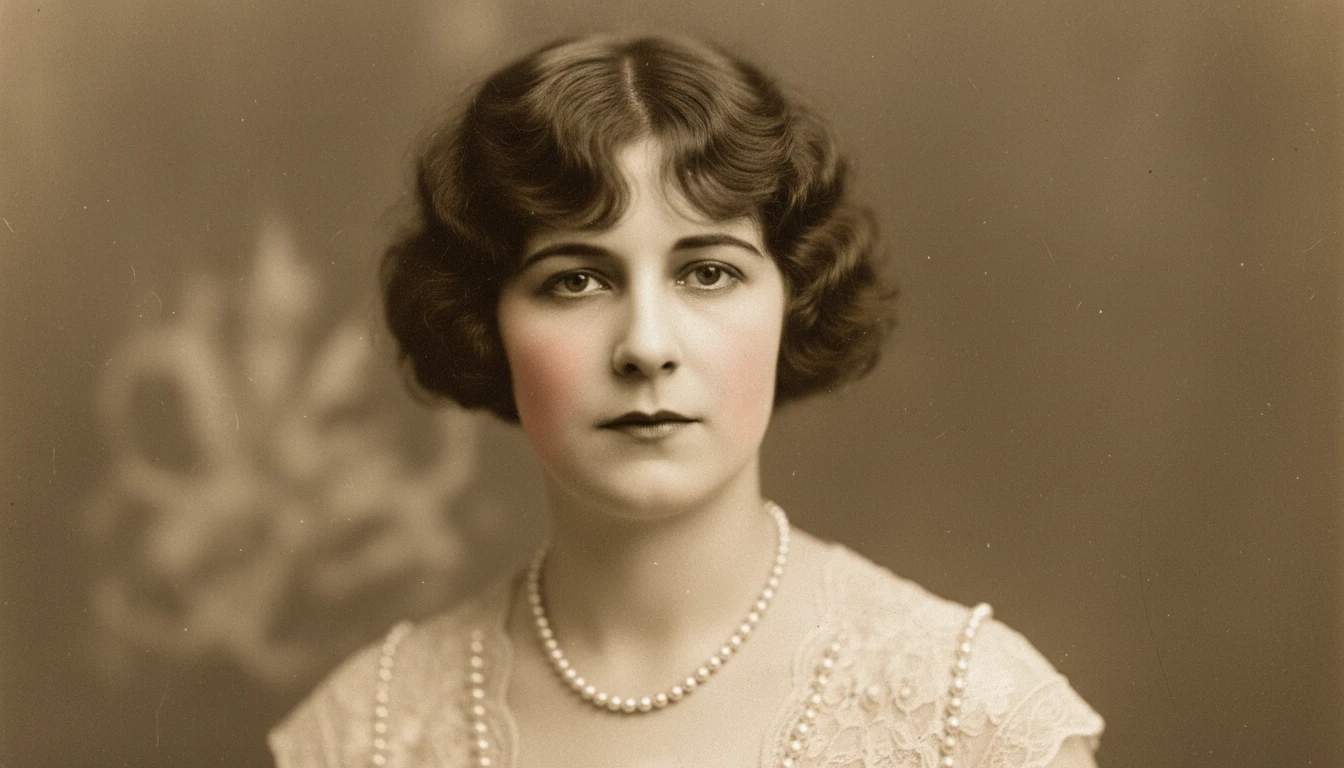
Noise Reduction and Sharpening
Remove grain, noise, and blur from old scans and low-quality photos. AI enhances fine details and sharpens edges to deliver clean, high-clarity output from even heavily degraded sources.
Sharpen a Blurry Photo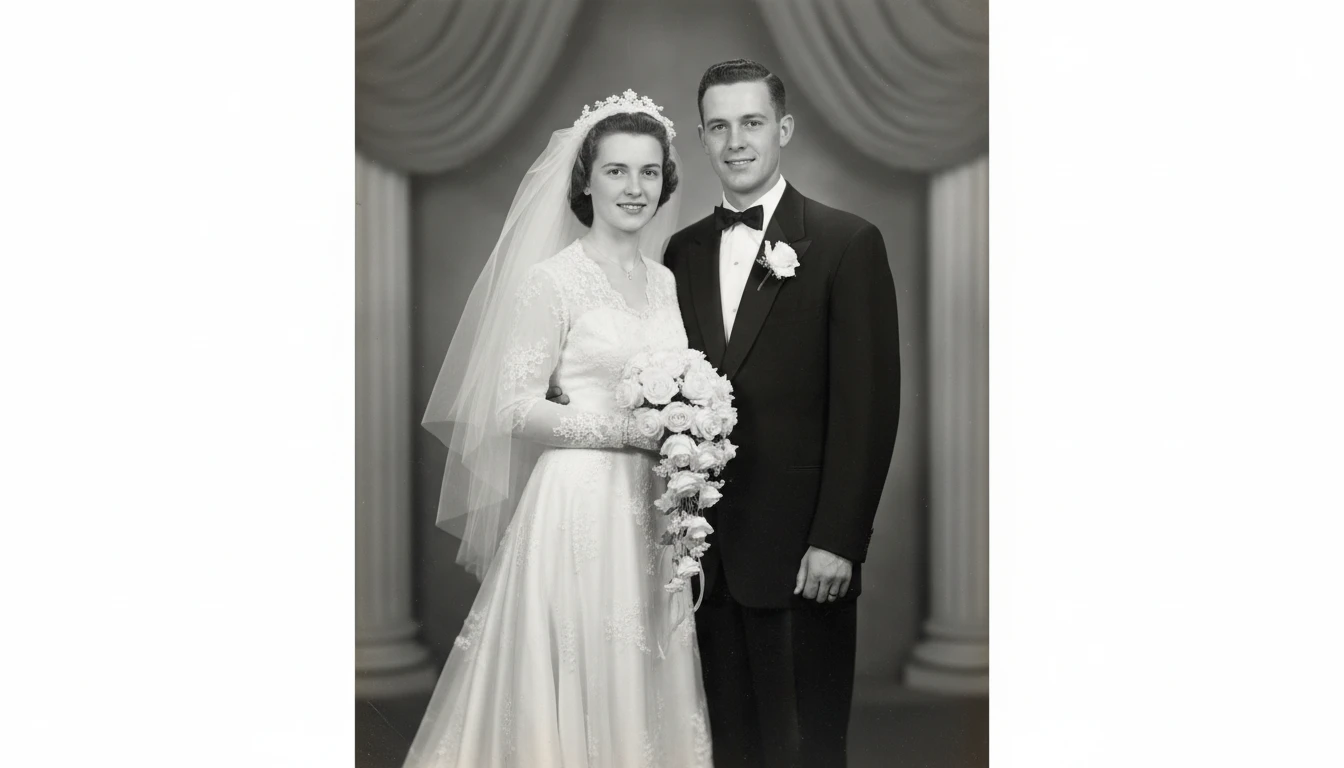
Heritage and Archive Restoration
Preserve family history, historical records, and archival images. Restore wedding photos, childhood portraits, military service photographs, and heritage images for future generations.
Restore a Heritage PhotoWho Uses AI Photo Restoration
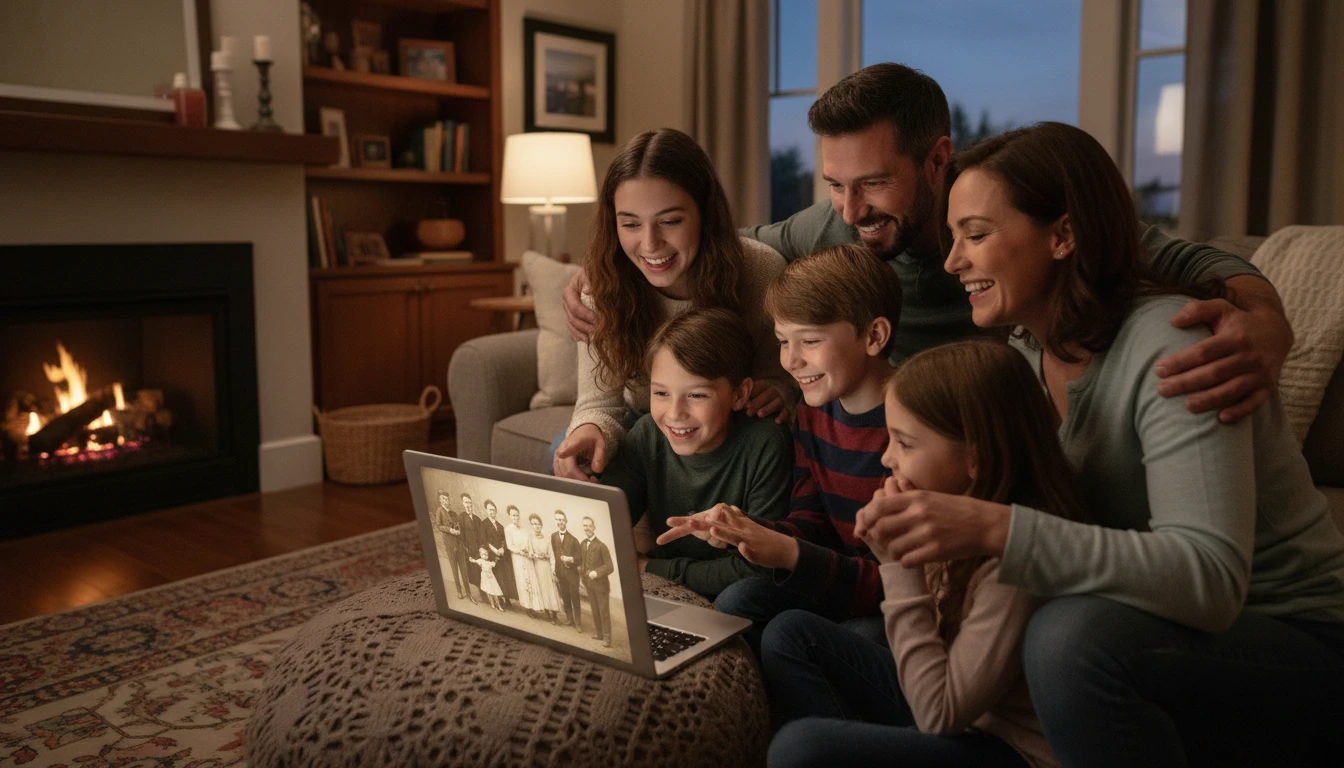
Families Preserving Memories
Bring grandparents' wedding photos, childhood portraits, and family heirlooms back to life. Preserve precious memories in restored form for future generations.
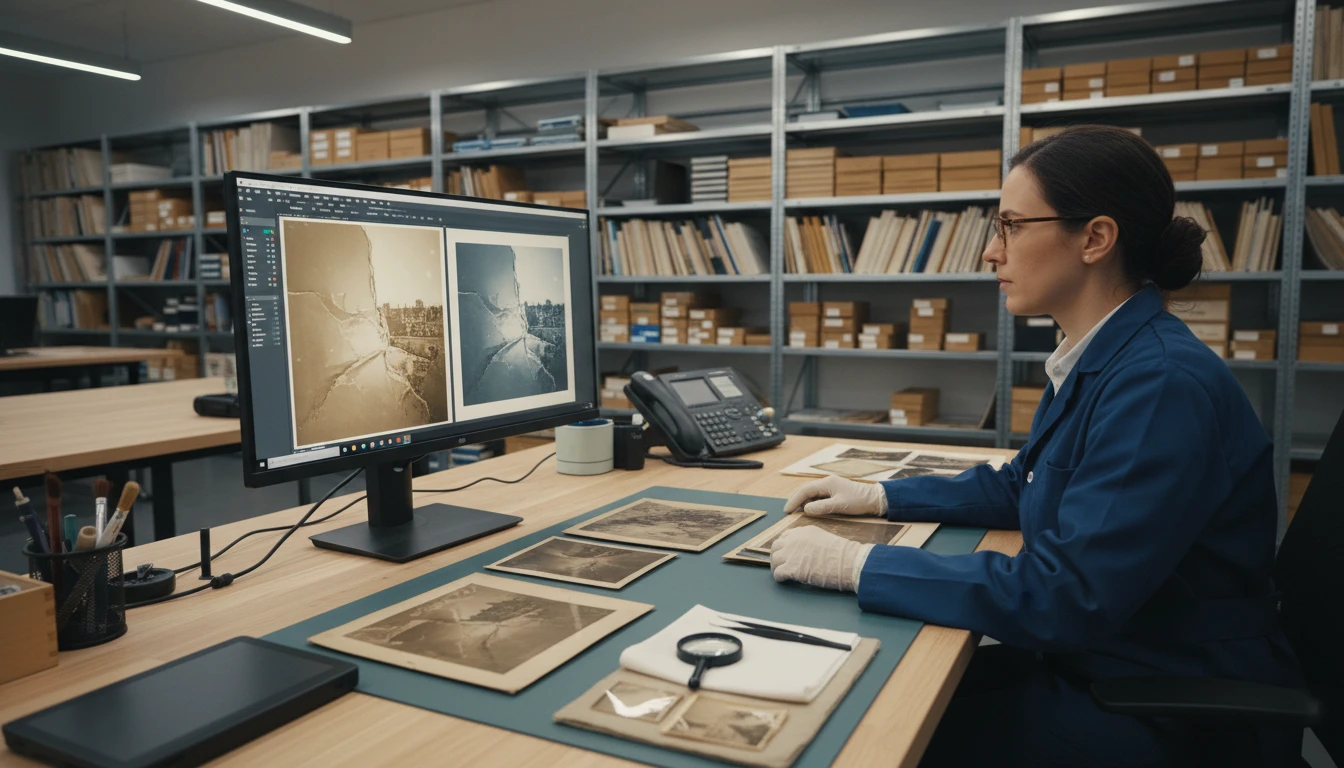
Historians and Archivists
Restore historical photographs, newspaper clippings, and archival images. Make history visible again with AI-powered repair and enhancement of degraded records.
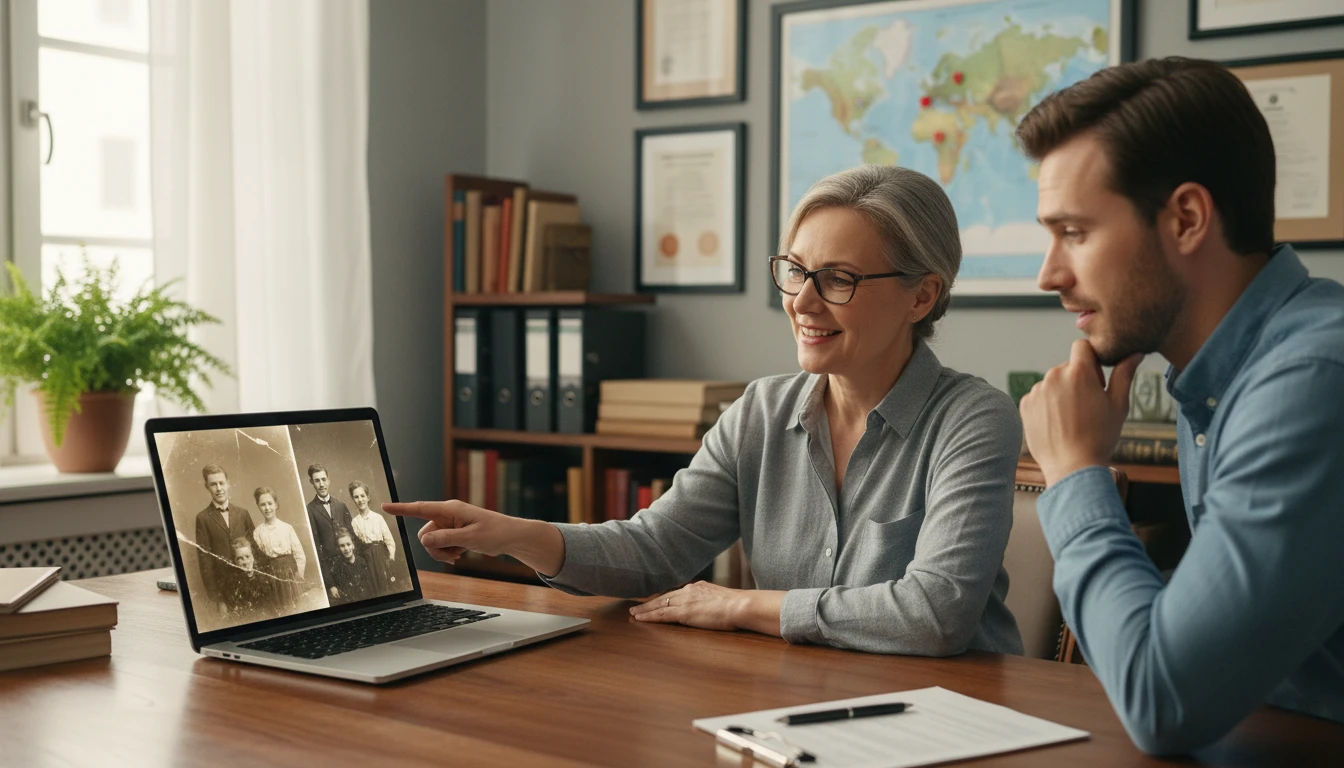
Genealogy Services
Offer photo restoration as part of genealogy and heritage services. Deliver high-quality restorations for clients tracing their family history without manual retouching.
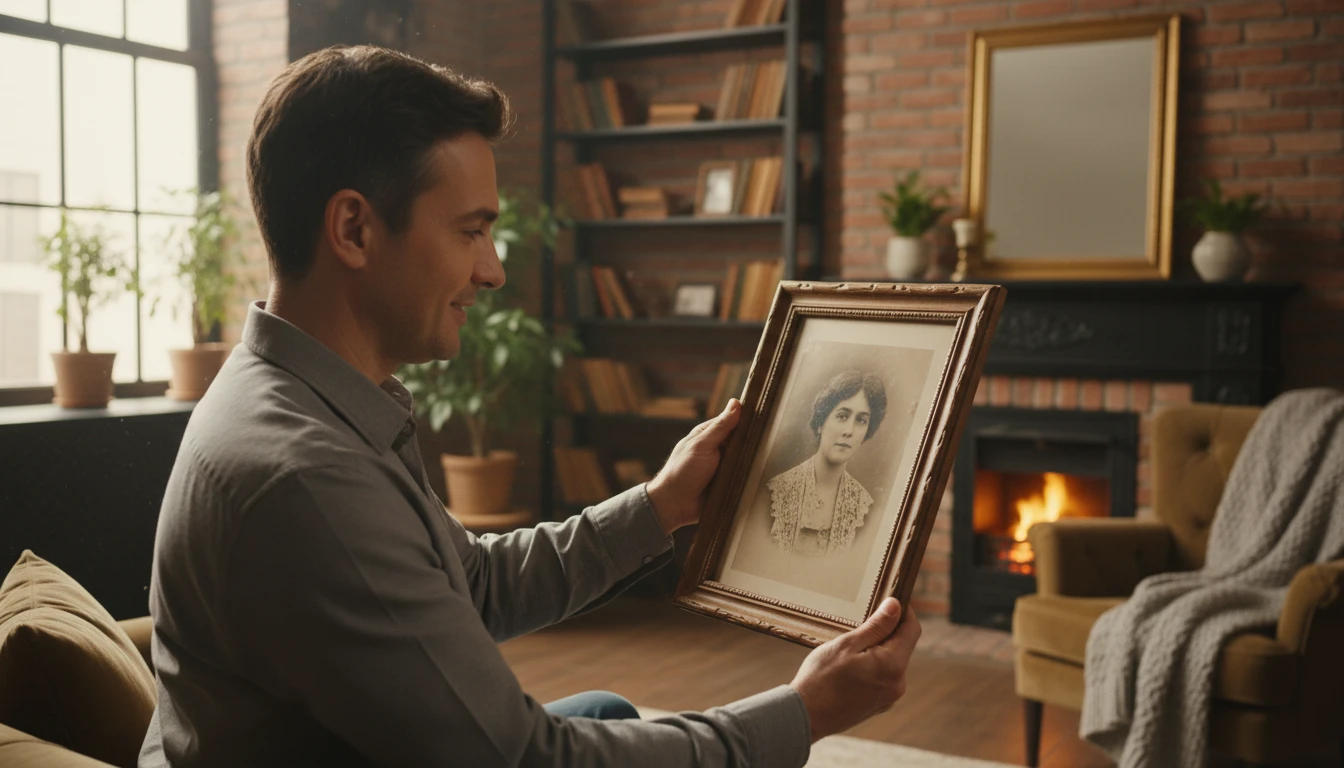
Memorial and Estate Services
Restore cherished photos for memorial tributes, obituaries, and estate archives. Deliver dignified, high-quality results quickly and without specialist equipment.
How to Restore Your Photos with AI
Repair and restore any damaged photo in three simple steps
Upload Your Damaged Photo
Select any old, damaged, or degraded photo. Scanned vintage prints, faded portraits, scratched images, or noisy low-quality photos all work. JPG, PNG, or WEBP accepted.
Click Restore Photo
Hit Restore Photo. AI analyzes all damage types present including scratches, fading, noise, and blur, then applies targeted restoration to each region in one pass.
Compare and Download
Review the before and after side by side with the comparison slider. Download your restored photo in high resolution to preserve, print, and share.
Explore More
More AI Studio Tools
Discover other powerful AI tools to enhance your creative workflow
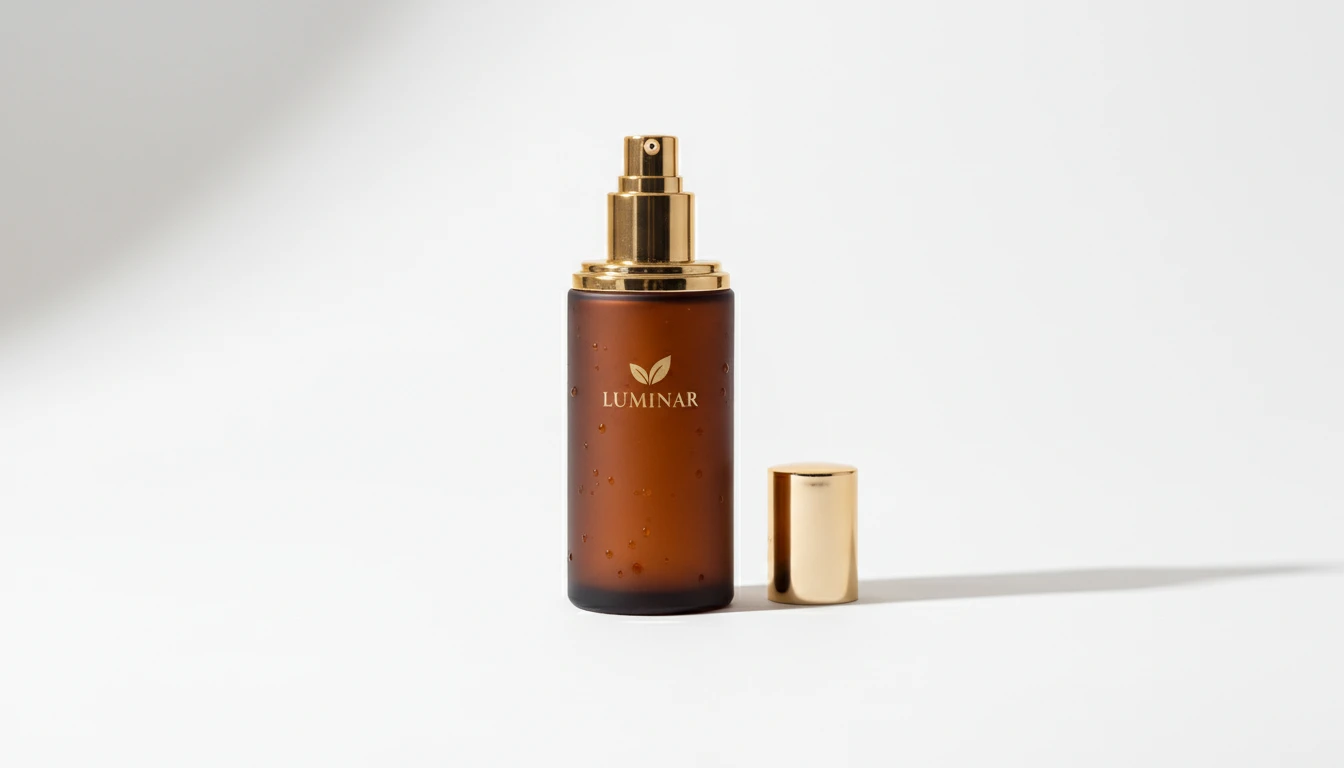
AI Product Photo Editor
Upload any product photo and AI transforms it into a professional e-commerce image. Choose from 13 editing modes including clean white background, soft studio lighting, lifestyle scene placement, flat-lay, luxury dark background, and more. No Photoshop or photography skills required. Results are ready for Amazon, Shopify, Etsy, and social media product listings.
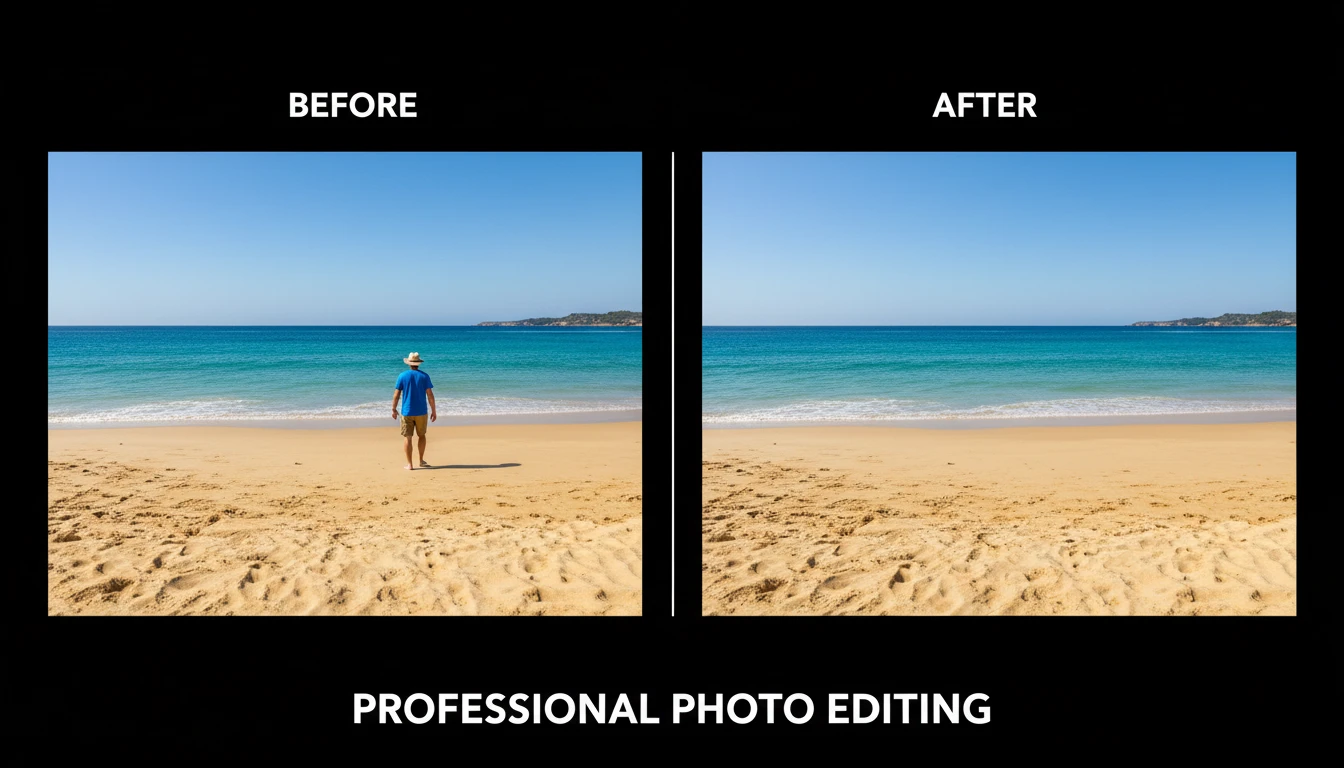
AI Object Remover
Upload any photo and describe the object, person, or element you want removed. AI erases it and reconstructs the background seamlessly so the result looks untouched. No manual masking, cloning, or Photoshop skills required. Works on people, signs, vehicles, furniture, cables, watermarks, and more.
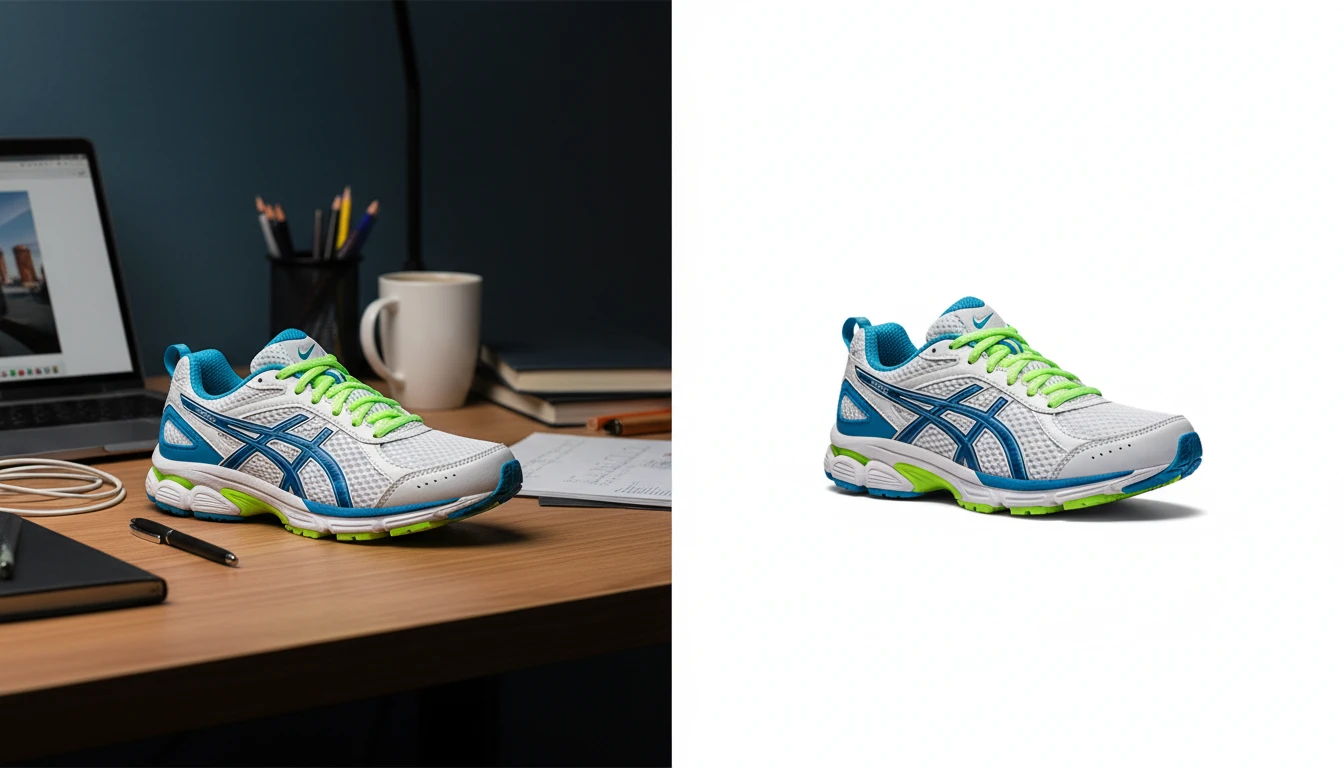
AI Background Remover
Upload any photo or product image and AI removes the background in seconds, delivering a clean transparent PNG. No manual masking required. Ideal for profile photos, marketing materials, and design assets.
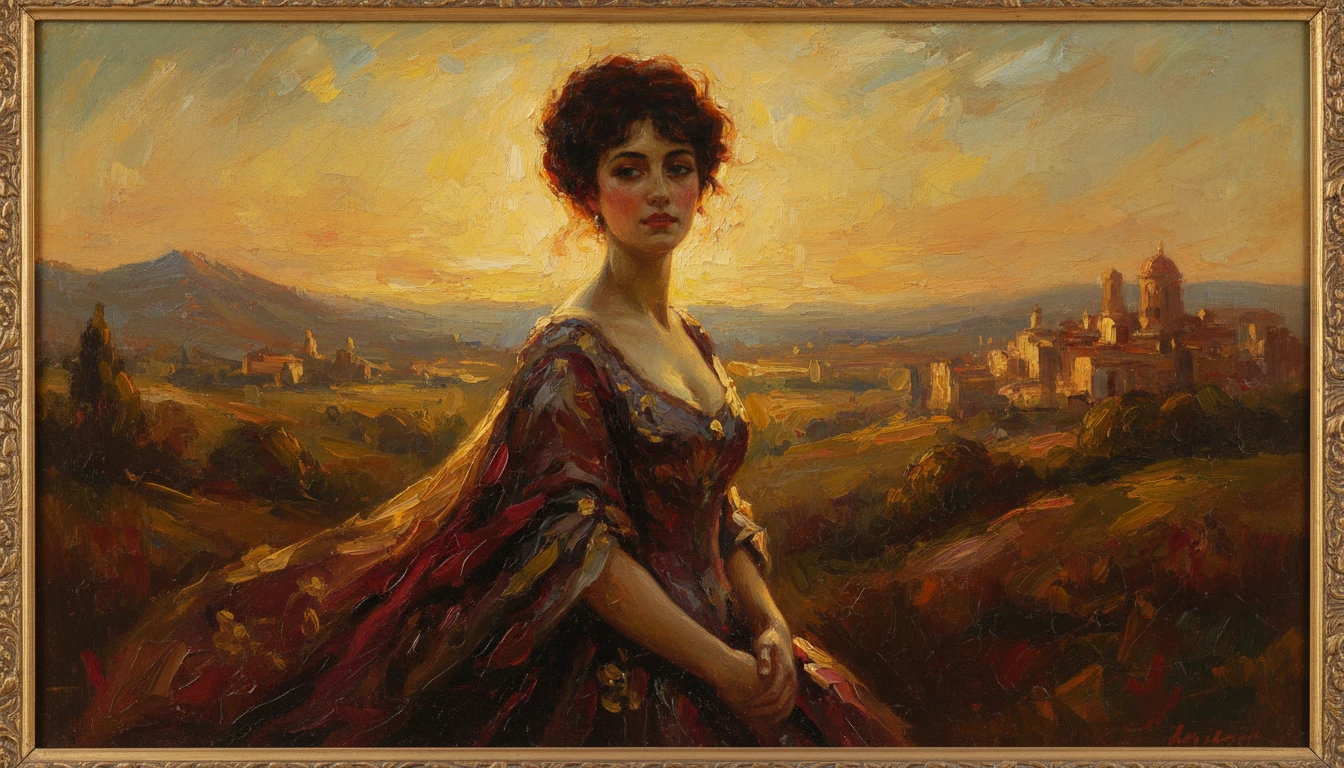
AI Photo to Art
Upload any photo and AI reimagines it as a handcrafted work of fine art. Choose from 20 artistic styles including Oil Painting, Watercolor, Impressionist, Pencil Sketch, Charcoal, Japanese Ukiyo-e, Surrealism, Stained Glass, Renaissance, Baroque, and more. Each result is generated to look like a real artwork created by hand, not a digital photo filter. Supports portraits, landscapes, still life, and architectural subjects.
Opens in
Image Studio
Frequently Asked Questions
Everything you need to know to get started.
What is AI Photo Restoration?
AI Photo Restoration repairs old and damaged photos automatically. Upload any damaged image and AI detects and fixes scratches, fading, noise, blur, and discoloration in one click.
What types of damage can AI fix?
AI Photo Restoration handles physical damage (scratches, cracks, tears, creases), color degradation (fading, yellowing, color shifts from aging), and image quality issues (noise, grain, blur, low resolution). It addresses all damage types in a single pass.
What makes a good photo to restore?
Photos with moderate rather than extreme damage tend to produce the best results. Scan physical prints at 600 DPI or higher for best quality. Clean major surface dust before scanning since AI handles embedded damage better than loose debris.
Can I restore a very heavily damaged photo?
Yes, though results vary by severity. For heavily damaged photos, run the restoration a second time using the restored output as the new input. This progressive approach significantly improves quality across multiple passes.
Will the restored photo look different from the original?
AI preserves the original composition and subject identity while improving clarity and repairing damage. The result should look like the photo was always in good condition, not like a different image.
What format should I save the restored photo in?
Save restored photos as PNG for lossless quality. PNG preserves all the fine detail the AI has recovered without re-introducing compression artifacts. Create cloud, external drive, and printed backups of important restorations.
Start Restoring Photos Today
Upload any damaged photo. AI repairs scratches, fading, and blur in seconds.
Restore Your First PhotoDisclaimer: This tool uses generative AI technology which may produce content that resembles copyrighted materials or that is inaccurate, incomplete, or out-of-date. It is provided for general information and educational purposes only and is not intended for illegal activities or to replace professional advice, diagnosis, or treatment. Users are solely responsible for how they use the generated content. If you plan to use AI-generated content commercially or publicly, we strongly recommend reviewing it for potential copyright issues and obtaining proper permissions where necessary. We accept no liability for copyright infringement or any other consequences resulting from the use of content generated by this tool.