Upscale Any Image to Higher Resolution with AI
Upload any image and AI enlarges it while preserving sharpness, detail, and texture. No blurring, no pixelation. Ready for print, product listings, and high-res export.
Upscale Your Image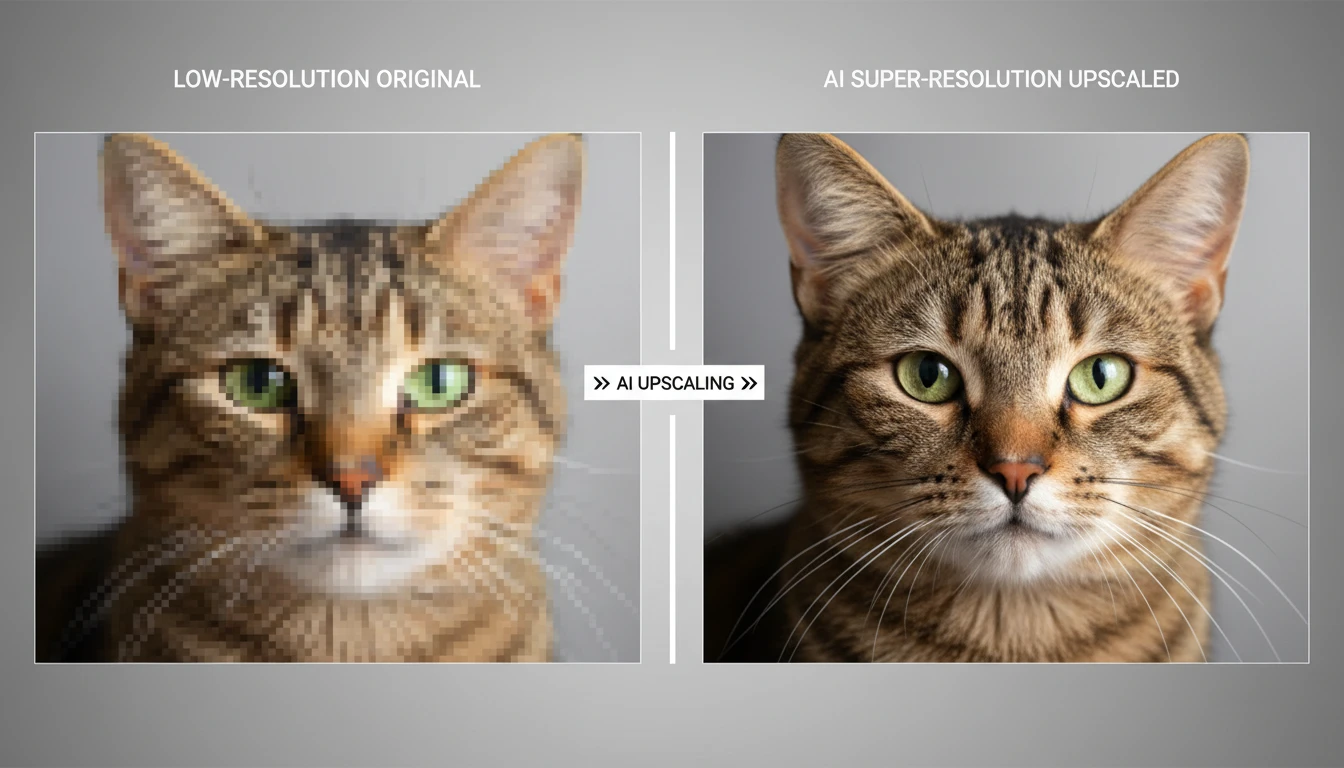
Upscale Any Image to Higher Resolution
Add a photo and we'll open AI Image Studio ready to upscale it.
Drag & drop your photo here
or click to browse — JPG, PNG or WebP, up to 15MB
Your photo is used only to upscale it for you.
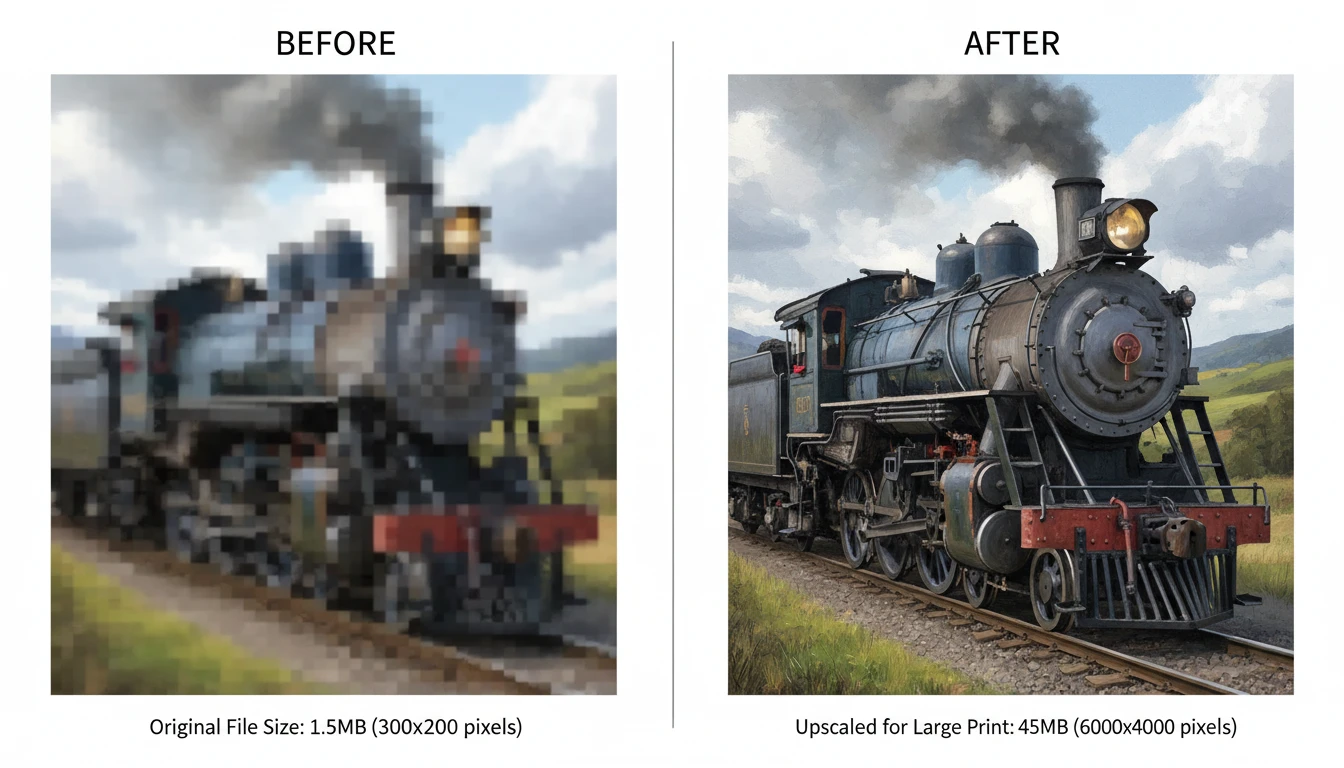
Print-Ready High-Resolution Enlargement
Turn small digital photos into print-ready high-resolution files. Whether it is an A4 poster, a large canvas print, or a billboard-quality asset, AI upscaling preserves detail that standard bicubic enlargement destroys.
Upscale for Print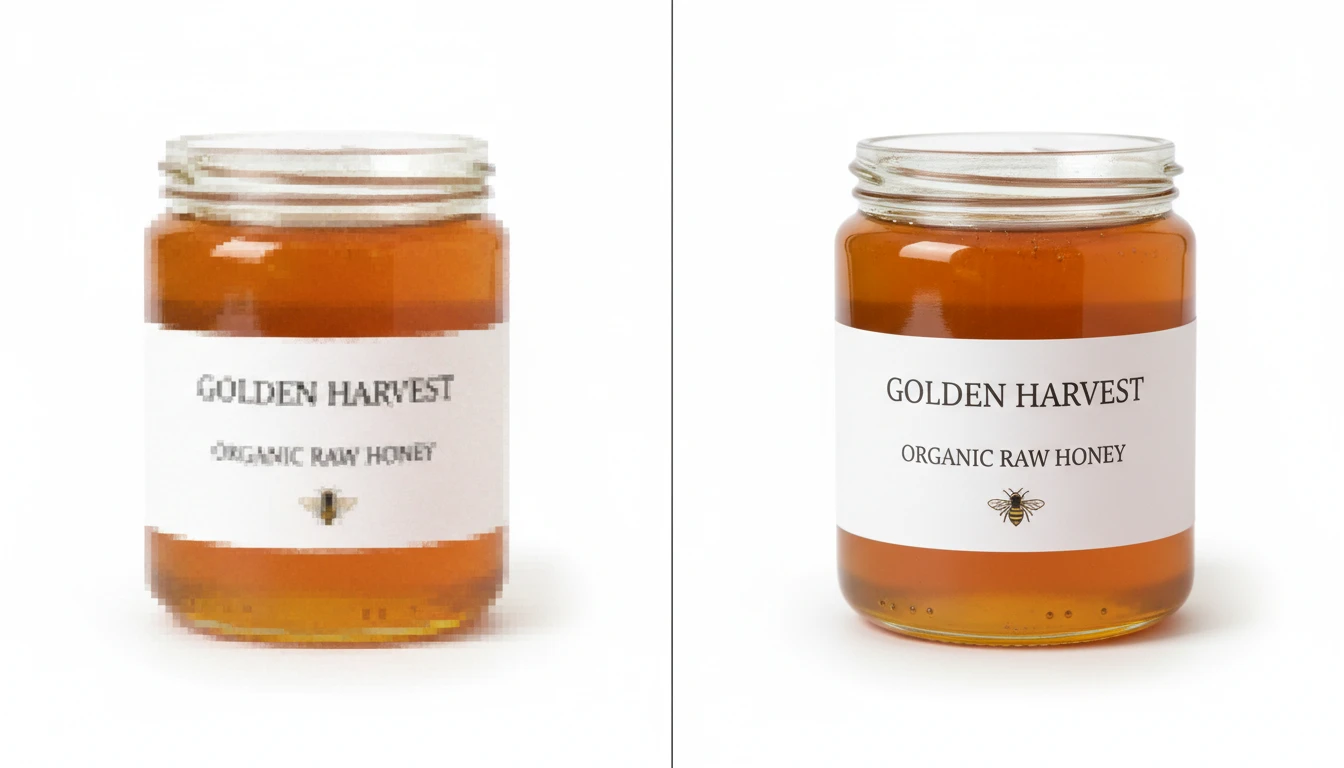
Product Photos for Catalogs
Upscale low-resolution product images to meet the minimum resolution requirements of Amazon, Etsy, Shopify, and other platforms. Higher-resolution listings improve zoom quality and conversion rates.
Upscale Product Photo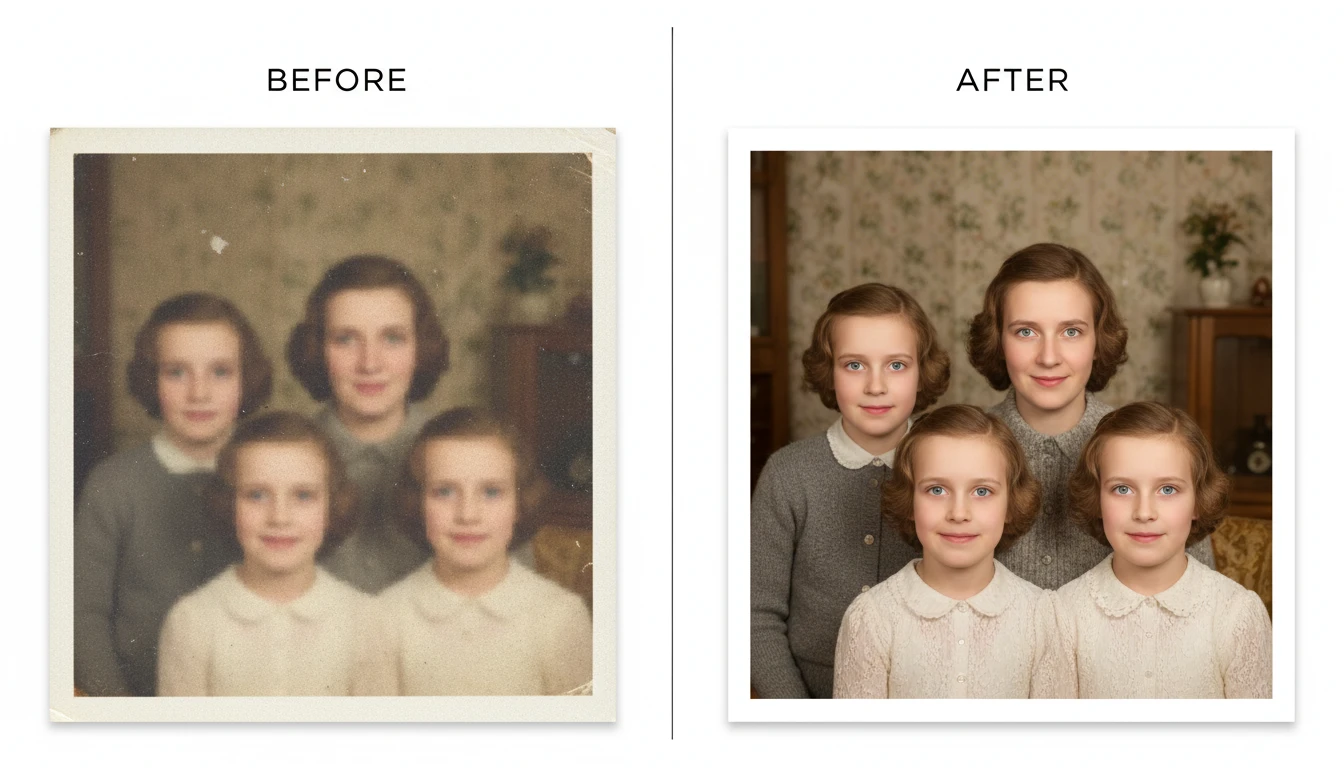
Restore Old and Small Images
Old photos saved at low resolution, screenshots, and thumbnails can be brought back to usable quality. AI intelligently reconstructs detail rather than just stretching pixels.
Restore Low-Res Photo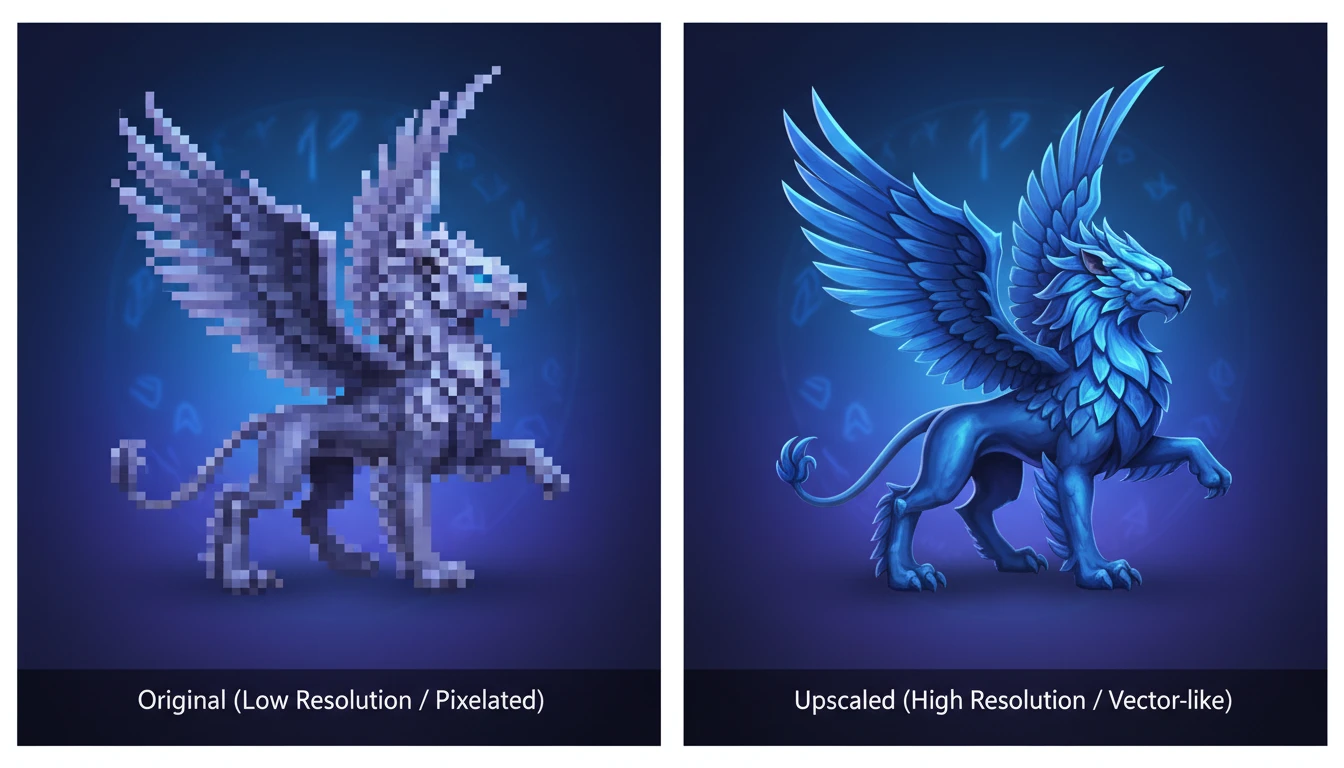
High-Resolution Assets for Design
Upscale AI-generated images, illustrations, logos, and creative assets that were generated at smaller sizes. Get print-quality and high-DPI exports ready for Figma, Illustrator, and InDesign.
Upscale Design AssetWho Uses AI Image Upscaler
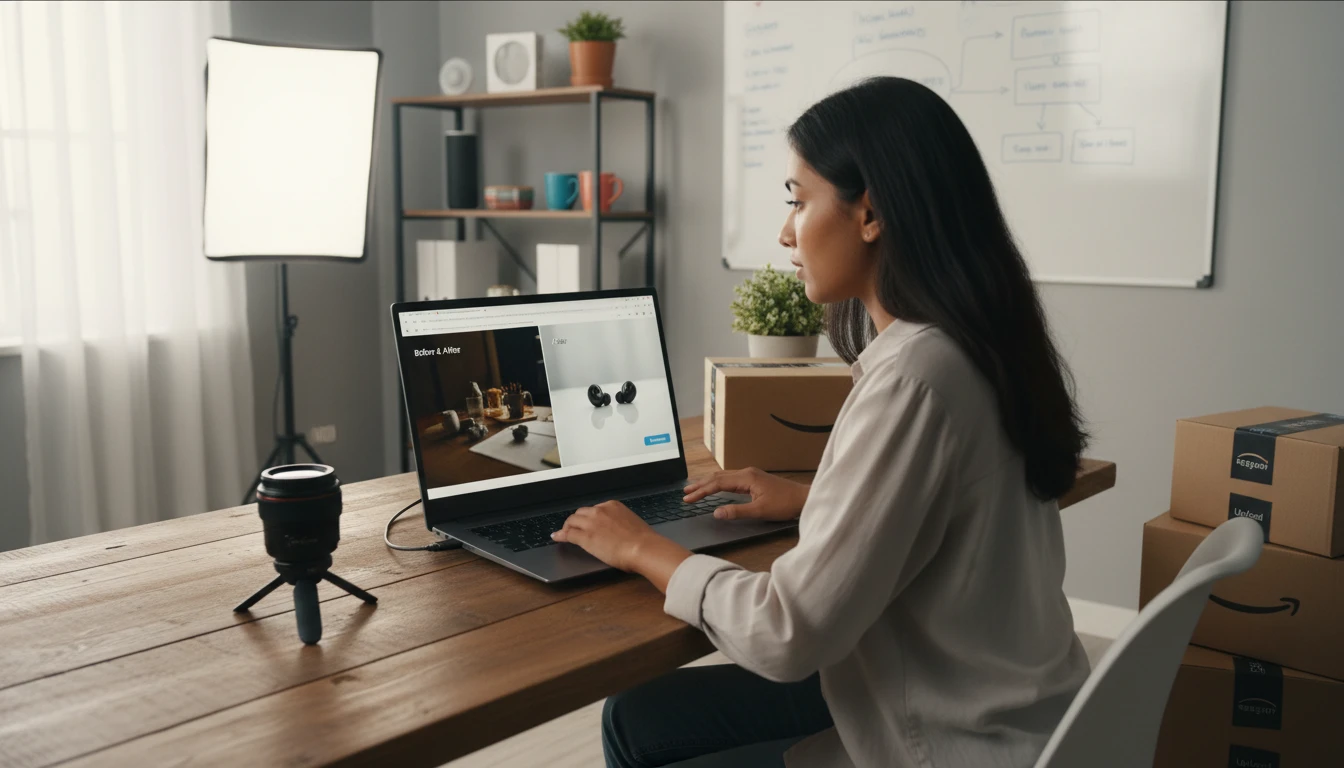
Print and High-Res Delivery
Get a sharper, higher-resolution version of a photo for print, zoom, or large displays. Fine detail stays readable when the image is enlarged.
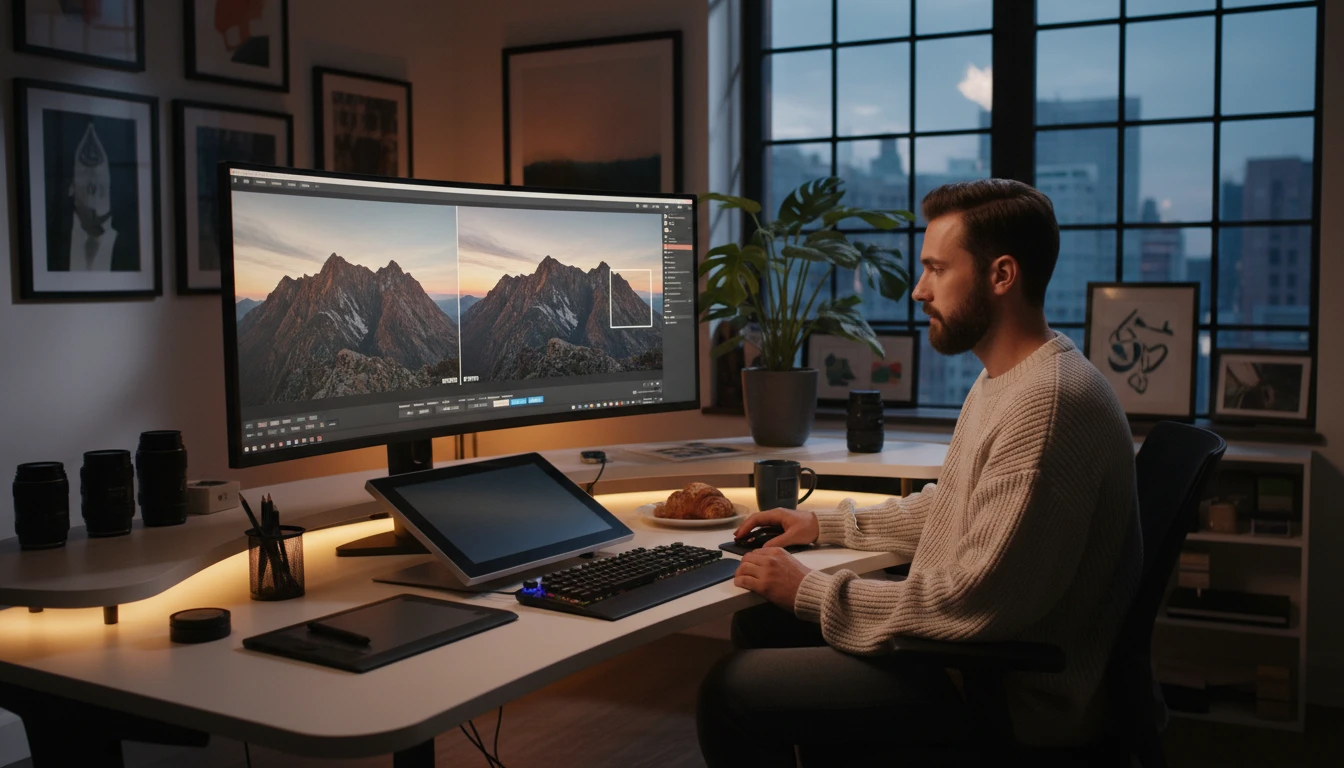
Photographers and Designers
Deliver high-resolution files to clients even when the original was captured or generated at a lower resolution. Upscale crops, thumbnails, and low-res references to full delivery quality.
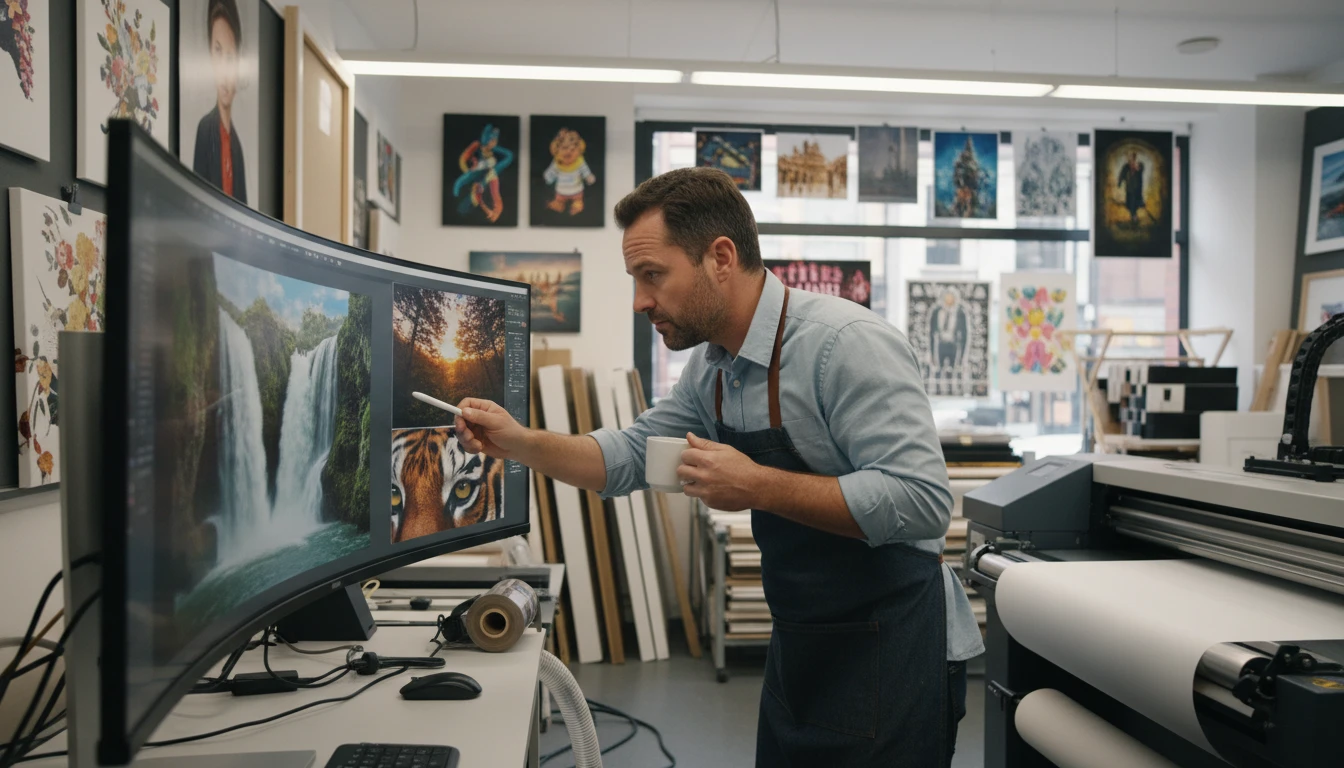
Print and Merchandise Businesses
Prepare photos for large-format printing: canvas prints, poster prints, photo books, merchandise, and signage. AI upscaling prevents the blurriness that standard enlargement creates.
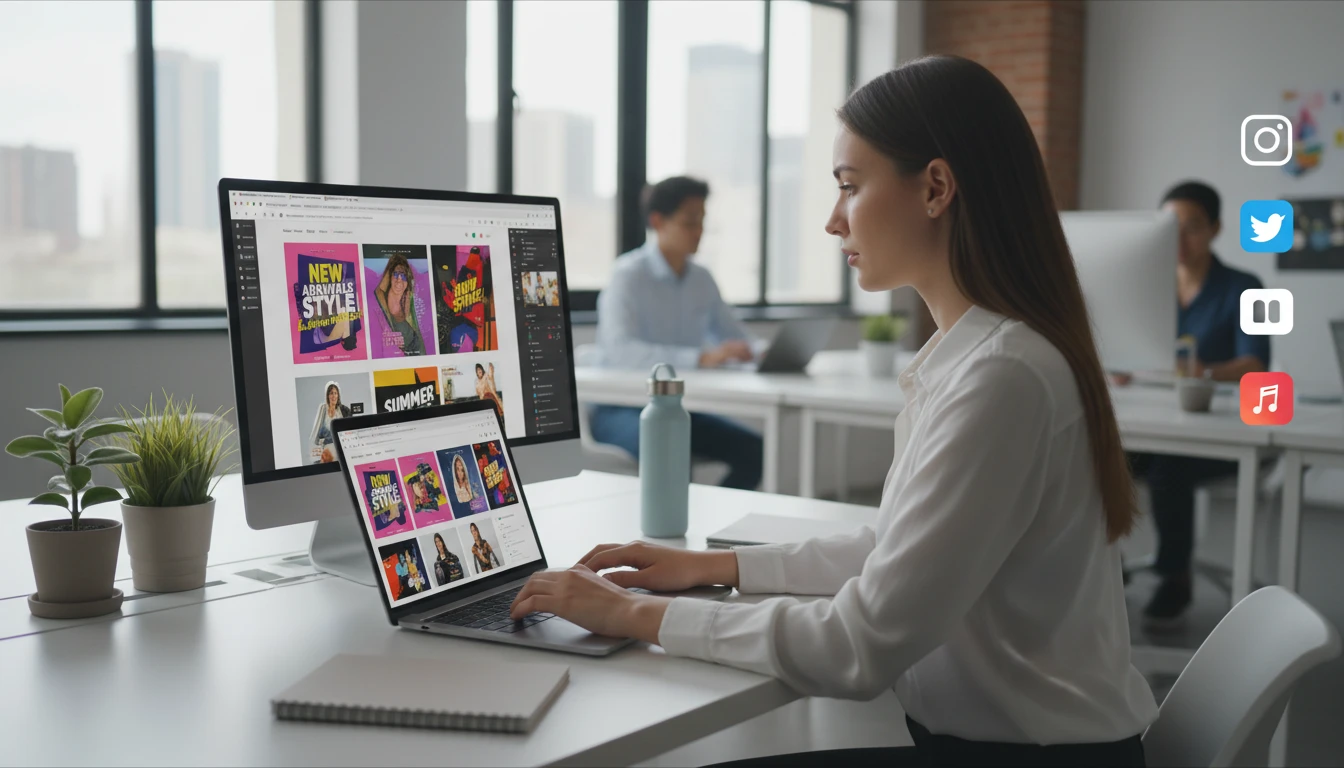
Marketing and Social Media
Repurpose small or low-resolution images for high-DPI social media posts, ad creatives, and website hero images without a reshoot.
How to Upscale Images with AI
Higher resolution, sharper detail, zero quality loss in three steps
Upload Your Image
Upload any image you want to upscale. JPG, PNG, or WebP. Works with photos, product images, illustrations, AI-generated artwork, and any other image type.
Click Upscale
No settings needed. AI automatically analyzes the image and upscales it to the highest possible resolution while reconstructing sharpness, texture, and fine detail.
Download Your High-Resolution Result
Compare the original and upscaled versions side by side. Download the high-resolution result ready for printing, uploading, or further editing.
Explore More
More AI Studio Tools
Discover other powerful AI tools to enhance your creative workflow
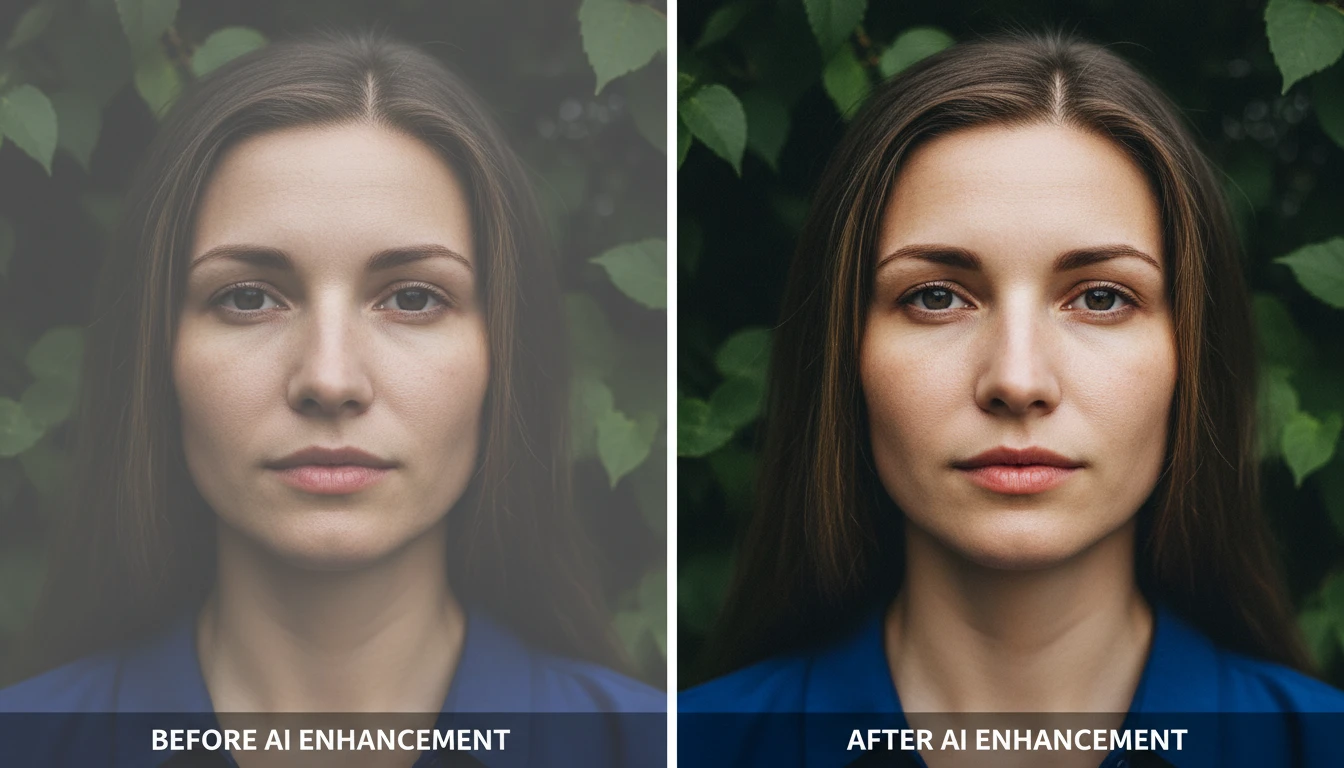
AI Image Enhancer
Bring any photo back to life with sharper details, better color, and improved clarity. Auto enhance, sharpen, vivid colors, portrait, landscape, low-light, product, and HDR modes.
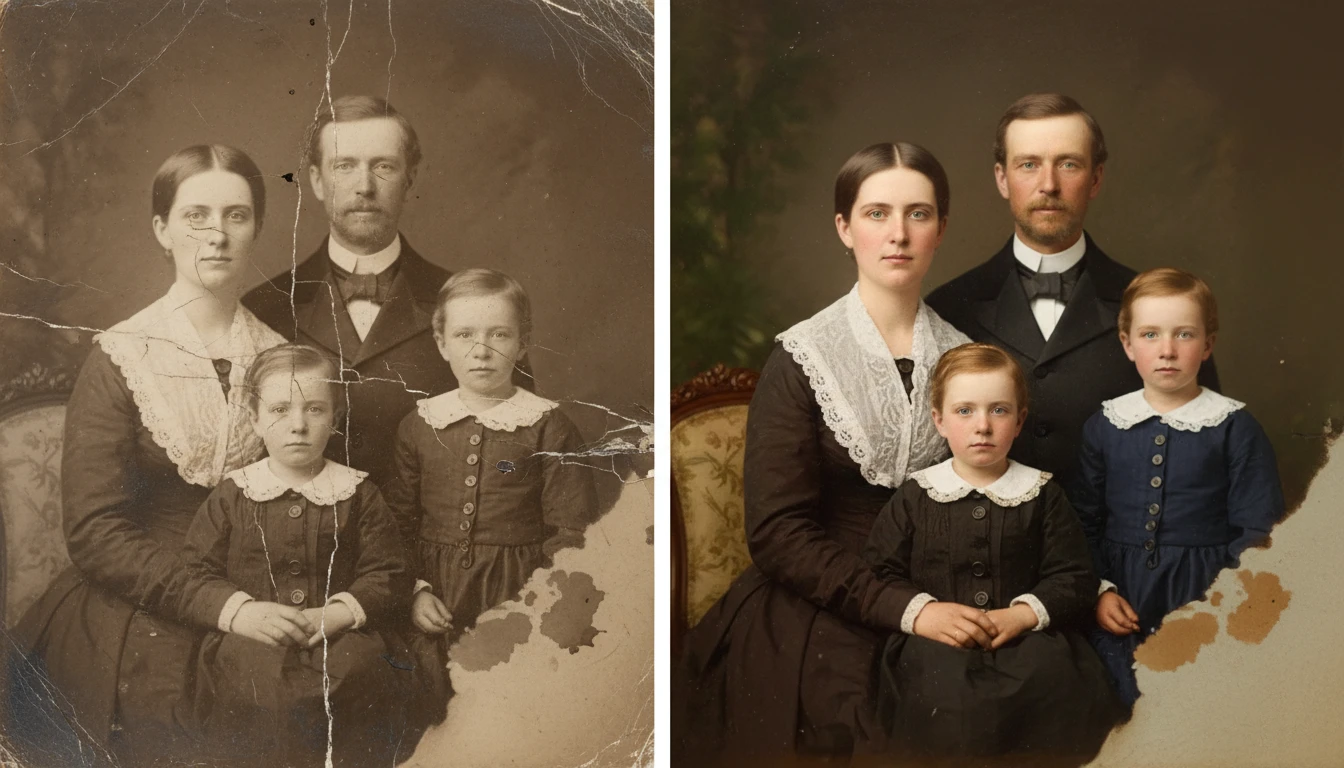
AI Photo Restoration
Restore old and damaged photos with AI. Repair scratches, fix fading, remove noise, and recover lost detail in one click.
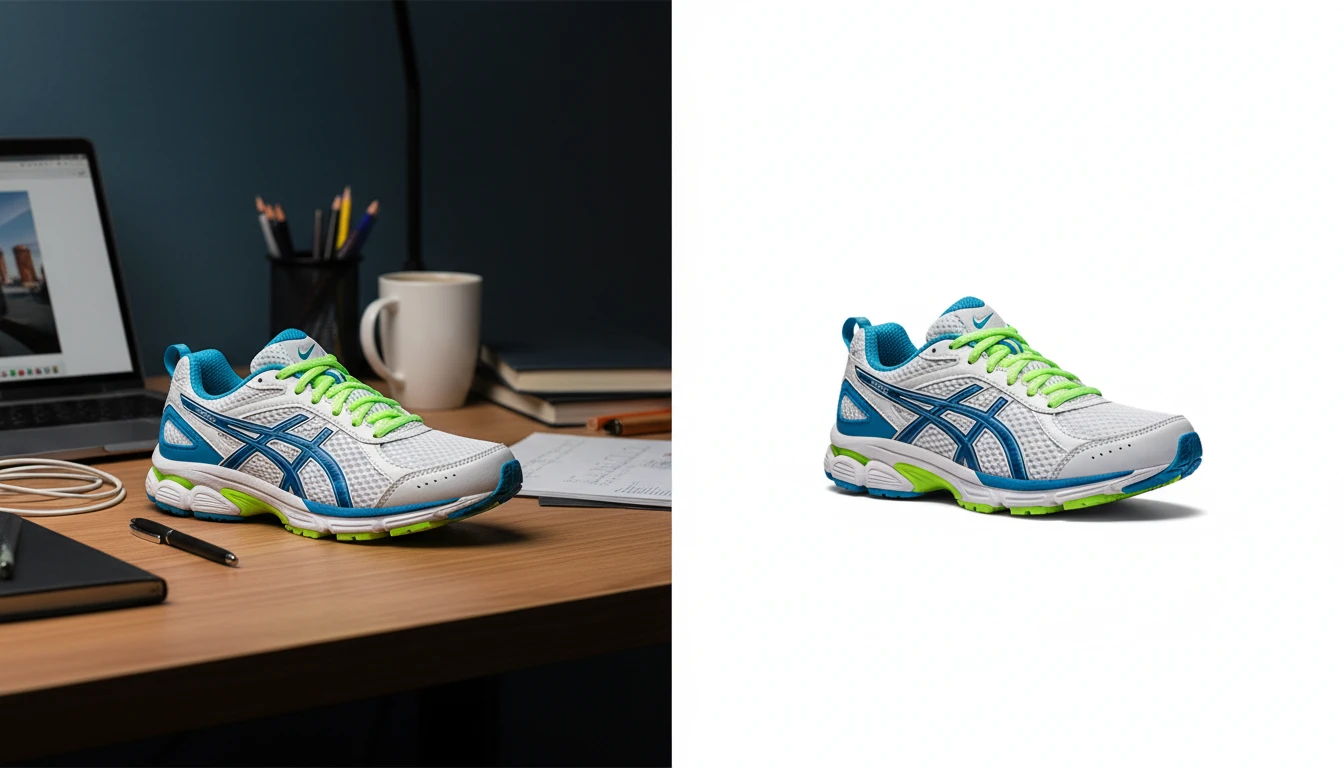
AI Background Remover
Upload any photo or product image and AI removes the background in seconds, delivering a clean transparent PNG. No manual masking required. Ideal for profile photos, marketing materials, and design assets.
AI Object Remover
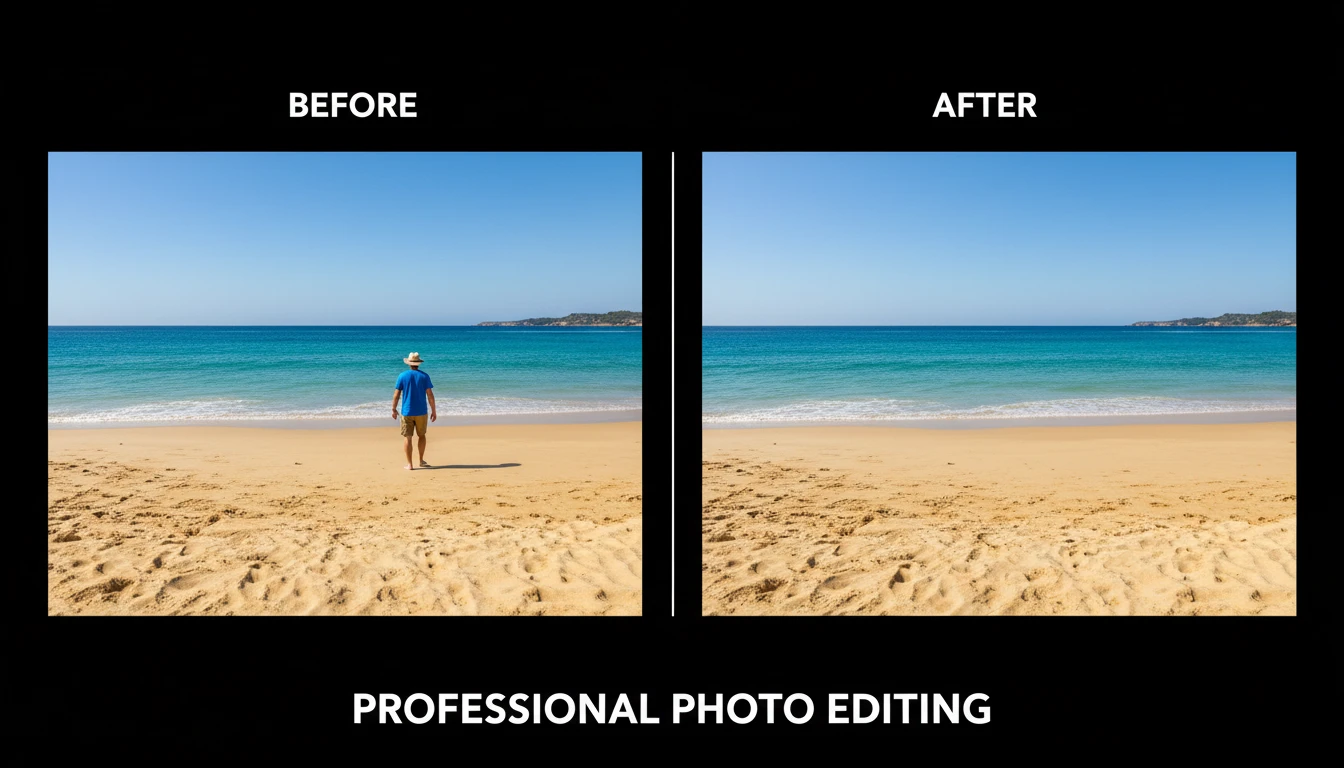
Upload any photo and describe the object, person, or element you want removed. AI erases it and reconstructs the background seamlessly so the result looks untouched. No manual masking, cloning, or Photoshop skills required. Works on people, signs, vehicles, furniture, cables, watermarks, and more.
Opens in
Image Studio
Frequently Asked Questions
Everything you need to know to get started.
What is AI Image Upscaler?
AI Image Upscaler enlarges your image to a higher resolution using AI super-resolution technology. Unlike standard resizing which blurs images, AI upscaling reconstructs fine detail, sharpness, and texture as the image is enlarged.
How much does it upscale my image?
The AI upscaler uses SeedVR, which automatically determines the optimal upscale factor based on the input image. Typical results are 2x to 4x the original dimensions with significantly improved detail and sharpness.
What types of images work best?
The upscaler works with photos, product images, illustrations, AI-generated artwork, logos, and any other image type. It is especially effective on photos that are slightly blurry, pixelated, or too small for their intended use.
Will upscaling fix a blurry photo?
AI upscaling can significantly improve the appearance of blurry or soft photos by reconstructing fine detail. For severely blurry images, try the AI Image Enhancer in Sharpen mode alongside upscaling for the best result.
What resolution will I get?
The output resolution depends on your input image size. The AI increases the pixel dimensions while adding reconstructed detail. For best results, start with the highest resolution original you have available.
Can I use upscaled images commercially?
Yes. You retain rights to all upscaled images and can use them commercially for e-commerce listings, print production, advertising, and any other commercial purpose.
Upscale Your First Image Instantly
Upload any image and AI enlarges it to higher resolution with sharp detail and zero quality loss.
Upscale Your Image NowDisclaimer: This tool uses generative AI technology which may produce content that resembles copyrighted materials or that is inaccurate, incomplete, or out-of-date. It is provided for general information and educational purposes only and is not intended for illegal activities or to replace professional advice, diagnosis, or treatment. Users are solely responsible for how they use the generated content. If you plan to use AI-generated content commercially or publicly, we strongly recommend reviewing it for potential copyright issues and obtaining proper permissions where necessary. We accept no liability for copyright infringement or any other consequences resulting from the use of content generated by this tool.