Blur Any Photo Background with Professional Bokeh
Upload any photo and AI blurs the background while keeping your subject sharp. DSLR bokeh, portrait, product photography, tilt-shift, and cinematic styles.
Blur Background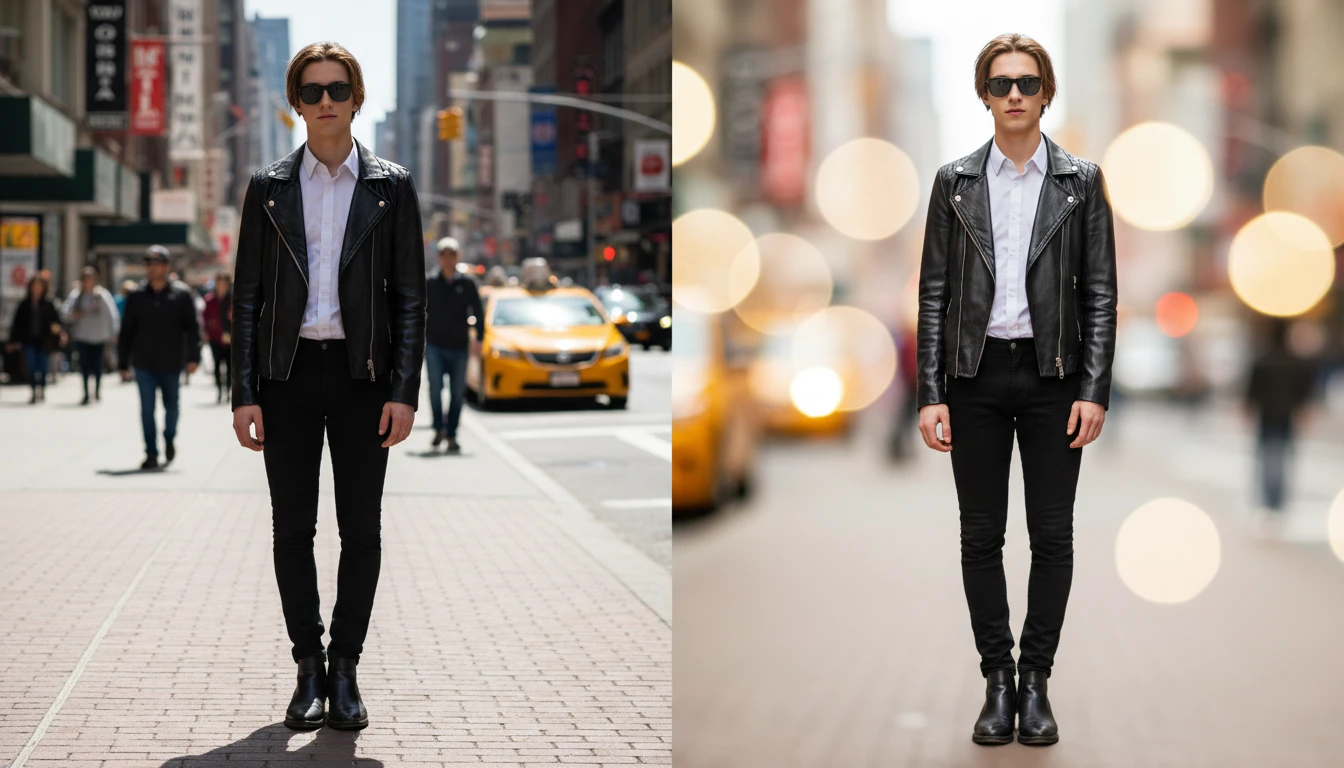
Blur Any Photo Background
Add a photo and we'll open AI Image Studio ready to blur its background.
Drag & drop your photo here
or click to browse — JPG, PNG or WebP, up to 15MB
Your photo is used only to blur its background for you.
Professional DSLR Bokeh Without a Camera
Recreate the look of a 85mm f/1.4 prime lens with beautiful creamy bokeh circles blurring the background. Make any photo look like it was taken with expensive professional camera equipment, even if it was captured on a smartphone.
Add Bokeh Effect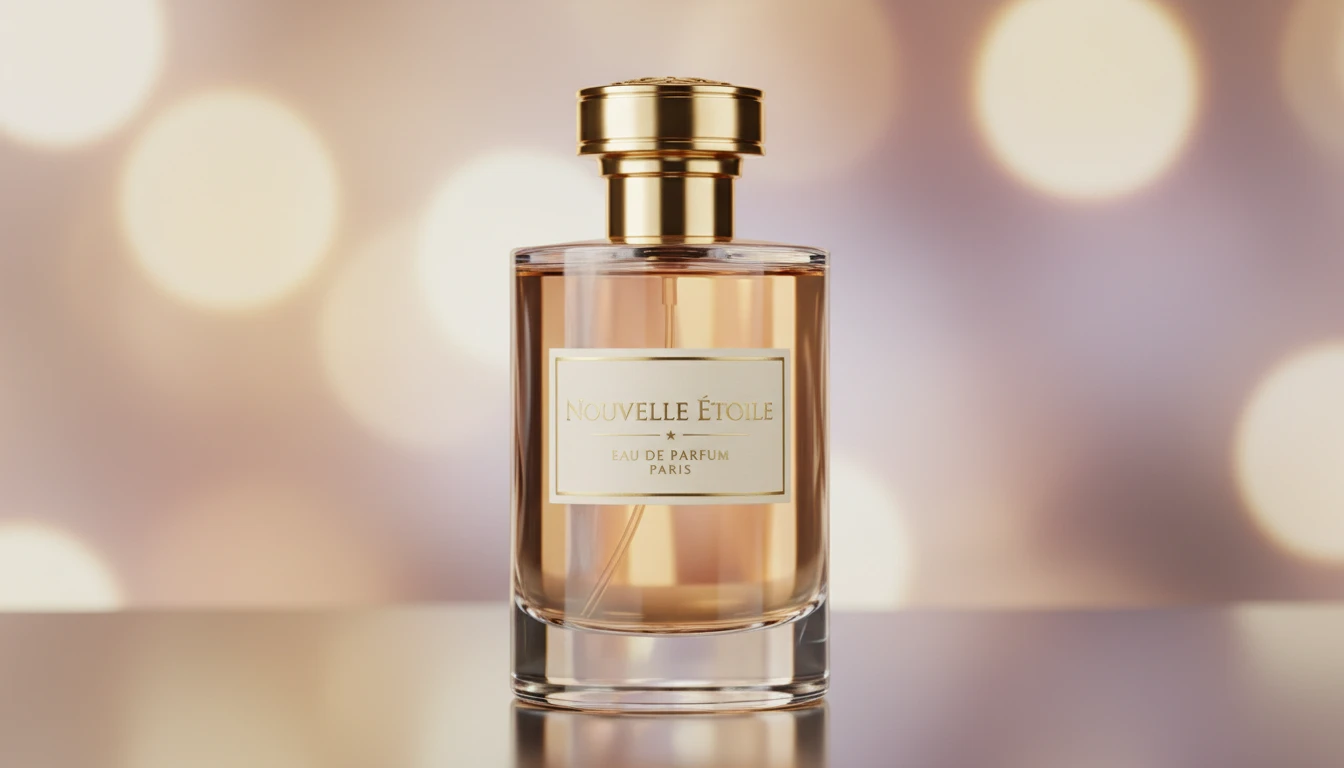
Product Photography Background Blur
Apply a depth-of-field blur to your product photos to bring the product into sharp focus and eliminate distracting background elements. Instantly elevate your e-commerce photos to studio-quality product photography.
Blur Product Background
Portrait Background Blur
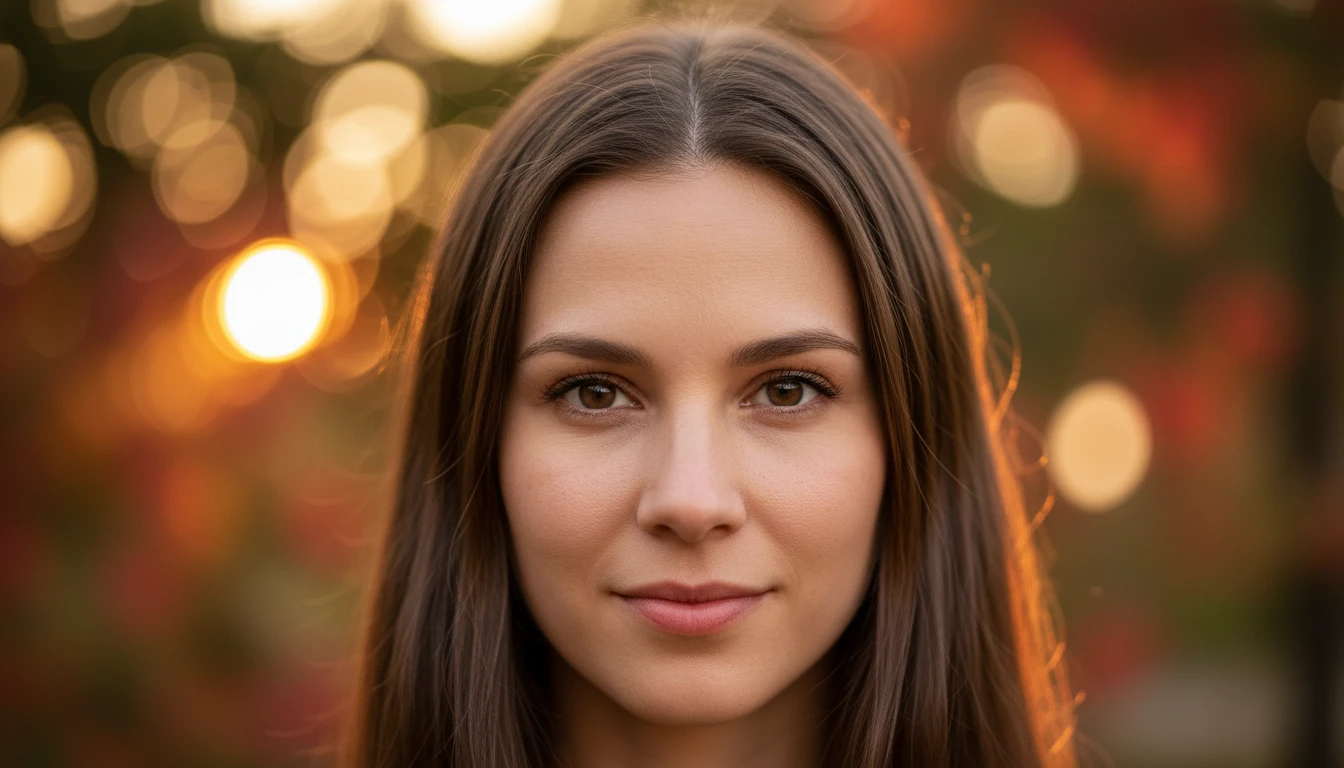
Add a flattering portrait-style background blur to headshots, professional photos, profile pictures, and team photos. Eliminate busy or distracting backgrounds while keeping the face in sharp, flattering focus.
Blur Portrait Background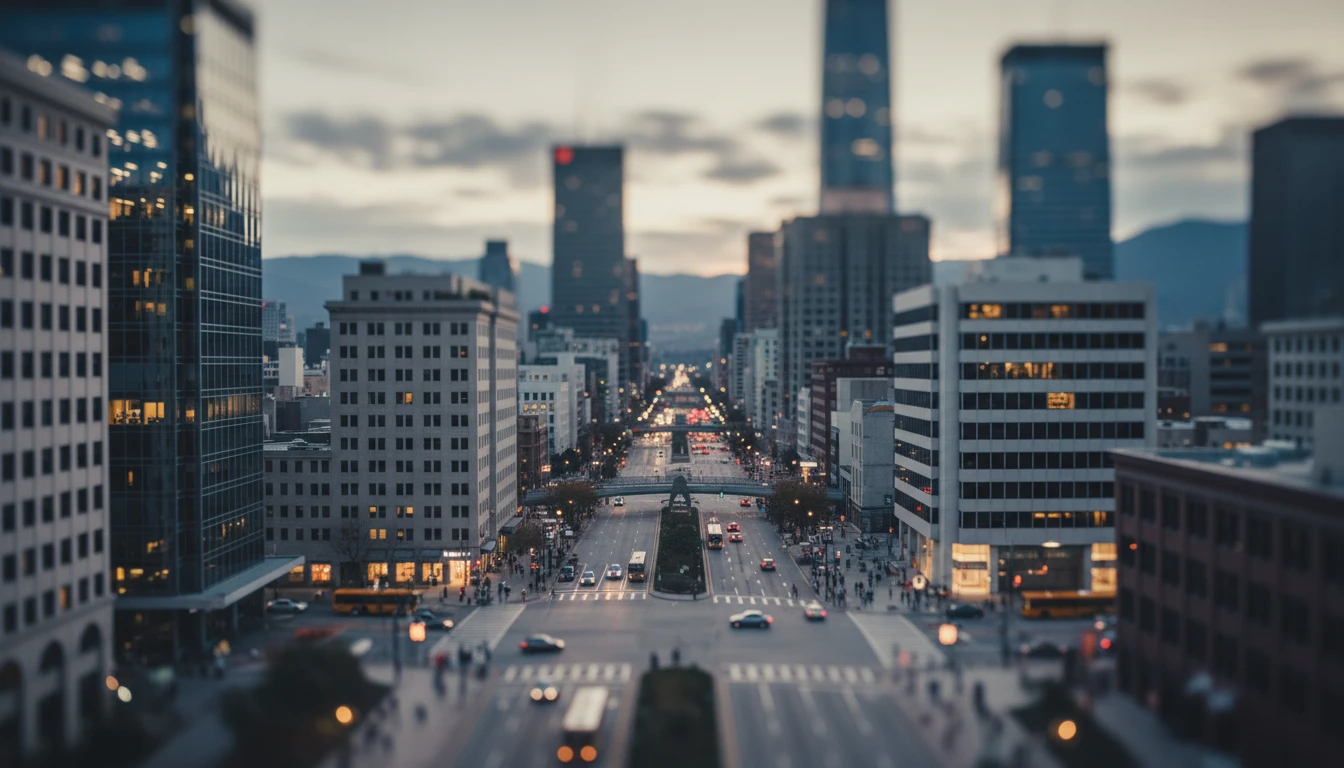
Cinematic and Creative Blur Effects
Go beyond basic blur with cinematic widescreen depth of field and tilt-shift miniature effects. Add a creative, film-like quality to travel photos, architecture shots, and lifestyle images.
Add Cinematic BlurWho Uses AI Blur Background
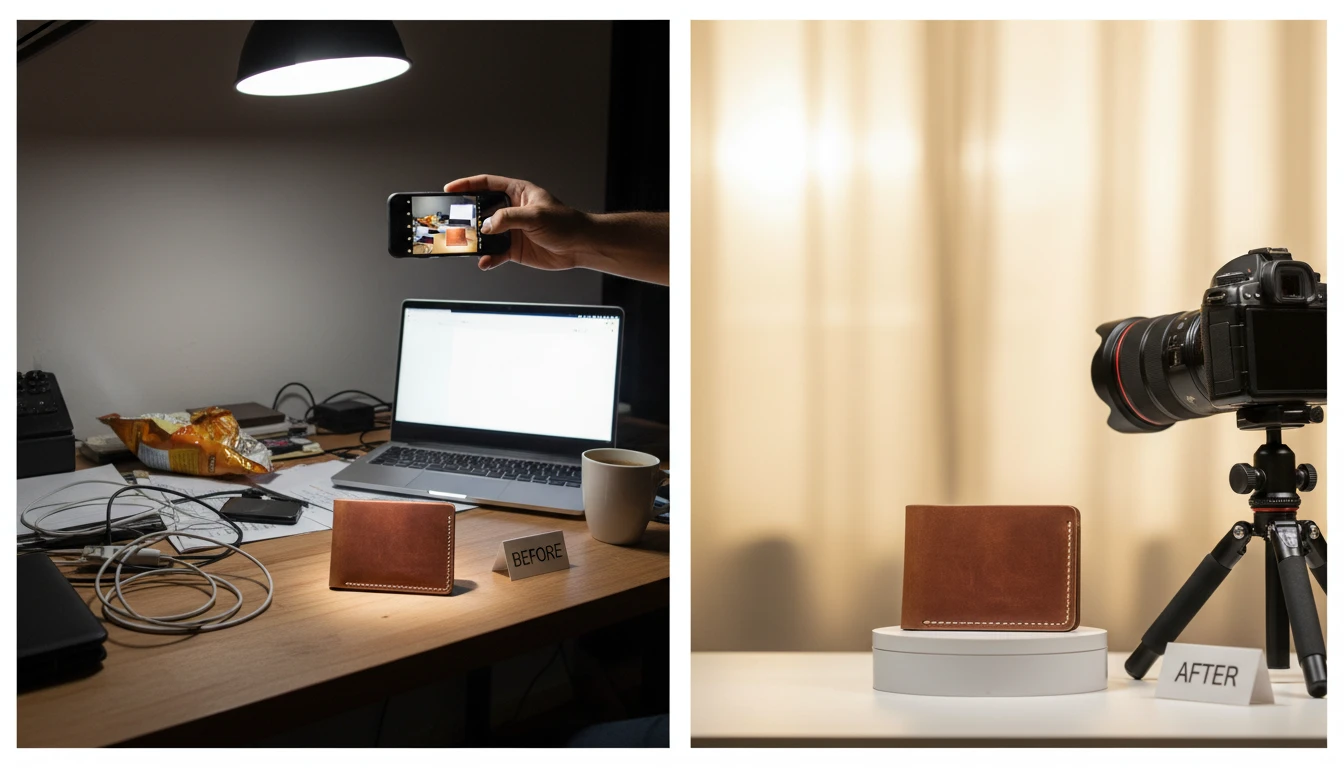
E-Commerce Product Sellers
Add a professional product-photography background blur to product shots taken in non-studio environments. Eliminate cluttered backgrounds and make your product the undeniable focal point of every listing image.
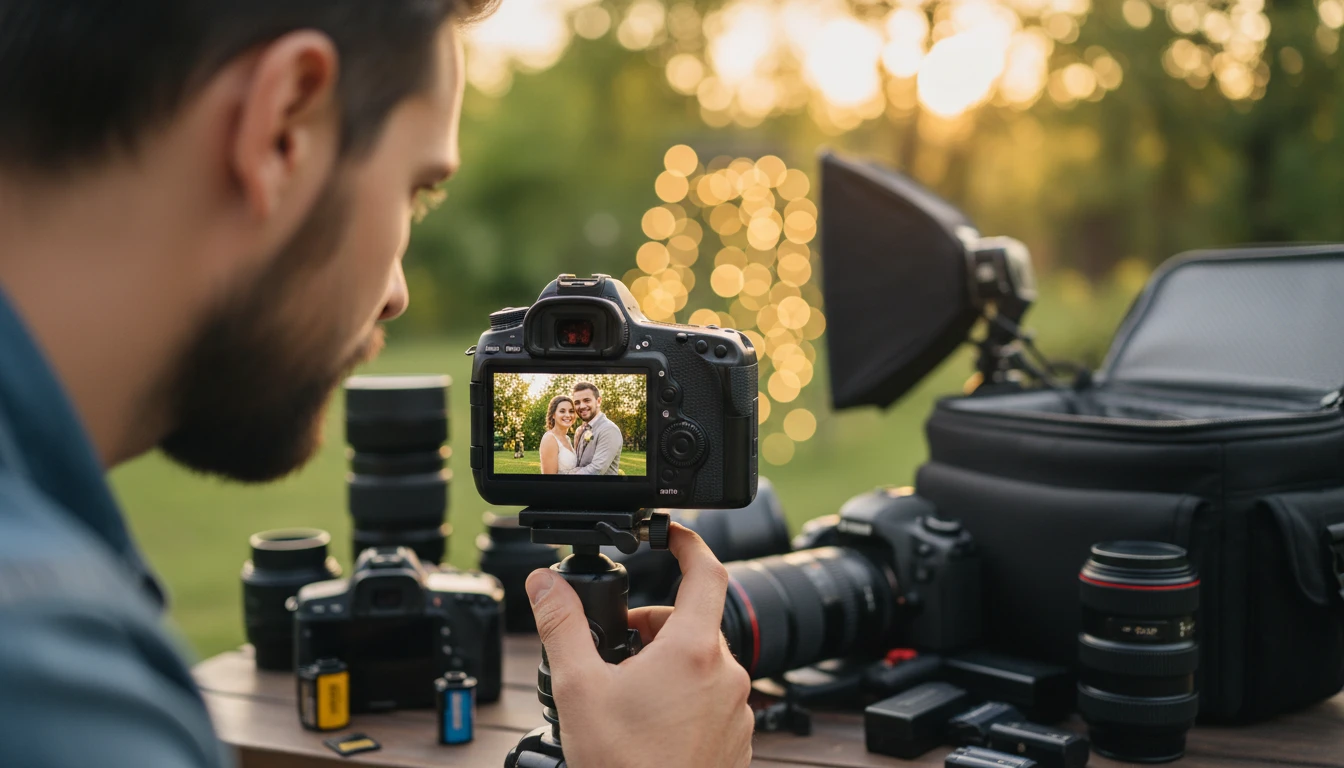
Portrait and Event Photographers
Enhance portraits and event photos with better background separation. Add or intensify bokeh in shots where the aperture was not wide enough to fully blur the background.
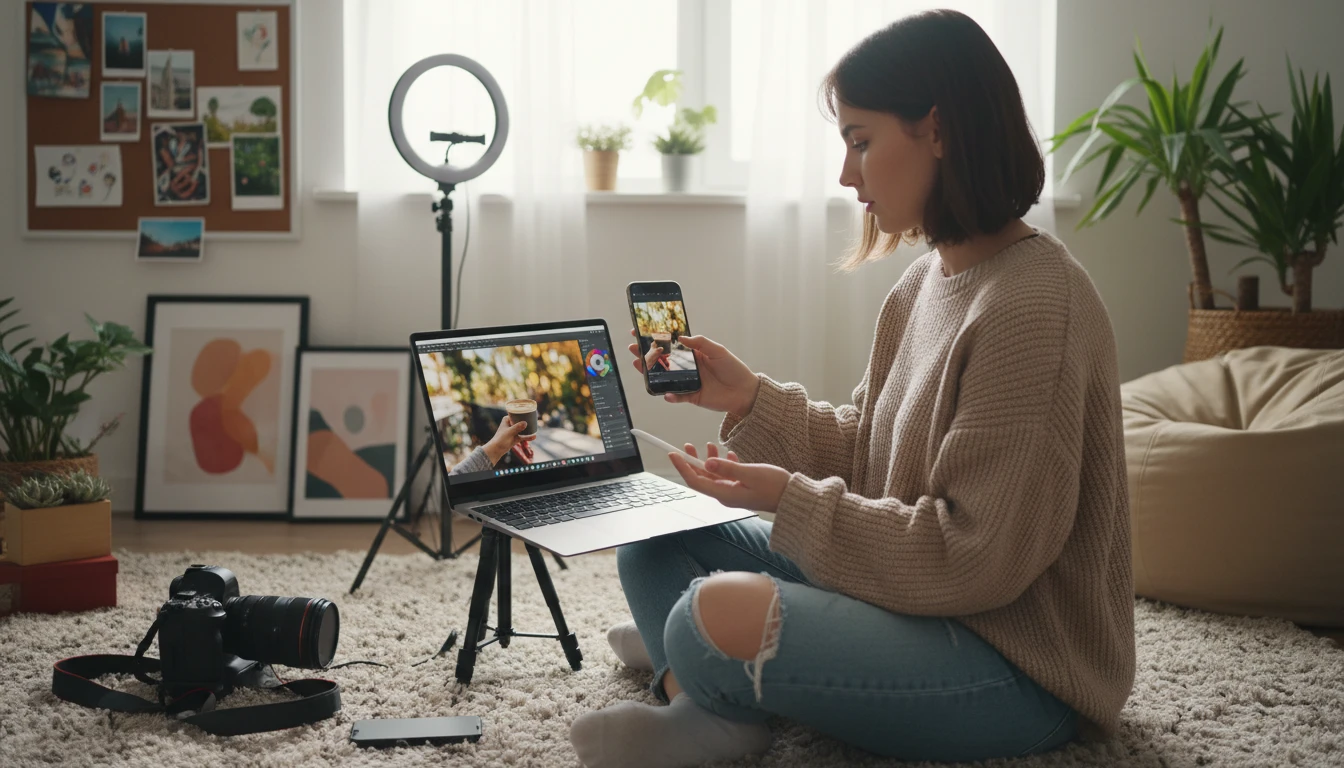
Social Media and Content Creators
Make profile pictures, brand content, and creative posts stand out with professional depth-of-field blur effects. Create the polished, high-production look that high-follower accounts rely on.
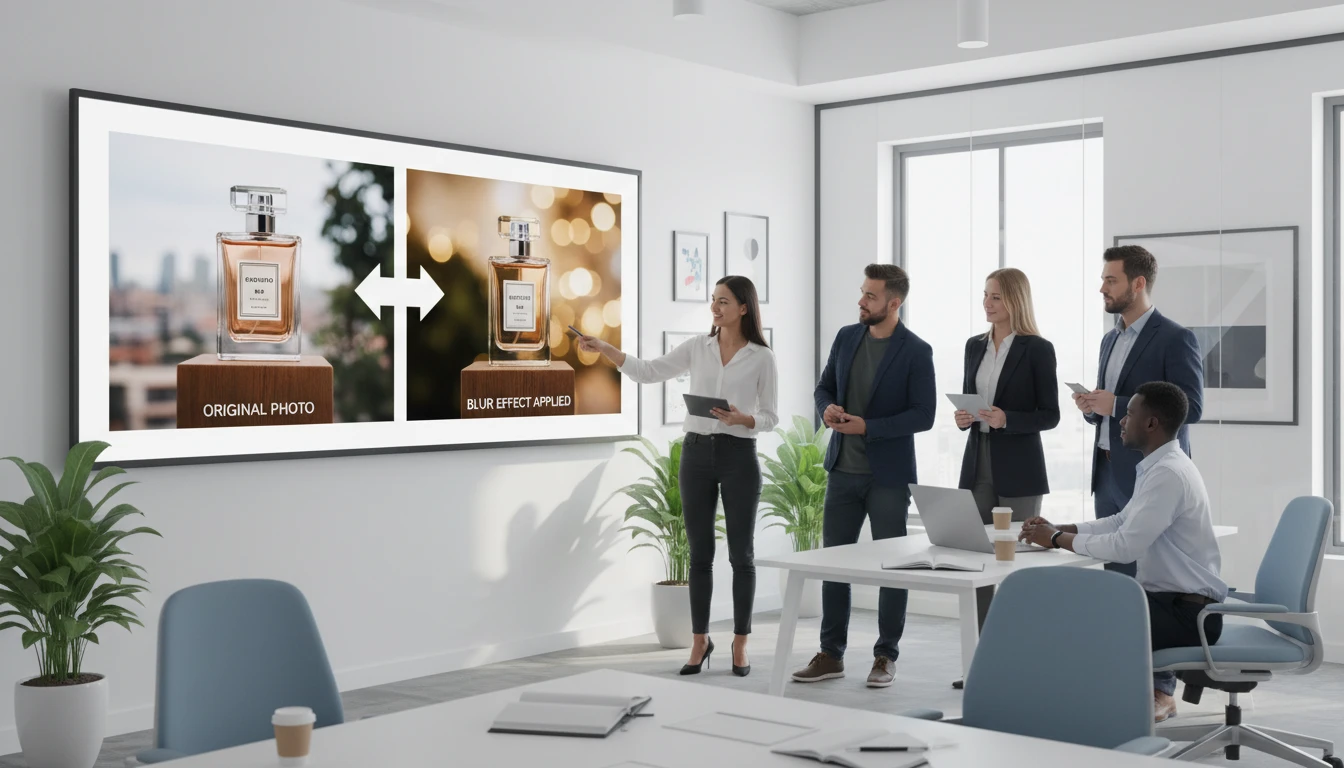
Marketing and Brand Teams
Apply consistent, professional background blur to hero images, ad creatives, and brand assets. Make product and people shots more visually compelling without reshooting.
How to Blur Photo Background with AI
Professional depth-of-field blur in three steps. No camera or editing skills required.
Upload Your Photo
Upload any photo you want to blur the background of. JPG, PNG, or WebP. Works best with photos that have a clear subject in the foreground.
Choose Your Blur Style
Select from six professional blur styles: DSLR Bokeh, Portrait, Product Photography, Tilt-Shift, Cinematic, or Heavy Blur. Each style has a distinct look and feel.
Download Your Result
Compare the original and blurred versions side by side. Download your professionally blurred photo ready for use in listings, social media, ads, and print.
Explore More
More AI Studio Tools
Discover other powerful AI tools to enhance your creative workflow
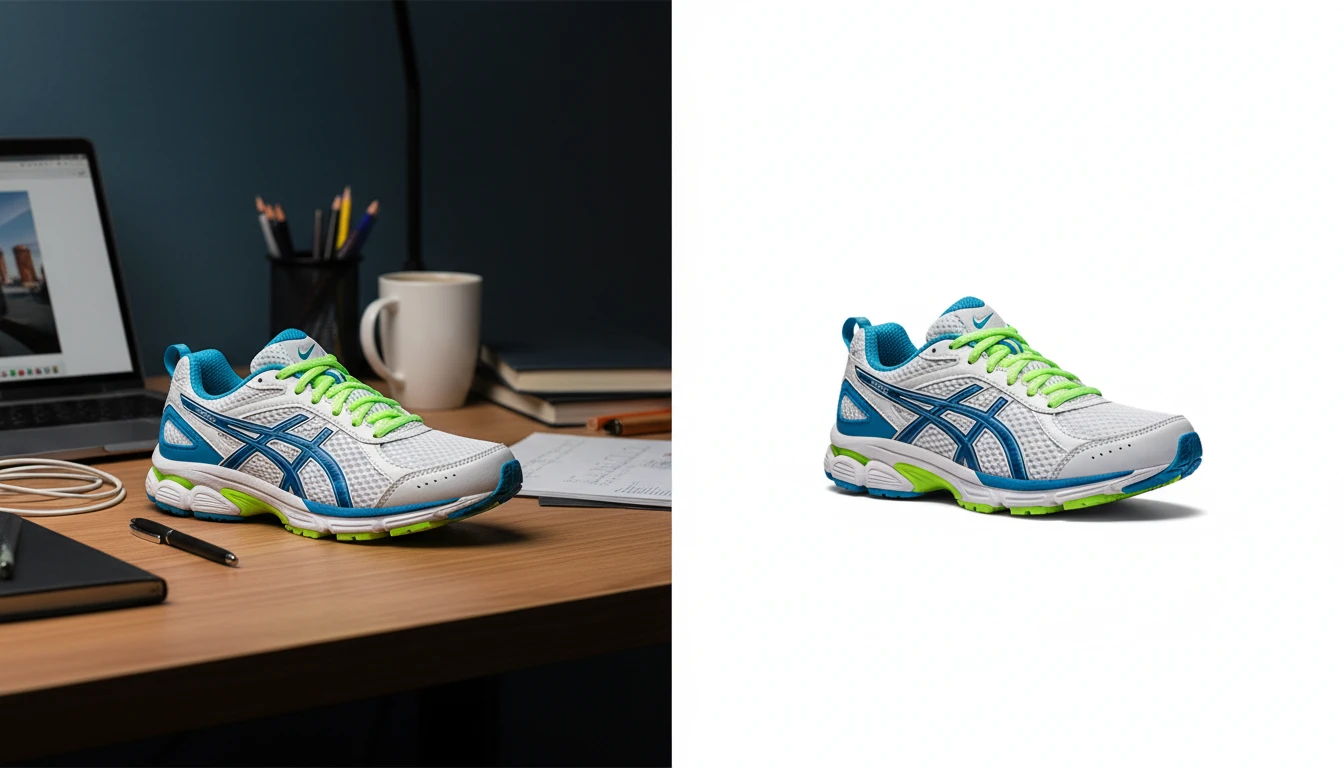
AI Background Remover
Upload any photo or product image and AI removes the background in seconds, delivering a clean transparent PNG. No manual masking required. Ideal for profile photos, marketing materials, and design assets.
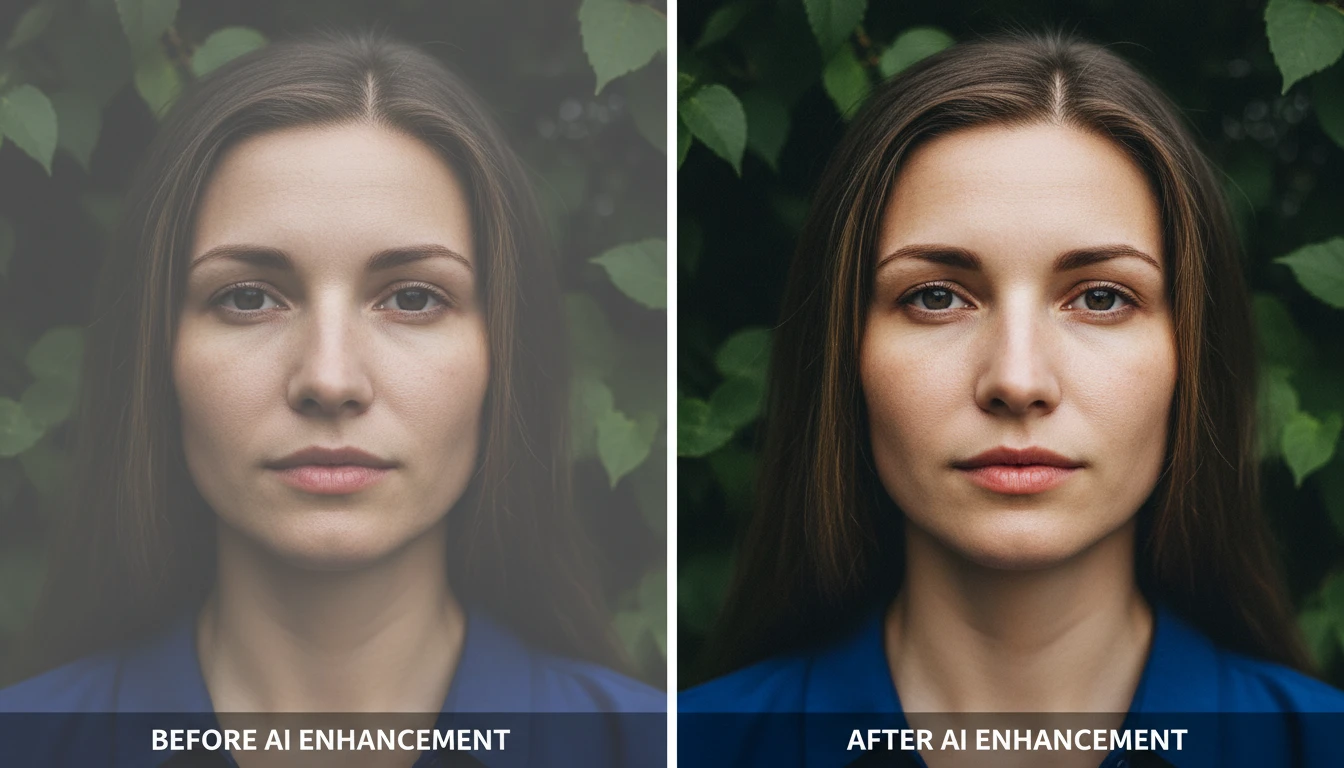
AI Image Enhancer
Bring any photo back to life with sharper details, better color, and improved clarity. Auto enhance, sharpen, vivid colors, portrait, landscape, low-light, product, and HDR modes.
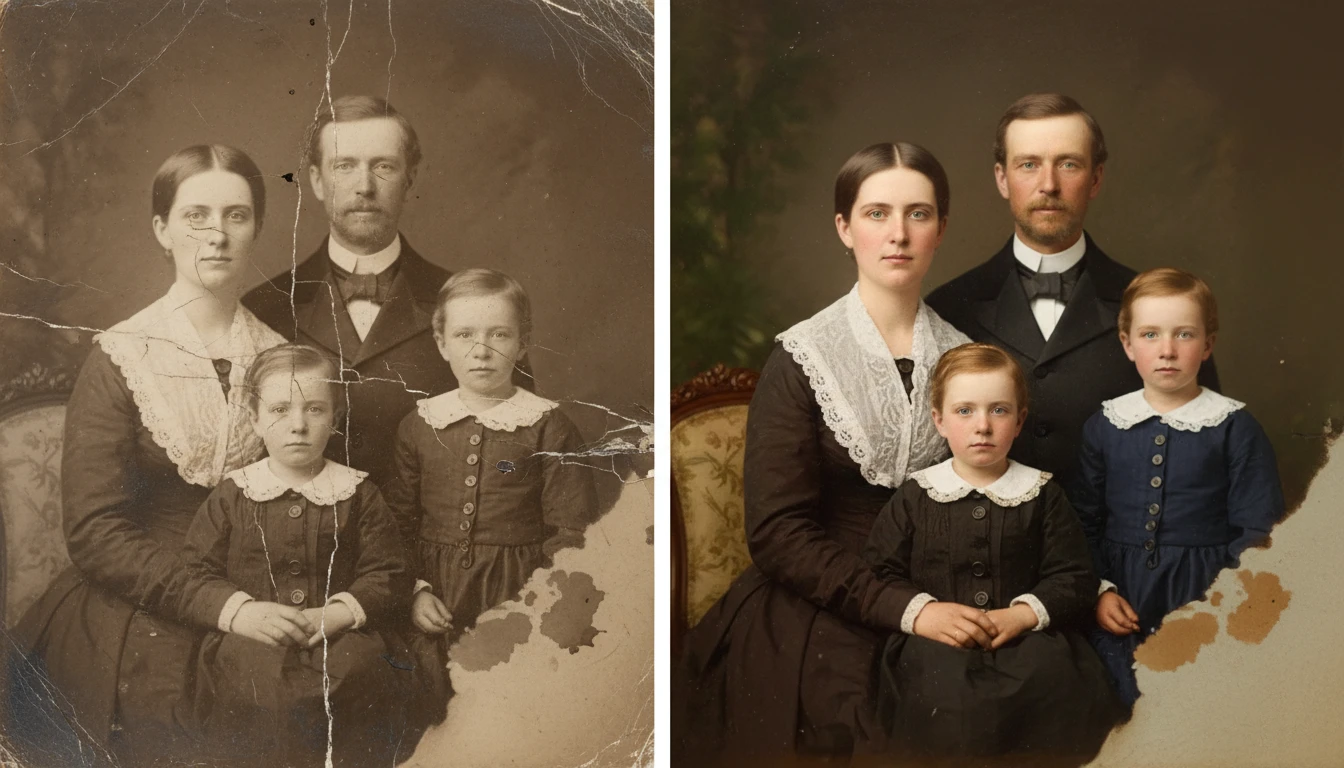
AI Photo Restoration
Restore old and damaged photos with AI. Repair scratches, fix fading, remove noise, and recover lost detail in one click.
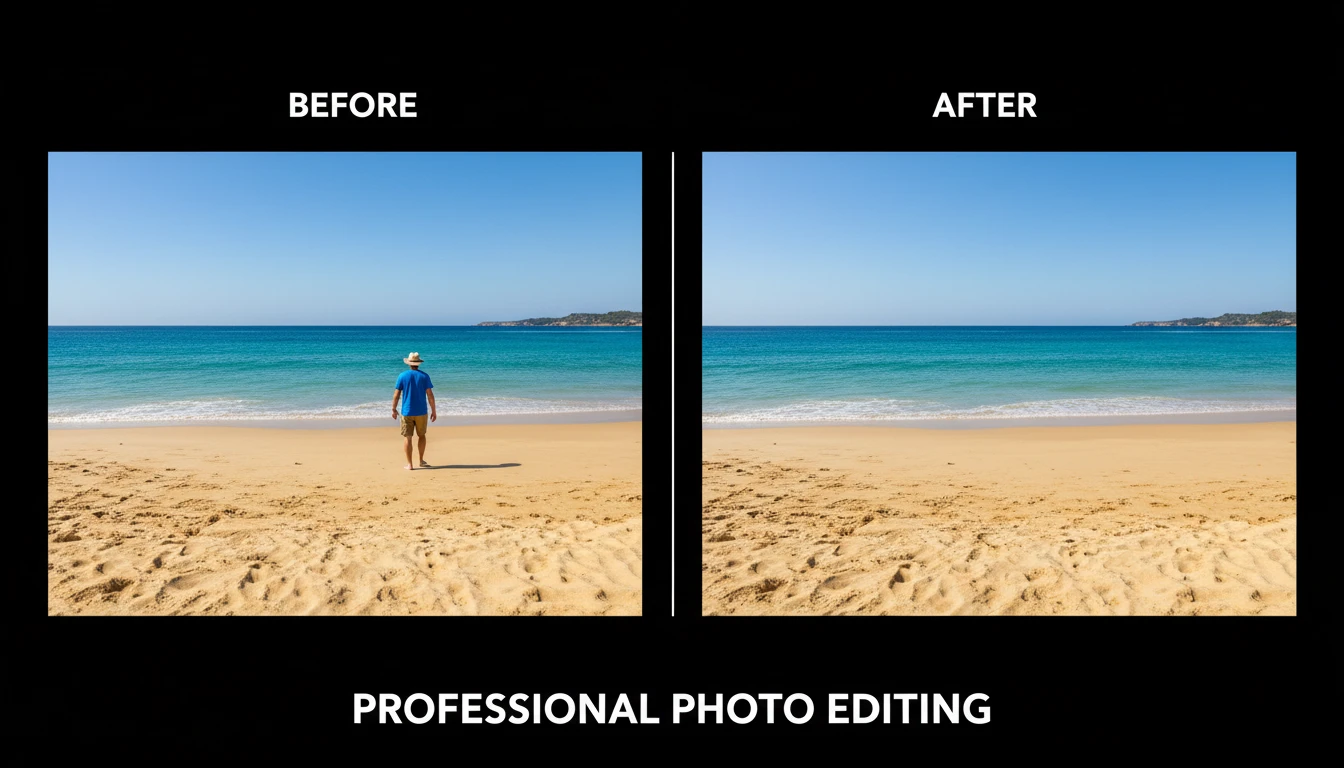
AI Object Remover
Upload any photo and describe the object, person, or element you want removed. AI erases it and reconstructs the background seamlessly so the result looks untouched. No manual masking, cloning, or Photoshop skills required. Works on people, signs, vehicles, furniture, cables, watermarks, and more.
Opens in
Image Studio
Frequently Asked Questions
Everything you need to know to get started.
What is AI Blur Background?
AI Blur Background uses AI to intelligently detect the subject of your photo and blur the background behind it, replicating the shallow depth-of-field effect of professional DSLR cameras. Six different blur styles are available: DSLR Bokeh, Portrait, Product Photography, Tilt-Shift, Cinematic, and Heavy Blur.
What is the difference between the blur styles?
Bokeh applies creamy circular blur highlights typical of a wide-aperture prime lens. Portrait applies a smooth flattering blur suited to headshots. Product Photography applies a sharp product-focus blur for e-commerce. Tilt-Shift creates a selective narrow band of sharpness with graduated blur above and below. Cinematic applies a film-like anamorphic depth-of-field effect. Heavy Blur applies the maximum possible background blur.
What types of photos work best?
Photos with a clear subject in the foreground against a distinct background produce the best results. Portraits, product photos, headshots, pet photos, and lifestyle images all work well. Photos with complex subject-to-background edges like hair or fur may have slightly less precise edge separation.
Can I use this for product listings?
Yes. The Product Photography blur style is specifically tuned for e-commerce and product photos. It keeps product edges sharp and clean while blurring the background to keep the product as the focal point.
Does blurring the background remove it?
No. Background blur keeps the background but blurs it smoothly. If you want to completely remove the background, use the AI Background Remover tool instead.
Can I use the blurred photo commercially?
Yes. You retain full rights to all processed photos and can use them for e-commerce, advertising, social media, and any other commercial purpose.
Add Professional Bokeh to Any Photo Instantly
Upload any photo and AI blurs the background with a professional depth-of-field effect instantly.
Blur Background NowDisclaimer: This tool uses generative AI technology which may produce content that resembles copyrighted materials or that is inaccurate, incomplete, or out-of-date. It is provided for general information and educational purposes only and is not intended for illegal activities or to replace professional advice, diagnosis, or treatment. Users are solely responsible for how they use the generated content. If you plan to use AI-generated content commercially or publicly, we strongly recommend reviewing it for potential copyright issues and obtaining proper permissions where necessary. We accept no liability for copyright infringement or any other consequences resulting from the use of content generated by this tool.