Swap Faces in Photos Instantly with Photorealistic AI
Upload a face photo and a target photo. AI seamlessly integrates the face into the second image, matching lighting, skin tone, and expression for a natural result.
Try Face Swap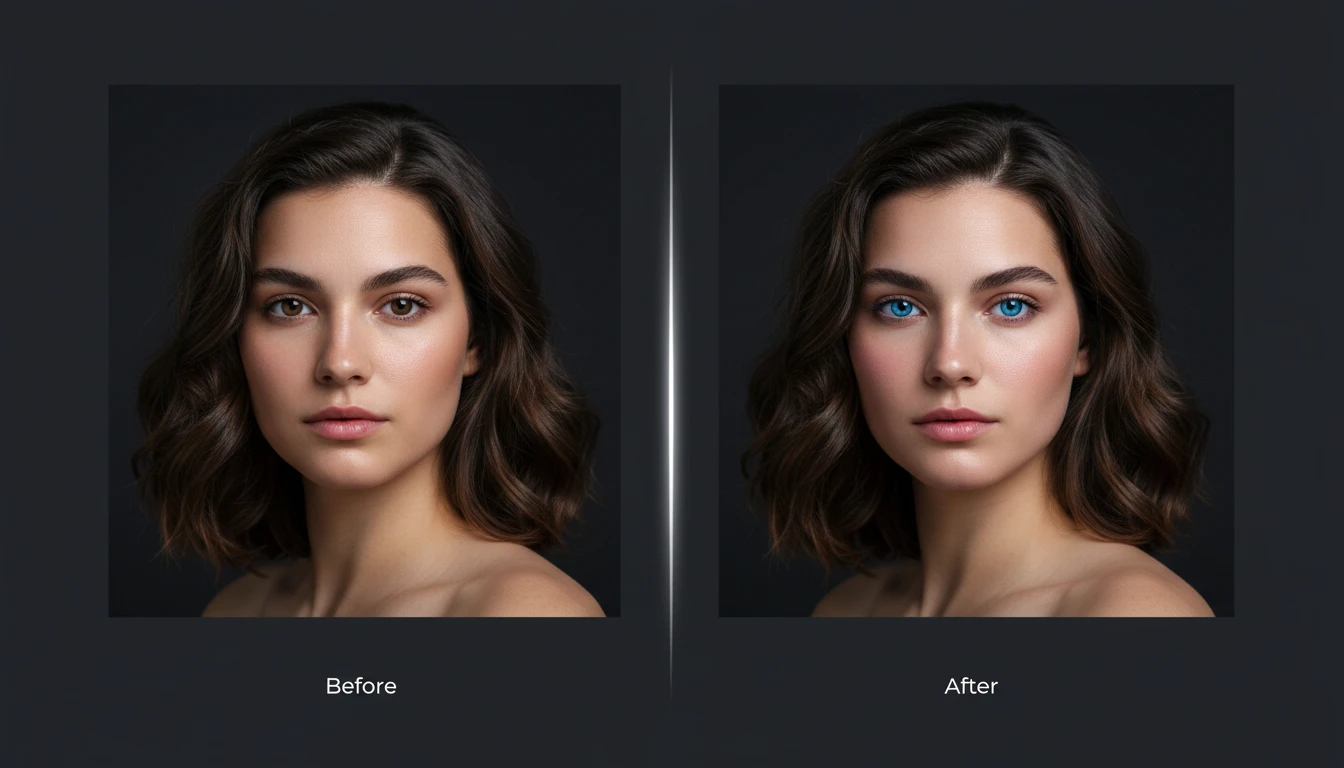
Upload the Face
This photo is the face to swap in. We'll open AI Face Studio next so you can add the target photo.
Drag & drop the face photo here
A clear, front-facing portrait works best — JPG, PNG or WebP, up to 15MB
This upload is the face. You'll add the target photo in Face Studio.
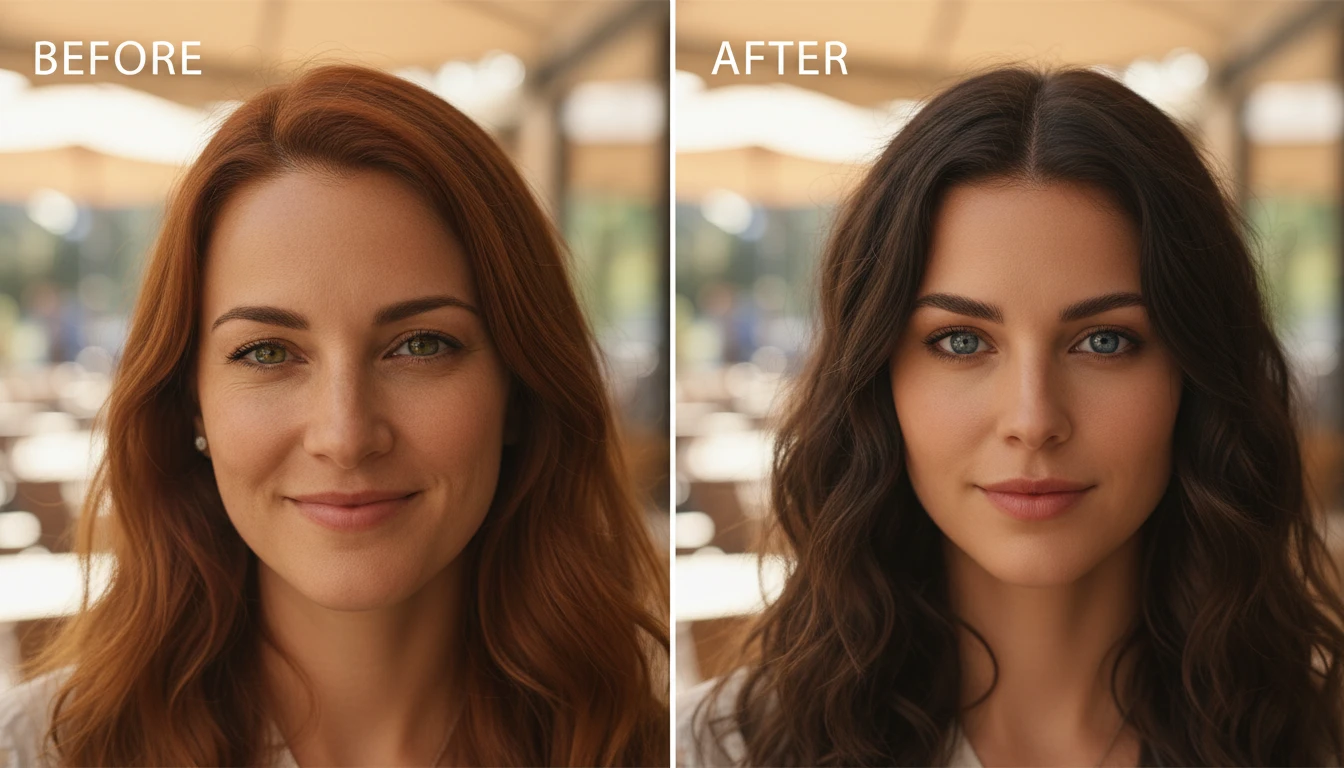
Photorealistic Blending, Not Just a Paste
Unlike basic face overlays, AI Face Swap matches the exact lighting direction, color temperature, skin tone, and head angle from the target photo. The result looks like a single photograph taken in one shot, with no visible edges, halos, or artifacts.
Try Face Swap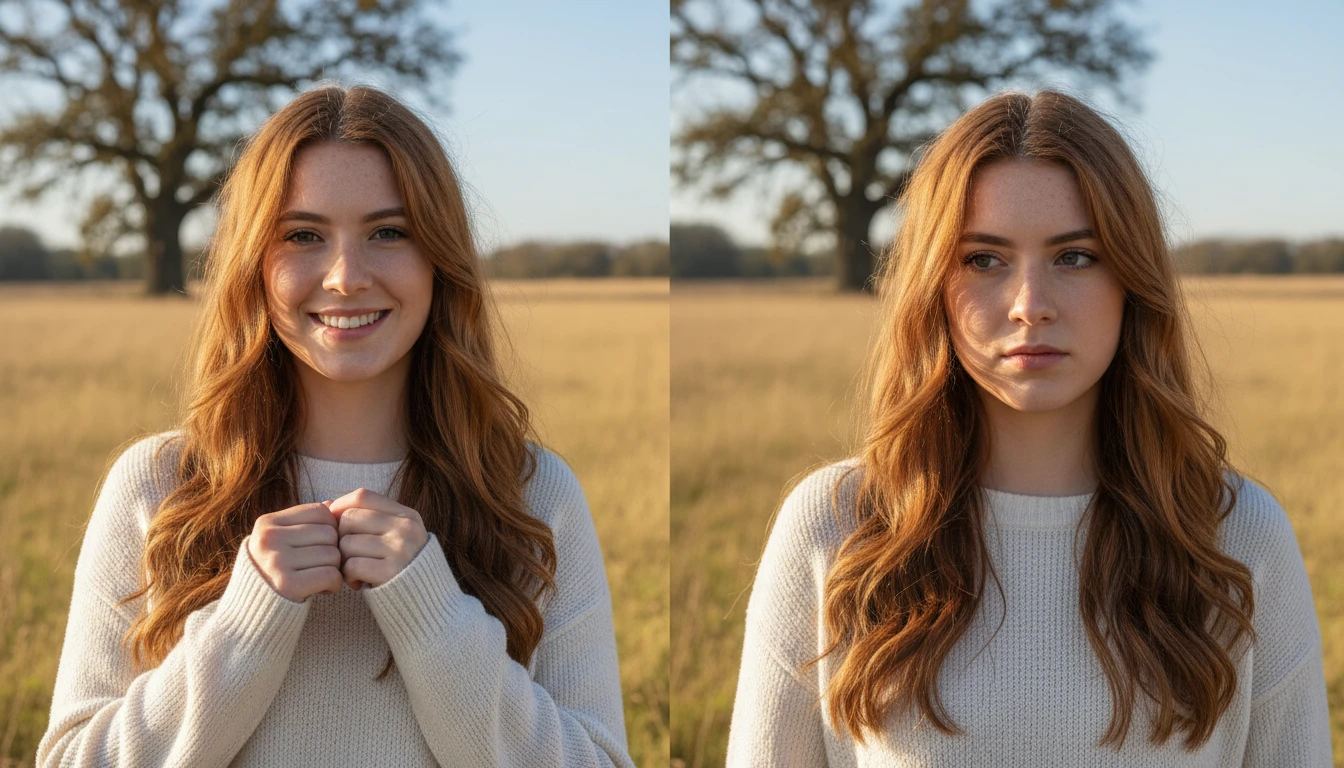
Keeps Everything Except the Face
AI preserves 100% of the target image: hair color and style, hairline, head shape, ears, neck, body, clothing, and background. Only the core facial features are replaced, so the result stays consistent with the target scene.
See the Difference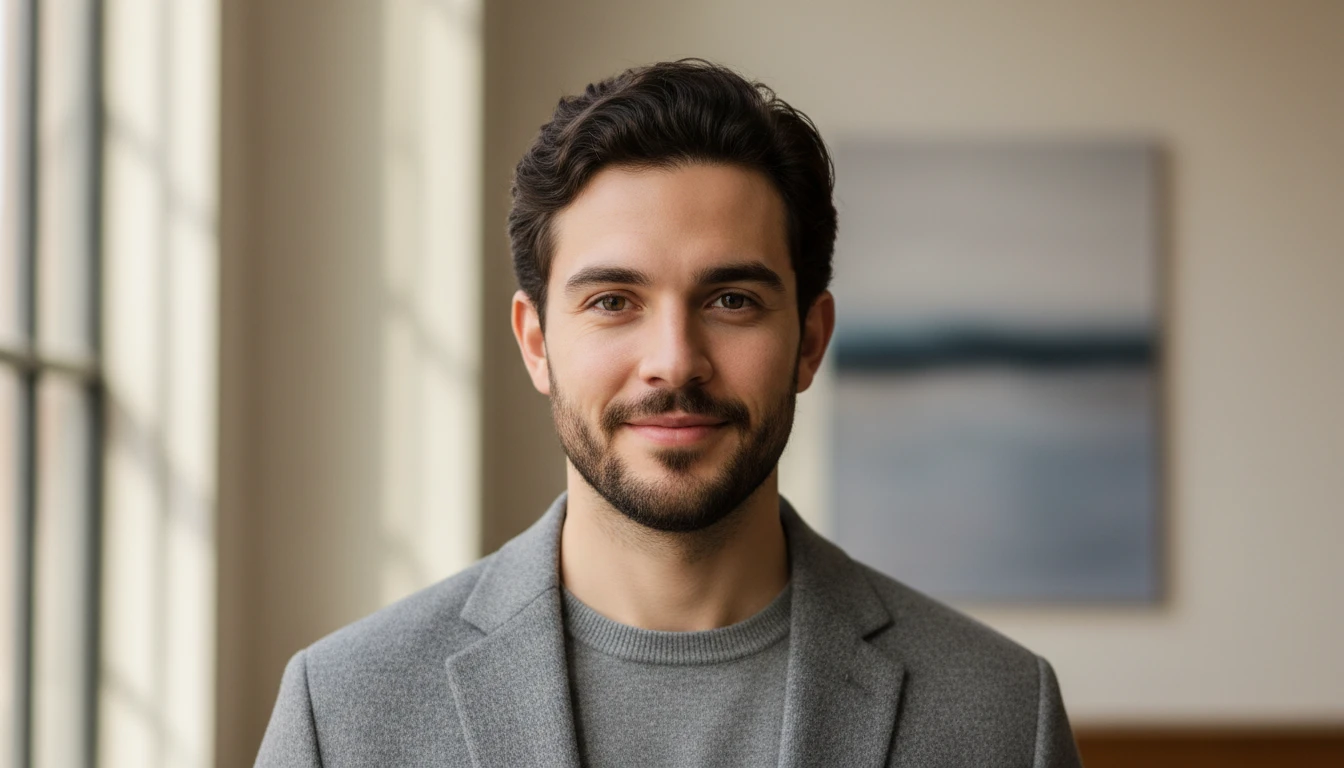
Works with Any Head Angle or Lighting
Three-quarter angles, side profiles, dramatic studio lighting, outdoor golden hour. AI Face Swap adapts to any shooting condition. The face is repositioned to match the exact 3D head orientation and perspective of the target photo.
Try Any Angle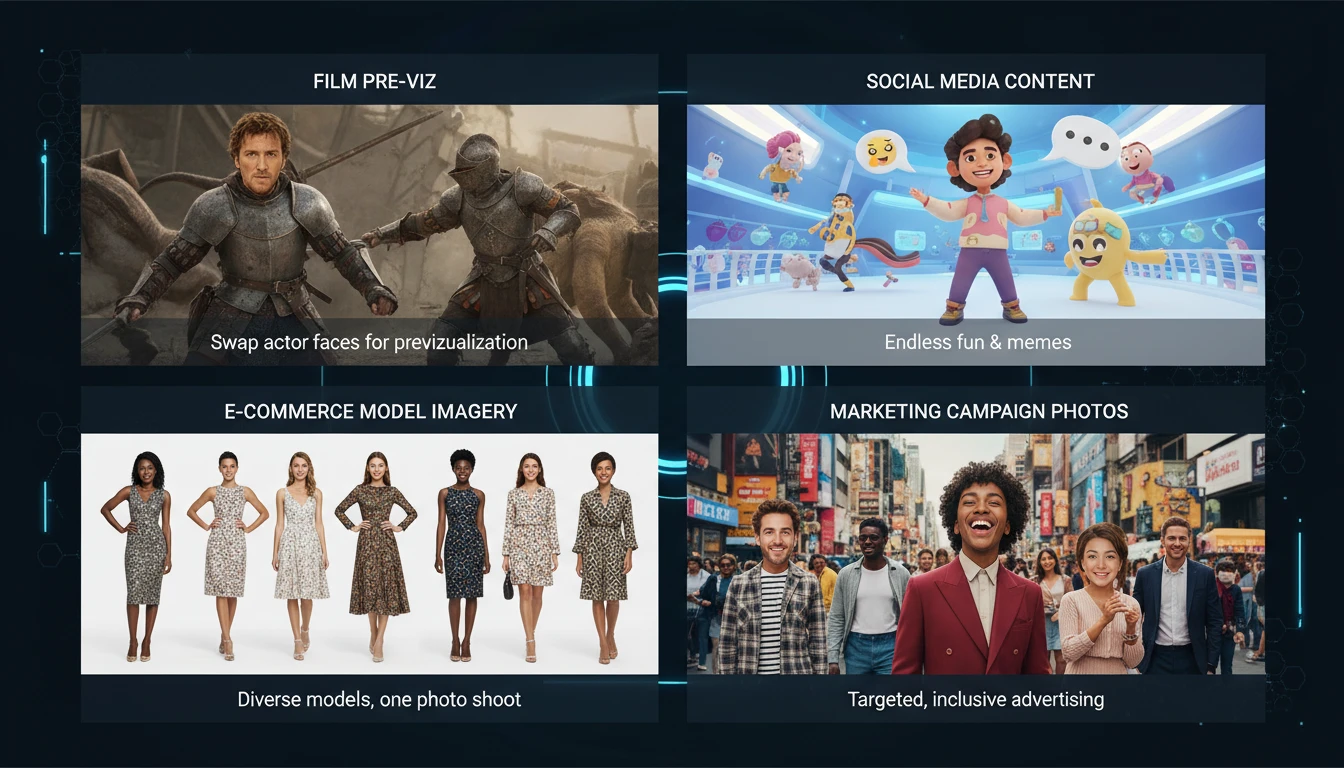
Creative, Commercial, and Content Projects
Used by filmmakers for pre-visualization, social media creators for creative content, e-commerce for model variations, and marketers for diverse campaign imagery. Fast, clean results without expensive reshoots.
Start CreatingWho Uses AI Face Swap
Content Creators and Social Media
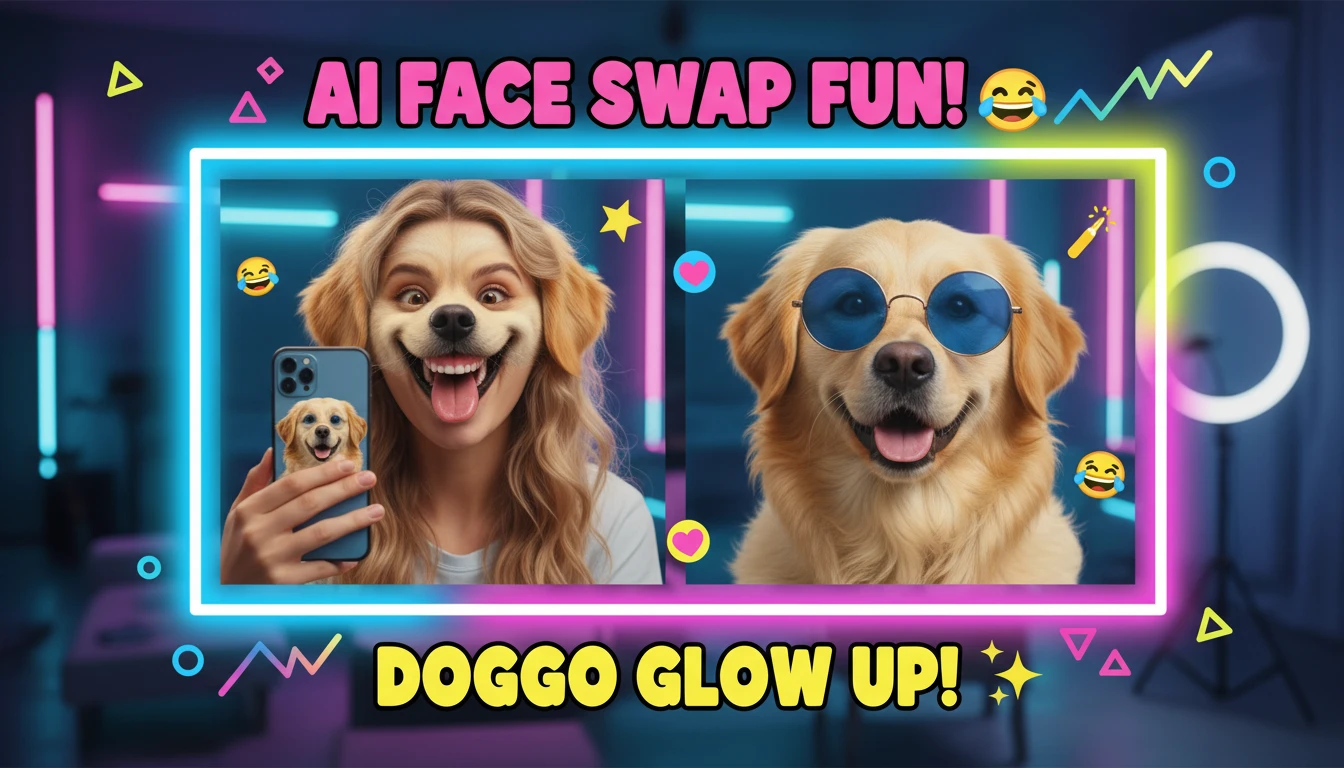
Create entertaining, creative, or artistic content by placing faces into different scenarios, historical settings, or fictional scenes. Generate engaging content quickly without elaborate setups.
Filmmakers and Video Production
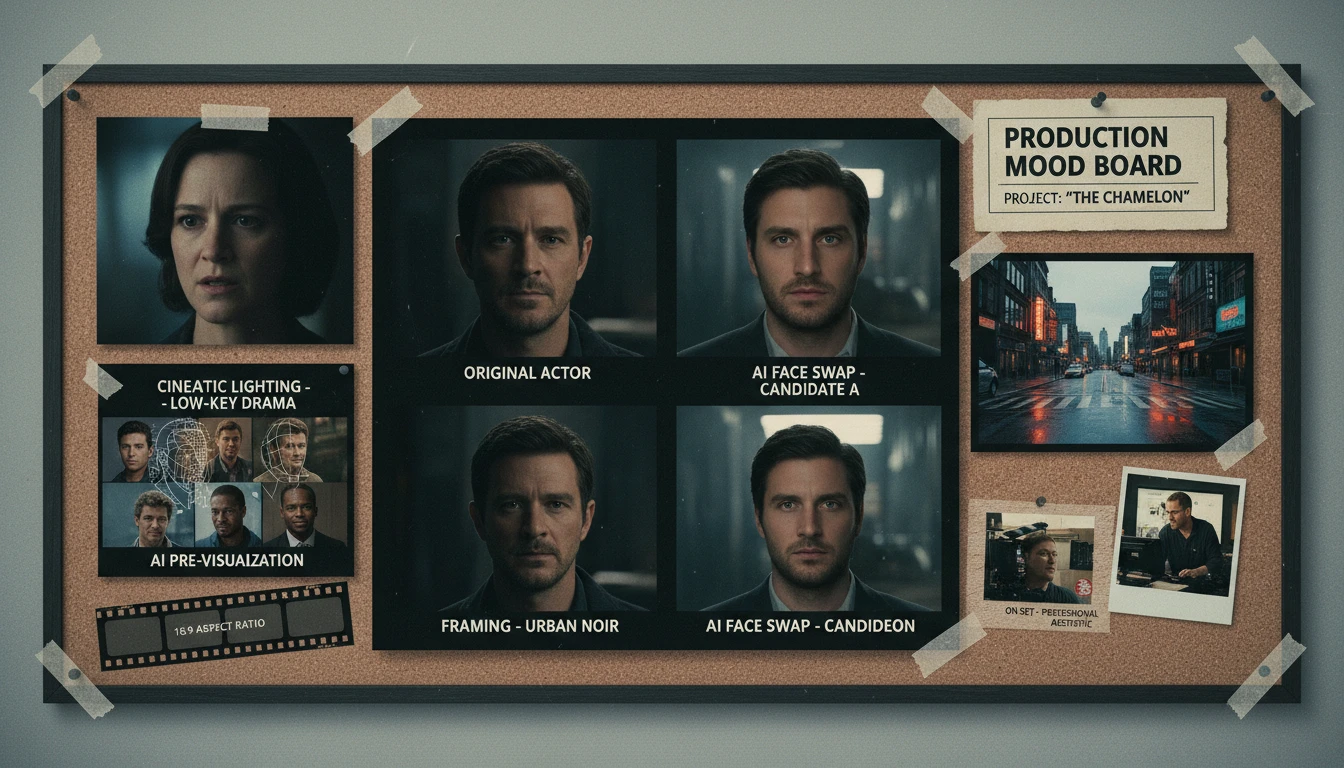
Pre-visualize casting decisions, create storyboard variations, or prototype visual effects scenes before committing to expensive production. See how different actors look in a scene in seconds.
E-Commerce and Fashion
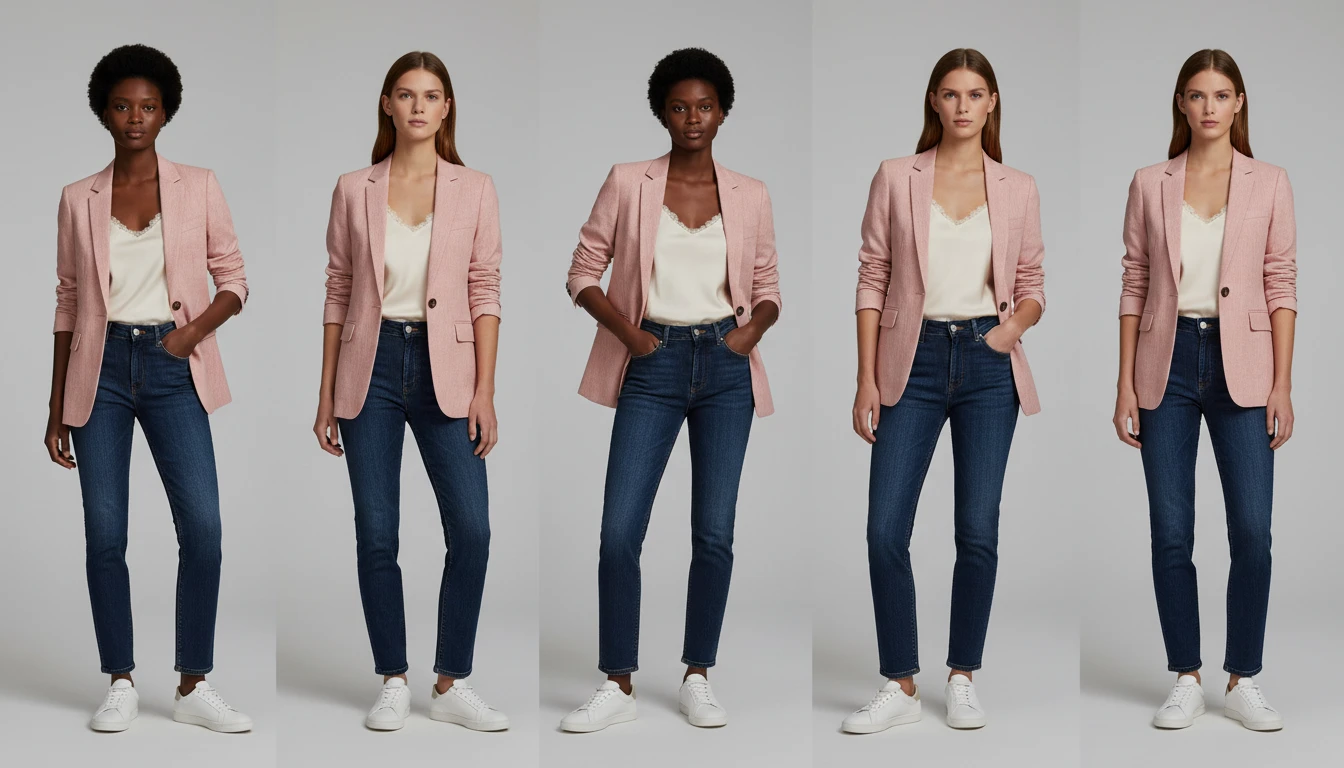
Generate product shots with consistent model diversity without rebooking shoots. Apply different faces to existing model imagery to create representative product photos for varied audiences.
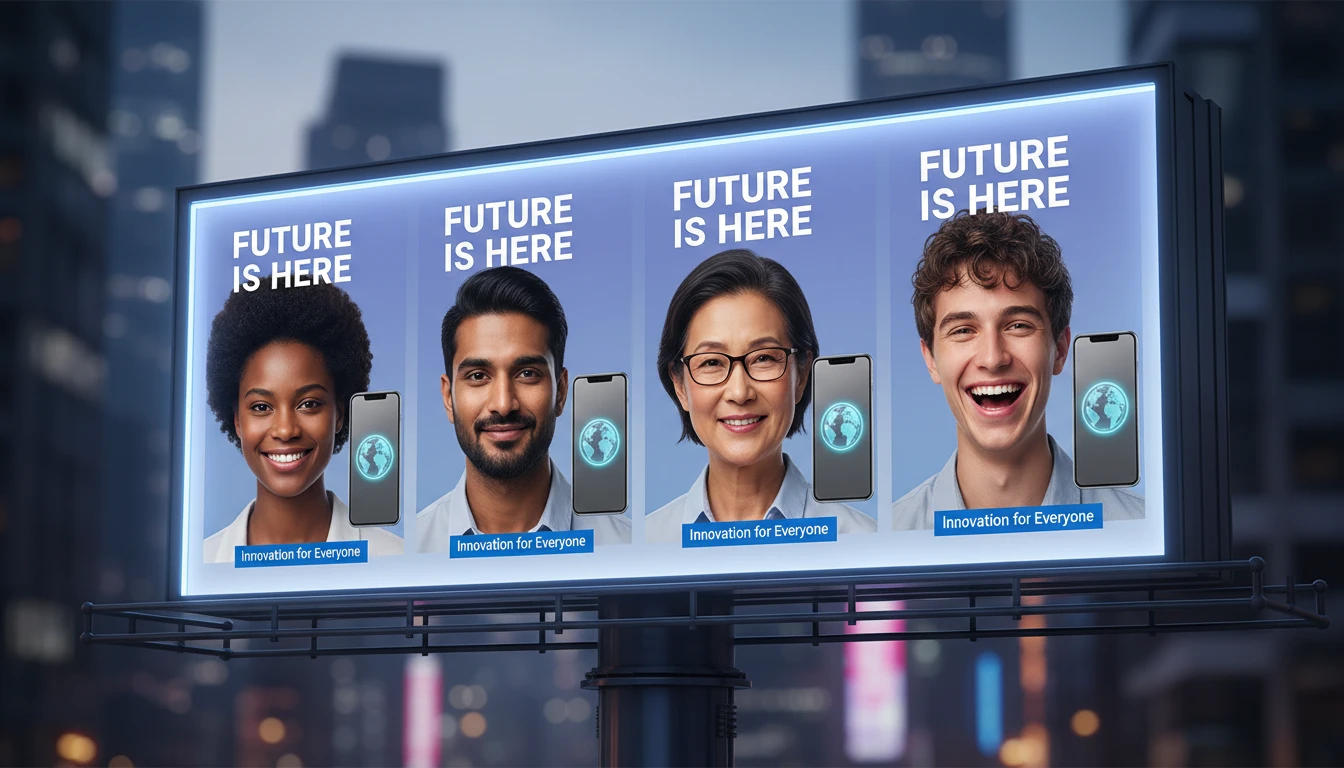
Marketing and Advertising Teams
Localize campaigns by adapting model imagery for different markets. Test how different faces perform in creative concepts before finalizing production assets.
How AI Face Swap Works
Upload the Face Photo
Upload a clear, well-lit photo of the face you want to swap in. Front-facing or slight angle shots work best. The AI extracts only facial features from this image.
Upload the Target Photo
Upload the photo you want to place the face onto. This can be a portrait, lifestyle photo, or any scene. The AI preserves everything except the face.
AI Swaps and Blends
AI integrates the face with matched lighting, skin tone, perspective, and expression. Output is a single photorealistic image that looks naturally photographed.
Explore More
More AI Studio Tools
Discover other powerful AI tools to enhance your creative workflow
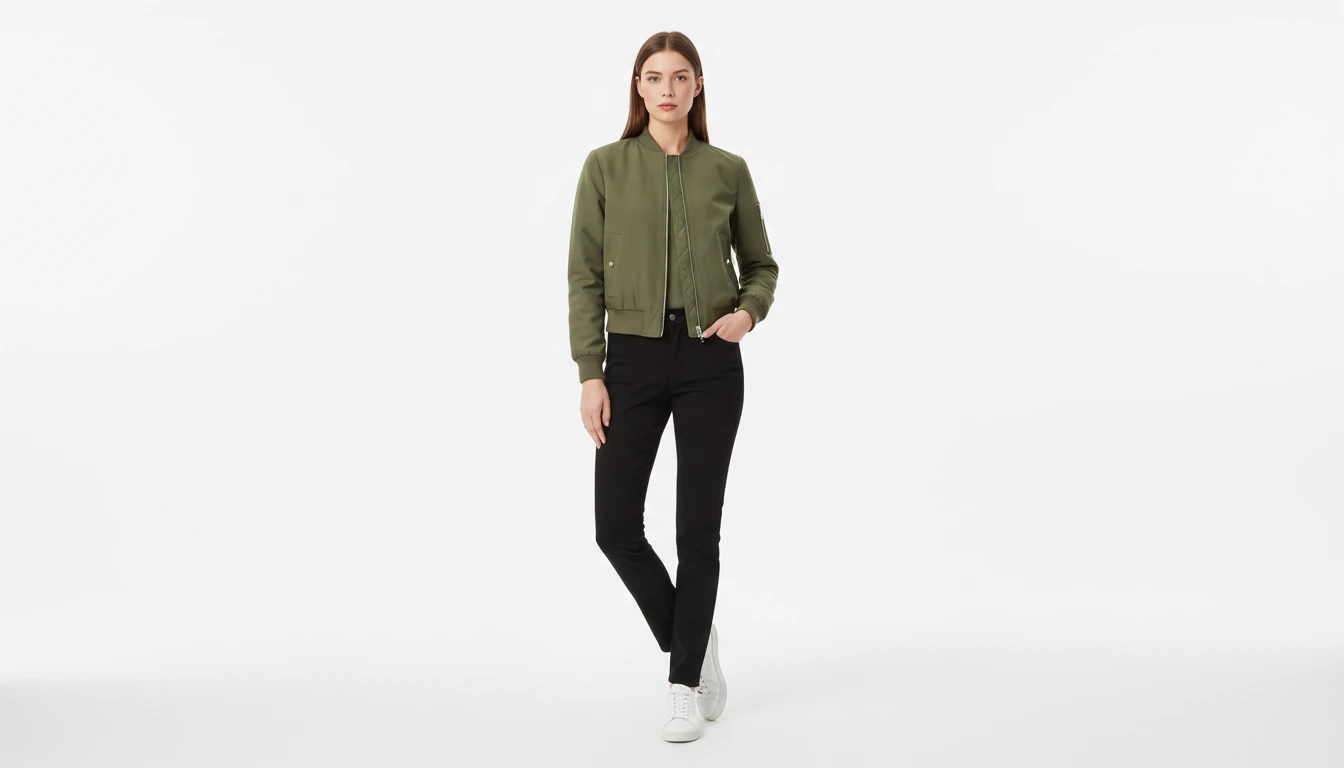
AI Virtual Try-On
Upload a garment photo and a model photo and AI generates a photorealistic image of the model wearing the outfit. The garment is fitted naturally to the model body with correct fabric draping, color, and texture. No studio booking, fitting sessions, or photoshoots required. Works for tops, dresses, jackets, pants, and full outfits.
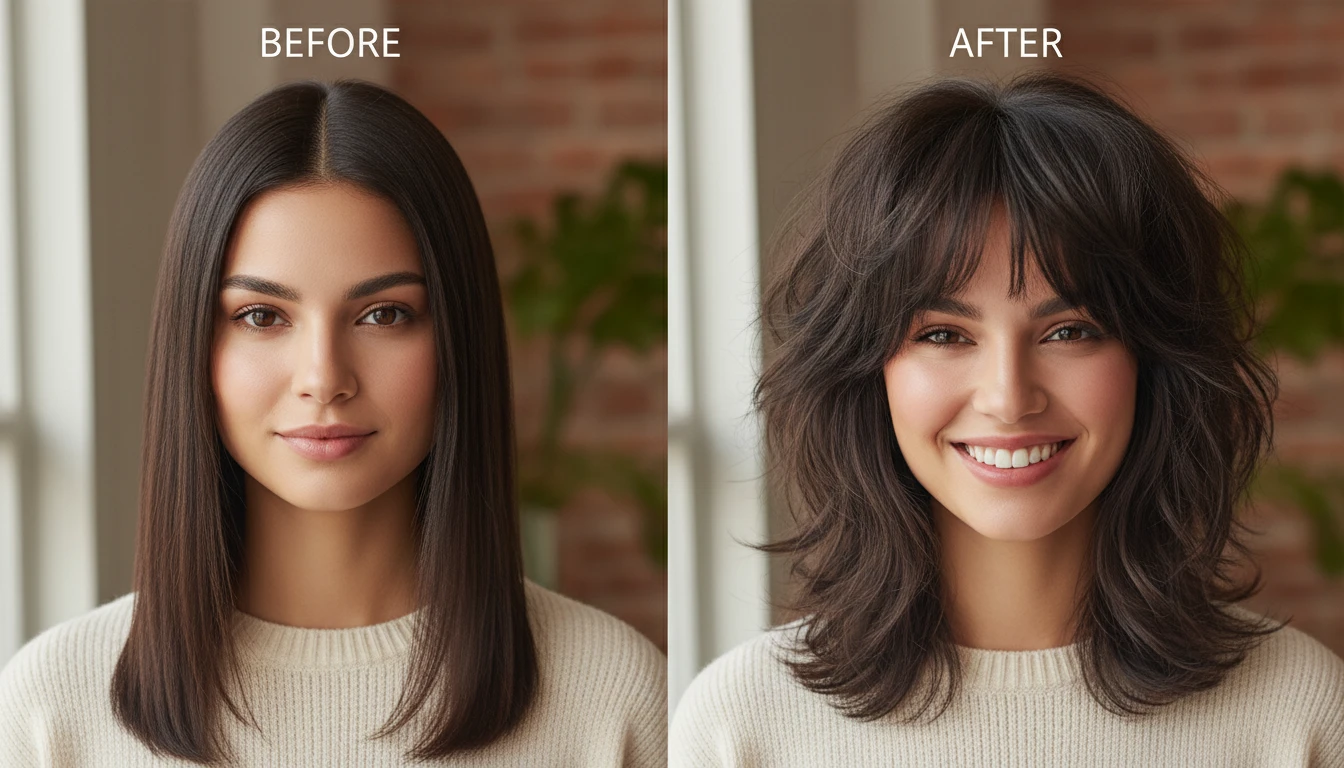
AI Hairstyle Changer
Try on 300+ hairstyles and 18 colors on your own photo and see your new look before you commit.
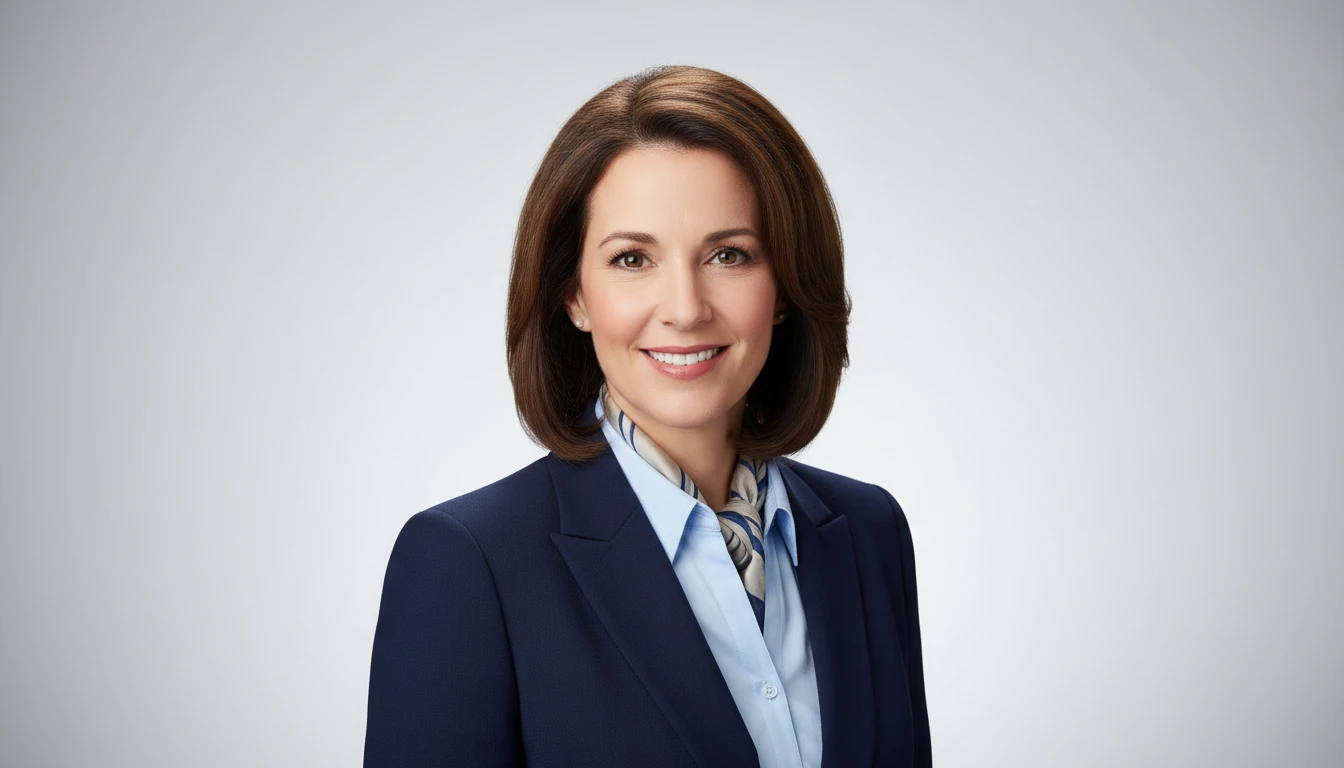
AI Professional Headshot Generator
Upload any casual portrait and AI generates a studio-quality professional headshot in seconds. Choose from 14 styles including LinkedIn Profile, Corporate Business, Executive Portrait, Creative Professional, Tech Startup, Real Estate Agent, and Personal Brand. No photographer, studio, or scheduling required. Supports a wide range of ages, genders, and professional contexts.
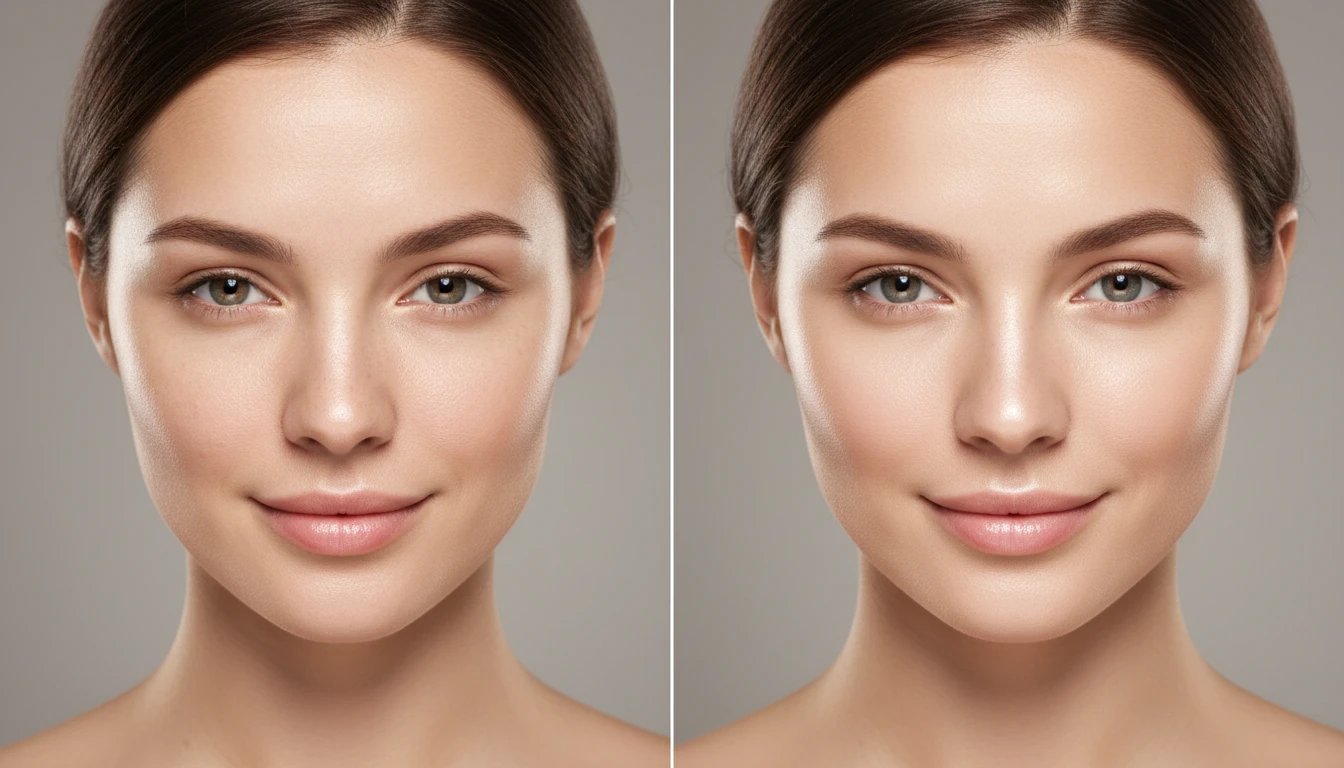
AI Face Retouching
Subtly improve your features and showcase your natural beauty. Smooth, clear, and flawless results — without harsh filters or excessive editing.
Opens in
Image Studio
Frequently Asked Questions
Everything you need to know to get started.
How does AI Face Swap work?
Upload a face photo and a target photo. AI extracts the facial identity from the first image and seamlessly integrates it into the second, matching lighting, skin tone, and head angle.
What image types are supported?
JPG, PNG, and WebP are all supported for both the face photo and the target photo. Clear, well-lit photos produce the most realistic results.
What is the output format and quality?
The output is a high-resolution JPG matching the dimensions and quality of the target photo, with the face seamlessly blended in.
What type of face photo gives the best swap result?
A front-facing or slight-angle portrait with clear lighting and no heavy obstructions like sunglasses or a hat gives the most accurate and natural face swap result.
Swap Faces in Photos Instantly
Sign up free and get 100 credits instantly. Photorealistic face swaps in seconds. No design skills needed.
Try Face SwapDisclaimer: This tool uses generative AI technology which may produce content that resembles copyrighted materials or that is inaccurate, incomplete, or out-of-date. It is provided for general information and educational purposes only and is not intended for illegal activities or to replace professional advice, diagnosis, or treatment. Users are solely responsible for how they use the generated content. If you plan to use AI-generated content commercially or publicly, we strongly recommend reviewing it for potential copyright issues and obtaining proper permissions where necessary. We accept no liability for copyright infringement or any other consequences resulting from the use of content generated by this tool.