Inspect VRML World Files in Your Browser
Upload a WRL file and explore the geometry from every angle. Override the model color, toggle wireframe to inspect the mesh, cycle through lighting environments, and export a PNG screenshot — no plugin or VRML browser extension required.
Open Viewer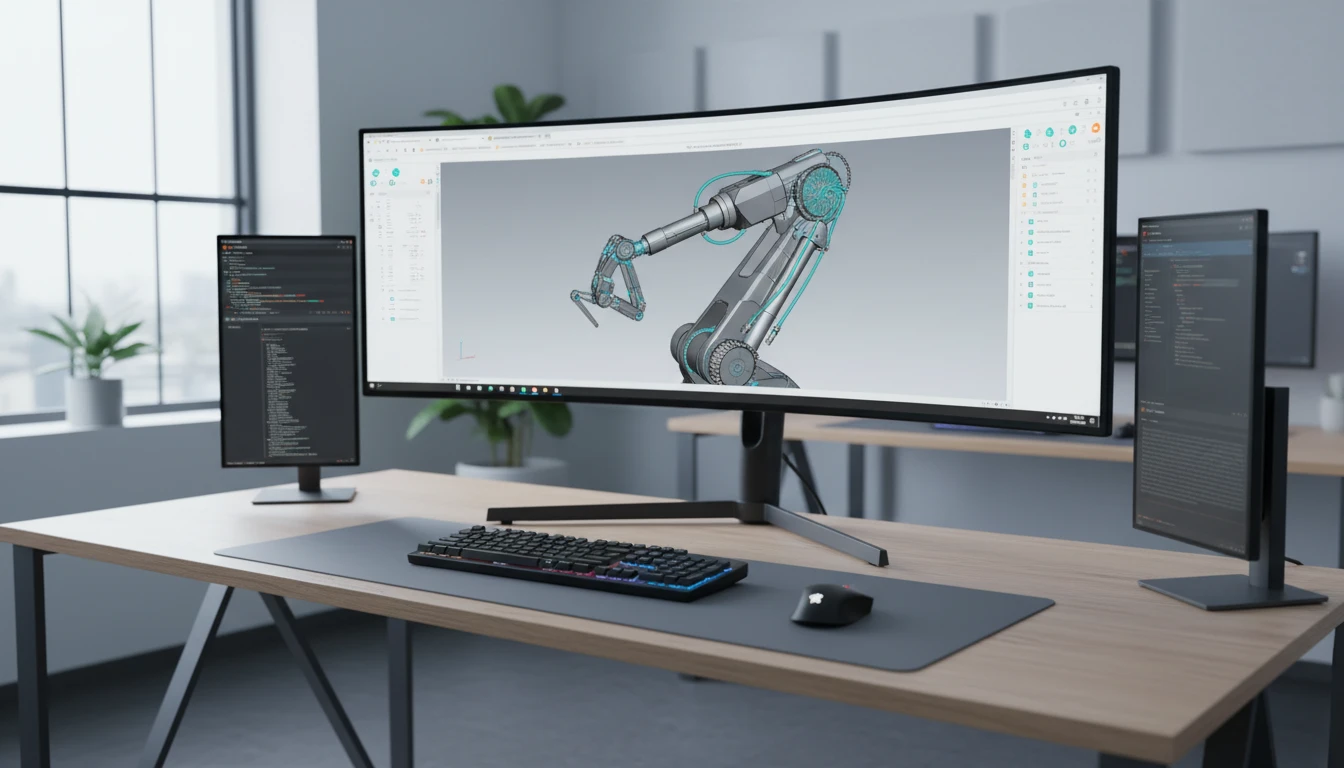
WRL / VRML 3D Viewer
Upload a WRL file to inspect VRML geometry. Override material color, toggle wireframe, switch lighting, and export a screenshot — no plugin required.
Drop your WRL file here
or click to browse your files
Supports .wrl (VRML 1.0 and VRML97)
No Plugin Required
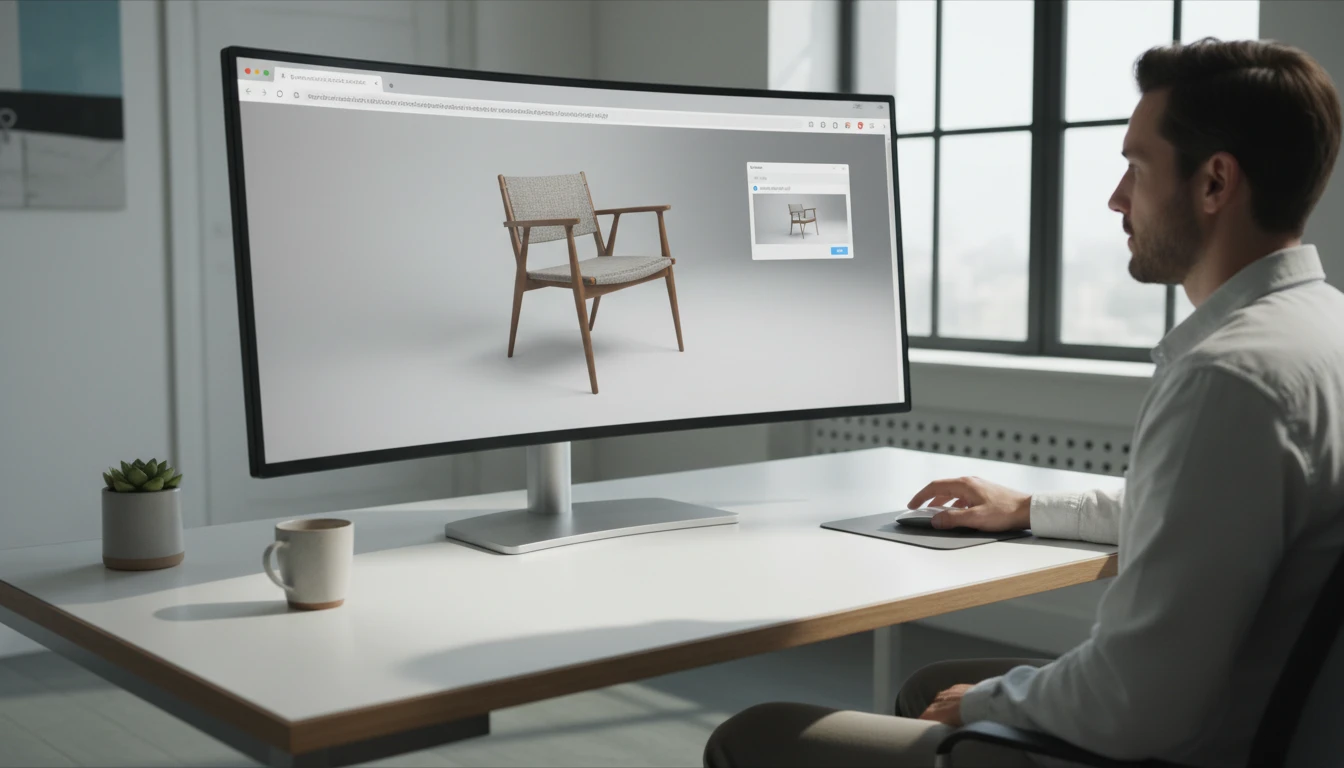
VRML was designed for the early web and originally required a dedicated browser plugin. The viewer renders WRL files directly in a modern browser using WebGL — no plugin, no extension, no software installation needed.
Open Viewer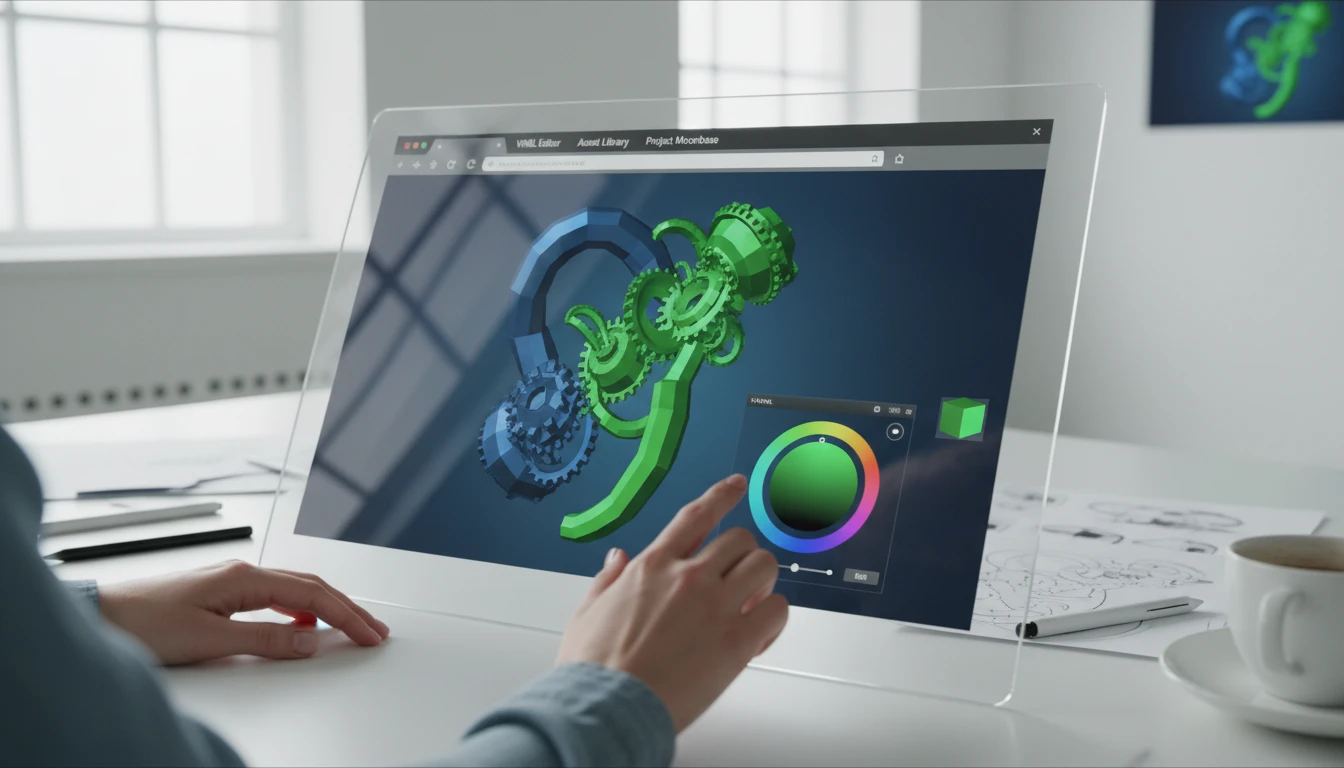
Color Override for VRML Materials
VRML material definitions use a different shading model than modern WebGL PBR rendering. The viewer lets you override all mesh surfaces with a custom color, giving clean and consistent rendering under physically-based lighting.
Open Viewer
Wireframe, Lighting, and Screenshot
Toggle wireframe to see the underlying triangle mesh that VRML geometry compiles to. Cycle through ten environment lighting presets. Snap to camera presets and export a PNG screenshot for documentation.
Open ViewerView a WRL file in three steps
Upload your WRL file
Drag a WRL file onto the drop zone or click to browse. The viewer uses the Three.js VRMLLoader to parse VRML 1.0 and VRML97 scene graphs. The geometry is automatically normalised to fit the viewport.
Set a color and navigate
Pick any color for the model surface using the color swatch button in the toolbar to override VRML materials with a clean PBR equivalent. Orbit with left-click drag, zoom with scroll, pan with right-click drag. Snap to F/T/R/P camera presets.
Switch lighting and capture
Cycle through ten environment map presets to change lighting conditions. Toggle wireframe to inspect the compiled triangle mesh. Export a PNG screenshot named after the source WRL file.
Deep Dive
What the WRL Viewer Supports
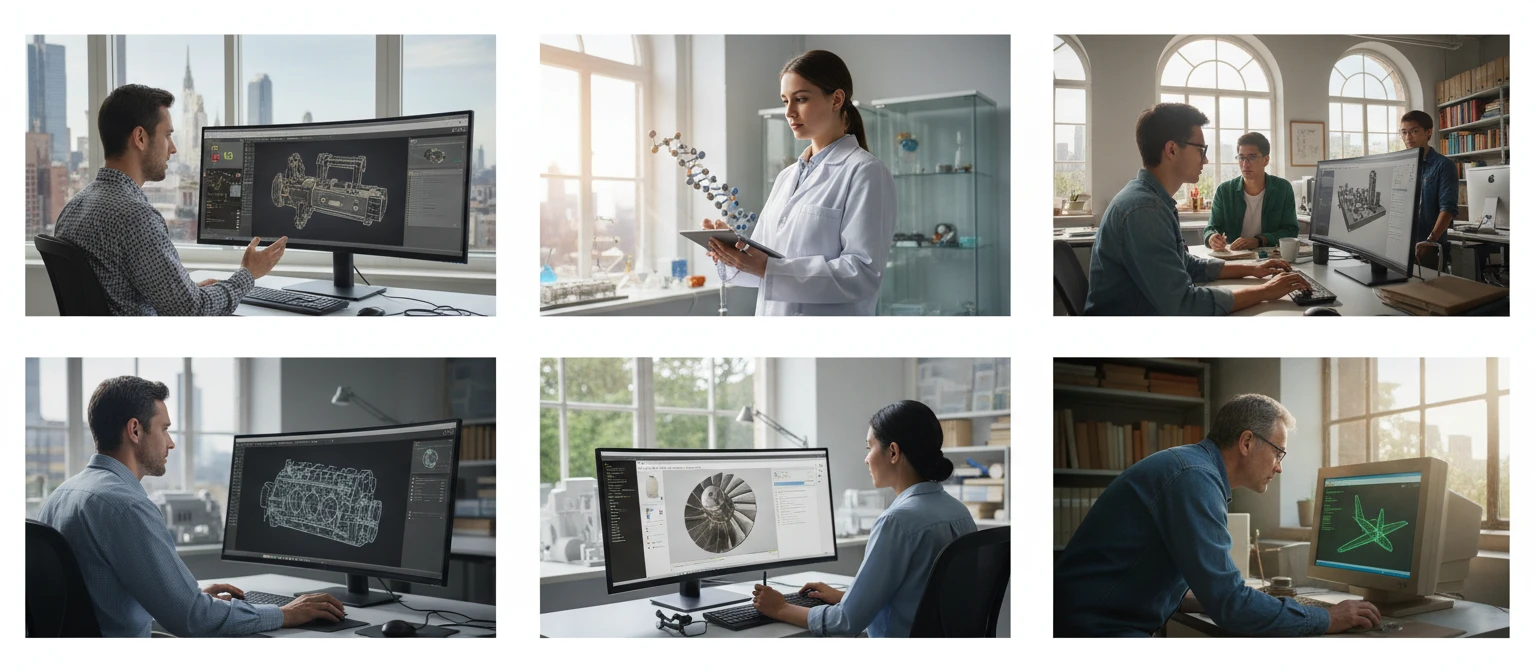
Purpose-built for engineers and researchers who need to inspect legacy VRML files without a plugin or dedicated viewer application.
Why Use the WRL Viewer
No Plugin Required
View VRML files in any modern browser using WebGL. No browser plugin, extension, or software installation needed.
Color Override
Override VRML Phong materials with a custom PBR color for clean and consistent rendering under any lighting.
Wireframe Inspection
Check how VRML primitives and IndexedFaceSet nodes tessellate into triangle geometry for downstream processing.
Screenshot Export
Save any camera angle as a PNG for engineering documentation, migration records, or team communication.
Who Uses It
Who Uses a Browser-Based WRL Viewer
WRL files appear in legacy engineering systems, scientific archives, and CAD data exchanges. Viewing them without a plugin has been a persistent pain point.
Related Tools
Frequently Asked Questions
What is a WRL file?
WRL files contain VRML (Virtual Reality Modeling Language) 3D scenes. VRML 1.0 was introduced in 1994 and VRML97 (ISO/IEC 14772) became the international standard in 1997. The format describes 3D scenes as a node graph including geometry (Box, Sphere, Cylinder, IndexedFaceSet), materials, textures, lights, cameras, and animations. The ".wrl" extension stands for "world." VRML97 was eventually succeeded by X3D, but WRL files remain in engineering archives, scientific datasets, and legacy CAD systems.
Which VRML versions are supported?
The viewer uses the Three.js VRMLLoader which supports VRML 1.0 and VRML97 (also called VRML 2.0). Both are ASCII text formats. VRML97 is more commonly encountered in engineering and scientific applications and is the version most likely to render correctly.
Why are the original VRML materials replaced?
VRML uses a Phong-based material model (diffuseColor, specularColor, emissiveColor, shininess, transparency) that does not map cleanly to modern WebGL PBR shading. Rather than attempting an approximate conversion that may produce inconsistent results, the viewer replaces all mesh materials with a MeshStandardMaterial using a color you choose. This gives clean, predictable rendering under any lighting preset.
How do I change the model color?
Click the color swatch button in the right toolbar to open the native browser color picker. Choose any color and the material updates in real time without reloading the VRML scene. The change is in-place — no geometry is reloaded.
How do I navigate the model?
Left-click and drag to orbit. Scroll the mouse wheel to zoom in and out. Right-click and drag to pan. Use the P/F/T/R buttons at the bottom left to snap to Perspective, Front, Top, and Right camera presets.
What does wireframe mode show?
Wireframe mode renders only the triangle edges of all meshes in the scene. For VRML files this shows how high-level primitives (Box, Sphere, Cylinder) and IndexedFaceSet geometry are tessellated into triangle meshes by the Three.js VRMLLoader.
What about .wrz files?
WRZ is a gzip-compressed variant of WRL. The viewer currently accepts .wrl files. To open a .wrz file, decompress it with any gzip tool (7-Zip, gunzip, etc.) to obtain the .wrl ASCII text file, then upload that.
Is there a file size limit?
There is no server-imposed size limit. All processing happens in your browser. Most VRML files are relatively compact ASCII text — large WRL files over 20 MB with dense IndexedFaceSet geometry may load slowly on lower-powered devices.
Ready to Inspect Your WRL File?
Upload a WRL file, pick a color, orbit and inspect the geometry, then download a screenshot.