AI Music
17 tools across 3 categories
All Tools17
AI Text to Music Generator
Turn any idea into a full song with AI-written lyrics and vocals. Describe your genre, mood, and theme and get a completely unique, royalty-free track in seconds.

AI Background Music Generator
Generate royalty-free instrumental background music from text descriptions. Pick a mood, set the duration, and get a clean vocal-free track in seconds.
AI Lyrics to Music Generator
Paste your own lyrics, pick a style, and get a fully produced song performed by AI. The model analyzes your words and composes the music to match.
AI Image to Music Generator
Upload any image and AI composes a full song inspired by it. The model reads the mood and atmosphere of your photo, writes lyrics, and performs a complete track.

AI Lyrics Generator
Generate lyrics for your songs with our AI-powered Lyrics Generator.
AI Vocal Remover
Remove vocals from audio files with AI. Upload any audio track and get a clean instrumental in seconds. Perfect for remixes, karaoke, background tracks, and audio post-production.
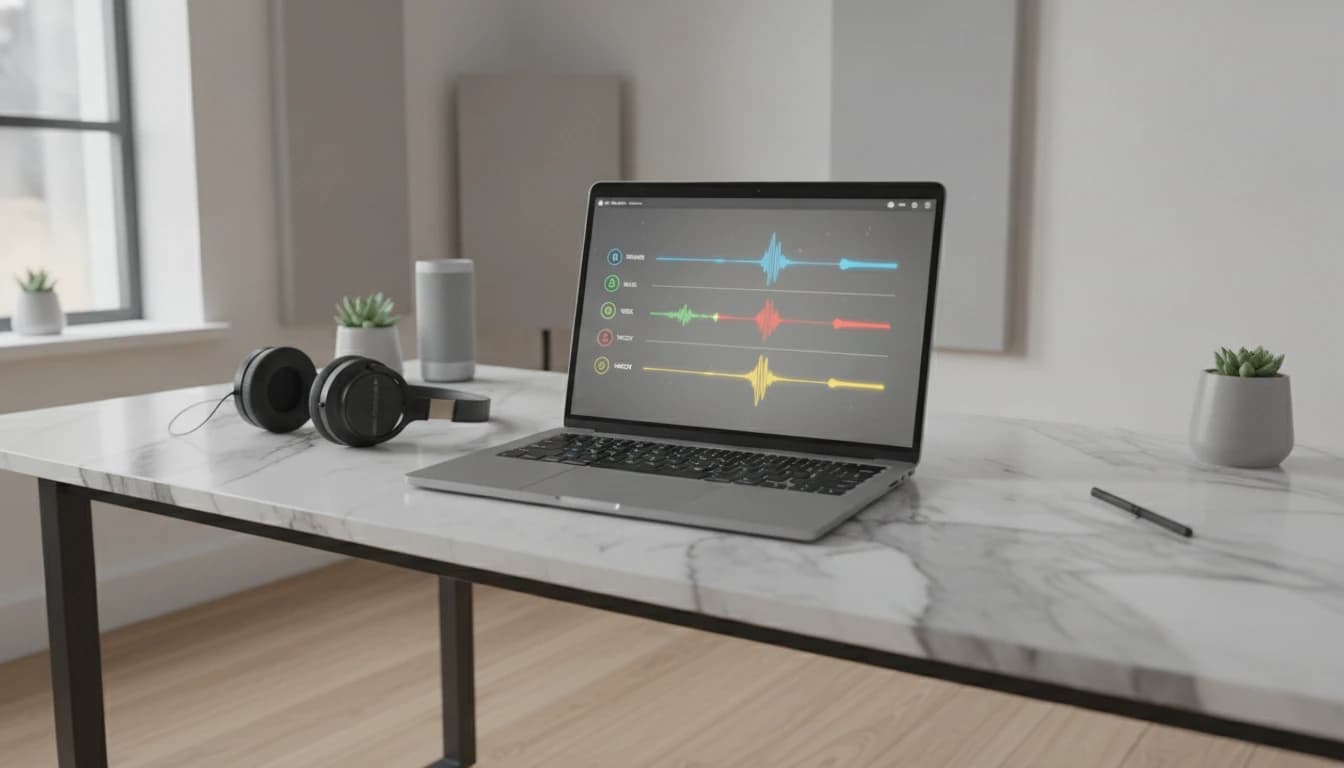
AI Stem Splitter
Split any song into four separate stems: vocals, bass, drums, and instruments. Preview all stems together in a multi-track player and download each track individually.

Slowed + Reverb Generator
Slow down any song and add lush reverb. Choose speed, reverb depth, and vinyl or pitch-preserved style. Upload an MP3 and download in seconds.

BPM & Key Finder
Detect the tempo and musical key of any song instantly. Upload an MP3 and get the BPM and key in seconds. Useful for DJs, producers, musicians, and music educators.
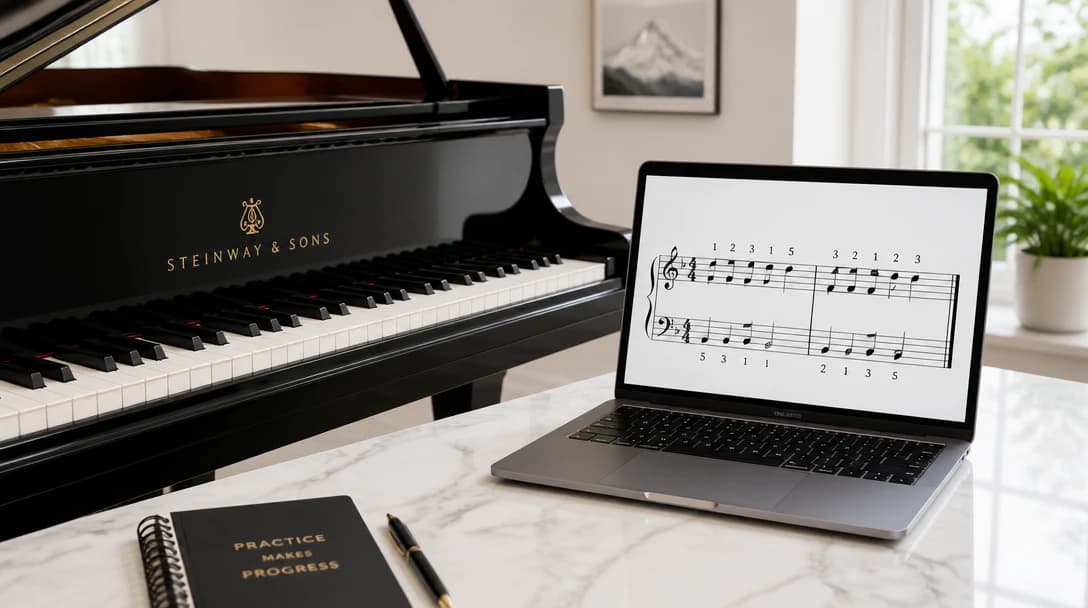
Piano Fingering
Upload a MIDI file and get recommended finger numbers for both hands, as a note list or as sheet music with the numbers on the score.
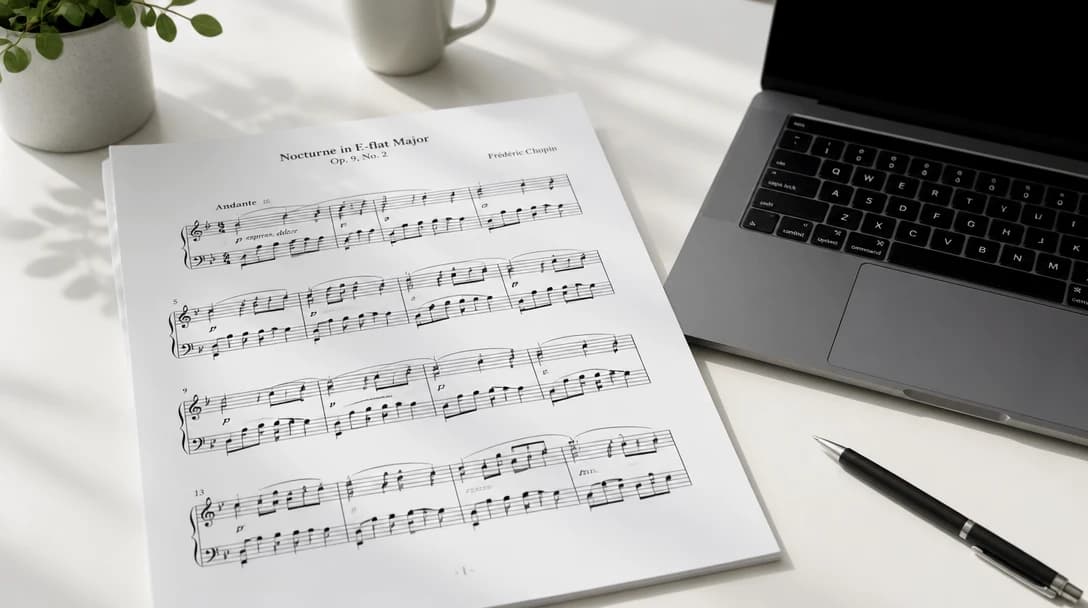
MIDI to Sheet
Upload a MIDI file and get engraved sheet music with finger numbers. Preview the score, then download a PDF, page images, or MusicXML.
Piano to Sheet
Upload a solo piano recording and get engraved sheet music. Notes and sustain pedal are transcribed on the server, then written on a grand staff.

AI Music Finder
Upload or record any music clip to instantly identify the song title, artist, album, genre, ISRC, and get direct links to Apple Music and Spotify. The fastest music finder and song finder online.
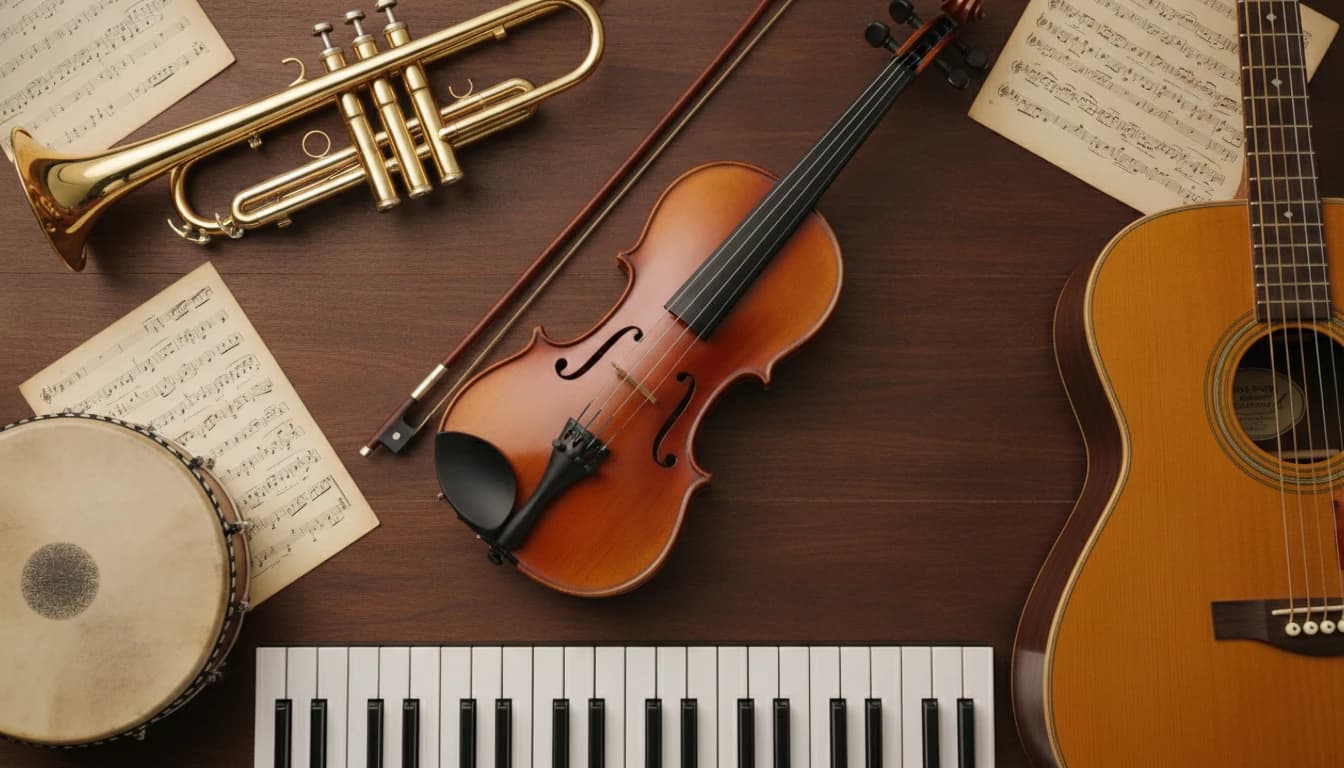
AI Musical Instrument Identifier
Identify your musical instrument's species with our AI-powered Musical Instrument Identifier.
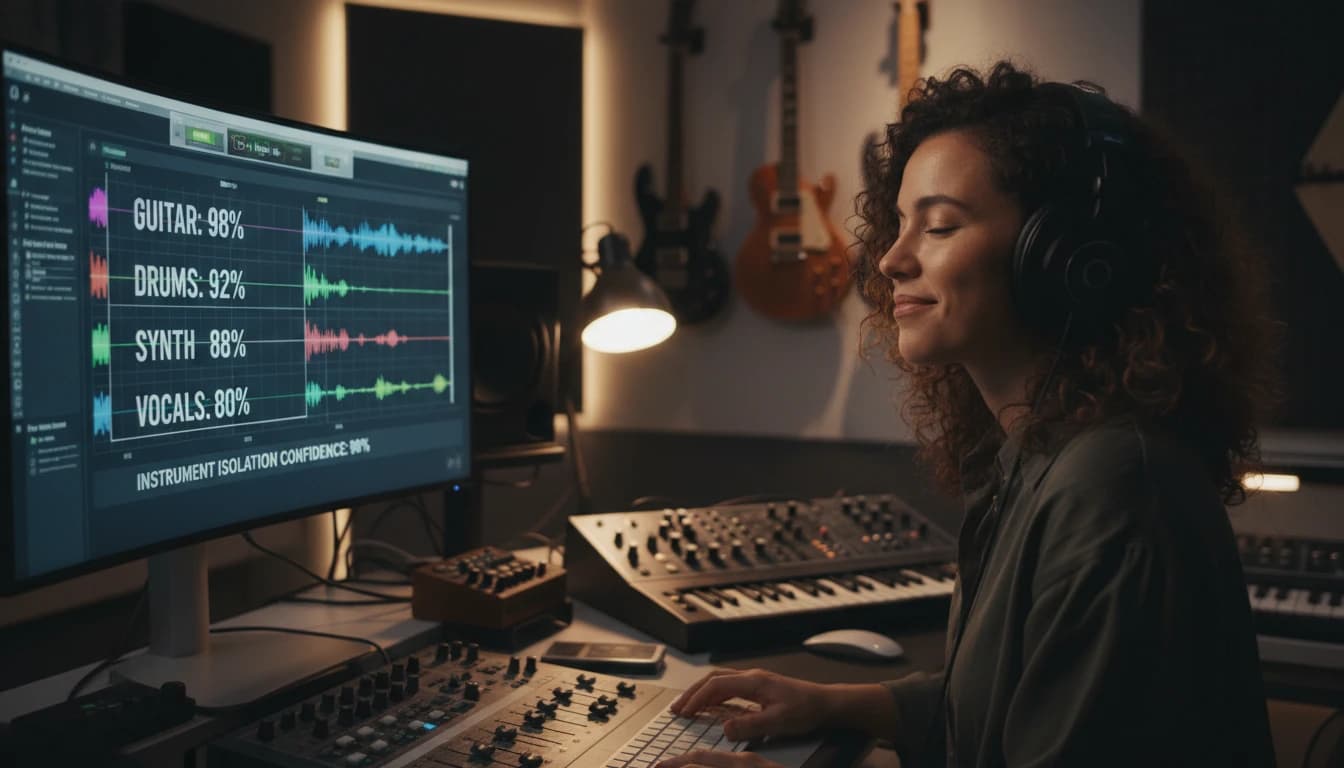
AI Musical Instruments Identifier (Audio)
Identify musical instruments from audio recordings with our AI-powered Audio Analyzer.

AI Music Style Identifier
Upload or record any music audio to identify the genre, subgenre, era, production style, cultural context, and similar artists.

AI Song Analyzer
Upload or record any song to get a dual analysis: lyrical themes, moods, and language plus musical genres, subgenres, moods, and instruments.