Paste your lyrics. AI composes and performs the song.
Write the words, pick a style, and the AI figures out everything else: the genre, instrumentation, BPM, and vocal performance. Your lyrics, performed as a real song in seconds.
Turn my lyrics into a song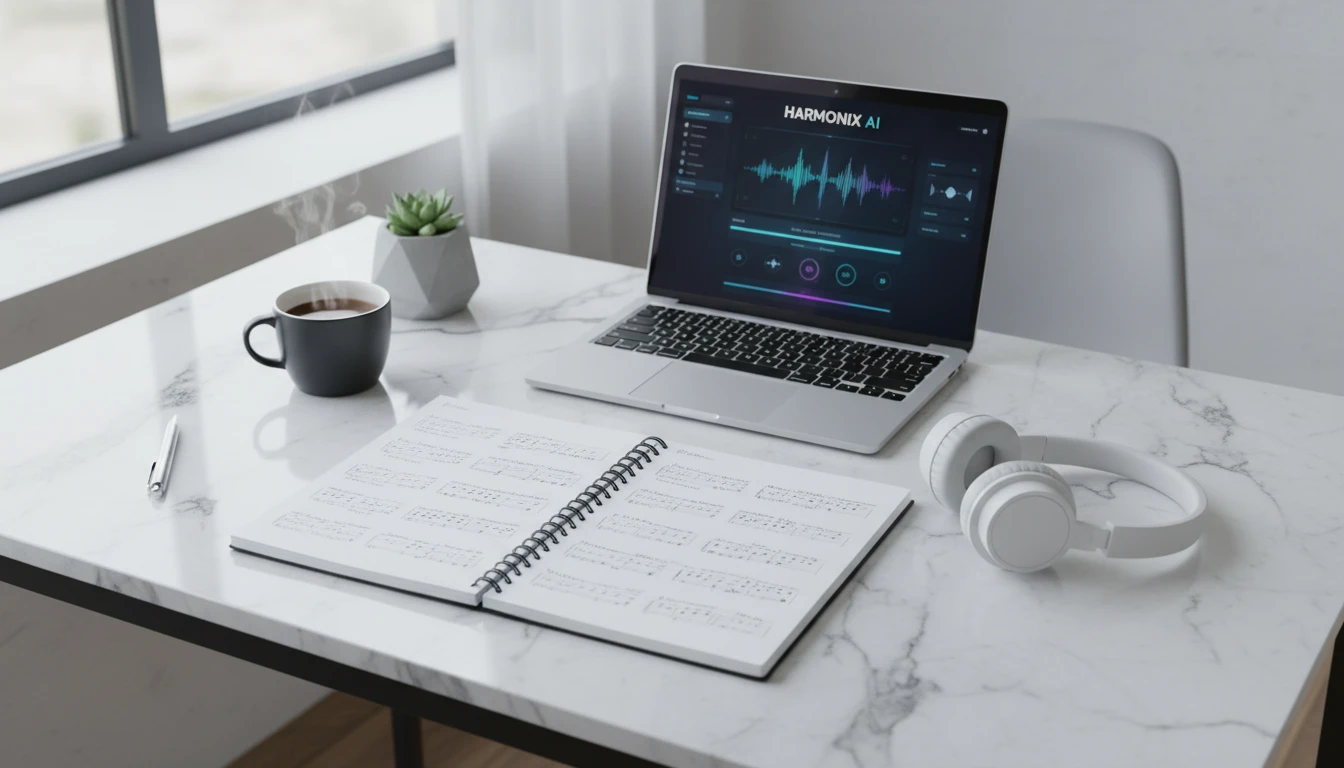
Your Lyrics
Paste your song lyrics, then open AI Music Studio to compose and perform them.
Runs inside the AI Music Studio — generate, edit and analyze in one place.

That note in your notes app, finally a real song
Everyone has lyrics they've been sitting on. Paste them in, pick a vibe, and hear them performed as an actual song with instruments, vocals, and production. No music skills needed.
Hear your lyrics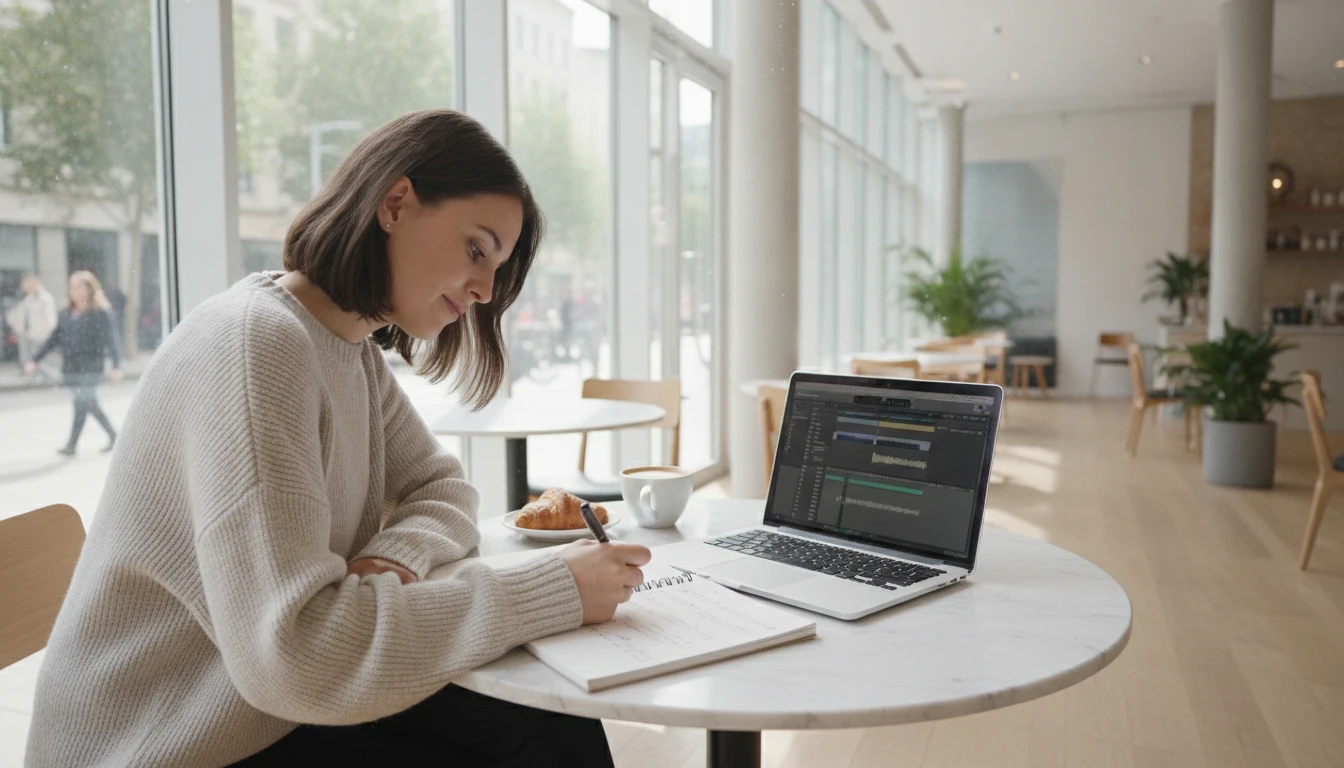
Write a song for someone
Write the lyrics yourself, then let AI perform them. A love song, a birthday track, a hype anthem for your best friend. Personal words, performed as a real song. Way more meaningful than a playlist.
Write a song now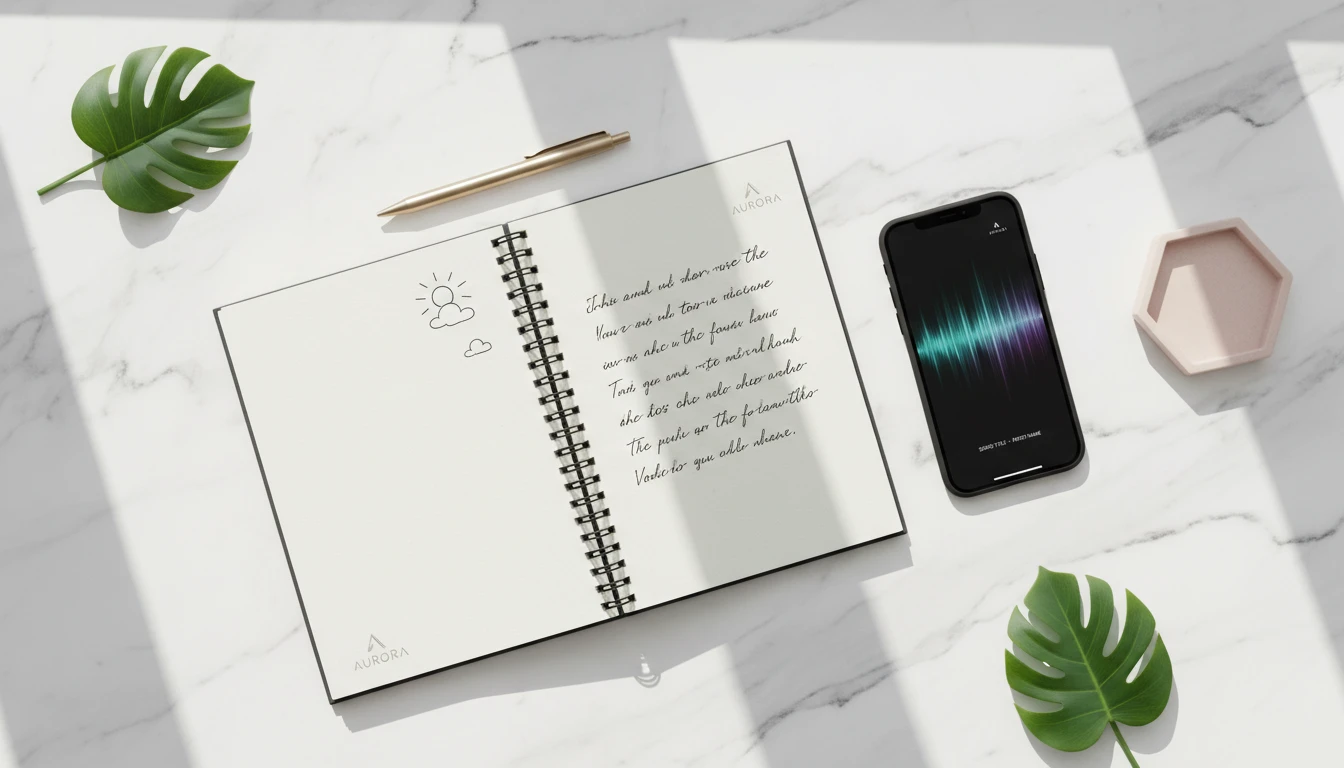
Poems and journal entries hit different as songs
If you've written something with feeling, it probably has a melody hiding in it. Paste a poem, a journal entry, or even a long caption and the AI figures out how to perform it.
Try with your writing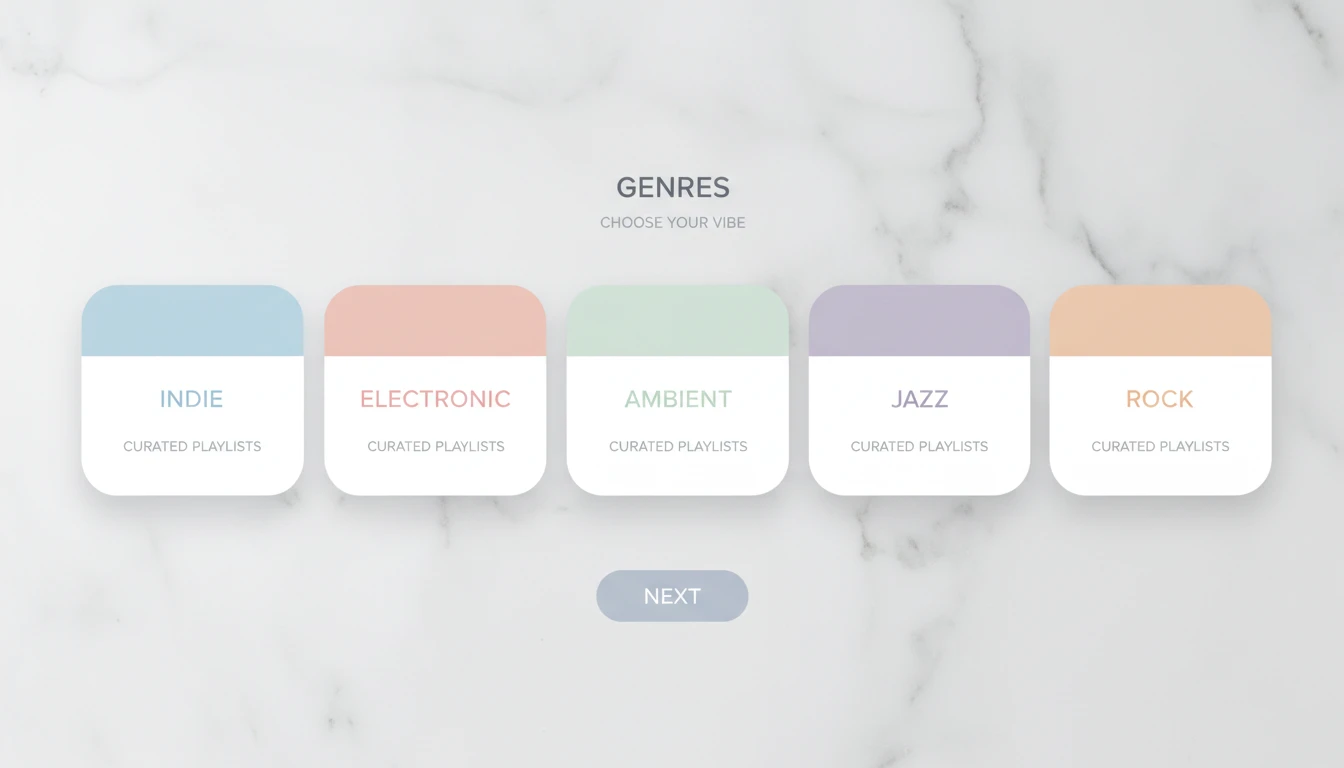
Pop, R&B, indie, city pop, your call
Pick a style and the AI adapts the production to your lyrics while keeping your voice in it. Or leave it on auto and let it decide what fits the feeling of your words.
Explore stylesWho Uses AI Lyrics to Music

Songs for someone special
Write the lyrics yourself, let AI do the rest. A love song, a goodbye song, something between you and one person. Your words, actually performed.

Turning feelings into something real
Sometimes you process things by writing them down. Paste what you wrote into lyrics and hear it back as a song. It hits different when it's performed.
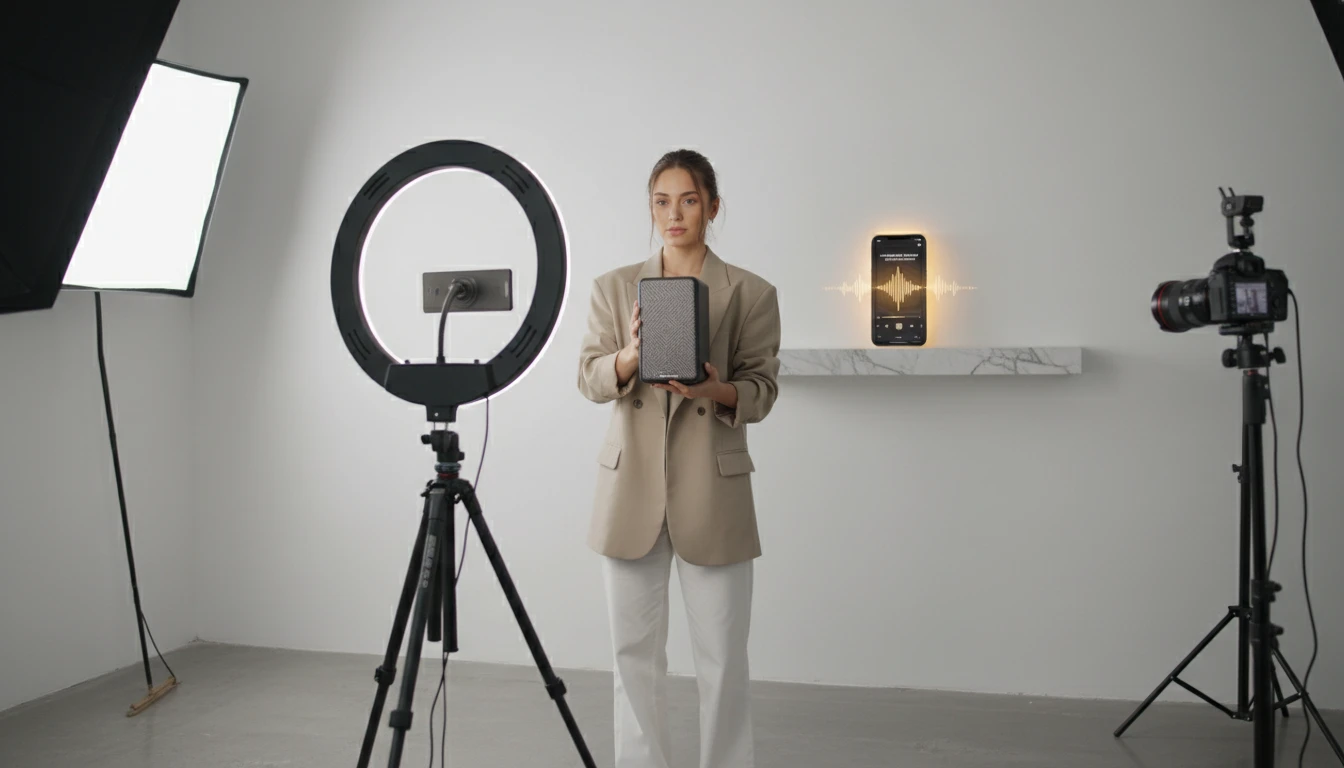
Content creators making original music
Write the words, skip the studio costs. Original songs built from your own lyrics for Reels, TikToks, YouTube, or wherever you post. Royalty-free, completely yours.
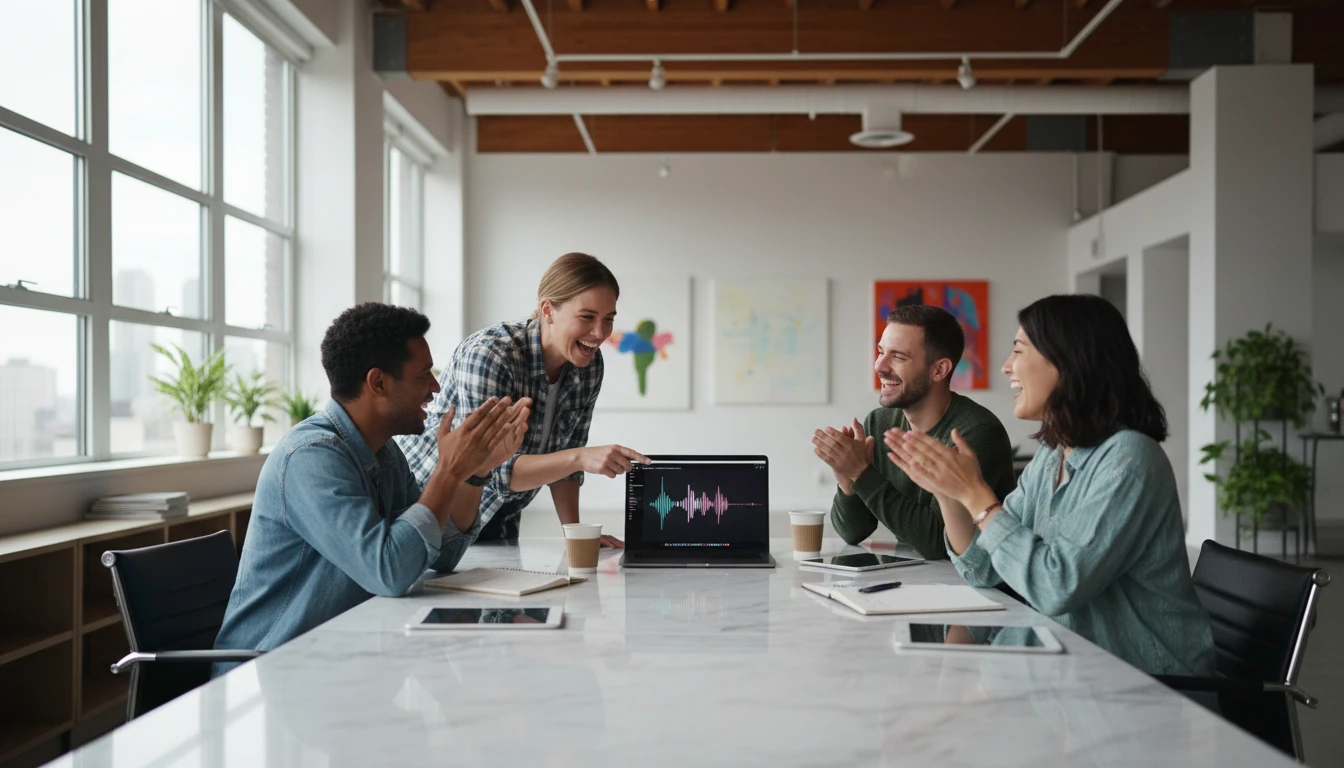
Friend group anthems
Write lyrics about your friend group, your trips, your inside jokes, your chaos. Paste them in, generate the song, send it to the group chat.
How AI Lyrics to Music works
From written lyrics to a fully performed song in four steps
Write or paste your lyrics
Type your lyrics directly or paste them in. Use [Verse], [Chorus], [Bridge], and [Outro] tags to structure the song. The AI reads these tags to build the right arrangement.
Pick a style
Choose from pop, R&B, indie, folk, electronic, cinematic, and more. Or leave it on "Let AI decide" and the model will infer the best genre from your lyrics.
AI composes the music
The model analyzes your lyrics and chosen style, generates a detailed music descriptor, then composes the instrumentation, sets the tempo, and performs your words as a complete song.
Preview and download
Listen to the generated track in the browser. Hit download to get the MP3 and use it however you like. Royalty-free, yours to keep.
Explore More
More AI Studio Tools
Discover other powerful AI tools to enhance your creative workflow
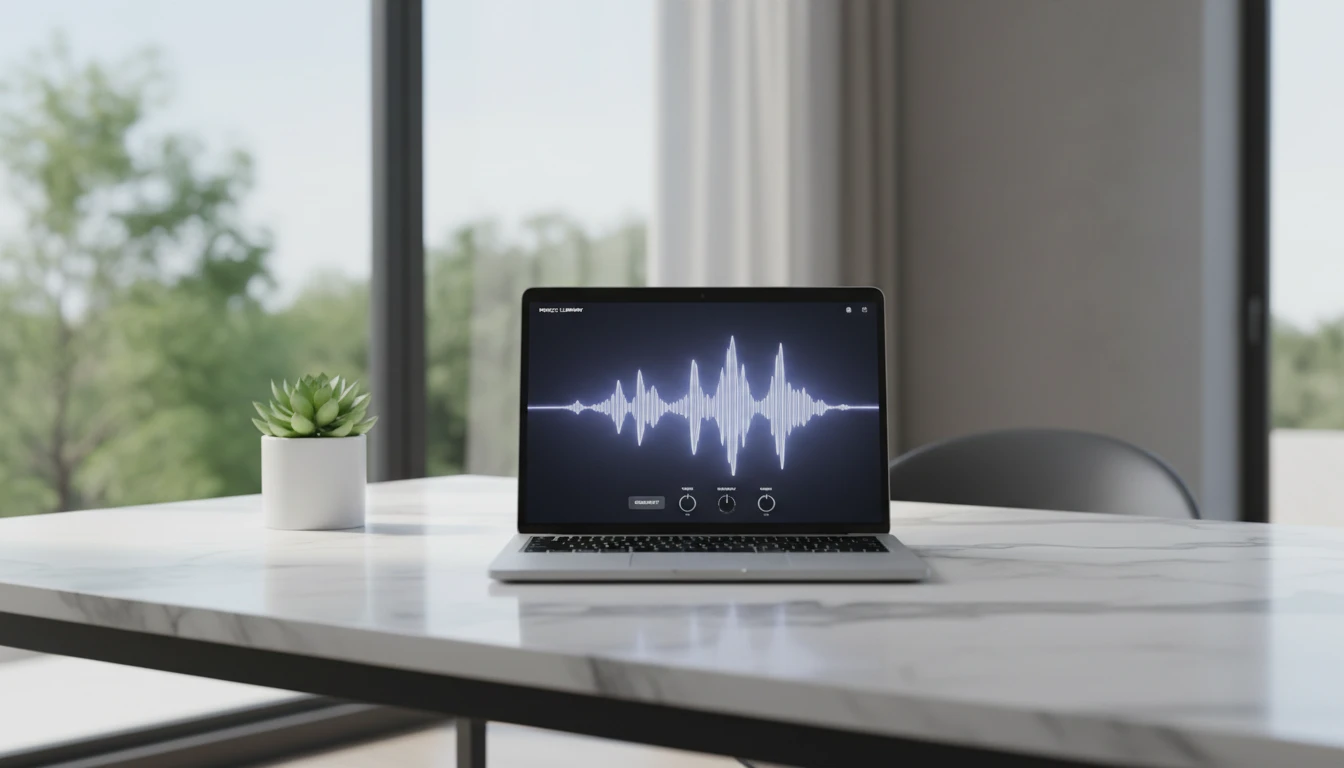
AI Text to Music Generator
Turn any idea into a full song with AI-written lyrics and vocals. Describe your genre, mood, and theme and get a completely unique, royalty-free track in seconds.
AI Image to Music Generator
Upload any image and AI composes a full song inspired by it. The model reads the mood and atmosphere of your photo, writes lyrics, and performs a complete track.

AI Background Music Generator
Generate royalty-free instrumental background music from text descriptions. Pick a mood, set the duration, and get a clean vocal-free track in seconds.
AI Text to Speech
Convert any text into natural-sounding speech. Choose from 30 AI voices, paste your script, and download studio-quality audio in seconds. Perfect for podcasts, audiobooks, and video narration.
Opens in
Image Studio
Frequently Asked Questions
Everything you need to know to get started.
Do I need to know music theory?
No. You only write the lyrics. The AI handles all the musical decisions: genre, instrumentation, tempo, key, and vocal performance. If you can write words, you can use this tool.
What format should my lyrics be in?
Plain text works fine. For best results, use structure tags to mark sections: [Verse], [Pre Chorus], [Chorus], [Bridge], [Outro]. The AI reads these tags to build the right song arrangement.
How does the AI pick the music style?
The AI reads your lyrics and selected genre preference, then generates a detailed music style descriptor before composing. If you choose "Let AI decide", it infers the best fitting genre from the emotional tone and phrasing of your words.
What AI model generates the music?
Songs are generated by MiniMax Music v2.6. Before calling MiniMax, we use Gemini to analyze your lyrics and style preference and produce an optimized music descriptor. Both the descriptor and your lyrics are passed to MiniMax for the final output.
Can I use the generated song commercially?
Yes. The audio output is royalty-free and yours to use for commercial and personal projects, including YouTube, social media, podcasts, ads, and film.
How long will the generated track be?
Track length depends on the length and structure of your lyrics, typically between 30 seconds and 2 minutes. Longer, more structured lyrics with multiple sections tend to produce longer tracks.
Ready to hear your lyrics as a real song?
Paste your words, pick a style, and the AI performs the rest.
Generate your song nowDisclaimer: This tool uses generative AI technology which may produce content that resembles copyrighted materials or that is inaccurate, incomplete, or out-of-date. It is provided for general information and educational purposes only and is not intended for illegal activities or to replace professional advice, diagnosis, or treatment. Users are solely responsible for how they use the generated content. If you plan to use AI-generated content commercially or publicly, we strongly recommend reviewing it for potential copyright issues and obtaining proper permissions where necessary. We accept no liability for copyright infringement or any other consequences resulting from the use of content generated by this tool.