Upload an image. AI writes and performs the song.
Show the AI a photo and it figures out the mood, writes the lyrics, picks the instruments, and produces a complete song. Every image has a sound. This finds it.
Turn my image into a song
Turn Your Image Into Music
Add a photo and we'll open AI Music Studio with it ready to compose a full original song from its mood.
Drag & drop your photo here
or click to browse — JPG, PNG or WebP, up to 15MB
Your image is used only to compose your song.
That sunset had a sound
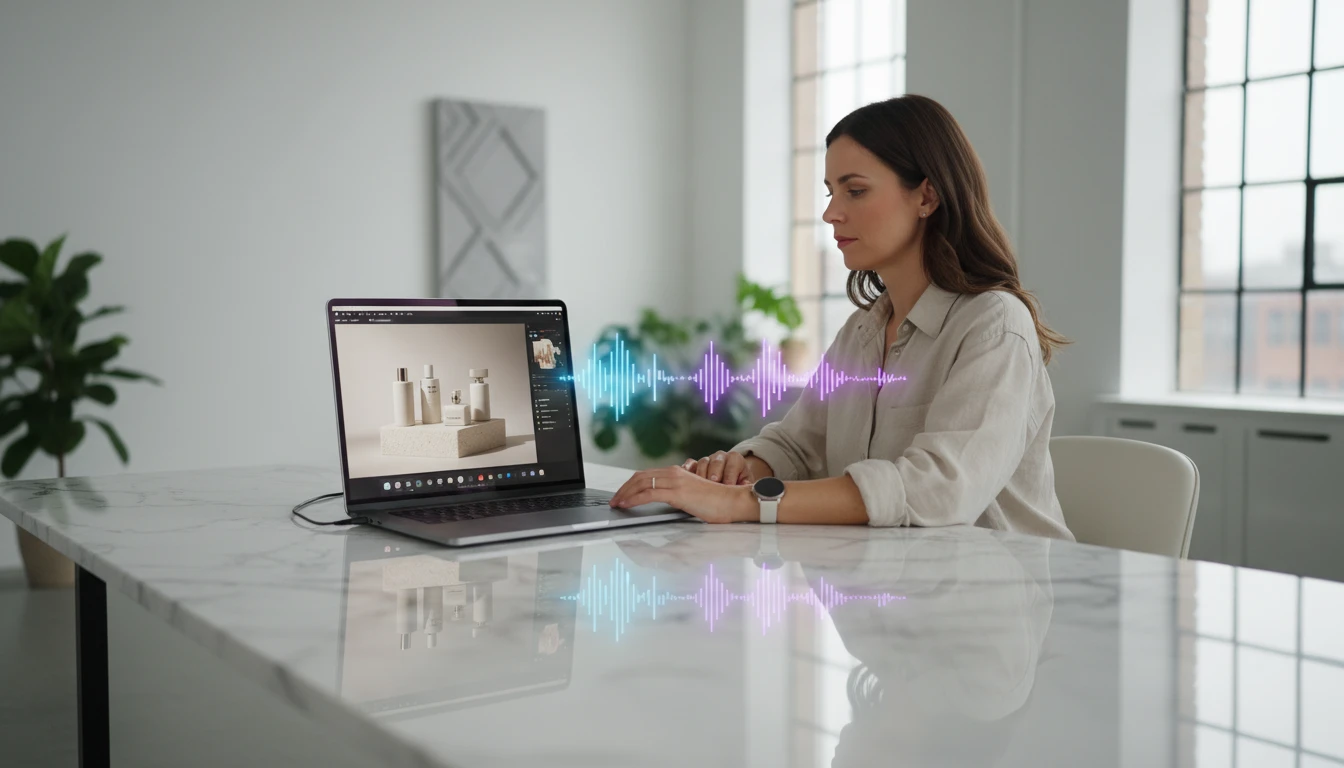
Upload a photo from a trip, a night out, a random moment that hit different. The AI reads the mood, colors, and atmosphere in the image and composes a full song around it. Not a loop. An actual song with lyrics and vocals.
Try your photo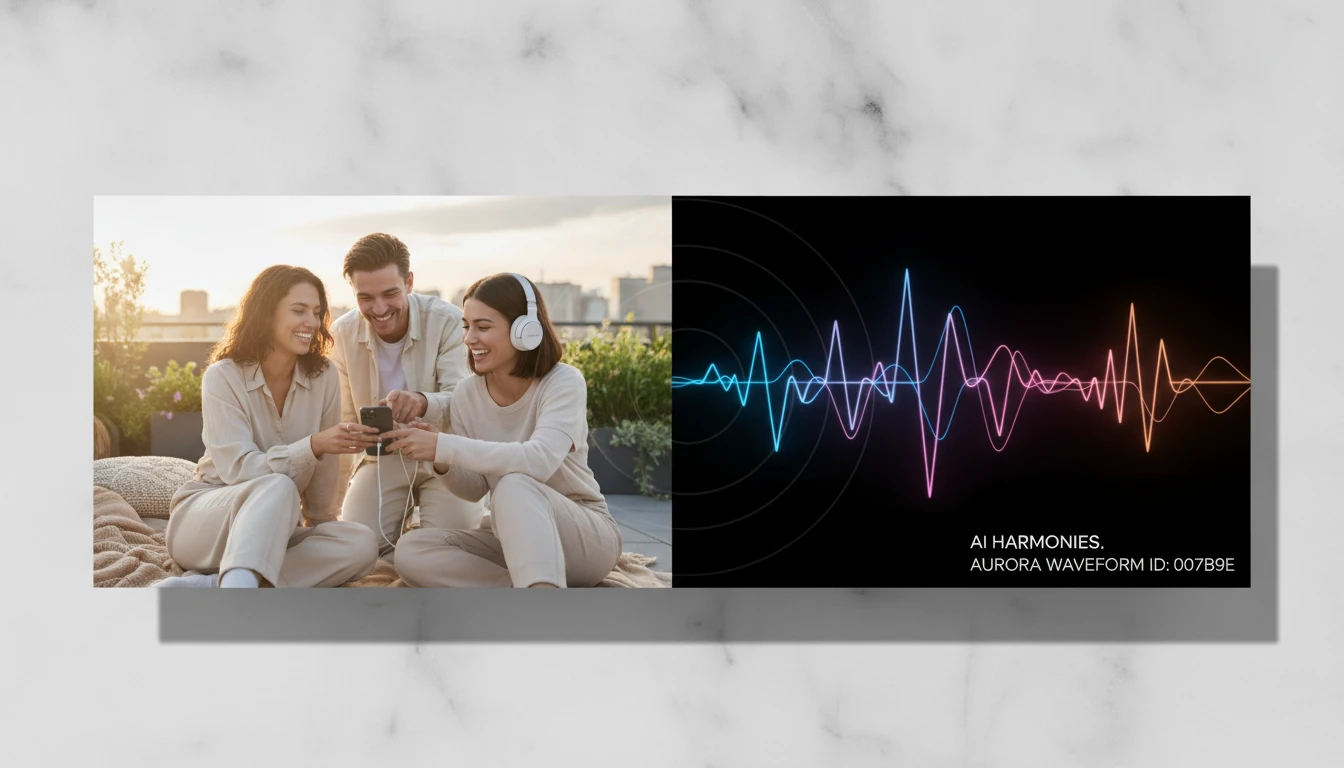
Send a photo. Get a song.
Upload a photo of someone you love, a place you miss, or just your current mood board. The song that comes back captures what the image feels like, not just what it shows.
Generate a song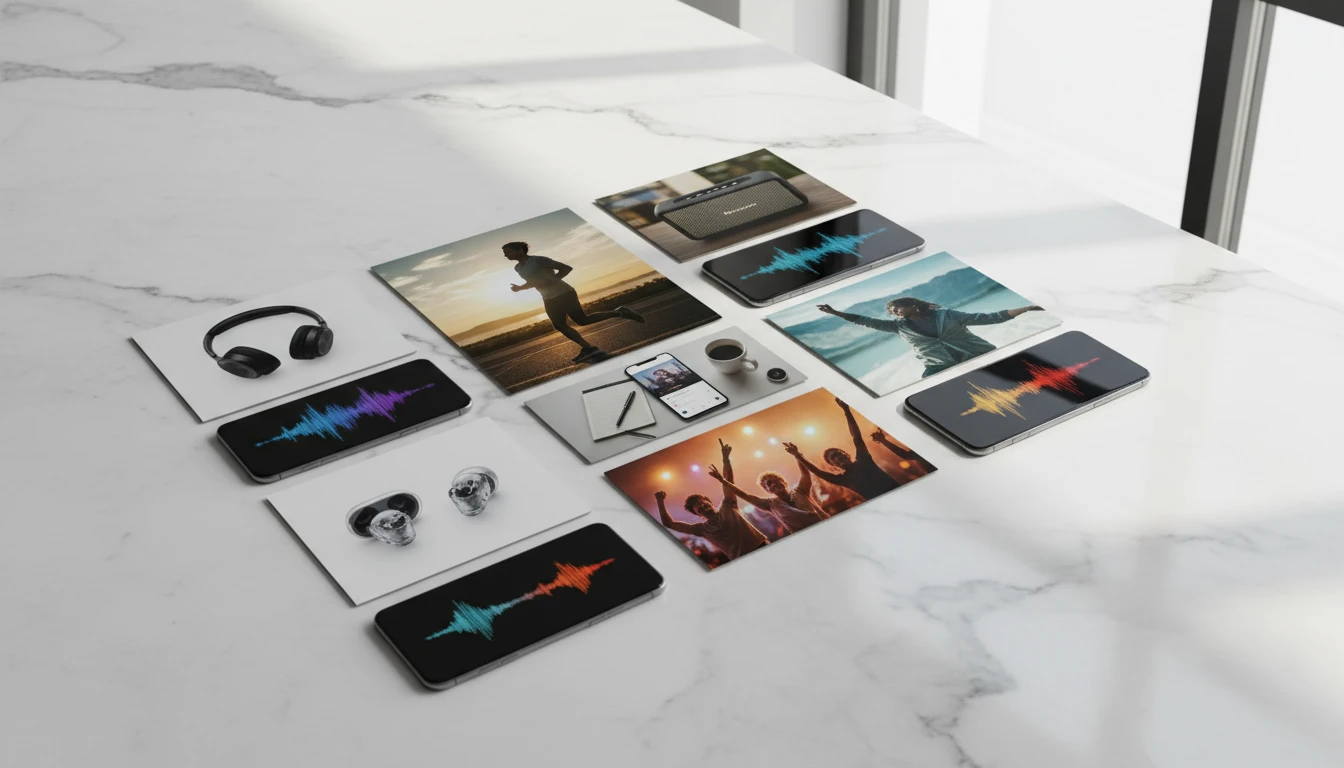
Your mood board as a playlist
That Pinterest board, that aesthetic folder, those screenshots you save. Upload any image and see what it sounds like. Different photos produce completely different songs.
Upload an image
Music from travel memories
Your best travel photos already have a feeling. Upload one and get a song that actually captures that energy: the city, the people, the light, the moment. Something to play when you miss it.
Bring a memory to lifeWho Uses AI Image to Music
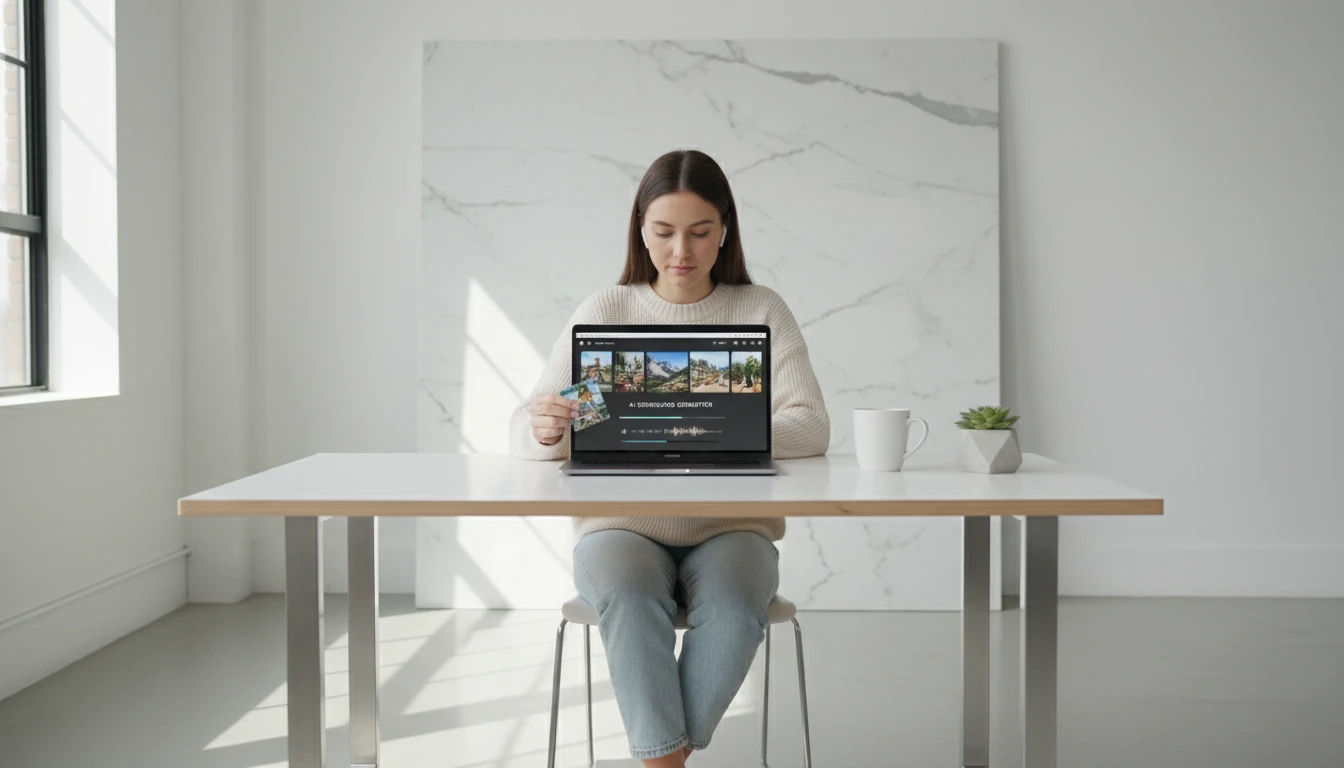
Travel and memories
Every trip has a soundtrack. Upload photos from places you've been and get songs that sound like how it actually felt to be there. Share them, save them, play them when you miss it.
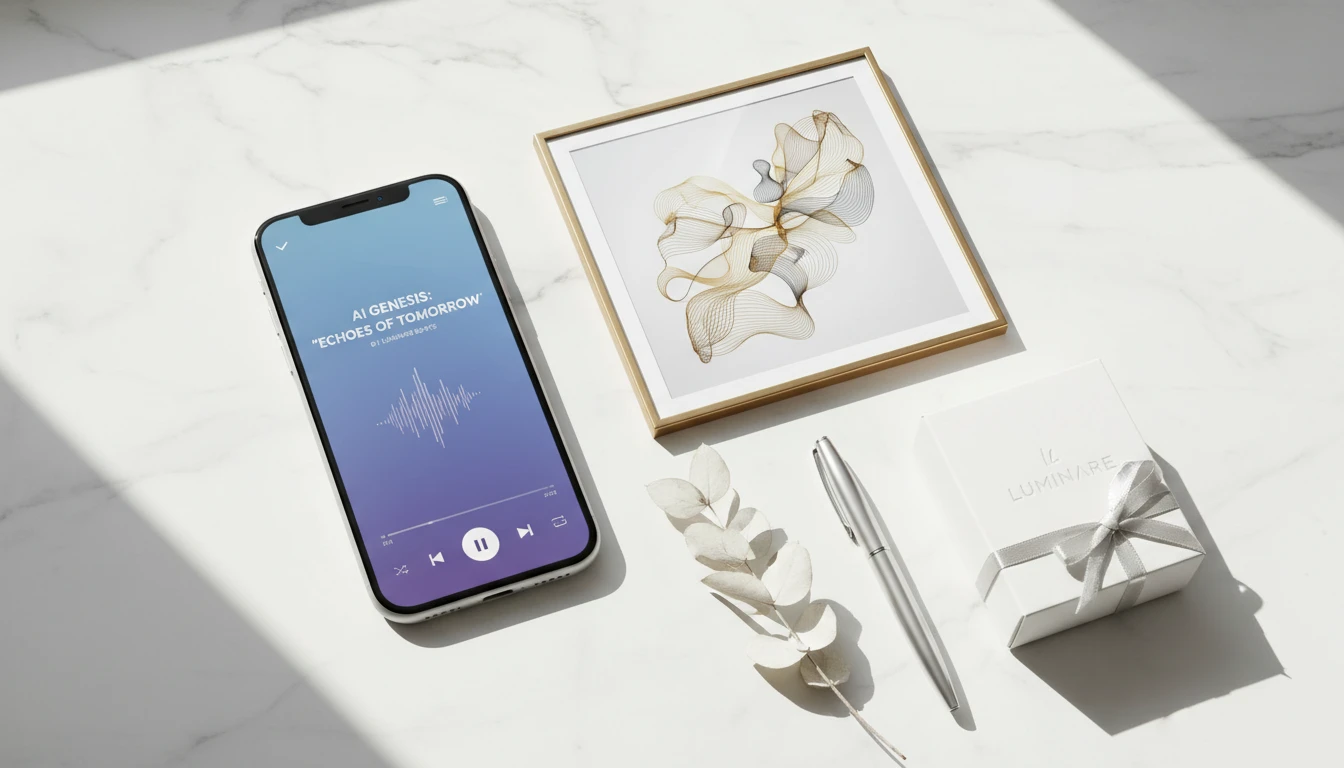
Sending a song instead of a text
Find a photo that matches what you're feeling or thinking about someone. Get a song from it. Send the song. Way more personal than "I saw this and thought of you".
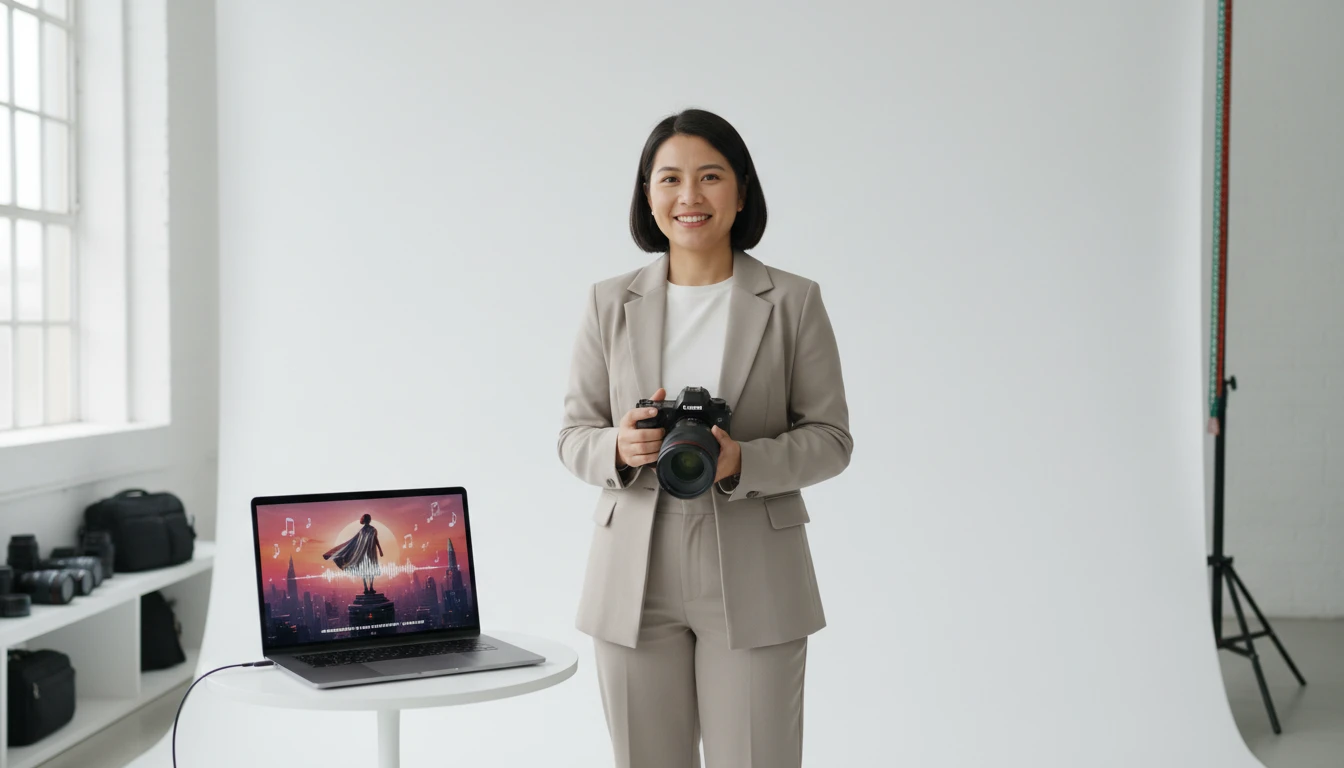
Content creators and photographers
Upload your hero shot and get original music that matches the mood of the photo for your Reels, TikToks, or photo posts. Music that actually fits because it came from the image.
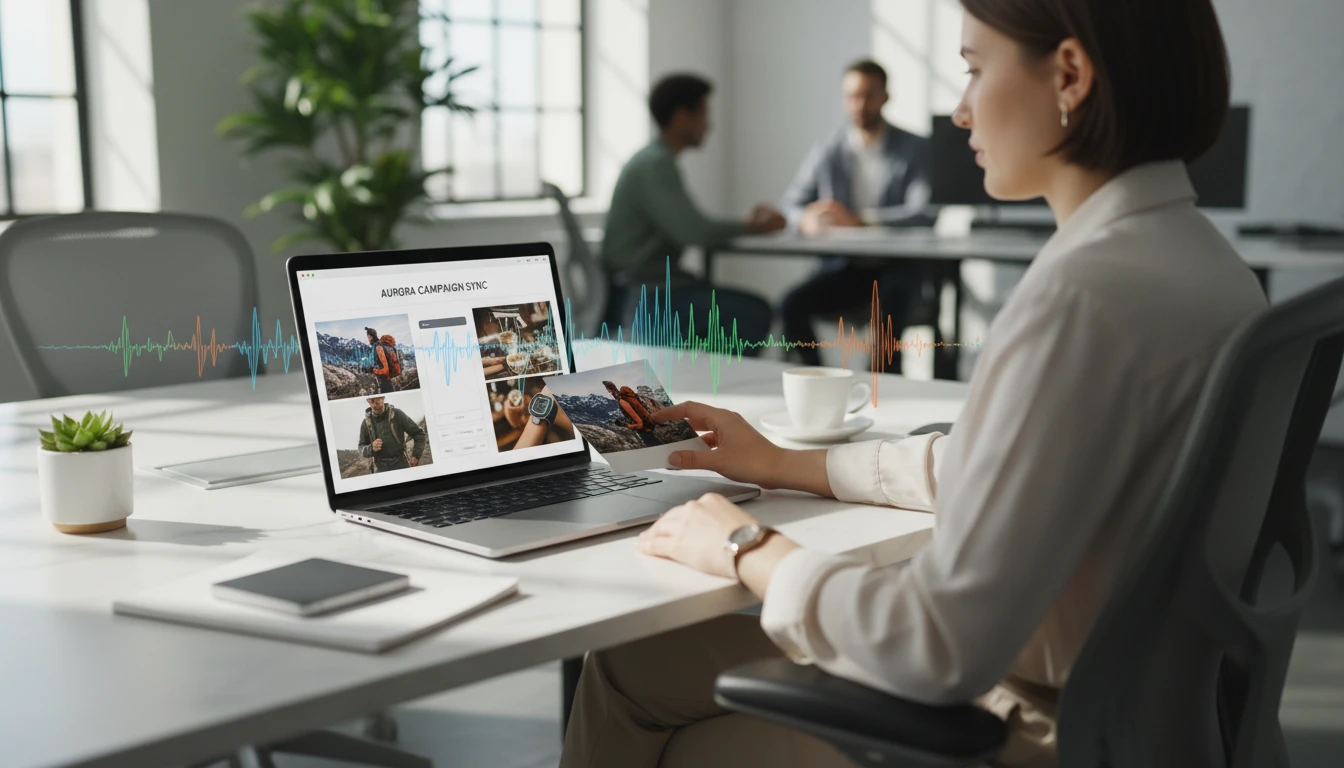
Aesthetic playlists from photos
Take your favorite photos: golden hour, rainy windows, late nights, good moments. Generate a song from each one and build a playlist that actually matches the aesthetic.
How AI Image to Music works
From photo to finished song in four steps
Upload your image
Click the upload area or drag and drop any photo or artwork. JPEG, PNG, and WebP all work. The AI reads the mood, atmosphere, and content of the image.
Add an optional hint
Optionally add a short text note to guide the style, like "melancholic", "upbeat jazz", or "cinematic score". Leave it blank and the AI composes entirely from what it sees in the image.
AI writes and performs the song
The AI analyzes the image, builds a music style descriptor, writes structured lyrics that match the mood, and then performs the full song with vocals and instrumentation.
Listen and download
Play the track in the browser and read the generated lyrics. Download the MP3 to use anywhere. Royalty-free, yours to keep.
Explore More
More AI Studio Tools
Discover other powerful AI tools to enhance your creative workflow
AI Text to Music Generator
Turn any idea into a full song with AI-written lyrics and vocals. Describe your genre, mood, and theme and get a completely unique, royalty-free track in seconds.
AI Lyrics to Music Generator
Paste your own lyrics, pick a style, and get a fully produced song performed by AI. The model analyzes your words and composes the music to match.
AI Background Music Generator
Generate royalty-free instrumental background music from text descriptions. Pick a mood, set the duration, and get a clean vocal-free track in seconds.
AI Text to Speech
Convert any text into natural-sounding speech. Choose from 30 AI voices, paste your script, and download studio-quality audio in seconds. Perfect for podcasts, audiobooks, and video narration.
Opens in
Image Studio
Frequently Asked Questions
Everything you need to know to get started.
What types of images work best?
Any image works: landscapes, portraits, cityscapes, abstract art, travel photos, paintings. Images with a strong mood or atmosphere tend to produce more distinctive songs. Very plain or minimal images also work, often producing ambient or minimalist tracks.
How does the AI interpret the image?
The AI uses Google Gemini Vision to analyze the image and describe its mood, atmosphere, and visual content in musical terms. That description is then used to write a detailed style prompt and lyrics before the final track is composed.
Do I need to add a text hint?
No. The text hint is optional. If you leave it blank, the AI decides the style, mood, and instrumentation entirely from the image. If you add a hint, it influences but does not override the visual analysis.
What AI models are used?
Image analysis uses Google Gemini Vision. Lyrics and style prompts are generated by Gemini. The final song is performed by MiniMax Music v2.6, which handles both vocals and instrumentation.
How long does it take?
Typically 30–90 seconds. The image analysis, lyric writing, and music generation each take a few seconds, and the full pipeline runs end to end before the song is ready.
How much does it cost?
Each generation costs 500 credits. Credits are only deducted after a successful generation.
Can I use the generated song commercially?
Yes. The audio is royalty-free and yours to use for commercial and personal projects, including YouTube, social media, podcasts, ads, and presentations.
Every image has a sound. Let AI find it.
Upload a photo and get a complete, original song composed just for it.
Turn my image into a songDisclaimer: This tool uses generative AI technology which may produce content that resembles copyrighted materials or that is inaccurate, incomplete, or out-of-date. It is provided for general information and educational purposes only and is not intended for illegal activities or to replace professional advice, diagnosis, or treatment. Users are solely responsible for how they use the generated content. If you plan to use AI-generated content commercially or publicly, we strongly recommend reviewing it for potential copyright issues and obtaining proper permissions where necessary. We accept no liability for copyright infringement or any other consequences resulting from the use of content generated by this tool.