Convert any text into natural AI voice audio in seconds.
Paste your script, pick a voice, and download studio-quality speech. No recording equipment or scheduling needed.
Start creating audio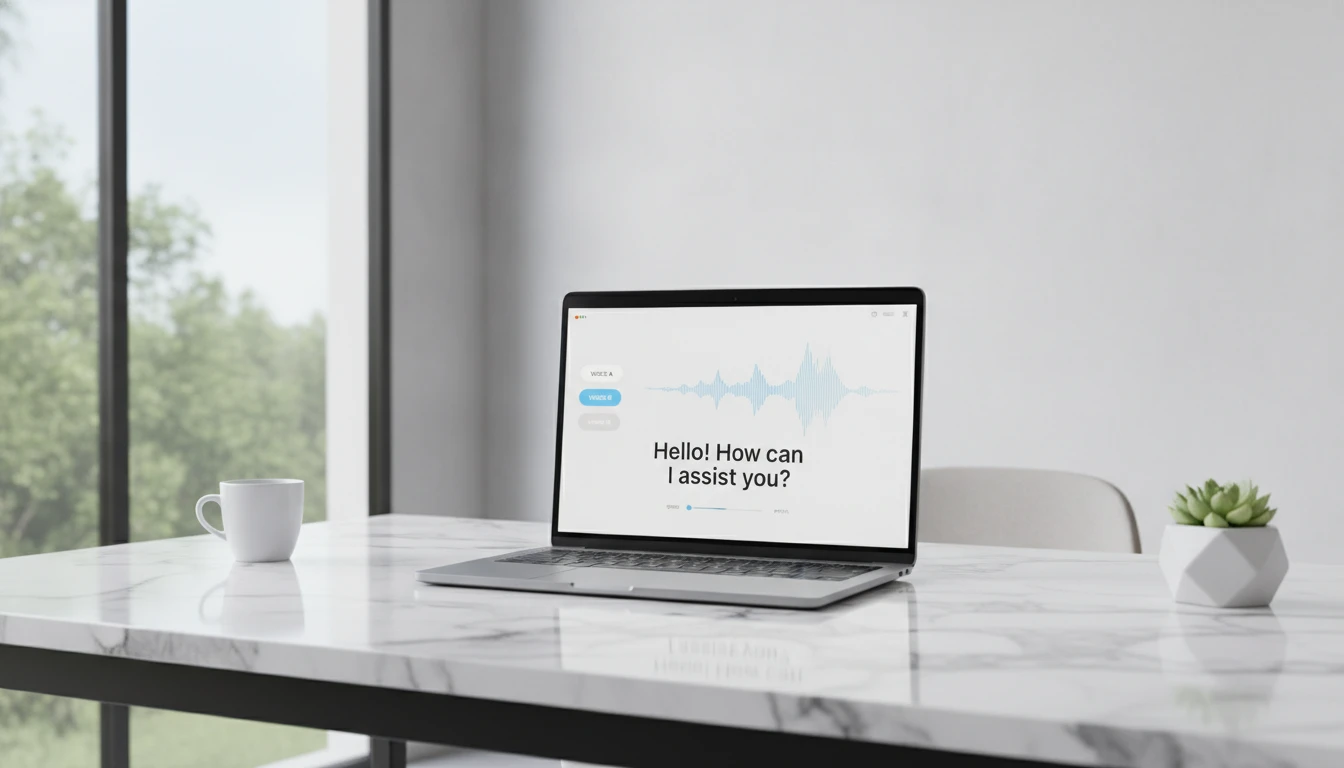
AI Text to Speech
Paste any text and AI converts it into natural-sounding speech audio. Choose from multiple voice options covering different tones, accents, and speaking styles. Download the result as an audio file ready for podcasts, video narration, audiobooks, ads, and e-learning content. No recording equipment or voice actors required.
Output
AI Text to Speech
Your audio will appear here
Enter text on the left, choose a voice, and click generate.
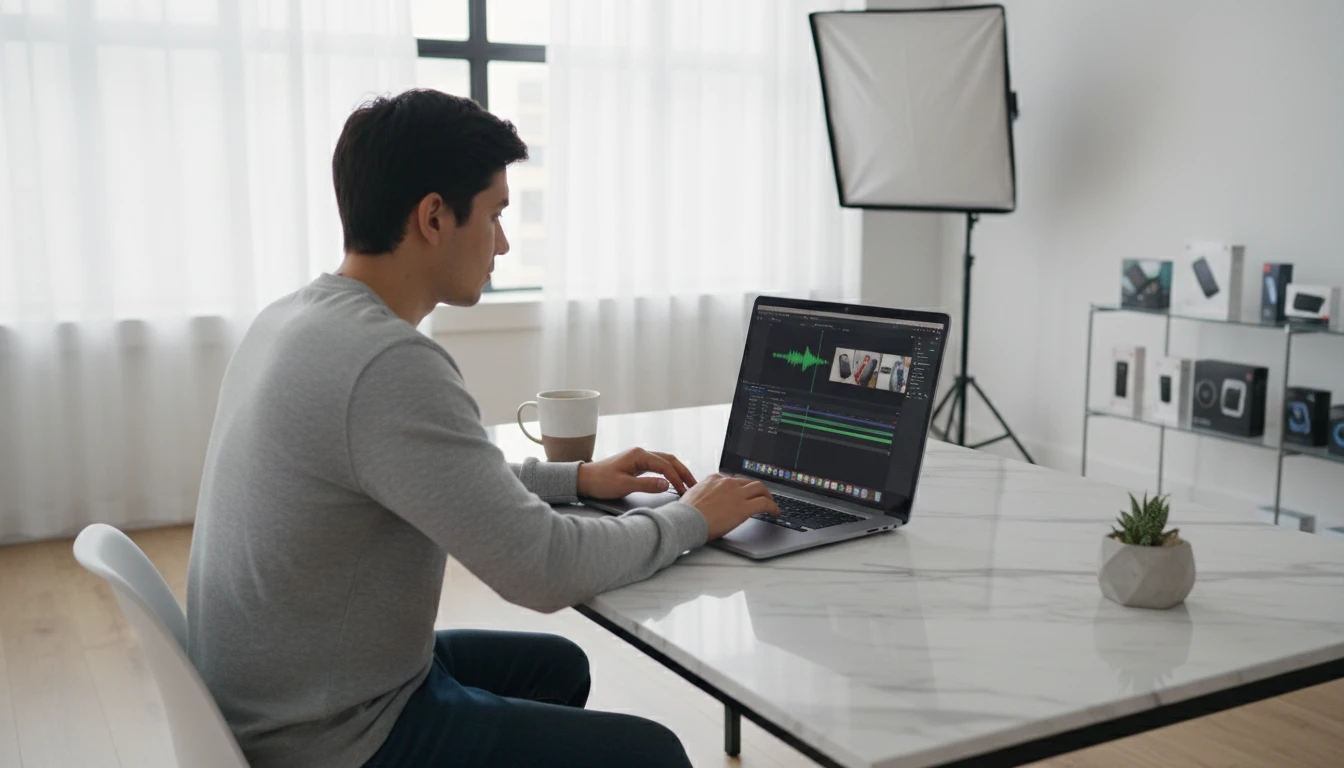
Voice-overs for your videos without recording anything
Write your script, pick a voice, and get a narration track ready to drop into your editor. No mic, no room treatment, no retakes. Works for YouTube intros, Reels voice-overs, and day-in-the-life narrations.
Try it now
Turn your notes into audio you can actually listen to
That article you bookmarked but never read. Your study notes. A long doc you need to get through. Paste the text and listen while you commute, work out, or zone out.
Convert text to audio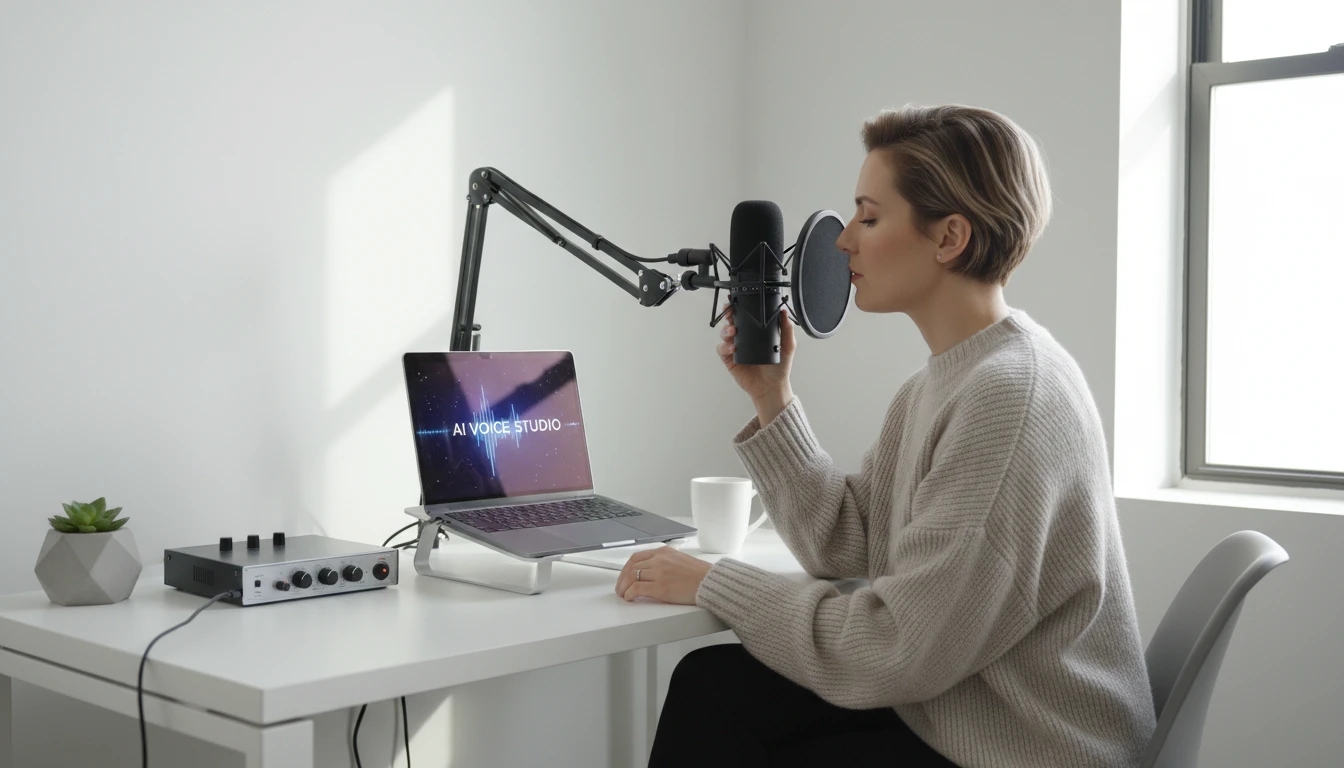
Podcast episodes, no recording required
Write your script and generate a full narrated episode in the voice style you want. Upload directly to Spotify, Apple Podcasts, or wherever you host. No mic, no editing, no noise cancellation.
Create a podcast episode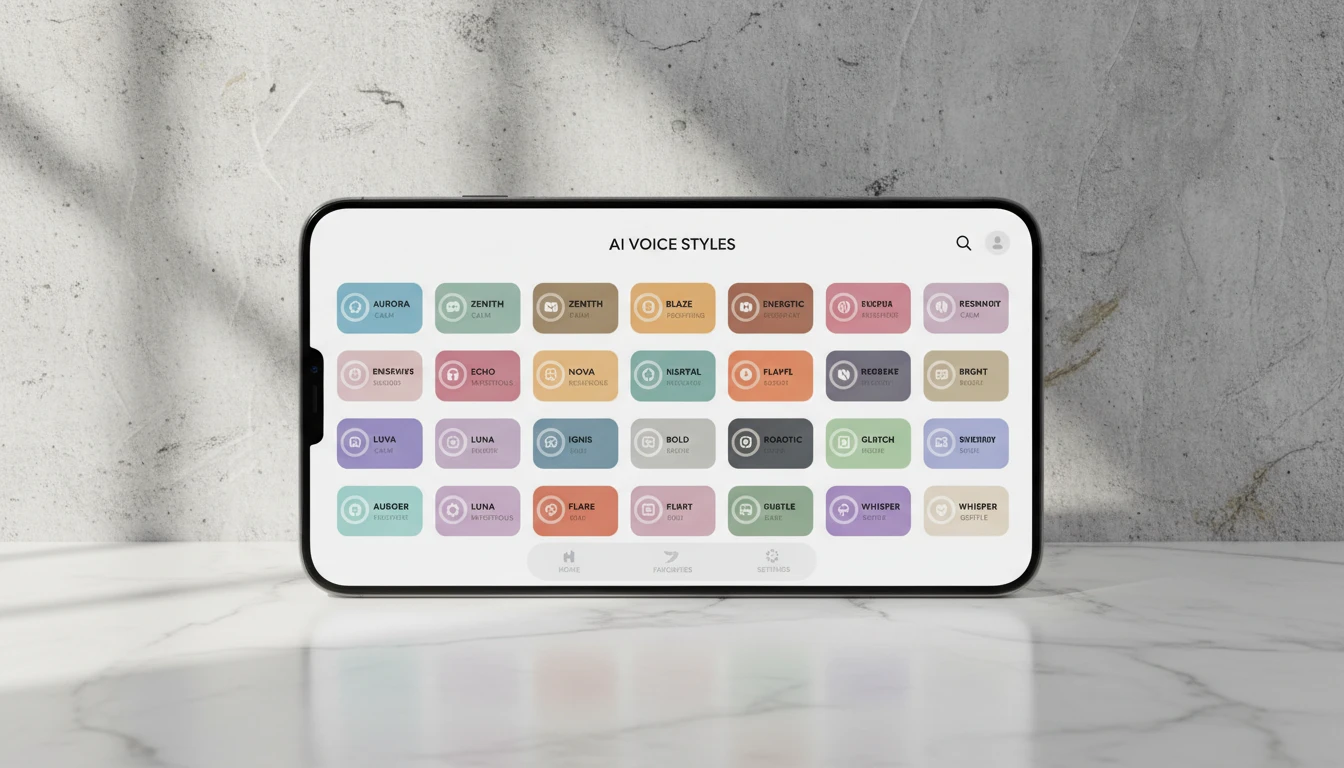
Any voice style, 30 options
Warm and intimate, confident and direct, breathy and calm, bright and upbeat. Pick from 30 distinct voice presets and use natural delivery markers like [slowly] or [whispering] to fine-tune the performance.
Explore voicesWho Uses AI Text to Speech
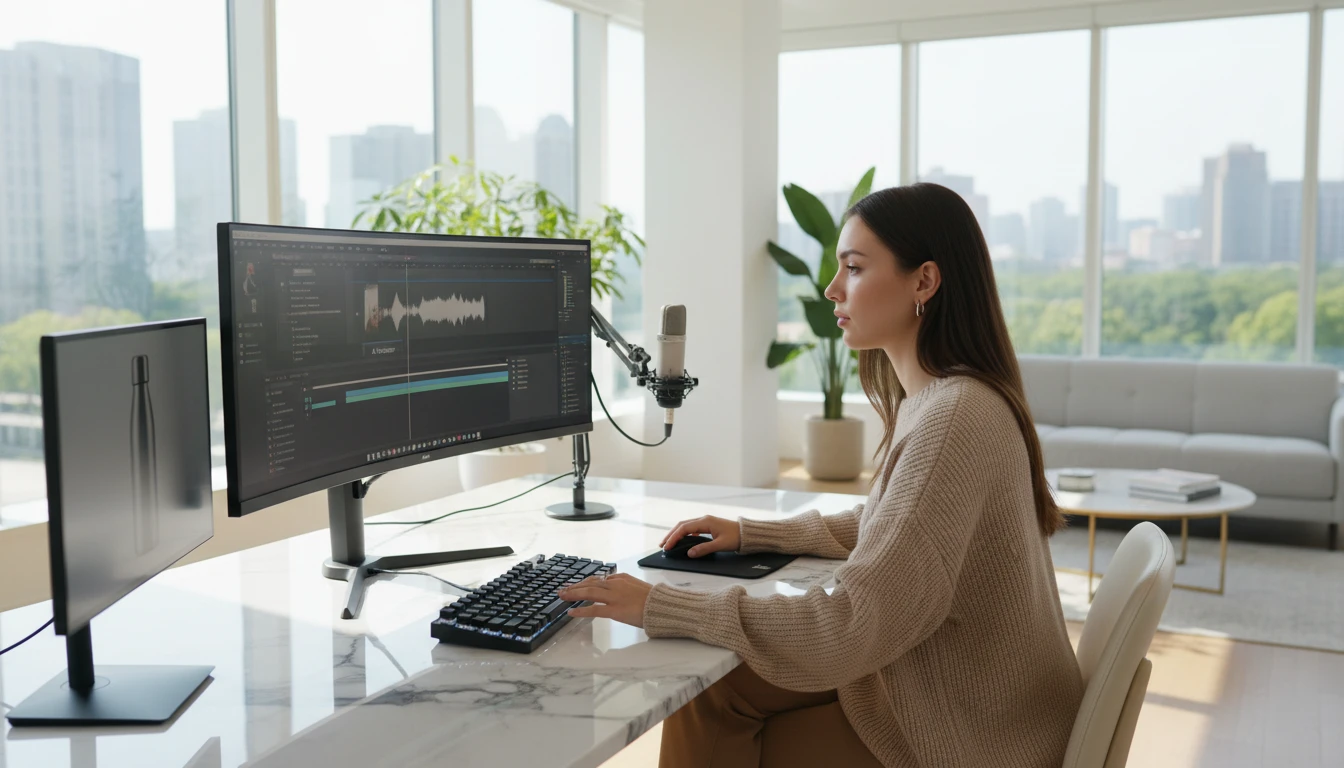
YouTube and short-form creators
Add narration to your videos without recording your voice. Write the script, pick the tone, and drop the audio file straight into your editor. Fast, clean, no retakes.
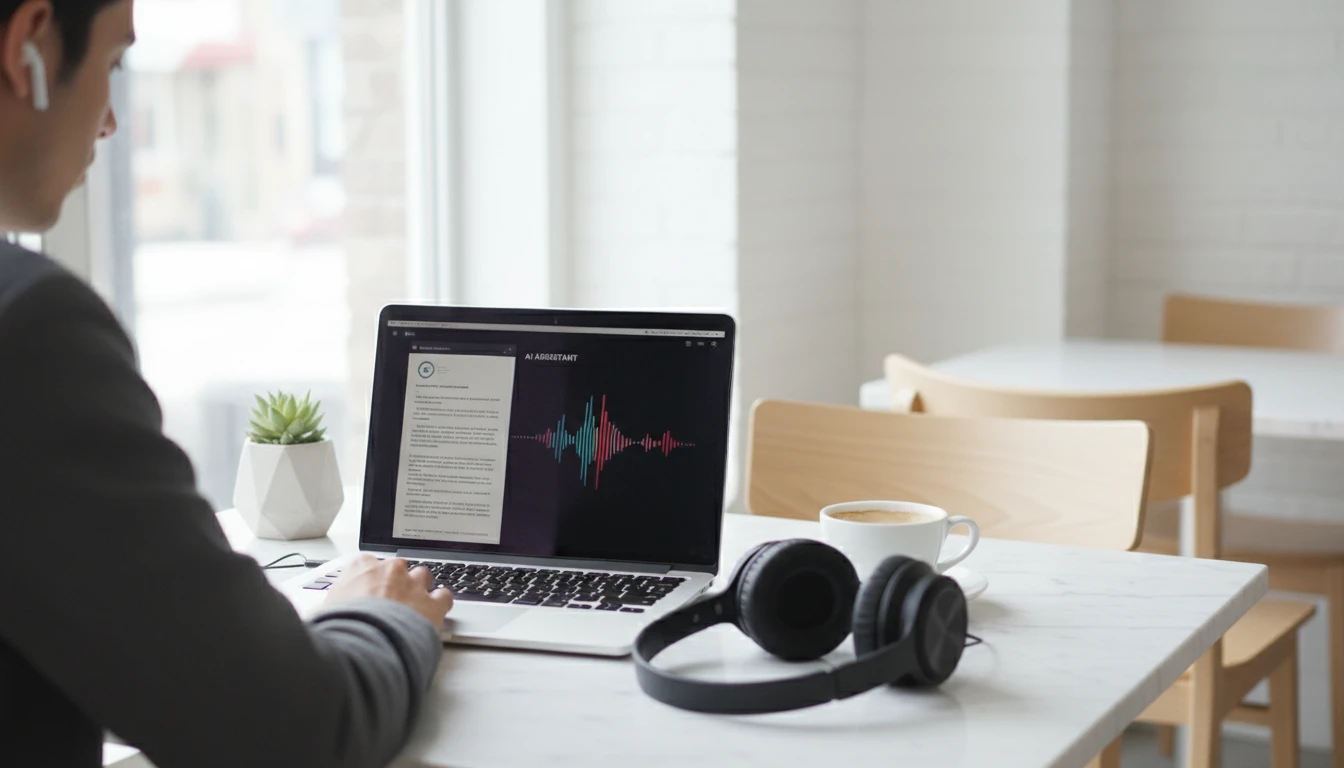
Study and productivity
Convert lecture notes, long articles, and reading assignments into audio so you can actually get through them. Listen while you commute, work out, cook, or just want to give your eyes a break.
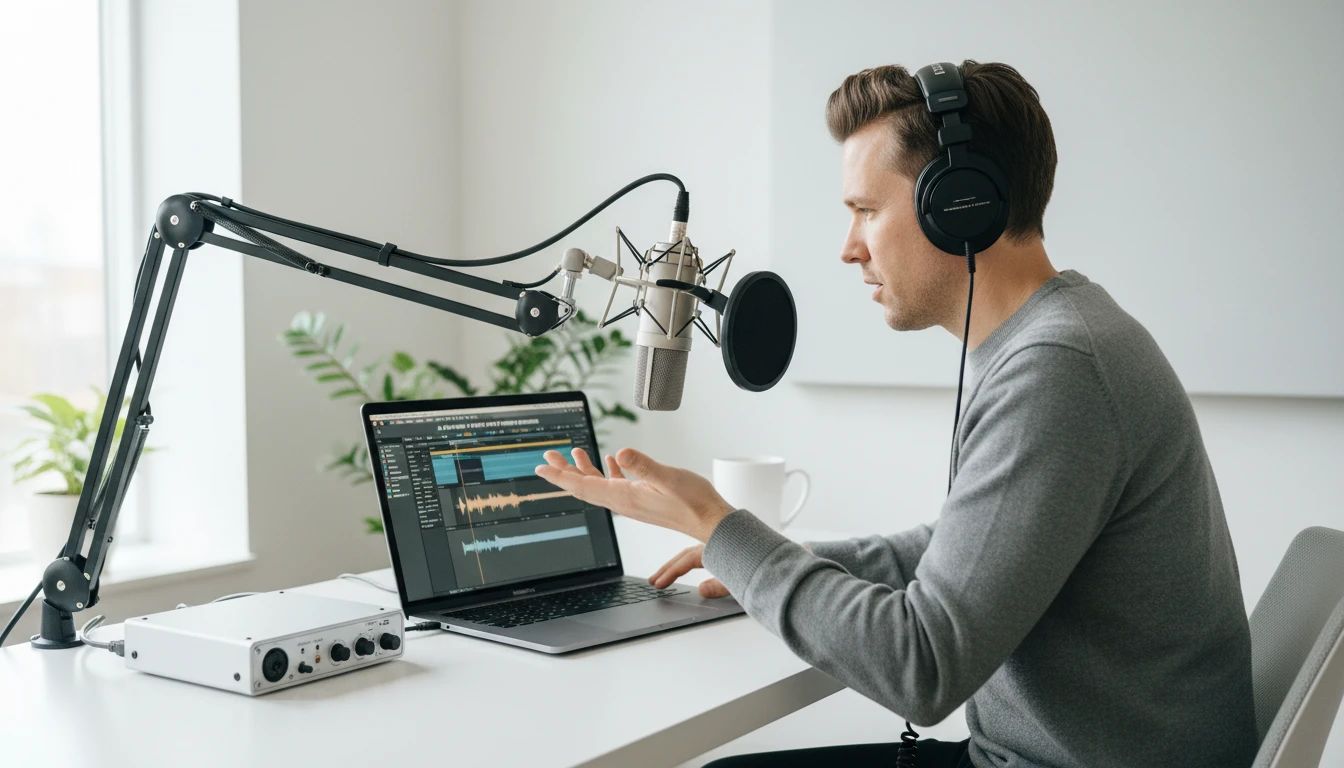
Podcasters starting from a script
Write your episode, generate the narration, publish it. No studio, no equipment, no editing headaches. A voice that sounds professional without the setup.
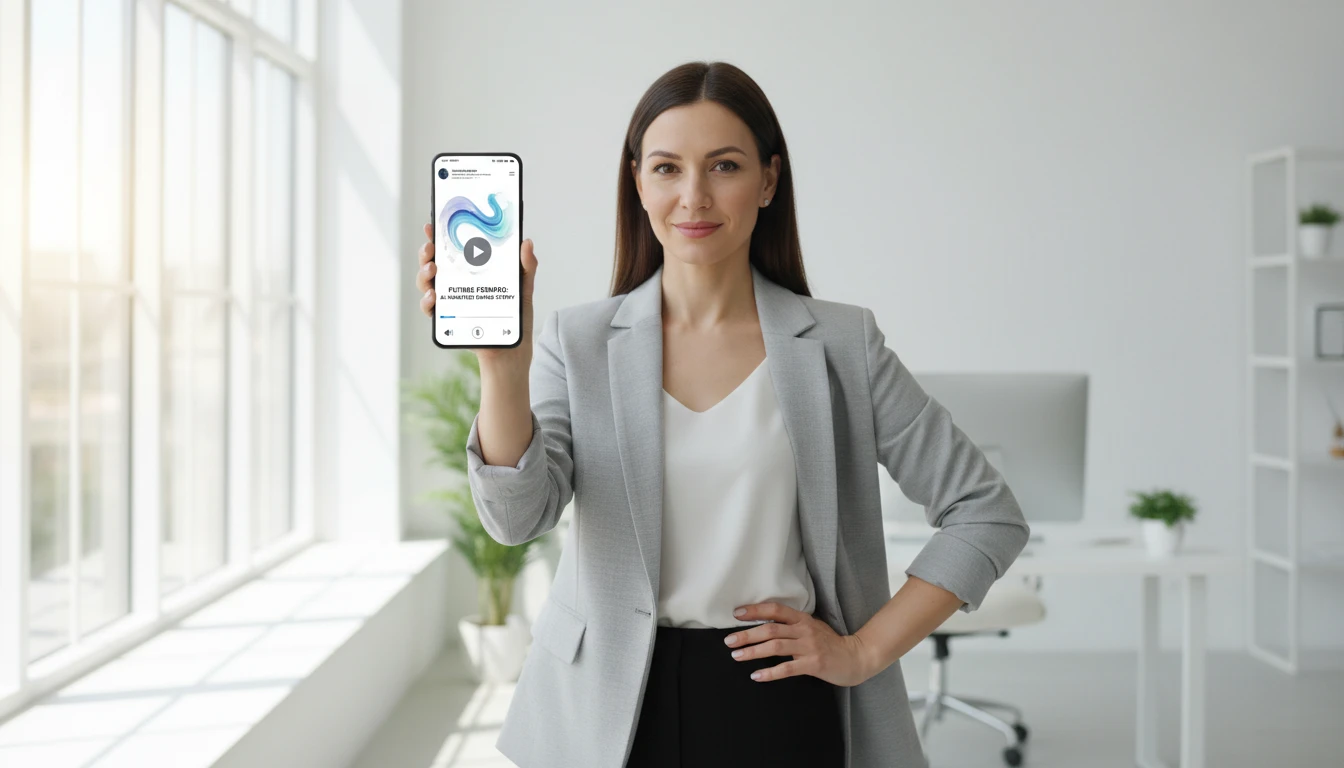
Sharing content in a new format
Take a blog post, a long tweet thread, or a newsletter and turn it into a short audio clip to share. Easier to consume, different format, same message.
How to use AI Text to Speech
Generate natural voice audio in four simple steps
Pick a voice
Browse our library of natural AI voices with different personalities, tones, and speaking styles. Choose the one that fits your content.
Enter your text
Type or paste the text you want to convert to speech. Use punctuation to guide intonation: commas create brief pauses, periods create natural sentence breaks.
Generate and preview
Click generate to produce your audio file. It's ready in seconds. Preview it in the player before downloading.
Download and use
Download the MP3 and drop it into your video editor, podcast, course, or any other project.
Explore More
More AI Studio Tools
Discover other powerful AI tools to enhance your creative workflow
AI Text to Music Generator
Turn any idea into a full song with AI-written lyrics and vocals. Describe your genre, mood, and theme and get a completely unique, royalty-free track in seconds.
AI Lyrics to Music Generator
Paste your own lyrics, pick a style, and get a fully produced song performed by AI. The model analyzes your words and composes the music to match.
AI Image to Music Generator
Upload any image and AI composes a full song inspired by it. The model reads the mood and atmosphere of your photo, writes lyrics, and performs a complete track.
AI Background Music Generator
Generate royalty-free instrumental background music from text descriptions. Pick a mood, set the duration, and get a clean vocal-free track in seconds.
Opens in
Image Studio
Frequently Asked Questions
Everything you need to know to get started.
What is AI Text to Speech?
AI Text to Speech converts written text into natural-sounding audio using deep learning voice models. Unlike older robotic TTS systems, modern AI voices capture natural intonation, rhythm, and emotional expression.
How does AI speech synthesis work?
Modern AI TTS uses neural networks trained on vast amounts of human speech data. The model analyzes your text, its meaning, punctuation, and structure, then generates audio waveforms with natural prosody, pacing, and intonation.
How many credits does AI Text to Speech cost?
Credits are calculated based on text length: approximately 100 credits per 1,000 characters, with a minimum of 10 credits per generation. The credit estimate is shown before you generate.
What file format is the output?
Generated audio is delivered as an MP3 file, compatible with video editors, podcast platforms, learning management systems, and audio players.
Can I use generated audio commercially?
Yes. You retain full rights to all audio you generate and can use it for commercial projects including advertisements, online courses, YouTube videos, podcasts, and any other commercial purpose.
What are tips for better audio quality?
Use proper punctuation to guide pacing. Periods create natural sentence pauses, commas create brief beats. Break very long paragraphs into shorter chunks. Spell out numbers and abbreviations phonetically if the AI mispronounces them.
Ready to create your first AI voice audio?
Turn any text into natural, professional-quality speech in seconds.
Launch voice generatorDisclaimer: This tool uses generative AI technology which may produce content that resembles copyrighted materials or that is inaccurate, incomplete, or out-of-date. It is provided for general information and educational purposes only and is not intended for illegal activities or to replace professional advice, diagnosis, or treatment. Users are solely responsible for how they use the generated content. If you plan to use AI-generated content commercially or publicly, we strongly recommend reviewing it for potential copyright issues and obtaining proper permissions where necessary. We accept no liability for copyright infringement or any other consequences resulting from the use of content generated by this tool.