Identify the Genre, Era, and Style of Any Music
Upload any audio file or record live, and get the genre, subgenre, regional style, decade, comparable artists, and full cultural context.
Identify Music Style
Identify Any Music Style
Add an audio file and we'll open AI Music Studio with it ready to identify the genre, era and influences.
Drag & drop your audio here
or click to browse — MP3, WAV, FLAC, up to 50MB
Get the genre, subgenre, era, production breakdown, similar artists and cultural context.
Sample analysis
What your style report looks like
Genre
Indie Pop
Era
2020s
Energy
High Energy
Mood
Empowering
Genre and Style Overview
- Primary Genre
- Indie Pop: A genre characterized by catchy, melodic song structures and a D.I.Y. aesthetic that prioritizes personal expression over mainstream polish.
- Subgenre
- Synth-Pop / Alt-Pop
- Regional Style
- Global Indie-Pop (Western independent scene)
- Era
- 2020s: Reflects the modern era of bedroom production where high-fidelity synth textures meet intimate, conversational songwriting.
- Key Style Markers
- Synthesizer-heavy Punchy percussion Dynamic builds Confessional lyrics Processed vocals Anthemic chorus Atmospheric pads
Musical Characteristics
- Tempo
- Up-tempo, ~125 BPM
- Key and Mode
- Major key with pop-sensibility chord progressions
- Time Signature
- 4/4 straight
- Rhythmic Feel
- Driving, metronomic feel typical of modern programmed pop drums
- Dynamics
- Builds from verse intimacy to a dense, wall-of-sound chorus
- Arrangement
- Layered synths, rhythmic percussion, and a central vocal melody
Production and Sound
- Production Era
- Modern digital clarity
- Mix Character
- Wide stereo field with a focused center for the vocal
- Vocal Style
- Intimate verse delivery transitioning into belted, layered chorus vocals
- Sound Palette
- Bright sawtooth synths, gated reverb drums, and rhythmic bass lines
- Production Influences
- Contemporary indie-pop producers who blend organic emotion with sleek, digital textures.
Similar Artists and Songs
This music sits at the intersection of modern indie-pop and synth-driven alternative music. It combines the vulnerability of songwriter-focused tracks with the high-energy, polished production of modern electronic pop.
- CHVRCHES: Known for their blend of driving synth-pop melodies and powerful, anthemic vocal delivery.
- LANY: Shares the emphasis on clean, modern synth textures and catchy, relatable pop songwriting.
- The 1975: Reflects the use of 80s-inspired synth palettes combined with contemporary, rhythmic production techniques.
- Bleachers: Features similar high-energy, percussive arrangements that emphasize emotional catharsis through building dynamics.
Cultural and Historical Context
This style emerged from the democratization of music production, where independent artists can achieve professional-grade sound from home studios. It reflects a cultural shift toward music that is both deeply personal and highly danceable, serving as an anthem for self-discovery and breaking away from past constraints. It represents the modern indie movement's ability to bridge the gap between underground authenticity and mainstream accessibility.
- Style Origins
- Early 2010s to present (Internet-age bedroom pop evolution)
- Core Influences
- 80s New Wave, 90s Alternative, and modern EDM-influenced pop
- Key Artists
- CHVRCHES, The 1975, M83, Bleachers
- Cultural Context
- The transition to digital-first music creation and the rise of independent, artist-led labels
- Legacy
- Paving the way for "bedroom pop" to become the dominant sound of modern radio
Explore This Style Further
- Search for "Indie Pop Anthems" or "Modern Synth-Pop" playlists on streaming platforms.
- Check out the "Alternative Pop" charts for the latest tracks in this production vein.
- Listen to iconic albums from the 2010s that defined the modern synth-pop revival.
- Explore online forums like r/indieheads for discussions on contemporary pop production.
Genre and Subgenre to the Finest Detail
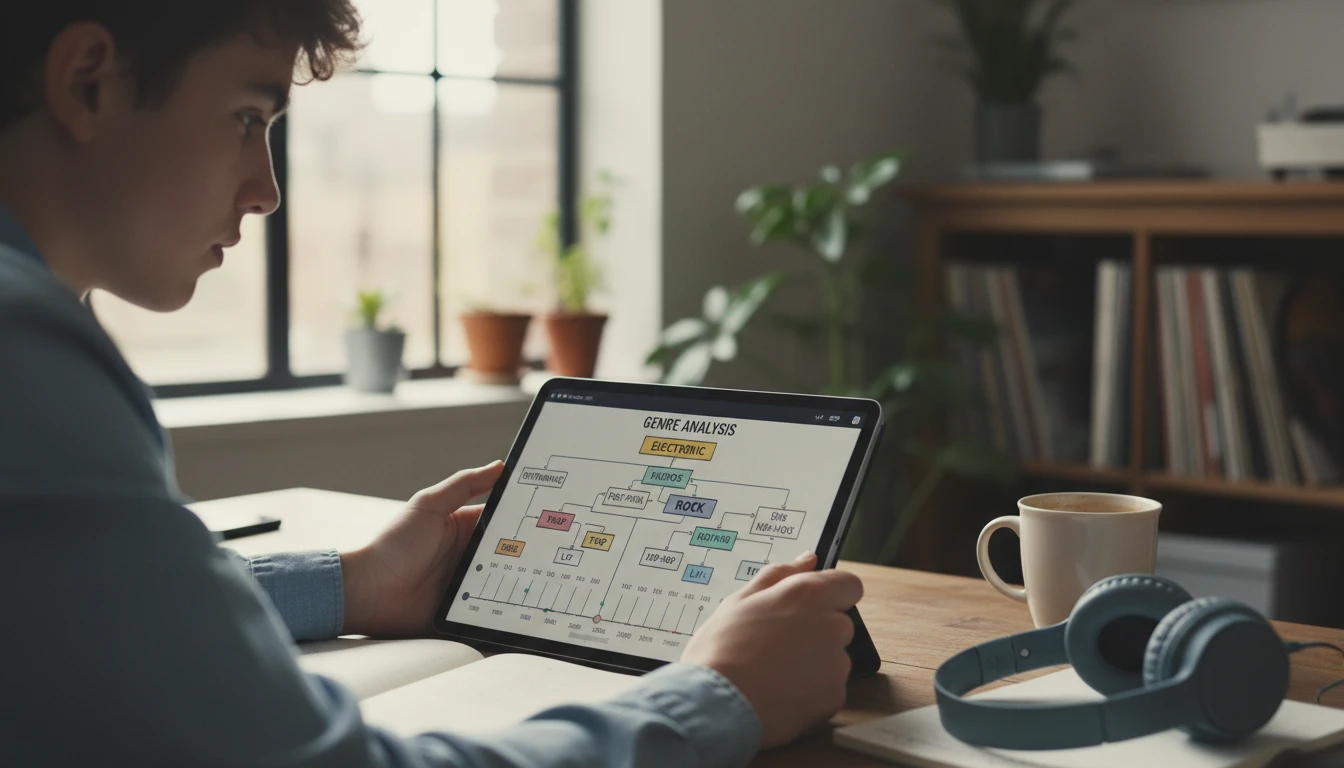
Most music players show a broad genre label like "Rock" or "Electronic." This tool goes much further: it identifies the specific subgenre (e.g. "Dream Pop," "Gangsta Rap," "Bebop," "Industrial Metal"), the regional style (e.g. "British Invasion," "Atlanta Trap," "New Orleans Jazz"), and the era of production. The key style markers appear as tags, giving you a precise sonic vocabulary for the recording. This level of detail is useful for music students, producers building reference libraries, and curious listeners who want to understand exactly what they are hearing.
Identify Your Music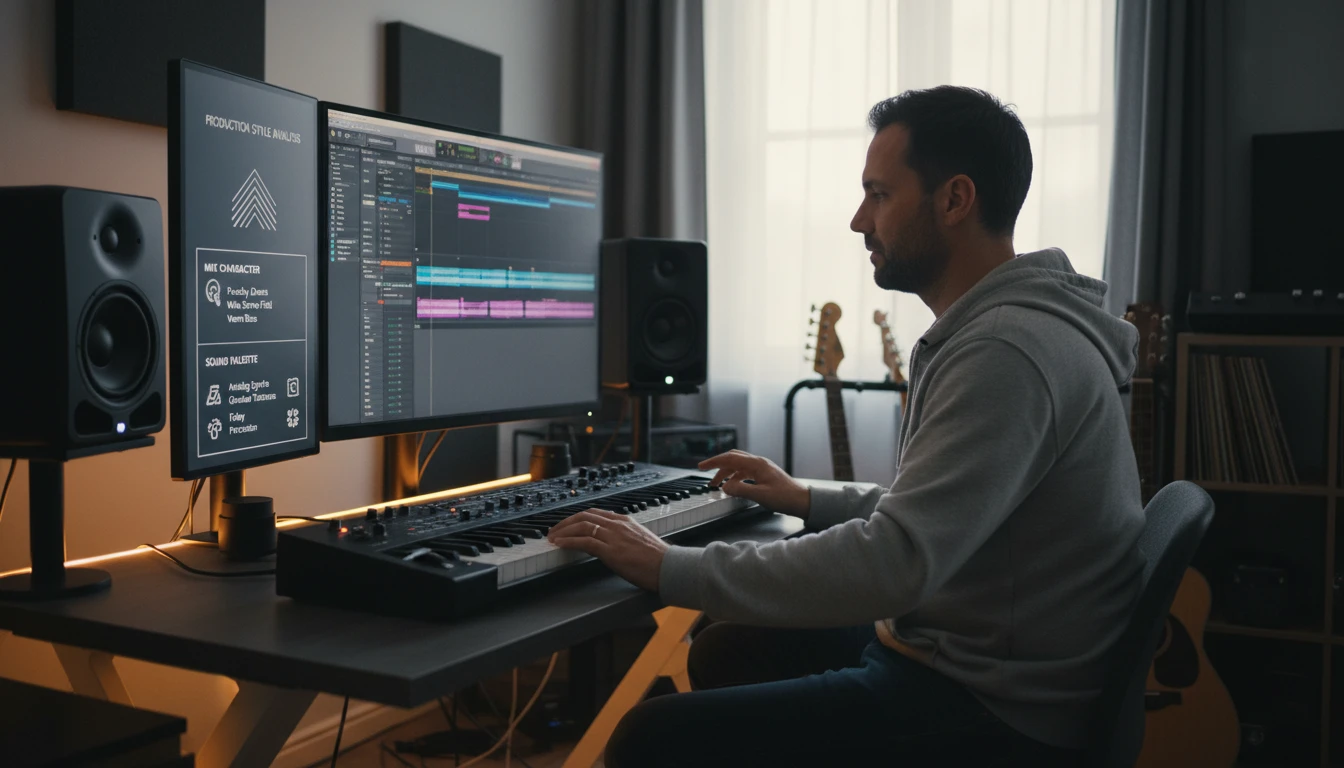
Production Era and Sound Palette Analysis
The style of a recording is as much about its production as its songwriting. This tool analyses the production era and approach (e.g. "Late 90s lo-fi indie," "2010s maximalist pop production," "Vintage analog warmth"), the mix character (e.g. wide stereo field, heavy low end, reverb-soaked), the vocal treatment, and the overall sound palette of textures and instruments used. For producers and audio engineers, this gives precise language for referencing a production style. For fans and researchers, it explains why two songs in the same genre can sound completely different.
Analyse the Production
Similar Artists and Cultural Context
The style analysis includes 5 to 7 comparable real-world artists or specific songs, each with a precise explanation of the shared sonic qualities — production approach, rhythmic feel, vocal style, energy level — giving you a starting point to explore more music. The cultural and historical context section explains where the style came from: the geographic origins, the social and economic forces that shaped it, the key artists who defined it, and how it influenced subsequent music. This turns a quick genre label into a genuine music history lesson.
Explore the StyleHow to Identify a Music Style
Record or Upload Your Music
Click Record and play music into your microphone, or click Upload to select an MP3, WAV, M4A, OGG, WebM, or FLAC file. A 30-second clip is enough for accurate genre identification; longer clips improve era and production analysis.
Choose Your AI Model
Select the Basic model for most music identification tasks, or the Advanced model for complex arrangements, unusual subgenres, or music that blends multiple traditions and needs deeper analysis.
Get Your Style Analysis
Click Identify Music Style and receive a complete style breakdown: genre, subgenre, era, musical characteristics, production analysis, similar artists, and cultural context all in one report.
Who Uses It
Music Students and Enthusiasts
Upload tracks from your class assignments, playlists, or personal collection to get a precise genre and style breakdown. Use the cultural context section to understand where a style came from and who its key figures are. The similar artists section gives you new music to discover in the same stylistic territory. This makes the tool useful for building genre literacy and expanding your musical knowledge beyond what streaming algorithm recommendations show you.
Producers and Beatmakers
Analyzing reference tracks is a core production skill. Upload a track that has the sound you want to achieve and get a precise breakdown of its production era, mix character, sound palette, and key style markers. This gives you the vocabulary to communicate with collaborators ("I want the mix to feel like late 90s lo-fi indie with a wide stereo field") and a structured reference framework for your own production decisions.
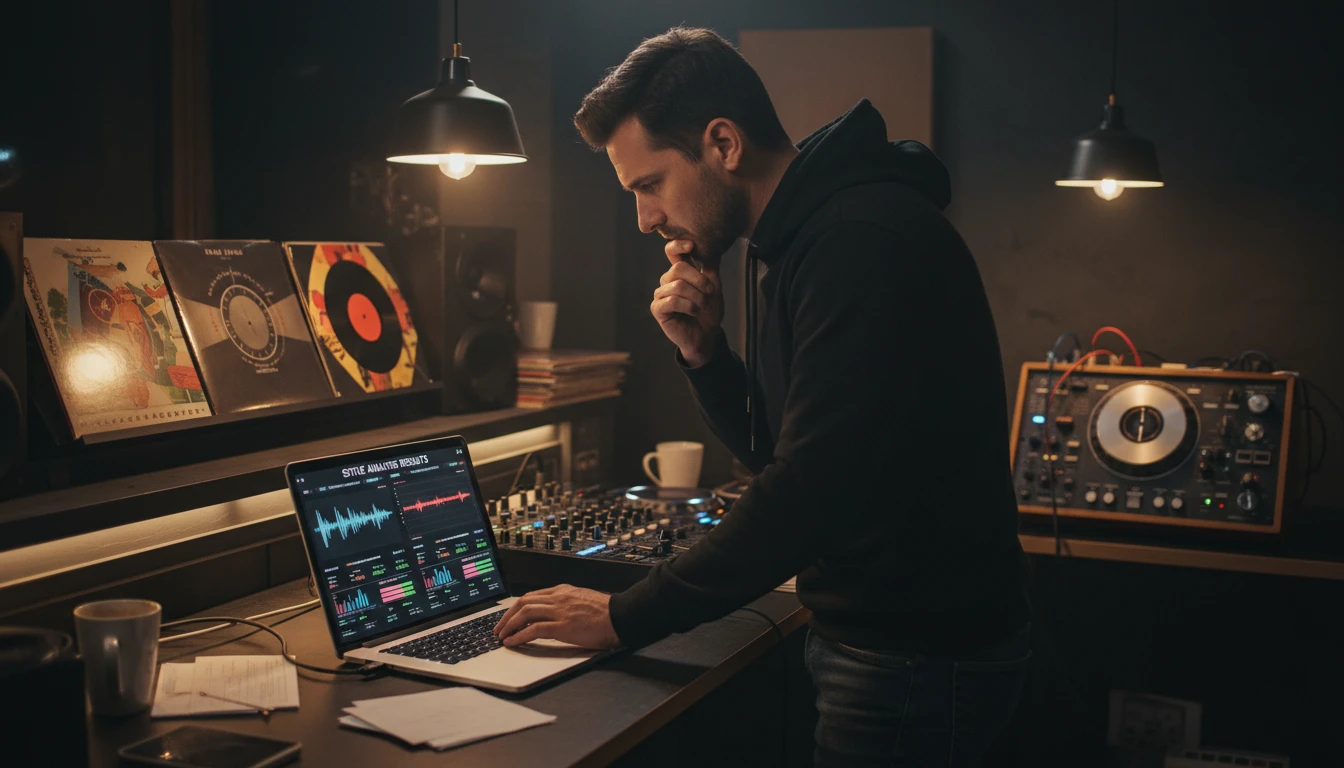
DJs and Music Curators
Building a coherent DJ set or curated playlist requires understanding the stylistic relationships between tracks. Use the subgenre, era, tempo, and energy labels to quickly compare tracks and understand why they fit or clash. The similar artists section helps you discover tracks that belong in the same stylistic neighborhood as music you already know works well together.

Music Journalists and Critics
Writing about music requires precise genre and style vocabulary. Use the analysis to get specific subgenre labels, era references, production descriptions, and comparable artists that give your writing accuracy and depth. The cultural context section provides historical background that enriches music criticism with genuine research. The key style marker tags can spark ideas for specific descriptive language in reviews.
Deep Dive
Getting the Most Accurate Style Identification
Audio clarity, recording length, and genre complexity all affect how accurately the AI identifies a musical style. These tips help you get the most detailed analysis.
Note: Style identification accuracy varies based on audio clarity, recording length, and genre complexity. Genre-blending music may receive multiple overlapping style labels, which accurately reflects its mixed influences.
Why Use It
Genre to the Subgenre Level
Not just "Rock" or "Electronic" - the AI identifies specific subgenres, regional styles, and era markers for precise musical vocabulary.
Record or Upload
Record live audio from your browser microphone or upload MP3, WAV, M4A, OGG, WebM, or FLAC files. No extra software needed.
Similar Artists
5 to 7 comparable real-world artists and songs with specific explanations of shared sonic qualities for each.
Cultural Context
Full cultural and historical background: origins, key figures, core influences, and how the style shaped subsequent music.
Frequently Asked Questions
How does the Music Style Identifier work?
You upload a music audio file or record live audio from your microphone. The AI analyses the sonic characteristics of the recording: instrumentation, production style, rhythmic feel, tempo, key, dynamics, and mix character. It compares these against its knowledge of musical genres, subgenres, eras, and production traditions to produce a detailed style breakdown including comparable artists and cultural context.
What audio formats are supported?
MP3, WAV, M4A, OGG, WebM, and FLAC are all supported. You can also record directly in the browser, which creates a WebM audio file automatically. WAV and FLAC are lossless formats that produce the most detailed analysis. A minimum of 20 to 30 seconds of music is needed for reliable genre identification.
How specific is the genre identification?
The tool goes well beyond broad genre labels. It identifies the primary genre, specific subgenre (e.g. "Dream Pop," "Trap," "Bebop," "Doom Metal"), regional style (e.g. "British Invasion," "Atlanta Trap," "New Orleans Jazz"), and estimated era or decade of production. Key style markers appear as tags listing the most defining sonic characteristics.
Can it identify music from any genre or culture?
The tool covers all major global genres including Western popular music, classical, jazz, world music traditions, electronic music, hip-hop, folk, and more. Accuracy is highest for well-represented global genres. For less widely recorded regional styles, the cultural context and regional style sections still provide useful background even if the subgenre label is less specific.
How does duration-based pricing work?
The basic model costs 5 credits per minute of audio with a minimum of 10 credits. The advanced model costs 10 credits per minute with a minimum of 20 credits. Duration is rounded up to the nearest full minute. The estimated credit cost is displayed before you click Identify Music Style so you can confirm before spending credits.
What is included in the analysis?
The full analysis includes: a stat grid (genre, era, energy, mood), genre and style overview with subgenre and key markers, musical characteristics (tempo, key, time signature, rhythmic feel, dynamics, arrangement), production and sound analysis (production era, mix character, vocal style, sound palette), 5 to 7 comparable artists or songs, cultural and historical context, and a section with albums and resources to explore further.
Does it identify the specific song or artist?
No. The tool focuses on identifying the musical style, not the specific song or artist. Comparisons to real-world artists in the Similar Artists section are stylistic observations, not identifications. This means a cover version will be identified by its style rather than being linked to the original song.
Identify Your Music Style Instantly
Sign up free and get 100 credits instantly. Upload any music audio and get a complete genre and style analysis in seconds.
Disclaimer: This tool uses generative AI technology which may produce content that resembles copyrighted materials or that is inaccurate, incomplete, or out-of-date. It is provided for general information and educational purposes only and is not intended for illegal activities or to replace professional advice, diagnosis, or treatment. Users are solely responsible for how they use the generated content. If you plan to use AI-generated content commercially or publicly, we strongly recommend reviewing it for potential copyright issues and obtaining proper permissions where necessary. We accept no liability for copyright infringement or any other consequences resulting from the use of content generated by this tool.