Speech to Text. Record or Upload. Get an Accurate Transcript.
Record from your microphone or upload any audio file and get a precise transcript with proper punctuation and paragraph breaks, across 13 languages.
Transcribe Audio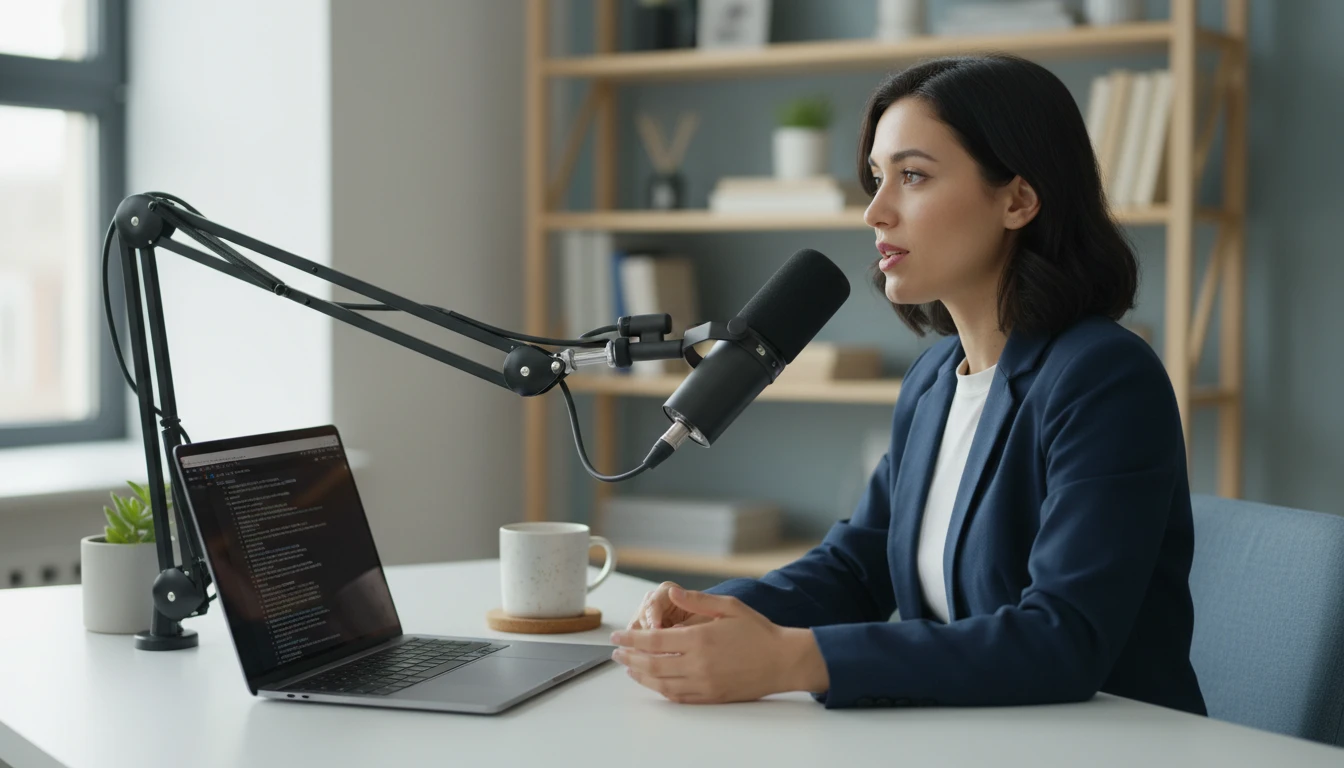
AI Speech to Text
Record or upload audio and get an accurate, punctuated transcription. 13 languages, optional timestamps, copy or download.
Record or upload audio
MP3, WAV, M4A, OGG, WebM, FLAC
30 credits/min · Free plan: 1 min max
Results
Transcription
Speech to Text
Record or upload an audio file on the left, then click Transcribe Audio.
- Record directly from your microphone
- Upload MP3, WAV, M4A, OGG, WebM, or FLAC
- 13 languages supported plus auto-detect
- Optional [MM:SS] timestamps throughout
- Copy to clipboard or download as .txt
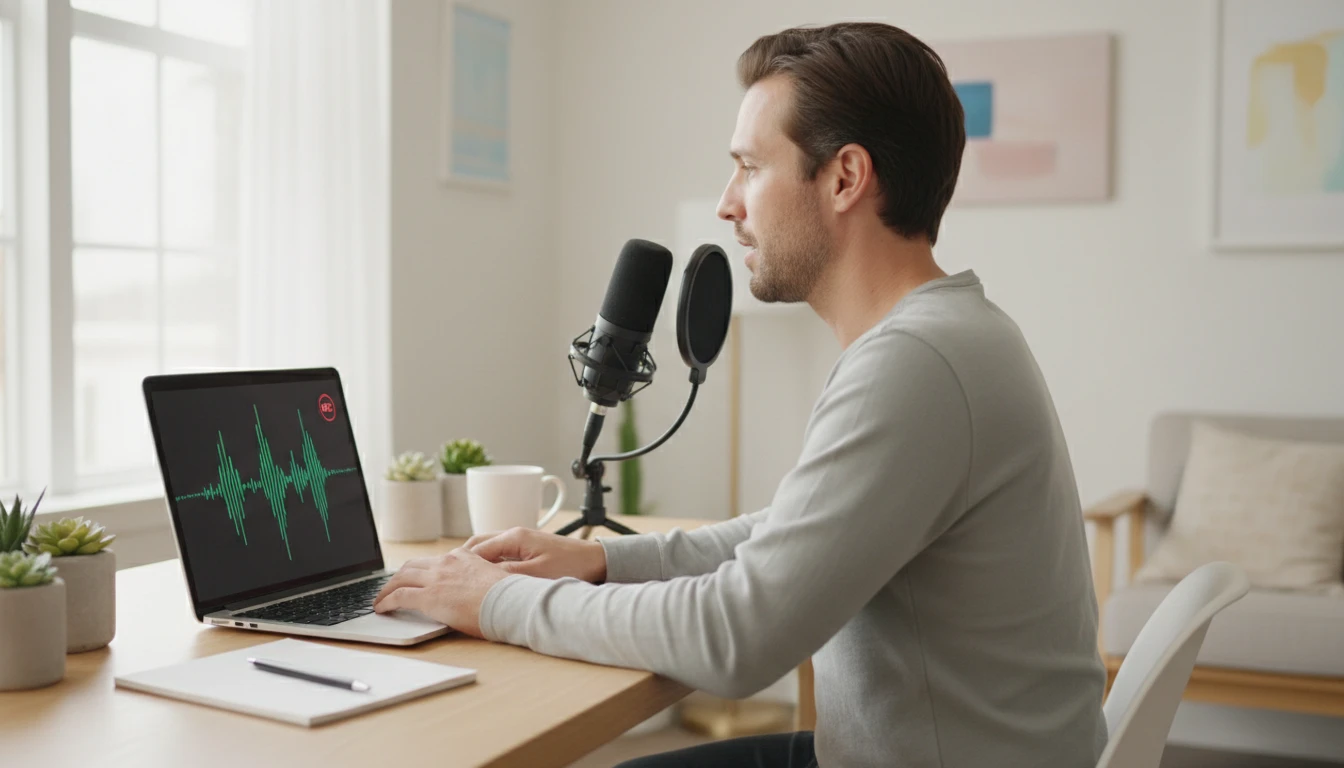
Record in the Browser or Upload Any Audio File
No extra software required. Click Record, grant microphone access, speak, and click Stop. The recorded audio is queued immediately for transcription. If you already have an audio file, upload it directly: MP3, WAV, M4A, OGG, WebM, and FLAC are all supported. File size up to the model limit. The tool shows the file name, size, and detected duration before you start so you know the exact credit cost before committing.
Transcribe Now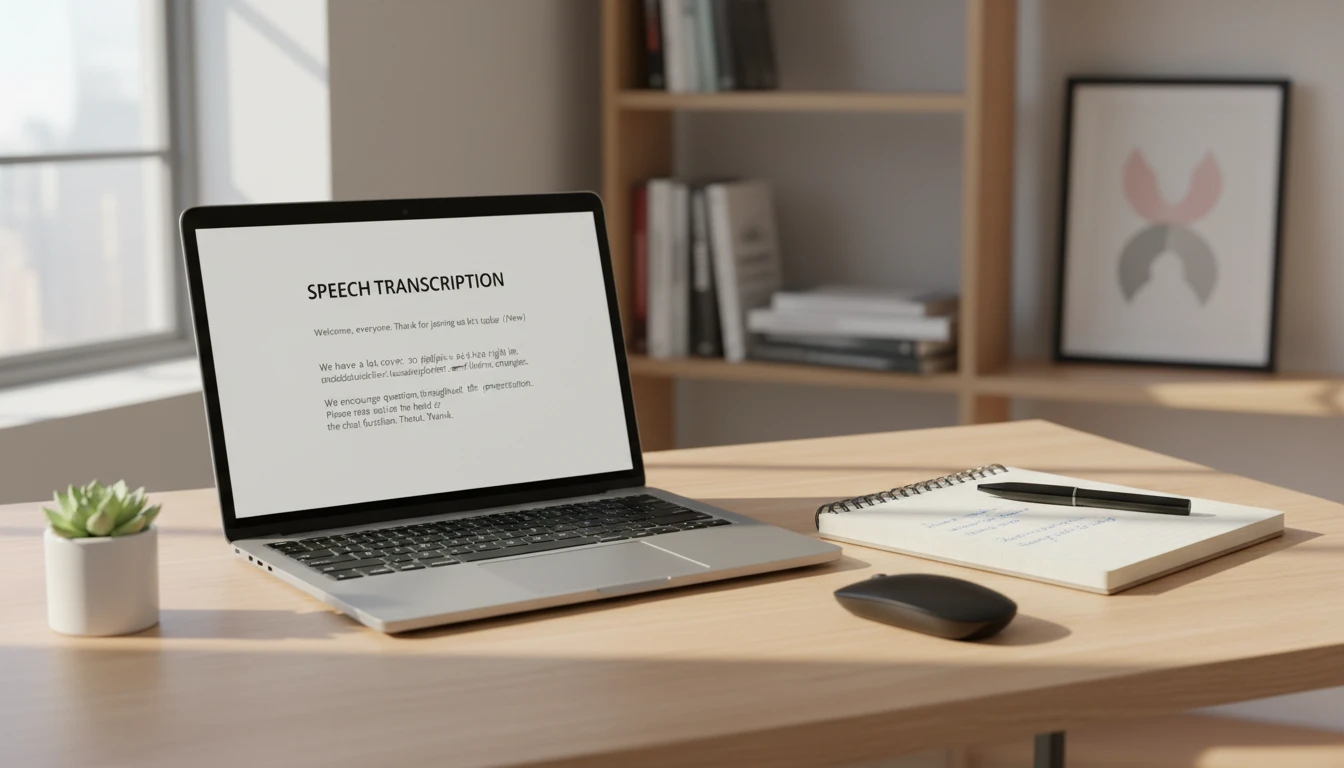
Proper Punctuation and Paragraph Breaks
Raw transcription output from many tools is a single unbroken wall of text with no punctuation, making it hard to read or use directly. This tool instructs the AI to apply proper punctuation throughout: periods, commas, question marks, and exclamation points placed where they belong. Paragraph breaks appear whenever the speaker shifts topic or pauses naturally. The result is a readable document you can use directly in a meeting notes file, a blog post, or a document without manual cleanup.
See the Output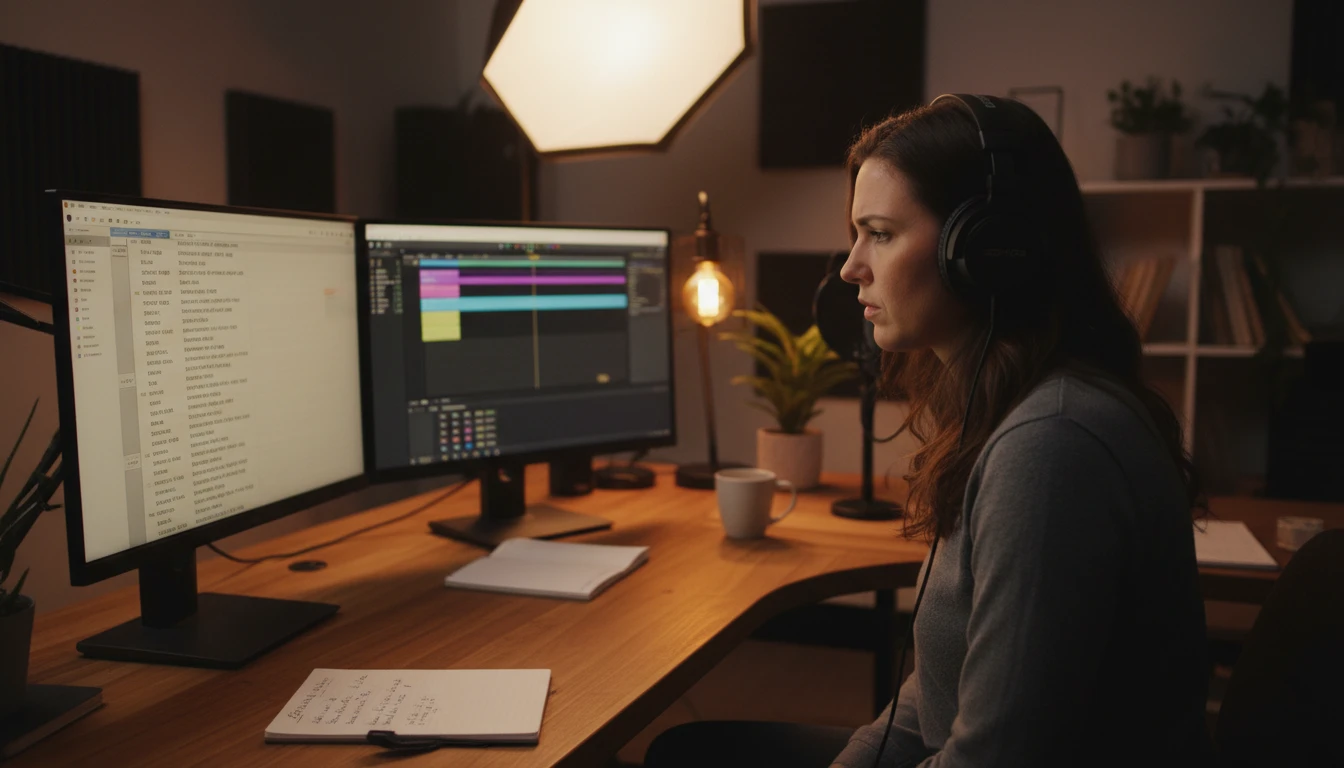
Timestamps for Longer Recordings
Enable the Include Timestamps option before transcribing and the AI will add [MM:SS] time markers throughout the transcription at regular intervals. Timestamps let you jump back to the exact moment in the original audio when you need to verify a specific word, find a passage in a recorded meeting, or create chapter markers for a podcast episode. The timestamps appear inline in the transcription text so they do not break the reading flow.
Enable TimestampsHow to Transcribe Audio
Record or Upload Your Audio
Click Record and speak into your microphone, or click Upload to select an MP3, WAV, M4A, OGG, WebM, or FLAC file. The tool shows the file name, size, and duration so you know the credit cost before proceeding.
Choose Language and Options
Select a language or use Auto-detect. Enable Include Timestamps if you want [MM:SS] markers in the transcription. Choose the AI model based on the accuracy level needed.
Get Your Transcript
Click Transcribe Audio and receive the complete transcript with proper punctuation, capitalization, and paragraph breaks. Copy to clipboard or download as a .txt file.
Who Uses It

Meeting Minutes and Notes
Record a meeting directly in the browser or upload a recorded call. Get a complete transcript with timestamps to help attribute comments, track decisions, and identify action items. The formatted output is ready to paste into a document or meeting notes system without manual editing.

Interviews and Research
Upload a recorded interview and get the full transcript in minutes. Qualitative researchers, journalists, and UX researchers can use timestamps to reference specific moments in the recording and search the full text for key themes, quotes, and terminology without replaying the audio repeatedly.

Lectures and Study Notes
Record a lecture on your phone and upload the file to get a searchable text version you can study from. Use the transcript to create summary notes, highlight key concepts, and prepare for exams without re-listening to the entire lecture. Timestamps help you find the moment a specific topic was introduced.
Podcasts and Video Content
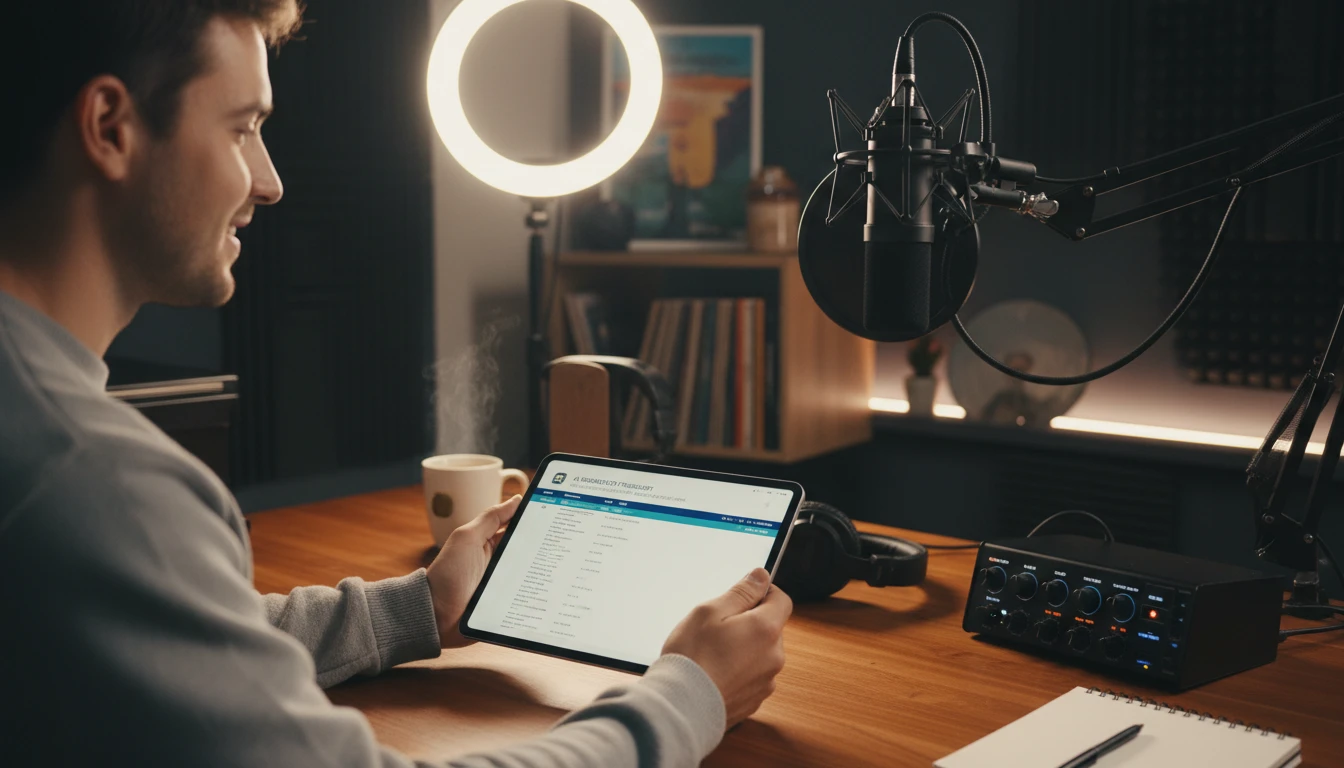
Generate episode transcripts for your podcast to improve SEO, create show notes, and make your content accessible to listeners who are deaf or hard of hearing. Upload the episode audio and get a full transcript with timestamps you can use to create chapter markers or a time-coded show notes document.
Deep Dive
Audio Transcription Tips
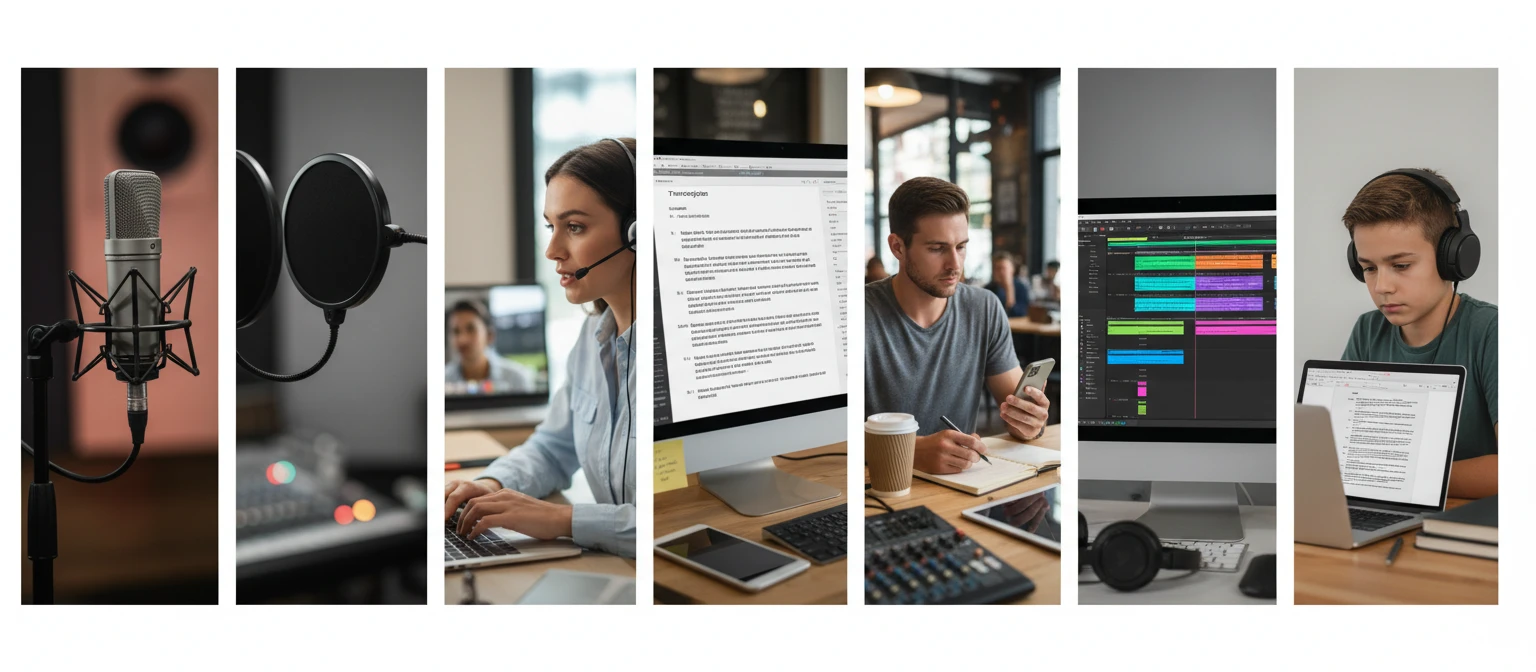
Getting the best transcription results depends on audio quality and preparation. These guidelines will help you get cleaner, more accurate transcriptions.
Note: Transcription accuracy depends on audio quality, background noise, speaker clarity, and language. Always review transcriptions before using in final documents.
Why Use It
Record or Upload
Record directly in the browser using your microphone or upload MP3, WAV, M4A, OGG, WebM, or FLAC files. No extra software needed.
13 Languages
English, Spanish, French, German, Italian, Portuguese, Chinese, Japanese, Korean, Arabic, Russian, Hindi, plus auto-detect.
Optional Timestamps
[MM:SS] time markers inserted throughout the transcript at regular intervals. Toggle on before transcribing.
Copy or Download
One-click copy to clipboard or download as a .txt file. Formatted with proper punctuation and paragraph breaks.
Frequently Asked Questions
How does the Speech to Text tool work?
You either record audio directly from your microphone in the browser or upload an existing audio file. The tool sends the audio to an AI model which transcribes the spoken content and returns it as formatted text with proper punctuation, capitalization, and paragraph breaks. You can then copy the transcript or download it as a .txt file.
What audio formats are supported?
MP3, WAV, M4A, OGG, WebM, and FLAC are all supported. You can also record directly in the browser, which creates a WebM audio file automatically. WAV and FLAC are lossless formats that may produce slightly better results than heavily compressed MP3 files.
Can I record audio directly in the browser?
Yes. Click the Record button, grant microphone permission when prompted, speak, then click Stop Recording. The recorded audio is loaded immediately and ready to transcribe. The recording timer shows you how long you have been recording so you can estimate the credit cost.
What languages are supported?
English, Spanish, French, German, Italian, Portuguese, Chinese, Japanese, Korean, Arabic, Russian, and Hindi are all available for selection. Auto-detect is also available and works well for most major languages in clear recordings.
How does duration-based pricing work?
The basic model costs 5 credits per minute of audio with a minimum of 10 credits. The advanced model costs 10 credits per minute with a minimum of 20 credits. Duration is rounded up to the nearest full minute. The estimated credit cost is shown before you click Transcribe so you can confirm before spending credits.
What are timestamps and when should I use them?
Timestamps are [MM:SS] time markers inserted throughout the transcription at regular intervals. They are useful for longer recordings like meetings, interviews, and podcast episodes where you need to navigate back to a specific moment in the original audio. Enable the Include Timestamps toggle before transcribing to add them. For short recordings under a few minutes, timestamps add clutter without much benefit.
How accurate is the transcription?
Accuracy is high for clear recordings with a single speaker and minimal background noise. The AI applies proper punctuation and capitalization throughout and handles multiple speakers by labeling them when detected. Accuracy decreases with heavy background noise, fast speech, strong accents, overlapping speakers, and unusual technical terminology or proper nouns. Always review the transcript before using it in a final document.
Transcribe Your First Audio Instantly
Sign up free and get 100 credits instantly. Record or upload audio and get an accurate transcript in seconds.
Disclaimer: This tool uses generative AI technology which may produce content that resembles copyrighted materials or that is inaccurate, incomplete, or out-of-date. It is provided for general information and educational purposes only and is not intended for illegal activities or to replace professional advice, diagnosis, or treatment. Users are solely responsible for how they use the generated content. If you plan to use AI-generated content commercially or publicly, we strongly recommend reviewing it for potential copyright issues and obtaining proper permissions where necessary. We accept no liability for copyright infringement or any other consequences resulting from the use of content generated by this tool.