Identify Every Instrument in Any Music Recording
Upload any audio file or record live and get every instrument identified with its role, prominence in the mix, tempo, genre, mood, and ensemble type.
Identify Instruments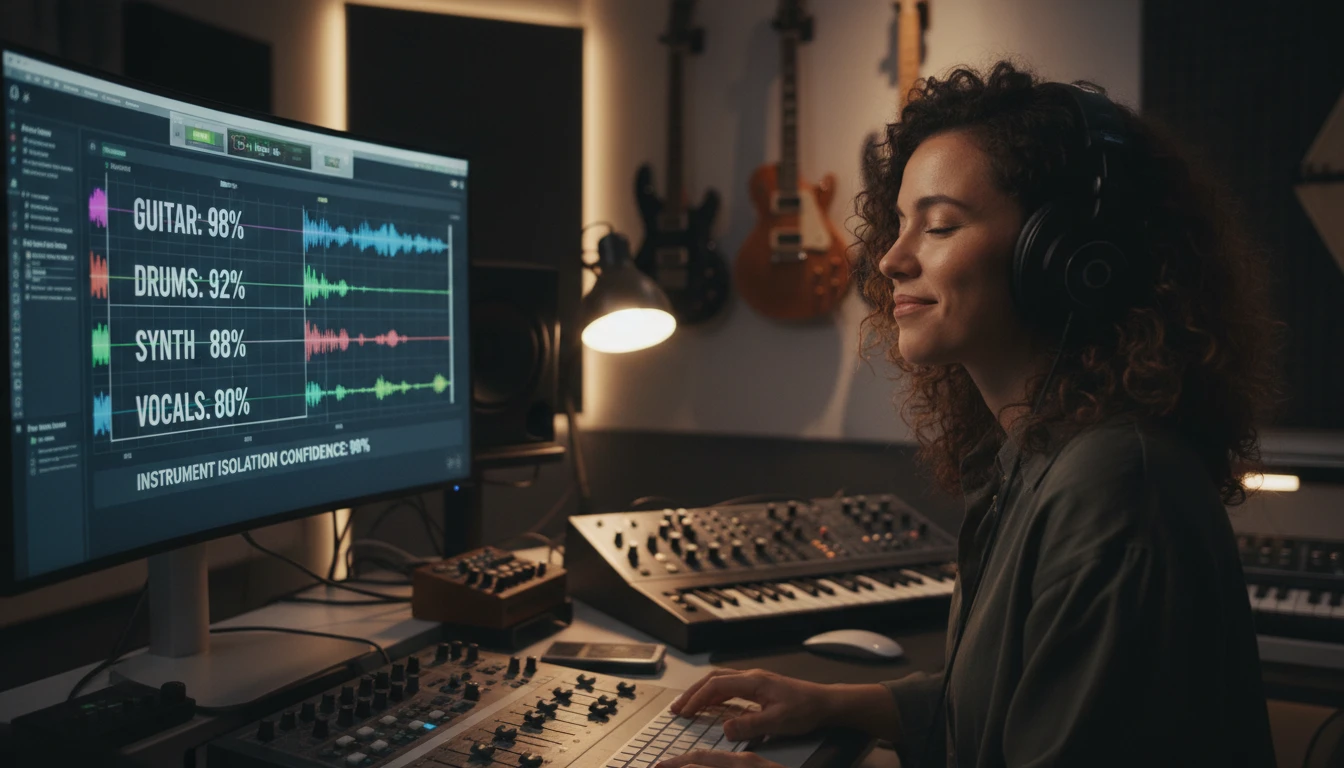
AI Musical Instruments Identifier
Record or upload any music audio and instantly identify all instruments, their roles, and get a full musical analysis.
Drag & drop your audio here
or click to browse — MP3, WAV, FLAC, up to 50MB
Detects every instrument with its role, plus tempo, dynamics, timbre, genre, mood and ensemble type.
Sample analysis
What your instrument report looks like
Instruments
4
Genre
Synth-pop
Ensemble
Solo artist with electronic backing
Confidence
high
Identified Instruments (4)
Synthesizer 100%
Primary Melody
Bright, digital, leads the main melodic hooks and arpeggiated sequences.
- Present
- Throughout
Electric Bass 95%
Primary Bass
Deep, punchy, providing a steady rhythmic foundation.
- Present
- Throughout
Drum Machine 98%
Primary Percussion
Crisp, programmed beat with sharp snare hits and consistent kick drum patterns.
- Present
- Throughout
Vocals 100%
Primary Melody
Clear, pop-style male lead vocals with moderate reverb.
- Present
- 0:18-3:09
Audio Characteristics
- Tempo
- 128 BPM
- Rhythm
- Straight 4/4
- Dynamics
- Building intensity
- Timbre
- Bright and polished
- Pitch
- F minor
- Duration
- 3:09
Musical Analysis
- Genre
- Synth-pop
- Mood
- Upbeat and energetic
- Style
- Contemporary electronic pop
- Complexity
- Moderate
- Ensemble
- Solo artist with electronic backing
Record Live or Upload Any Audio Format
No software to install. Click Record in your browser, grant microphone access, and capture a live performance or hum a melody. The recording is ready to analyze the moment you stop. If you already have a music file, upload it directly: MP3, WAV, M4A, OGG, WebM, and FLAC are all supported. The tool displays the file name, size, and detected duration before you begin so you can see the exact credit cost before committing. Drag and drop files directly into the upload area for a faster workflow.
Identify Instruments
Confidence Scores and Instrument Roles
For each instrument detected, the AI returns a confidence score from 0 to 100 percent, a presence label (Primary, Secondary, or Background), and a role in the arrangement (Melody, Harmony, Rhythm, Bass, Texture, or Percussion). This tells you not just which instruments are playing but how they contribute to the overall sound. A guitar might be playing the primary melody in the verse but shift to a background rhythm role in the chorus. The timestamps field shows when each instrument is active throughout the recording.
See the Analysis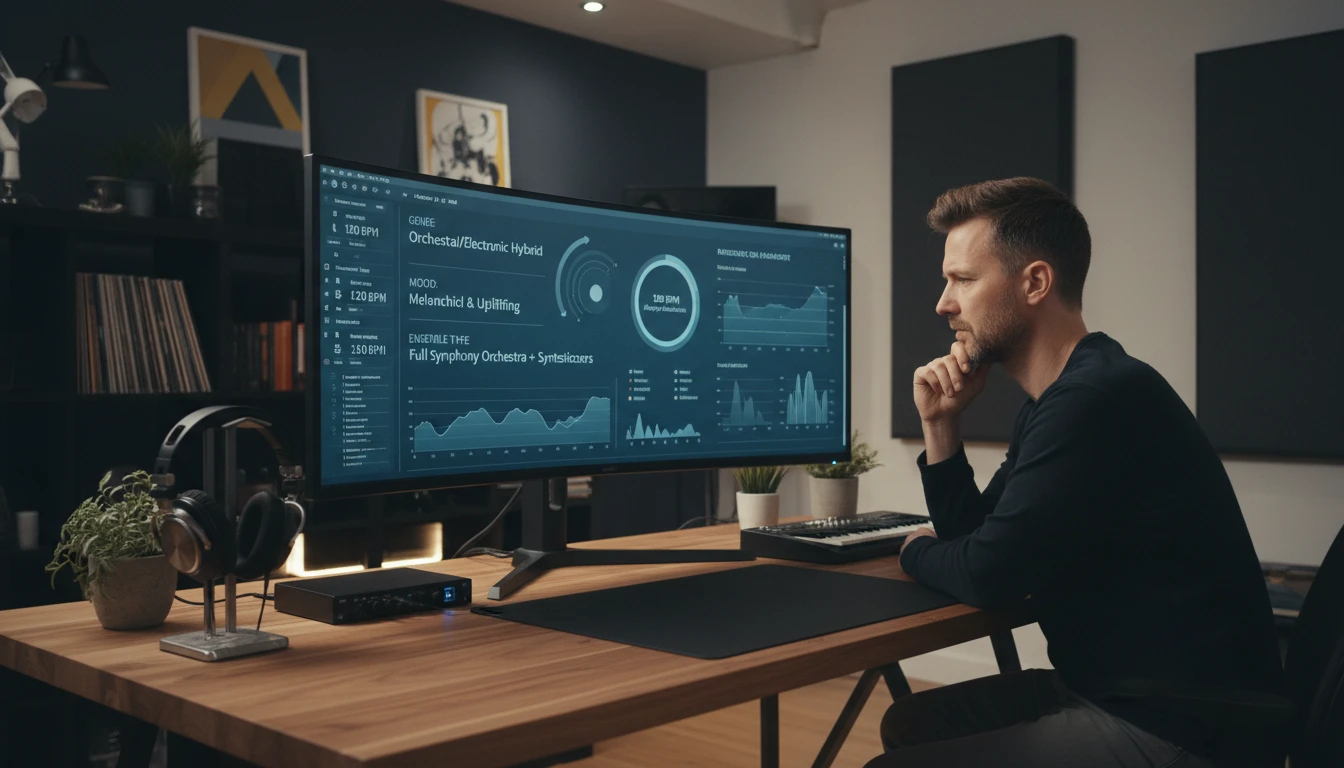
Full Musical Analysis Including Genre and Mood
Beyond just listing instruments, the AI provides a complete musical analysis of the recording. The Audio Characteristics section covers estimated tempo in BPM, rhythmic feel, dynamic range, overall timbre, pitch or key, and approximate duration. The Musical Analysis section identifies the primary genre, emotional mood, stylistic description, arrangement complexity, and ensemble type. This gives you a comprehensive picture of the music suitable for study, production reference, or educational purposes.
Analyze Your MusicHow to Identify Instruments
Record or Upload Your Audio
Click Record and play music into your microphone, or click Upload to select an MP3, WAV, M4A, OGG, WebM, or FLAC file. The tool shows the file name, size, and duration before you proceed.
Choose Analysis Detail and Model
Select Standard for a clear, concise instrument identification or Detailed for in-depth technical information including playing techniques and tonal qualities. Choose your preferred AI model.
Get Your Instrument Breakdown
Click Identify Instruments and receive a complete breakdown: every detected instrument with confidence scores, roles, audio characteristics, and a full musical analysis. Download results as a text file.
Who Uses It

Music Students and Ear Training
Upload a piece of music from class or your playlist and get an instant breakdown of every instrument. Use the results to check your own ear training guesses, study how different instruments fit together in an arrangement, and build your ability to recognize instrument timbres. The confidence scores and role labels help you understand the mix hierarchy and how producers layer sounds.
Musicians and Songwriters
Analyzing reference tracks is a core part of songwriting and production. Upload a song you want to cover or use as a production reference to see exactly which instruments are present, what roles they play, and how complex the arrangement is. Use the genre, mood, and ensemble labels to guide your own arrangement decisions and match the feel of a track you admire.
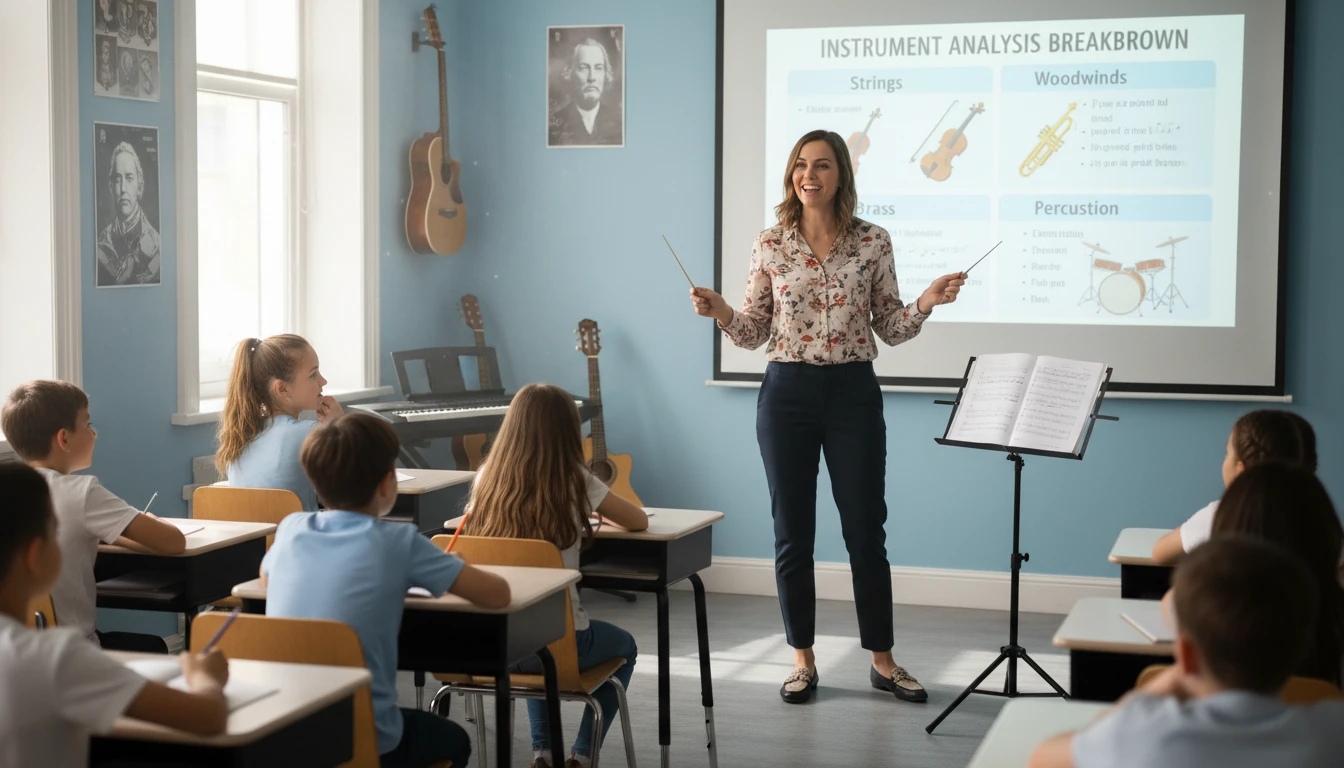
Music Teachers and Educators
Use instrument analysis as a classroom tool to demonstrate orchestration and arrangement concepts. Play a piece for students, upload it, and show them the AI breakdown to spark discussion about instrument roles, ensemble types, and genre characteristics. The detailed analysis gives concrete vocabulary for students who are still developing the language to describe what they hear.
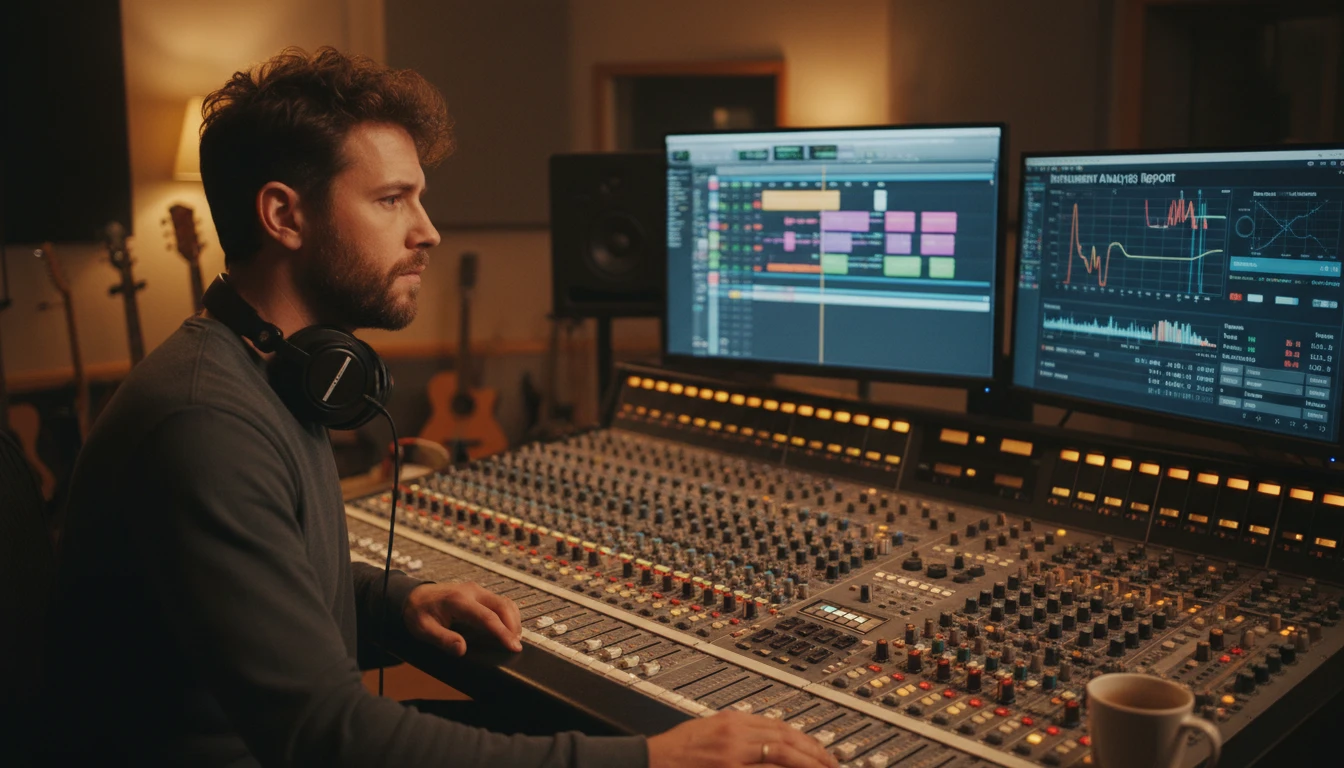
Audio Engineers and Producers
When mixing or producing a track, understanding the instrument layers in reference recordings is essential. Upload a reference track to get a precise list of instruments with their prominence and roles in the mix. Use the audio characteristics section to compare tempo, dynamics, and timbre against your own work to understand what separates your production from a professional reference.
Deep Dive
Getting the Most Accurate Instrument Identification
Audio clarity, recording quality, and file format all affect how accurately the AI can identify instruments. These tips will help you get the best results.
Note: Identification accuracy varies based on audio quality, recording clarity, instrument overlap, and mix levels. Always review results alongside the original recording.
Why Use It
All Instruments at Once
Identify every instrument in a recording simultaneously. Each instrument gets a confidence score, presence label, and role in the arrangement.
Record or Upload
Record live audio directly in the browser or upload MP3, WAV, M4A, OGG, WebM, or FLAC files. No extra software needed.
Full Musical Analysis
Get tempo, genre, mood, style, complexity, and ensemble type in addition to the instrument list. A complete picture of the music.
Download Results
Export the full instrument breakdown and musical analysis as a .txt file for use in notes, reports, or reference documents.
Frequently Asked Questions
How does the Musical Instruments Identifier work?
You upload a music audio file or record live audio from your microphone. The AI analyzes the audio to detect the sonic characteristics of each instrument present: timbre, attack, harmonic content, and frequency range. It identifies every instrument simultaneously and returns a structured breakdown including each instrument name, confidence score, role in the arrangement, and presence level in the mix.
What audio formats are supported?
MP3, WAV, M4A, OGG, WebM, and FLAC are all supported. You can also record directly in the browser, which creates a WebM audio file automatically. WAV and FLAC are lossless formats that produce the most accurate results. MP3 at 128 kbps or above works well for most recordings.
Can I record audio directly in the browser?
Yes. Click the Record button, grant microphone permission when prompted, play or sing your music, then click Stop Recording. The recorded audio is loaded immediately and ready to analyze. The recording timer helps you track the duration and estimate the credit cost before you submit.
What types of instruments can the AI identify?
The AI identifies instruments across all major families: acoustic and electric guitar, bass guitar, violin, cello, harp, flute, clarinet, saxophone, trumpet, trombone, piano, organ, synthesizer, drums, cymbals, and many more. It distinguishes between acoustic and electric versions of instruments and detects multiple instruments of the same family playing simultaneously.
What do the confidence scores mean?
Each identified instrument receives a confidence score from 0 to 100 percent. Scores above 80 indicate high certainty with a clear, distinct instrument sound. Scores between 50 and 80 indicate moderate certainty where the instrument is present but may be mixed at a lower level or partially obscured. Scores below 50 suggest characteristics were detected but the instrument cannot be confirmed with certainty.
What is the difference between Standard and Detailed analysis?
Standard analysis provides a clear instrument identification with the key characteristics, role, presence, and a brief description for each instrument. Detailed analysis includes additional technical information: specific playing techniques, tonal qualities, extended musical characteristics, and more in-depth descriptions. Both detect the same instruments but differ in the depth of information provided.
How does duration-based pricing work?
The basic model costs 5 credits per minute of audio with a minimum of 10 credits. The advanced model costs 10 credits per minute with a minimum of 20 credits. Duration is rounded up to the nearest full minute. The estimated credit cost is displayed before you click Identify Instruments so you can confirm before spending credits.
How accurate is the instrument identification?
Accuracy is high for clear recordings with distinct instrument sounds and minimal background noise. Complex arrangements with many overlapping instruments or heavily compressed audio naturally produce more varied confidence scores. For best results, use high-quality recordings in WAV or FLAC format. The Advanced model provides superior accuracy for complex arrangements such as orchestral recordings or dense electronic productions.
Identify the Instruments in Your Music Instantly
Sign up free and get 100 credits instantly. Upload any music audio and get a complete instrument breakdown in seconds.
Disclaimer: This tool uses generative AI technology which may produce content that resembles copyrighted materials or that is inaccurate, incomplete, or out-of-date. It is provided for general information and educational purposes only and is not intended for illegal activities or to replace professional advice, diagnosis, or treatment. Users are solely responsible for how they use the generated content. If you plan to use AI-generated content commercially or publicly, we strongly recommend reviewing it for potential copyright issues and obtaining proper permissions where necessary. We accept no liability for copyright infringement or any other consequences resulting from the use of content generated by this tool.