Generate a Complete, Ready-to-Record Script for Any Format
Describe your topic and get every section written in full, with production notes on pacing, emphasis, and delivery, across ten formats and eight tones.
Generate Script
AI Script Generator
Describe your topic and get a complete, ready-to-record script. Ten formats including YouTube, podcast, presentation, explainer, and sales video. Eight tones, five lengths.
Results
AI Script Generator
AI Script Generator
Paste your text on the left and click the button to see the results.
- Complete ready-to-record script with every section written in full
- Ten formats: YouTube, short-form, podcast, presentation, explainer, corporate, documentary, sales, webinar, training
- Eight tones from conversational and entertaining to professional and persuasive
- Section structure adapted to each format with timing estimates
- Production notes: pacing, emphasis points, B-roll or slide suggestions
- One alternative angle suggestion for a different creative approach

Every Section Written in Full
Most script tools give you an outline and call it a script. This tool writes every line of every section completely, ready to read aloud or record. A YouTube video gets a hook designed for the first 15 seconds, a full intro, main content divided into clearly labeled subsections, a recap, and an outro with a specific call to action. A podcast episode gets an opening hook, topic overview, content segments, key takeaways, and a closing. A presentation gets an opening, numbered main sections, conclusion, and a Q&A prompt. Nothing is a placeholder. What you receive is a working first draft.
Generate Your Script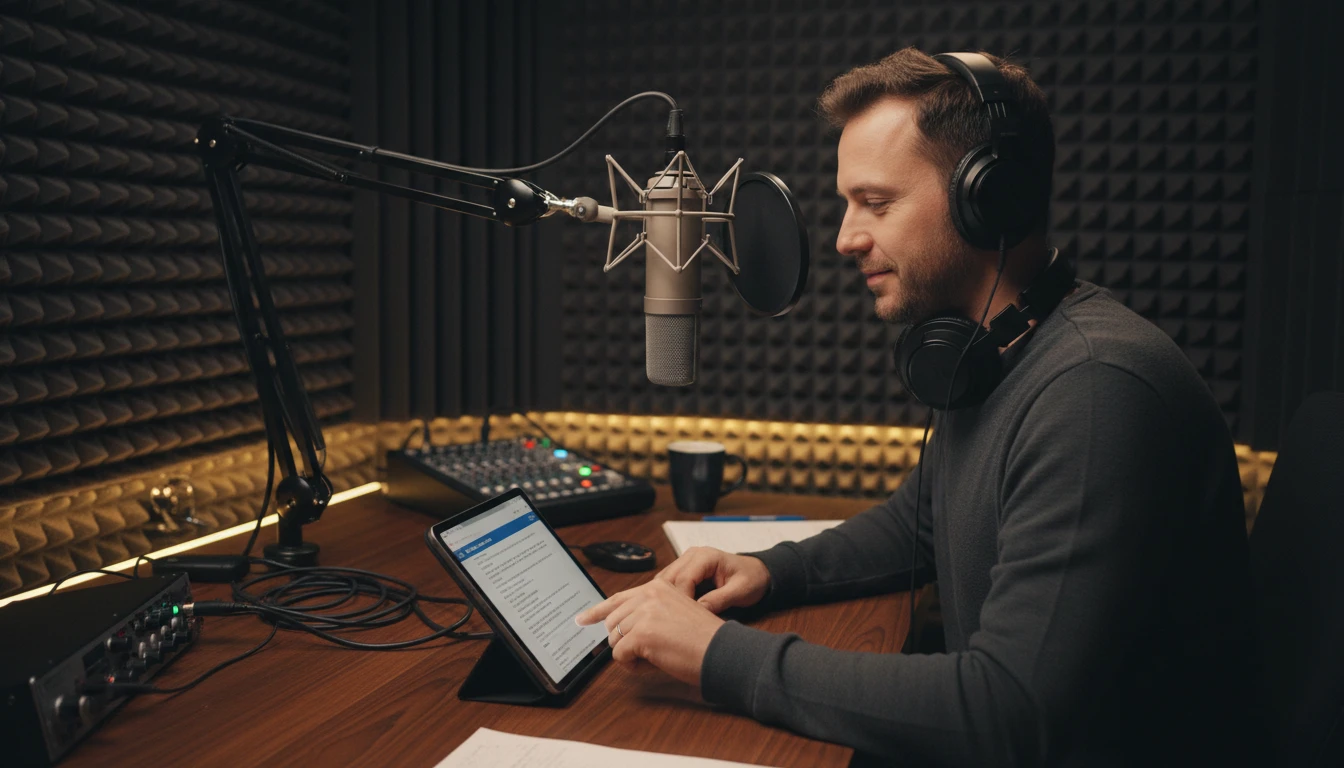
Format Changes the Structure
A YouTube video script and a podcast script about the same subject are completely different documents. YouTube requires a hook that grabs attention in the first 15 seconds before a viewer scrolls away, clear visual cues for B-roll, and a call to action asking for likes and subscriptions. A podcast is audio-only, so transitions must be spoken explicitly, and the host intro sets credibility before the content begins. A sales video leads with the pain point, not the product features. A corporate video leads with the brand story. The tool does not apply a generic template to every format. It structures the script to match the actual conventions and audience expectations of the selected format.
Choose Your Format
Production Notes That Actually Help
After the script, the tool delivers production notes written for the specific script just generated. Pacing guidance includes a words-per-minute recommendation calibrated to the format and length. Emphasis points name the two or three key phrases in the script that deserve extra stress for maximum impact. Transition notes explain how to handle the moves between sections naturally without sounding like you are reading a list. B-roll suggestions for video formats and slide suggestions for presentations give you a visual plan. Delivery tips address the specific tone selected: Conversational means staying loose and imprecise on purpose; Authoritative means deliberate pacing and reduced inflection variation.
See the NotesHow to Generate a Script
Describe Your Topic or Content Idea
Write a description of your video, podcast, or presentation. Include your main argument, the key points you want to make, any specific phrases or ideas that must be included, and any relevant context about you or your channel. The more specific your description, the more on-target the script will be.
Set Format, Tone, Length, and Audience
Choose the content format (YouTube Video, Podcast Episode, Presentation, Explainer Video, Sales Video, and more), the tone (Conversational, Professional, Educational, Entertaining, Inspirational, Persuasive, Authoritative, Storytelling), the estimated length, and the target audience.
Get a Complete, Ready-to-Record Script
Receive the full script with every section written, production notes on pacing and emphasis, visual or slide suggestions, and one alternative angle for a different creative approach. Edit, cut, and record.
Who Uses It

YouTube and Video Creators
You have the idea, the camera, and the edit skills. The blank script page is what slows you down. Describe your video concept, choose the tone and length, and get a complete script with a strong hook, a structured middle, and a clear call to action. Edit, cut, and rewrite as needed. A full draft to react against is always faster than starting from nothing.
Podcasters and Audio Creators
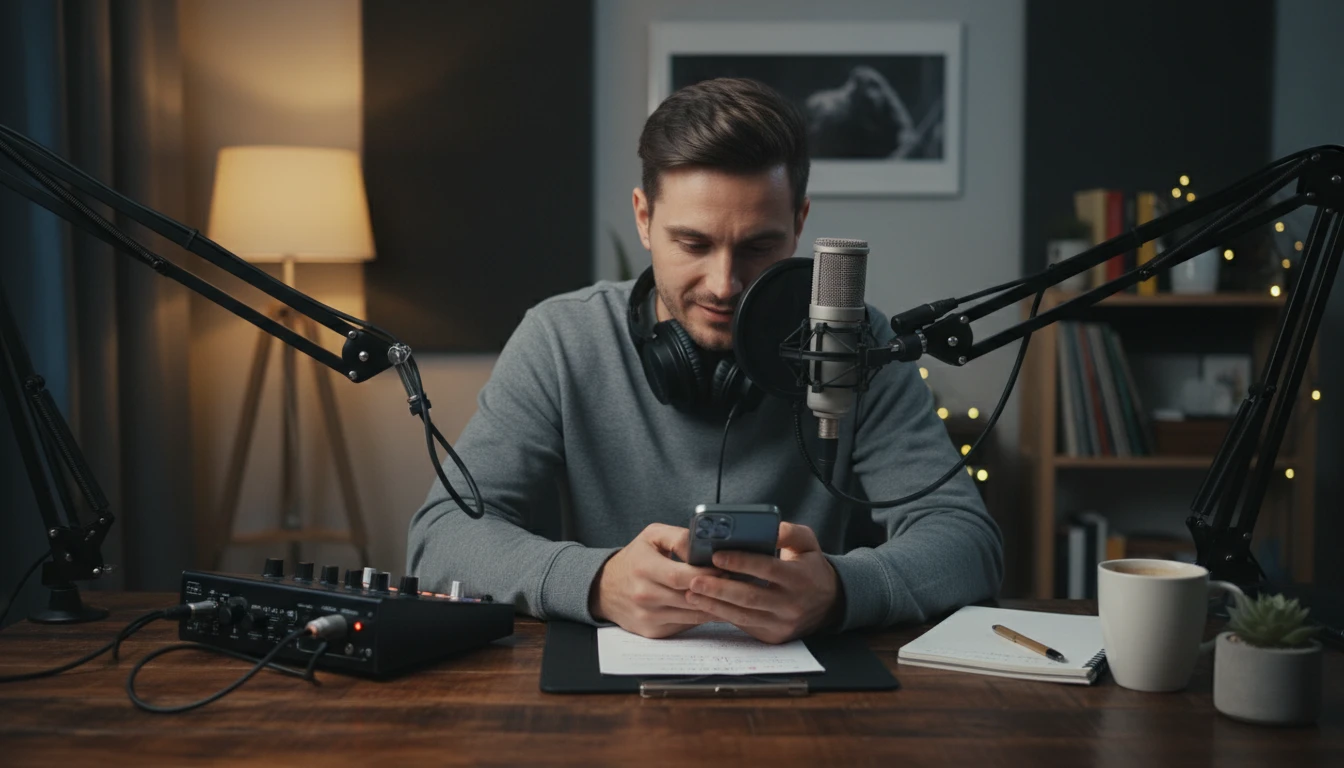
Solo podcasters who need a full episode script and co-hosts who want a detailed episode outline both benefit. Generate an episode script with a clear structure, spoken-word optimized language, and natural transitions between segments. Use it as your complete script, as a detailed talking points guide, or as the framework for an interview episode.
Presenters and Public Speakers
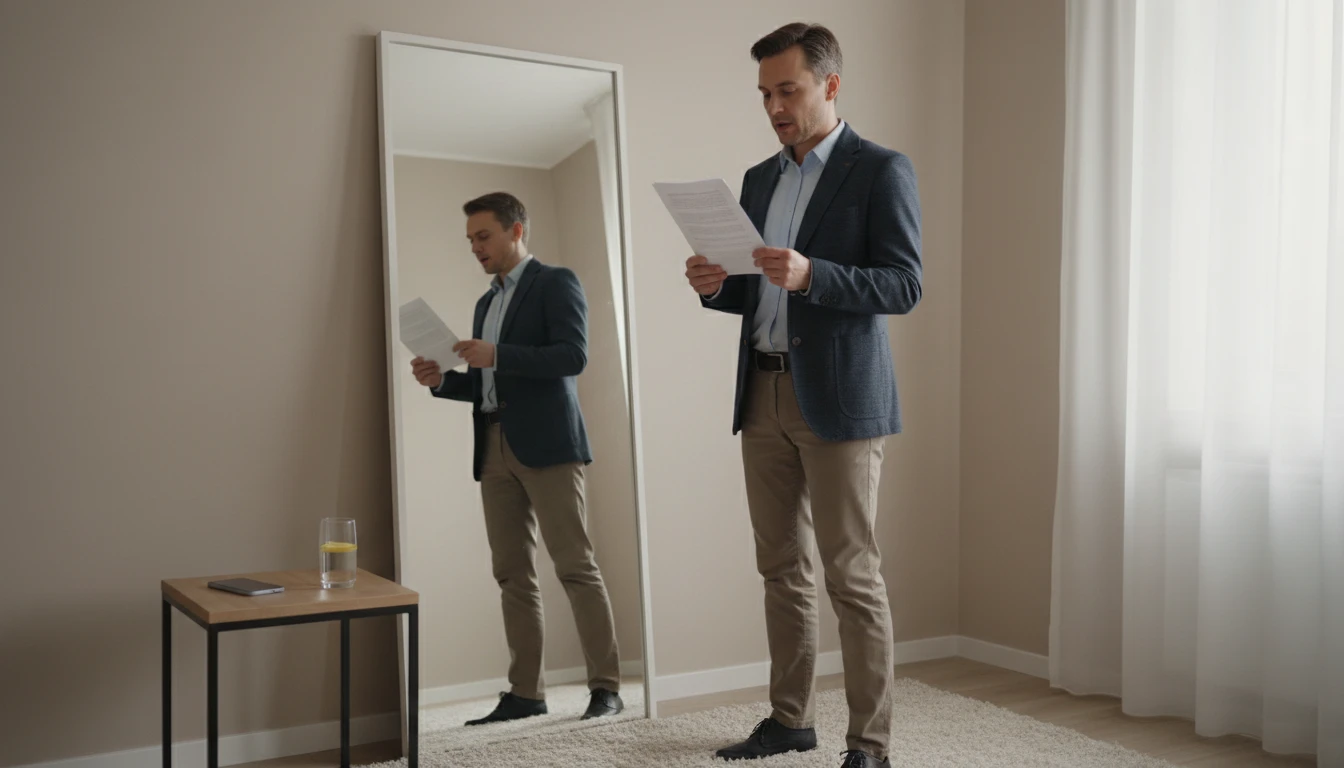
A presentation script gives you a complete rehearsal document, not just bullet points. Generate a full script for a keynote, a client pitch, a team presentation, or a conference talk. Use it to rehearse, to identify where you tend to rush, and to find the transitions that need smoothing. Cut it down to speaker notes once you have rehearsed the full text.

Marketers and Brand Teams
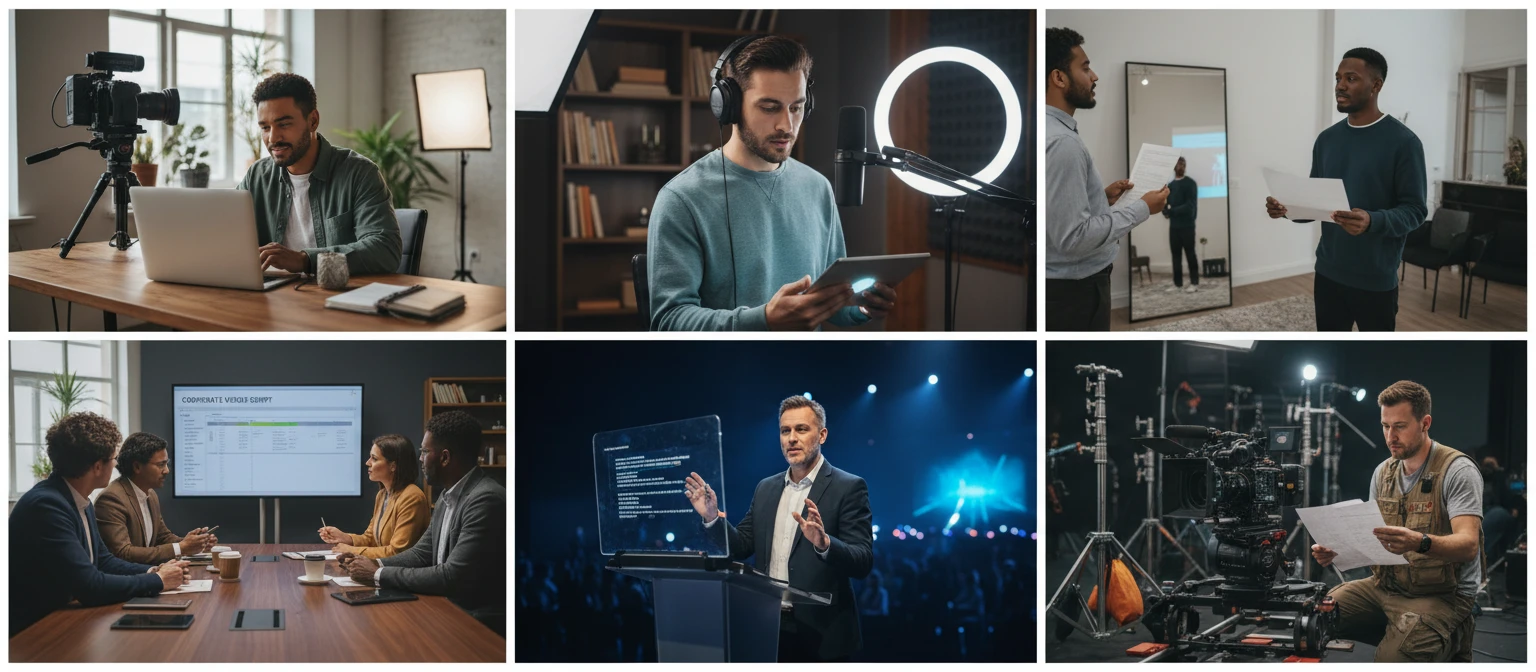
Corporate videos, explainer videos, sales videos, and brand films all need scripts before they go into production. Generate a first draft quickly to align on message, structure, and tone before the production team gets involved. Use the output in a brief, in an internal review, or as a working document for the copywriter to revise.
Deep Dive
What Makes a Great Script
Understanding scriptwriting fundamentals helps you evaluate the generated output, revise it confidently, and develop your own voice across formats.
Note: Generated scripts are strong working first drafts. Edit freely, adjust language to match your actual speaking voice, cut sections that do not serve the core message, and add personal examples or anecdotes from your own experience. The best scripts come from the combination of a strong AI draft and your own revision.
Why Use It
Ten Formats Supported
YouTube Video, Short-Form Video, Podcast Episode, Presentation, Explainer Video, Corporate Video, Documentary, Sales Video, Webinar, and Training Video. Each structured to its format conventions.
Every Section Written in Full
No placeholders, no truncated sections, no "[add your content here]" gaps. Every line of every section is written completely and ready to read aloud.
Production Notes Included
Pacing recommendations, key phrases to emphasize, natural transition guidance, B-roll or slide suggestions, and tone-specific delivery advice for every script.
Eight Tones, Five Lengths
Conversational, Professional, Educational, Entertaining, Inspirational, Persuasive, Authoritative, and Storytelling. Under 1 min to 30+ min. Matched to your format and audience.
Frequently Asked Questions
How does the AI Script Generator work?
You describe your topic or content idea, select the format, tone, length, and target audience, and the tool generates a complete script with every section written in full. The output includes a structured script adapted to the conventions of your chosen format, plus production notes covering pacing, emphasis, B-roll or slide suggestions, and delivery guidance.
Which content formats are supported?
YouTube Video, Short-Form Video (Reels, TikTok, Shorts), Podcast Episode, Presentation and Slideshow, Explainer Video, Corporate and Brand Video, Documentary, Sales and Promo Video, Webinar, and Training and Tutorial Video. Each format uses a different section structure matched to the audience expectations and delivery context of that format.
How specific should my topic description be?
As specific as possible. A vague prompt like "a video about productivity" will produce a generic script. A specific prompt like "a 10-minute YouTube video explaining the three mistakes that keep remote workers distracted, aimed at people who have tried productivity apps and still struggle, with a slightly skeptical and practical tone" will produce a script with real structure and direction. Include your main argument, the key points you want to cover, any specific examples you want to use, and any context about your audience or channel style.
Can I use the generated script for my actual video or podcast?
Yes. The generated scripts are original and created from your specific input. You can record from them directly, edit and revise them, or use them as a structural foundation for your own writing. Adjust language to match your actual speaking voice, cut or reorder sections that do not serve your content, and add personal examples or stories from your own experience. The output is a working first draft, not a finished production-ready script.
What is the difference between the tone options?
Conversational uses contractions, second-person address, and informal language that sounds like natural speech. Professional uses precise language and avoids slang. Educational prioritizes clarity and structured explanation. Entertaining builds in unexpected word choices and comic timing. Inspirational uses present tense, imperative verbs, and forward-looking language. Persuasive leads with the audience pain point and builds to a clear argument. Authoritative states facts directly without hedging. Storytelling uses narrative structure and sensory detail throughout.
What do the production notes include?
Each script comes with a dedicated production notes section covering: pacing (words-per-minute recommendation and any sections that should be delivered more slowly or quickly), emphasis points (two to three key phrases in the script that deserve extra stress), transition notes (how to move between sections naturally without sounding like you are reading a list), and visual or slide suggestions for formats where visuals are relevant. Delivery tips are specific to the tone selected, not generic advice.
Write Your First Script Today
Sign up free and get 100 credits instantly. Describe your video, podcast, or presentation idea and get a complete, ready-to-record script in any format and tone.
Disclaimer: This tool uses generative AI technology which may produce content that resembles copyrighted materials or that is inaccurate, incomplete, or out-of-date. It is provided for general information and educational purposes only and is not intended for illegal activities or to replace professional advice, diagnosis, or treatment. Users are solely responsible for how they use the generated content. If you plan to use AI-generated content commercially or publicly, we strongly recommend reviewing it for potential copyright issues and obtaining proper permissions where necessary. We accept no liability for copyright infringement or any other consequences resulting from the use of content generated by this tool.