Split any song into its four stems.
Upload any track and get four individually downloadable stems: vocals, bass, drums, and other instruments. AI-powered separation trained on millions of tracks for professional-quality results with minimal bleed.
Split stems now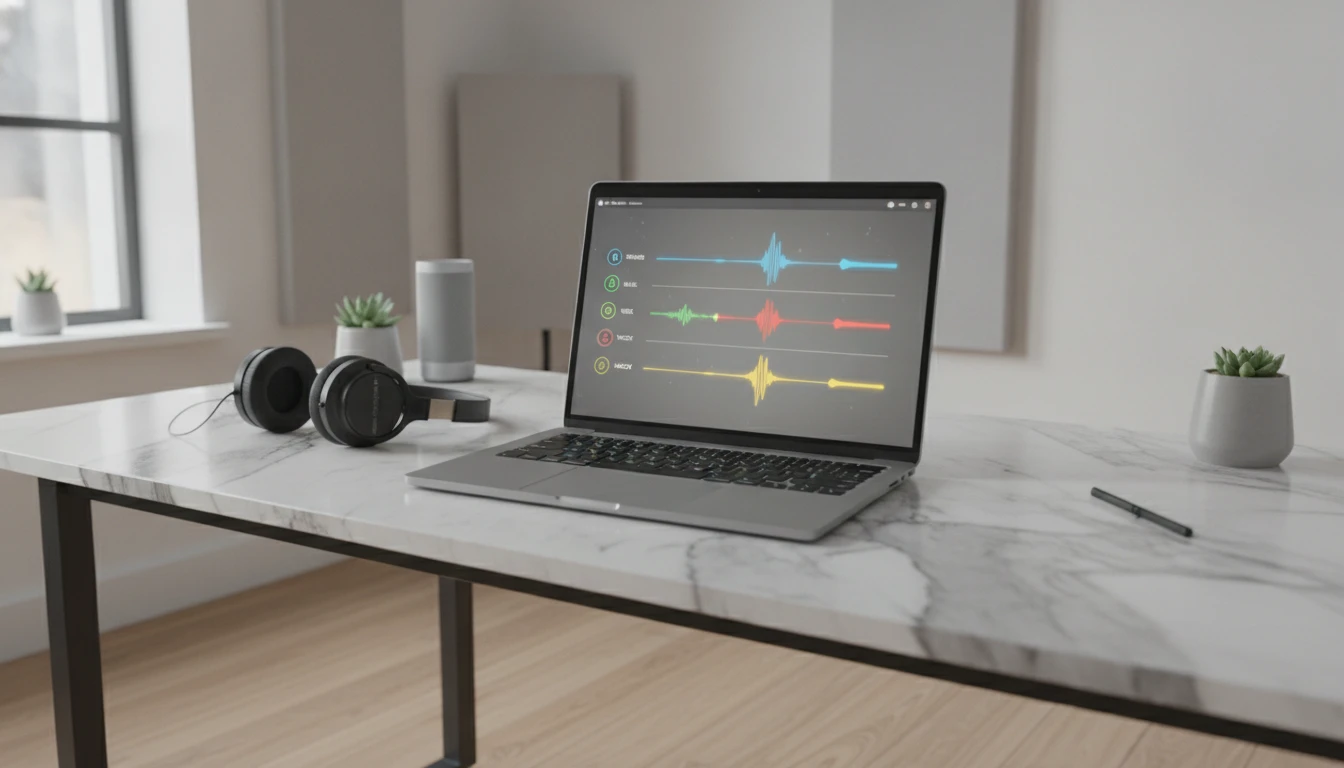
Split Any Song Into Stems
Add an audio file and we'll open AI Music Studio with it ready to split into vocals, drums, bass and more.
Drag & drop your audio here
or click to browse — MP3, WAV, FLAC, up to 50MB
Your audio is used only to separate its stems.
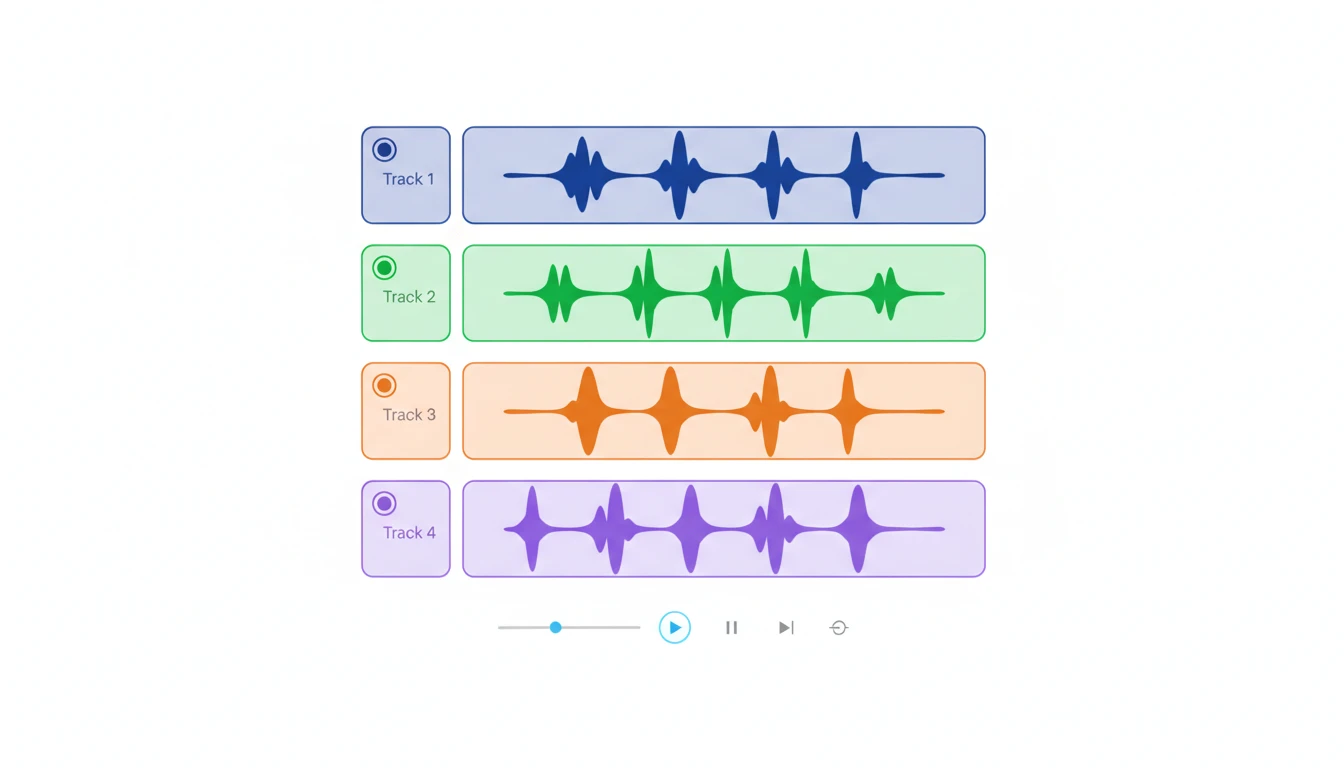
Four clean stems from one upload
Upload a track and get vocals, bass, drums, and other instruments as separate audio files. Download exactly what you need without re-processing. Works with pop, rock, hip-hop, and most studio-produced recordings.
Try it now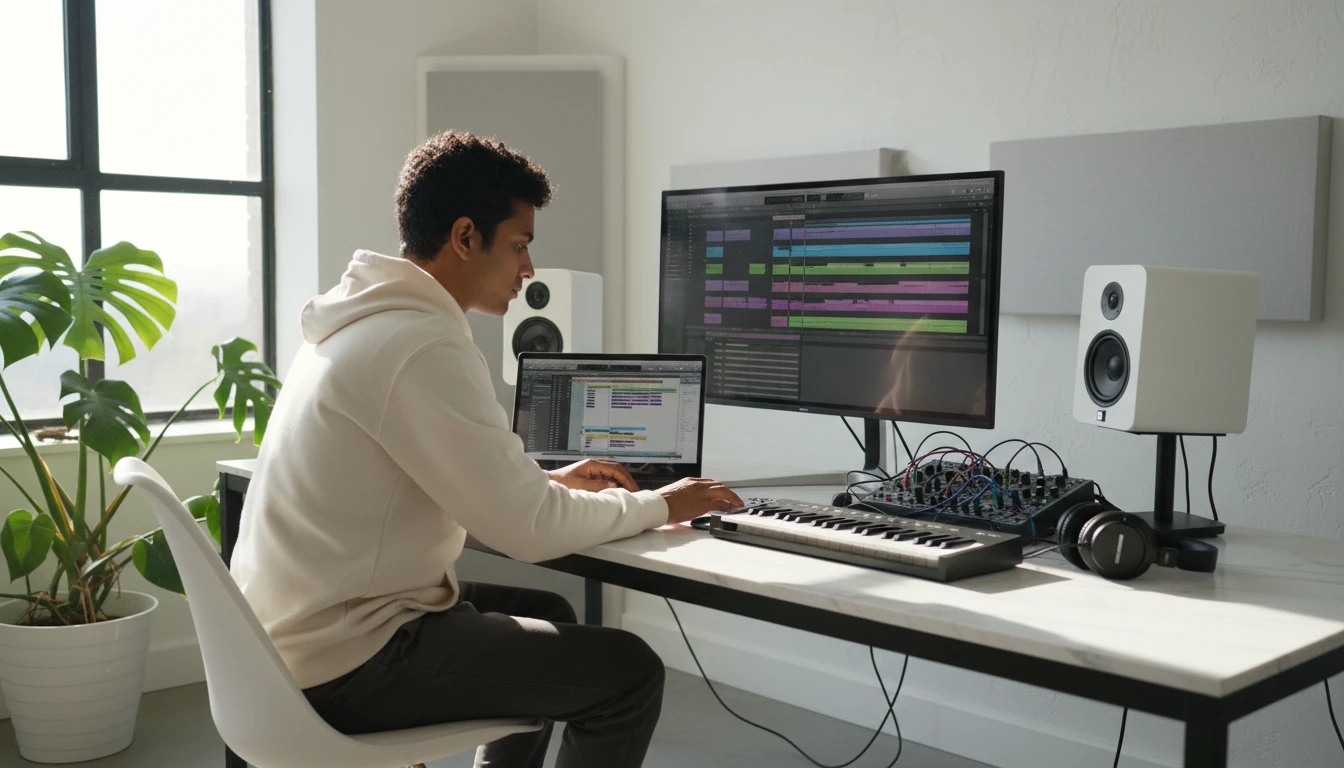
Built for producers and remixers
Extract the exact stem you need for remixes, sampling, or mashups. Get the vocal without the beat, the bassline without everything else, or the drum track alone for practice.
Split a track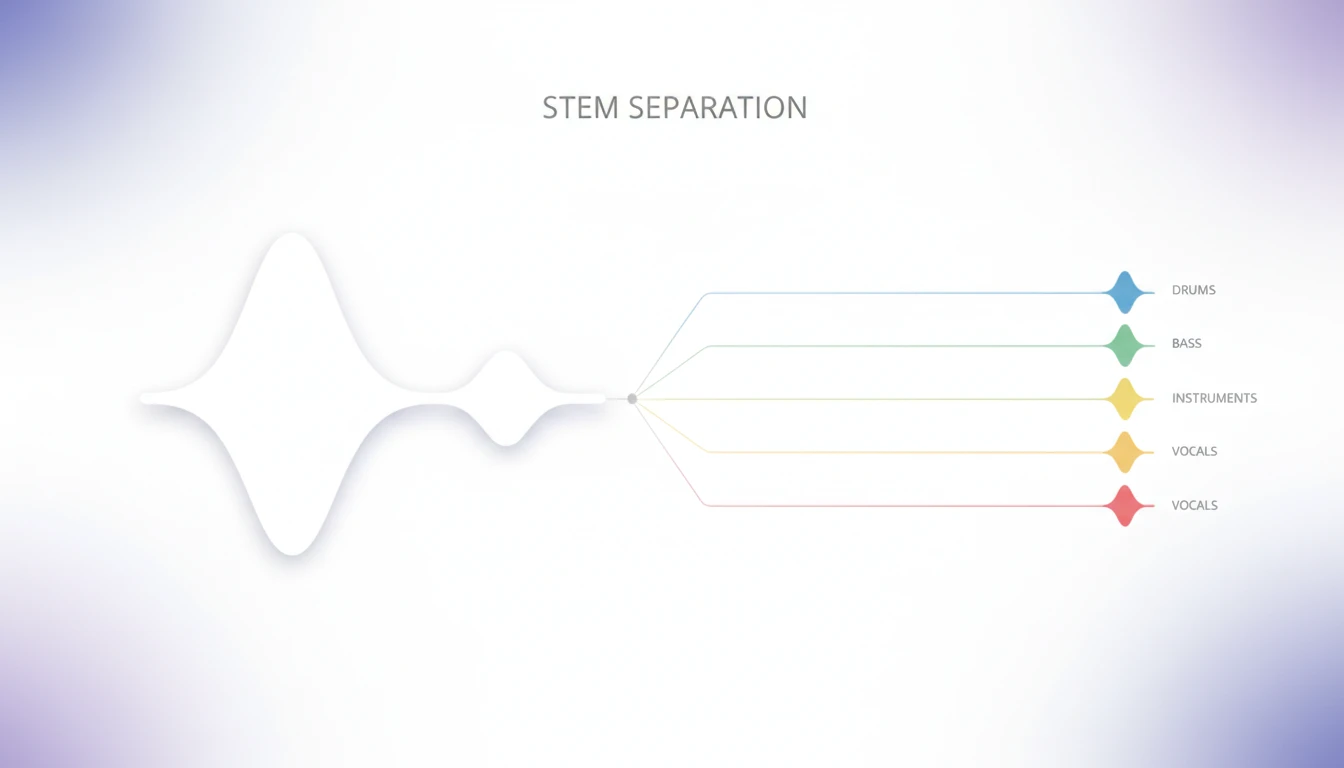
Deep AI source separation
Our AI model analyzes frequency patterns and harmonic relationships to isolate each instrument group with minimal artifacts. Trained on millions of tracks across every major genre.
Process a track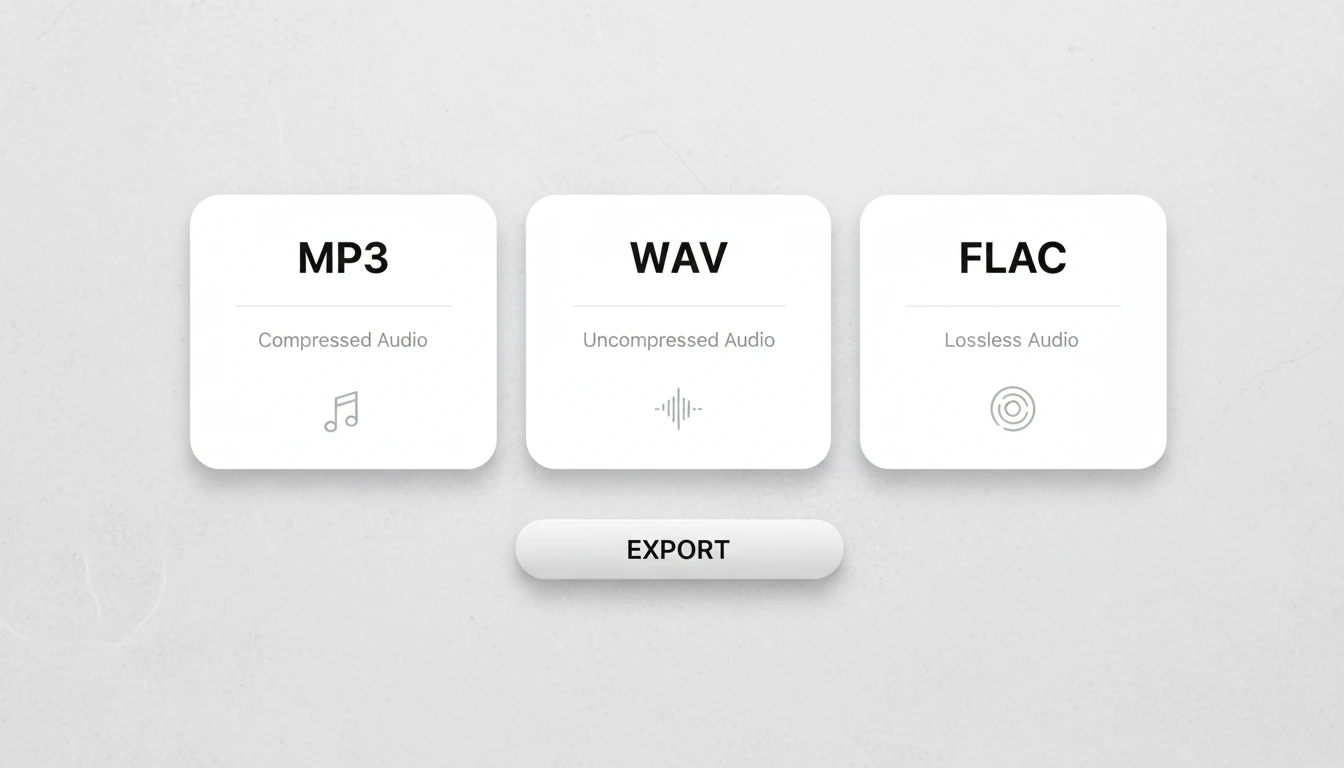
Multiple output formats
Export all four stems as MP3, WAV, FLAC, OGG, or AAC. Use lossless formats like WAV or FLAC for production work, or MP3 for sharing and streaming. All stems use the same format and are ready to use immediately.
Start splittingWho Uses AI Stem Splitter
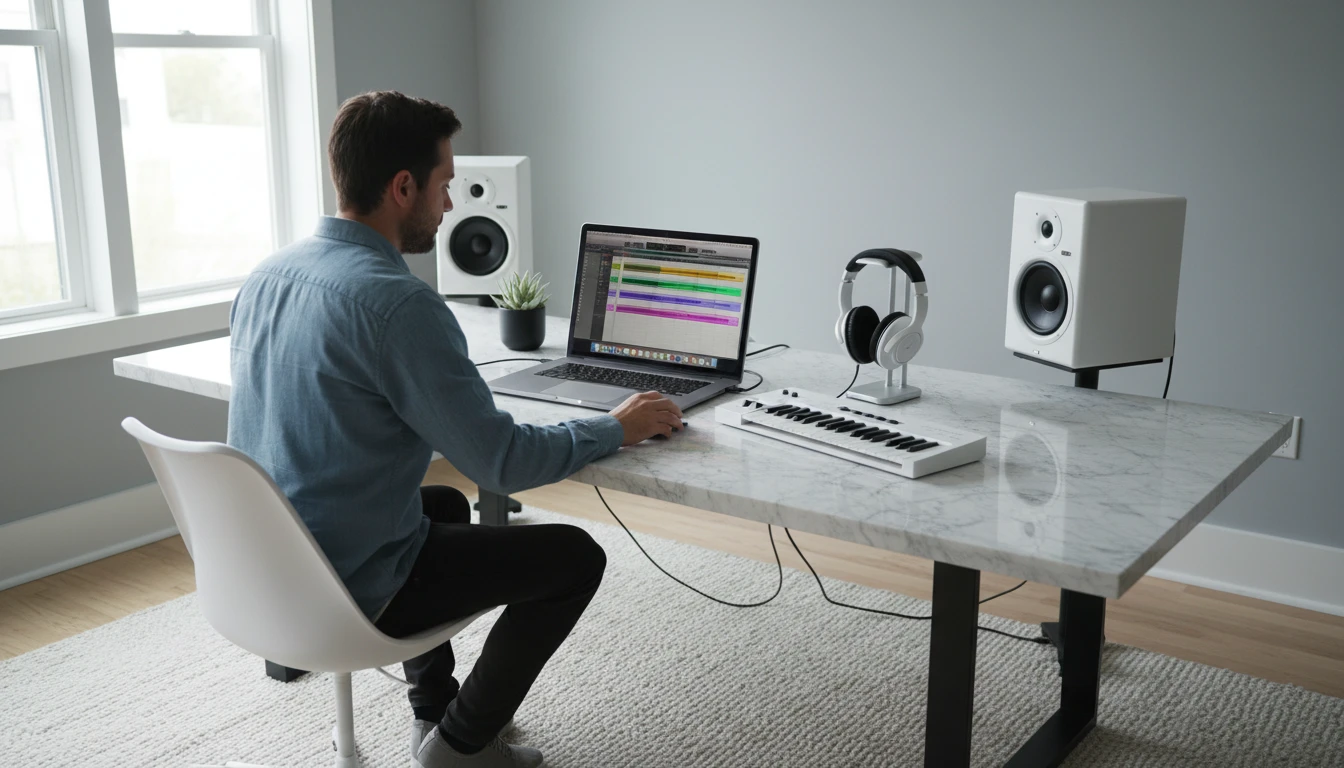
Music producers and remixers
Build a remix from scratch using clean stems. Isolate the vocals for acapella samples, layer the drums over a new beat, or use the bassline as the foundation for a new track.

Musicians learning songs
Practice playing along with any song by isolating the part you want to learn. Mute the bass and play it yourself, or isolate the drum track to practice to the groove.

Karaoke and vocal practice
Get a clean instrumental with full four-stem AI separation for the best possible vocal removal. The remaining bass, drums, and instruments sound full and natural.
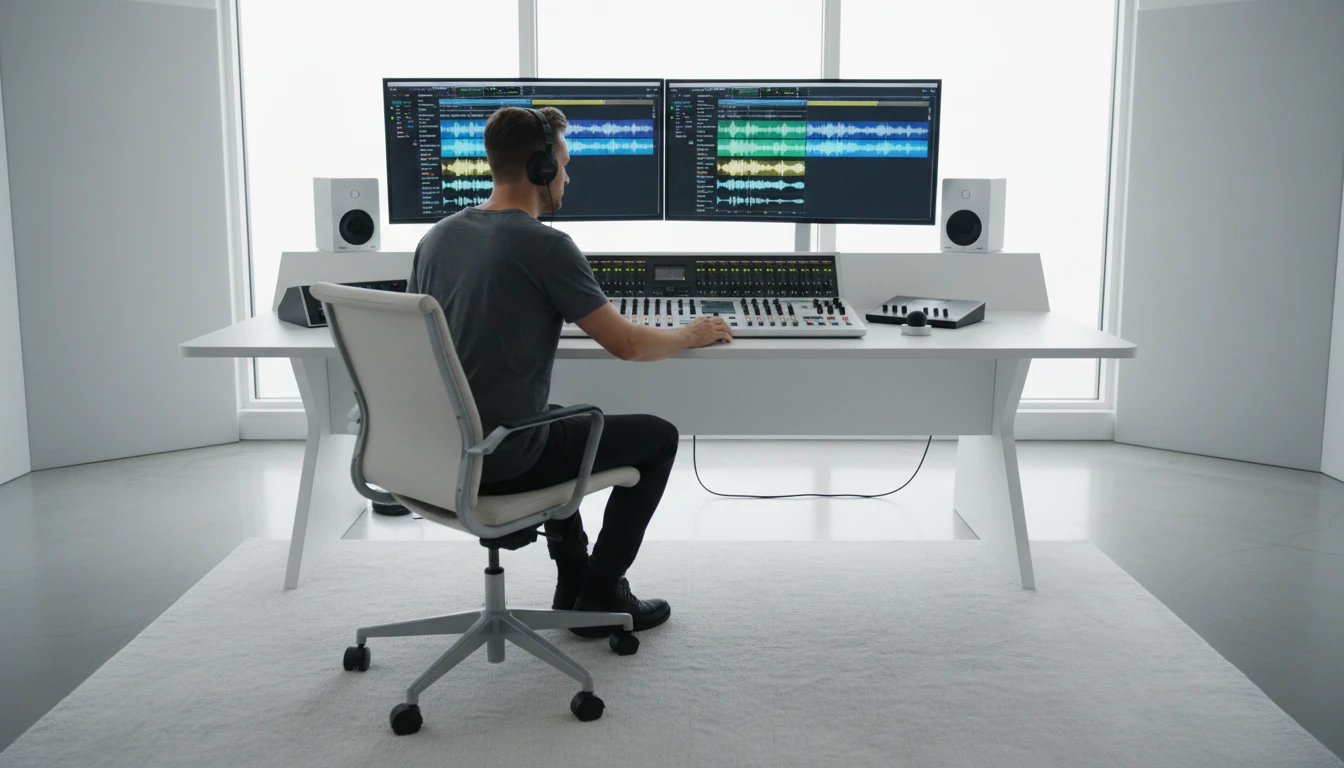
Audio engineers and editors
Fix a mix by re-balancing stems, remove an unwanted instrument from a recording, or create custom backing tracks from existing music for live performance use.
How AI Stem Splitter works
From one upload to four clean stems
Upload your audio file
Upload an MP3 or WAV file. Your file is saved securely and you can process it multiple times with different settings.
Choose your output format
Select your preferred output format: MP3, WAV, FLAC, OGG, or AAC. Use lossless formats for production work, or MP3 for quick sharing and streaming.
AI separates all four stems
The AI analyzes the full track and separates it into vocals, bass, drums, and other instruments simultaneously. All four stems are processed in a single run.
Preview and download each stem
When processing is done, play all four stems together in the built-in multi-track player, mute individual tracks, and download each stem as a separate file.
Explore More
More AI Studio Tools
Discover other powerful AI tools to enhance your creative workflow
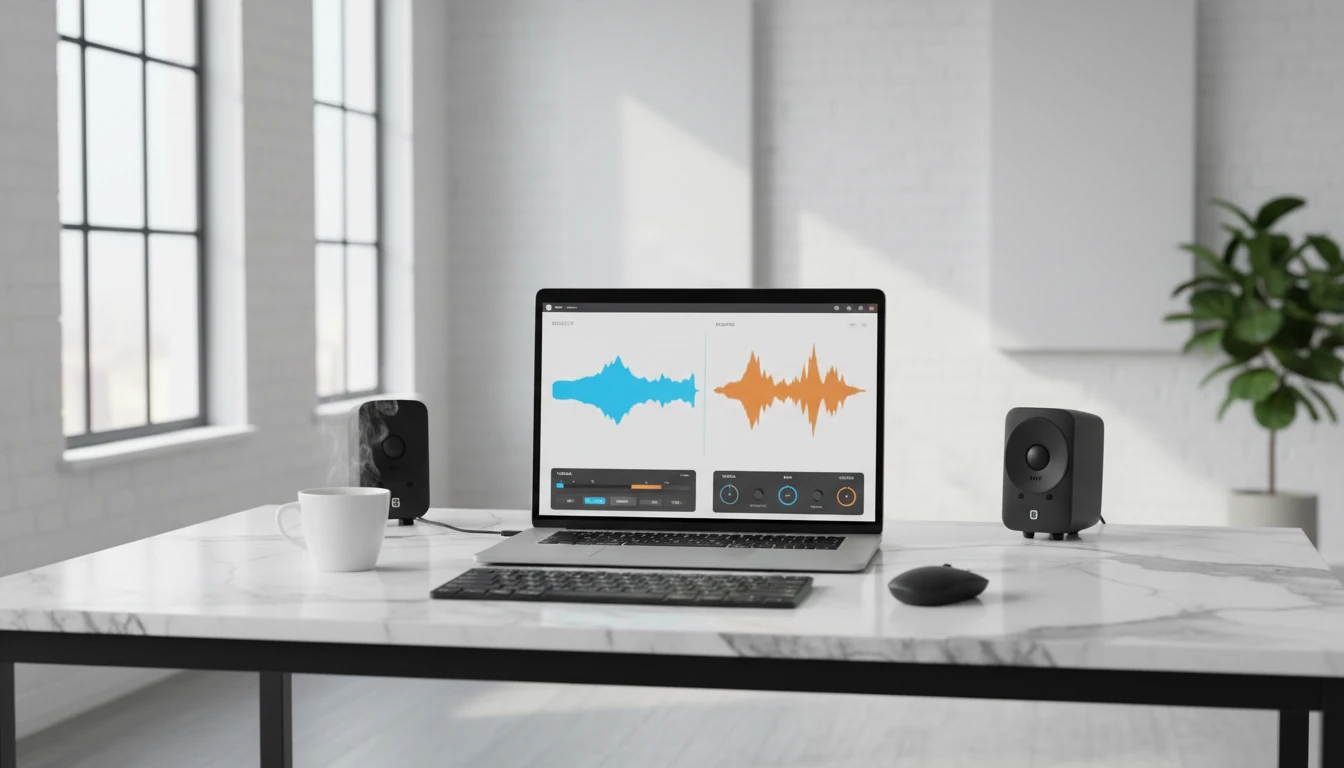
AI Vocal Remover
Remove vocals from audio files with AI. Upload any audio track and get a clean instrumental in seconds. Perfect for remixes, karaoke, background tracks, and audio post-production.
AI Text to Music Generator
Turn any idea into a full song with AI-written lyrics and vocals. Describe your genre, mood, and theme and get a completely unique, royalty-free track in seconds.

AI Lyrics to Music Generator
Paste your own lyrics, pick a style, and get a fully produced song performed by AI. The model analyzes your words and composes the music to match.

AI Background Music Generator
Generate royalty-free instrumental background music from text descriptions. Pick a mood, set the duration, and get a clean vocal-free track in seconds.
Opens in
Image Studio
Frequently Asked Questions
Everything you need to know to get started.
What stems does the splitter produce?
The AI separates any audio track into four stems: vocals, bass, drums, and other (all remaining instruments). You can preview and download all four individually.
What audio formats can I upload?
MP3 and WAV files are supported for upload. For output you can choose MP3, WAV, FLAC, OGG, or AAC for all four stems.
How is this different from AI Vocal Remover?
AI Vocal Remover gives you two outputs: a vocal track and an instrumental track. AI Stem Splitter gives you four separate tracks — vocals, bass, drums, and other instruments individually — which is more useful for remixing and production work.
Can I play all four stems together before downloading?
Yes. The built-in multi-track player lets you play all four stems in sync, mute individual tracks in real time, and seek anywhere in the track — all before downloading.
How long does processing take?
Stem splitting takes longer than vocal removal because the AI separates all four stems at once. Typically 2 to 8 minutes depending on track length. You can leave the page and come back — your project is saved.
Does this work on all genres?
Results are best on studio-produced tracks with clear separation between instruments. Heavily layered arrangements, live recordings, or heavily processed mixes may have some bleed between stems.
Get four clean stems from any song.
Upload a track and download vocals, bass, drums, and instruments separately. No software to install.
Open Stem SplitterDisclaimer: This tool uses generative AI technology which may produce content that resembles copyrighted materials or that is inaccurate, incomplete, or out-of-date. It is provided for general information and educational purposes only and is not intended for illegal activities or to replace professional advice, diagnosis, or treatment. Users are solely responsible for how they use the generated content. If you plan to use AI-generated content commercially or publicly, we strongly recommend reviewing it for potential copyright issues and obtaining proper permissions where necessary. We accept no liability for copyright infringement or any other consequences resulting from the use of content generated by this tool.