Slowed down. Drenched in reverb.
Upload any track and apply the classic slowed + reverb aesthetic. Choose how much to slow it down, how deep to push the reverb, and whether the pitch should drop with the speed — vinyl style — or stay locked. Results in seconds.
Try it now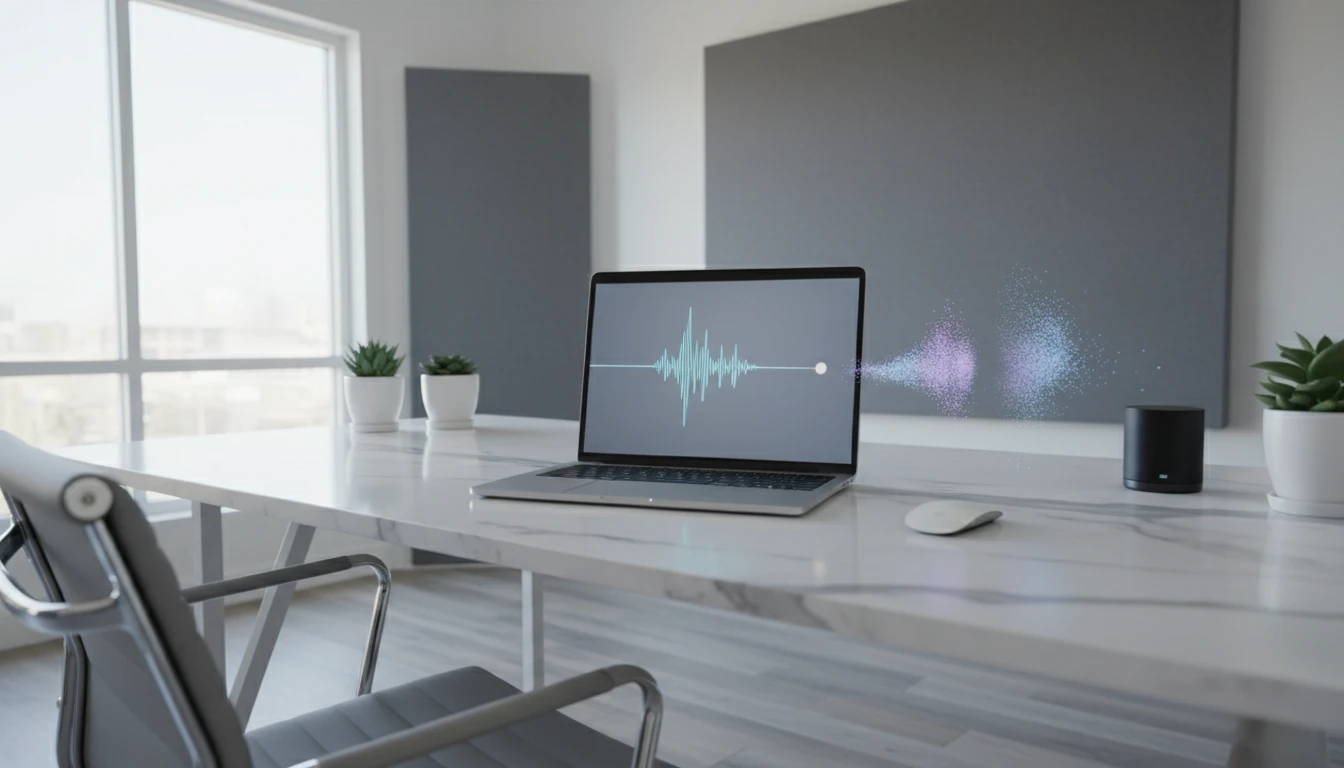
Make a Slowed + Reverb Remix
Add an audio file and we'll open AI Music Studio with it ready to turn into a dreamy slowed + reverb version.
Drag & drop your audio here
or click to browse — MP3, WAV, FLAC, up to 50MB
Your audio is used only to create your remix.
The classic slowed + reverb feel
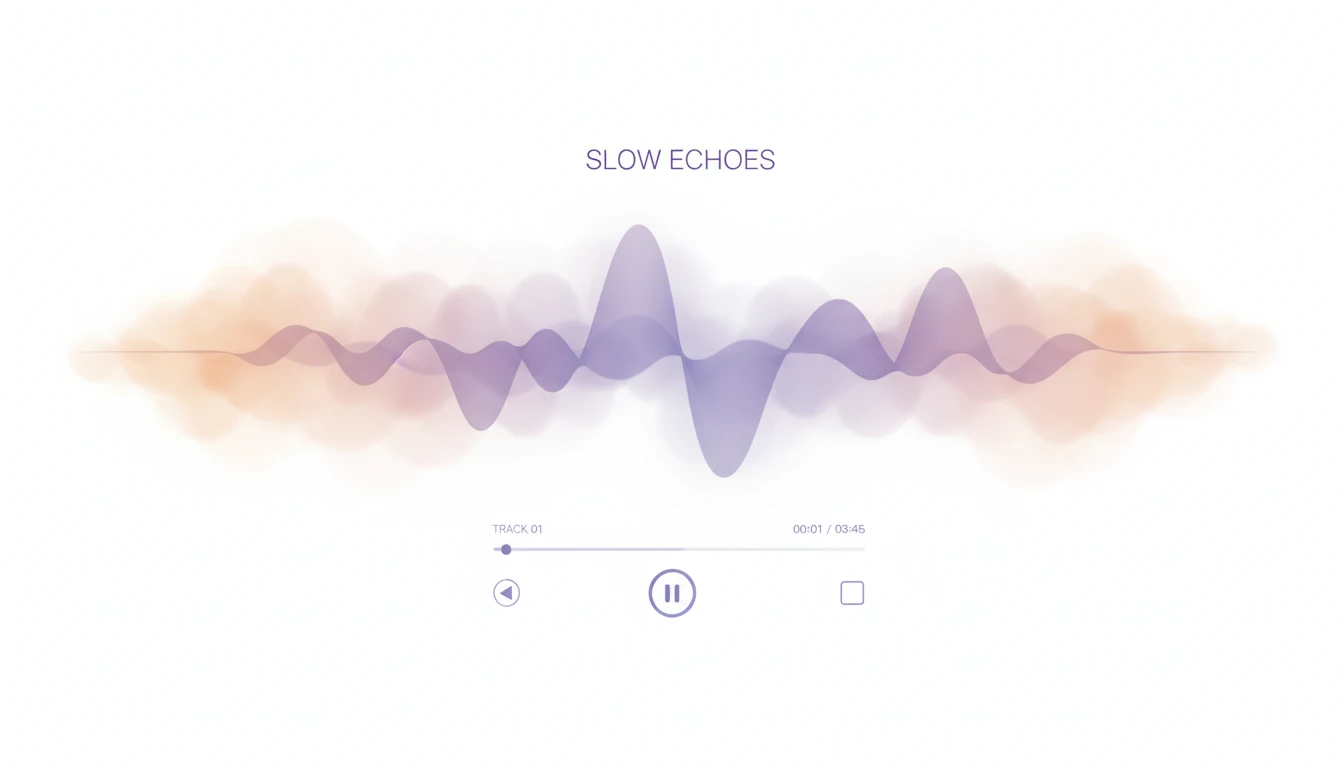
Slow the track to 0.85× and add a warm hall reverb for the classic aesthetic. Works on any genre — lo-fi, hip-hop, R&B, pop, and soul all translate well. No manual editing needed.
Try it now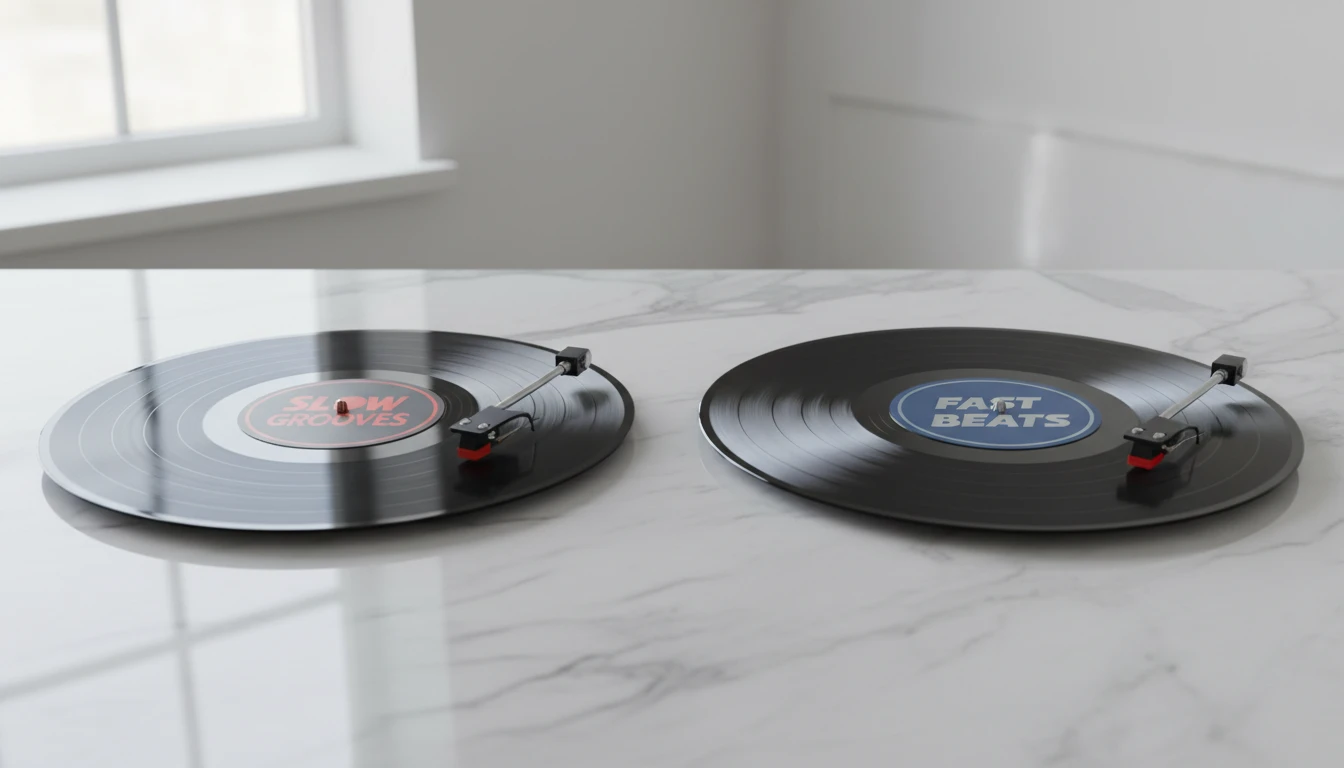
Vinyl pitch drop or preserve pitch
Choose how slowing affects the pitch. Vinyl mode drops the pitch along with the speed — like slowing a record — giving a darker, more lo-fi tone. Preserve pitch mode keeps the key intact while slowing the tempo using a phase vocoder.
Compare modes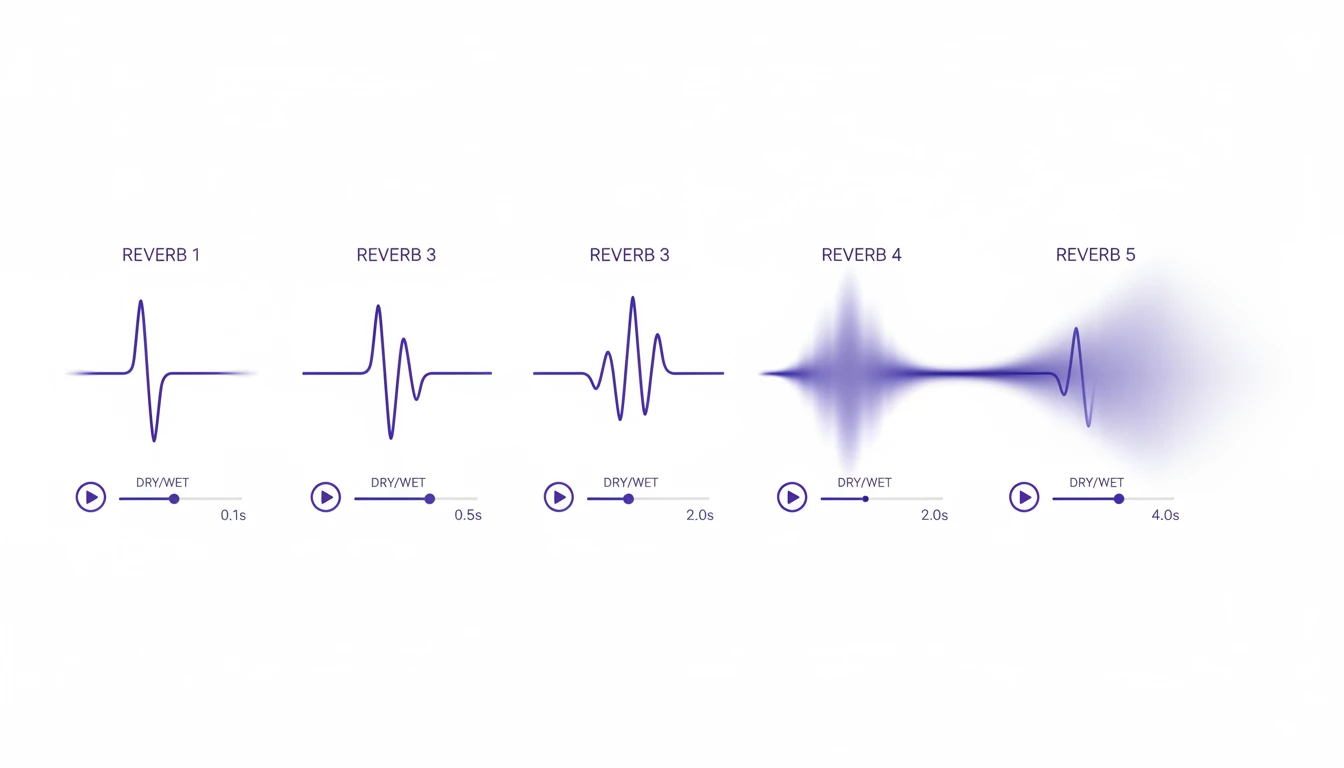
Five reverb depths from dry to drenched
From a subtle room to a fully drenched, cavernous space. Choose from None, Light, Medium, Heavy, or Drenched reverb presets. Each preset pairs a custom wet/dry mix with a matched decay time for a balanced, musical result.
Add reverb now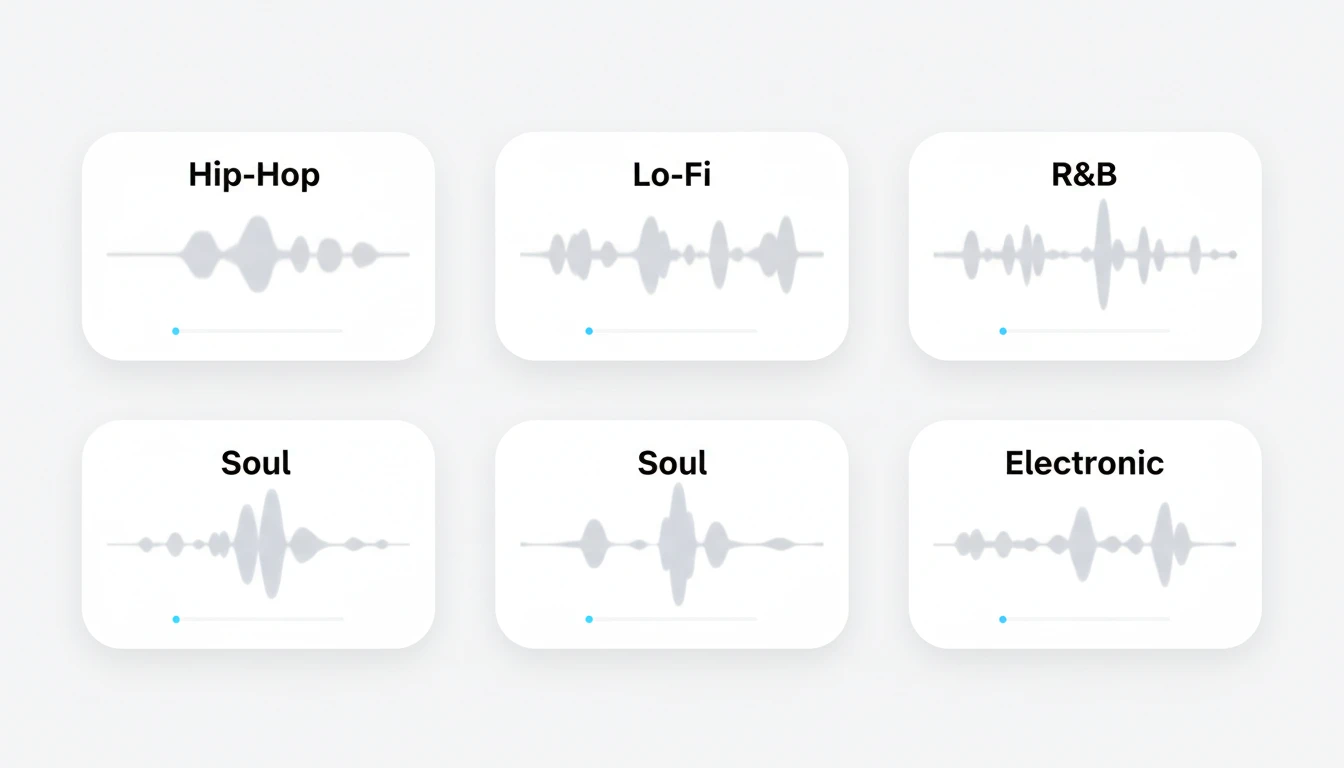
Works on any genre
Hip-hop, lo-fi, R&B, soul, pop, ambient, and electronic all respond well to slowed + reverb processing. Upload any MP3 and download an MP3 ready to share or use in videos.
Upload a trackWho Uses Slowed + Reverb Generator

Lo-fi and chill music fans
Transform any track into a dreamy, slowed-down lo-fi version. Add warm reverb for the full cozy, late-night aesthetic — perfect for playlists and background listening.
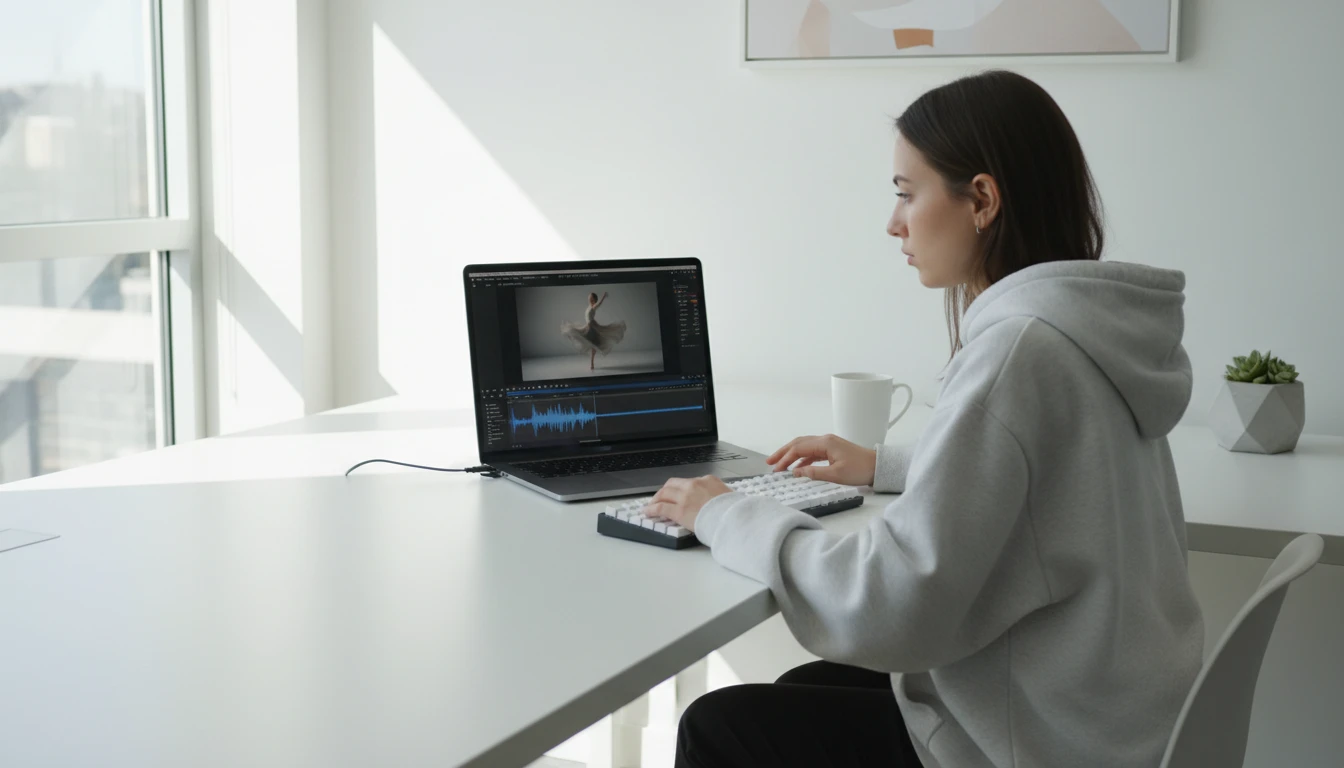
Content creators and editors
Use slowed + reverb versions of songs for background music in videos, reels, and TikToks. The slowed effect gives footage a cinematic, emotional quality that resonates with audiences.
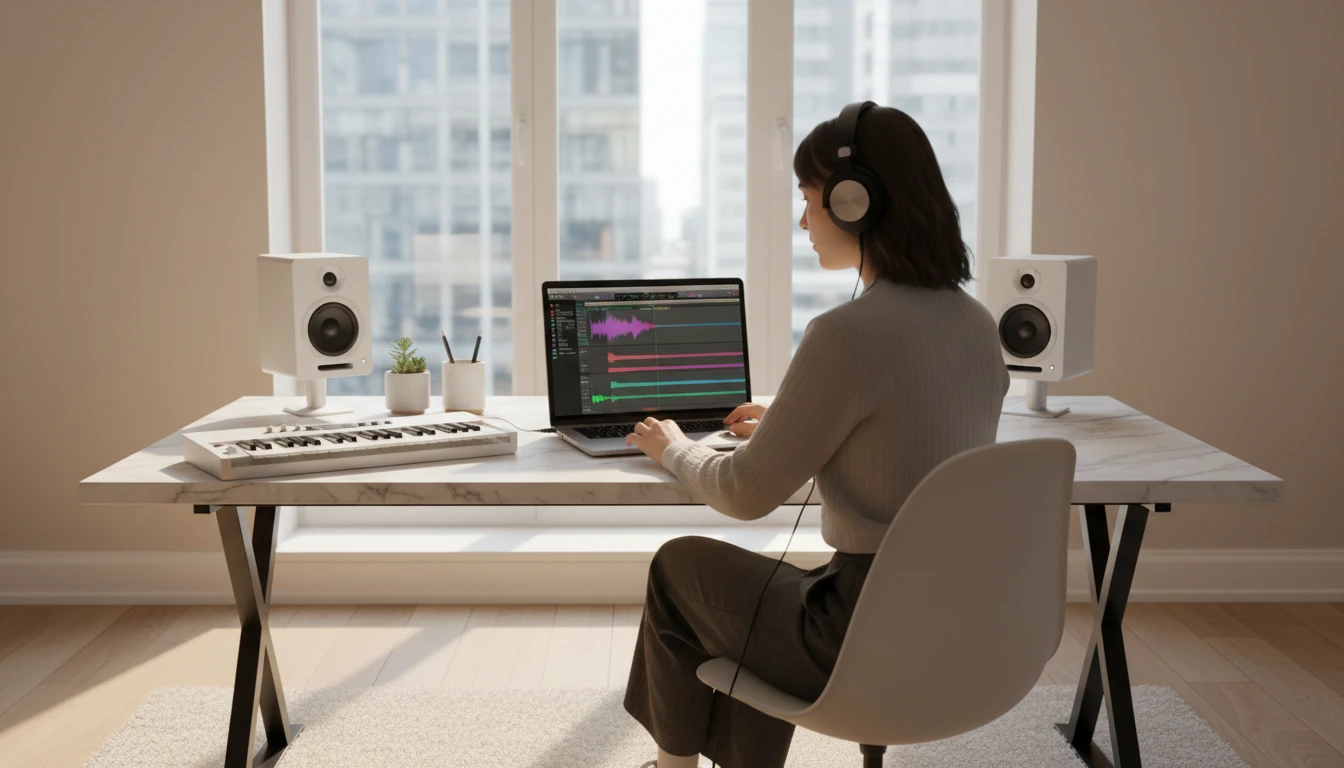
Producers and beatmakers
Slow down a sample and layer it with reverb to create atmospheric textures, intros, or outros. Vinyl mode adds authentic pitch drop for trap and lo-fi hip-hop production.
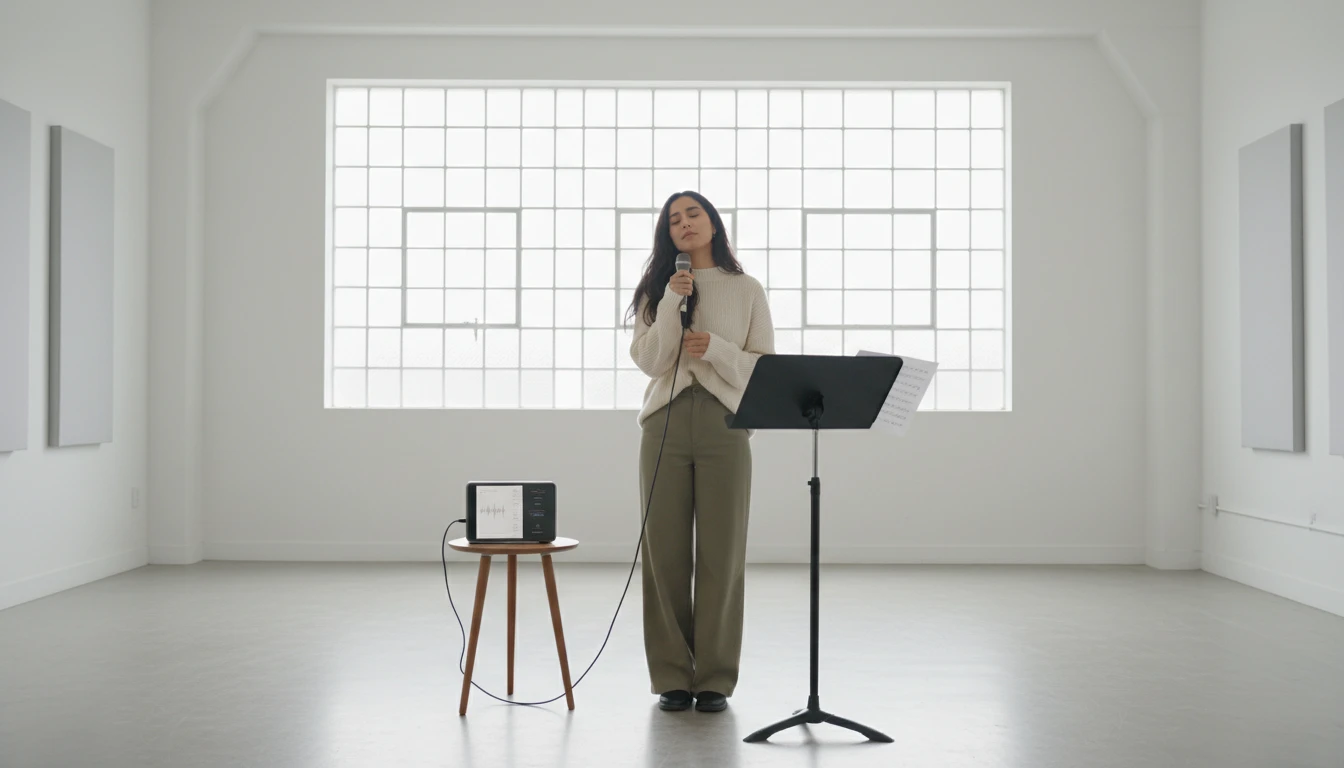
Karaoke and cover artists
Slow a song down slightly to make it easier to follow along or practice singing. A small speed reduction with light reverb can open up a track without making it feel unnatural.
How Slowed + Reverb Generator works
From upload to slowed reverb in seconds
Upload your MP3
Upload any MP3 audio file. Your file is stored securely and you can re-process it with different settings as many times as you like.
Choose speed and reverb
Pick a speed from 0.65× to 0.93×, a reverb depth from Light to Drenched, and whether pitch should drop with speed (vinyl) or stay the same (preserve).
Download your result
Processing takes seconds. Preview the slowed reverb version in the browser and download the MP3 ready to use.
Explore More
More AI Studio Tools
Discover other powerful AI tools to enhance your creative workflow
AI Vocal Remover
Remove vocals from audio files with AI. Upload any audio track and get a clean instrumental in seconds. Perfect for remixes, karaoke, background tracks, and audio post-production.
AI Stem Splitter
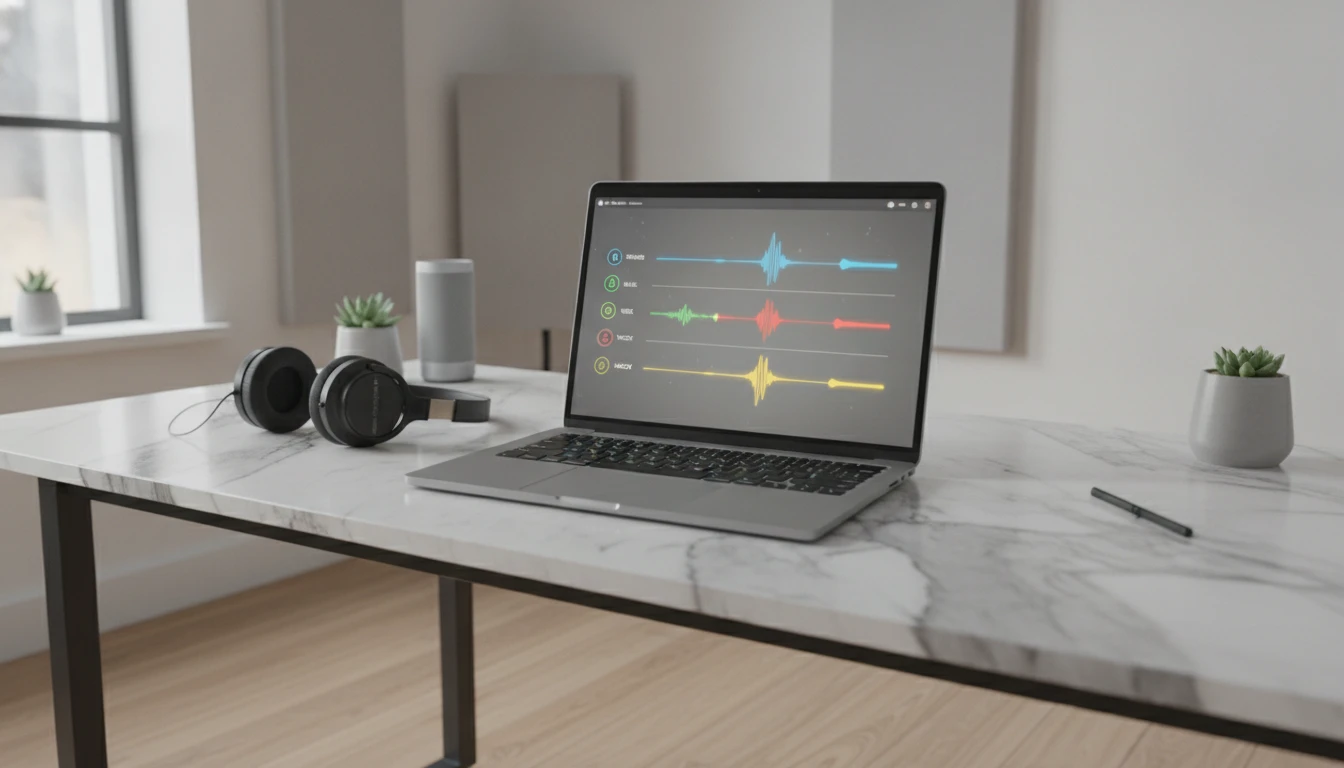
Split any song into four separate stems: vocals, bass, drums, and instruments. Preview all stems together in a multi-track player and download each track individually.

BPM & Key Finder
Detect the tempo and musical key of any song instantly. Upload an MP3 and get the BPM and key in seconds. Useful for DJs, producers, musicians, and music educators.
AI Text to Music Generator
Turn any idea into a full song with AI-written lyrics and vocals. Describe your genre, mood, and theme and get a completely unique, royalty-free track in seconds.
Opens in
Image Studio
Frequently Asked Questions
Everything you need to know to get started.
What is slowed + reverb?
Slowed + reverb is an audio aesthetic where a song is slowed down — typically to 0.8× or 0.85× its original speed — and a reverb effect is added to create a dreamy, spacious sound. It became popular on YouTube and SoundCloud and is widely used in lo-fi, hip-hop, and R&B remixes.
What is the difference between preserve pitch and vinyl mode?
Preserve pitch uses a phase vocoder to slow down the audio without changing the key — the song sounds slower but stays in the same pitch. Vinyl mode resamples the audio like slowing a record: the pitch drops along with the speed, giving a darker, lo-fi tone.
Which reverb setting should I use?
For most tracks, Medium (warm hall) is the best starting point — it adds depth without overwhelming the original. Light works well for subtle, clean slowed versions. Heavy and Drenched suit ambient, lo-fi, and intentionally washed-out aesthetics. None lets you enjoy just the slowed effect without any reverb.
What audio formats can I upload?
MP3 is the primary supported upload format. WAV files are also accepted. The output is always delivered as an MP3.
How long does processing take?
Most tracks process in under 30 seconds. Longer tracks at slower speeds with high reverb settings take slightly longer. You can leave the page and come back — your project is saved.
Can I re-process the same file with different settings?
Yes. Your uploaded audio is saved in your workspace. Try different speed and reverb combinations without re-uploading the file.
Transform any track with slowed + reverb.
Upload an MP3, pick your settings, and download in seconds. No software to install.
Open Slowed + Reverb GeneratorDisclaimer: This tool uses generative AI technology which may produce content that resembles copyrighted materials or that is inaccurate, incomplete, or out-of-date. It is provided for general information and educational purposes only and is not intended for illegal activities or to replace professional advice, diagnosis, or treatment. Users are solely responsible for how they use the generated content. If you plan to use AI-generated content commercially or publicly, we strongly recommend reviewing it for potential copyright issues and obtaining proper permissions where necessary. We accept no liability for copyright infringement or any other consequences resulting from the use of content generated by this tool.