Identify Any Song from a Music Clip
Heard a song but don't know its name? Upload a recording or capture live audio and let AI acoustic fingerprinting find the exact song — title, artist, album, release date, genre, and where to listen — in seconds.
Find the Song
AI Music Finder
Record or upload any music clip and instantly identify the song — title, artist, album, genre, ISRC, and links to Apple Music and Spotify.
Drag & drop your audio here
or click to browse — MP3, WAV, FLAC, up to 50MB
Identifies the song title, artist, album, genre, duration, ISRC, and links to Apple Music and Spotify. Powered by acoustic fingerprinting.
Sample result
What your music finder result looks like
Music Identified

Title
Emotional Regret
Artist
Steve Oxen
- Album
- Heroes
- Released
- 2023-08-30
- Label
- Fesliyan Studios
- Genre
- Soundtrack, Instrumental
- Duration
- 3:36
- Composer
- Steve Oxen
- Track
- 3
- ISRC
QZ6ZQ1860658- Matched at
- 03:35
- Confidence
- High
Preview

Record Live or Upload Any Music Clip
Heard a song at a restaurant, gym, or on TV and want to know what it is? Use the Record button to capture the audio directly from your microphone — no app to install. The music finder listens in real time and submits the clip for acoustic fingerprinting. If you already have a saved recording, upload it as an MP3, WAV, M4A, OGG, WebM, or FLAC file. The tool shows you the file name, size, and duration before you submit so you always know what you're working with. Even a short 10–30 second clip is usually enough for a reliable song match.
Find the Song
Full Song Details: Artist, Album, Genre, and More
When the song finder identifies your track, you get far more than a song title. The result includes the full artist name, album, label, release date, genre, track duration, composer, track number, and ISRC code. The genre is pulled from Apple Music's genre taxonomy, giving you precise labels like Soundtrack, Instrumental, Pop, or Jazz rather than vague categories. The ISRC (International Standard Recording Code) uniquely identifies the specific recording, useful for licensing research, music metadata verification, and professional music workflows.
Try the Music Finder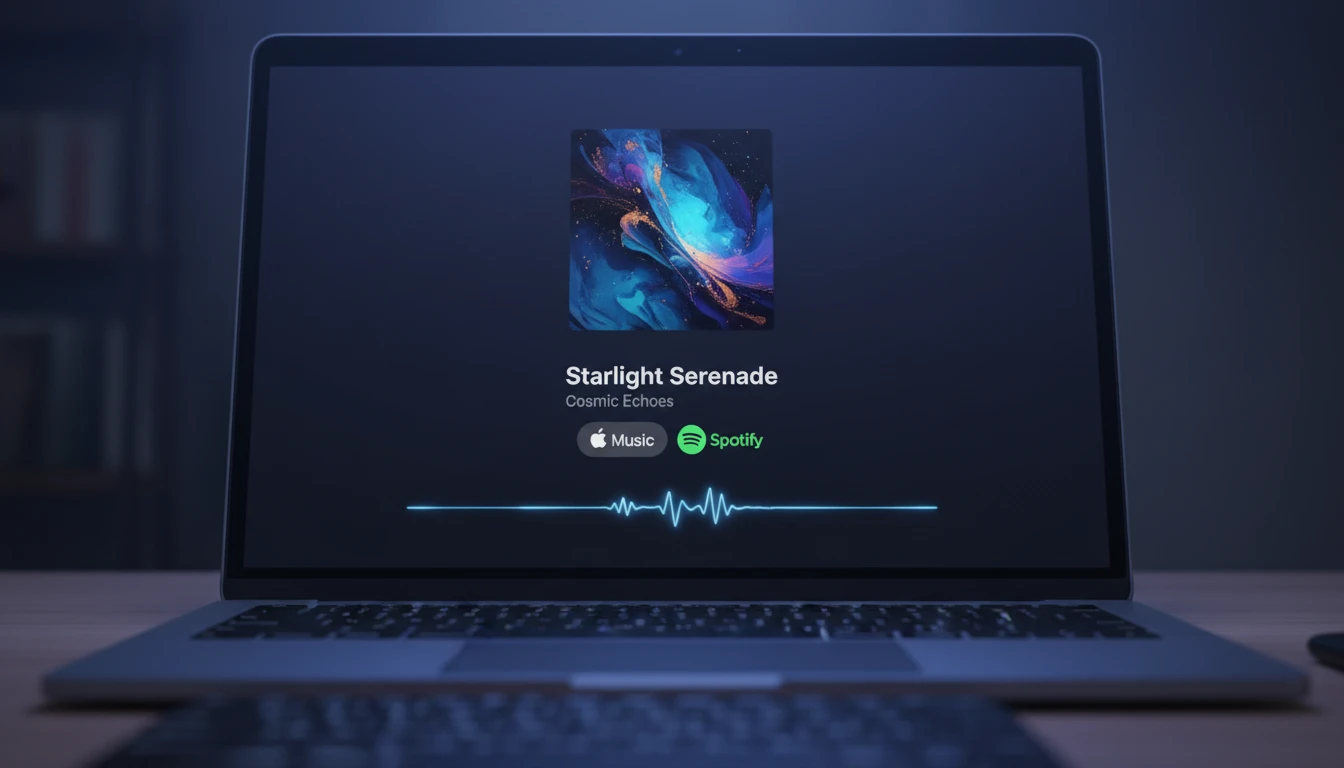
Listen Immediately on Apple Music or Spotify
Once the music finder identifies your song, you can play it right away. The result card includes a 30-second audio preview that plays directly in your browser, plus one-click links to open the track on Apple Music and Spotify. The "All Platforms" link takes you to a page listing every streaming service where the song is available globally. Whether you want to save the song to a playlist, share it with friends, or just confirm the match by listening, everything you need is on the result card without switching tabs or searching again.
Find and Play Your SongHow to Find a Song
Record or Upload a Music Clip
Click Record and hold your device near the audio source, or click Upload to select a saved music file. Even a 10–30 second clip is usually enough for accurate song identification.
The Music Finder Analyzes the Audio
Acoustic fingerprinting compares the audio against a database of millions of commercially released songs. The process takes a few seconds and works on pop, classical, jazz, film scores, and more.
Get the Full Song Details and Listen
The song finder returns the title, artist, album, genre, duration, ISRC, and release date. Play a 30-second preview, then open the track directly on Apple Music or Spotify.
Who Uses It

Music Fans Who Can't Name the Song
You're in a store, restaurant, or watching a video and a song catches your attention — but you can't place it. The music finder lets you record a quick clip on the spot and instantly identify the track. No more humming into apps or searching vague lyrics on Google. Just record and find the song name, artist, and album in seconds. The song finder works for pop, classical, jazz, film scores, and virtually any commercially released recording.
Content Creators Verifying Music Rights
Before using a track in a video, podcast, or social post, you need to know exactly what you're dealing with. The music finder provides the ISRC, label, and release date — the core metadata needed to check licensing databases, contact publishers, or verify whether a track is cleared for content ID purposes. Confirm the song identity before it causes a copyright strike on your content.

Music Researchers and Educators
Upload a field recording, historical audio, or a track from an unknown source to find out exactly what song it is, who composed it, and which label released it. The song finder returns the ISRC and full release metadata, making it easy to cite and verify tracks in academic or editorial work. Teachers can use it to quickly find attribution details for music played in class.
DJs and Music Producers Digging for Samples
Heard a sample in an old mix or a record crate and want to find the original track? The music finder identifies the source recording so you can look up the original artist and label for clearance. It's also useful for building reference libraries: upload clips from records or streaming previews to instantly capture full metadata and streaming links without manual lookup.
Deep Dive
How to Get the Best Results from the Music Finder
Acoustic fingerprinting is highly accurate for clear, commercially released recordings. A few simple habits make a significant difference in match success.
Note: The music finder only identifies commercially released recordings in the acoustic fingerprinting database. Original compositions and very obscure releases may not return a match.
Why Use This Music Finder
Instant Song Identification
Identify any song from a short audio clip in seconds. Get the title, artist, and album whether it's a chart-topping pop song, a film score, or a jazz standard.
Full Music Metadata
The song finder returns genre, duration, label, release date, ISRC, composer, and track number — not just the title. Everything you need in one result.
Preview and Streaming Links
Play a 30-second audio preview directly in the browser and open the song on Apple Music or Spotify with one click. No extra searching.
Record or Upload
Capture live audio from any source directly in the browser, or upload a saved MP3, WAV, M4A, OGG, WebM, or FLAC file. No app installation needed.
Frequently Asked Questions
What is a music finder and how does it work?
A music finder is a tool that identifies a song from a short audio recording. You upload or record a clip of any music — even ambient audio playing in the background — and the tool analyzes the acoustic fingerprint of the audio. An acoustic fingerprint is a unique pattern of frequencies, timing, and amplitude that identifies a specific recording. The fingerprint is compared against a database of millions of commercially released songs to find an exact match. The music finder returns the song title, artist, album, and additional metadata within seconds.
How is this different from Shazam?
This music finder works on the same acoustic fingerprinting technology as Shazam and similar apps, but it's built directly into RauGen's AI studio. You don't need to install a separate app or switch between tools. You can use it as part of a larger music workflow — uploading clips for analysis, getting detailed metadata including ISRC and composer information, and immediately accessing streaming links — all without leaving the platform.
What is the minimum clip length needed to find a song?
A clip of 10 to 30 seconds is typically sufficient for reliable song identification. Very short clips (under 5 seconds) may not provide enough acoustic data for a confident match. Clips that are longer give the song finder more data to work with, which can improve accuracy for songs with complex or layered arrangements. The tool processes up to 120 seconds of audio.
Can the song finder identify music playing in the background?
Yes. The music finder is designed to identify songs from real-world recordings, including audio captured in cafés, restaurants, gyms, and other environments where background noise is present. For best results, hold your device as close to the audio source as possible and record during a relatively quiet moment. The cleaner the recording, the higher the match confidence.
What audio formats does the music finder support?
MP3, WAV, M4A, OGG, WebM, and FLAC are all supported for upload. You can also record directly in the browser, which creates a WebM audio file automatically. WAV and FLAC are lossless formats that consistently produce the most accurate identification results.
What does "Matched at" mean in the song finder result?
"Matched at" shows the timecode — the specific position in the original recording — that corresponds to the clip you submitted. For example, "03:35" means your audio clip matched the section of the song at the 3 minute 35 second mark. This is useful for confirming the match is correct and understanding which part of the song you captured.
What is ISRC and why does the song finder show it?
ISRC stands for International Standard Recording Code. It is a globally unique 12-character identifier assigned to a specific recording — not just the song, but the exact version of that recording. The song finder displays the ISRC because it's the standard reference code used in music licensing, copyright registration, and royalty collection. If you're a content creator checking whether a track is cleared for use, or a researcher looking up a recording in licensing databases, the ISRC is the most precise identifier to use.
What types of music can the song finder identify?
The song finder works on any commercially released recording: pop, rock, hip-hop, electronic, classical, jazz, film and TV soundtracks, instrumental, world music, and more. It identifies the specific studio recording, so it can also distinguish between different versions of the same song — for example, the original studio version versus a live recording or a cover. Songs that are original unreleased compositions or very obscure recordings not in the database may not return a match.
How much does it cost to use the music finder?
Each music identification costs 25 credits. New accounts receive 100 free credits on sign-up, which covers four identifications. Credits are renewed monthly with an active subscription.
Find Any Song in Seconds
Sign up free and get 100 credits instantly. Upload a clip or record live audio and let the music finder identify any song — title, artist, album, streaming links, and more.
Disclaimer: This tool uses generative AI technology which may produce content that resembles copyrighted materials or that is inaccurate, incomplete, or out-of-date. It is provided for general information and educational purposes only and is not intended for illegal activities or to replace professional advice, diagnosis, or treatment. Users are solely responsible for how they use the generated content. If you plan to use AI-generated content commercially or publicly, we strongly recommend reviewing it for potential copyright issues and obtaining proper permissions where necessary. We accept no liability for copyright infringement or any other consequences resulting from the use of content generated by this tool.