Sheet music from a MIDI file.
Upload a .mid or .midi file and get an engraved score with finger numbers. Piano files open on a grand staff. You can preview every page, then download a PDF or MusicXML.
Try it now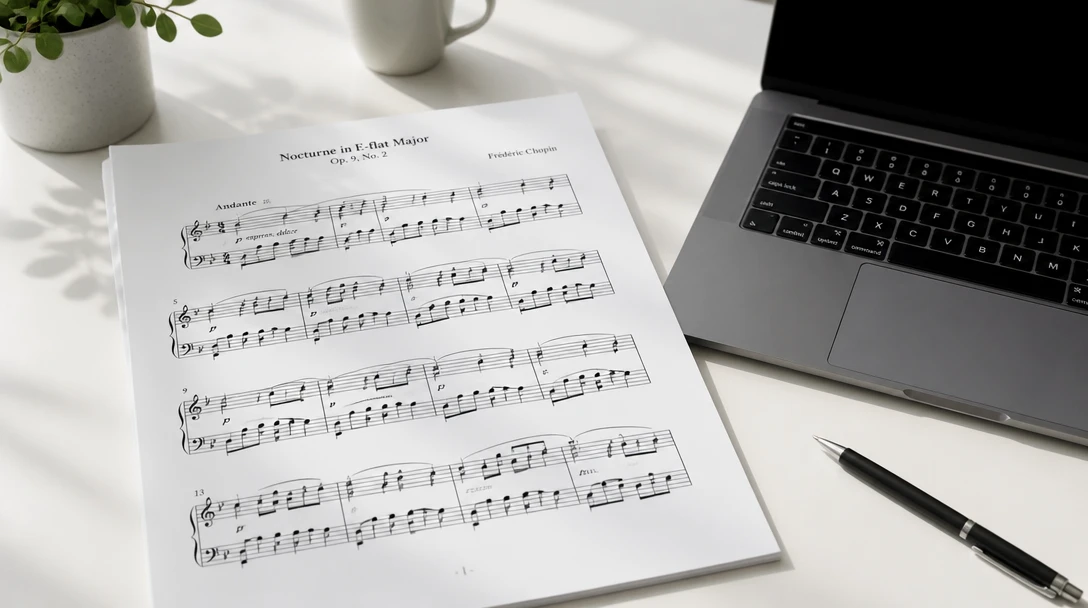
Turn a MIDI file into sheet music
Add a MIDI file and the piano coach will engrave a score with finger numbers you can preview and download.
Drag & drop your MIDI file here
or click to browse — .mid or .midi, up to 50MB
Your MIDI file is used only to engrave the score.
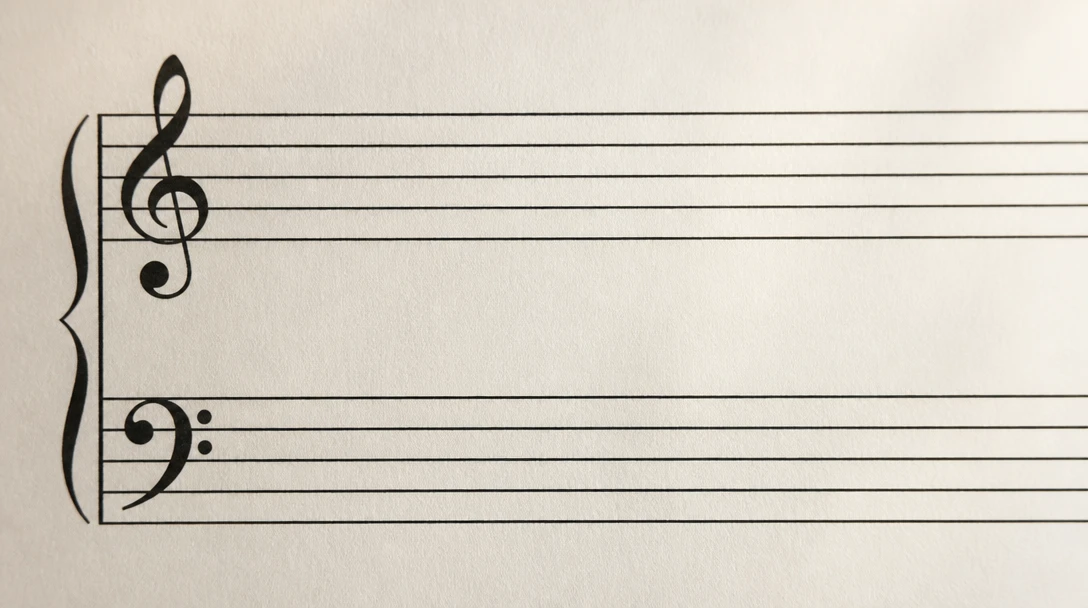
A page you can read
Notes are placed in measures with a clef, a time signature, and a key. Two-track piano files are braced as a grand staff.
Upload a MIDI file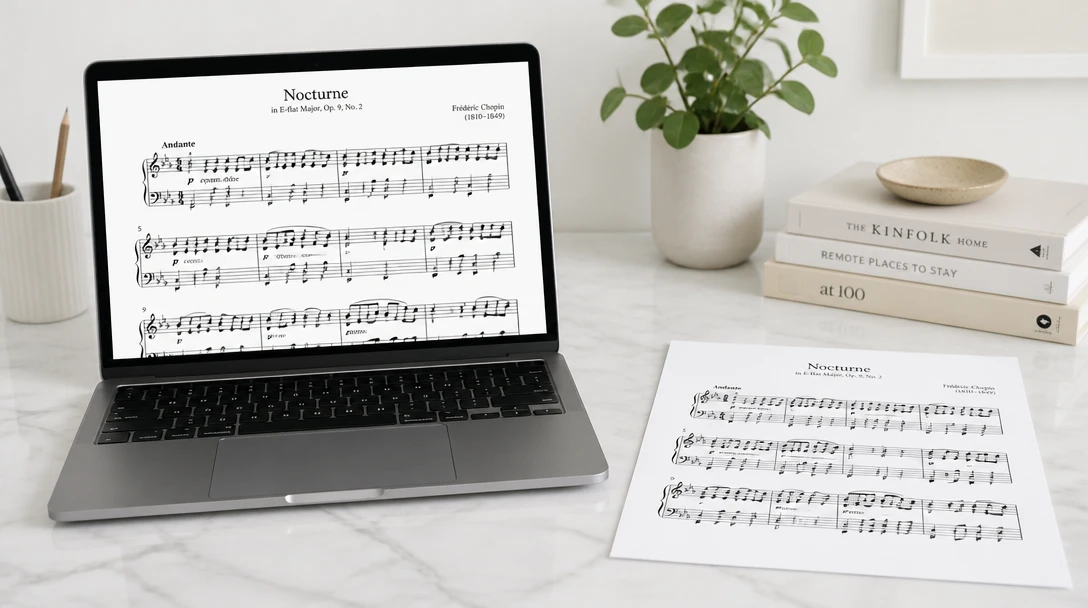
PDF, images, and MusicXML
Download a PDF to print, a PNG for each page, or a MusicXML file to open in notation software and keep editing.
See the downloads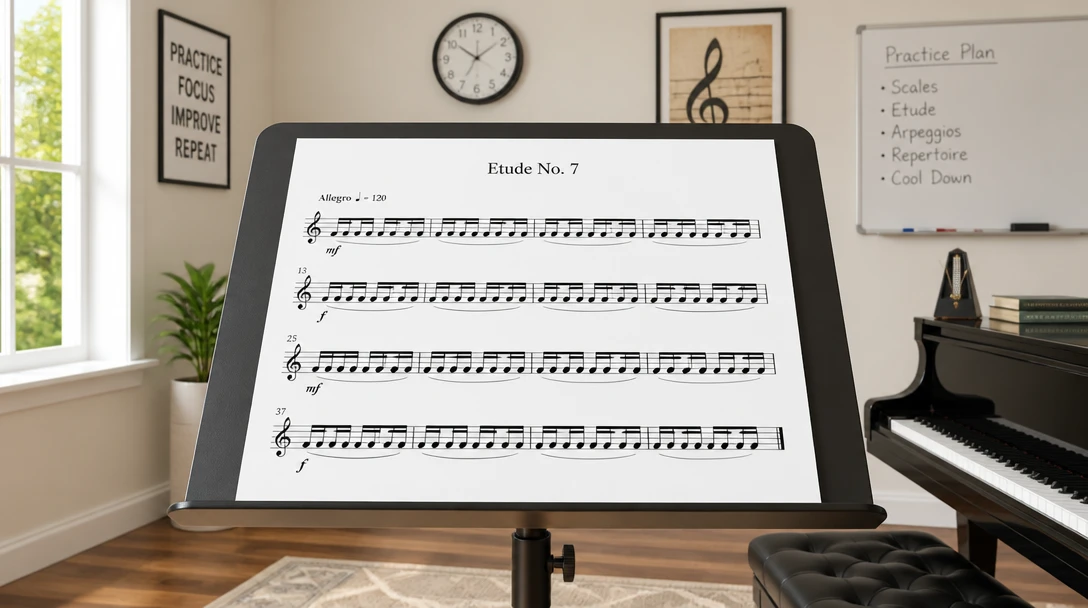
Rhythm from the file
When the MIDI timing is loose, snap it to 16th notes, 8th notes, or triplets. Leave it as written when the file already came from a score.
Choose a rhythm gridHow MIDI to Sheet works
Upload a MIDI file
Use a .mid or .midi file. Tracks named for each instrument are kept as separate staves.
Choose the layout
Auto braces a two-track file as piano. You can force a grand staff or one staff per track, and print finger numbers on the notes.
Read and download
Preview the engraved pages, then save a PDF, page images, or the MusicXML.
Who uses MIDI to Sheet

Players who exported MIDI
Turn a piano MIDI export into a page you can put on the stand before the first read-through.
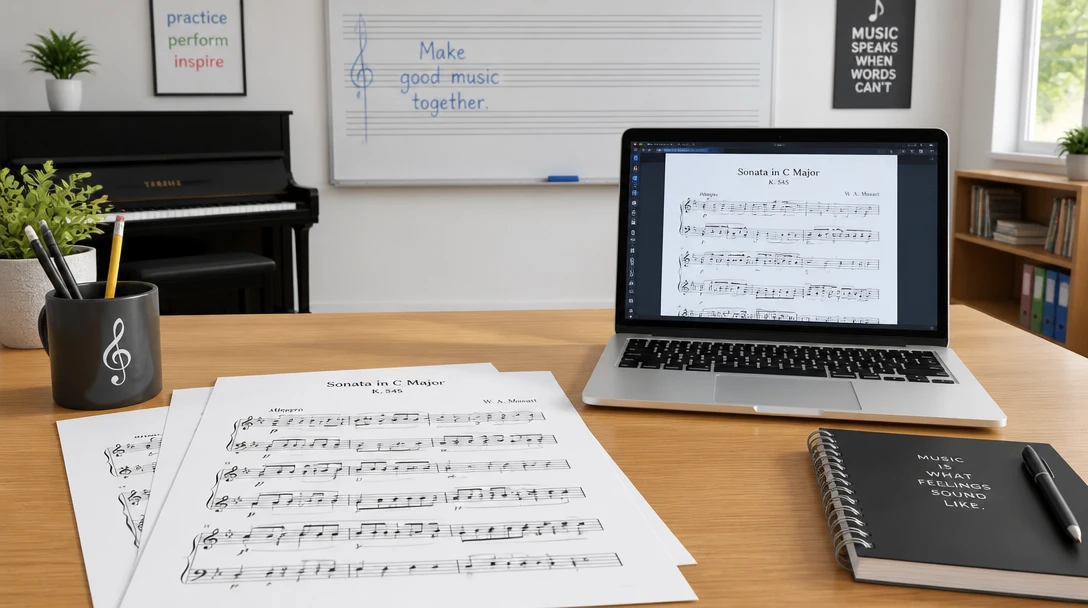
Teachers making a handout
Engrave a short MIDI example, then download the PDF for class.
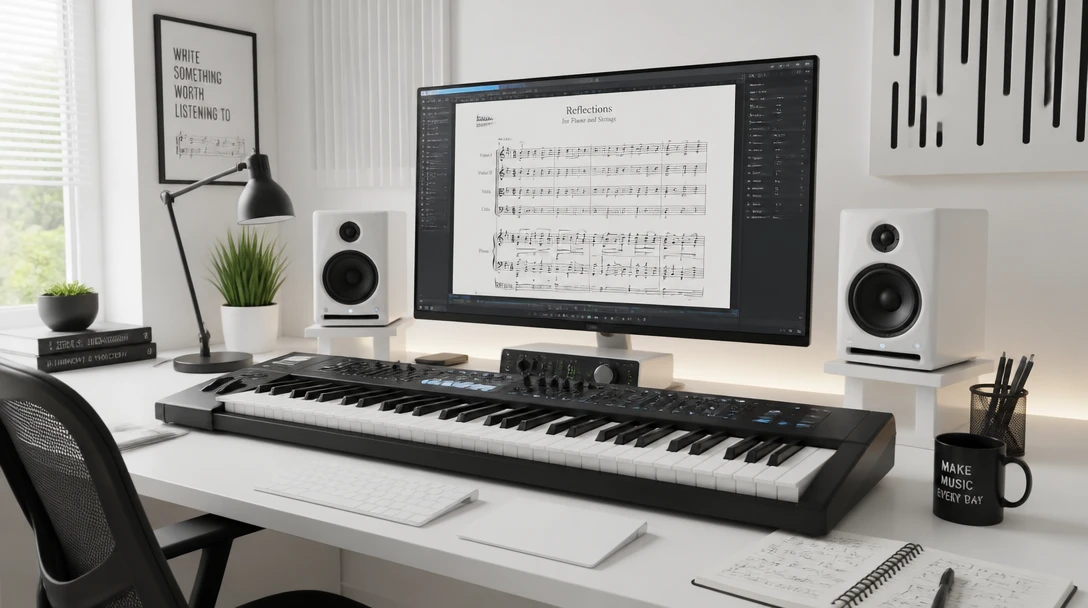
Arrangers moving into notation
Start from a MIDI sketch and take the MusicXML into a notation editor for beams, slurs, and layout.
What you get
Preview on the page
Read the engraved score in the browser before you download anything.
PDF, images, and MusicXML
Print the PDF, save a PNG of each page, or open the MusicXML in notation software and keep editing.
Finger numbers on the staff
1 is the thumb and 5 is the pinky. On a grand staff the treble numbers are the right hand and the bass numbers are the left. You can leave the score unmarked.
Frequently Asked Questions
Which files can I upload?
Standard MIDI files with a .mid or .midi extension. The tool reads notes, tempo, time signature, and key signature when those events are in the file.
What do I get back?
A preview of the engraved score, a PDF, one PNG per page (a zip when there are several pages), and a MusicXML file. Finger numbers are printed on the notes unless you turn them off.
How are piano hands chosen?
A two-track file is braced as a grand staff. Choose Piano grand staff to split one track around the hand-split pitch, which defaults to middle C.
Can the score show finger numbers?
Yes. Numbers are printed on the notes: 1 is the thumb and 5 is the pinky. On a grand staff the treble staff uses right-hand fingering and the bass staff uses left-hand fingering. Turn them off if you want an unmarked score. They are a starting suggestion.
Will this match a published edition?
It is a readable transcription. Beams, slurs, spelling, tuplets, grace notes, and page layout can differ from a publisher engraving. Percussion tracks are left off the page.
What if the timing is uneven?
Snap to 16th notes, 8th notes, or triplets. Choose Keep written rhythm when the MIDI file was exported from a score and the timing is already exact.
Engrave a score from your MIDI file.
Upload a .mid file, preview the pages with finger numbers, and download a PDF, images, or MusicXML. No notation software to install.
Disclaimer: This tool uses generative AI technology which may produce content that resembles copyrighted materials or that is inaccurate, incomplete, or out-of-date. It is provided for general information and educational purposes only and is not intended for illegal activities or to replace professional advice, diagnosis, or treatment. Users are solely responsible for how they use the generated content. If you plan to use AI-generated content commercially or publicly, we strongly recommend reviewing it for potential copyright issues and obtaining proper permissions where necessary. We accept no liability for copyright infringement or any other consequences resulting from the use of content generated by this tool.