Finger numbers for both hands.
Upload a MIDI file from the standard 88-key piano and get a recommended finger for every note. Read a note list, or switch the output to a grand staff with the numbers printed on the notes.
Try it now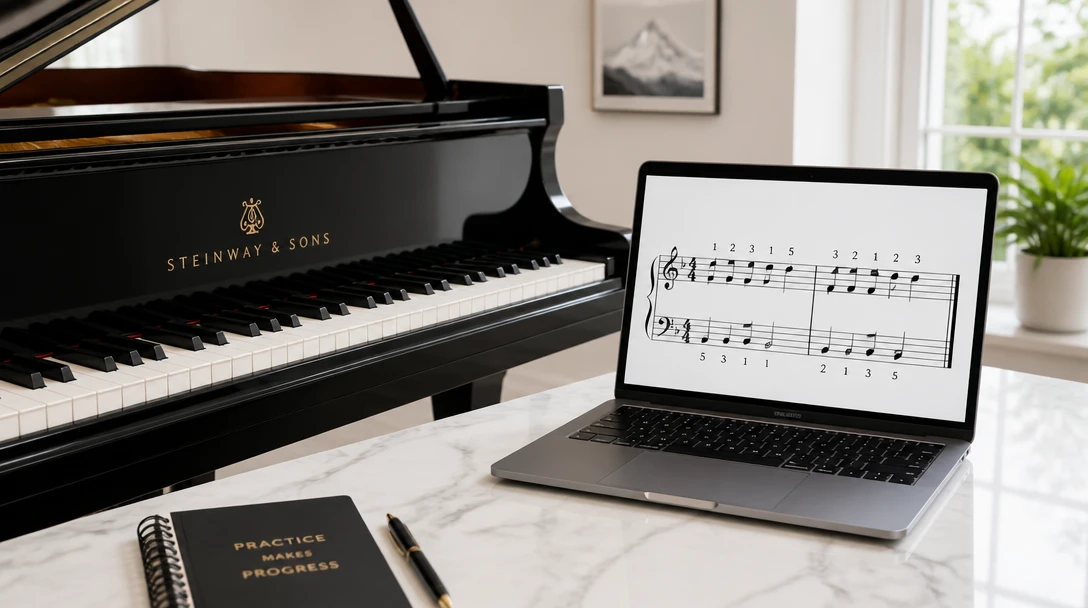
Get piano fingering from a MIDI file
Add a MIDI file and the piano coach will recommend a finger for every note, as a list or on a grand staff.
Drag & drop your MIDI file here
or click to browse — .mid or .midi, up to 50MB
Your MIDI file is used only to suggest fingering.
A finger for every note
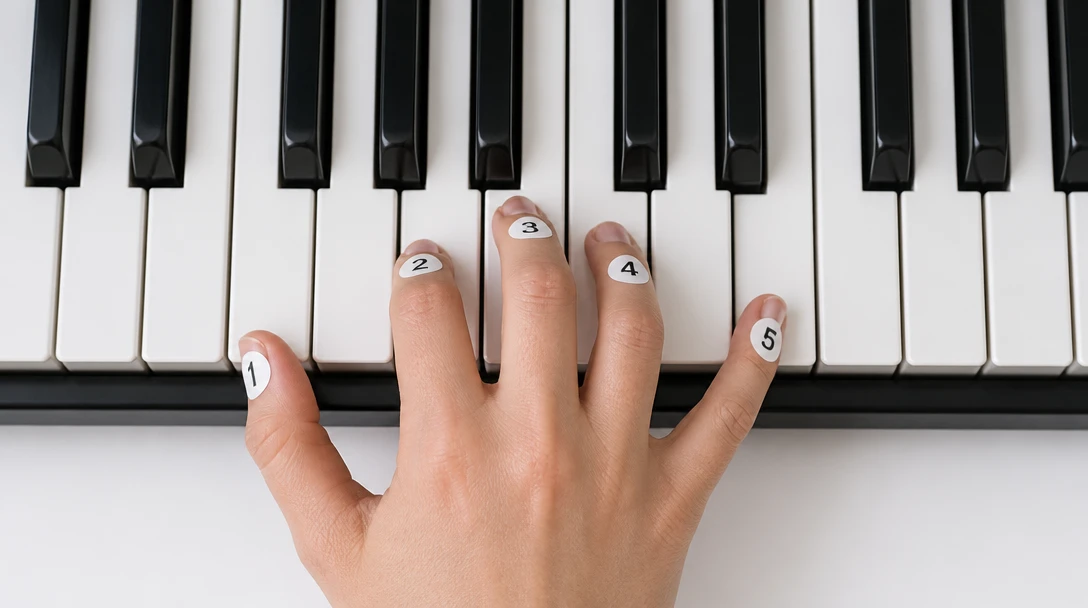
Each note comes back with a hand and a finger number from 1 (thumb) to 5 (pinky). Chords keep a playable shape, and repeated notes prefer to stay under the same finger.
Upload a MIDI file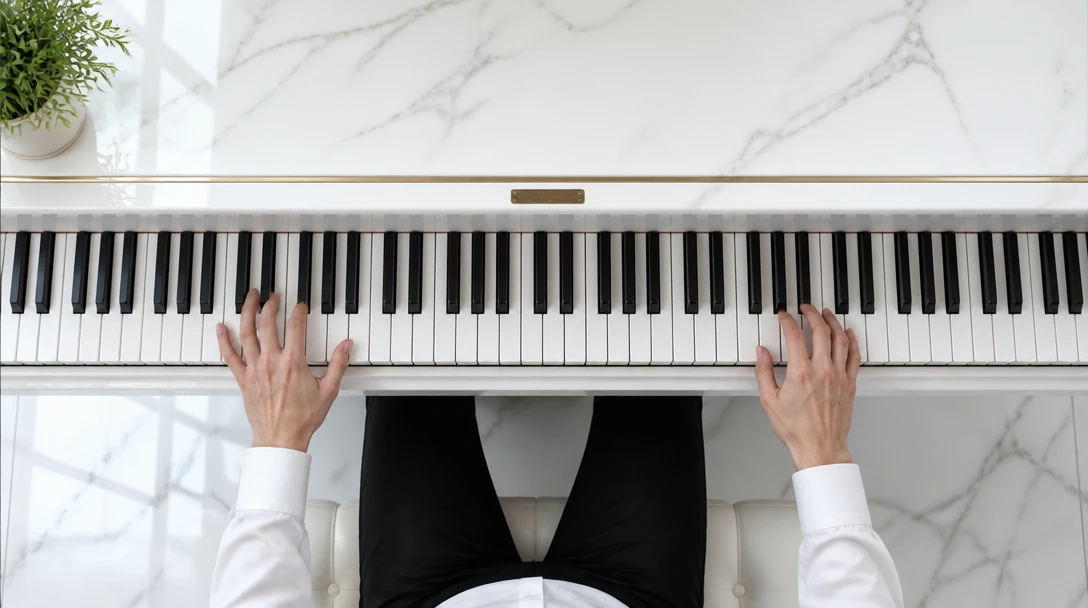
Left hand and right hand
Named tracks such as Left Hand or Right Hand are kept as written. When the file has no hand labels, notes are split around middle C and adjusted so each hand stays in a practical range.
See the split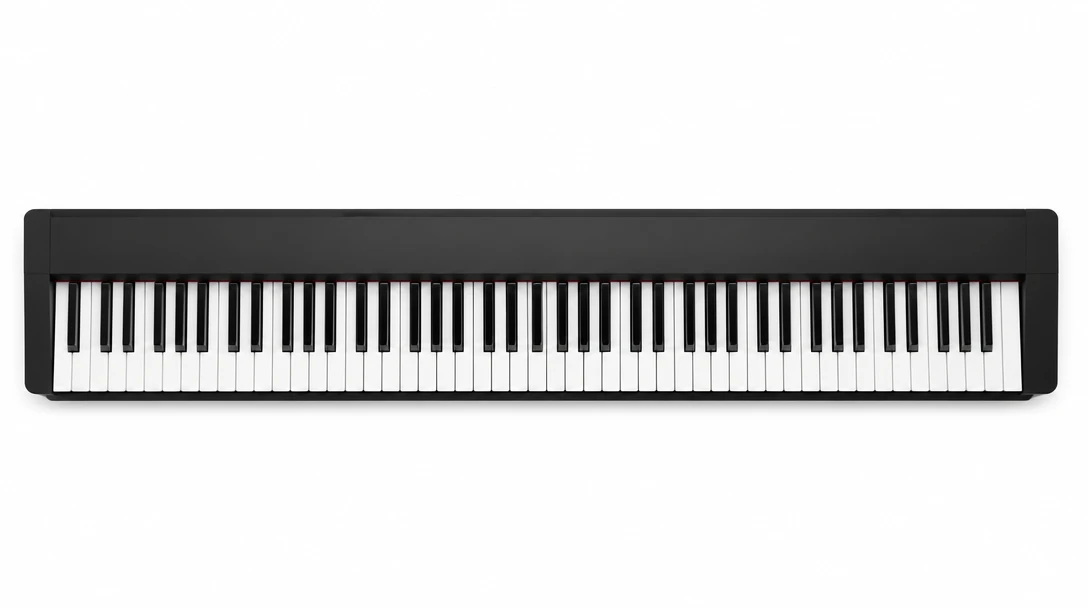
Built for the 88-key piano
Notes are mapped from A0 to C8. Pitches outside that range are left out of the fingering and listed so you can see what was skipped.
Try a scoreHow Piano Fingering works
Upload a MIDI file
Use a .mid or .midi file. Tracks named for the left or right hand are used when they are present.
Set the hand split
Middle C (MIDI 60) is the default. Move the split if the piece sits higher or lower.
Read the fingering
Keep the note list, or switch the output to a grand staff with the finger numbers printed on the notes.
Who uses Piano Fingering

Students learning a new piece
Drop in a MIDI export from your score and get a starting fingering before the first practice session.
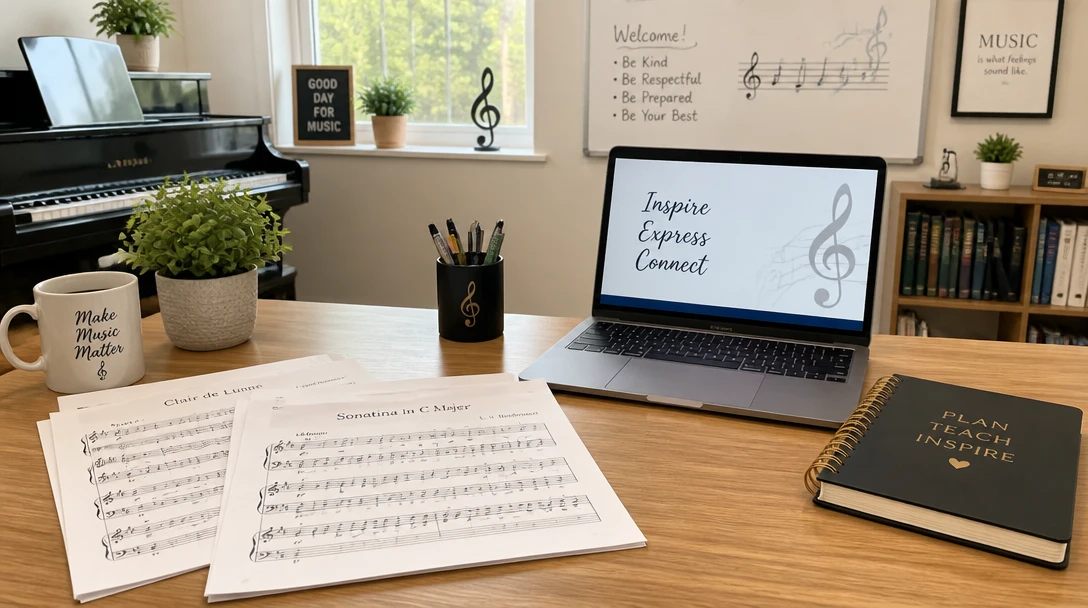
Teachers marking assignments
Print a grand staff with the finger numbers, then move the hand split if a student’s hands sit higher or lower than middle C.
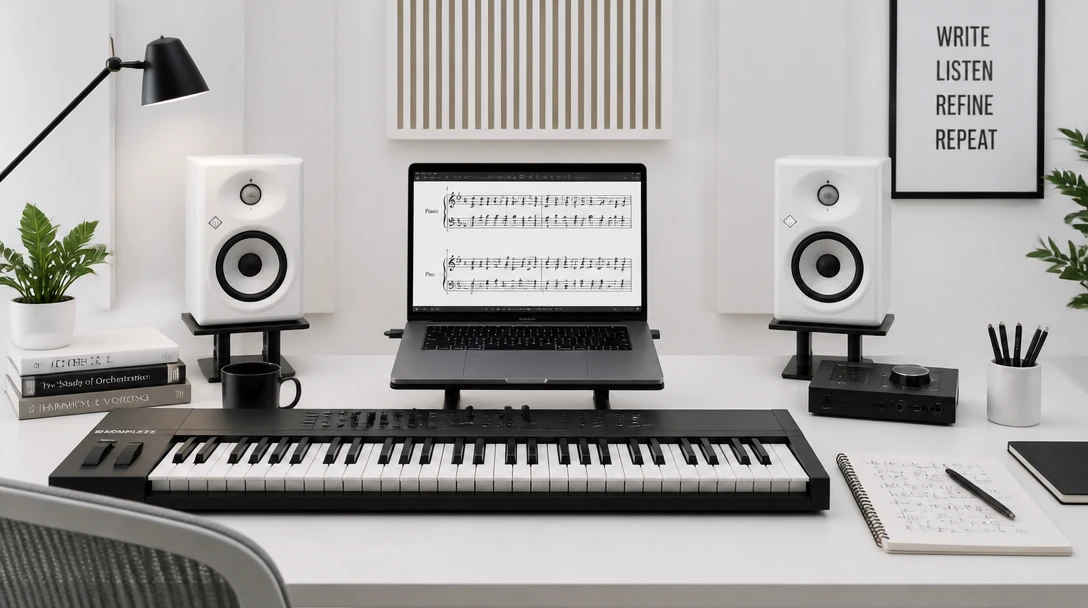
Arrangers exporting MIDI
Check that a piano reduction stays playable in each hand before you send the file to a performer.
What you get
1 is the thumb
Both hands use the same numbering: 1 thumb, 2 index, 3 middle, 4 ring, 5 pinky.
Hands stay labeled
Track names such as Left Hand or Right Hand are kept. Otherwise notes split around middle C.
A list or a score
Keep the note list, or choose Sheet with fingers and get a grand staff you can preview, print, or open as MusicXML.
Frequently Asked Questions
Can I see the fingering on a score?
Yes. Set Output to Sheet with fingers. The page is a grand staff with 1 for the thumb and 5 for the pinky. The note list is still there if you want every note spelled out.
What do the finger numbers mean?
1 is the thumb, 2 is the index finger, 3 is the middle finger, 4 is the ring finger, and 5 is the pinky. The same numbering is used for both hands.
Which files can I upload?
Standard MIDI files with a .mid or .midi extension. The tool reads note-on and note-off events and keeps tempo changes.
How are the hands chosen?
If a track name says left, right, bass, or treble, that track stays in that hand. Otherwise notes are split around the hand-split pitch, which defaults to middle C.
What happens to notes outside the piano?
Only the standard 88-key range, A0 through C8, is fingered. Notes outside that range are skipped and counted in the result.
Is this a final performance fingering?
It is a practical starting suggestion. Hard passages, redistributions, and editorial fingerings may still need a player’s judgment.
Get a fingering from your MIDI file.
Upload a .mid file, set the hand split, and read the finger numbers as a list or on a grand staff. No software to install.
Disclaimer: This tool uses generative AI technology which may produce content that resembles copyrighted materials or that is inaccurate, incomplete, or out-of-date. It is provided for general information and educational purposes only and is not intended for illegal activities or to replace professional advice, diagnosis, or treatment. Users are solely responsible for how they use the generated content. If you plan to use AI-generated content commercially or publicly, we strongly recommend reviewing it for potential copyright issues and obtaining proper permissions where necessary. We accept no liability for copyright infringement or any other consequences resulting from the use of content generated by this tool.