Inspect 3D Print Files Before You Slice
Upload a 3MF file and explore it from every angle. Orbit, zoom, switch lighting environments, toggle wireframe, and take a screenshot — all in your browser.
Open Viewer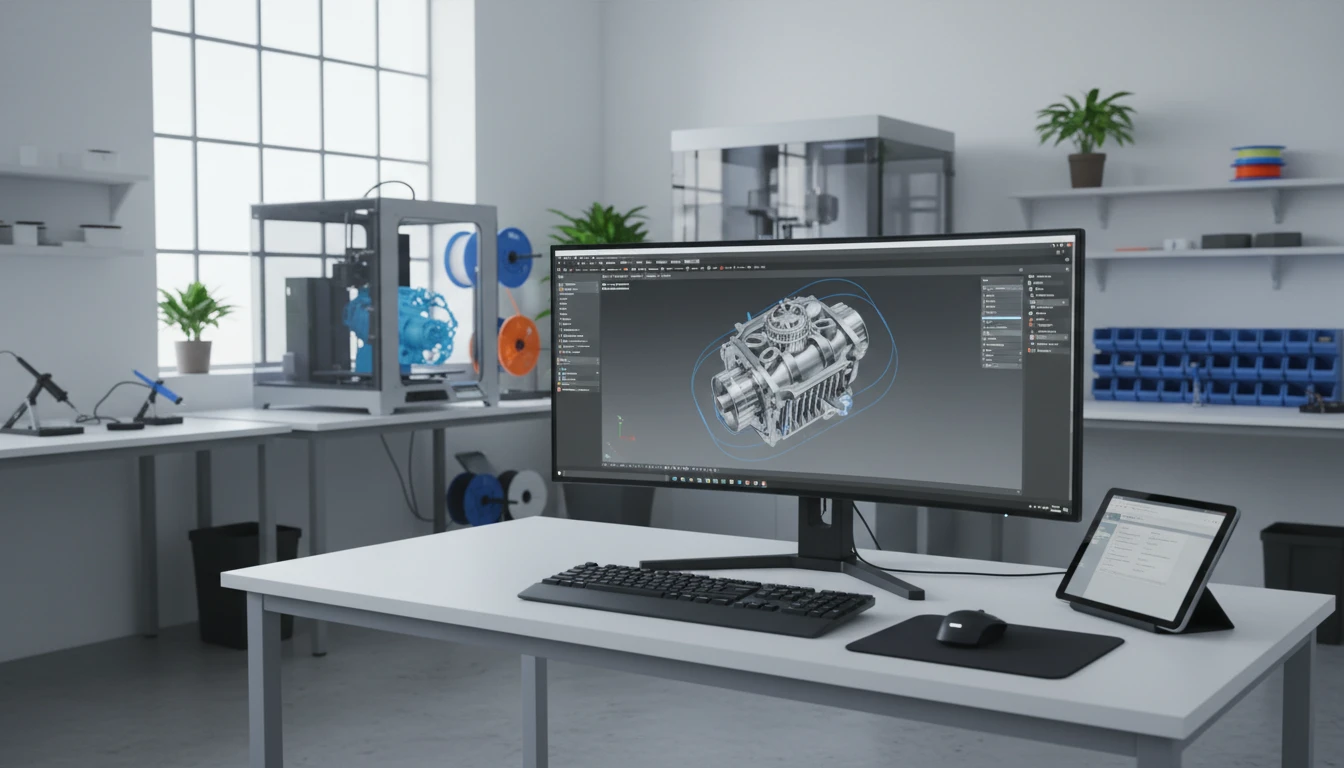
3MF 3D Model Viewer
Upload a 3MF file to inspect geometry, colors, and mesh. Orbit, toggle wireframe, switch lighting, and export a screenshot.
Drop your 3MF file here
or click to browse your files
Supports .3mf files
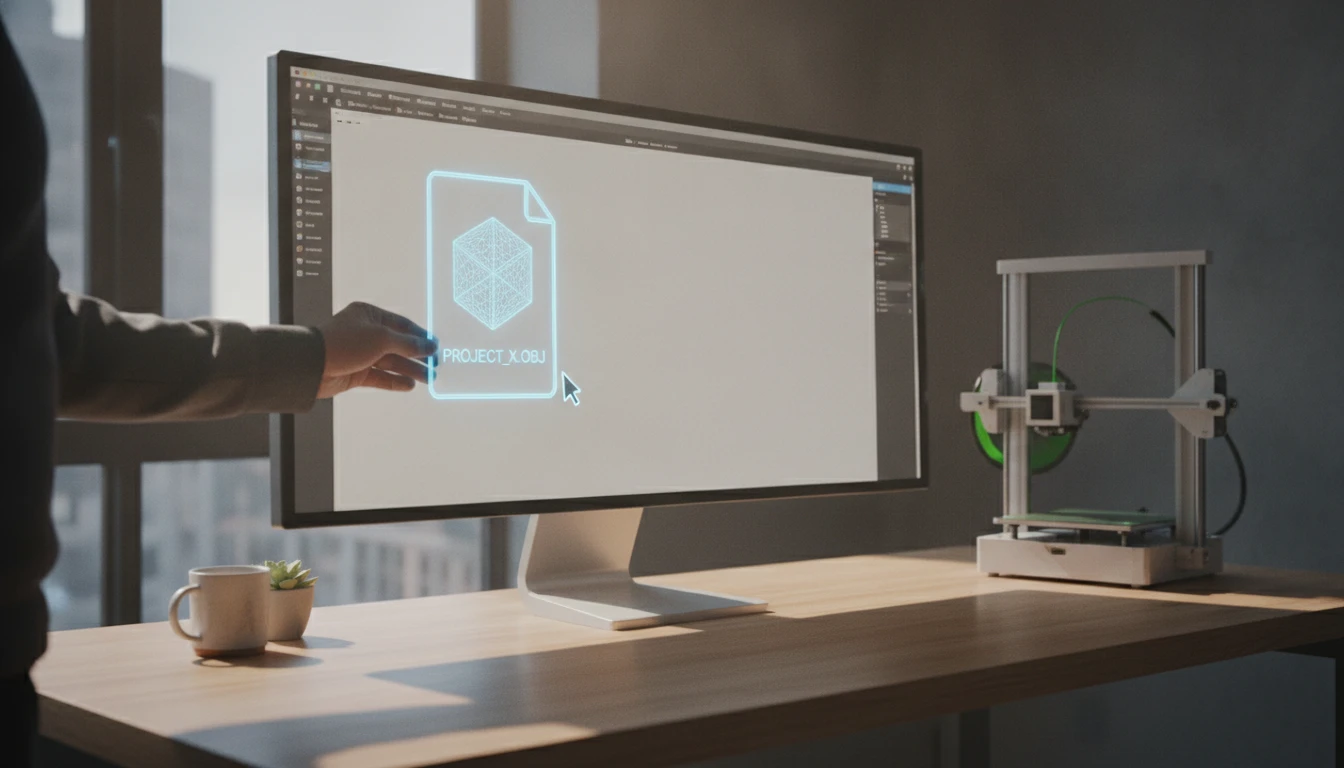
Drag and Drop to Load
Drop any 3MF file onto the viewer and it renders immediately using WebGL in the browser. No upload to a server, no file size limit imposed externally.
Open Viewer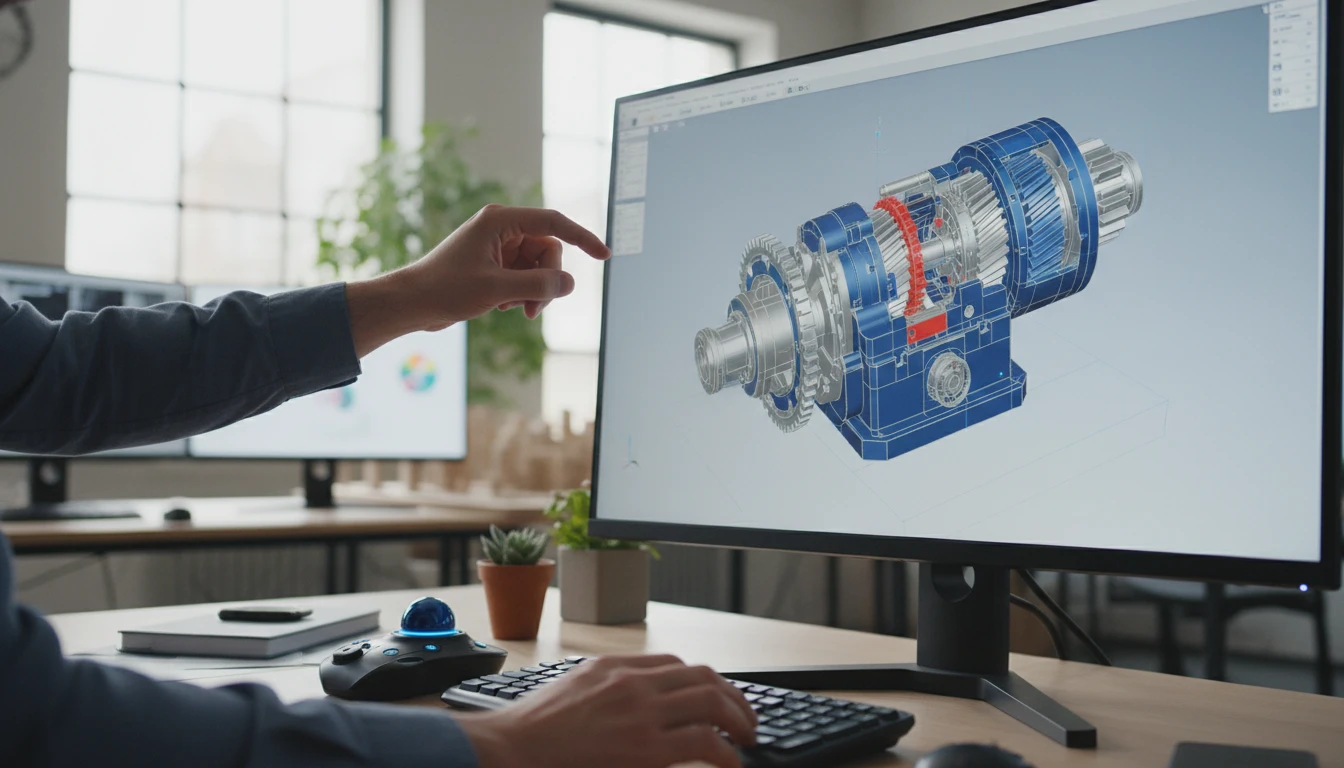
Orbit, Zoom, and Inspect
Left-click and drag to orbit around the model. Scroll to zoom. Right-click and drag to pan. Touch gestures work on mobile and tablet as well.
Open Viewer
Wireframe, Lighting, and Screenshot
Toggle wireframe to inspect the underlying mesh topology. Cycle through environment lighting presets to preview color accuracy. Take a PNG screenshot at any angle.
Open ViewerView a 3MF model in three steps
Upload your 3MF file
Drag a 3MF file onto the drop zone or click to browse. The model renders in the WebGL canvas using your GPU within seconds.
Navigate and inspect
Orbit around the model, zoom into details, and pan to check any surface. Enable auto-rotation for a hands-free turntable view.
Switch lighting and capture
Try different environment presets to check how colors and materials read under various lighting. Take a screenshot when satisfied with the angle.
Deep Dive
What the 3MF Viewer Supports
Purpose-built for 3D printing workflows, the viewer reads the complete 3MF specification including multi-material geometry, per-face colors, and embedded metadata.

Why Use the 3MF Viewer
Full Geometry Inspection
Orbit, zoom, and pan to inspect every face of the model. Switch to wireframe to check mesh topology without printing a test piece.
Multi-Color Preview
See per-face and per-component colors exactly as stored in the 3MF file — not just a gray shell like STL viewers show.
Lighting Environments
Cycle through ten lighting presets to verify how material colors read under different conditions before selecting filaments.
Screenshot Export
Save any view as a PNG for print logs, design reviews, or sharing with collaborators and clients.
Who Uses It
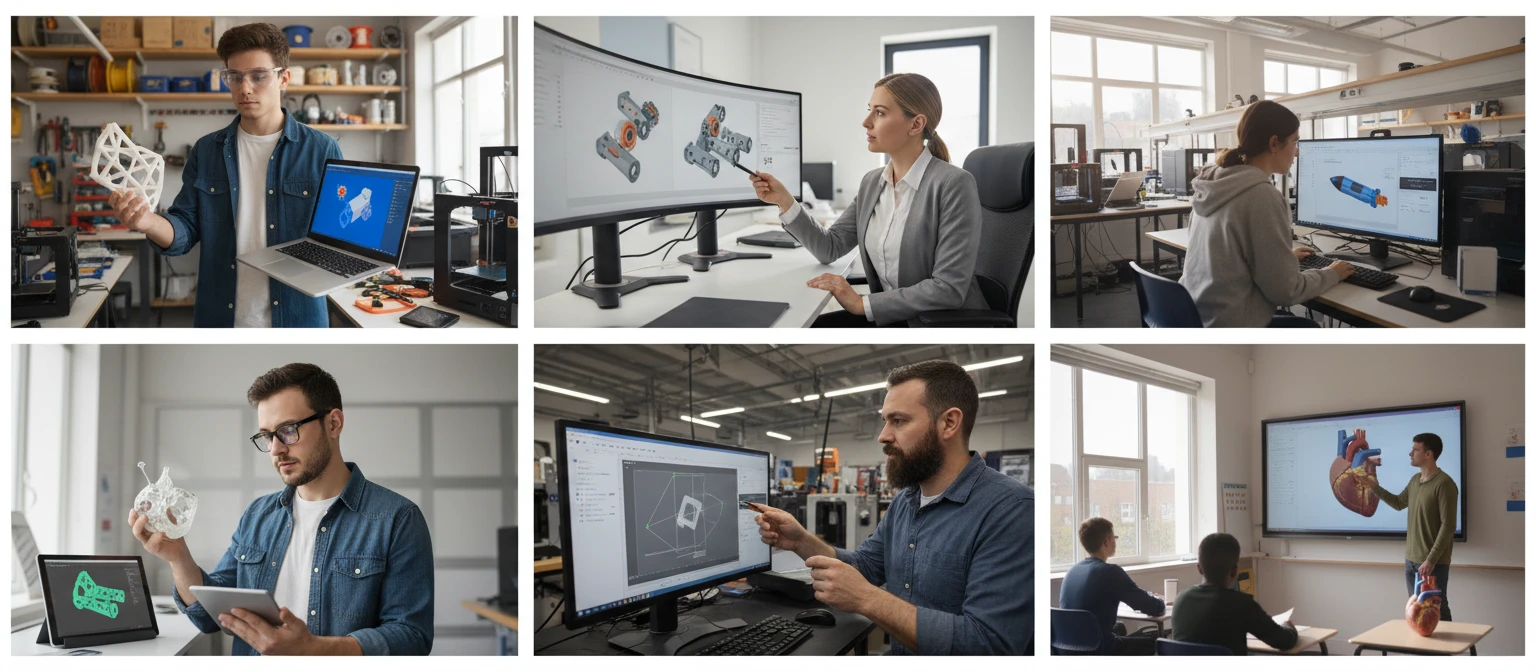
Who Uses a Browser-Based 3MF Viewer
Verifying a 3MF model before slicing is useful for hobbyists, engineers, product teams, and educators.
Related Tools
Frequently Asked Questions
What is a 3MF file?
3MF (3D Manufacturing Format) is a modern 3D file format developed by the 3MF Consortium for additive manufacturing. Unlike STL, 3MF stores geometry, per-face colors, materials, textures, and print settings in a single compressed file. It is natively supported by Bambu Studio, PrusaSlicer, Cura, Fusion 360, and SolidWorks.
How do I navigate the model?
Left-click and drag to orbit around the model. Scroll the mouse wheel to zoom. Right-click and drag to pan. On touch devices, use one finger to orbit, pinch to zoom, and two fingers to pan.
Does the viewer show the original colors from the 3MF file?
Yes. The 3MF format stores per-face and per-component color assignments, and the viewer renders them all. This gives you an accurate multi-color preview without printing a test piece.
What does wireframe mode do?
Wireframe mode renders only the triangle edges of the mesh, hiding the solid surfaces. This makes it easy to inspect mesh density, check for non-manifold geometry, and understand how a slicer will interpret the model.
What environment lighting presets are available?
The viewer includes ten presets: studio, city, sunset, dawn, warehouse, forest, apartment, park, lobby, and night. Each preset changes the environment map, affecting how surface colors and materials appear under that lighting.
Is there a file size limit?
There is no server-imposed limit since all processing happens in your browser using your GPU. Very large 3MF files may load slowly on lower-powered devices. Most print-ready models under 100 MB load and render smoothly.
Which browsers are supported?
The viewer works on Chrome, Firefox, Edge, and Safari on both desktop and mobile. WebGL 2.0 support is required. All modern browser versions from the past two years support this.
Ready to Inspect Your 3MF File?
Upload a 3MF file, orbit around it, check colors and mesh, then download a screenshot.