Preview glTF and GLB Models in Your Browser, Instantly
Upload a GLB or a full glTF bundle (JSON + .bin files) and explore the model from every angle. PBR materials, embedded textures, and animations are handled automatically.
Open Viewer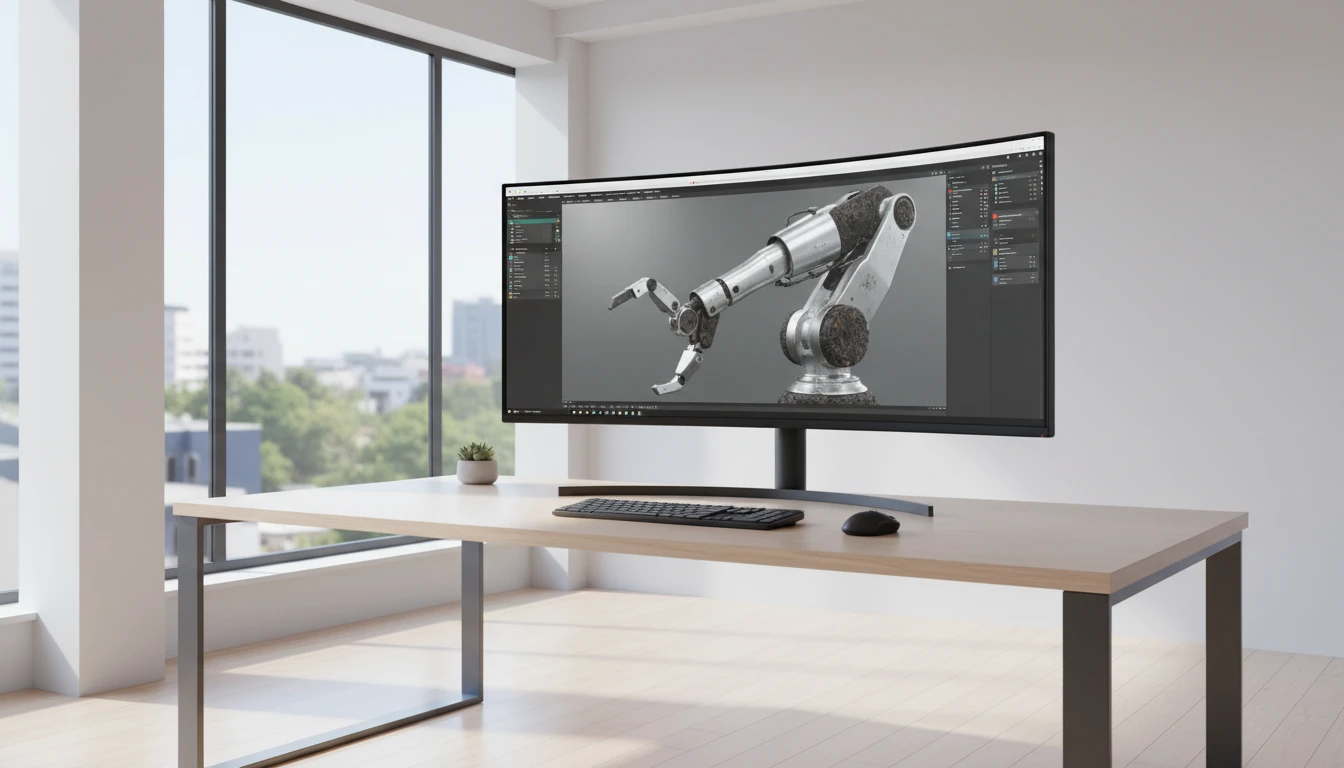
glTF / GLB 3D Viewer
Upload a GLB or glTF bundle to explore PBR materials, play animations, toggle wireframe, and export a screenshot.
Drop your glTF or GLB file here
or click to browse your files
Supports .glb (single file) and .gltf + .bin bundles.
For multi-file glTF, select all files together.
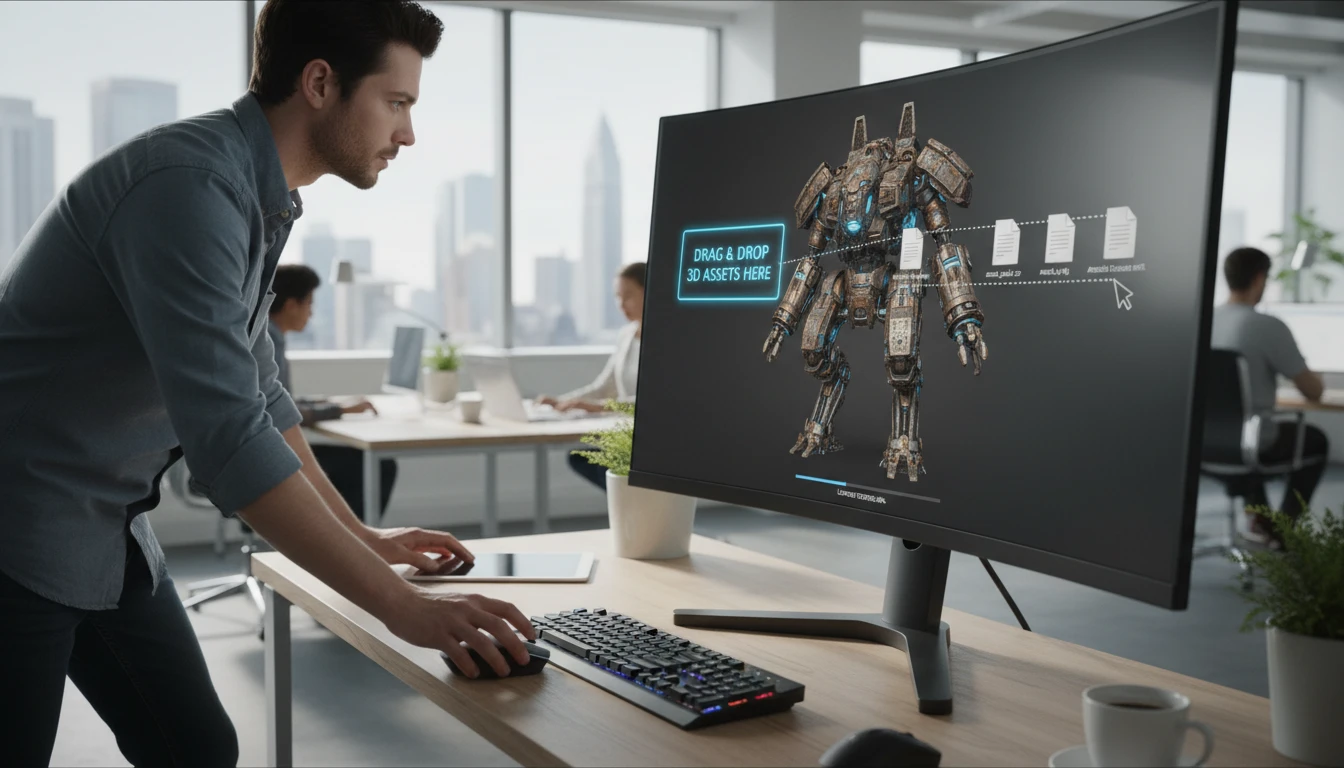
GLB and Multi-File glTF Supported
GLB files are self-contained and load with a single drop. For multi-file glTF assets, drop the .gltf JSON alongside the .bin buffer files and textures together — the viewer resolves all references and loads the full model.
Open Viewer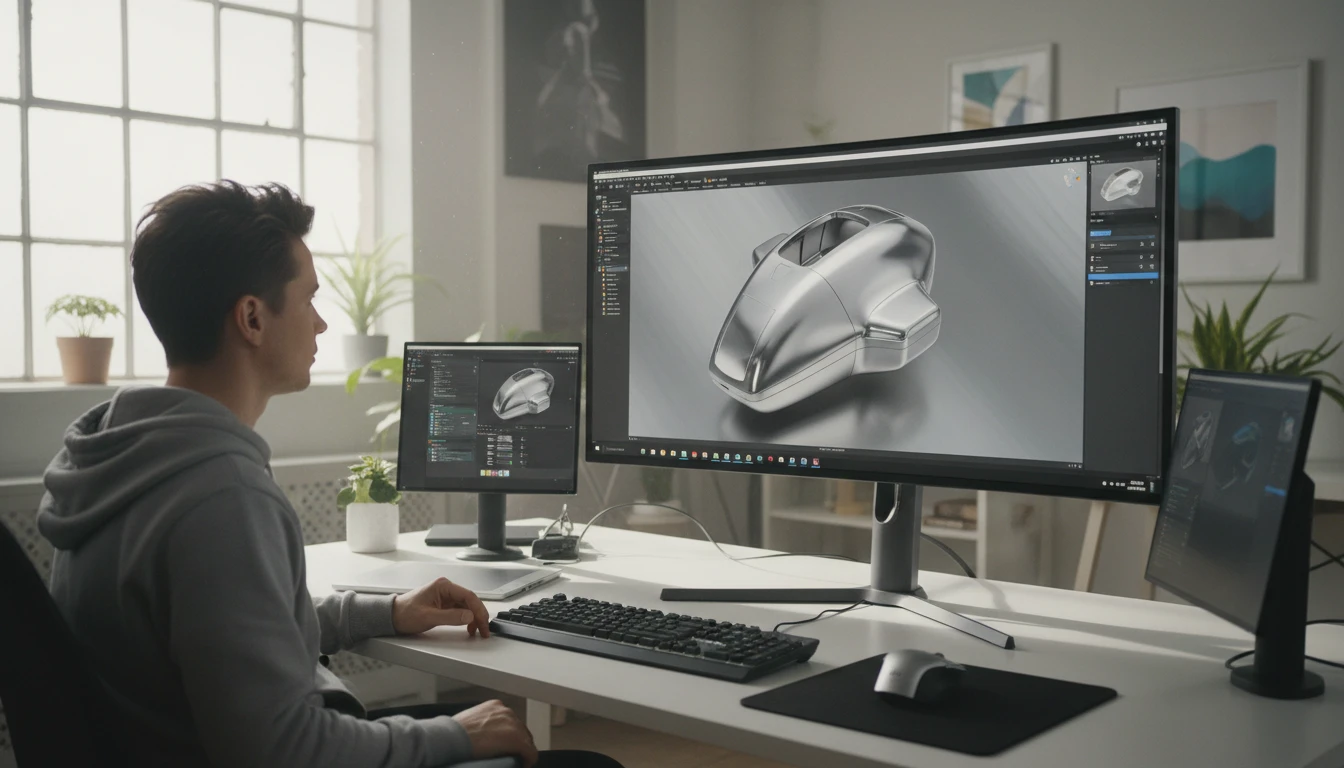
PBR Materials and Animations
glTF 2.0 uses Physically Based Rendering materials — metalness, roughness, emissive maps, and normal maps are all parsed and rendered by Three.js. Animations embedded in the file appear in a playback panel for individual track control.
Open Viewer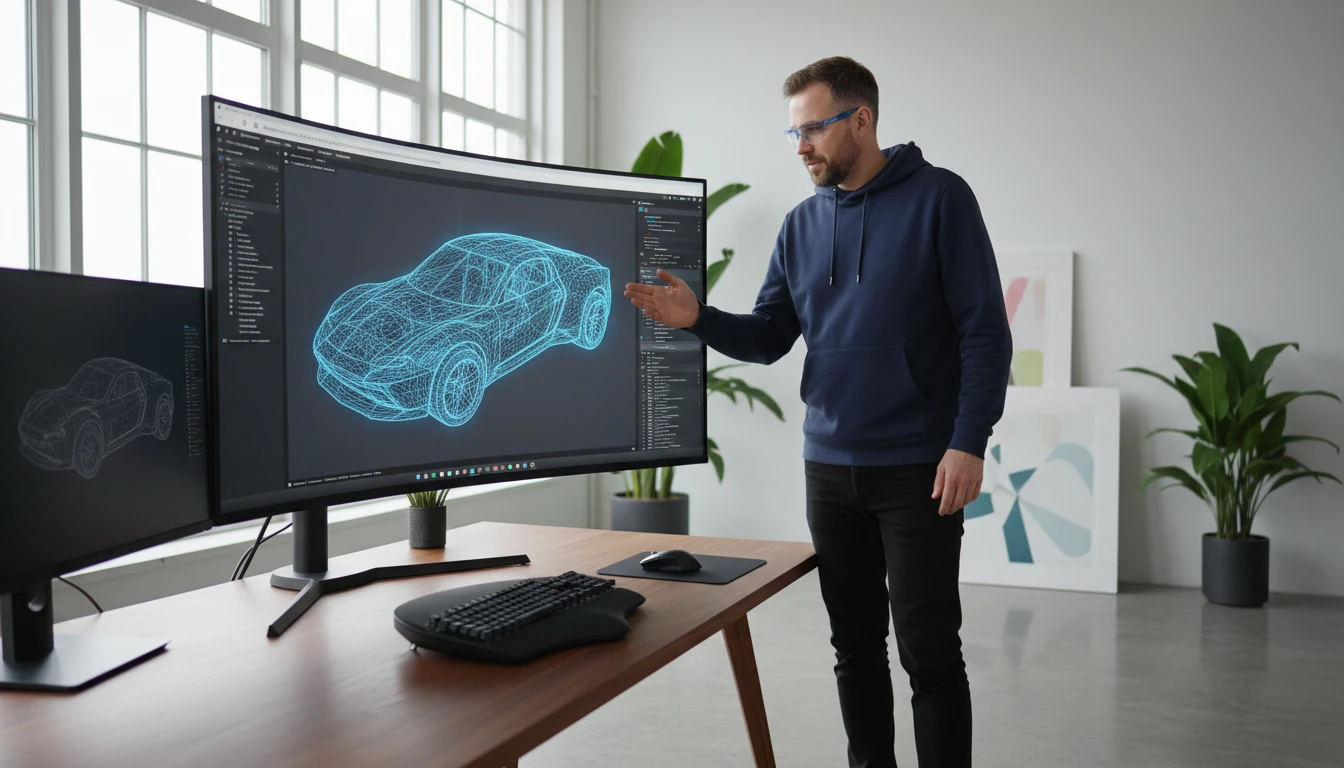
Wireframe, Lighting, and Screenshot
Toggle wireframe to examine the triangle mesh underneath the PBR surface. Cycle through ten environment lighting presets to see how materials behave under different conditions. Export any camera angle as a PNG screenshot.
Open ViewerView a glTF File in Three Steps
Upload your glTF or GLB file
Drop a GLB file for instant load, or drop a glTF bundle (the .gltf JSON, its .bin buffer files, and any texture images) all at once. The viewer resolves all external references automatically.
Explore the model
Orbit, zoom, and pan around the scene. PBR materials and textures are applied automatically. If the file contains animations, use the playback panel to play, pause, and switch between tracks.
Export a screenshot
Snap to a camera preset for a clean angle and click the screenshot button to download a PNG named after your model file.
Deep Dive
What the GLTF Viewer Supports
Built around the Three.js GLTFLoader and Drei hooks for the full glTF 2.0 feature set, including PBR materials, animations, and multi-file asset bundles.
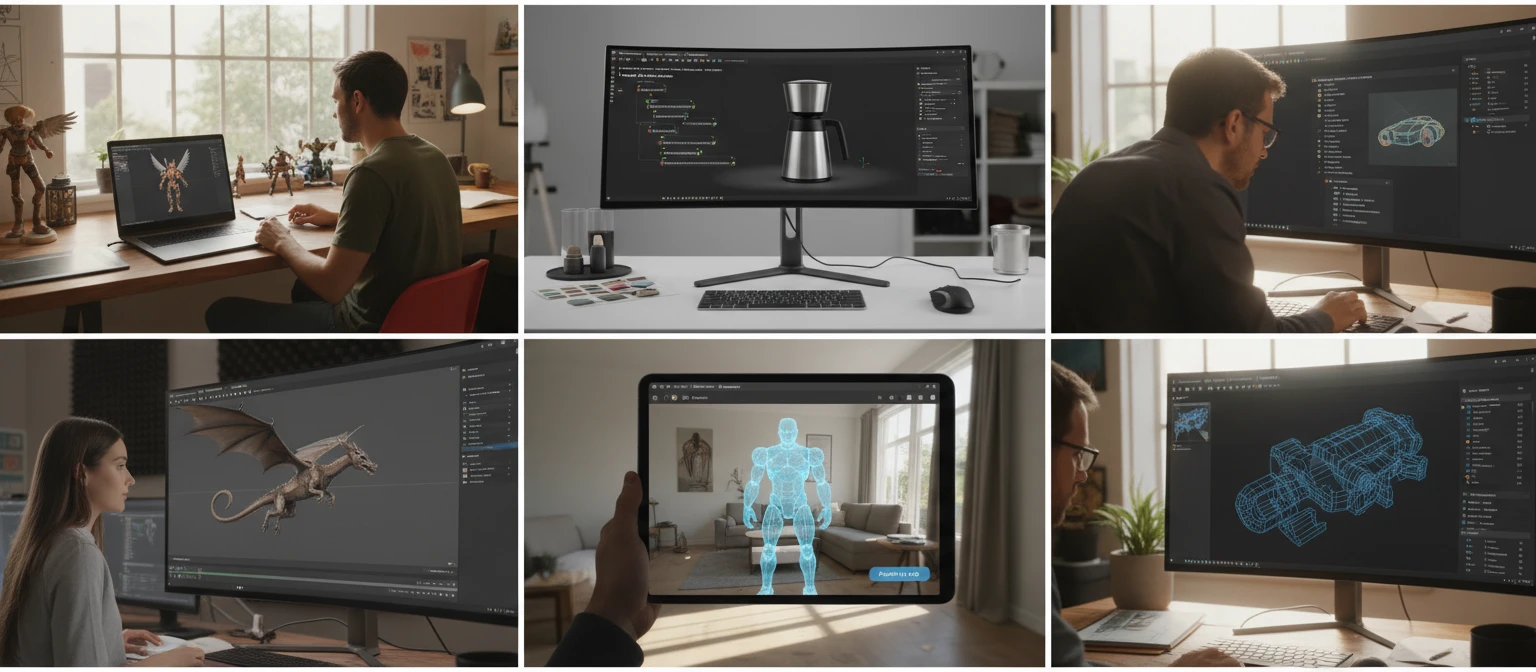
Why Use It
GLB and Multi-File glTF
Self-contained GLB files load with one drop. Multi-file glTF assets load when you drop the .gltf JSON together with its .bin and texture files.
PBR Materials
glTF 2.0 metalness, roughness, emissive, and normal maps are all parsed and rendered by Three.js, displaying the model as intended.
Animation Playback
Animations embedded in the glTF file are listed individually. Play, pause, or switch between tracks without leaving the browser.
Screenshot Export
Capture any camera angle as a PNG for documentation, design reviews, or asset pipeline verification.
Who Uses It
Who Uses a Browser-Based GLTF Viewer
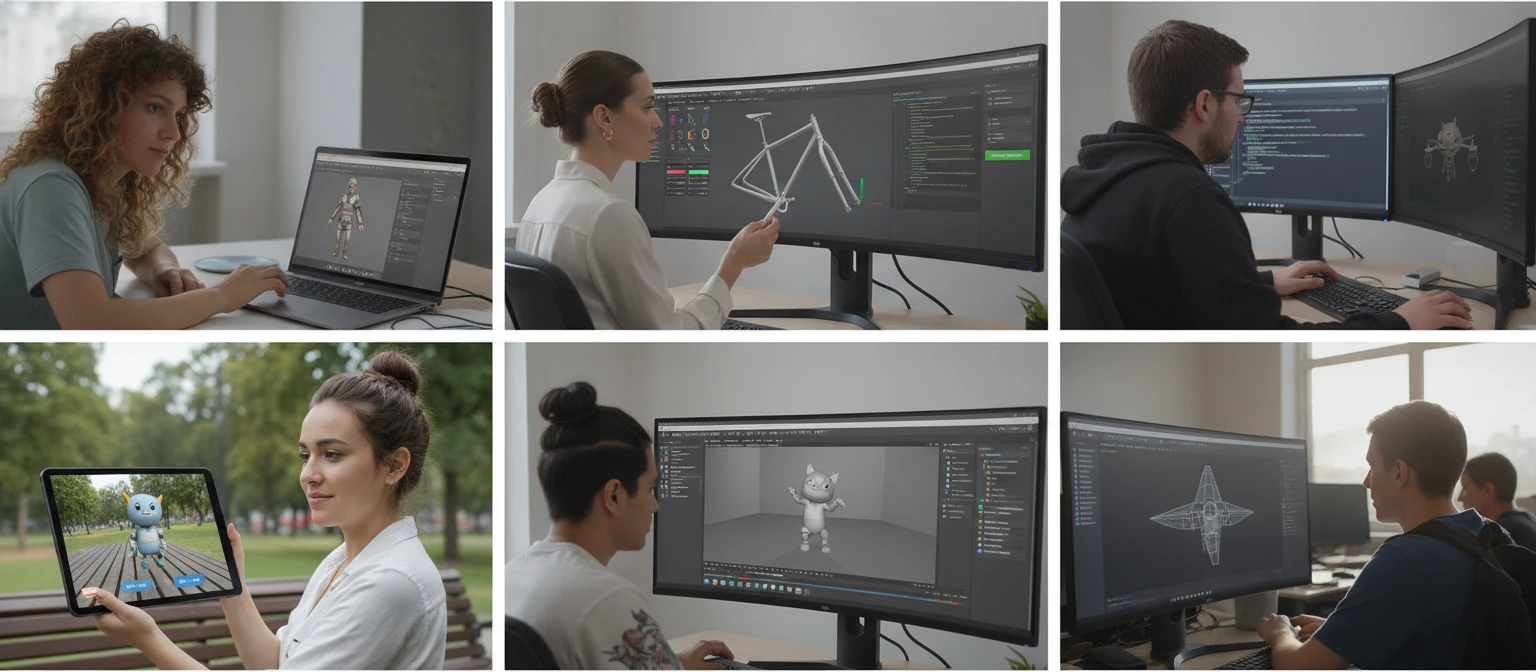
glTF 2.0 is the industry standard for 3D content delivery across web, AR, VR, and game pipelines. Designers, developers, and artists need quick previews without opening their full DCC tool.
Frequently Asked Questions
What is a glTF file?
glTF (GL Transmission Format) is an open standard for 3D assets developed by the Khronos Group. It is designed for efficient transmission and loading of 3D scenes in real-time applications. A glTF asset can consist of a JSON descriptor file (.gltf), one or more binary buffer files (.bin) containing geometry and animation data, and external texture images. GLB is the binary container variant that packages all of these into a single file.
What is the difference between GLTF and GLB?
A .gltf file is a plain JSON descriptor that references external .bin buffer files and texture images stored alongside it. A .glb file is a binary container that packages the JSON, all binary buffers, and all textures into a single self-contained file. GLB is more convenient for distribution. Both formats are fully supported by this viewer.
How do I load a multi-file glTF asset?
Select or drop the .gltf JSON file together with its .bin buffer files and texture images in a single operation. The viewer reads the .bin files, converts them to base64 data URIs, and patches the GLTF JSON so the loader resolves all references in the browser without a web server.
How do I use the animation playback?
If the loaded file contains animations, a playback panel appears below the 3D viewer listing each animation track by name. Click a track to select it, then click Play to start playback. Click Stop to halt the animation. Auto-rotate is disabled while an animation is playing.
How do I navigate the model?
Left-click and drag to orbit around the scene. Scroll the mouse wheel to zoom in and out. Right-click and drag to pan the camera. Use the P/F/T/R buttons at the bottom-left of the viewer to snap to Perspective, Front, Top, and Right camera presets.
What does wireframe mode do?
Wireframe mode renders mesh surfaces as triangle edges instead of filled polygons. For glTF models this is useful for inspecting mesh density, verifying that skinned character topology exported correctly, and checking the geometry structure of complex multi-mesh scenes.
Is there a file size limit?
There is no server-imposed limit because all parsing and rendering happens entirely in your browser. Large glTF assets with high-resolution textures may load slowly on lower-powered devices, but typical glTF exports under 50 MB load within a few seconds.
Ready to Inspect Your glTF File?
Upload a GLB or a full glTF bundle, explore PBR materials and animations, then export a screenshot.