Extract JPG Images from Any MP4 Video
Drop an MP4, choose how many frames to capture, set the output width and JPEG quality, then download every frame as an individual JPG or grab them all in a ZIP.
Extract JPGs
MP4 to JPG Converter
Upload an MP4, set frame count, output width, and JPEG quality, then download as individual JPGs or a ZIP.
Drop an MP4 here
MP4 files only

Video Player Drop Zone
Drop an MP4 and it loads into a full-width player. Scrub through the clip before capturing to preview exactly which frames will be extracted.
Try It Now
Frame Count, Width, and JPEG Quality
Choose 2 to 100 frames, set the output width up to 1920 px, and dial in the JPEG quality from 10% to 100%. Higher quality means larger files but sharper, more detailed images.
Try It Now
Download JPGs or ZIP
Click any thumbnail to open a full-screen lightbox and download that single frame. Or hit Download All to get every JPG packed into one ZIP file.
Extract NowExtract JPG frames in three steps
Upload your MP4
Drop an MP4 file onto the player or click Browse. The video loads with native controls so you can preview the clip before capturing frames.
Set frame count, width, and quality
Choose how many frames to extract (2–100), the output width in pixels (up to 1920), and the JPEG quality level. Higher quality produces larger but sharper files.
Capture and download
Click Capture Frames. A progress bar tracks each frame. Download individual JPGs from the grid or use Download All to get a ZIP of every frame.
Deep Dive
How the MP4 to JPG Converter Works
All processing runs in the browser using the HTML5 Canvas API. No video is sent to a server.
Why Use This MP4 to JPG Converter
JPEG Output
Frames are exported as JPEG — the ideal format for photographs and compressed image sharing.
Adjustable Quality
Set JPEG quality from 10% to 100% to balance file size against image sharpness.
ZIP Download
Download all extracted frames at once in a single ZIP file.
Custom Resolution
Output width up to 1920 px with aspect ratio preserved automatically.
Who Uses It
Who Uses the MP4 to JPG Converter
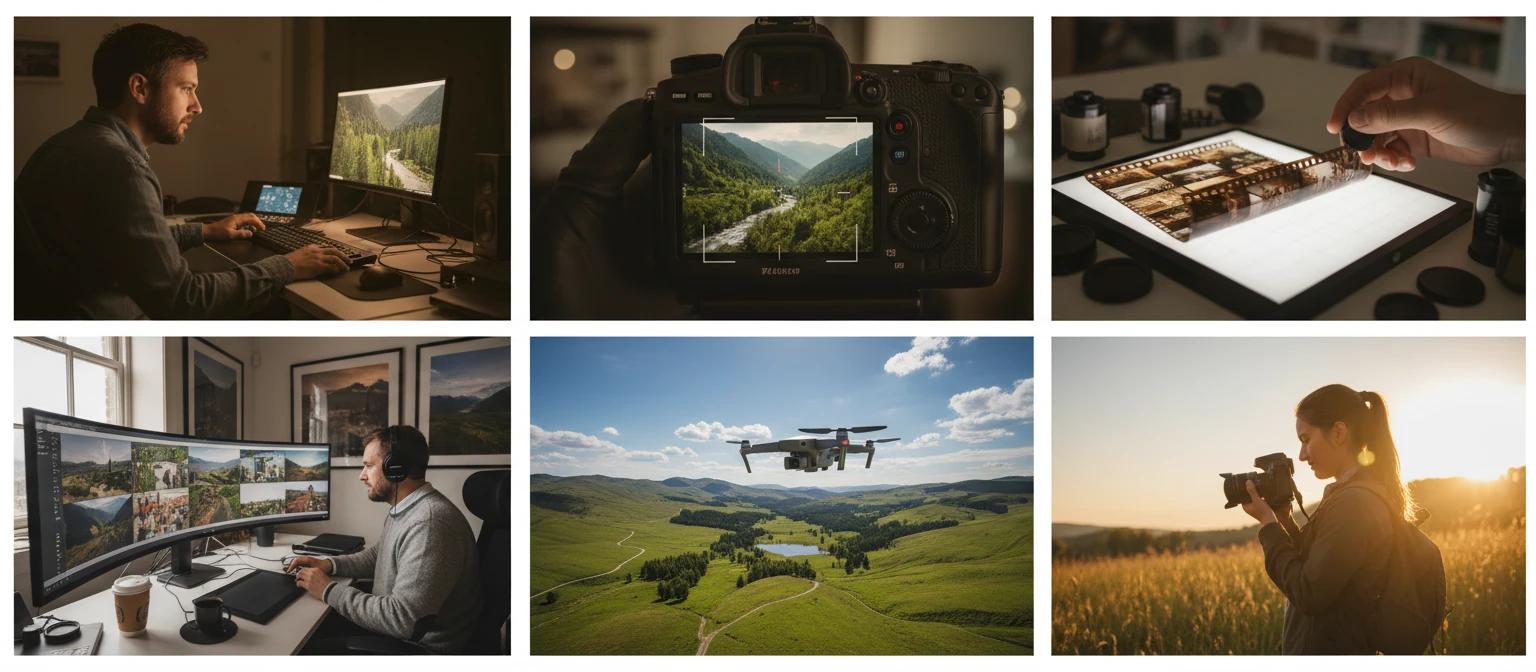
From content creators to developers, here are the most common uses for extracting JPG frames from video.

Frequently Asked Questions
Does this work with non-MP4 video files?
This tool accepts MP4 files only. For other video formats such as WebM, MOV, or MKV, use the Video to Frames tool which accepts any browser-decodable format.
How many frames can I extract?
Between 2 and 100 frames per video. Frames are distributed evenly across the full duration. For a 60-second video, extracting 10 frames gives one frame every 6 seconds.
What does the JPEG quality setting do?
JPEG quality controls the compression level. At 100% the image is nearly lossless but the file is largest. At lower values compression increases, reducing file size at the cost of some fine detail. 80–90% is a good balance for most uses.
Can I download frames one at a time?
Yes. After extraction, hover over any frame thumbnail and click Download, or open the lightbox and use the Download JPG button. Only that frame is downloaded.
How large will the output files be?
File size depends on frame content, output width, and JPEG quality. A single 1280 px frame at 90% quality is typically 100–400 KB. Reduce the width or quality to get smaller files.
Why do some extracted frames look blurry?
Frame accuracy depends on the video's keyframe structure. Frames between keyframes are reconstructed by the browser decoder and may occasionally look slightly off. Extracting fewer frames tends to improve accuracy since the browser has more time to decode each one.
Ready to Extract JPG Frames?
Drop an MP4, set your frame count and quality, and download in seconds.