Turn Any Logo into a Complete App Icon Set
Upload your logo, choose a corner style, and instantly generate every required iOS, Android, and desktop icon size. Download them all as a single organized ZIP file.
Create Icons
App Icon Maker
Upload your logo, generate every iOS, Android, and Desktop icon size, and download them all as a ready-to-ship ZIP.
Upload Once, Generate Everything
Upload a single high-resolution logo image and the tool instantly renders every icon size needed for the App Store, Google Play, and desktop platforms.
Try It Now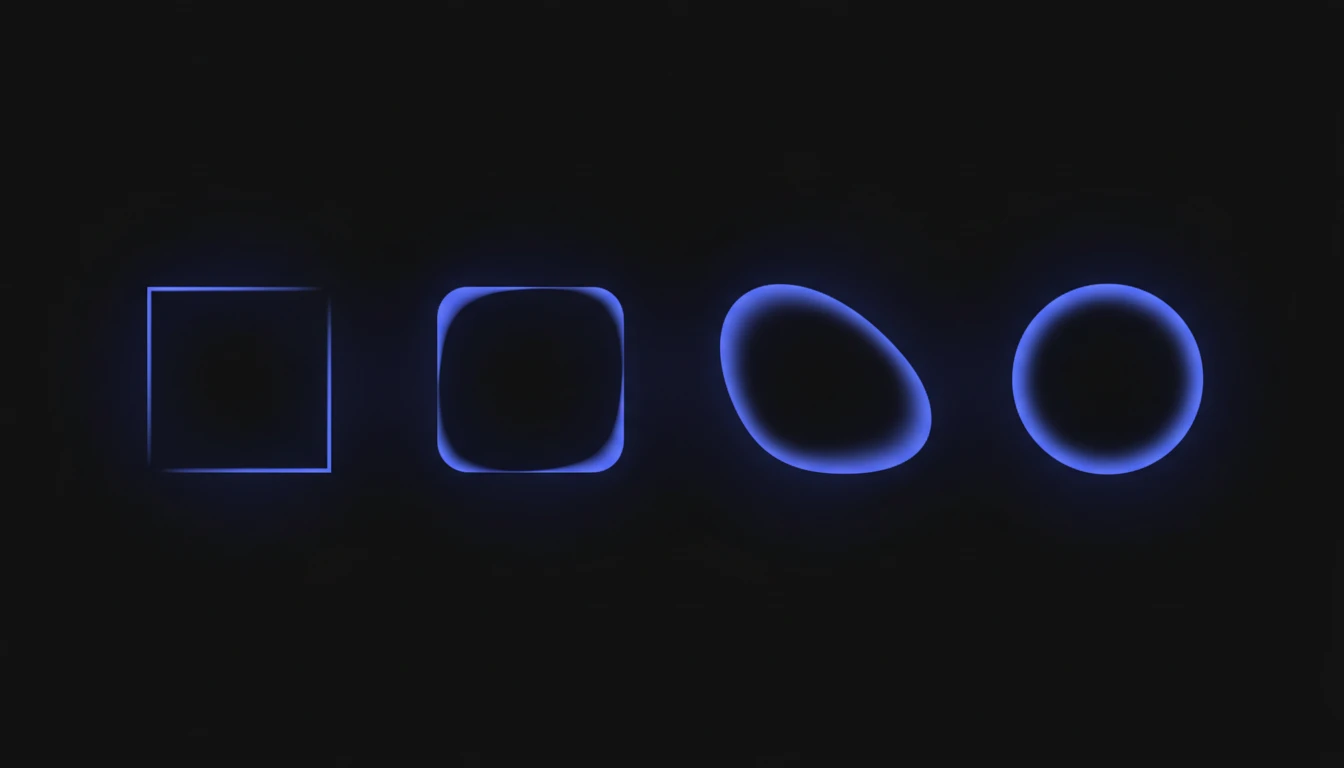
iOS-Style Superellipse Corners
Choose from Square, Android, iOS, or fully Round corner presets, or fine-tune the exact radius with a slider. iOS presets use a true superellipse curve, not a basic rounded rectangle, for a professional finish.
Try It Now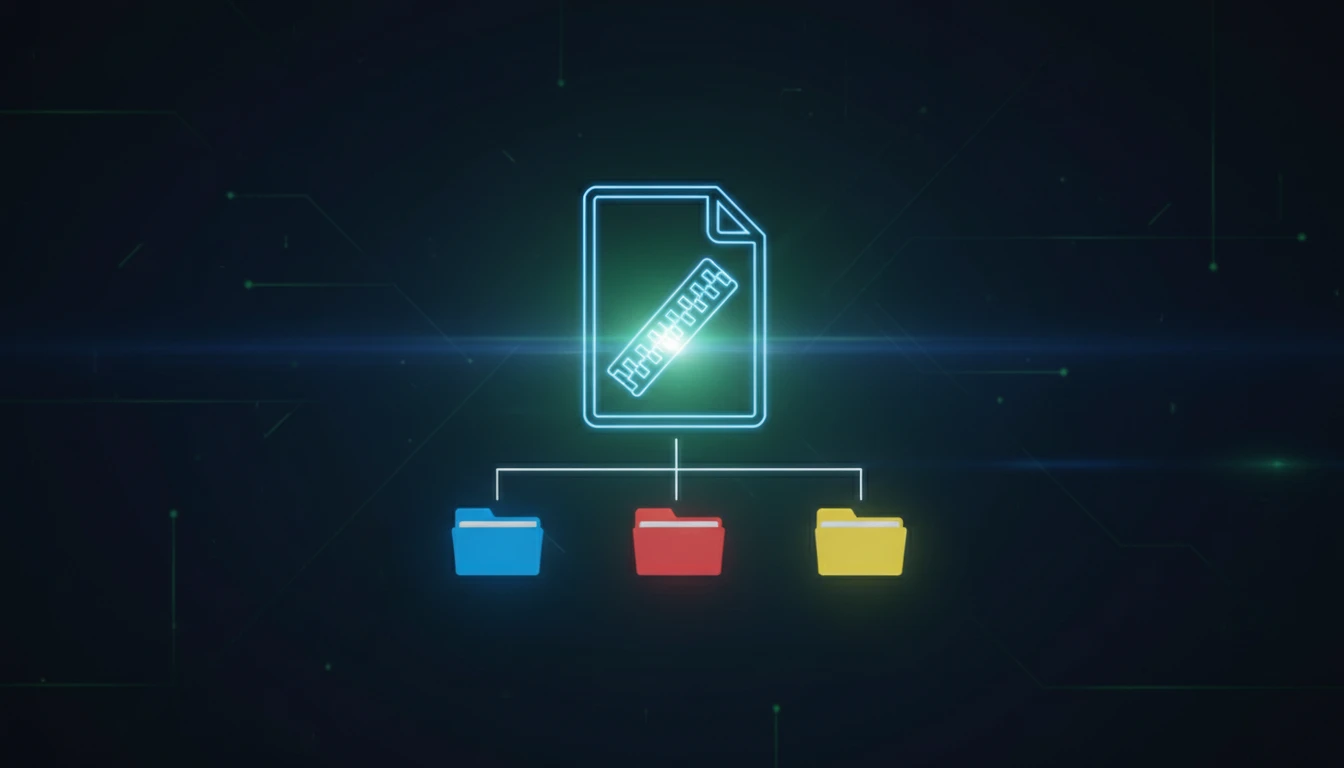
One-Click ZIP Download
Every generated icon is packaged into a ZIP with separate iOS, Android, and Desktop folders, correctly named and ready to drop straight into your project.
Download NowCreate a full icon set in three steps
Upload your logo
Drop in a JPG, PNG, GIF, or WebP image. For best results, use a high-resolution square logo at least 1024×1024 pixels.
Choose platforms and style
Select iOS, Android, and/or Desktop, then adjust the corner radius, padding, and background color to match your brand.
Generate and download
Click Generate Icons to render every size instantly, then download them individually or grab the full set as one organized ZIP file.
Deep Dive
How App Icon Maker Works
All rendering happens locally in your browser using the Canvas API. Your logo is never uploaded to a server.
Why Use This App Icon Maker
iOS-Accurate Corners
True superellipse curves for iOS presets, not approximate rounded rectangles.
28 Icon Sizes at Once
Every iOS, Android, and Desktop size is generated from a single upload in one pass.
Fully Customizable
Adjust corner radius, padding, and background color to match your brand exactly.
100% Client-Side
Your logo is processed entirely in your browser and never leaves your device.
Who Uses It
Who Uses App Icon Maker
Anyone shipping an app who needs a complete, correctly sized icon set fast.

Frequently Asked Questions
What icon sizes are generated for mobile apps?
Our tool generates all the required icon sizes for both iOS and Android platforms. For iOS, this includes sizes from 20x20 to 1024x1024 pixels, and for Android, sizes from 36x36 to 512x512 pixels across different density buckets (mdpi, hdpi, xhdpi, xxhdpi, xxxhdpi).
Why do app icons need rounded corners?
iOS automatically applies rounded corners to app icons, but it's best practice to design with this in mind. Android also uses rounded corners in many launchers. Having proper rounded corners ensures your icon looks professional and consistent across all platforms.
What image formats can I upload?
You can upload JPG, PNG, GIF, and WebP images. For best results, use a high-resolution square image (at least 1024x1024 pixels) with your logo or design centered.
Can I adjust the corner radius?
Yes! You can customize the corner radius to match your design preferences. We provide preset options for iOS-style, Android-style, and custom radius values.
Is my uploaded image secure?
Absolutely! All image processing happens entirely in your browser using client-side JavaScript. Your images are never uploaded to our servers, ensuring complete privacy and security.
Do I get all the icons in a single download?
Yes, all generated icon sizes are packaged into a convenient ZIP file for download. The ZIP includes organized folders for iOS and Android with properly named icon files.
Can I use this for desktop app icons too?
Yes! While optimized for mobile apps, you can also generate desktop app icons. We include common desktop sizes like 16x16, 32x32, 64x64, 128x128, and 256x256 pixels.
Ready to Build Your Icon Set?
Upload your logo and download every iOS, Android, and Desktop icon size in under a minute.