Turn Every PDF Page into a JPG Image
Drop a PDF and each page is rendered as a high-resolution JPG using PDF.js. Download pages individually or grab them all in a single ZIP file.
Convert Now
Drop a PDF and every page is converted to a high-resolution JPG in your browser. No upload, no waiting.
PDF to JPG Converter
Every page rendered as a high-resolution JPG — entirely in your browser.
Drop your PDF here
or click to browse
Converted pages will appear here
Drop a PDF on the left to start converting every page to JPG.

Drop and Render Instantly
Drop any PDF and PDF.js renders every page directly in your browser. No file leaves your device — conversion happens entirely client-side.
Convert Now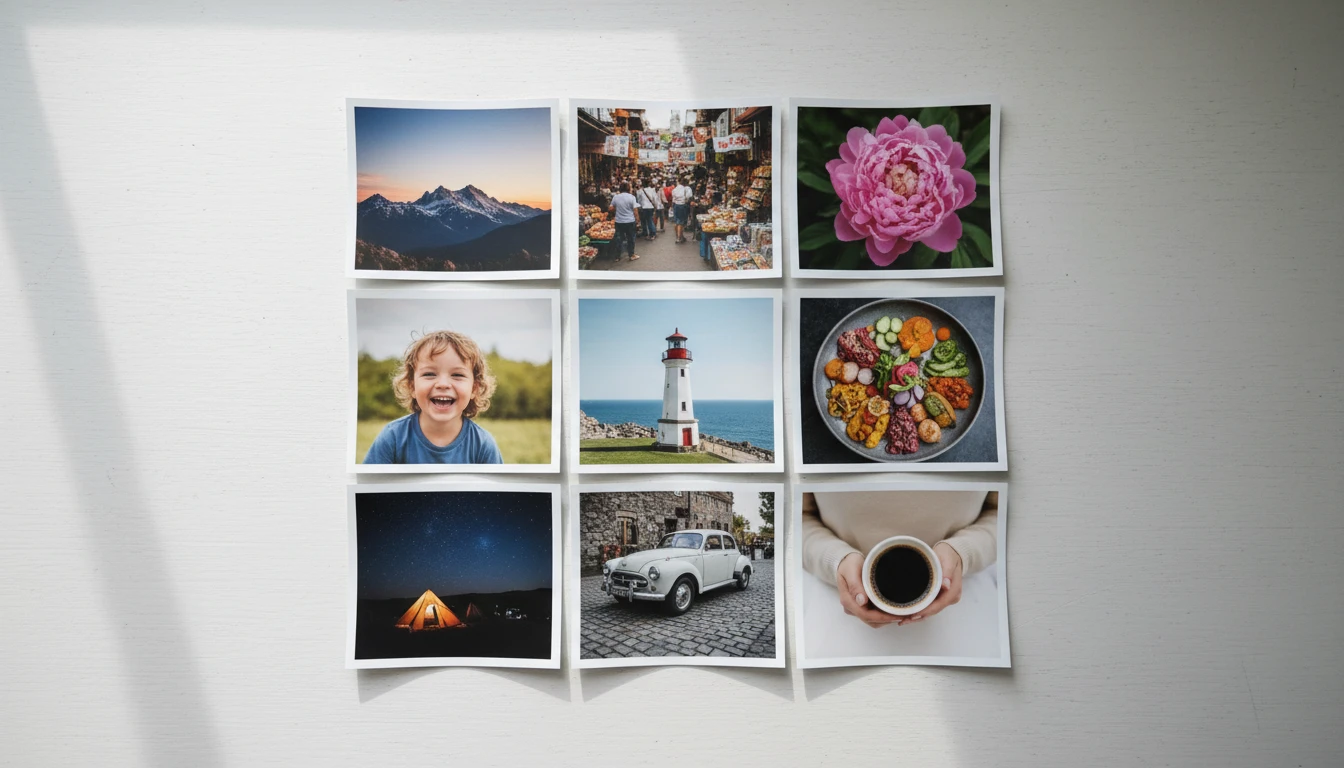
Page Grid with Lightbox
All converted pages appear in a responsive grid. Click any thumbnail to open a full-screen lightbox and download that single page as a JPG.
Convert Now
Download All as ZIP
One click packages every converted JPG into a ZIP archive named page-1.jpg through page-N.jpg, ready to unzip and use.
Convert NowConvert a PDF to JPGs in three steps
Drop or browse your PDF
Drag a PDF onto the drop zone or click to browse. The file is read in the browser using PDF.js — nothing is uploaded.
Pages render automatically
Each page is rendered to a canvas at 2x scale and exported as a JPEG. A progress bar shows rendering status page by page.
Download pages or ZIP
Click any page thumbnail to preview and download that single JPG, or use Download All to get every page packed into a ZIP file.
Deep Dive
How PDF to JPG Conversion Works in the Browser
All rendering uses PDF.js — no server, no upload, no waiting.
Why Use This PDF to JPG Converter
Every Page as an Image
All pages render automatically — no need to specify which pages to export.
Instant Client-Side Rendering
PDF.js renders pages in the browser. No server round-trip means faster results for small PDFs.
ZIP Download
Download every page at once in a single ZIP with sequential filenames.
Lightbox Preview
Click any page thumbnail to open it full-screen before downloading.
Who Uses It
Who Converts PDFs to JPG
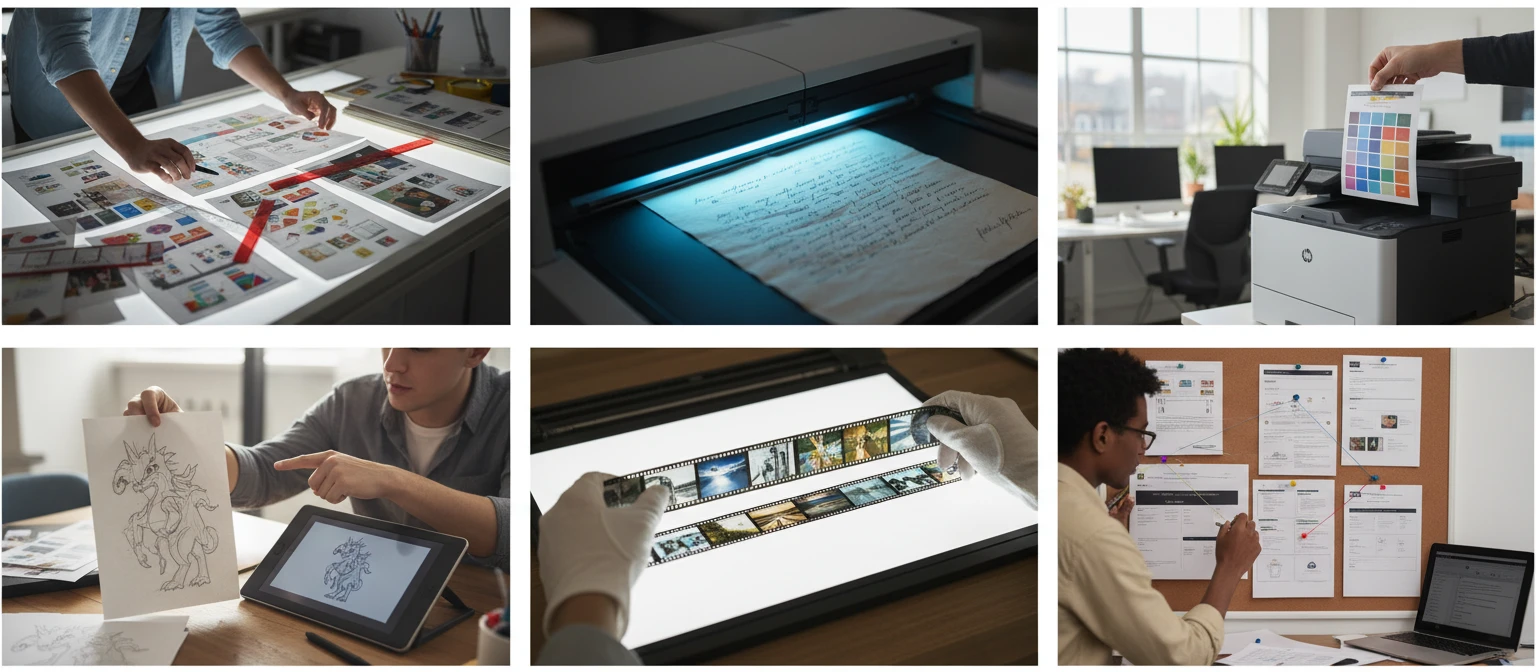
From designers to educators, turning PDF pages into images unlocks many workflows.

Frequently Asked Questions
Does this work on PDFs with many pages?
Yes, but rendering time grows with page count and complexity. A 50-page text PDF renders in a few seconds; a 100-page PDF with high-resolution embedded images may take 20–30 seconds. The progress bar shows per-page status.
What resolution are the output JPGs?
Pages are rendered at 2x scale relative to the PDF's native point dimensions. A standard US Letter page (612 x 792 pt) produces a 1224 x 1584 px JPG — clear enough for screen use and light print work.
Can I download just one page instead of all of them?
Yes. Click any page thumbnail to open the lightbox, then click Download JPG. Only that single page is downloaded.
Do password-protected PDFs work?
No. PDFs with user-password encryption cannot be decoded by PDF.js without the password. Remove the password first using a PDF unlocker, then convert.
Why does the output look slightly different from the original PDF?
PDF.js renders PDFs using the browser's 2D canvas API, which has some differences from Acrobat's renderer — especially for complex blend modes, certain font hinting, or ICC colour profiles. For most documents the output is visually identical.
What happens if a page fails to render?
If PDF.js encounters an error on a specific page (often due to unsupported content), that page may be skipped or appear blank. Other pages will still render. Try re-saving the PDF from its source application to resolve corrupt content streams.
Ready to Convert Your PDF?
Drop a PDF and download every page as a JPG in seconds.