Rewrite Any Text Sentence by Sentence and See Every Change
Paste any text and get a sentence-by-sentence rewrite with a full comparison showing exactly what changed and why, across seven styles and six tones.
Rewrite Text
AI Sentence Rewriter
Paste any text and get it rewritten sentence by sentence. Receive a full rewritten version plus a side-by-side comparison showing exactly what changed in each sentence.
Results
AI Sentence Rewriter
AI Sentence Rewriter
Paste your text on the left and click the button to see the results.
- Full rewritten text ready to copy and use
- Sentence-by-sentence comparison showing every change
- Seven rewrite styles: improve, simplify, condense, active voice, rephrase, formalize, make casual
- Six tones: professional, conversational, formal, persuasive, friendly, authoritative
- Six audience calibrations for vocabulary and register
- Summary of overall improvements across the full text

See Exactly What Changed in Every Sentence
Most text rewriters return a block of rewritten text with no explanation of what changed — leaving you to compare the original and new version word by word yourself. This tool shows the full rewritten text first, then a sentence-by-sentence comparison: each original sentence, the rewritten version highlighted, and a one-phrase description of the key change — "Passive to active voice", "Removed filler phrase", "Simplified vocabulary". This makes it useful for both using the output and understanding the editing logic behind it.
See the Comparison
Seven Rewrite Styles for Different Editing Goals
"Improve & Polish" refines word choices and sentence structure for quality. "Simplify" converts dense, jargon-heavy text to plain English. "Condense" removes filler, redundancy, and padding — often cutting 20–30% of the word count without losing content. "Active Voice" converts passive constructions systematically — the single most effective style for business and corporate text. "Rephrase" rewrites with substantially different wording while preserving the exact meaning. "Formalize" elevates vocabulary and removes contractions. "Make Casual" does the reverse — adds natural phrasing and conversational register.
Choose Your Style
Tone and Audience Calibration for Every Context
The same text rewrites very differently for a board-level report versus a customer-facing email versus a student essay. The professional tone produces polished, neutral business writing. The persuasive tone leads with benefits and uses action verbs. The authoritative tone is confident and specific. The conversational tone allows contractions and natural phrasing. Six tones and six audience calibrations let you match the rewritten text precisely to the context and readers where it will be used — not just get "better writing" in general.
Set Tone and AudienceHow to Rewrite Text Sentence by Sentence
Paste Your Text
Paste the text you want to rewrite — a paragraph, a short passage, an email, a product description, or any piece of text. Works best with 3–15 sentences.
Choose Style, Tone, and Audience
Select the rewrite style (improve, simplify, condense, active voice, rephrase, formalize, or make casual), the tone (professional, conversational, formal, persuasive, friendly, or authoritative), and the target audience.
Get the Rewritten Text and Comparison
Receive the full rewritten text ready to copy, a sentence-by-sentence comparison showing every change, and a summary of overall improvements. Review, select, and use.
Who Uses It

Content Writers and Editors
Rewrite client-submitted text that needs editing without changing the approved message. Use the "Condense" style to cut bloated copy that exceeds a word count limit. Use "Active Voice" to fix passive-heavy text in one step. The sentence-by-sentence comparison is useful for explaining your edits to clients or team members.

Business and Corporate Writers
Convert passive, bureaucratic internal documentation into clear, direct, active-voice prose. Use "Active Voice" style on policy documents, meeting notes, and reports. Use "Condense" on any text that has grown bloated through multiple rounds of additions. The comparison view shows what was removed — useful for demonstrating to stakeholders that no content was lost, just wordiness.

Non-Native English Writers
Rewrite text you have written in English into more natural, fluent sentences. Use the "Improve & Polish" style with the non-native English speakers audience calibration. The sentence-by-sentence comparison shows exactly how each sentence was improved — which helps you understand the patterns and apply them to your future writing.
Writing Students and Learners
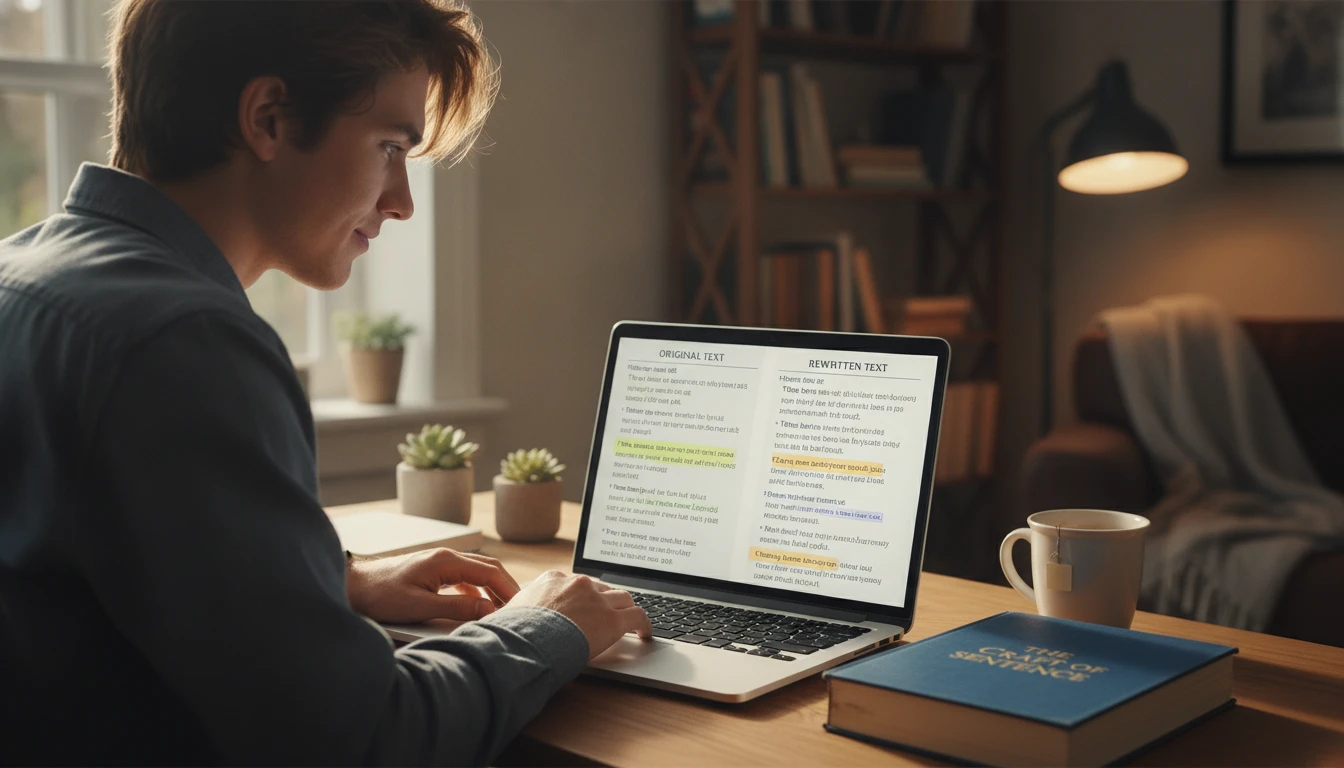
Paste a passage from your draft and see how each sentence could be improved. Use the comparison to understand the editing logic — what was changed and why. This is more useful for learning than just seeing a final rewritten version, because the comparison makes the craft of editing visible and learnable.
Deep Dive
Sentence-Level Editing: What to Look For
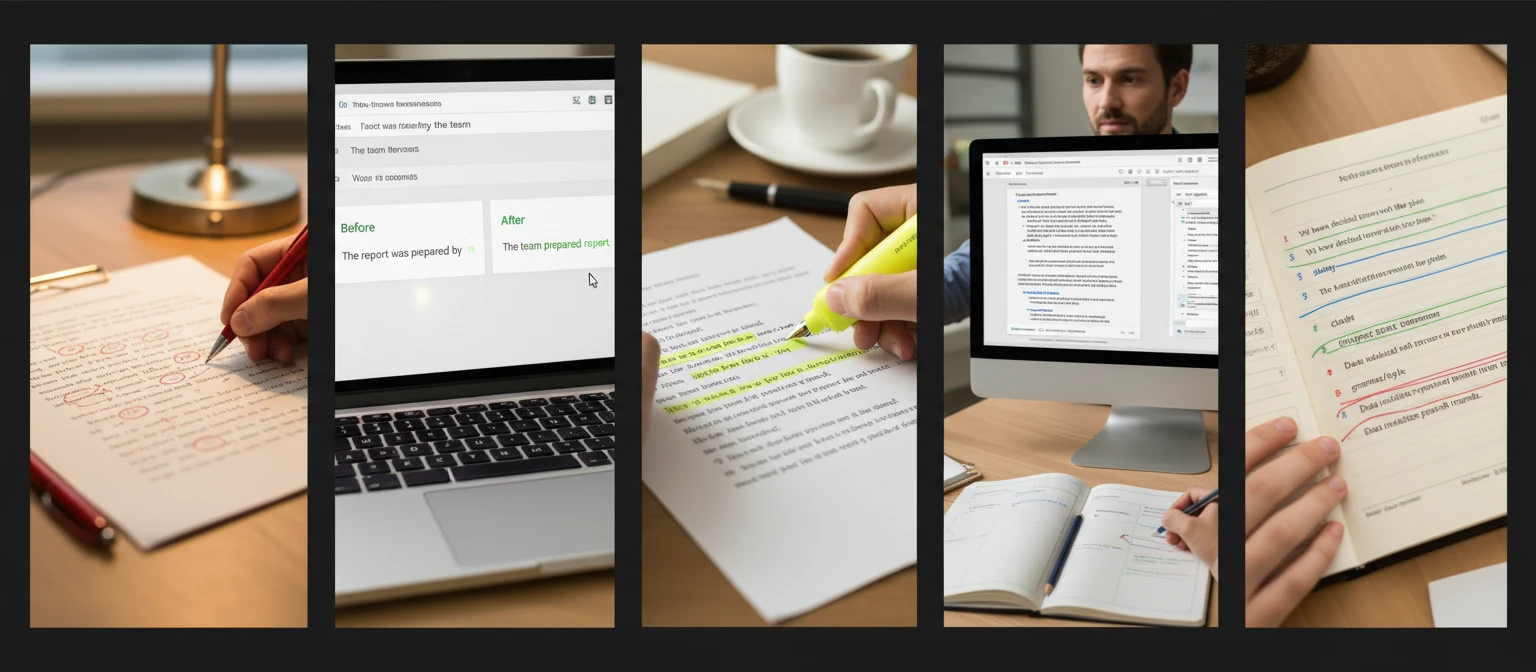
Editing at the sentence level is a distinct skill from writing. Understanding what makes individual sentences weak — and how to fix them — helps you evaluate and use the rewritten output effectively.
Note: AI-rewritten sentences are a strong starting point. Always review for factual accuracy and adjust to match your specific voice and context before publishing or submitting.
Why Use It
Sentence-by-Sentence Comparison
Every change is visible — original sentence, rewritten version, and a one-phrase description of what was changed. No guessing what the AI edited.
Seven Rewrite Styles
Improve, simplify, condense, active voice, rephrase, formalize, or make casual — choose the edit that matches what the text actually needs.
Preserves Core Meaning
Every rewrite preserves the facts, argument, and information of the original — only the expression changes, never the content.
Six Tones, Six Audiences
Match the rewritten text to its exact context — from board-level reports to customer emails to student essays.
Frequently Asked Questions
What is the difference between this and the Paragraph Rewriter?
The Sentence Rewriter processes text sentence by sentence and shows a comparison for each sentence — making every individual change visible. The Paragraph Rewriter treats the input as a single paragraph and rewrites it holistically for better overall flow. Use the Sentence Rewriter when you want to understand exactly what changed and why in each sentence. Use the Paragraph Rewriter when you want the best overall paragraph output without needing the sentence-level breakdown.
Does it change the meaning of my sentences?
No. The tool preserves the core meaning, facts, and information of every sentence. What it changes is the expression — the sentence structure, word choices, voice (active vs. passive), and vocabulary level. The sentence-by-sentence comparison lets you verify that the meaning is preserved in each case.
How much text can I paste?
Up to 5,000 characters, which covers most short passages, product descriptions, email drafts, and bio sections. The tool works best with 3–15 sentences — enough to show meaningful variety in the rewriting, short enough to review the comparison carefully.
Which style should I use for corporate and business writing?
"Active Voice" is the most impactful single style for most business writing — it converts all passive constructions to active, removes "by the team" phrasing, and makes every sentence more direct and accountable. Pair it with the "Professional" tone and "Business Executives" audience for executive communications. Use "Condense" for any text that has grown bloated through editing rounds.
Can I use it to simplify technical text for a non-technical audience?
Yes. Use the "Simplify" style with the "Non-Native English Speakers" or "General" audience calibration. The simplify style replaces multi-syllable formal synonyms with common words, shortens sentences, and removes jargon. Review the sentence-by-sentence comparison to check that no technical nuance was lost in simplification.
Rewrite Your First Text Instantly
Sign up free and get 100 credits instantly. Paste any text and get it rewritten sentence by sentence — with a full comparison showing every change.
Disclaimer: This tool uses generative AI technology which may produce content that resembles copyrighted materials or that is inaccurate, incomplete, or out-of-date. It is provided for general information and educational purposes only and is not intended for illegal activities or to replace professional advice, diagnosis, or treatment. Users are solely responsible for how they use the generated content. If you plan to use AI-generated content commercially or publicly, we strongly recommend reviewing it for potential copyright issues and obtaining proper permissions where necessary. We accept no liability for copyright infringement or any other consequences resulting from the use of content generated by this tool.