Rewrite Any Paragraph for Better Clarity, Flow, and Impact
Paste any paragraph, choose a rewrite style, and get an improved version in seconds, with a list of every change made and tips for further editing.
Rewrite a Paragraph
AI Paragraph Rewriter
Paste any paragraph and get it rewritten with improved clarity, flow, and impact. Choose your style (polish, simplify, expand, condense, rephrase, or active voice), tone, and target audience.
Results
AI Paragraph Rewriter
AI Paragraph Rewriter
Paste your text on the left and click the button to see the results.
- Rewritten paragraph with improved clarity and flow
- Six rewrite styles: polish, simplify, expand, condense, rephrase, active voice
- Six tone options: professional, conversational, formal, persuasive, friendly, authoritative
- Six audience calibrations for vocabulary and complexity
- Summary of what changed and why
- Writing tips for further human editing

Six Rewrite Styles for Different Goals
Not every paragraph needs the same fix. "Improve & Polish" is for paragraphs that are mostly good but need better word choice and sentence flow. "Simplify" is for dense academic or technical writing that needs to reach a wider audience. "Expand" is for sparse paragraphs that skip over important context. "Condense" is for bloated paragraphs that repeat themselves. "Rephrase" is for avoiding duplication across a document. "Active Voice" is the single most effective fix for stiff, bureaucratic writing — turning "mistakes were made" into "we made mistakes" and passive documentation into clear, accountable prose.
Try the Rewriter
Preserves Your Meaning, Improves the Expression
The most important constraint in paragraph rewriting is that the rewritten version must say the same thing as the original — just better. This tool never invents facts, never removes key information, and never changes the argument. What it changes is how the argument is expressed: the sentence structure, word choices, voice (active vs. passive), level of detail, and vocabulary complexity. The output always shows exactly what changed and why, so you can evaluate the edit rather than accept it blindly.
See What Changes
Audience and Tone Calibration
The same information reads very differently depending on who is reading it. A paragraph for business executives should be concise, outcome-focused, and free of jargon. A paragraph for students should be clear, educational, and define its terms. A paragraph for non-native English speakers should use short sentences and avoid idioms. A persuasive paragraph should lead with benefits and end with a clear call to action. Seven tone options and six audience types let you match the rewritten paragraph precisely to the people who will read it.
Set Audience and ToneHow to Rewrite a Paragraph
Paste Your Paragraph
Paste the paragraph you want to rewrite. You can paste one paragraph or a few — the tool will rewrite the content as a single, well-structured paragraph.
Choose Style, Tone, and Audience
Select the rewrite style (polish, simplify, expand, condense, rephrase, or active voice), the tone (professional, conversational, formal, persuasive, friendly, or authoritative), and the target audience.
Get the Rewritten Paragraph
Receive the rewritten paragraph, a summary of what changed and why, and writing tips for further editing. Review, edit for accuracy, and use.
Who Uses It

Content Writers and Editors
Rewrite client-submitted paragraphs that need polish without changing the approved message. Use the "condense" style to cut bloated paragraphs that exceed word count. Use "active voice" to fix passive-heavy copy in a single step.

Business and Corporate Writers
Convert internal documentation, policy paragraphs, and reports from passive, bureaucratic language into clear, direct, active-voice prose. Use the "simplify" style to make dense policy language accessible to employees who are not specialists.

Students and Academics
Rewrite draft paragraphs from rough notes into polished academic prose. Use the "formal/academic" tone and "expand" style to develop thin arguments into well-supported paragraphs. Use the output as a reference — not as submission text — and rewrite in your own words.

Non-Native English Writers
Rewrite paragraphs you have written in English into more natural, fluent prose. Use the "conversational" or "professional" tone with "non-native English speakers" audience calibration to get output that reads naturally without losing your original meaning.
Deep Dive
The Craft of Paragraph Rewriting
Rewriting a paragraph is a different skill from writing one. Understanding the principles behind it helps you evaluate the AI output and develop your own editing eye.
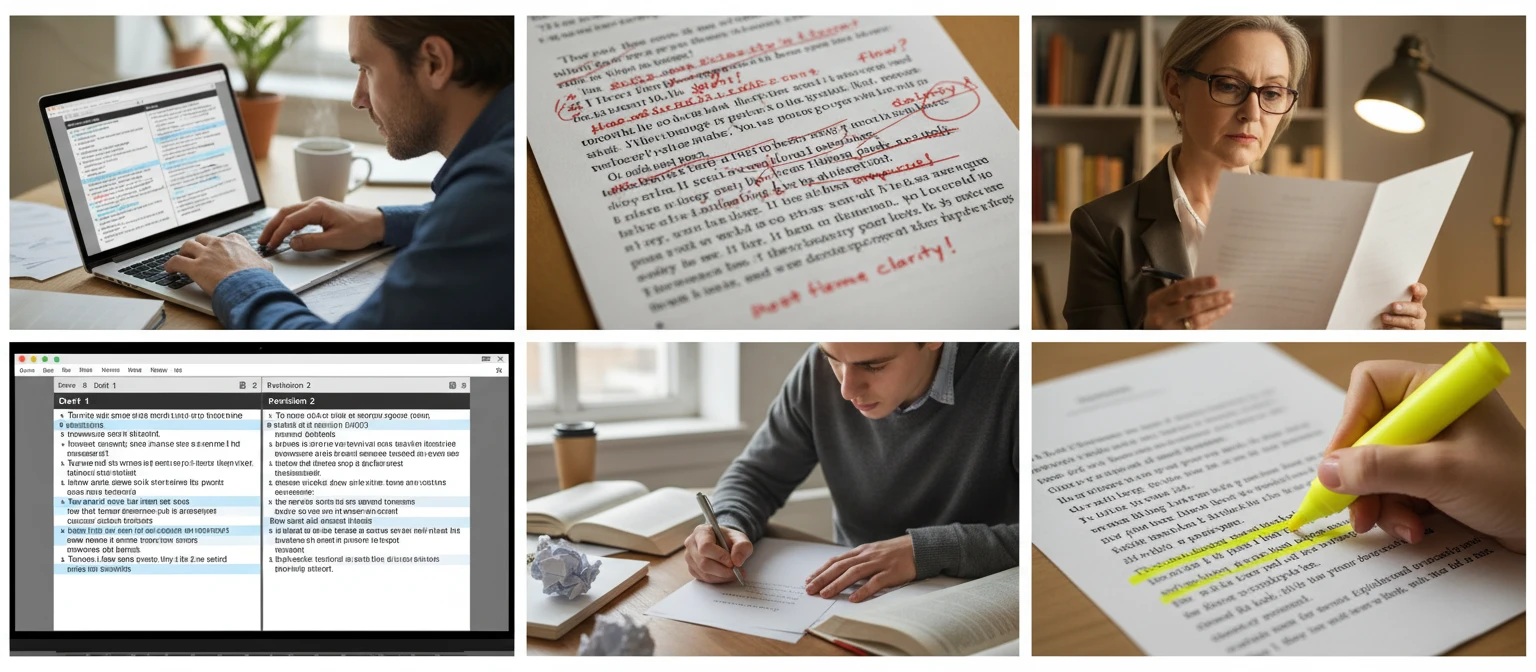
Note: AI paragraph rewrites are a starting point. Always review the rewritten paragraph for accuracy, particularly for facts, figures, and technical details the AI could not verify.
Why Use It
Six Rewrite Styles
Polish, simplify, expand, condense, rephrase, or convert to active voice — choose the fix that matches what the paragraph actually needs.
Preserves Your Meaning
The rewritten paragraph says the same thing as the original — no invented facts, no removed information, no changed argument. Just better expression.
Shows What Changed
Every rewrite includes a summary of specific changes made — not "improved clarity" but "converted three passive sentences and removed two filler phrases."
Tone and Audience Controls
Six tone options and six audience calibrations ensure the rewritten paragraph matches the vocabulary and register your readers expect.
Frequently Asked Questions
What is the difference between "Rewrite" and "Paraphrase"?
"Rephrase (Different Words, Same Meaning)" in this tool is the closest to traditional paraphrasing — it rewrites the paragraph using substantially different wording while preserving the original meaning exactly. The other rewrite styles do more: "Improve & Polish" changes word choices and sentence structure for quality; "Simplify" changes vocabulary complexity; "Condense" removes content; "Expand" adds content. If you only want different wording, choose "Rephrase."
Does it change the meaning of my paragraph?
No. The tool is designed to preserve the core meaning, facts, and argument of the original paragraph. It changes how the information is expressed — the sentence structure, word choices, voice, and vocabulary level — not what is being said. The exception is "Expand," which adds explanation and context around the existing content. Always review the output to confirm the meaning is preserved.
How much of my paragraph can I paste?
Up to 5,000 characters, which covers most paragraphs and short passages. The tool is optimized for single paragraphs but will rewrite multiple paragraphs into a single well-structured paragraph if you paste more than one.
Can I use this for academic writing?
Yes, as a writing aid. Use the output as a reference for how the paragraph could be improved, then rewrite in your own words. Do not submit AI-rewritten text as your own academic work without understanding and significantly revising it — academic integrity policies apply to AI-assisted writing.
Which rewrite style should I use for business writing?
"Active Voice" and "Improve & Polish" are the most useful for business writing. Active voice removes the passive constructions that make most corporate writing stiff and unclear. "Improve & Polish" fixes awkward phrasing and improves sentence variety. Use "Condense" if the paragraph is longer than it needs to be. Pair these with the "Professional" or "Authoritative" tone and "Business Executives" audience for board-level or executive communications.
Rewrite Your First Paragraph Instantly
Sign up free and get 100 credits instantly. Paste any paragraph and get it rewritten with improved clarity, flow, and impact in seconds.
Disclaimer: This tool uses generative AI technology which may produce content that resembles copyrighted materials or that is inaccurate, incomplete, or out-of-date. It is provided for general information and educational purposes only and is not intended for illegal activities or to replace professional advice, diagnosis, or treatment. Users are solely responsible for how they use the generated content. If you plan to use AI-generated content commercially or publicly, we strongly recommend reviewing it for potential copyright issues and obtaining proper permissions where necessary. We accept no liability for copyright infringement or any other consequences resulting from the use of content generated by this tool.