Turn Any Weak AI Prompt Into a Better One
Paste any prompt and get an enhanced version that is more specific, better structured, and calibrated for your target AI tool, with a clear list of what was improved.
Enhance a Prompt
AI Prompt Enhancer
Paste any AI prompt and get an enhanced version that is more specific, better structured, and optimized for the target AI tool. Works for ChatGPT, Claude, Midjourney, DALL-E, and more.
Results
AI Prompt Enhancer
AI Prompt Enhancer
Paste your text on the left and click the button to see the results.
- Enhanced prompt ready to paste into any AI tool
- Eight target AI tools: ChatGPT, Claude, Gemini, Midjourney, DALL-E, Stable Diffusion, and more
- Eight prompt purposes: writing, code, image, analysis, role-play, and more
- Five enhancement styles: structured, concise, detailed, chain-of-thought, few-shot
- Specific breakdown of every improvement made
- Side-by-side original vs. enhanced comparison

What Makes a Prompt Fail — and What Fixes It
Most AI prompts fail for the same reasons: they are too vague ("write a blog post"), they do not specify the output format ("I want something professional"), they give no context about the audience, and they have no constraints to prevent the AI from going in the wrong direction. The most impactful fixes are also consistent: adding a role definition anchors the AI's response register; specifying the exact output format eliminates guessing; adding explicit constraints ("do not include X", "always Y") prevents the most common failure modes. A prompt that takes 30 seconds to write often produces mediocre output. A prompt that takes 3 minutes produces consistently excellent output.
Enhance a Prompt Now
Optimized for Each AI Tool's Strengths
A prompt that works well in ChatGPT may not work the same way in Midjourney, and a Midjourney prompt structure is completely different from a Stable Diffusion prompt. Midjourney responds to comma-separated descriptors and style/lighting/mood tags ending in --ar for aspect ratio. Stable Diffusion uses positive and negative prompts with quality boosters like "masterpiece, best quality." Claude responds particularly well to explicit thinking-through-steps instructions. ChatGPT and GPT-4 respond well to structured "ROLE / TASK / FORMAT" framing. The enhancement is calibrated to the specific conventions of the target tool — not a generic improvement.
Choose Your AI Tool
Five Enhancement Styles for Different Goals
Structured enhancement adds clear section labels ("ROLE:", "TASK:", "OUTPUT FORMAT:", "CONSTRAINTS:") to make the prompt scannable for the AI and easy to edit for the user. Concise enhancement strips out every redundant word and hedge — useful when token limits matter. Detailed enhancement adds rich context, examples of desired output, and explicit edge case instructions. Chain-of-thought adds step-by-step reasoning instructions that significantly improve accuracy for complex tasks. Few-shot adds one or two input-output examples that anchor the AI's behavior more reliably than any instruction alone.
Pick Your StyleHow to Enhance a Prompt
Paste Your Prompt
Paste the prompt you want to enhance — short or long, simple or complex. The vaguer the original prompt, the more dramatic the improvement. Include a sentence about what you were hoping to get if the prompt context is unclear.
Set Target, Purpose, and Style
Choose the target AI tool (ChatGPT, Claude, Midjourney, DALL-E, etc.), the prompt purpose (writing, code, image, analysis, etc.), and the enhancement style (structured, concise, detailed, chain-of-thought, or few-shot).
Get the Enhanced Prompt
Receive the enhanced prompt ready to copy and paste, a numbered list of every specific improvement made, and tips for further customization. Compare with the original and use the better version.
Who Uses It

Anyone Who Uses AI Tools Daily
If you use ChatGPT, Claude, or Gemini regularly and find yourself getting inconsistent or mediocre results, your prompts are the bottleneck. Paste a prompt that is not working well, enhance it, and compare the output. Most users find the enhanced version produces dramatically better results — often in the same session.

AI Image Creators
Image generation prompts have their own syntax — Midjourney responds to different structures than DALL-E, and Stable Diffusion requires positive and negative prompts. If you are getting images that are not quite what you wanted, the prompt enhancement calibrates your description to the specific conventions of the tool you are using.

Developers Using AI for Code
Code generation prompts need to specify the language, version, framework, error handling requirements, and what the code must and must not do. A vague prompt produces vague code. The code generation purpose enhancement adds these specifics systematically — and the chain-of-thought style is particularly effective for complex code tasks.

Prompt Engineers and AI Teams
Use the enhancer to rapidly prototype prompt variations, apply prompt engineering patterns (few-shot, chain-of-thought, structured) to existing prompts, and generate prompt first drafts that can then be refined. The "What Was Improved" section provides a structured analysis of the changes — useful for teaching prompt engineering to a team.
Deep Dive
The Principles of Effective Prompting
Prompt engineering is a learnable skill. Understanding the core principles helps you write better prompts from scratch — and evaluate whether the enhanced version is genuinely better.
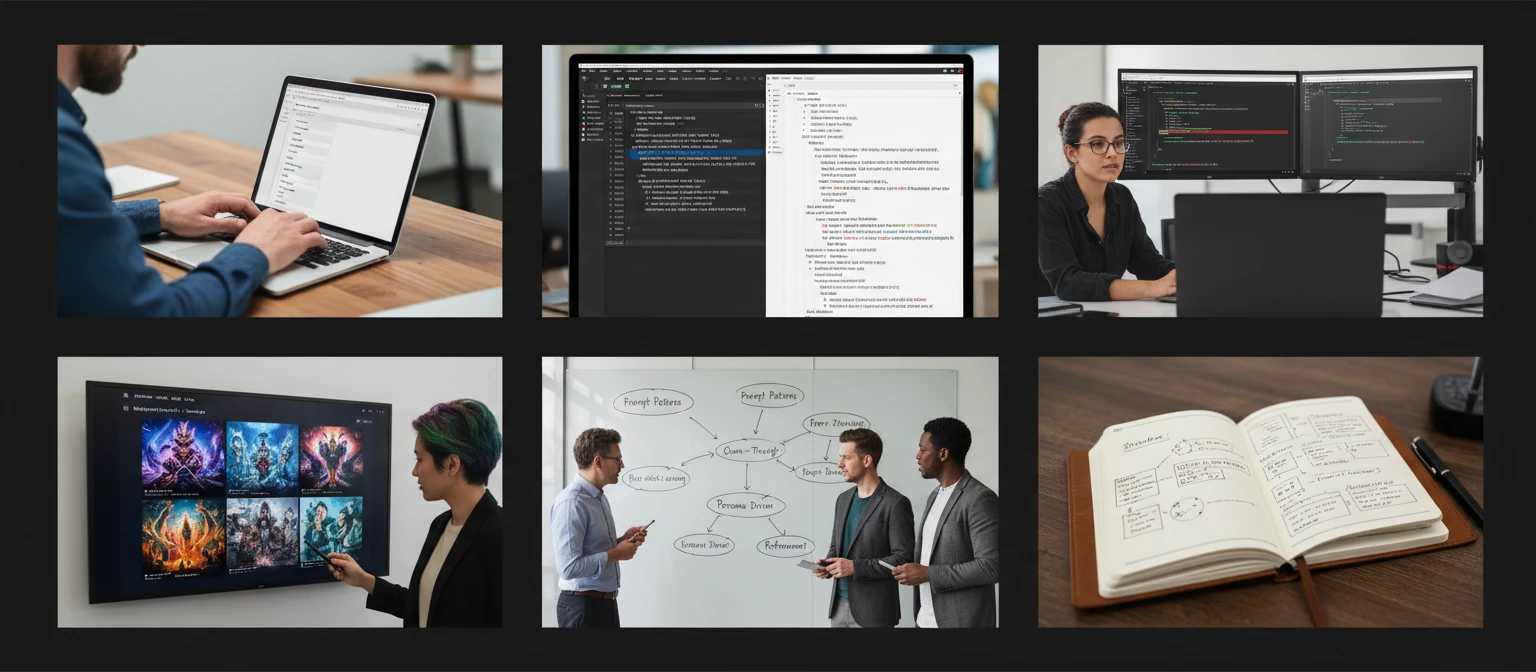
Note: Prompt engineering is iterative. The enhanced prompt is a significantly better starting point — but the best prompts are refined through a few rounds of use and adjustment based on the actual output you receive.
Why Use It
Ready to Paste Immediately
The enhanced prompt is clean and formatted — paste it directly into ChatGPT, Claude, Midjourney, or any other AI tool. No editing needed.
Calibrated to the Target Tool
Each AI tool has its own prompt conventions. The enhancement applies the right patterns for your specific target — not a generic improvement.
Every Improvement Explained
A numbered list of every specific change made and why it improves the prompt — useful for learning prompt engineering as you use the tool.
Five Enhancement Styles
Structured, concise, detailed, chain-of-thought, or few-shot — choose the pattern that matches your use case and the AI tool's strengths.
Frequently Asked Questions
What kinds of prompts can I enhance?
Any prompt for any AI tool — from a one-sentence ChatGPT question to a complex multi-paragraph instruction, from a short Midjourney image description to a Stable Diffusion prompt with positive and negative sections. The tool works best on prompts that are currently producing inconsistent or mediocre results.
Does it change what I was asking for?
No. The enhancer preserves the core intent and task of the original prompt — it changes how the request is expressed, structured, and specified, not what is being asked. If the original prompt asks for a blog post about coffee, the enhanced prompt still asks for a blog post about coffee — but with a role definition, output format specification, tone and audience, and constraints that make the output significantly better.
Which enhancement style should I choose?
"Structured" is the best default — it adds role, task, format, and constraint sections to any prompt. "Concise" is best when you are near token limits or when the prompt is already long. "Detailed" is best when the task is complex and the AI needs more context to get it right. "Chain-of-thought" is best for analytical tasks, reasoning, and step-by-step problem solving. "Few-shot" is best when the tone or format is hard to describe in words and easier to demonstrate with an example.
Does it work for image generation prompts (Midjourney, DALL-E)?
Yes. Select Midjourney or DALL-E as the target AI tool and "Image Generation" as the purpose. The enhancement applies the specific conventions of that tool — for Midjourney, this means comma-separated descriptors, style and lighting tags, and --ar for aspect ratio; for DALL-E, it means descriptive natural language with art style and composition specifications.
Can I use the enhanced prompt as-is?
Yes — the enhanced prompt is clean and formatted, ready to paste directly into any AI tool. You can also use it as a starting point and customize further, particularly adding specific details about your use case that the tool could not know from the original prompt.
Enhance Your First Prompt Instantly
Sign up free and get 100 credits instantly. Paste any AI prompt and get an enhanced version ready to use in seconds.
Disclaimer: This tool uses generative AI technology which may produce content that resembles copyrighted materials or that is inaccurate, incomplete, or out-of-date. It is provided for general information and educational purposes only and is not intended for illegal activities or to replace professional advice, diagnosis, or treatment. Users are solely responsible for how they use the generated content. If you plan to use AI-generated content commercially or publicly, we strongly recommend reviewing it for potential copyright issues and obtaining proper permissions where necessary. We accept no liability for copyright infringement or any other consequences resulting from the use of content generated by this tool.